
We use cookies to enhance your user experience and the effectiveness of our marketing activities. By selecting "Accept All", you agree to all of our cookies. Select "Cookie Settings" to customize your cookie preference. Read our Privacy policy and Cookie policy.
-
- Functional Cookies
-
These cookies are used to provide you with convenient functions, such as product reviews and product video playback, during your web browsing, they also enable interaction with social media accounts.
-
- Analytics Cookies
-
These cookies allow our website to keep improving functions through website traffic analysis and to suggest personalized content for you.
-
- Advertising Cookies
-
These cookies enable us to show you ads and other content that we think is most attuned to your interests and digital behavior.

This function is disables on your cookie management.
To activate it, click on the link "Edit cookie settings" in the upper
right corner of this page.


ADD TO WISHLIST
Add items to your MYLG wishlist
View Wishlist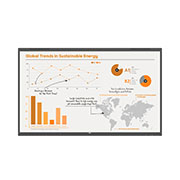








component-OBScountrySelectDesc

*titleText*
Limited Quantity Sale
-
Product Price(75TR3PN-B)
$*rPrice*$*rPromoPrice**discountPDPMsg*LG Members Price(75TR3PN-B)$*rMemberPrice*$*rMembershipPrice**discountPDPMsg*vip-price-message(75TR3PN-B)$*rPrice*$*rVipPrice**discountPDPMsg*OBS_CHEAPERPRICE_MSG $*cheaperPrice*
LG Members Price$*rMembershipPrice**rWelcomePriceDescription**rWelcomePriceTooltip*
$*rWelcomePrice*

OBS_MEMBERSHIP_MSG $*membershipPrice*
*obsMemberShipLinkEnd*OBS_LOWEST_PRICE_MARK_MSG
OBS_CHEAPERPRICE_MSG $*cheaperPrice*
OBS_MEMBERSHIP_MSG $*recommendedMembershipPrice*
bundle-unable-text
OBS_LOWEST_PRICE_MARK_MSG
OBS_LOWEST_PRICE_MARK_MSG
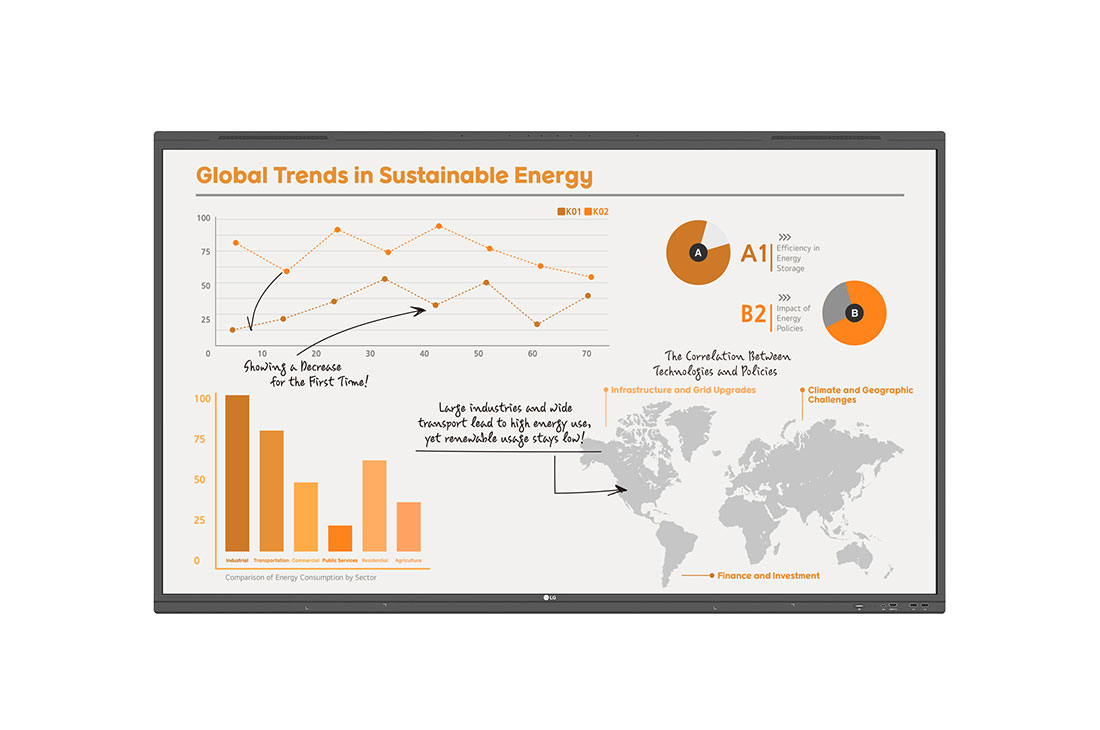
Where Digital Innovation Meets Intuitive Functionality

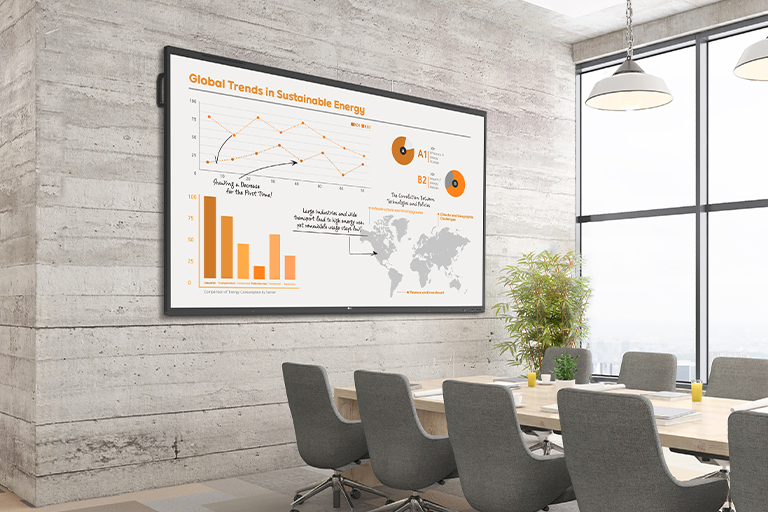
Creative Whiteboard Solution


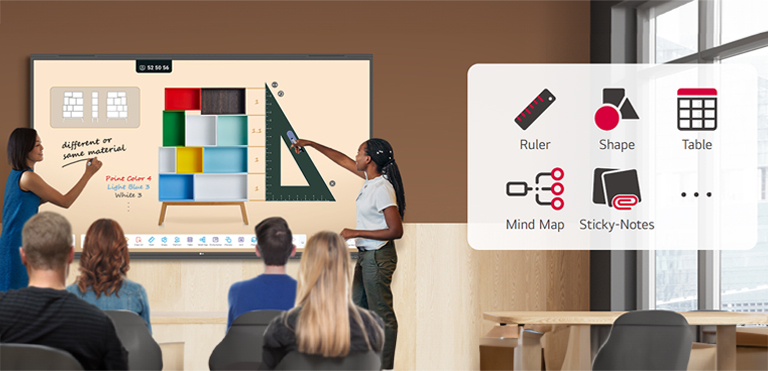
Various Teaching Templates

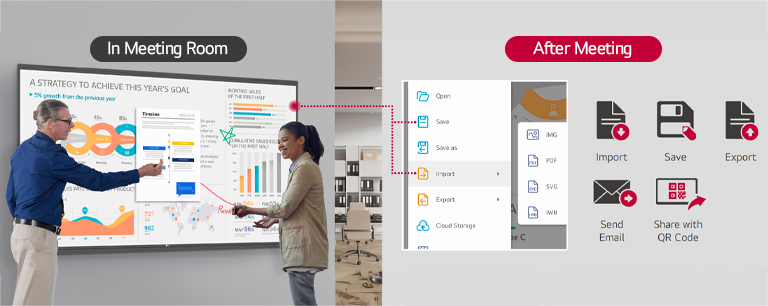
Easy to Save / Import / Export

LG CreateBoard Lab
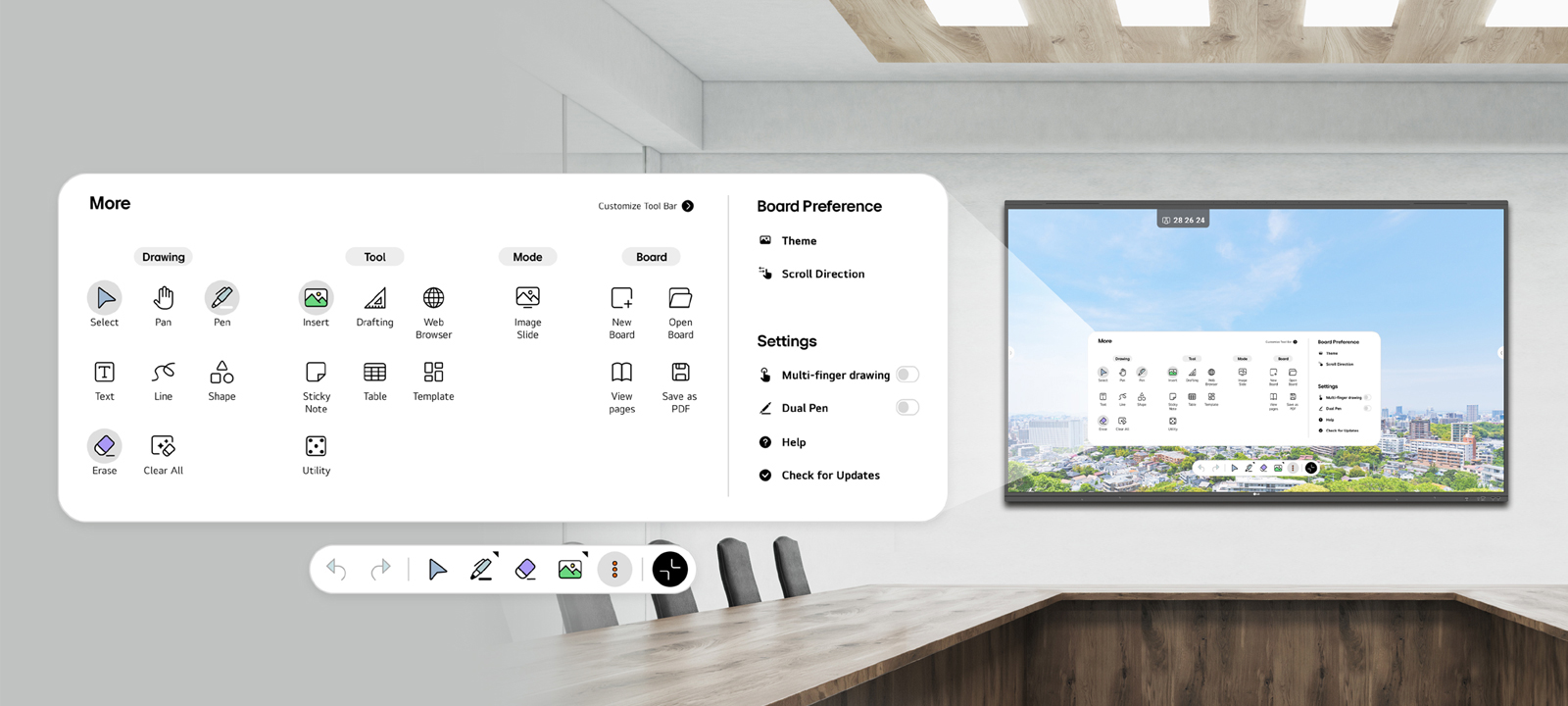

Tools for Fluid Collaboration
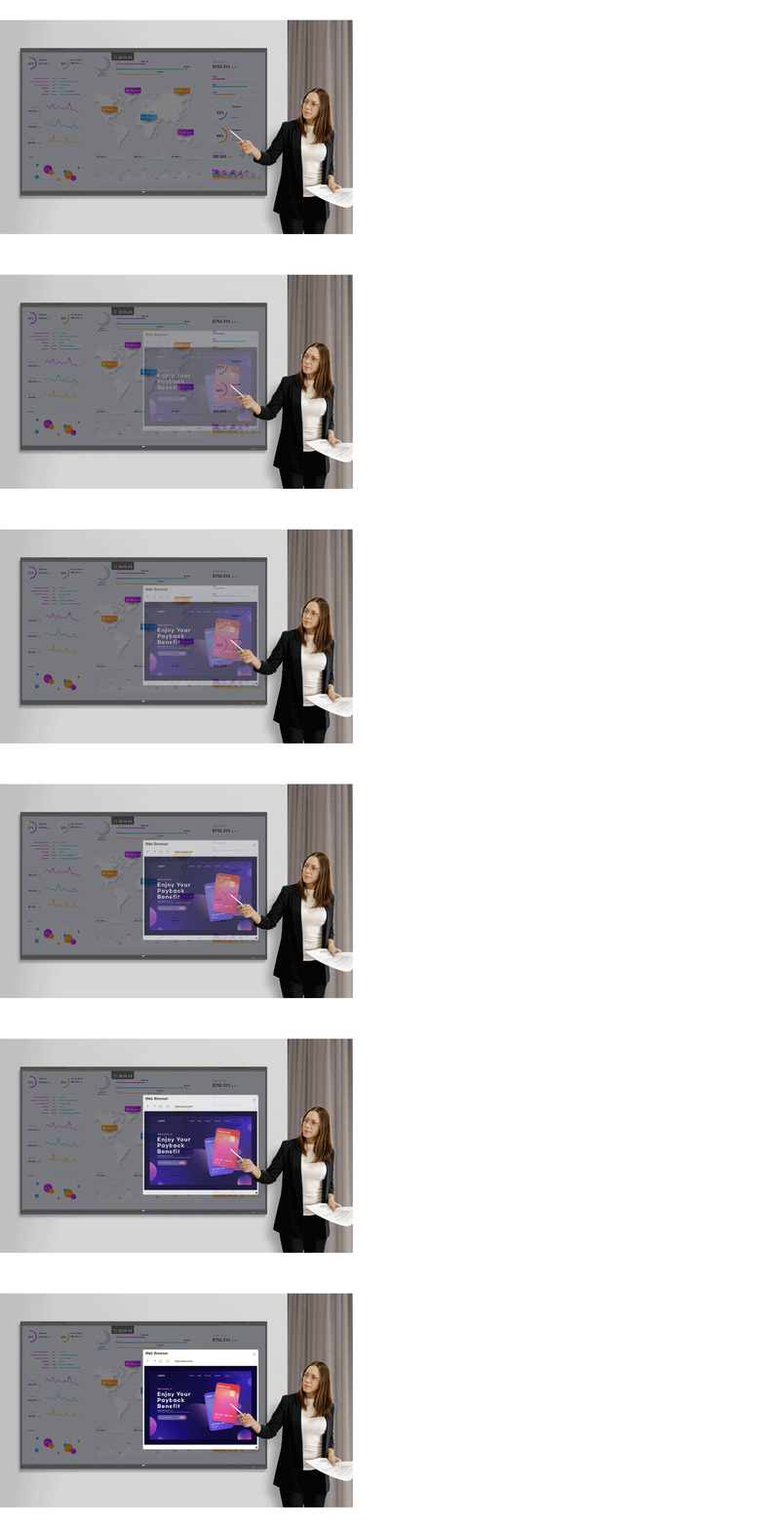
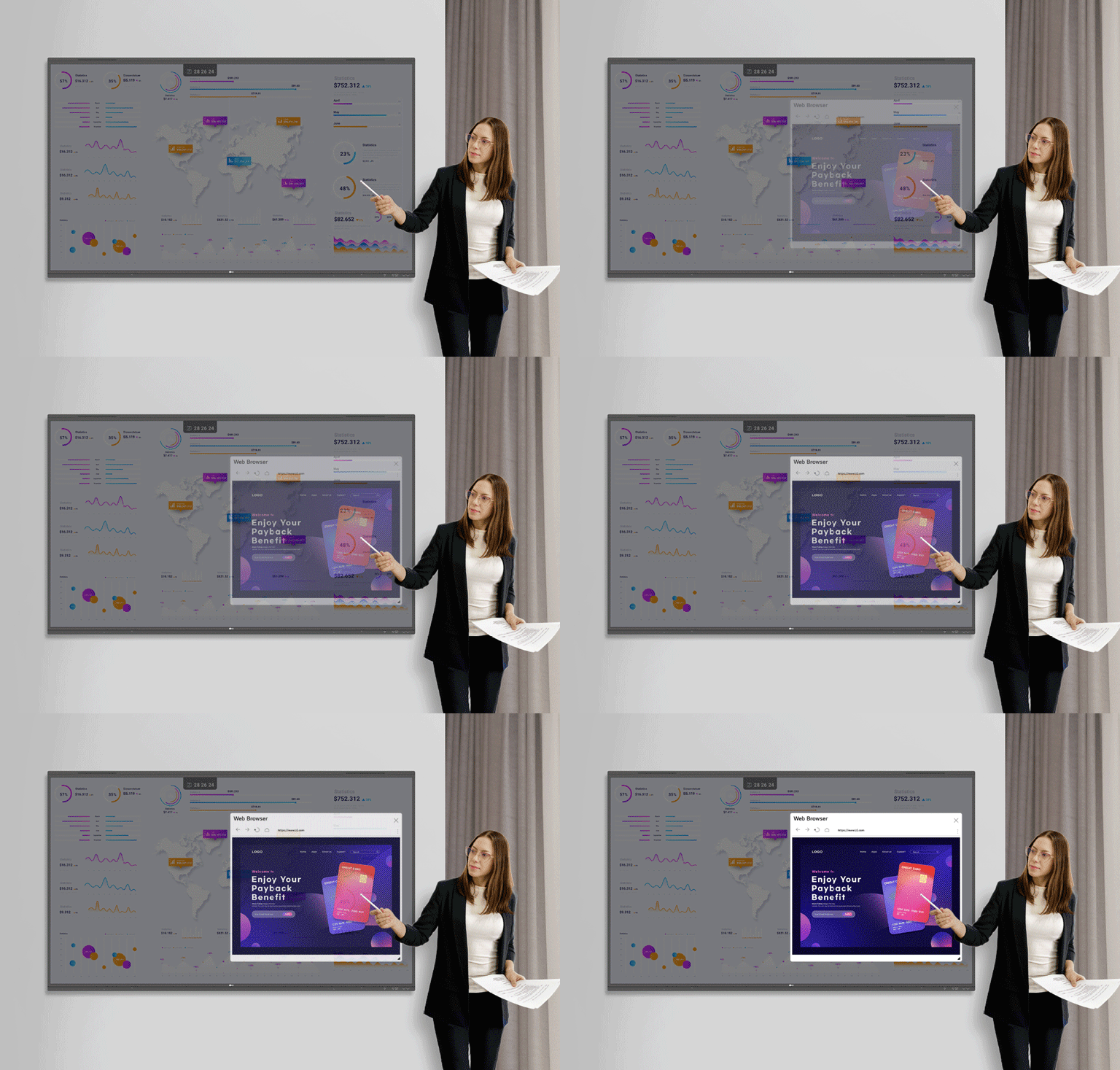
Web Browser
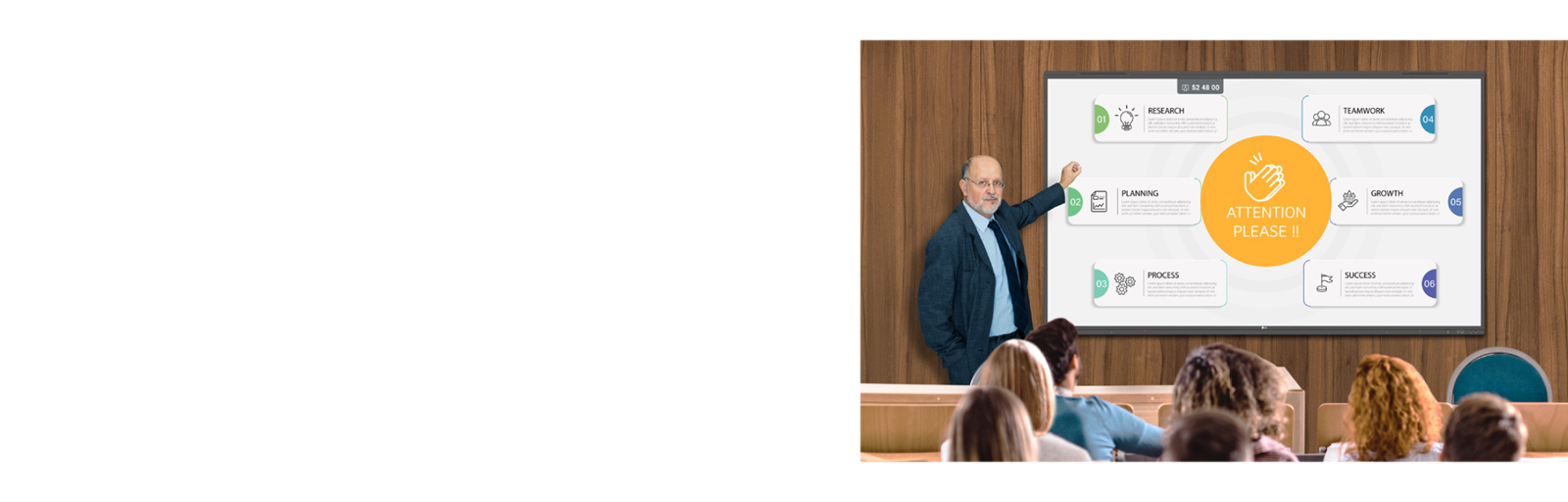

Attention Effect
LG CreateBoard Share


* For a more stable connection, we recommend the installation of a dedicated app (LG CreateBoard Share).
* LG CreateBoard Share app is compatible with Android 5.1 and higher, iOS 12.0 and higher, and MacOS 11.0 and higher.
Wireless ScreenShare Feature for Seamless Meeting Environment
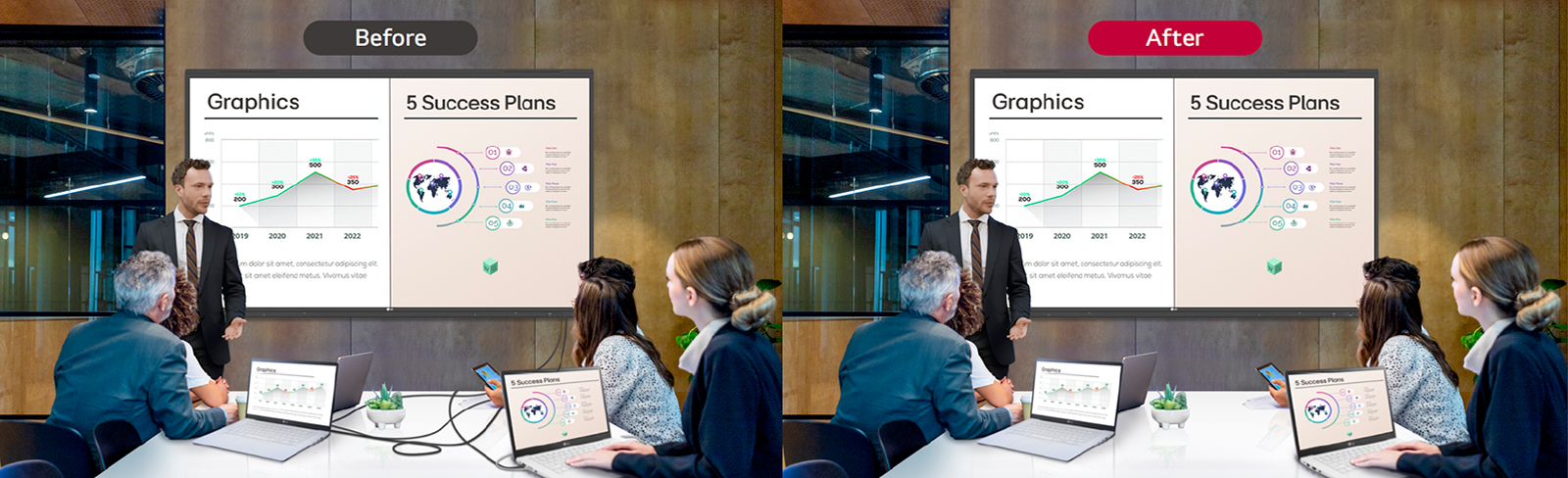


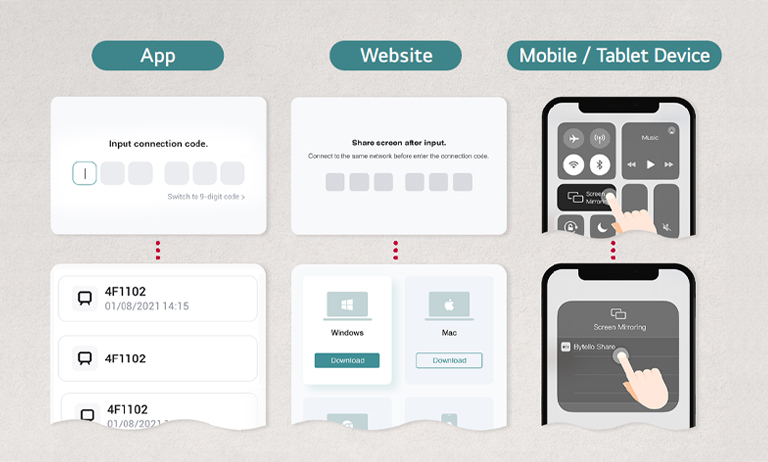
Simple Connection to LG CreateBoard Share
Presentation Convenience and Flexibility in Meeting Room

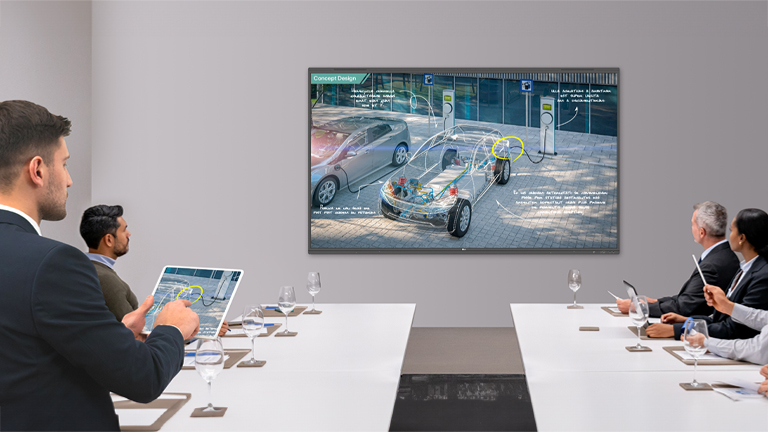
Presentation Convenience and Flexibility in Classroom


Secure Mode
LG ConnectedCare DMS

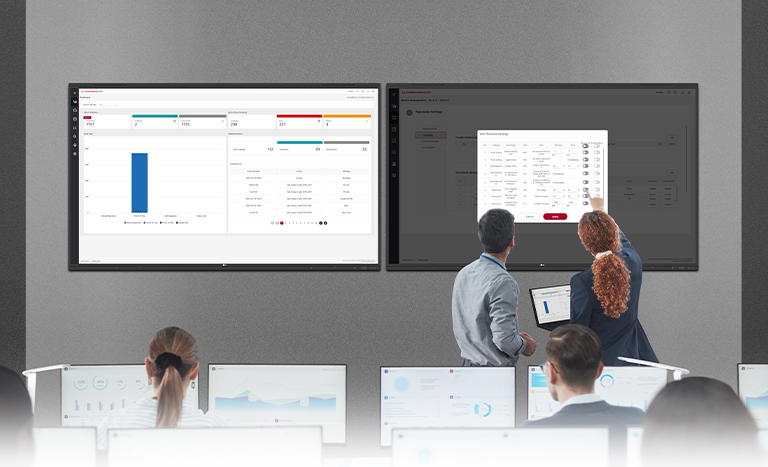
* The availability of the ‘LG ConnectedCare DMS’ service differs by region, so please contact the LG sales representative in your region for more details.
Dashboard


Remote-control
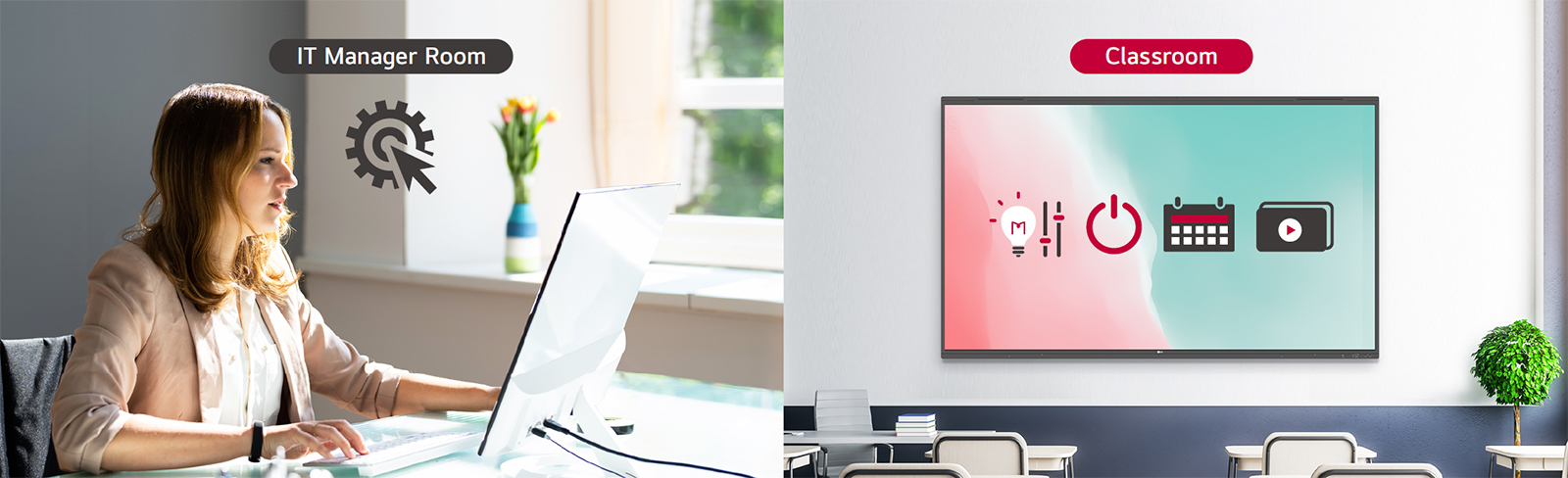
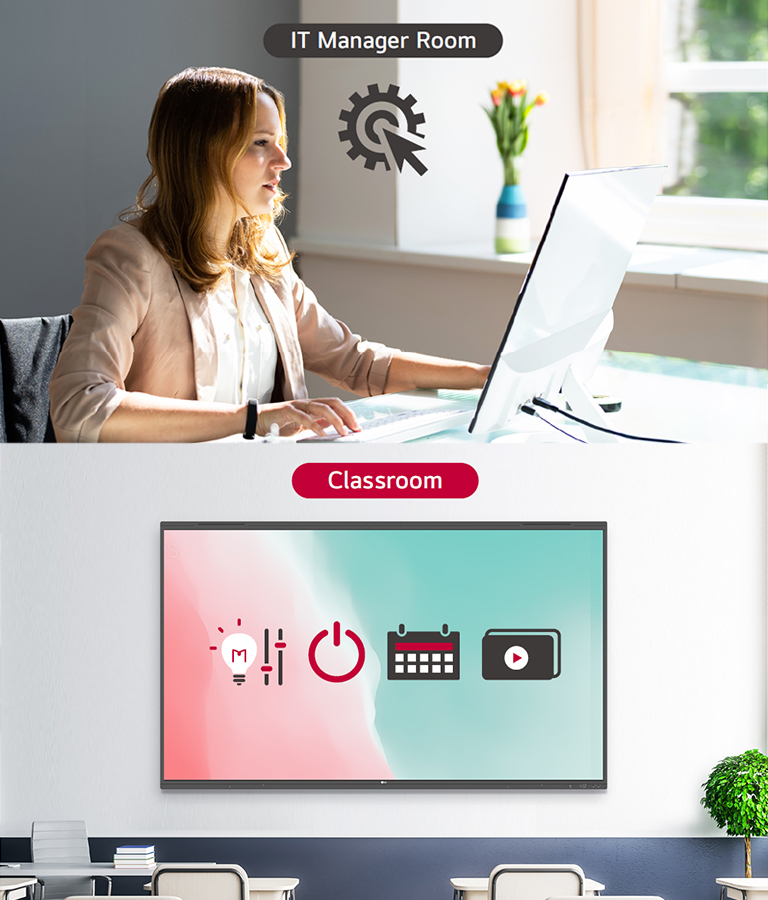
Broadcasting


Alert Message


Google Certification
-
![Google Certification]()
Google Certification
LG CreateBoard has received Google certification, enabling users to seamlessly integrate with the Google ecosystem by connecting their Google accounts.
* Exceptions apply in countries without Google services. -
![Google Play Store]()
Google Play Store
Users have access to the Google Play Store, where they can download a wide range of applications, including educationrelated games, tools, and more for an expanded experience.
* Exceptions apply in countries without Google services.


Secure Functions
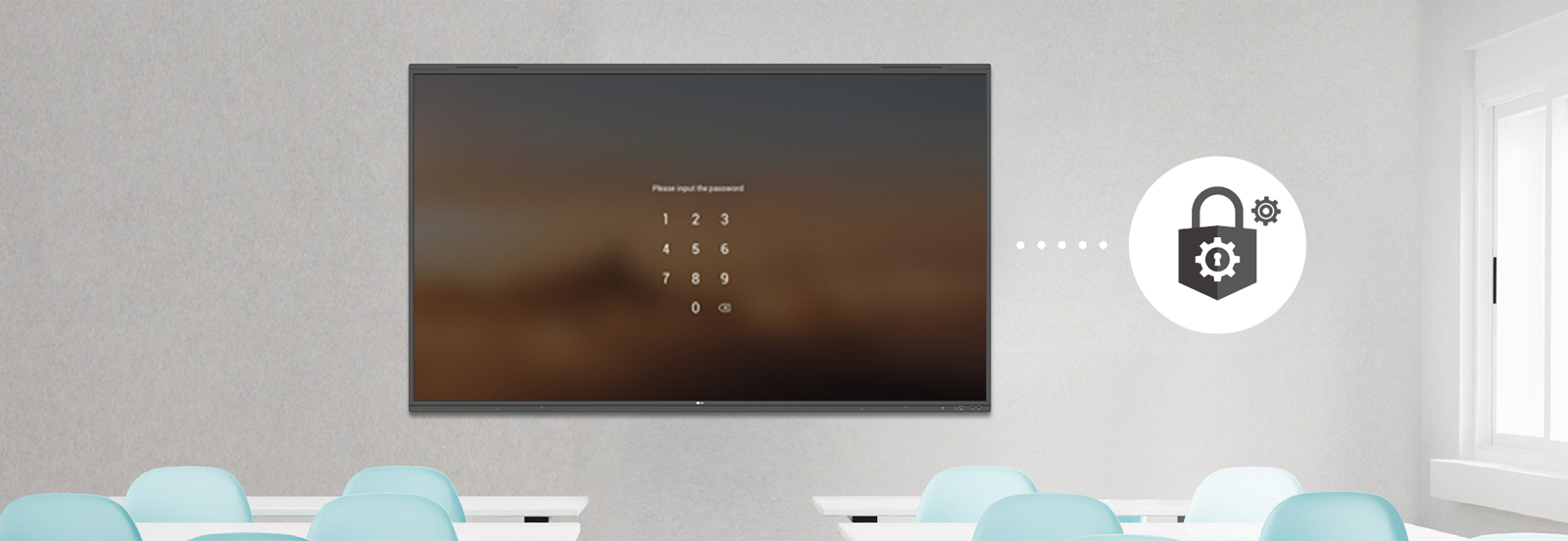
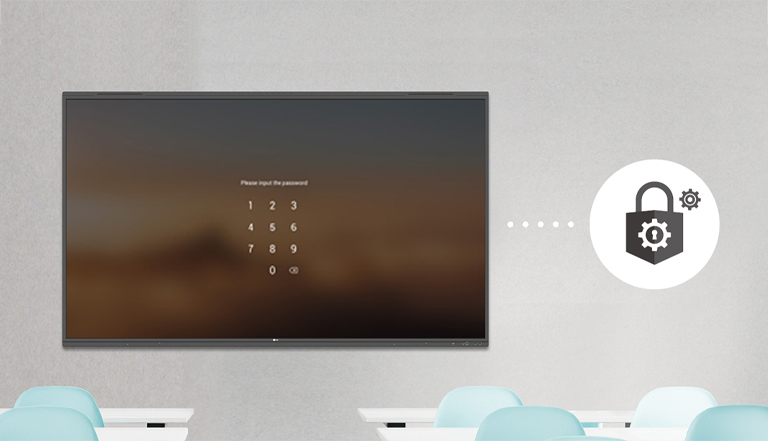
Screen Lock
This protective measure can be set up in the Settings menu, safeguarding the device from unauthorized access.
-
![USB Lock Mode]()
USB Lock Mode
USB Lock Mode is a security measure that helps prevent data from being copied to unauthorized devices, which is essential when being used in spaces where security is critical.
-
![Auto-remove Files]()
Auto-remove Files
Users can set LG CreateBoard to delete files regularly for enhanced security.


Other Features


Multi-touch
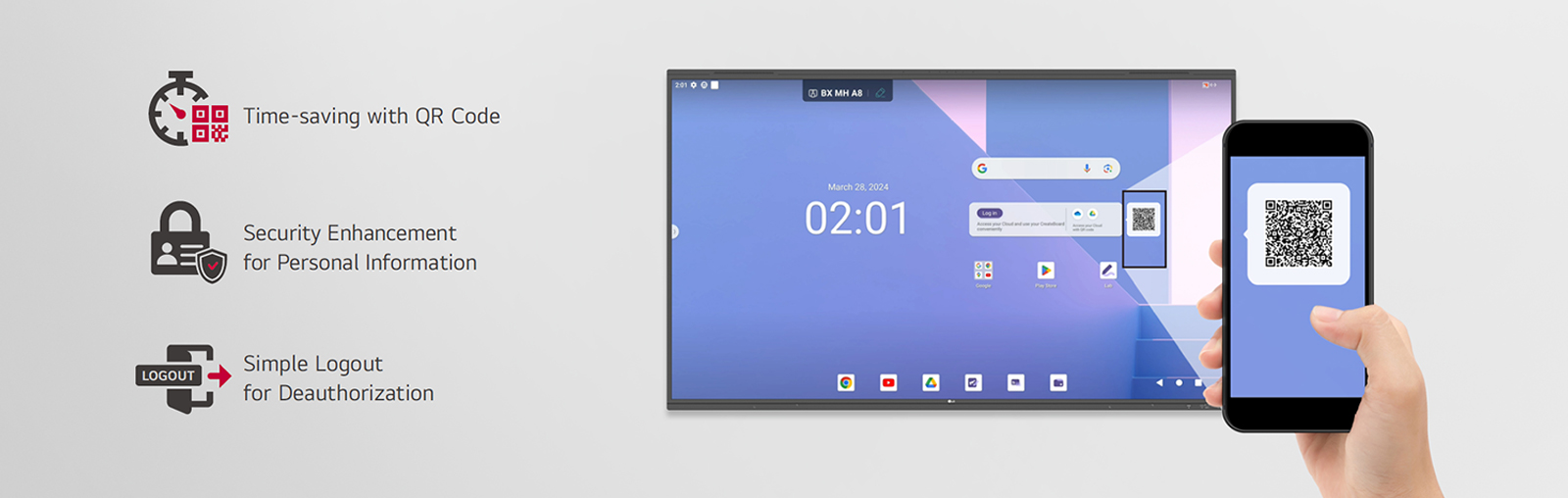

QR Login for Easy Cloud Access


C-type Connection
* USB Type-C cables are sold separately.
-
![Front Connectivity Design]()
Front Connectivity Design
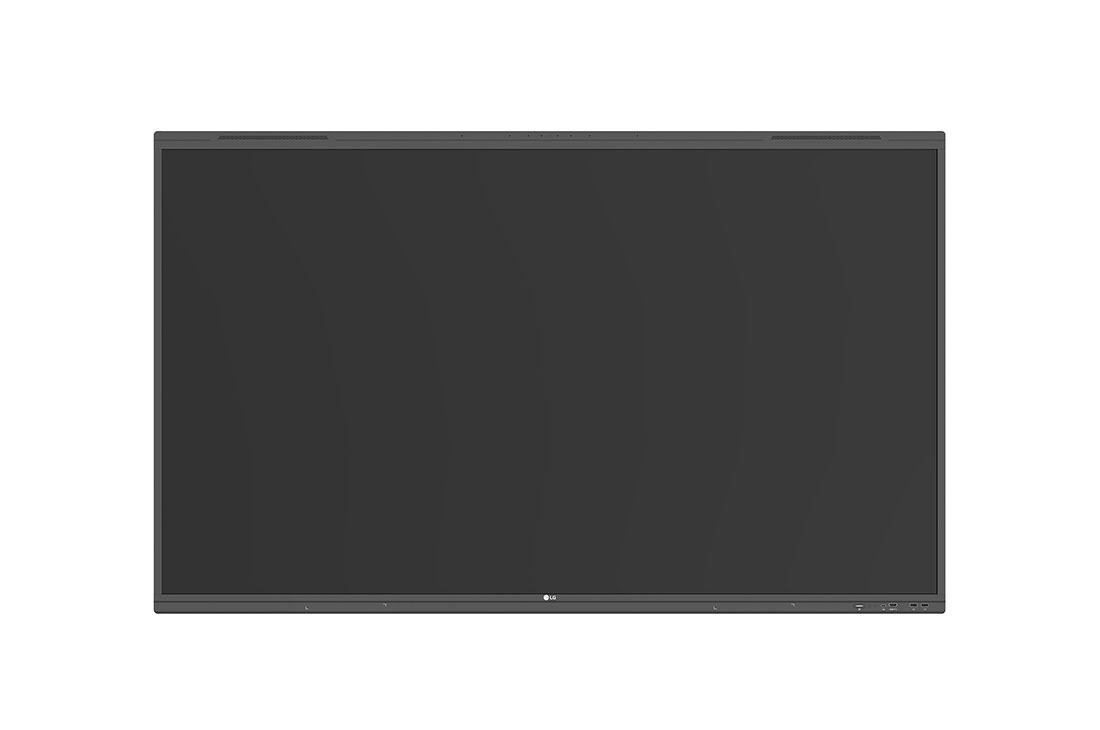
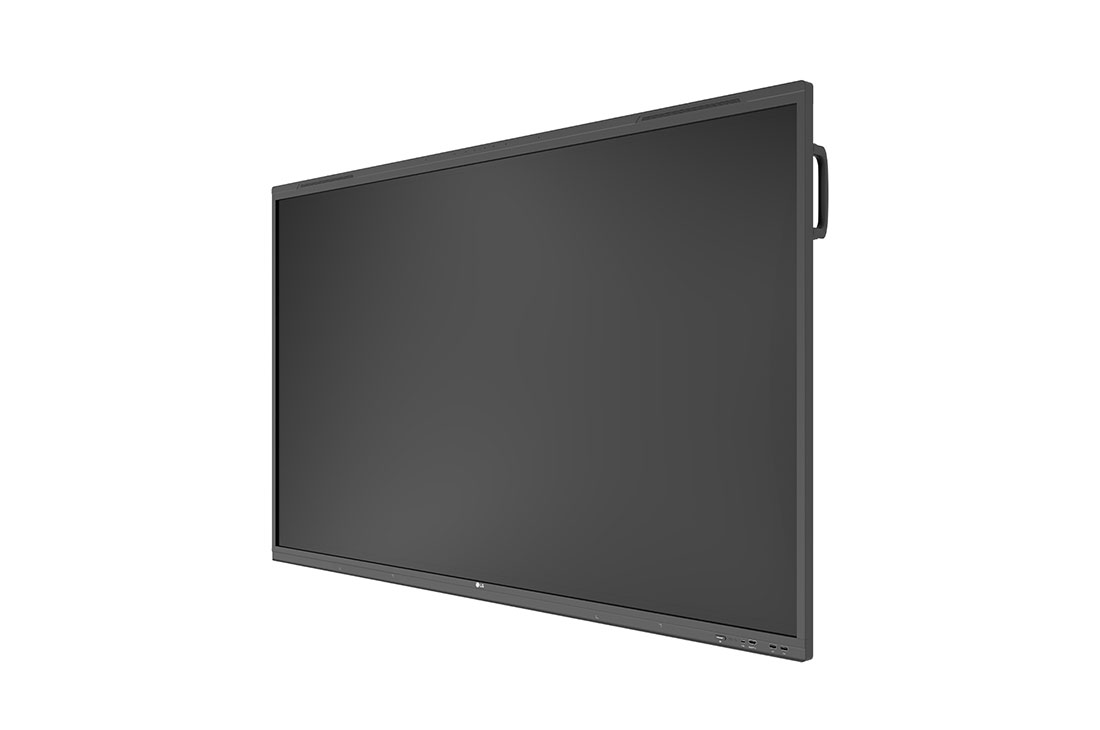
LG CreateBoard is designed with front display ports, making it easy for users to connect or disconnect cables. Additionally, its front-facing speakers facilitate content delivery with improved sound quality.
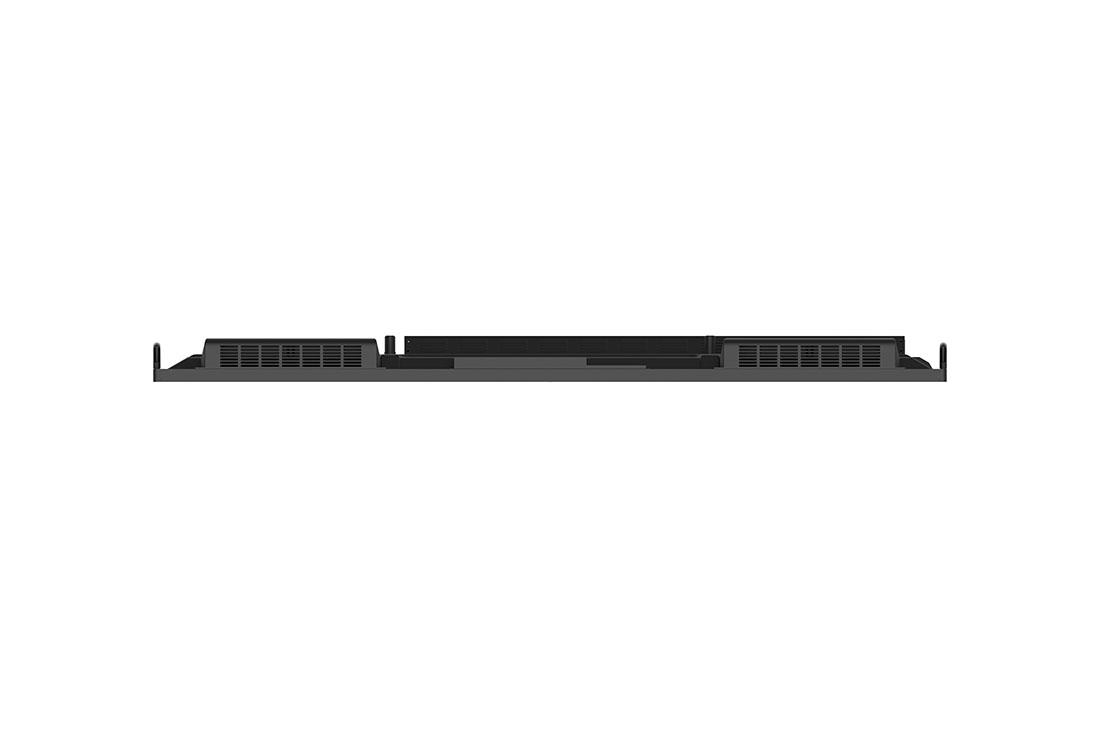
* Some ports including the power connector, are located on the side and back of the unit. -
![Advanced Eye-care]()
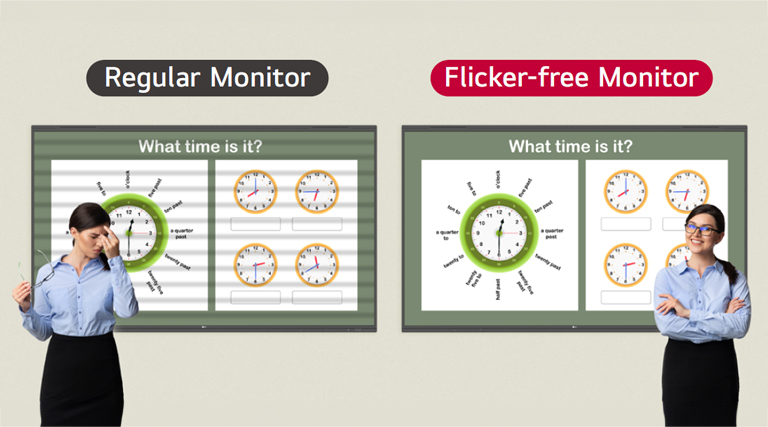
Advanced Eye-care
LG CreateBoard has introduced a flicker-free function. With the reduced flickering of the monitor’s backlight, users can use the device with more comfort even when using it for a long time.
* All sizes of TR3PN models received official certification from TUV Rheinland in February 2024.

-
![Built-in OPS Slot]()
Built-in OPS Slot
LG CreateBoard supports OPS slots, allowing users to conveniently mount OPS Module at the back of the screen without the hassle of connecting to an external desktop. This enables various PC functions and Windows software.
* OPS : Open Pluggable Specification -
![Multi-screen Mode]()
Multi-screen Mode
LG CreateBoard supports a multi-screen mode, allowing users to utilize multiple screens simultaneously. Users can take notes, play videos, and browse the web at the same time, thereby enhancing work efficiency.
* Multi window mode may not work for some apps.
* Picture-in-picture mode is available for the external source screen.


Power Saving

-
- Basic
- Power Cord 3 M*1, USB Cable(Type A-Type B) 5 M*1, USB Type-C Cable(C to C) 1.8 M*1, HDMI Cable 3 M*1, Writing Pen*2pcs, User Manual, QSG, Carton Box, Remote Controller(include battery 2ea), Wifi module
- Optional
- Wall Mount(WM-L000S), Floor Stand(ST-000F / ST-860F)
-
- EMC
- FCC Class "A“
- ErP / Energy Star
- Yes / Yes
-
- Safety
- IEC62368, EN62368, GB4943, UL62368
-
- Audio In
- Yes(1)
- Audio Out
- Yes(1)
-
- DP In
- Yes(1), HDCP1.3/2.3
- HDMI In
- Yes(4), HDCP2.3
-
- HDMI Out
- Yes(1)
- RJ45(LAN) In
- Yes(1)
-
- RJ45(LAN) Out
- Yes(1)
- RS232C In
- Yes(1)
-
- Touch USB
- USB2.0 Type A(2)
- USB In
- USB Type C(2), USB3.0 Type A(4), USB2.0 Type A(3)
-
- Bluetooth
- Bluetooth 5.0
- CPU
- Octa-core A76x4 + A55x4
-
- GPU
- Mali G52MP2
- LAN
- Gigabit LAN
-
- Memory(RAM)
- 8GB
- OS ver. (Android)
- Android 13(EDLA)
-
- Storage
- 64GB
- Wi-Fi
- 802.11 a/b/g/n/ac/ax
-
- Accuracy (Typ.)
- ±1mm
- Available Object Size for Touch
- Ø2 mm ↑
-
- Interface
- USB2.0
- Multi Touch Point
- Max 50 points
-
- Operating System Support
- Windows10/Windows8/Windows7/Android /Linux/Mac OS X/Chrome
- Protection Glass Thickness
- 3.2mm
-
- Protection Glass Transmission
- 88%
- Response Time ('Paint' app on Windows 10 PC)
- ≤2.5ms
-
- Operation Humidity
- 10 % to 90 %
- Operation Temperature
- 0 °C to 40 °C
-
- Auto Brightness Sensor
- Yes
- Internal Memory (eMMC)
- 64GB
-
- Temperature Sensor
- Yes
- Wi-Fi/BT (Built-in)
- Yes (Slot type)
-
- Booting Logo Image
- Yes
- HDMI-CEC
- Yes
-
- Network Ready
- Yes (Fast Power On)
- OS Ver. (webOS)
- Android13(EDLA)
-
- PIP
- Yes (1) external source
- Screen Share
- Yes (CreateBoard Share)
-
- Smart Energy Saving
- Yes (Energy Saving)
- Wake on LAN
- Yes
-
- OSD
- English, French, German, Spanish, Italian, Korean , Chinese(Simplified), Chinese(Original), Portugues(Brazil), Swedish, Finnish, Norwegian, Danish, Russian, Portugues(Europe), Dutch, Czech, Greek, Arabic, Polski, Hungary, Romania, Thai, Turkiye, Ukraine, Basque, Catalan, Kazakhstan, Indonesia
-
- Bezel Color
- Black
- Bezel Width
- T/R/L/B : 34.3/15.6/15.6/37mm
-
- Carton Dimensions (W x H x D)
- 1863 × 225 × 1148mm
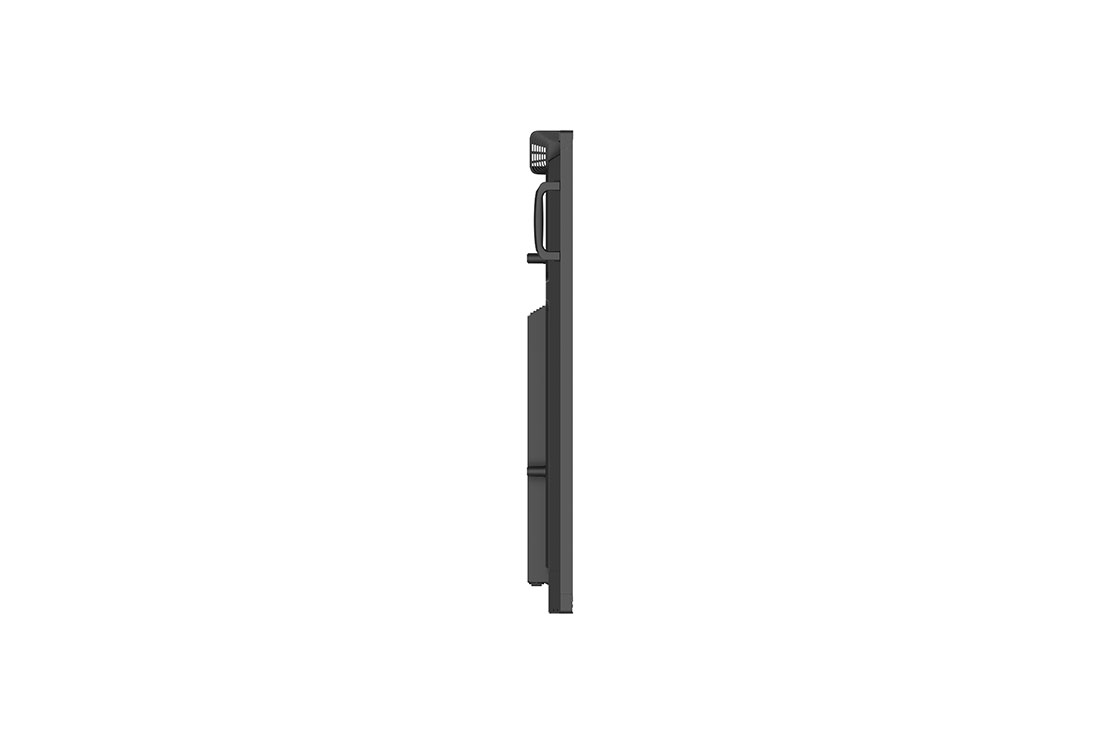
- Handle
- Yes(2)
-
- Monitor Dimensions (W x H x D)
- 1709 × 1031 × 86mm
- Packed Weight
- 60.7kg
-
- VESA Standard Mount Interface
- 800x400mm
- Weight (Head)
- 51.4kg
-
- OPS Power Built-in
- Yes
- OPS Type Compatible
- Yes
-
- Aspect Ratio
- 16:9
- Back Light Type
- Direct
-
- Brightness
- 400nit (Typ.)
- Color Depth (Number of Colors)
- 10bit(8bit + FRC)
-
- Color Gamut
- 72% (NTSC)
- Contrast Ratio
- 4,000:1
-
- Dynamic CR
- 5,000:1
- Life time
- 50,000 Hrs (Min.)
-
- Native Resolution
- 3840x2160 (UHD)
- Operation Hours (Hours/Day)
- 16/7
-
- Panel Technology
- IPS
- Portait / Landscape
- No / Yes
-
- Refresh Rate
- 60Hz
- Response Time
- 8ms(Typ)
-
- Screen Size (Inch)
- 75"
- Surface Treatment (Haze)
- 25%
-
- Viewing Angle (H x V)
- 178 x 178
-
- Power Supply
- AC 100-240V~, 50/60Hz
- Power Type
- Built-In Power
-
- BTU (British Thermal Unit)
- 1092 BTU/Hr(Typ.), 1808 BTU/Hr(Max)
- DPM
- 0.5W
-
- Max.
- 450W
- Power off
- 0.5W
-
- Smart Energy Saving (70%)
- (TBD)
- Typ.
- 210W
-
- Connected Care
- Yes
-
- Speaker (Built-in)
- Yes (18Wx2 + 8Wx2)


OBS_MEMBERSHIP_MSG $*siblingMembershipPrice*
*obsMemberShipLinkEnd*