We use cookies, including cookies from third parties, to enhance your user experience and the effectiveness of our marketing activities. These cookies are performance, analytics and advertising cookies, please see our Privacy and Cookie policy for further information. If you agree to all of our cookies select “Accept all” or select “Cookie Settings” to see which cookies we use and choose which ones you would like to accept.

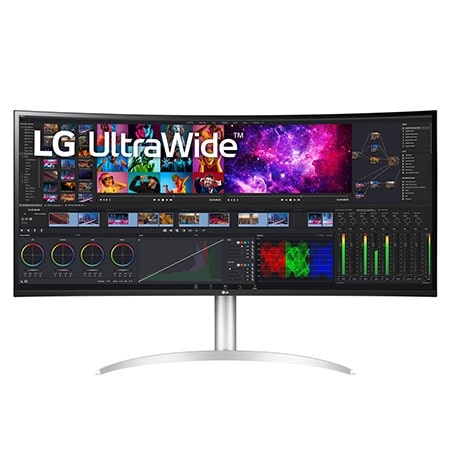
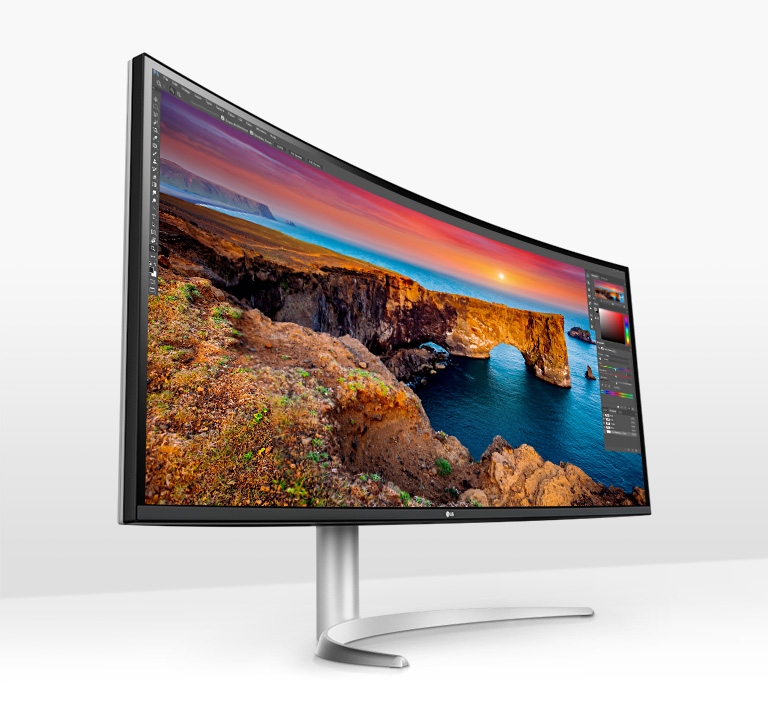
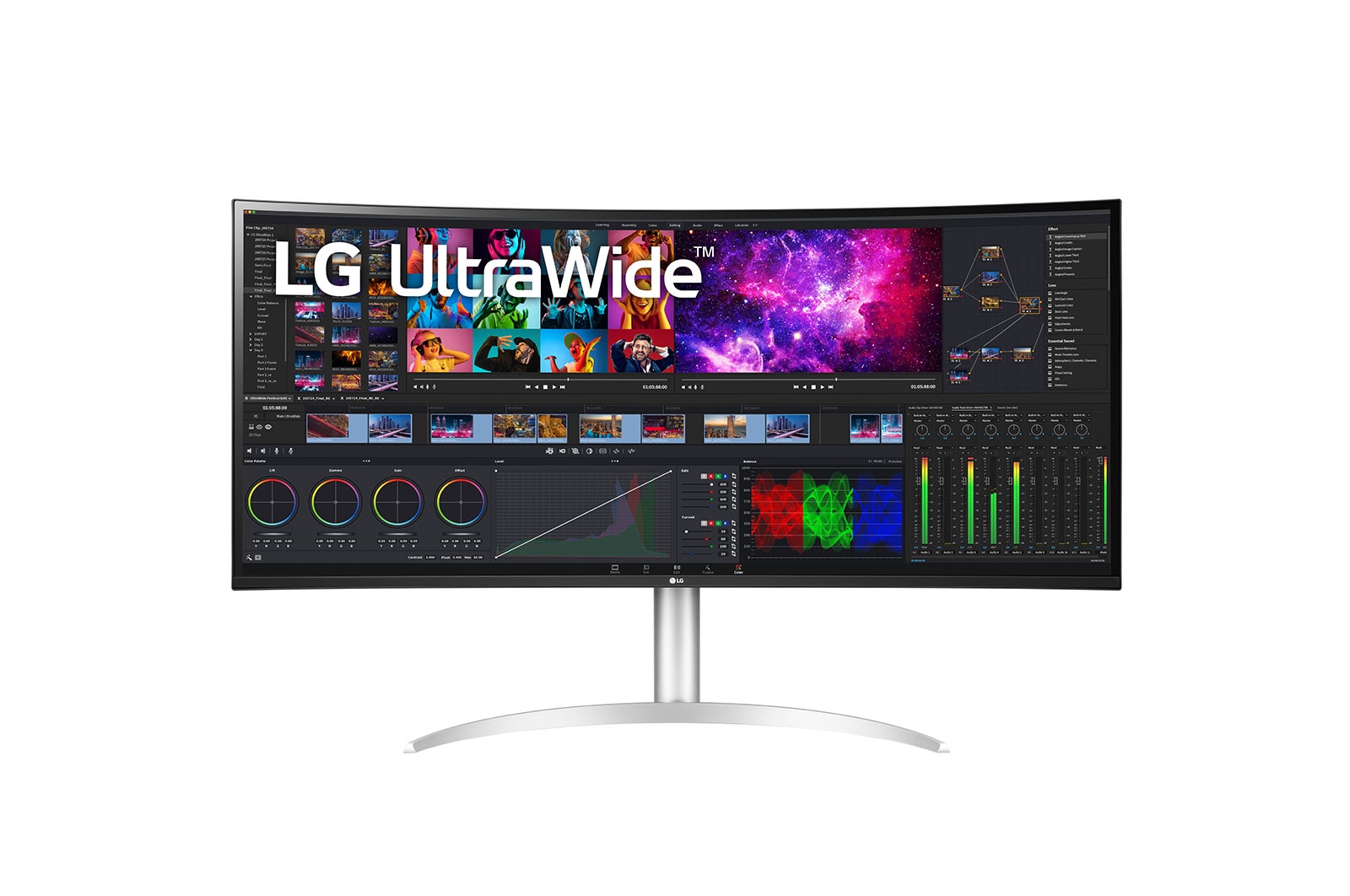
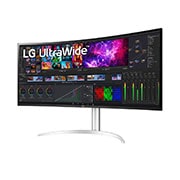
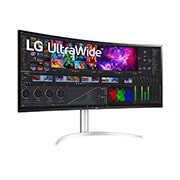
40" LG Curved UltraWide™ Monitor, 5K2K Nano IPS Display
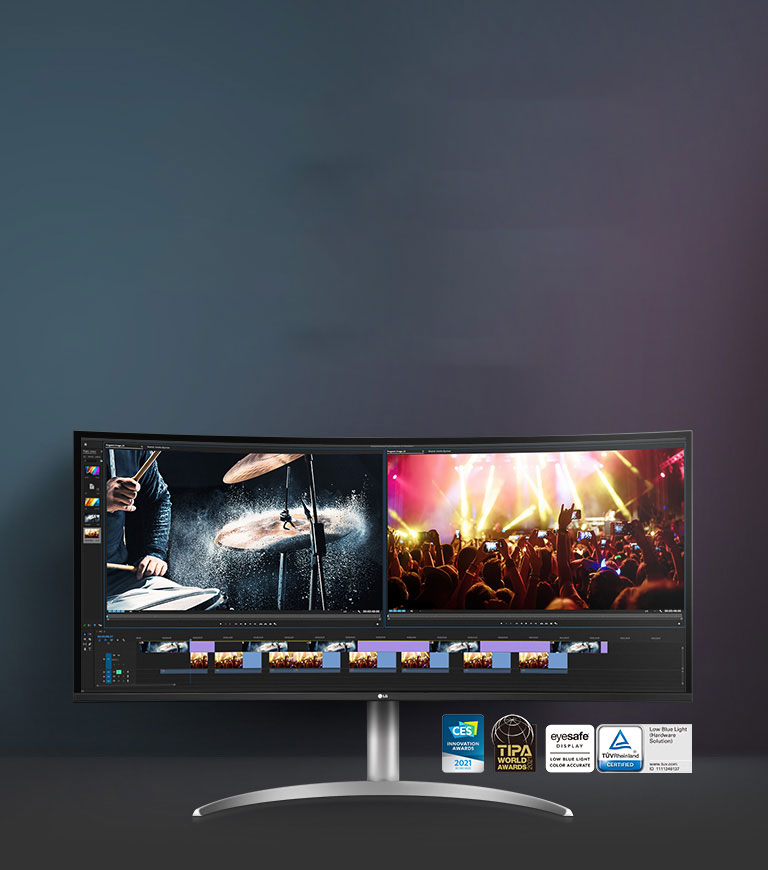
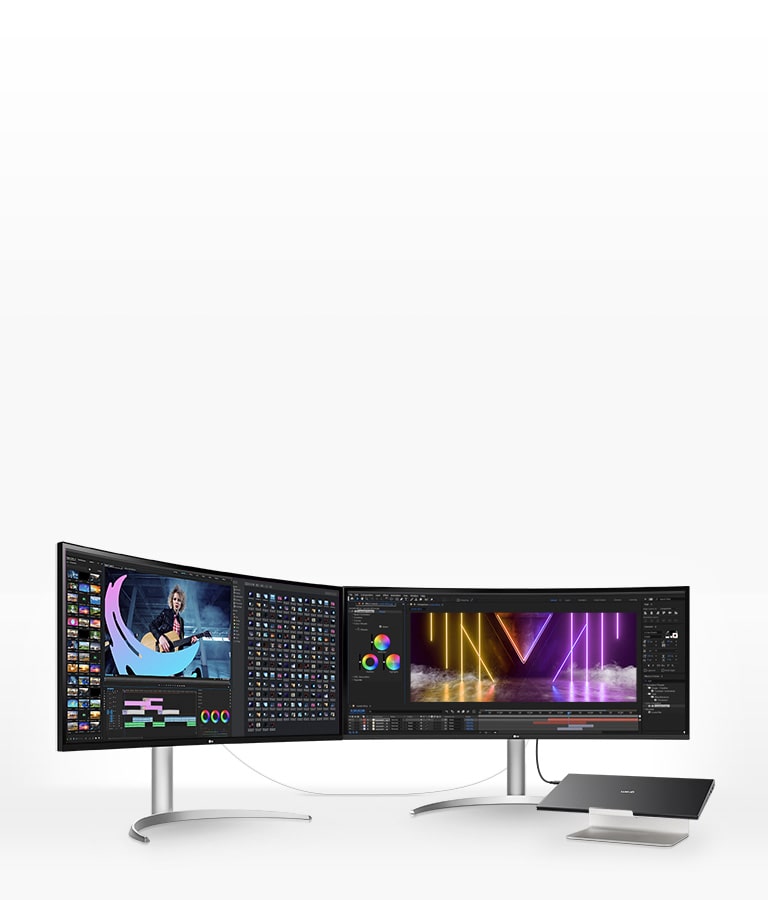
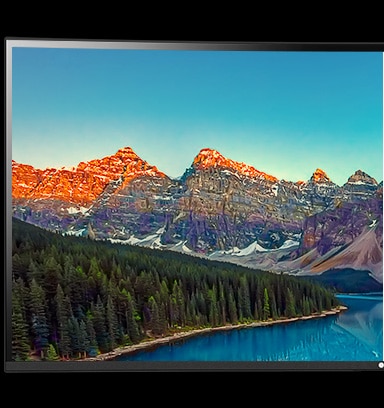
Editing, Reviewing, and Monitoring at Once
*The images simulated to enhance feature understanding.
*Brightness: 300nits (Typ.), Color Gamut: DCI-P3 98% (Typ.)
*Hardware Calibrator is not included in the package (sold separately).
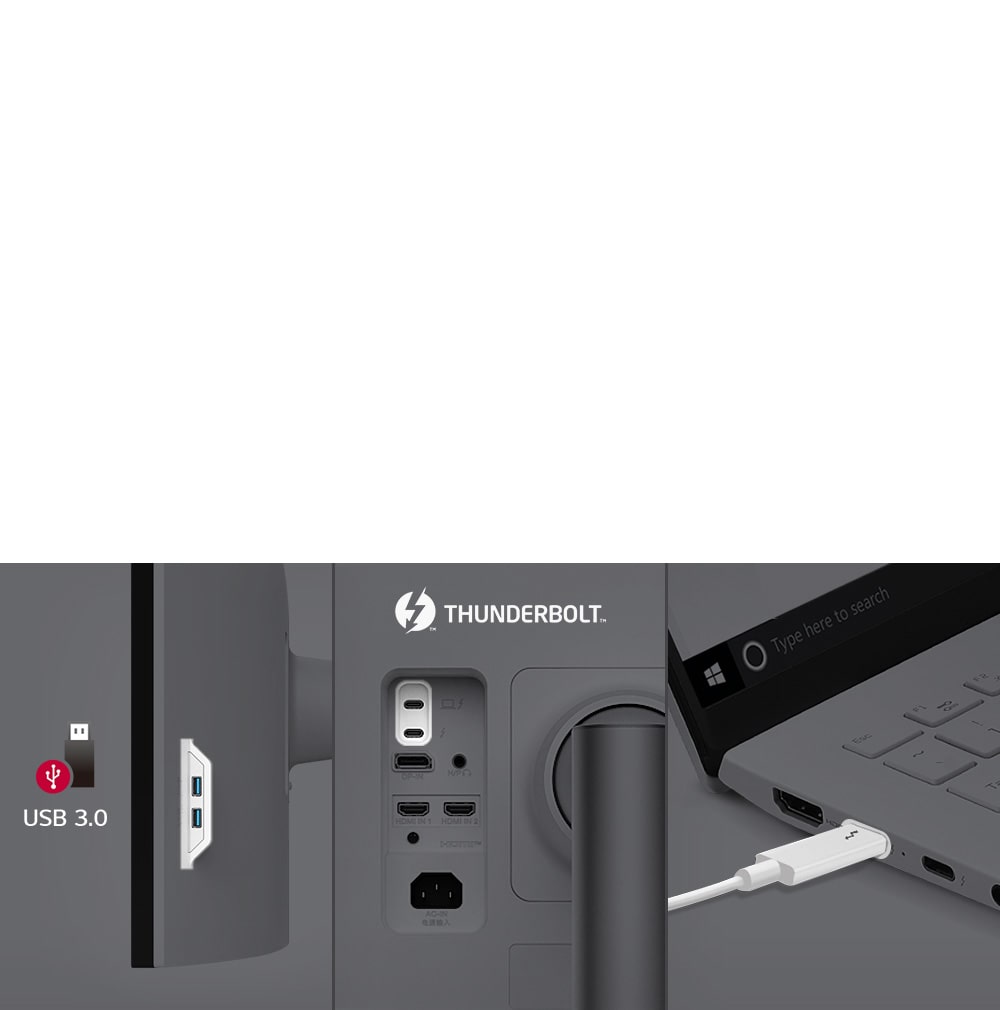
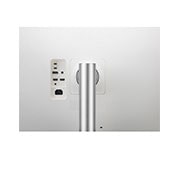
Thunderbolt™ 4 and Multi Ports
Thunderbolt™ 4 and Multi Ports offering easy control and connectivity.
*The images simulated to enhance feature understanding.
*It can be connected via the USB Type-C™ cables included with the package.
-
Reader Mode
-
Live Color Low Blue Light
Increase Viewing Comfort while Maintaining Color Quality
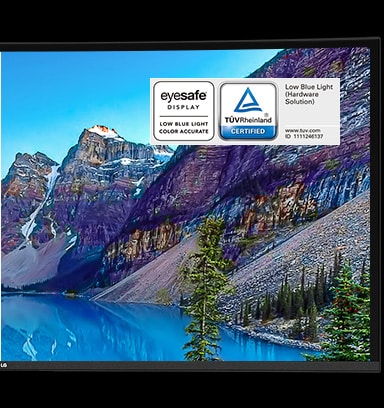
LG’s Live Color Low Blue Light with TÜV Rheinland Eyesafe® Display Certification helps to protect your eyes against blue light by combining RGB hardware and software adjustments while maintaining vivid color quality.
*TÜV Rheinland certification ID (Low Blue Light - Hardware Solution): 1111246137
*The images simulated to enhance feature understanding.
Auto Brightness with Ambient Light Sensor
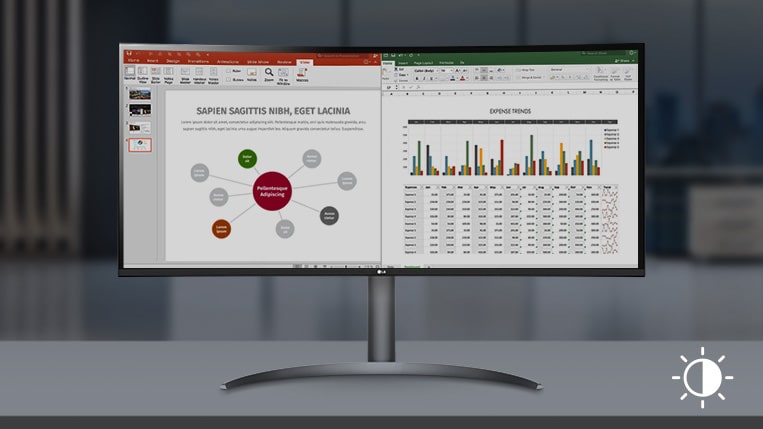
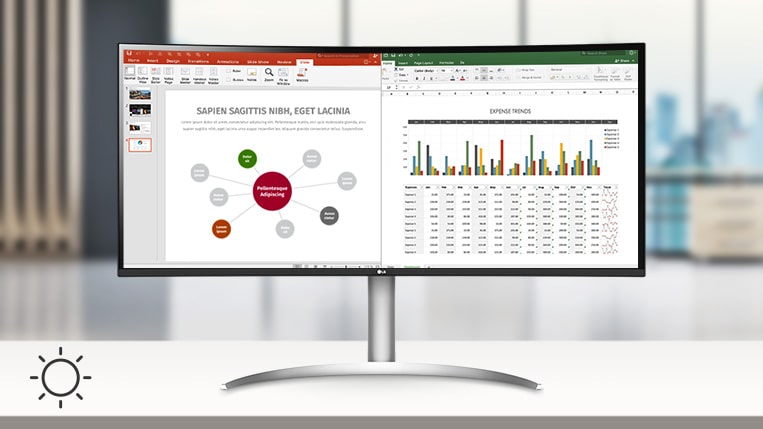
The sensor reacts to light, making the screen brighter in bright areas and darker in the dark. It provides a comfortable working environment.
Night
Day
*The images simulated to enhance feature understanding.
Comfortable Workspace
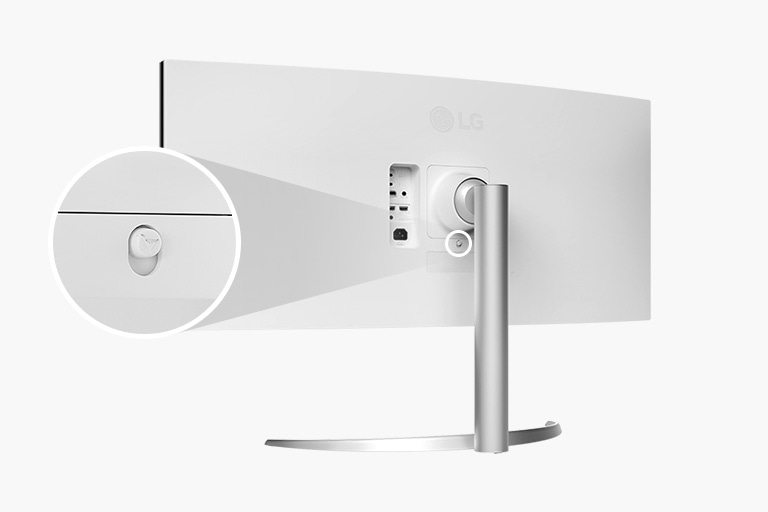
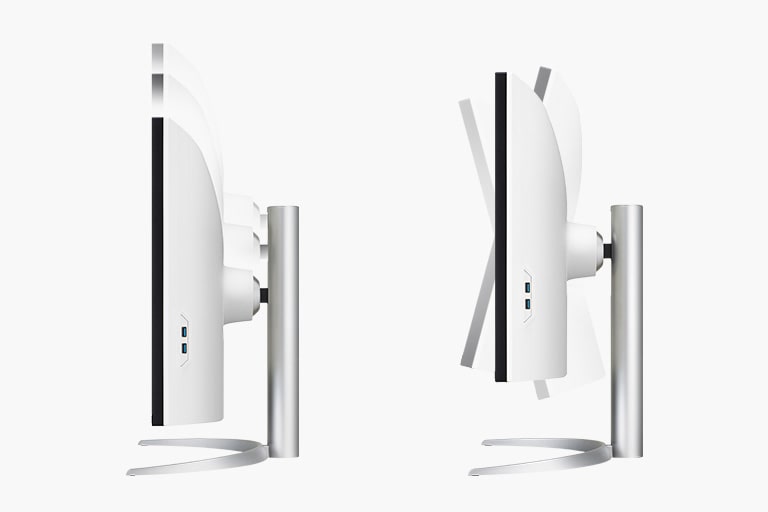
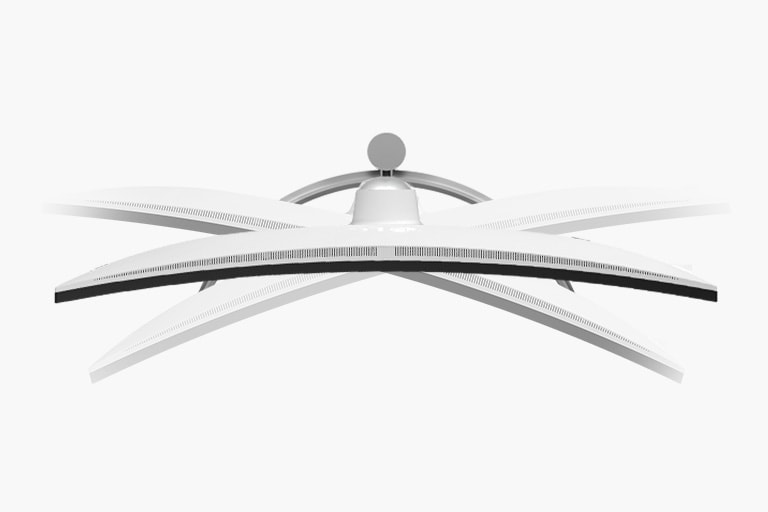
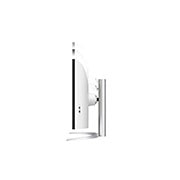
One Click Stand
Height 110mm / Tilt -5~20˚
Swivel -15~15˚
*Above images simulated to enhance feature understanding.
FAQ
What are the benefits of using an ultra-wide monitor?
1. Wider Screen Space
With an LG UltraWide monitor featuring a 21:9 or 32:9 aspect ratio, you can view more content at once. You can comfortably work with multiple program windows—such as Excel, documents, and browsers—side by side without running out of space, making it excellent for multitasking.
2. Ideal for Video and Design Work
The wide workspace and high colour accuracy make it well-suited for editing long video timelines or working on detailed design projects.
3. Enhanced Gaming Immersion
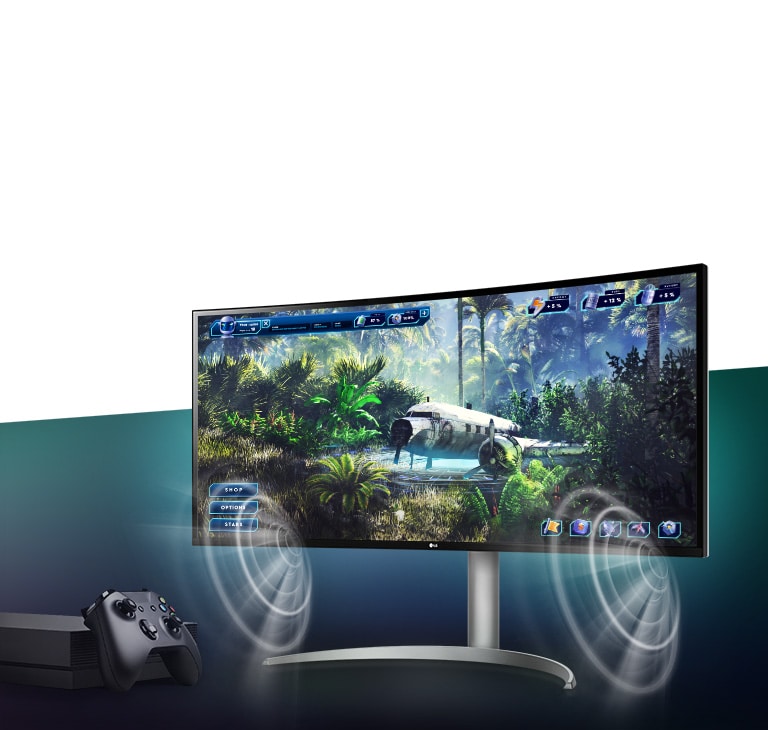
A broader field of view provides an advantage in racing, FPS, and strategy games. Some models also support high refresh rates and curved designs, further enhancing the sense of immersion.
4. Optimised for Content Viewing
You can enjoy 21:9 cinema-ratio content without black bars, filling the screen completely for a more immersive experience. It’s also optimised for streaming various content formats on platforms like Netflix and YouTube.
Who would especially benefit from using an ultra-wide monitor?
LG UltraWide monitors are especially recommended for users who want to make the most of a wide screen.
They are ideal for multitaskers who need to work with multiple windows at once, video editors and designers who benefit from viewing long timelines and tool panels side by side, developers who need to arrange code and previews simultaneously, and traders or data analysts who need to monitor real-time graphs and data at a glance. They also suit gamers and content viewers who seek an immersive experience for games and movies.
In short, LG UltraWide monitors are the perfect choice for users who value both productivity and immersion.
What are the differences between OLED, IPS, and VA panels?
OLED panels emit their own light at the pixel level, delivering near-perfect blacks, exceptional contrast, and vivid colours. They also offer ultra-fast response times, making them ideal for high-end gaming monitors, premium TVs, and professional video editing.
IPS panels are known for their accurate colour reproduction and wide viewing angles, maintaining clear images from various positions. This makes them well-suited for office work, design, and gaming. Their excellent colour accuracy is especially appealing to gamers who want to experience visuals exactly as the developers intended.
VA panels boast the highest contrast ratio among LCD types, providing an immersive experience for watching movies and videos. While not as fast as TN panels, they offer nearly comparable performance.
Gallery
Key Spec
-
Resolution
5120 x 2160
-
Panel Type
IPS
-
Aspect Ratio
21:9
-
Color Gamut (Typ.)
DCI-P3 98% (CIE1976)
-
Curvature
2500R
-
Refresh Rate (Max.) [Hz]
72
-
Response Time
5ms (GtG at Faster)
-
Display Position Adjustments
Tilt/Height/Swivel
All Spec
INFO
-
Product name
UltraWide
-
Year
2021
DISPLAY
-
Resolution
5120 x 2160
-
Panel Type
IPS
-
Aspect Ratio
21:9
-
Color Gamut (Min.)
DCI-P3 90% (CIE1976)
-
Color Gamut (Typ.)
DCI-P3 98% (CIE1976)
-
Color Depth (Number of Colors)
1.07B
-
Contrast Ratio (Min.)
700:1
-
Contrast Ratio (Typ.)
1000:1
-
Response Time
5ms (GtG at Faster)
-
Refresh Rate (Max.) [Hz]
72
-
Viewing Angle (CR≥10)
178º(R/L), 178º(U/D)
-
Curvature
2500R
FEATURES
-
HDR 10
YES
-
HDR Effect
YES
-
Nano IPS™ Technology
YES
-
Color Calibrated in Factory
YES
-
HW Calibration
HW Calibration Ready
-
Auto Brightness
YES
-
Flicker Safe
YES
-
Reader Mode
YES
-
Super Resolution+
YES
-
AMD FreeSync™
FreeSync
-
Black Stabilizer
YES
-
Dynamic Action Sync
YES
-
Auto Input Switch
YES
-
Smart Energy Saving
YES
SW APPLICATION
-
LG Calibration Studio (True Color Pro)
YES
-
Dual Controller
YES
-
OnScreen Control (LG Screen Manager)
YES
CONNECTIVITY
-
HDMI
YES(2ea)
-
DisplayPort
YES(1ea)
-
DP Version
1.4
-
Thunderbolt
YES(In 1ea / Out 1ea)
-
Thunderbolt (Data Transsmission)
YES
-
Thunderbolt (Power Delivery)
96W
-
Daisy Chain
YES(UHD/60Hz)
-
USB Upstream Port
YES(via Thunderbolt)
-
USB Downstream Port
YES(2ea/ver3.0)
-
Headphone out
3-pole (Sound Only)
SOUND
-
Speaker
10W x 2
-
Rich Bass
YES
POWER
-
Type
Built-in Power
-
Power Consumption (Typ.)
80W
-
Power Consumption (Sleep Mode)
Less than 1.2W
-
Power Consumption (DC Off)
Less than 0.3W
MECHANICAL
-
Display Position Adjustments
Tilt/Height/Swivel
ACCESSORY
-
Display Port
YES
COMPLIANCE INFORMATION
-
extension:pdf
-
extension:pdf
-
extension:pdf
-
extension:pdf
-
extension:pdf
-
extension:pdf