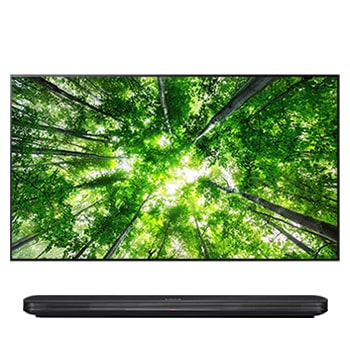
42LA6610.ATA

Help Library

Topic

  • Document Contents
    Troubleshooting
    How to Install and Delete Apps on Your LG TV
    You can install a variety of apps from the LG Apps and delete the ones you nolonger need.If an app won't install, make sure you're signed in to your LG Account, your TVis connected to the internet, your LG Services Country setting matches y...
  • Document Contents
    Troubleshooting
    How to Update Your LG TV Software and Turn On Automatic Updates
    Updating your LG TV to the latest software version can add new features andimprove system stability for a better viewing experience.If your TV is connected to the internet, you can check for and install thelatest version from the Settings m...
  • Document Contents
    Troubleshooting
    How to Display Your PC Screen on Your LG TV (Wired or Wireless)
    Connect your PC or laptop to your LG TV to enjoy your computer screen on abigger, more immersive display.Choose the setup that works best for you. You can choose a stable wired HDMIconnection, or a wireless screen share (mirroring) from you...
  • Document Contents
    Troubleshooting
    [LG TV] How to Change Location Settings and Set LG Services Country
    To change the Location settings on your LG TV, press [Settings] on the remote,then go to [All Settings] → [General] → [System] or [Location].The menu path may vary depending on your webOS version. Set-top box settings maybe restricted for m...
  • Document Contents
    Troubleshooting
    How to Set the Time on Your LG TV
    Your TV sets the current time automatically when connected to the internet.If the time is incorrect, you can set the date and time manually in Settings.Why Is the TV Time Incorrect or Not Displayed?------------------------------------------...
  • Document Contents
    Troubleshooting
    How to Find the MAC Address on Your LG TV
    You can use your TV’s MAC address to configure router security settings orregister your TV on a network.When Do You Need the TV’s MAC Address?-------------------------------------- * You need your TV's MAC address if your router uses MAC ad...
See more