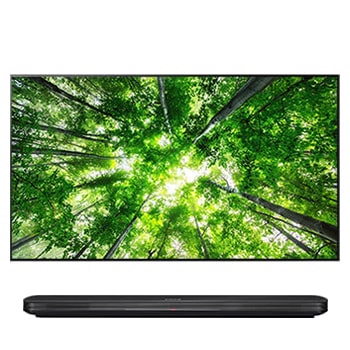
55LS5700.ATC

Help Library

Topic

  • Document Contents
    Troubleshooting
    How to Install and Delete Apps on Your LG TV
    You can install a variety of apps from the LG Apps and delete the ones you nolonger need.If an app won't install, make sure you're signed in to your LG Account, your TVis connected to the internet, your LG Services Country setting matches y...
  • Document Contents
    Troubleshooting
    [LG TV] How to Fix Internet Connection Issues
    If your LG TV is not connecting to the internet, first check if other devices,such as a smartphone or laptop, can connect to the same network.If no devices can connect, the issue is likely with your router or internetservice provider (ISP)....
  • Document Contents
    Repair
    [LG TV] Advertising messages or images appear when I’m watching TV
  • Document Contents
    Troubleshooting
    LG TV has sound but no picture
    If you can hear sound from the TV but the screen is blank, press the [Volume]button on your TV remote.If the volume indicator appears on the screen, your TV's display is likelyworking fine.The issue may be caused by a signal problem from an...
  • Document Contents
    Troubleshooting
    [LG TV] How to Change Location Settings and Set LG Services Country
    To change the Location settings on your LG TV, press [Settings] on the remote,then go to [All Settings] → [General] → [System] or [Location].The menu path may vary depending on your webOS version. Set-top box settings maybe restricted for m...
  • Document Contents
    Troubleshooting
    How to Display Your PC Screen on Your LG TV (Wired or Wireless)
    Connect your PC or laptop to your LG TV to enjoy your computer screen on abigger, more immersive display.Choose the setup that works best for you. You can choose a stable wired HDMIconnection, or a wireless screen share (mirroring) from you...
See more