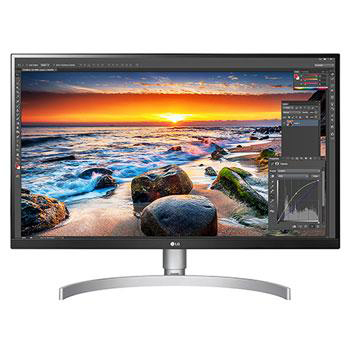
34WQ650-W.AHK

Help Library

Topic

  • Document Contents
    Troubleshooting
    [LG Monitor] The edge brightness is changed(light leak, color difference)
    Due to various characteristics of the LCD monitor, very often, the screen edgehas a different brightness level.Try this--------First (LCD monitor edge with light leaks)Depending on the angle at which the LCD monitor is viewed(visual angle),...
  • Document Contents
    Troubleshooting
    [LG Smart TV Monitor] How do I watch LG Channels?
    LG Channels is an exclusive, free service from LG that streams live TV—includingnews, TV shows, and entertainment—via the internet without additional equipment.You can easily access the service by pressing the [Home] button or using thechan...
  • Document Contents
    Troubleshooting
    [LG Monitor] How to Install OnScreen Control (OSC) and Use Its Features
    OnScreen Control (OSC) is a dedicated app that lets you easily manage [ScreenSplit], monitor settings, and [Picture Mode] on your LG monitor using a mouse.If the app does not launch properly or the menu does not appear, make sure thatyour L...
  • Document Contents
    Troubleshooting
    How To Find My LG Model and Serial Number
    At a Glance-----------LG makes it easy to find your product's serial number and model number. Forassistance in locating your product's information choose your LG product fromthe categories below.Select Your ProductThis guide was created for...
  • Document Contents
    Troubleshooting
    [LG gram view] How to Use the LG Switch App
    LG Switch is a dedicated application designed to help you get the most out ofyour LG monitor, helping you stay productive and unwind.With [Work Mode], you can easily split your screen and use video call shortcuts.[Life Mode] lets you set wa...
See more