Black Friday Price Guaranteed on select LG TVs & Soundbars

Black Friday Price Guaranteed on select LG TVs & Soundbars
TVs

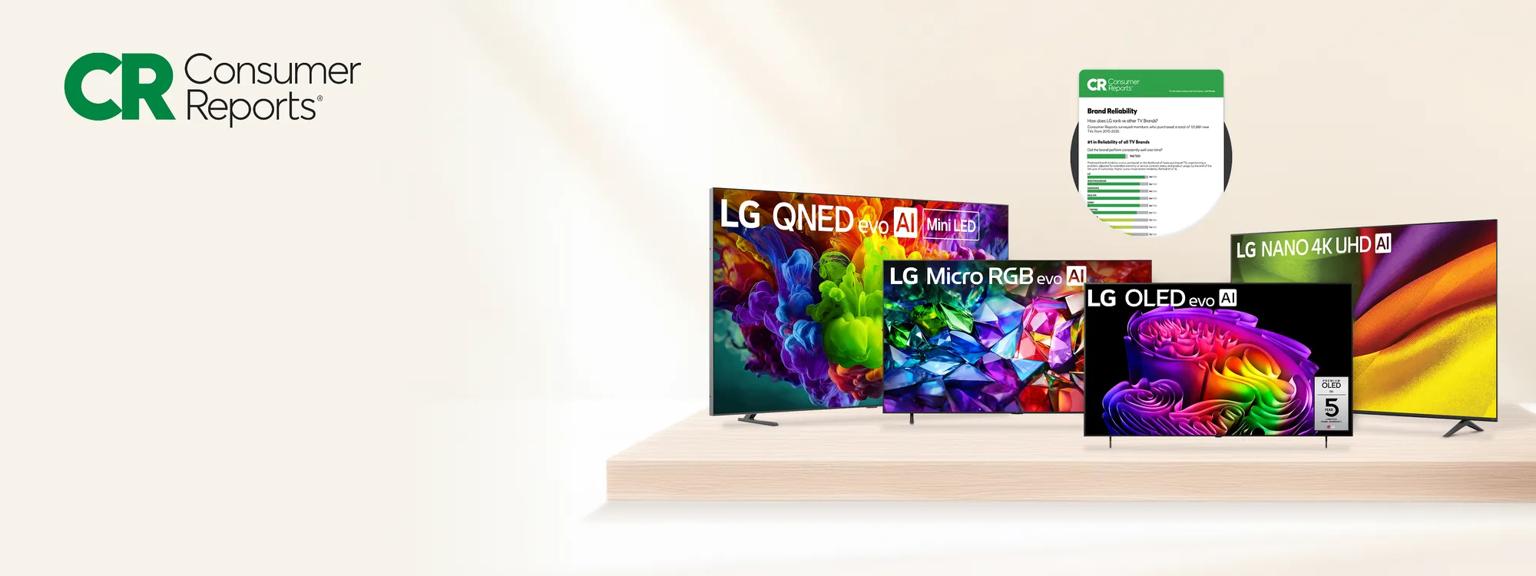
#1 in Reliability of all TV Brands
We’re proud to be top rated for reliability in TVs by Consumer Reports.‡
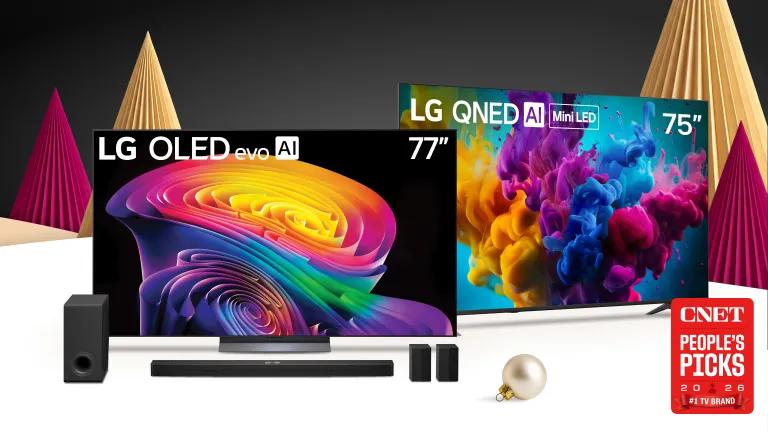


Find the Perfect LG TV for Your Home Entertainment Needs
LG TVs come in a wide range of sizes, making it easy to find the best TV for your space. Choose from 32 inch TV, 50 inch TV, 55 inch TV, 65 inch TV, 75 inch TV, 85 inch TV, and even a 100 inch TV. Whether you're looking for a smart TV, OLED TV, QNED TV, 4K TV, or 8K TV, LG has the perfect fit for every entertainment need.
Cutting-Edge Display Technology
Discover the latest TV technology like webOS, Dolby Vision, Dolby Atmos®, and Filmmaker Mode. Enjoy crystal-clear picture quality with cutting-edge display options:
LG OLED TVs feature self-lit pixels, delivering perfect black, infinite contrast, and over a billion rich colors. With sizes from 42 inches to 97 inches, LG offers the largest range of OLED TV sizes.
LG QNED TVs deliver peak brightness, deep blacks, and a 120Hz refresh rate, making them ideal for cinematic viewing and gaming.
4K UHD TVs upscales your content to 4K resolution*. Featuring HDR for a cinematic experience, 4K UHD TVs bring sharp, vivid images for sports, movies, and more.
LG's 8K TVs deliver over 33 million pixels (7680 × 4320) for an unmatched cinematic experience, with clarity and smoothness beyond 4K TVs.
Smart TV Features for Seamless Entertainment
Browse 2025 TV models compatible with Google Home devices** for more ways to stay connected. LG Smart TVs run on webOS, offering:
• Easy access to streaming services, apps, and voice controls
• Smooth navigation & personalized recommendations
• With LG’s Re:New Program enjoy future software updates. This ensures your TV's OS will be compatible with new feature updates and system refreshes.***
Whether you want cinematic picture quality for your home theater or a gaming TV with fast response times, LG TVs are designed to meet your needs. Visit our TV Buying Guide to help you find the perfect TV for your home!
For gamers, LG OLED TVs feature low input lag, fast response times, and NVIDIA G-Sync compatibility, making them a top choice for immersive gameplay.
TV Sizes & Mounting Solutions
Find the perfect 65 inch TV, 75 inch TV, or 86 inch TV to match your space. Try a wall mount and use our professional TV mounting services by Angi. Wall mounting services include:
• TV mounting bracket installation
• TV load testing for secure setup
(TV mount sold separately unless noted for the OLED G-series.)
Why Choose an LG TV?
LG Electronics is the place to shop for your new TV. As one of the best TV brands, LG is known for:
• Stunning picture quality & cutting-edge technology
• Smart TV features with seamless connectivity
• Premium options for gaming, home theaters, and outdoor TVs
LG TVs can help transform movies, TV shows, sports, documentaries, and more. Shop LG to experience television in a whole new way.
*Image quality of upscaled content will vary based on the source resolution.
**Service is limited to certain languages. Some features require 3rd party service subscriptions. Google is a trademark of Google LLC..
***Software updates for up to 5 years. Consumers who disable “auto-update” will receive a pop-up notification to accept or deny software update.
ΔRestr’s apply. See more details on directv.com/lg
+Reprinted with permission. ©2025 Ziff Davis, LLC. All Rights Reserved.
1 Performance results based on LG internal testing of the LG α11 Processor Gen3 vs. the LG α8 Processor Gen3. LG α8 Processor Gen3 available on the OLED B6 Series. Available on the 83” and 77”, 65’ & 55” G6 models.
◊LG OLED TV has been ranked No.1 selling OLED TV Brand for 11 consecutive years by Omdia. Source: Omdia. Unit shipments, 2013-2023. Results are not an endorsement of LG Electronics. Any reliance on these results is at the third-party’s own risk. Visit Omdia: Technology research that connects the dots for more details.
‡Consumer Reports does not endorse products or services.
Images may be simulated and dramatized for illustrative purposes. Actual features, functionality, and other product specifications may differ and are subject to change without notice. Prices, promotions, and availability may vary by model, store, and online. Prices subject to change without notice. Quantities are limited. Check with your local retailers for their final price and availability.
- TV & Home Theater
- My Account
- About LG
- Offers
- Articles & Gift Guides
Social Support
 Copyright © 2009-2026 LG Electronics. All Rights Reserved