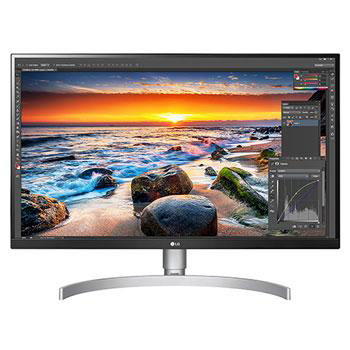
32SR50F-W.ATC

Help Library

Topic

  • Document Contents
    Troubleshooting
    How to download the LG OnScreen Control (OSC) app and update monitor software or firmware
    [OnScreen Control] is an app that lets you easily manage LG monitor featuresfrom your PC, including Screen Split, monitor settings, and software or firmwareupdates.You can download the app for your operating system from the LG website. Toup...
  • Document Contents
    Troubleshooting
    How to Install and Delete Apps on Your LG TV
    You can install a variety of apps from the LG Apps and delete the ones you nolonger need.If an app won't install, make sure you're signed in to your LG Account, your TVis connected to the internet, your LG Services Country setting matches y...
  • Document Contents
    Troubleshooting
    LG TV How to use the Magic Remote for TV
    The LG Magic Remote lets you point at the TV screen and navigate as intuitivelyas a mouse.If the pointer doesn't appear on screen, the remote has likely lost itsconnection to the TV. To fix this, re-register the remote to your TV.If voice r...
  • Document Contents
    Troubleshooting
    [LG TV] How to Agree to the User Agreements
    To access various content and services on your TV, connect to the internet andagree to the User Agreements.If the agreement process fails, first check your TV's internet connection andensure the Country/Region setting is correct.Service may...
  • Document Contents
    Troubleshooting
    [LG TV] How to Fix Echoing or Out-of-Sync Sound When Using TV Speakers and External Speakers Together
    When the TV’s built-in speakers and an external speaker (such as a soundbar)play audio at the same time, you may hear an echoing sound.This is typically caused by a slight audio delay (latency) because the TV andthe soundbar process digital...
  • Document Contents
    Troubleshooting
    [LG Monitor] How to Fix No Sound Issues
    If there’s no sound coming from your monitor, first check the productspecifications to see if it has built-in speakers.If your monitor has built-in speakers but you still hear no sound, check thesignal cable connections (HDMI, DP, USB-C) an...
See more