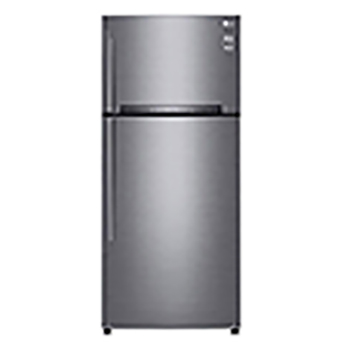
GT-M5097PZ

Help Library

Topic

  • Document Contents
    Troubleshooting
    How To Find My LG Model and Serial Number
    At a Glance-----------LG makes it easy to find your product's serial number and model number. Forassistance in locating your product's information choose your LG product fromthe categories below.Select Your ProductThis guide was created for...
  • Document Contents
    Troubleshooting
    [LG Refrigerator] Why Does the Refrigerator Keep Beeping Even When the Door Is Closed?
    If the refrigerator alarm keeps beeping even after you close the door, itusually means something is blocking the door, the door seal is loose, or thereis an issue with the door sensor.First, check if any food items or shelves are preventing...
  • Document Contents
    Troubleshooting
    [LG Refrigerator] Understanding Noises From an Refrigerator
    Understanding Noises From an LG Refrigerator--------------------------------------------Occasional noise during operation of an LG refrigerator is normal due to itsvarious components.Use the buttons below to hear different noises from the r...
  • Document Contents
    Troubleshooting
    [LG Refrigerator] What to Do If Water or Ice Isn’t Dispensing (Water Tank Model)
    If water or ice isn't dispensing from your LG refrigerator that uses a watertank (without a plumbing connection), first check that the water tank isproperly filled.Also, check if the refrigerator temperature is set too low, causing the wate...
  • Document Contents
    Troubleshooting
    [LG Refrigerator] Pre-Purchase & Installation Checklist
    Check the installation location-------------------------------Check if the installation space is sufficient for the size of the product to bepurchased or installed.When installing the refrigerator, make sure to maintain clearance between th...
  • Document Contents
    Troubleshooting
    How to adjust the temperature for LG refrigerators
    To adjust the temperature of your refrigerator, first check where thetemperature control is located (on the external control panel or inside theappliance).For models with an external control panel, press and hold the [Lock/Unlock]button for...
See more