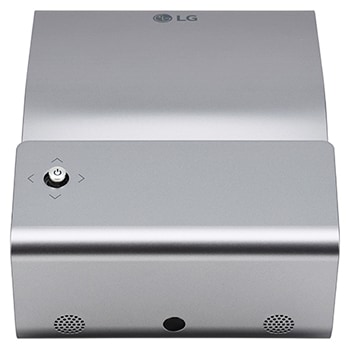
HX300G.AEU

Help Library

Topic

  • Document Contents
    Repair
    LG Beam Projector - Bluetooth Connection Some Bluetooth devices are not discovered
    [https://lg.com/support/]LG Beam Projector - Bluetooth Connection Some Bluetooth devices are notdiscoveredIn order to connect to a Bluetooth speaker/headset, you need to turn on theBluetooth function and search for devices.Causes and Sympto...
  • Document Contents
    Repair
    [LG Beam Projector Screen] The screen appears trapezoidal in shape
    The symptom occurs because the projector is not level with the screen, and youneed to adjust the keystone.What is the Keystone function?The Keystone function is a correction feature that adjusts the projected screento fit the shape of the s...
  • Document Contents
    Repair
    [LG Beam Projector Cleaning] How do I clean the projector lens?
    If there are stains or dust on the lens, remove them.However, be cautious when cleaning the lens, as cleaning with excessive forcemay damage the lens.Scratches on the lens surface caused by everyday use do not affect the product'sperformanc...
  • Document Contents
    Troubleshooting
    LG Projector - Guideline when the picture is dark
    Guideline when the picture is darkSymptomThe picture is dark.CauseThere may be something wrong with the settings or the product has defect. How to fixNon-Smart TVCheck if the lamp mode is ‘Standard’. (The brightness differ depending on thel...
  • Document Contents
    Operation
    How to share the screen of laptop
    How to share the screen of laptopCauseDo you want to share the laptop screen? How to fixScreen Share feature shows the screen of your laptop wirelessly. For the versions below Windows 8, laptops with IntelCPU/Wireless/Graphic Device are con...
  • Document Contents
    Operation
    LG Projector - Guideline when the projector becomes hot and dusty, and blows out
    Guideline when the projector becomes hot and dusty, and blows outSymptomProjector becomes hot and dusty, and blows out.CauseIf air vents are sealed and covered, it may not work properly.How to fixFirst of all, remove the power cable. To rem...
See More