Help Library

Topic

  • Document Contents
    Troubleshooting
    What to check if your LG TV has no sound
    If there is no sound from your TV, first check if [Sound Out] is set to [TVInternal Speaker] or your connected external device.If you are using a set-top box, also try turning up the volume using the set-topbox remote.If the settings are co...
  • Document Contents
    Troubleshooting
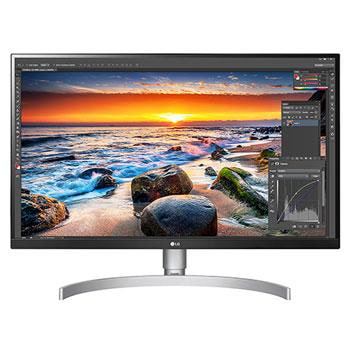
    [LG monitor] How to set the button-controlled menu
  • Document Contents
    Troubleshooting
    How to Check the Model and Serial Numbers on LG Products
    You can usually find the model and serial numbers for your LG product on a labelattached to the packaging.If you no longer have the packaging, check the silver label on the back orbottom of the product, or inside the door.If your product is...
  • Document Contents
    Troubleshooting
    LG TV - How to Agree to the User Agreements
    To access various content and services on your TV, connect to the internet andagree to the User Agreements.If the agreement process fails, first check your TV's internet connection andensure the Country/Region setting is correct.Service may...
  • Document Contents
    Troubleshooting
    No Sound from a Connected External Device (Sound Bar, Bluetooth Earbuds) on Your LG TV
    If you've connected an external audio device, such as a soundbar or wirelessearbuds, to your LG TV but hear no sound, check the cable connections orBluetooth pairing status.Also, use your remote to make sure the TV's audio output is set to ...
  • Document Contents
    Troubleshooting
    How to Sign In to Your LG Account on Your TV
    Sign in to your LG Account on your TV to use personalized contentrecommendations, apps, and other smart features.You can open the sign-in screen from the Home screen or the Settings menu. Themenu path varies by webOS version.How to Sign In ...
See More