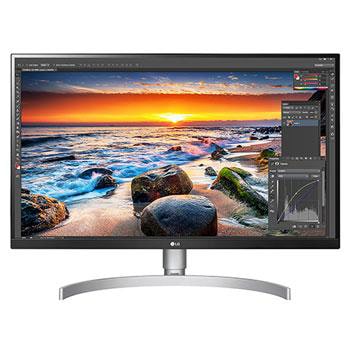
34UC99-W.AMF

Help Library

Topic

  • Document Contents
    Troubleshooting
    [LG TV] How to Agree to the User Agreements
    To access various content and services on your TV, connect to the internet andagree to the User Agreements.If the agreement process fails, first check your TV's internet connection andensure the Country/Region setting is correct.Service may...
  • Document Contents
    Troubleshooting
    [LG TV] How to Fix Internet Connection Issues
    If your LG TV is not connecting to the internet, first check if other devices,such as a smartphone or laptop, can connect to the same network.If no devices can connect, the issue is likely with your router or internetservice provider (ISP)....
  • Document Contents
    Troubleshooting
    How to download the LG OnScreen Control (OSC) app and update monitor software or firmware
    [OnScreen Control] is an app that lets you easily manage LG monitor featuresfrom your PC, including Screen Split, monitor settings, and software or firmwareupdates.You can download the app for your operating system from the LG website. Toup...
  • Document Contents
    Troubleshooting
    [LG TV] The TV won't turn off
    This may be the case where the TV remote receiver is blocked by obstacles(picture frame, sound bar, etc.) hampering the signal reception, or where theremote control’s battery has run out.Causes and Symptoms------------------- * My remote do...
  • Document Contents
    Troubleshooting
    [LG Monitor] How to Fix No Sound Issues
    If there’s no sound coming from your monitor, first check the productspecifications to see if it has built-in speakers.If your monitor has built-in speakers but you still hear no sound, check thesignal cable connections (HDMI, DP, USB-C) an...
  • Document Contents
    Troubleshooting
    Should I remove the protective film from my LG monitor?
    Most LG monitors do not come with a protective film applied.However, if you see a removal sticker on the edge of the screen or printed texton the display when it is turned on, a protective film is present. Please onlyremove it in these case...
See More