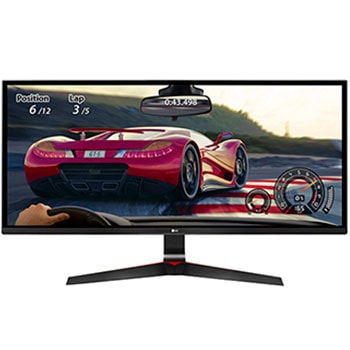
34UM69G-B.AMF

Help Library

Topic

  • Document Contents
    Troubleshooting
    How to download the LG OnScreen Control (OSC) app and update monitor software or firmware
    [OnScreen Control] is an app that lets you easily manage LG monitor featuresfrom your PC, including Screen Split, monitor settings, and software or firmwareupdates.You can download the app for your operating system from the LG website. Toup...
  • Document Contents
    Troubleshooting
    [LG TV] How to Agree to the User Agreements
    To access various content and services on your TV, connect to the internet andagree to the User Agreements.If the agreement process fails, first check your TV's internet connection andensure the Country/Region setting is correct.Service may...
  • Document Contents
    Troubleshooting
    [LG TV] How to Fix Internet Connection Issues
    If your LG TV is not connecting to the internet, first check if other devices,such as a smartphone or laptop, can connect to the same network.If no devices can connect, the issue is likely with your router or internetservice provider (ISP)....
  • Document Contents
    Troubleshooting
    How To Find My LG Model and Serial Number
    At a Glance-----------LG makes it easy to find your product's serial number and model number. Forassistance in locating your product's information choose your LG product fromthe categories below.Select Your ProductThis guide was created for...
  • Document Contents
    Troubleshooting
    LG TV - How do I use LG Gallery+?
    LG Gallery+ is an integrated service that combines Always Ready and the LGGallery app. It offers a variety of visual content, including famous paintings,nature scenes, and AI-generated images. In addition to free content, a paidsubscription...
  • Document Contents
    Troubleshooting
    LG TV - How to use the Magic Remote for TV
    The Magic Remote connects to your TV via RF(Radio Frequency). Once paired, apointer appears on the screen. Simply move the remote to control the pointer oruse the directional keys to navigate.If the remote malfunctions or the pointer does n...
See More