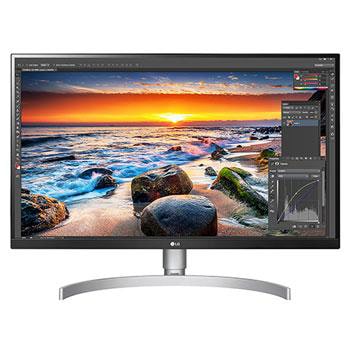
38WP85C-W.AMF

Help Library

Topic

  • Document Contents
    Troubleshooting
    How To Find My LG Model and Serial Number
    At a Glance-----------LG makes it easy to find your product's serial number and model number. Forassistance in locating your product's information choose your LG product fromthe categories below.Select Your ProductThis guide was created for...
  • Document Contents
    Troubleshooting
    LG Monitor - How to download the LG OnScreen Control (OSC) app and update monitor software or firmware
    [OnScreen Control] is an app that lets you easily manage LG monitor featuresfrom your PC, including Screen Split, monitor settings, and software or firmwareupdates.You can download the app for your operating system from the LG website. Toup...
  • Document Contents
    Troubleshooting
    LG TV - How do I use LG Gallery+?
    LG Gallery+ is an integrated service that combines Always Ready and the LGGallery app. It offers a variety of visual content, including famous paintings,nature scenes, and AI-generated images. In addition to free content, a paidsubscription...
  • Document Contents
    Troubleshooting
    [LG TV] I want to know how to install and connect a digital antenna (UHD) and watch the TV
    Try this--------Do you have a UHD antenna?➔ Connect the UHD antenna to the UHD TV port on the back of the TV.Check available regions for UHD reception.How to connect an antennaInstall an antenna in a location where it can receive a UHD sign...
  • Document Contents
    Troubleshooting
    LG TV - How to Agree to the User Agreements
    To access various content and services on your TV, connect to the internet andagree to the User Agreements.If the agreement process fails, first check your TV's internet connection andensure the Country/Region setting is correct.Service may...
  • Document Contents
    Troubleshooting
    [LG Monitor] How to Fix No Sound Issues
    If there’s no sound coming from your monitor, first check the productspecifications to see if it has built-in speakers.If your monitor has built-in speakers but you still hear no sound, check thesignal cable connections (HDMI, DP, USB-C) an...
See More