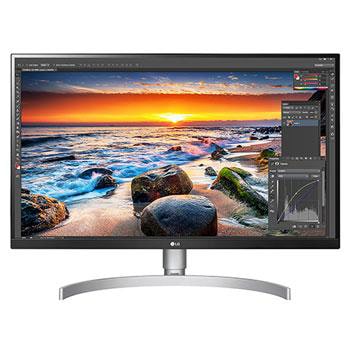
E2050S-PN.AMT

Help Library

Topic

  • Document Contents
    Troubleshooting
    How To Find My LG Model and Serial Number
    At a Glance-----------LG makes it easy to find your product's serial number and model number. Forassistance in locating your product's information choose your LG product fromthe categories below.Select Your ProductThis guide was created for...
  • Document Contents
    Troubleshooting
    What to check if your LG TV has no sound
    If there is no sound from your TV, first check if [Sound Out] is set to [TVInternal Speaker] or your connected external device.If you are using a set-top box, also try turning up the volume using the set-topbox remote.If the settings are co...
  • Document Contents
    Troubleshooting
    How to fix a dark or dim picture on your LG TV
    If the screen on your LG TV looks dark or dim, it is usually because [EnergySaving] is turned on or [Picture Mode] is not set correctly.Use the remote to set [Energy Saving Step] to [Off], then change [Picture Mode]to [Standard] to resolve ...
  • Document Contents
    Troubleshooting
    How to Display Your PC Screen on Your LG TV (Wired or Wireless)
    Connect your PC or laptop to your LG TV to enjoy your computer screen on abigger, more immersive display.Choose the setup that works best for you. You can choose a stable wired HDMIconnection, or a wireless screen share (mirroring) from you...
  • Document Contents
    Troubleshooting
    How to Fix Closed Captions Not Showing on Your LG TV
    If closed captions are not showing on your LG TV, first check your antennaconnection, set-top box, and whether the broadcaster provides captions.For standard over-the-air broadcasts, you can turn on captions in theAccessibility menu on your...
  • Document Contents
    Troubleshooting
    TV channels are missing. How do I run Auto Tuning?
    If your LG TV isn't showing channels after a new purchase or move, first makesure the antenna cable is securely connected, and then run [Auto Tuning] in theTV settings.If you are using a set-top box: You do not need to run [Auto Tuning]. Si...
See More