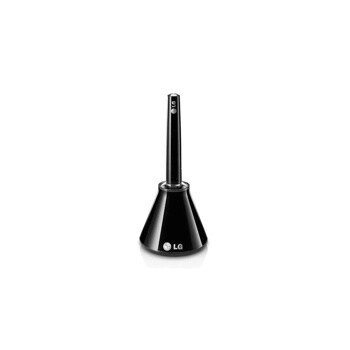
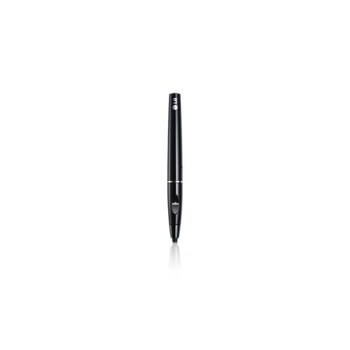
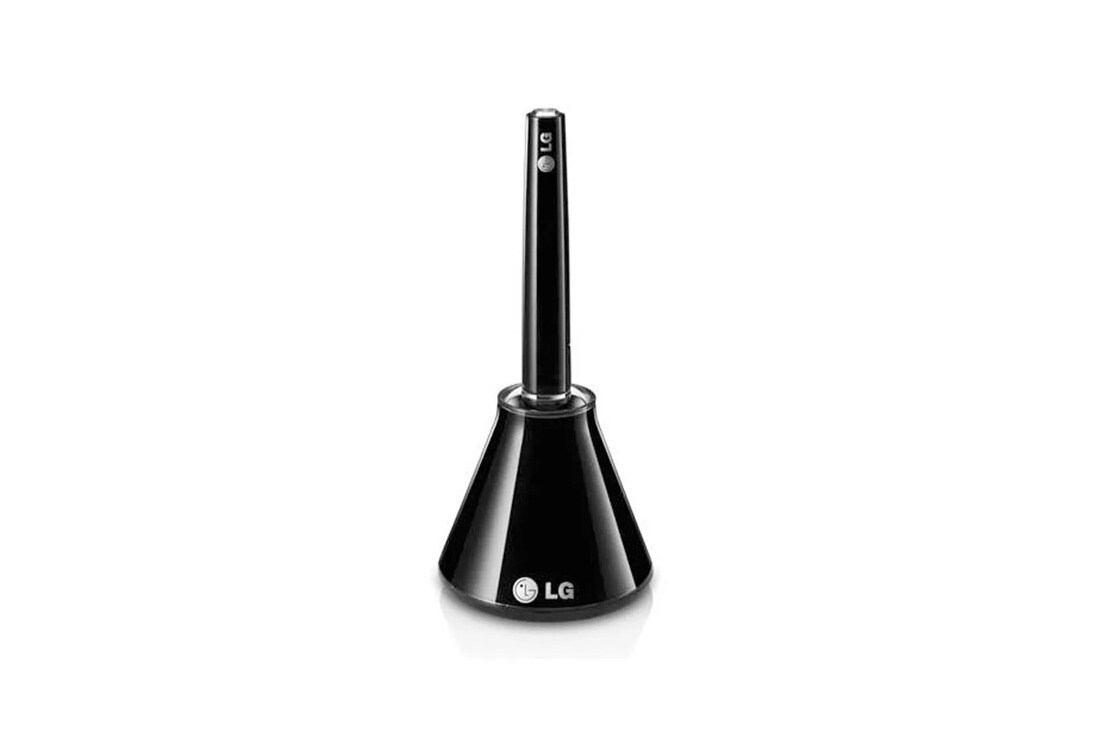
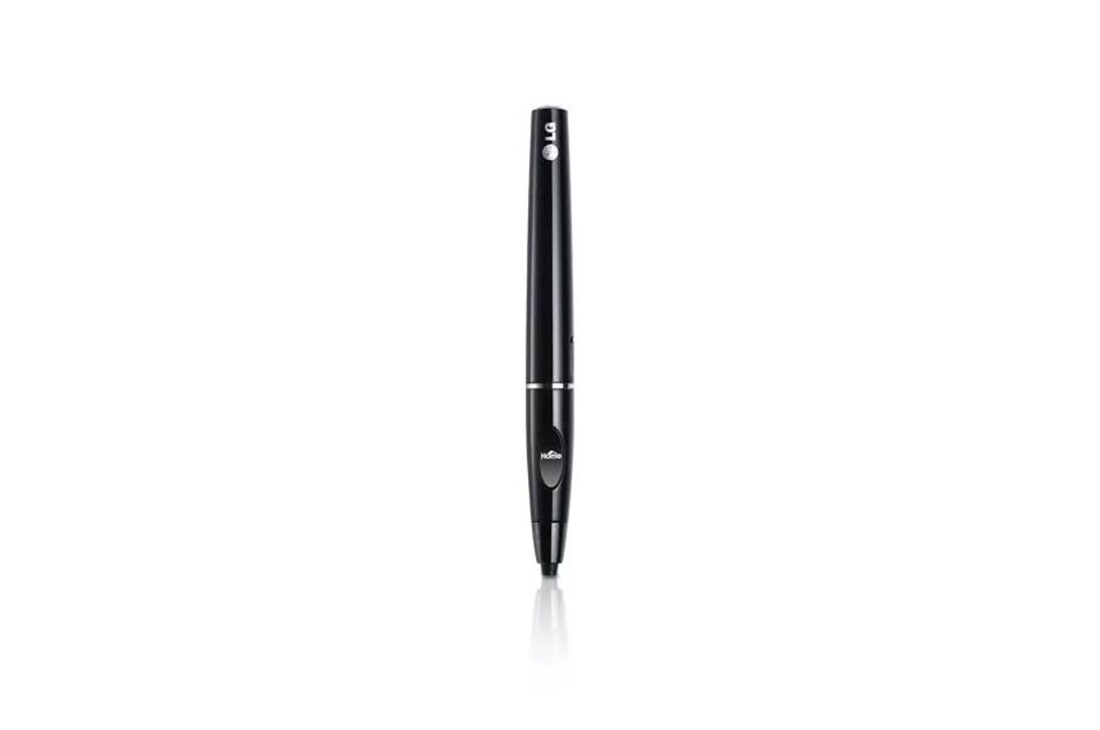
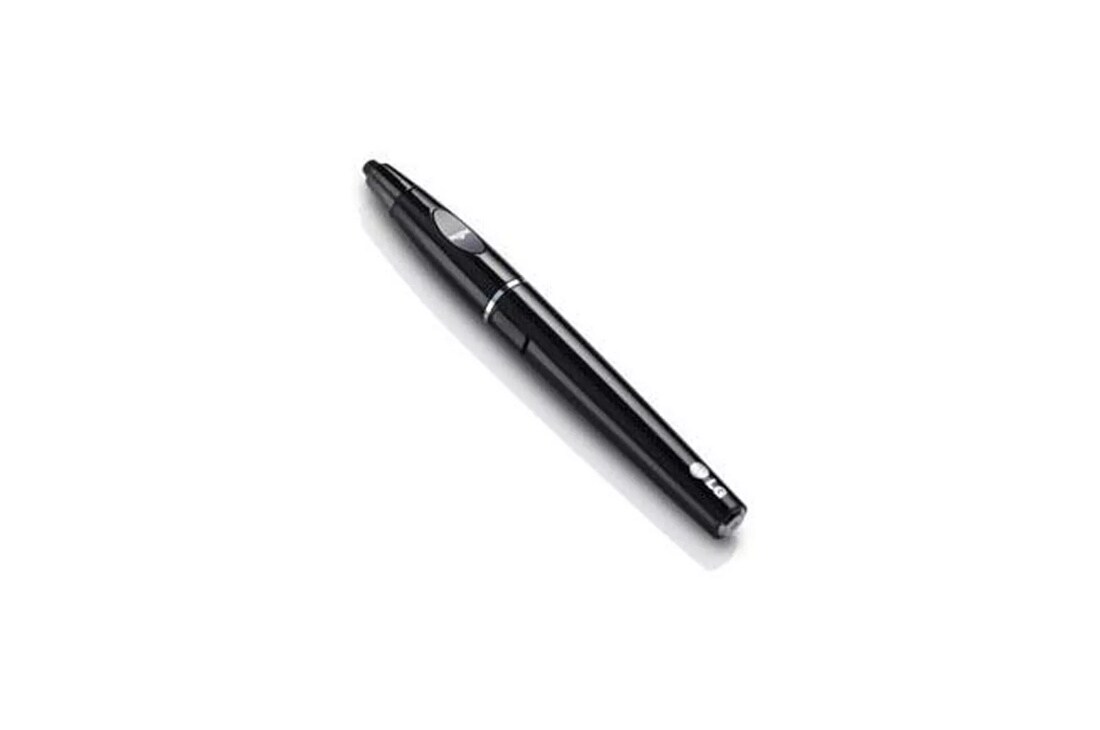
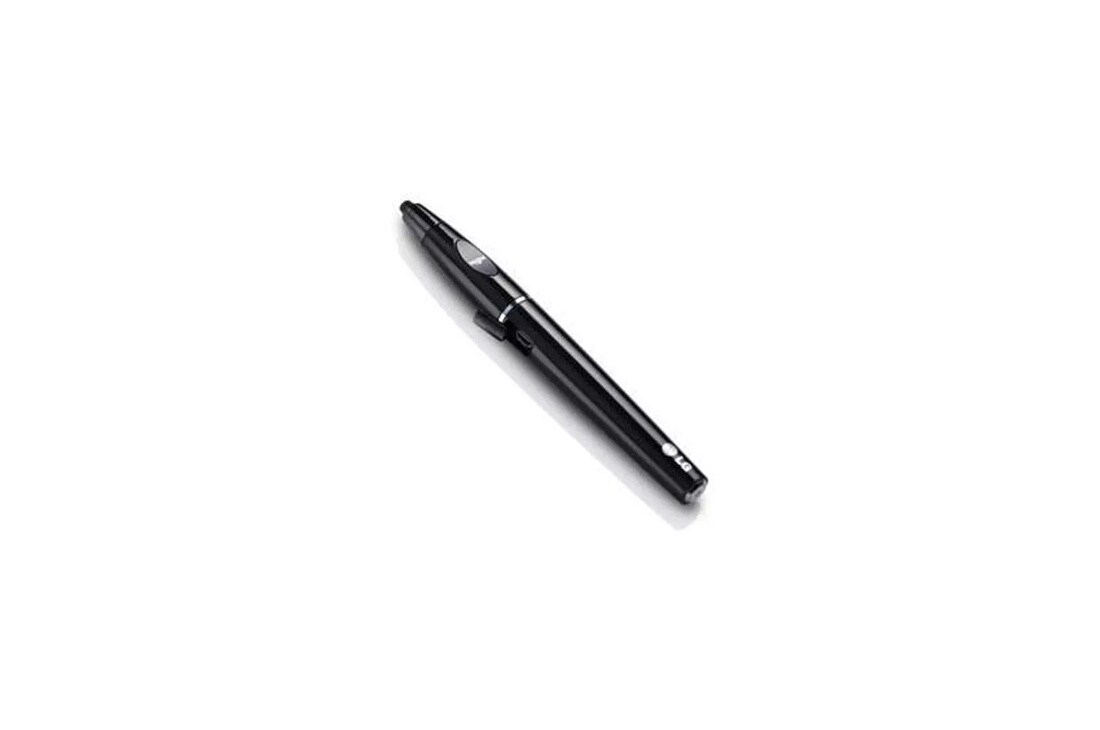
Pentouch Pen & Cradle

DISCONTINUED
DISCONTINUED
Pentouch Pen & Cradle
AN-TP300
DISCONTINUED
DISCONTINUED
Key features
- Write, scribble & draw on the screen
- Email or Print Wirelessly
- Compatible with select 2012-2014 PenTouch Plasma TVs, see below
Specifications
SUMMARY
See All
SUMMARY
Email or Print Wirelessly
Yes
Dual Drawing
Yes
Input Capabilities
PenTouch: Write, scribble & draw on the screen
Warranty
90 Days
Applications
My Office and Sketchbook
Compatible Plasma Models
PB6900, PB6600, PH6700, PN5700 series
Related Products
PenTouch USB Receiver AN-TD200 required and sold separately.
SUMMARY
Email or Print Wirelessly
Yes
Dual Drawing
Yes
Input Capabilities
PenTouch: Write, scribble & draw on the screen
Warranty
90 Days
Applications
My Office and Sketchbook
Compatible Plasma Models
PB6900, PB6600, PH6700, PN5700 series
Related Products
PenTouch USB Receiver AN-TD200 required and sold separately.
Community Q&A
Limited Warranty & Support
Images may be simulated and dramatized for illustrative purposes. Actual features, functionality, and other product specifications may differ and are subject to change without notice. Prices, promotions, and availability may vary by model, store, and online. Prices subject to change without notice. Quantities are limited. Check with your local retailers for their final price and availability.
- Products
- Appliances
- TV & Home Theater
- Gift Guides
- TV & Home Theater
- My Account
- About LG
- Offers
- Gift Guides
Social Support
BusinessPrivacyDo Not Sell or Share My Personal InformationTerms of UseTerms of PurchasePatentAccessibility HelpSite Map
 Copyright © 2009-2026 LG Electronics. All Rights Reserved