


ADD TO WISHLIST
Add items to your MYLG wishlist
View Wishlist

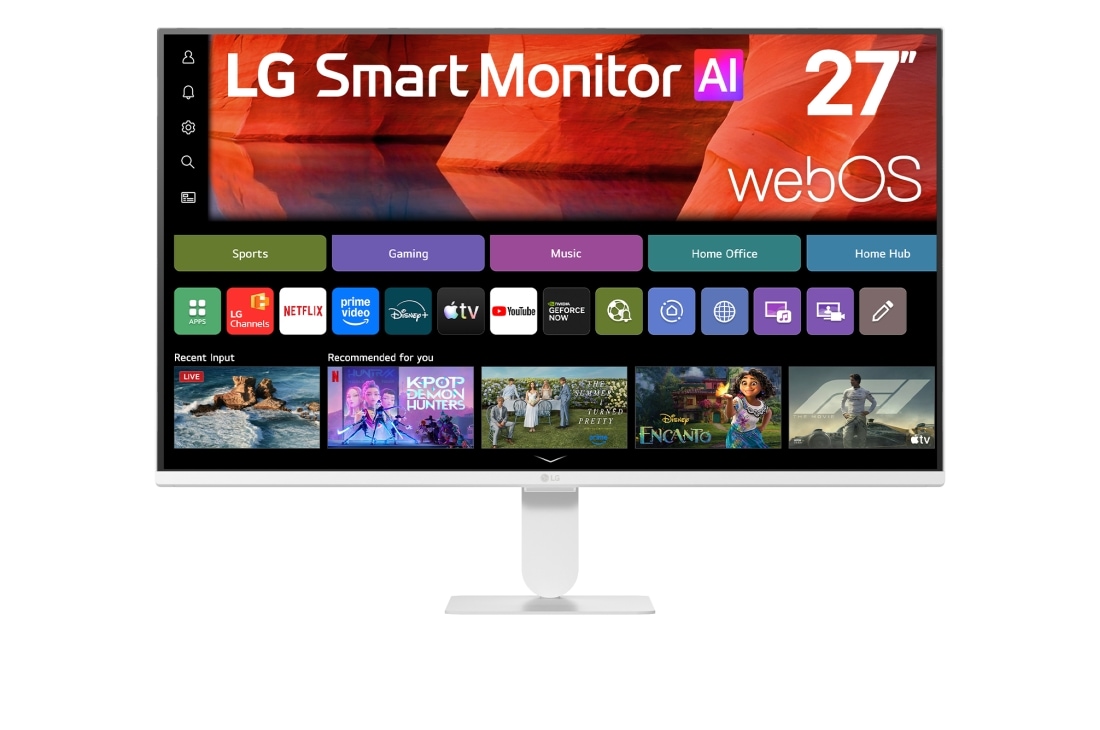
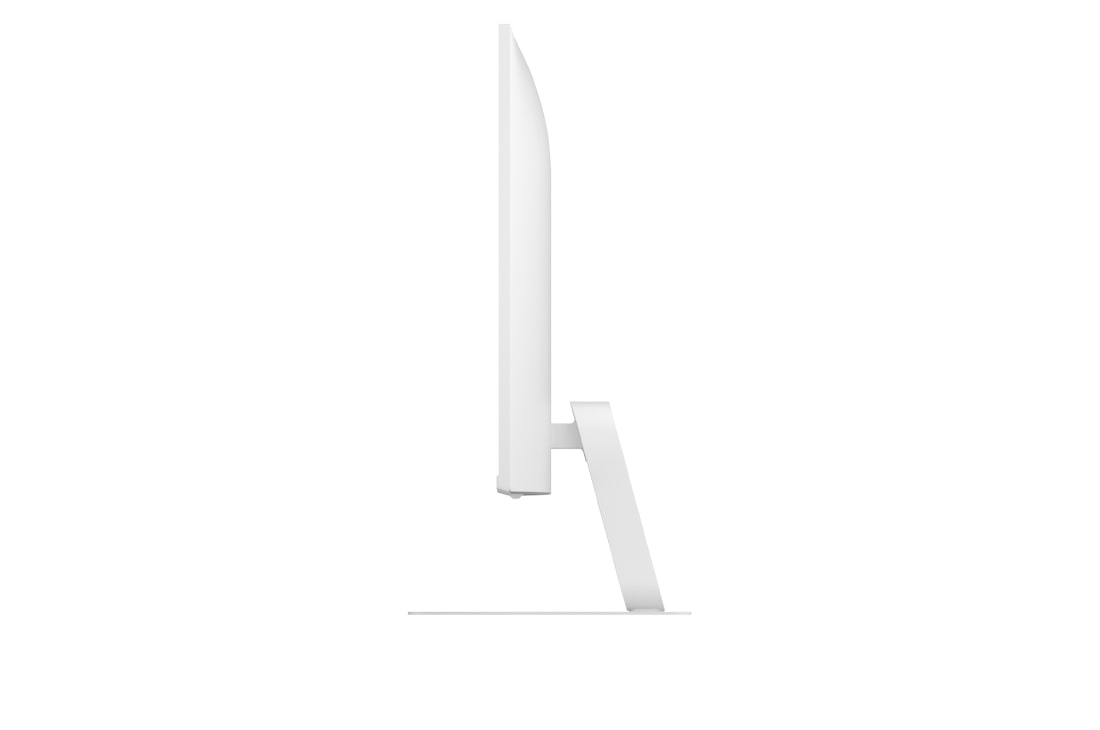
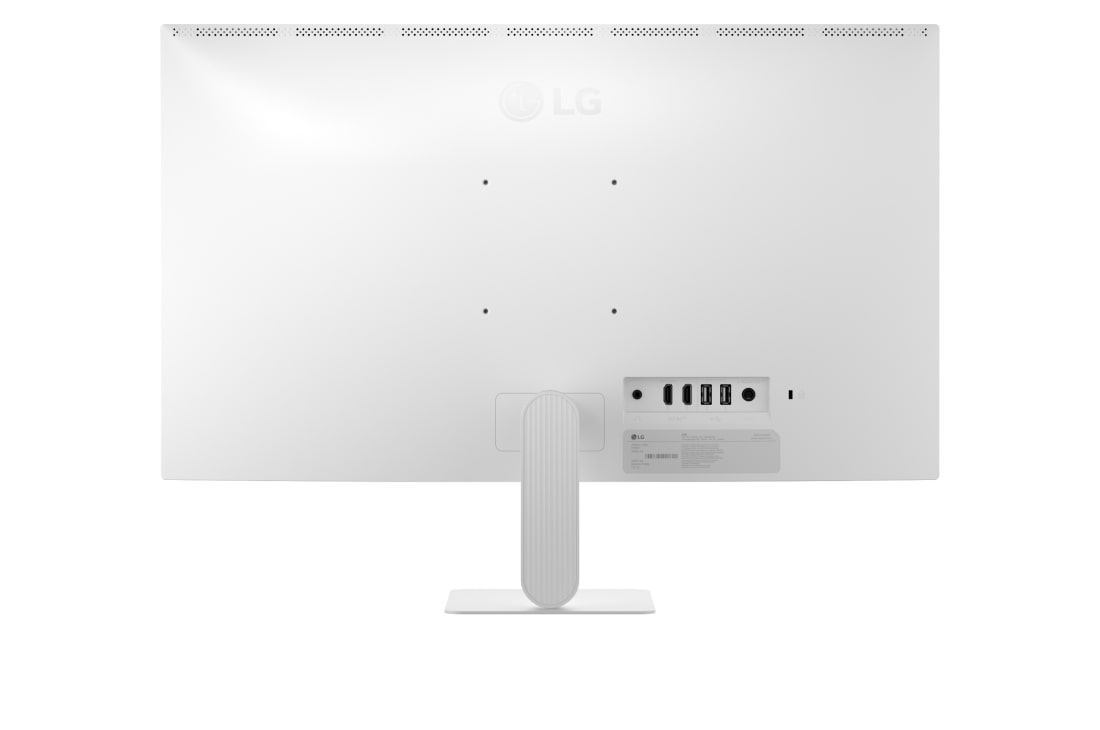
component-OBScountrySelectDesc

*titleText*
Limited Quantity Sale
-
Product Price(27U511SB-W)
AED *rPrice*AED *rPromoPrice**discountPDPMsg*LG Members Price(27U511SB-W)AED *rMemberPrice*AED *rMembershipPrice**discountPDPMsg*vip-price-message(27U511SB-W)AED *rPrice*AED *rVipPrice**discountPDPMsg*OBS_CHEAPERPRICE_MSG AED *cheaperPrice*
LG Members PriceAED *rMembershipPrice**rWelcomePriceDescription**rWelcomePriceTooltip*
AED *rWelcomePrice*

OBS_MEMBERSHIP_MSG AED *membershipPrice*
*obsMemberShipLinkEnd*OBS_LOWEST_PRICE_MARK_MSG
OBS_CHEAPERPRICE_MSG AED *cheaperPrice*
OBS_MEMBERSHIP_MSG AED *recommendedMembershipPrice*
bundle-unable-text
OBS_LOWEST_PRICE_MARK_MSG
OBS_LOWEST_PRICE_MARK_MSG
Award-winning excellence

One screen. Endless possibilities.
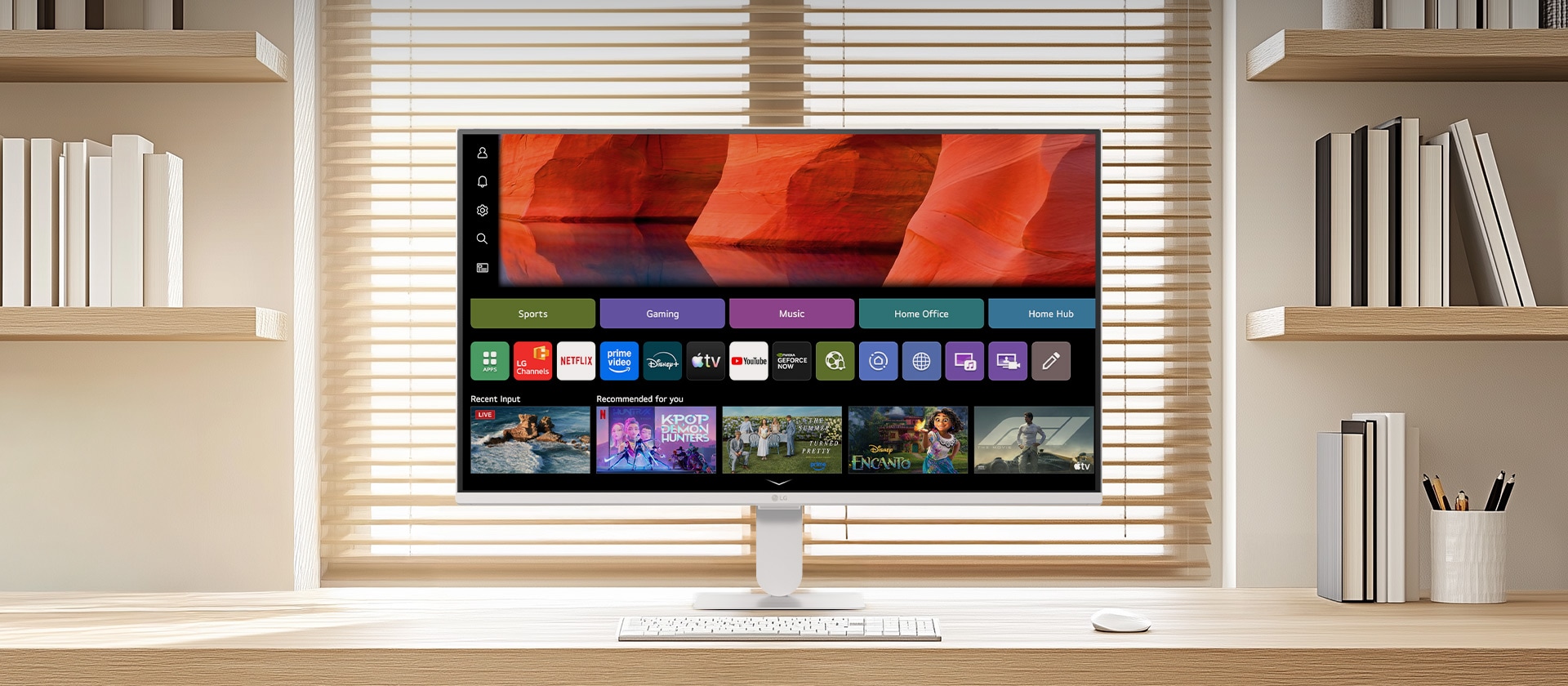
*The above keyboard and mouse are not included in the package (sold separately).
*This feature is available on webOS only and is supported on models running webOS26 or later. It is not supported on previous LG Smart Monitor models.
*Feature availability, functions, and the timing of application may vary by country, region, and language.
*An LG Account and acceptance of the relevant Terms and Conditions are required to access network-based smart services and features, including streaming apps and webOS features. Without an LG Account, only external device connections (e.g. via HDMI) are available. There is no fee to create an LG Account.
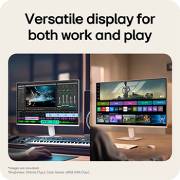
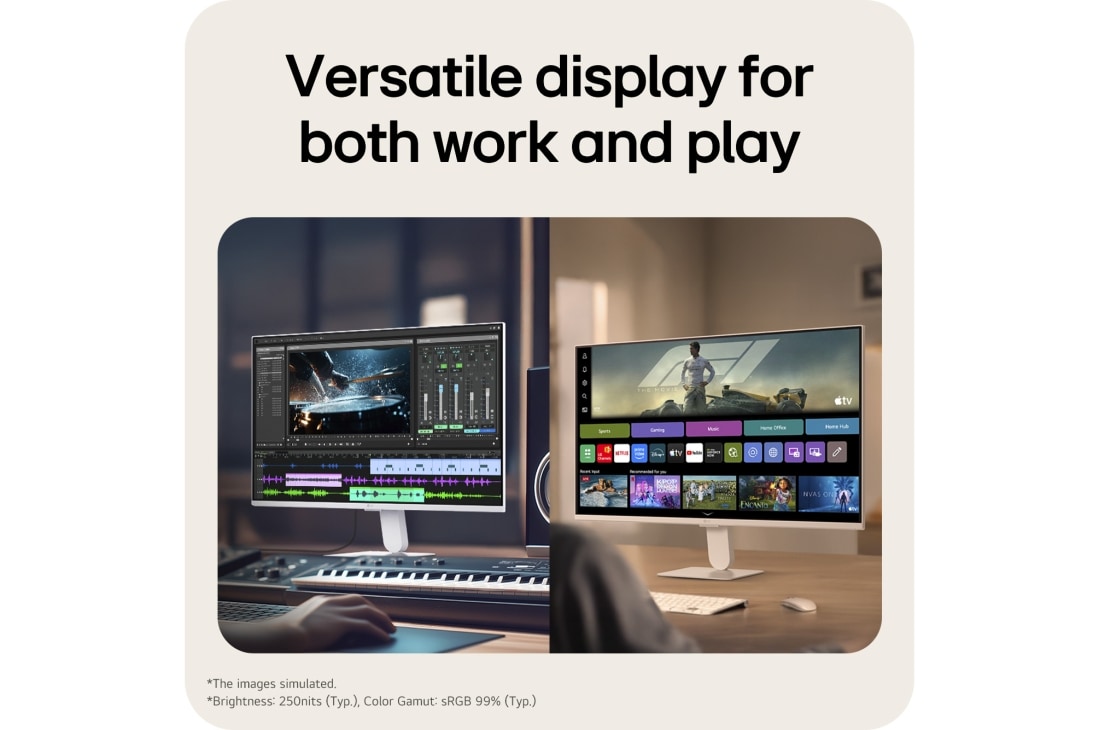
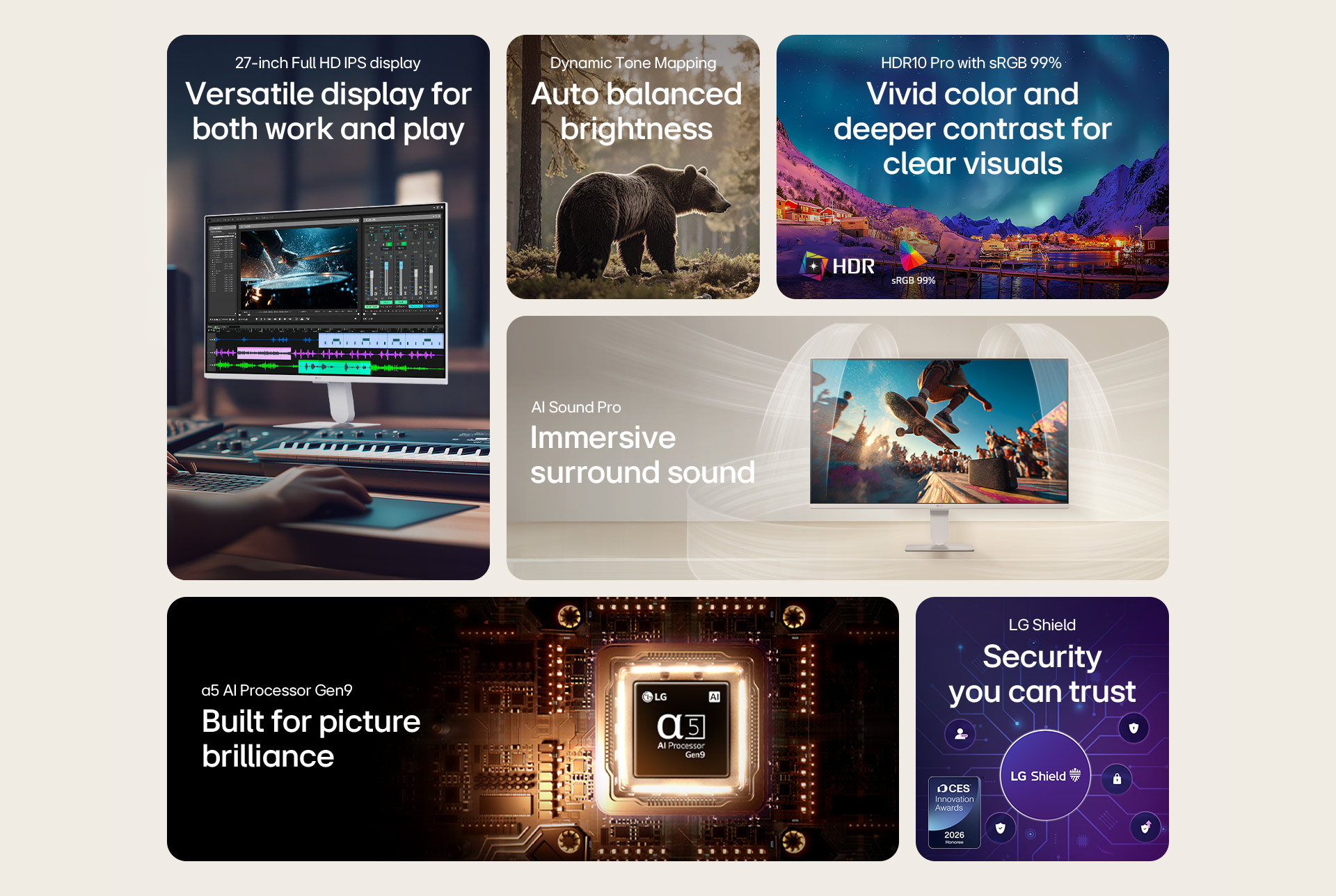
Versatile display for both work and play
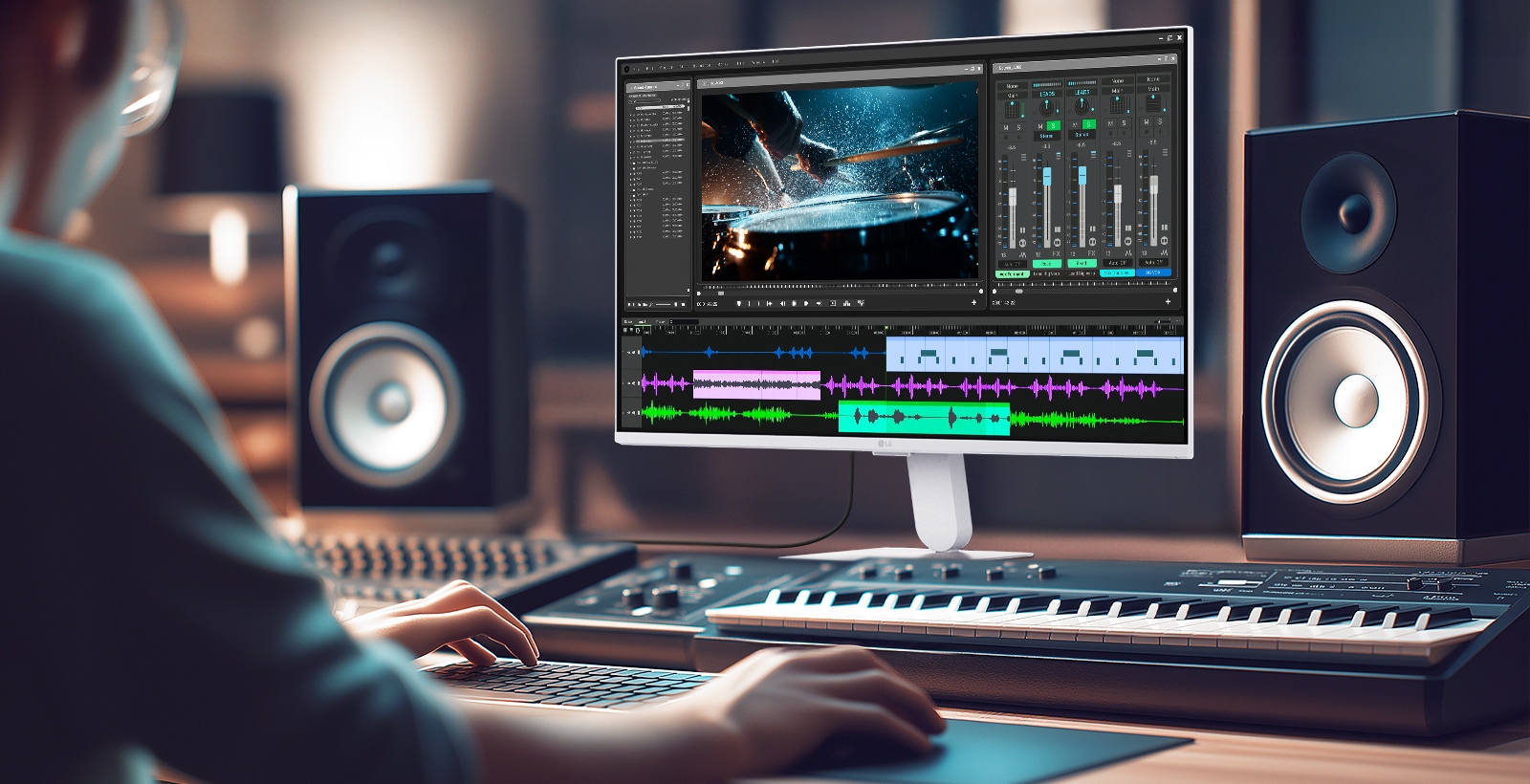
*Brightness: 250nits (Typ.), Color Gamut: sRGB 99% (Typ.)
Home Office ready without a PC
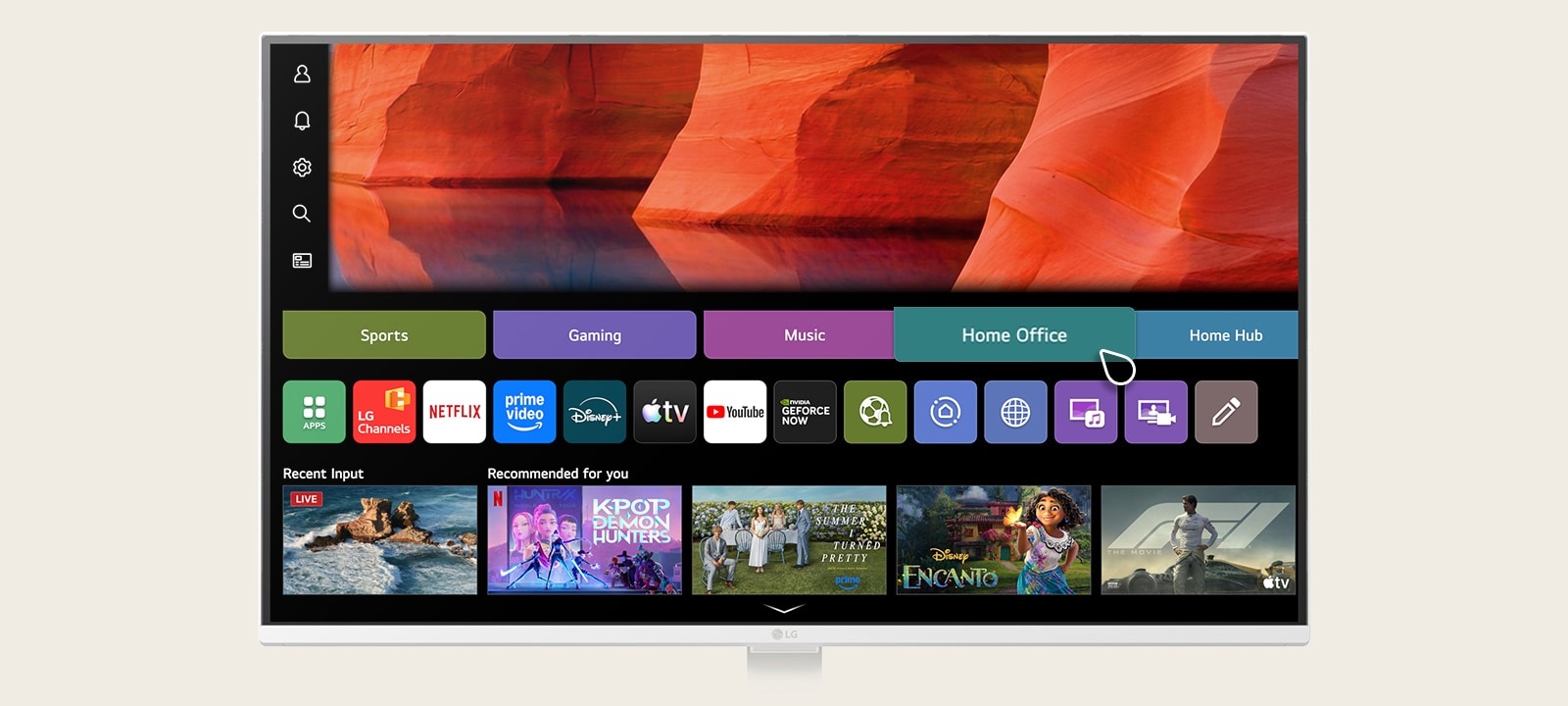
*The above keyboard, mouse, headset, and game controller, webcam (Pogo type) are not included in the package (sold separately).
*Remote PC is only available on PCs with Windows 11 Pro or later OS.
*Internet connection and subscription to related streaming services are required. Separate streaming services may require a subscription payment, and they are not provided (purchased separately).
*Remote PC functionality is supported on Windows 11 Pro or later versions and is compatible with third-party PCs that support remote PC connection, including gram.
*Supported services may differ by country.
*An LG Account and acceptance of the relevant Terms and Conditions are required to access network-based smart services and features, including streaming apps and webOS features. Without an LG Account, only external device connections (e.g. via HDMI) are available. There is no fee to create an LG Account.
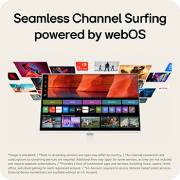
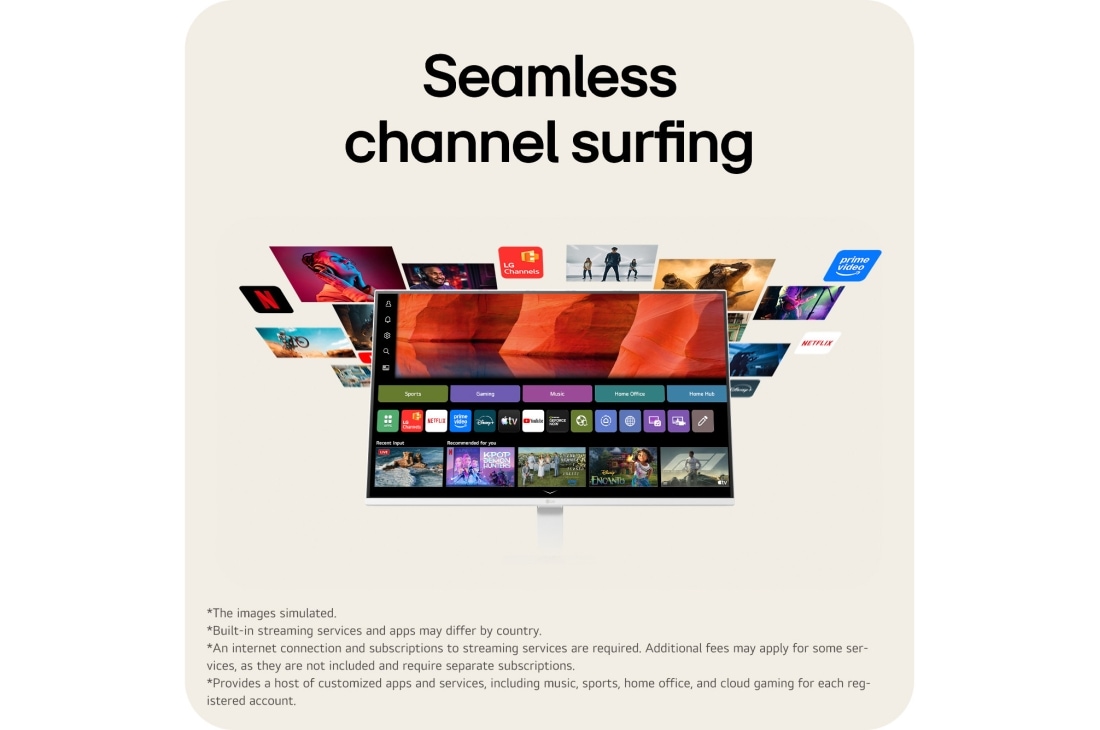
Seamless channel surfing
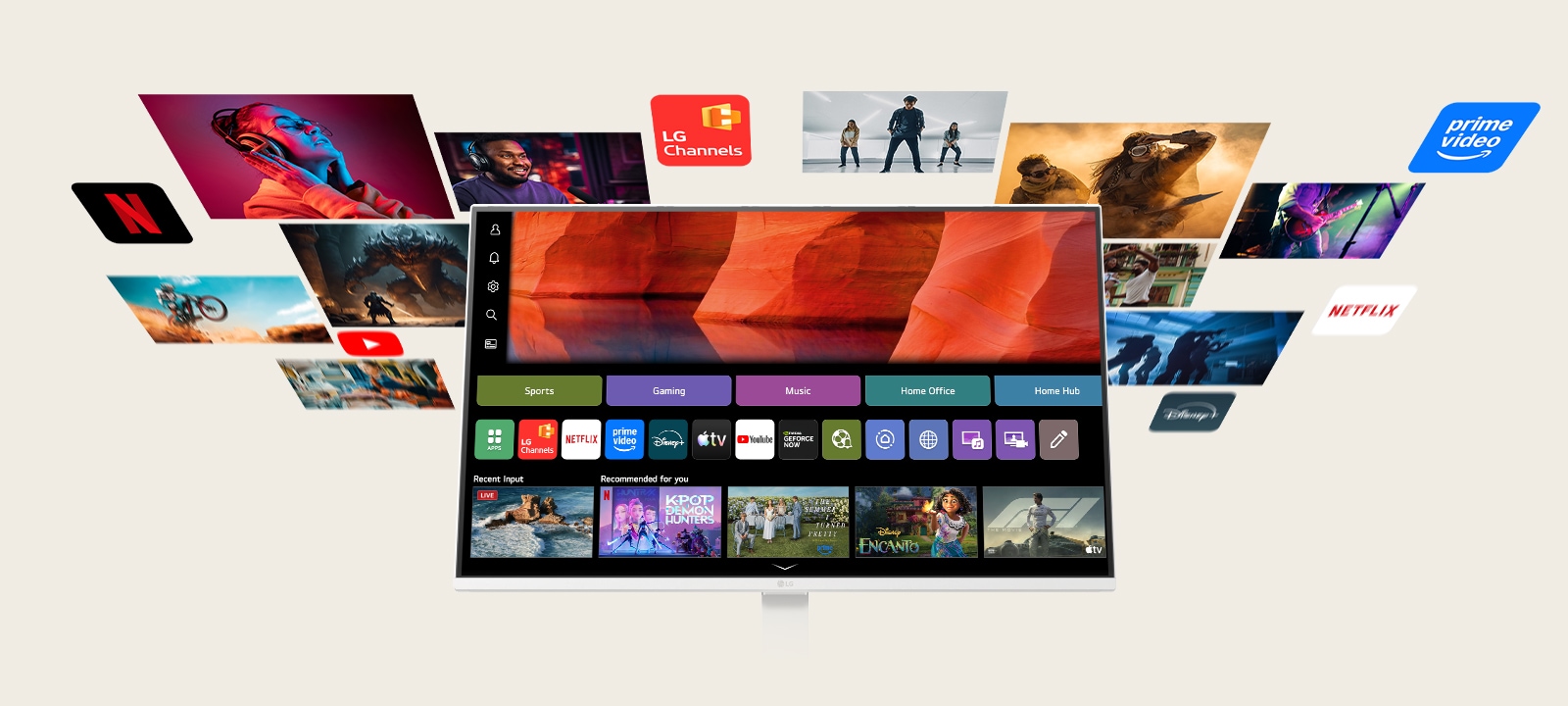
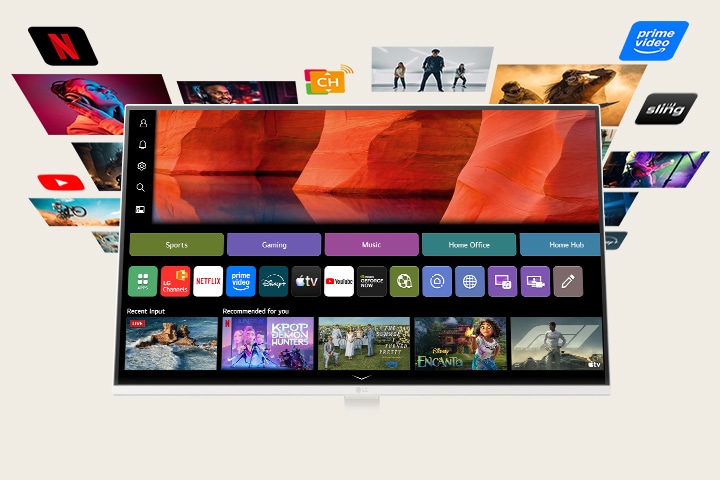
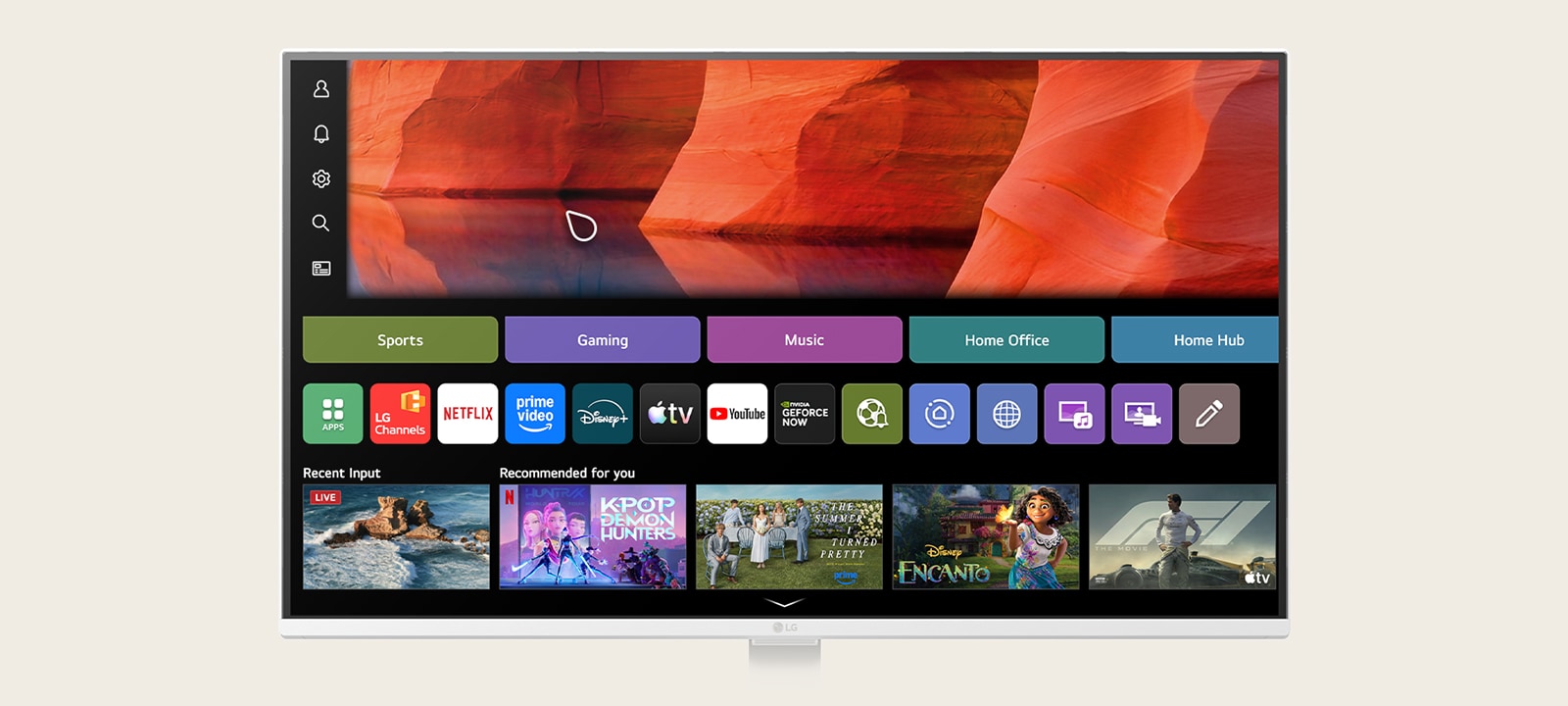
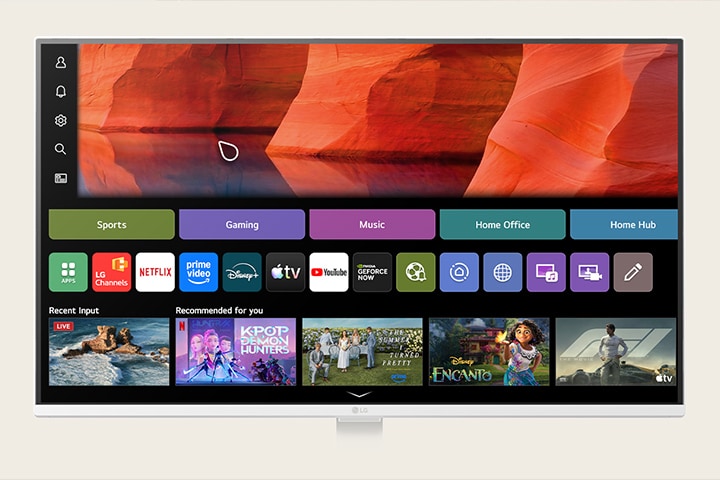
LG Channels brings live and on-demand content into a single hub, making it easier to discover content you love.
Personalized recommendations, Sports, Gaming, and LG Fitness apps, along with intuitive remote control, create a seamless viewing experience. Meanwhile, the 3-side virtually borderless slim white design and integrated speakers enhance visual immersion and sound quality.
*Built-in streaming services and apps may differ by country.
*An internet connection and subscriptions to streaming services are required. Additional fees may apply for some services, as they are not included and require separate subscriptions.
*Provides a host of customized apps and services, including music, sports, home office, and cloud gaming for each registered account.
*Support for certain LG Channels varies by region.
*LG account and internet connection are required for smart services. Consent to the privacy policy and terms of service is required.
*An LG Account and acceptance of the relevant Terms and Conditions are required to access network-based smart services and features, including streaming apps and webOS features. Without an LG Account, only external device connections (e.g. via HDMI) are available. There is no fee to create an LG Account.
The Gaming Portal is now open
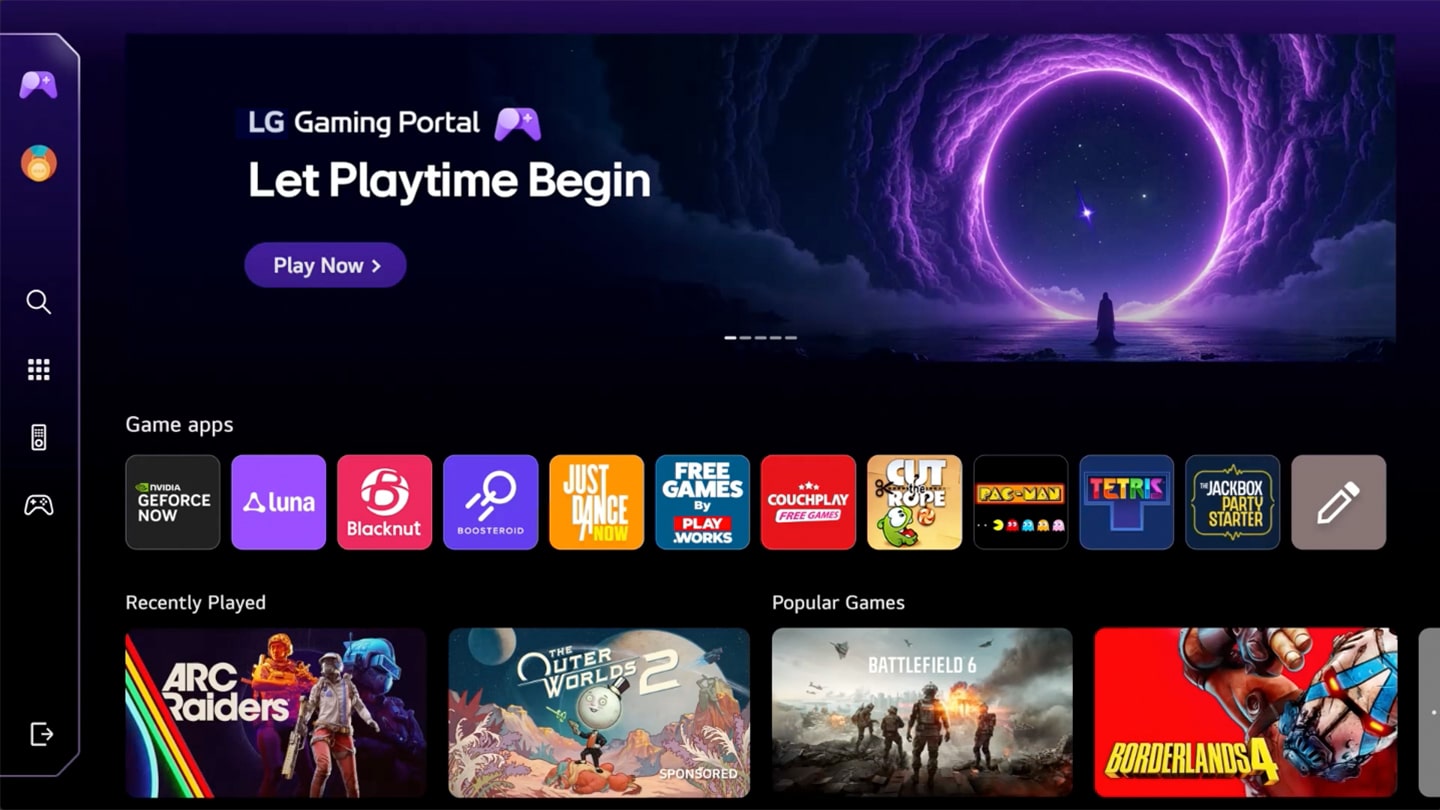
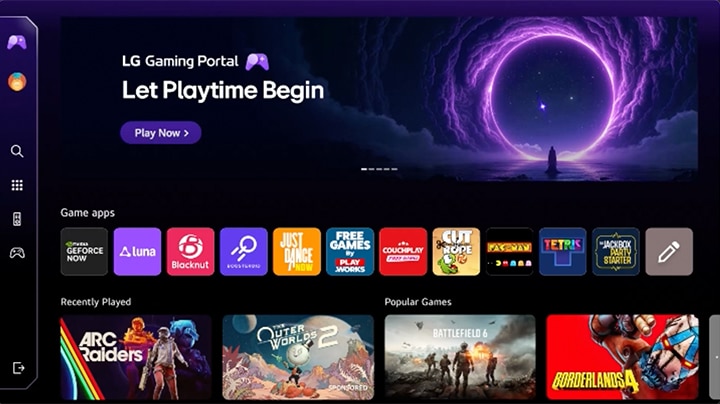
*Support for cloud gaming services and games within Gaming Portal may vary by country.
*Some gaming services may require a subscription and gamepad.
*An LG Account and acceptance of the relevant Terms and Conditions are required to access network-based smart services and features, including streaming apps and webOS features. Without an LG Account, only external device connections (e.g. via HDMI) are available. There is no fee to create an LG Account.
-
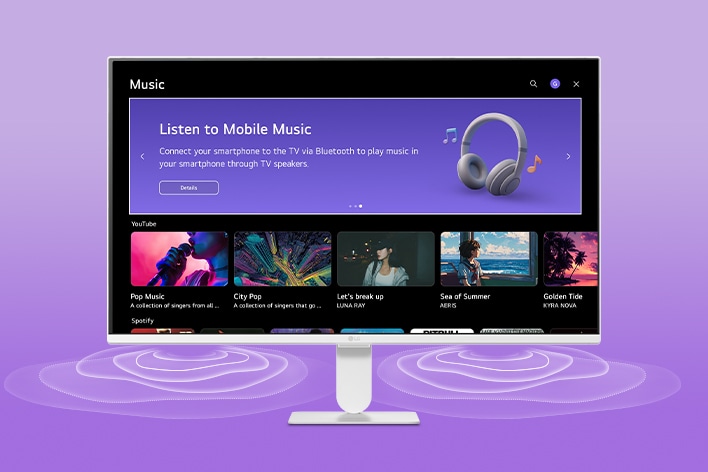
![The LG Smart Monitor screen displays the music apps interface.]()
Curated to your music tastes
Enjoy customized music immersively with built-in speakers. You can search for music easily and access recently played songs from your streaming services quickly. Also, it recommends popular songs based on your preference.
-
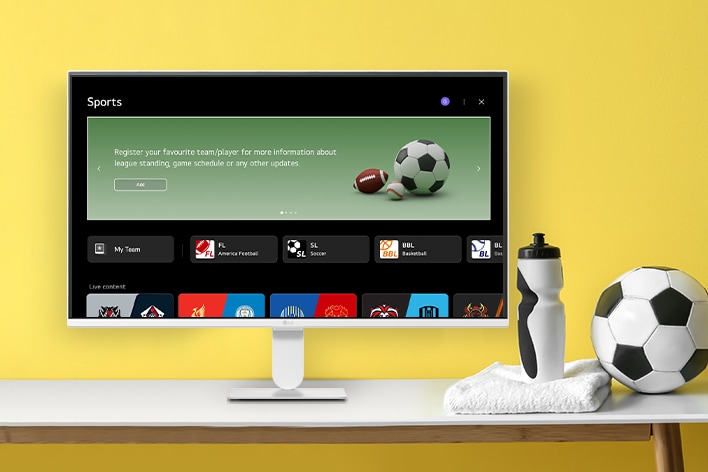
![The LG Smart Monitor screen is showing various LG sports screen.]()
Follow your sport teams
Support your team with personalized service. It shows updated information on your favorite sports team based on your profile.
*The above keyboard, mouse, headset, and game controller are not included in the package (sold separately).
*Internet connection and subscription to related streaming services are required. Separate streaming services may require a subscription payment, and they are not provided (purchased separately).
*Gaming Portal availability may vary by region. In unsupported regions, users will be redirected to the existing Gaming Hub.
*Supported services may differ by country.
*Internet connection, Xbox Game Pass Ultimate subscription, and compatible Bluetooth gaming controller required. Xbox Cloud Gaming (Beta) requires Game Pass Ultimate subscription and supported device (both sold separately). Select regions (xbox.com/regions), devices (xbox.com/cloud-devices), and games (xbox.com/play). Available on select LG Smart Monitors supporting webOS 24 and newer versions.
*An LG Account and acceptance of the relevant Terms and Conditions are required to access network-based smart services and features, including streaming apps and webOS features. Without an LG Account, only external device connections (e.g. via HDMI) are available. There is no fee to create an LG Account.
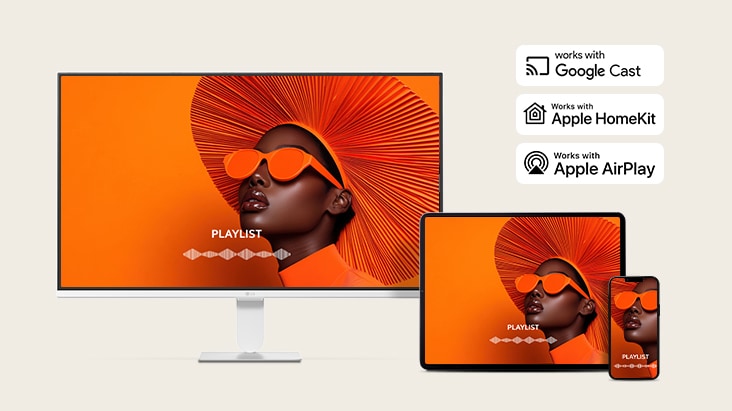
Smart connectivity for seamless device sharing
*To use AirPlay and HomeKit with this monitor, the latest version of iOS, iPadOS, or macOS is recommended. Apple, AirPlay, and HomeKit are trademarks of Apple Inc., registered in the U.S. and other countries and regions. The Works with Apple Home 8badge is a trademark of Apple Inc.
**Screen Share : Supported on Android or Windows 10 and above.
**Connect your device to the same network as your monitor.
***Google Cast: Supported on Android phone or tablet with Android 9.0 or later and iPhone or iPad with iOS 16.0 or later.
***Google Cast is a trademark of Google LLC. Supported features may vary by country.
Built for picture brilliance
*This feature is available on webOS only and is supported on models running webOS26 or later. It is not supported on previous LG Smart Monitor models.
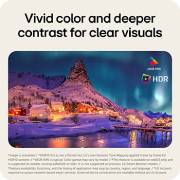
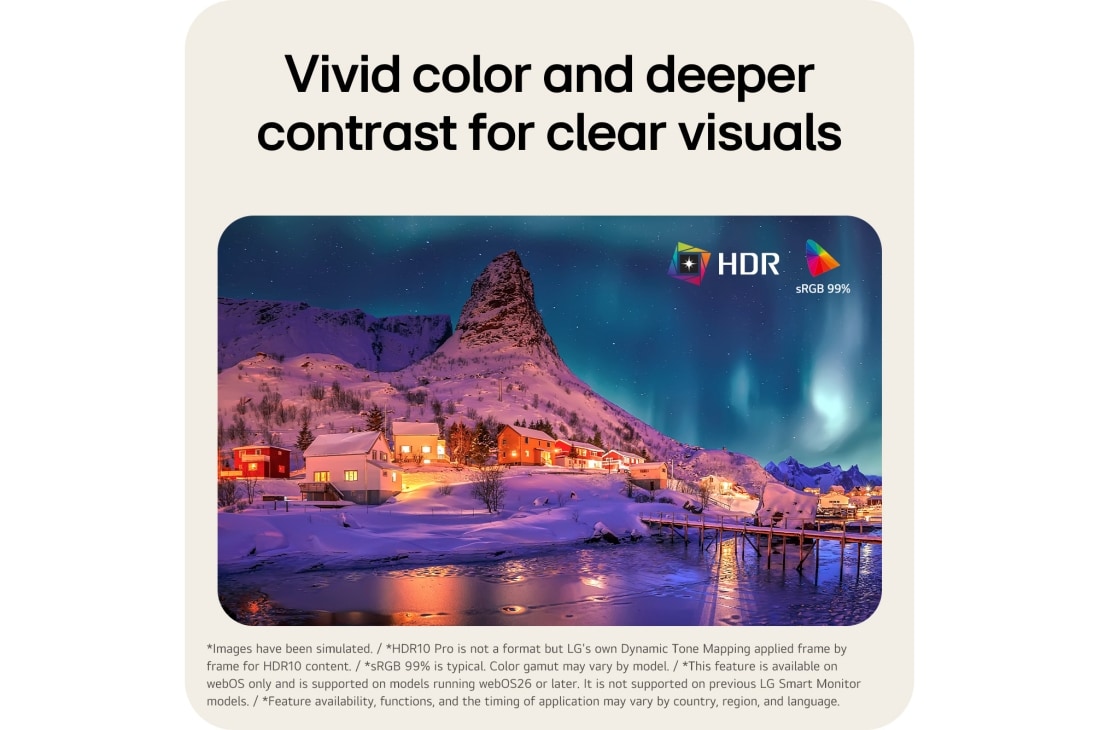
Vivid color and deeper contrast for clear visuals

SDR

HDR10 Pro
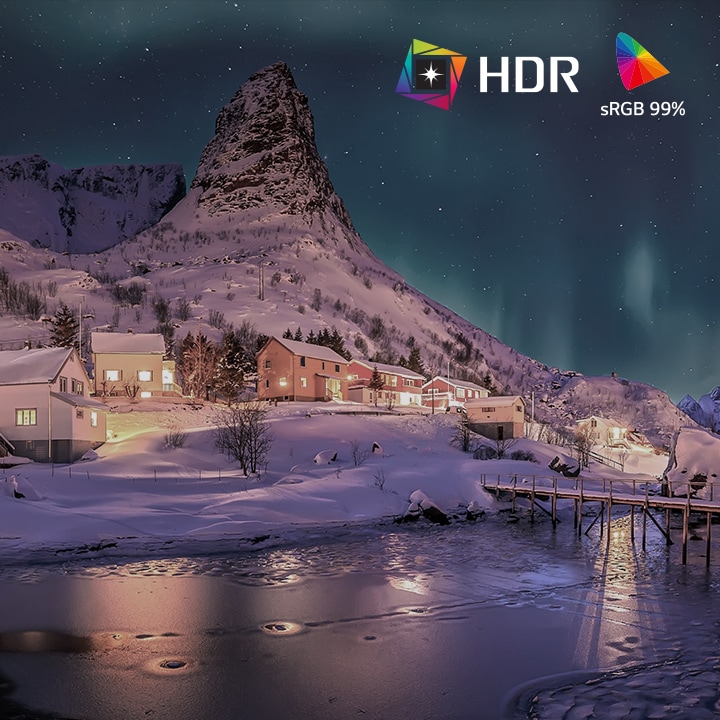
SDR
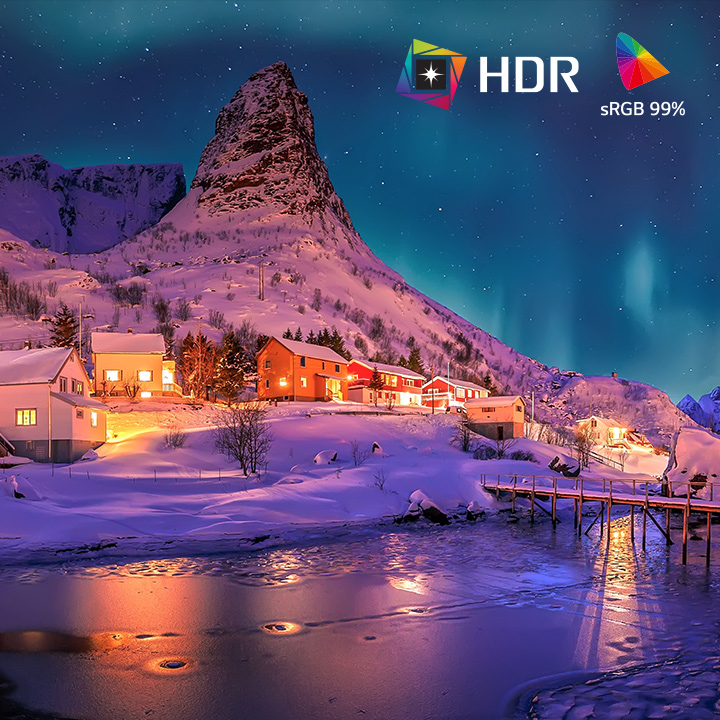
HDR10 Pro
*HDR10 Pro is not a format but LG's own Dynamic Tone Mapping applied frame by frame for HDR10 content.
*sRGB 99% is typical. Color gamut may vary by model.
*This feature is available on webOS only and is supported on models running webOS26 or later. It is not supported on previous LG Smart Monitor models.
*Feature availability, functions, and the timing of application may vary by country, region, and language.
*An LG Account and acceptance of the relevant Terms and Conditions are required to access network-based smart services and features, including streaming apps and webOS features. Without an LG Account, only external device connections (e.g. via HDMI) are available. There is no fee to create an LG Account
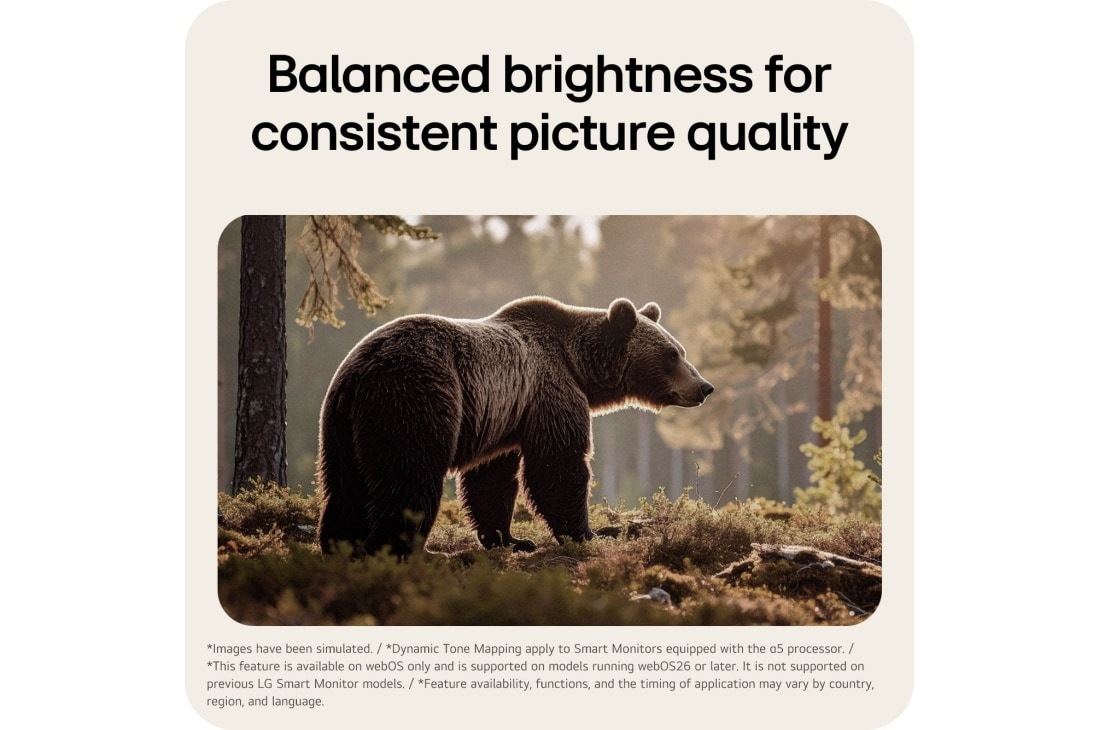
Balanced brightness for consistent picture quality


*Dynamic Tone Mapping apply to Smart Monitors equipped with the α5 processor.
*This feature is available on webOS only and is supported on models running webOS26 or later. It is not supported on previous LG Smart Monitor models.
*Feature availability, functions, and the timing of application may vary by country, region, and language.
*An LG Account and acceptance of the relevant Terms and Conditions are required to access network-based smart services and features, including streaming apps and webOS features. Without an LG Account, only external device connections (e.g. via HDMI) are available. There is no fee to create an LG Account.
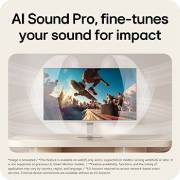
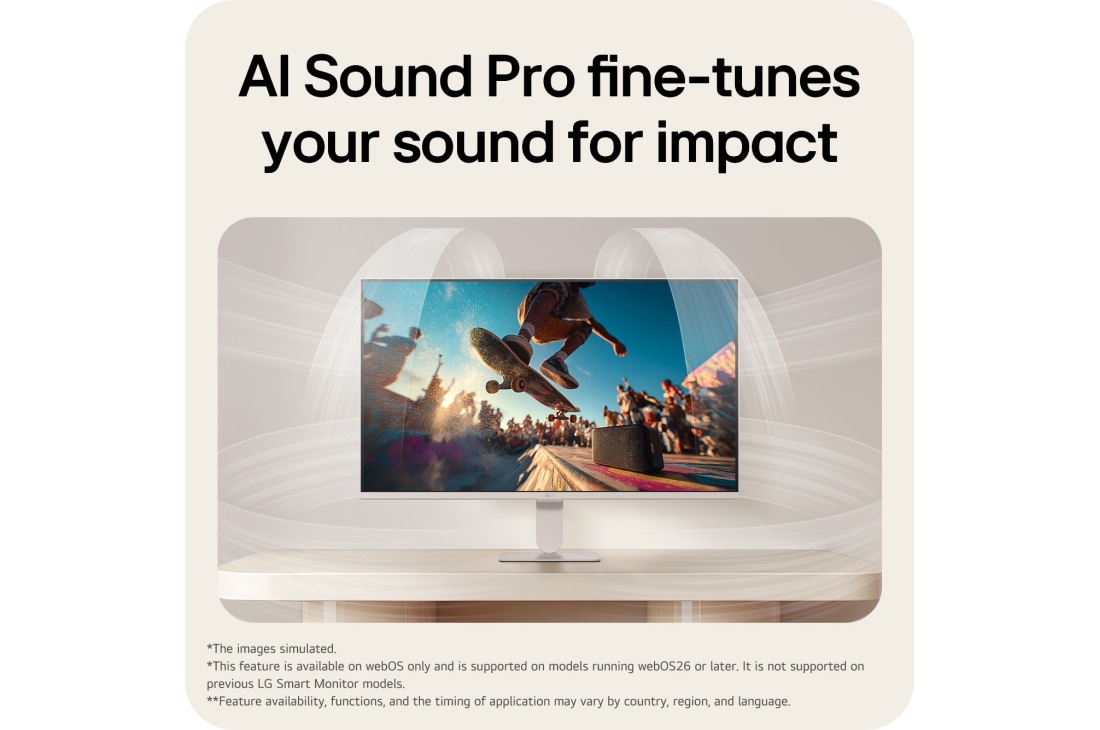
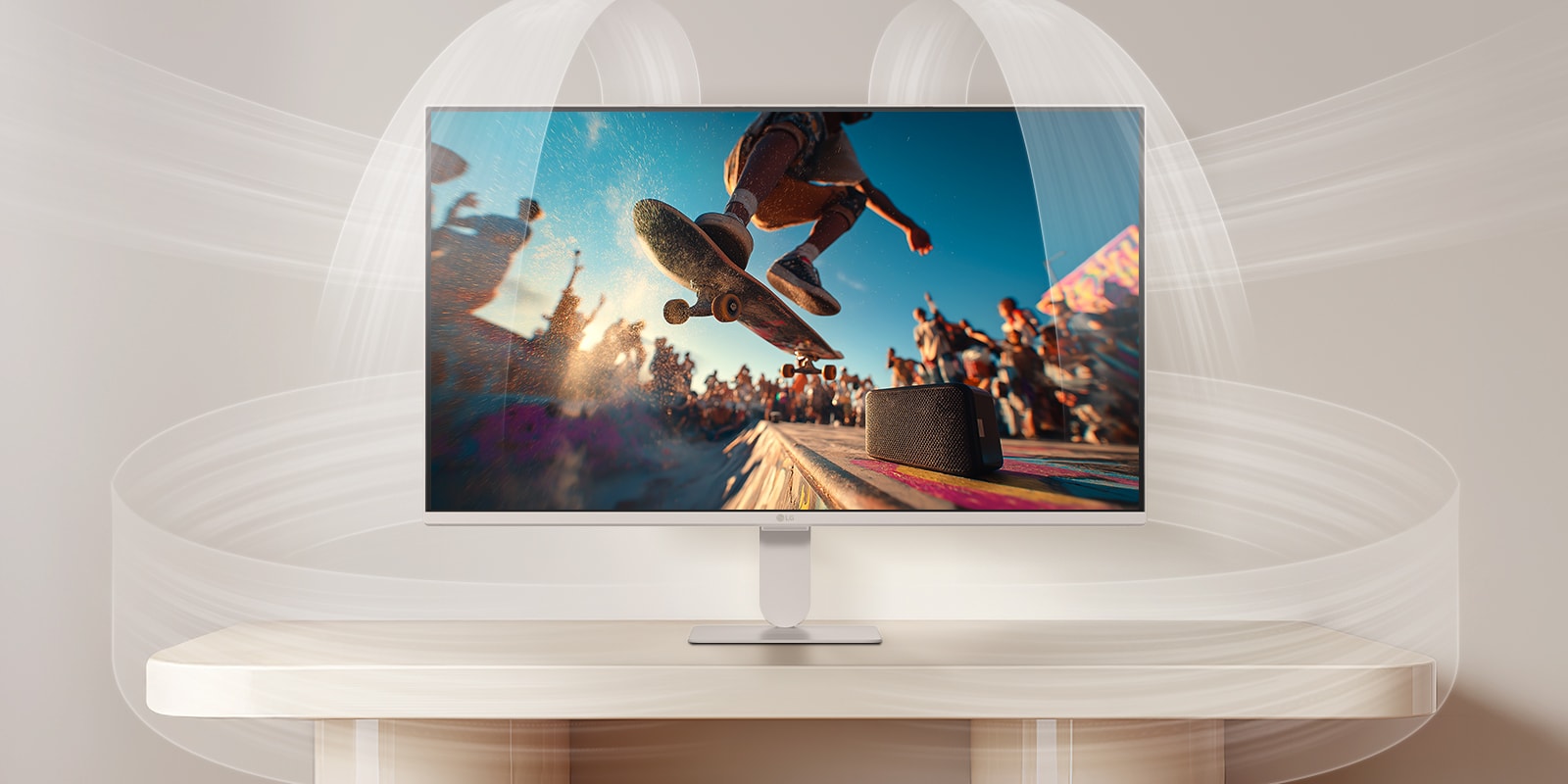
AI Sound Pro fine-tunes your sound for impact
*This feature is available on webOS only and is supported on models running webOS26 or later. It is not supported on previous LG Smart Monitor models.
*Feature availability, functions, and the timing of application may vary by country, region, and language.
*An LG Account and acceptance of the relevant Terms and Conditions are required to access network-based smart services and features, including streaming apps and webOS features. Without an LG Account, only external device connections (e.g. via HDMI) are available. There is no fee to create an LG Account.
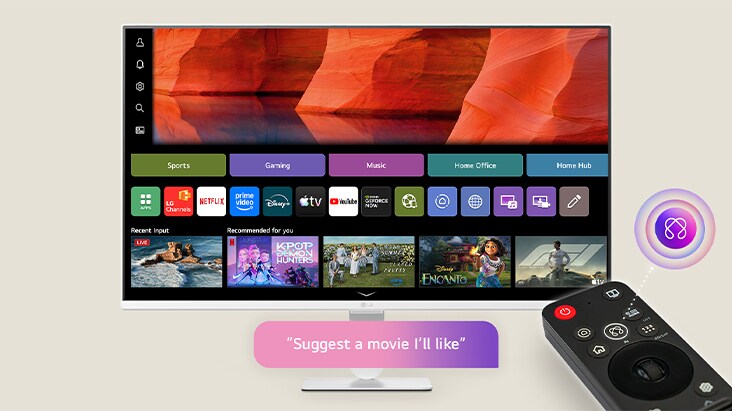
Get answers to any questions with AI Search
*Magic Remote availability may vary by country. From 2026, inclusion as a standard accessory may vary by region.
*The functions and features in Magic Remote may vary by region and language.
*AI Voice Recognition is only provided in countries that support NLP in their native language.
*This feature may vary by region and model and is not available in countries where LLM support is not provided.
*The AI feature may change, be replaced, or be discontinued if required by third-party service terms, licensing, technical changes, or legal requirements.
*AI-generated responses may not always be accurate and should only be used as a general guide.
*This feature requires an internet connection and is available only on webOS. Features may vary by model.
*An LG Account and acceptance of the relevant Terms and Conditions are required to access network-based smart services and features, including streaming apps and webOS features. Without an LG Account, only external device connections (e.g. via USB-C or HDMI) are available. There is no fee to create an LG Account.
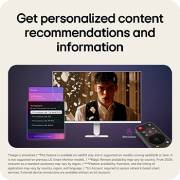
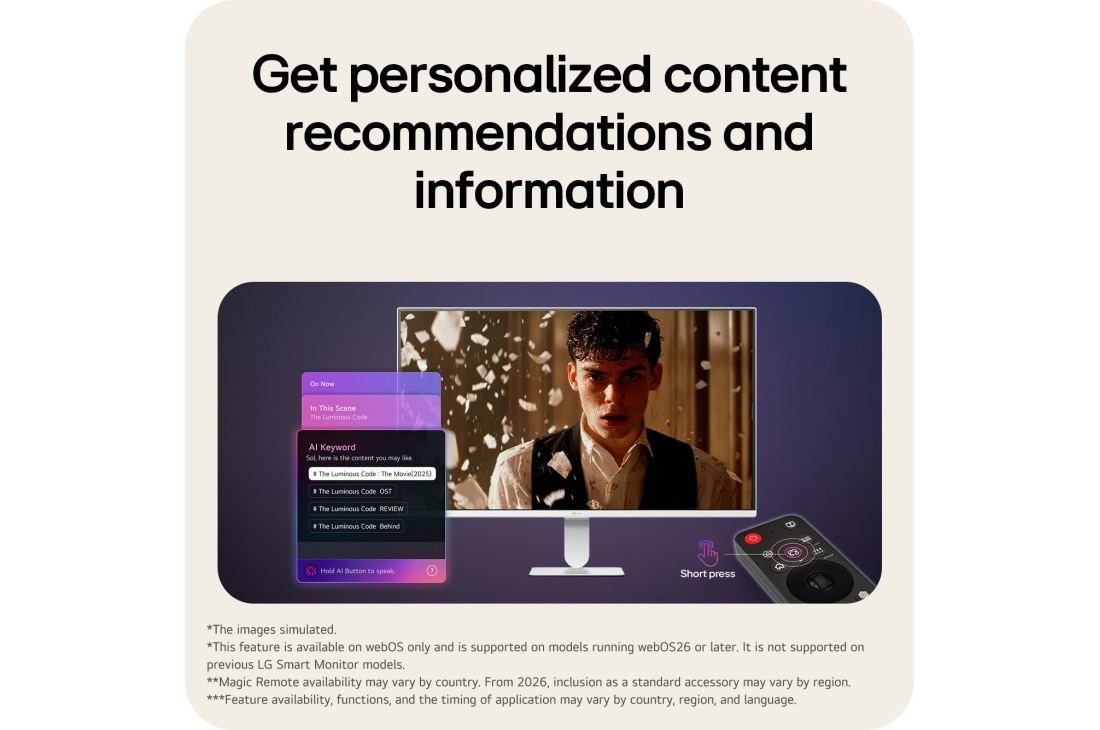
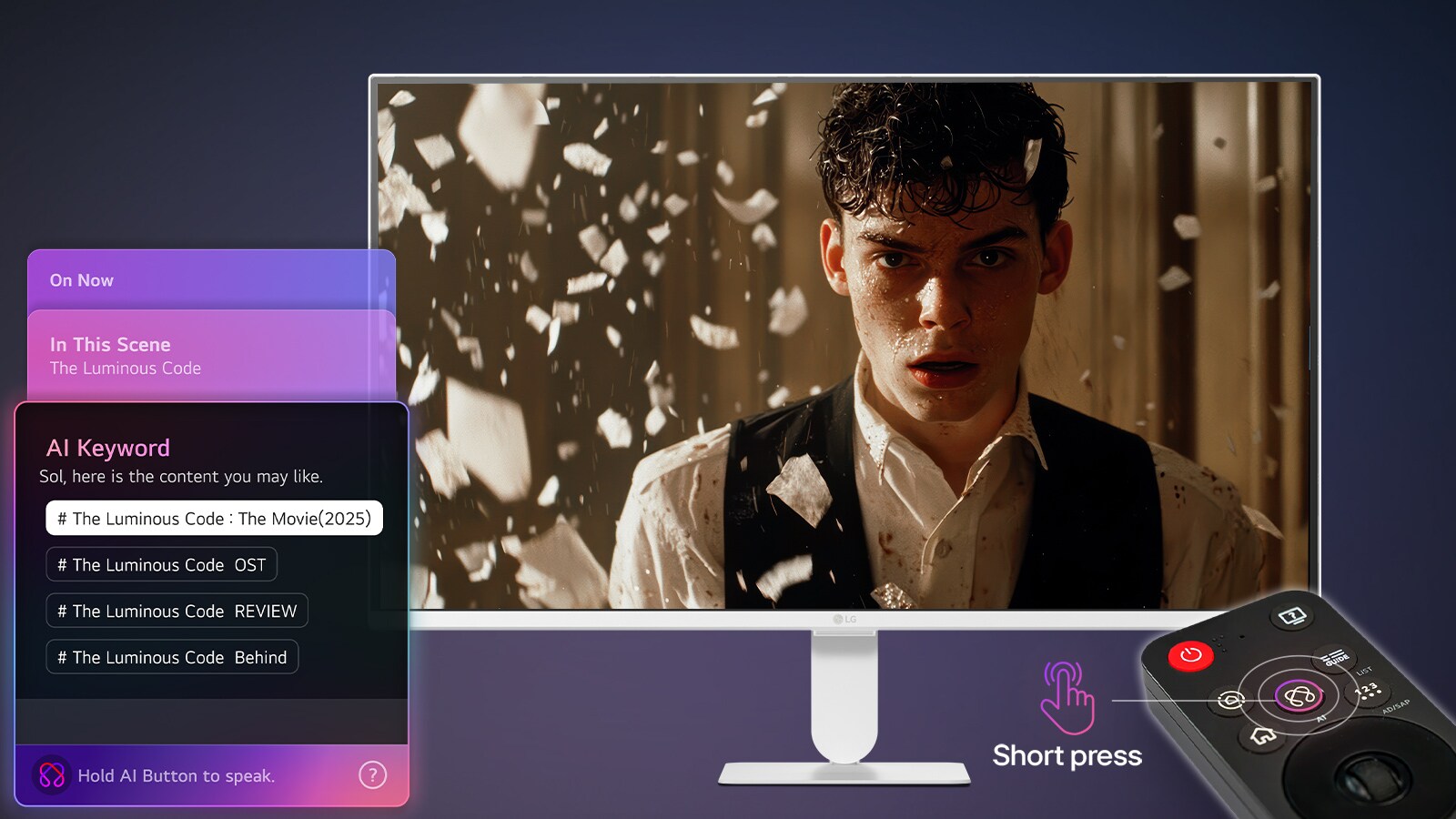
Get personalized content recommendations and information
*Feature availability, functions, and the timing of application may vary by country, region, and language.
*An LG Account and acceptance of the relevant Terms and Conditions are required to access network-based smart services and features, including streaming apps and webOS features. Without an LG Account, only external device connections (e.g. via HDMI) are available. There is no fee to create an LG Account.
AI Voice ID
*These features are available on webOS only and are supported on LG Smart Monitor models running webOS 26 or later. They are not supported on previous LG Smart Monitor models.
*AI Voice ID works only with compatible apps, and keyword recommendations may vary by app and time of day.
*Feature availability, supported content, menus, and apps may vary by country, region, and network connectivity.
*Internet connection is required for the features above.
*The Magic Remote provides quick access to the Smart Monitor’s AI features but does not perform built-in AI processing.
*Magic Remote availability may vary by country. From 2026, inclusion as a standard accessory may vary by region.
*An LG Account and acceptance of the relevant Terms and Conditions are required to access network-based smart services and features, including streaming apps and webOS features. Without an LG Account, only external device connections (e.g. via HDMI) are available. There is no fee to create an LG Account.
Experience our award winning webOS
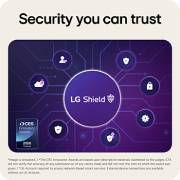
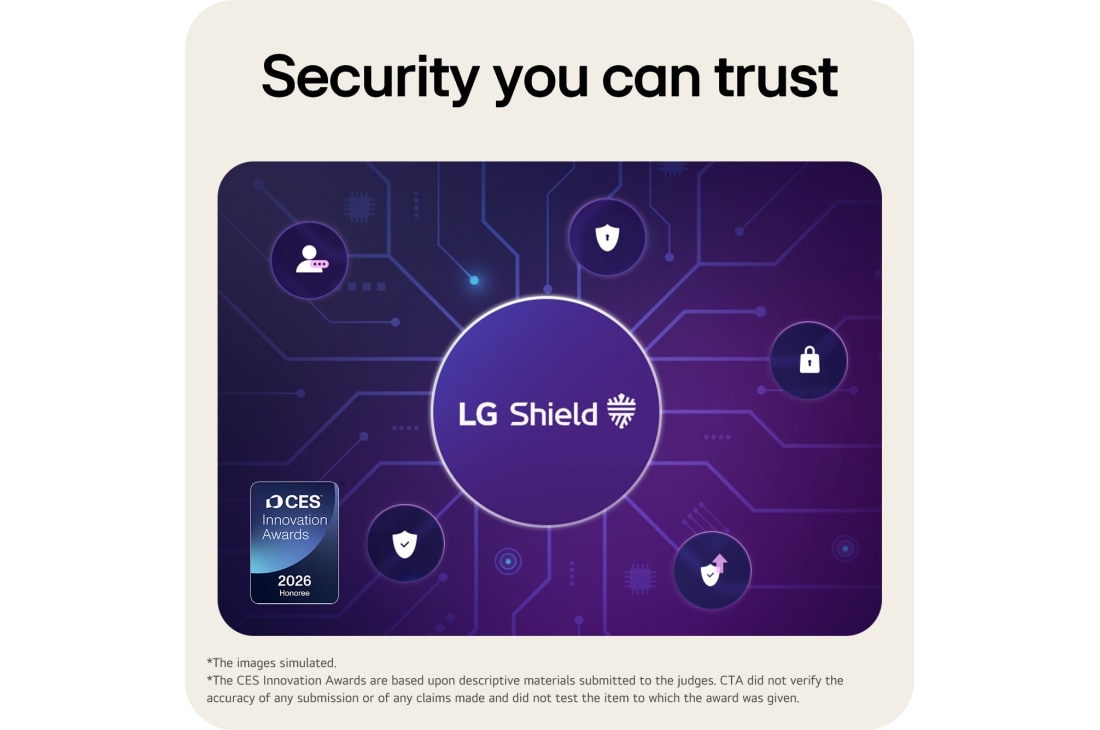
Security you can trust
*The CES Innovation Awards are based upon descriptive materials submitted to the judges. CTA did not verify the accuracy of any submission or of any claims made and did not test the item to which the award was given.
*An LG Account and acceptance of the relevant Terms and Conditions are required to access network-based smart services and features, including streaming apps and webOS features. Without an LG Account, only external device connections (e.g. via HDMI) are available. There is no fee to create an LG Account.
Productivity hub with easy connectivity
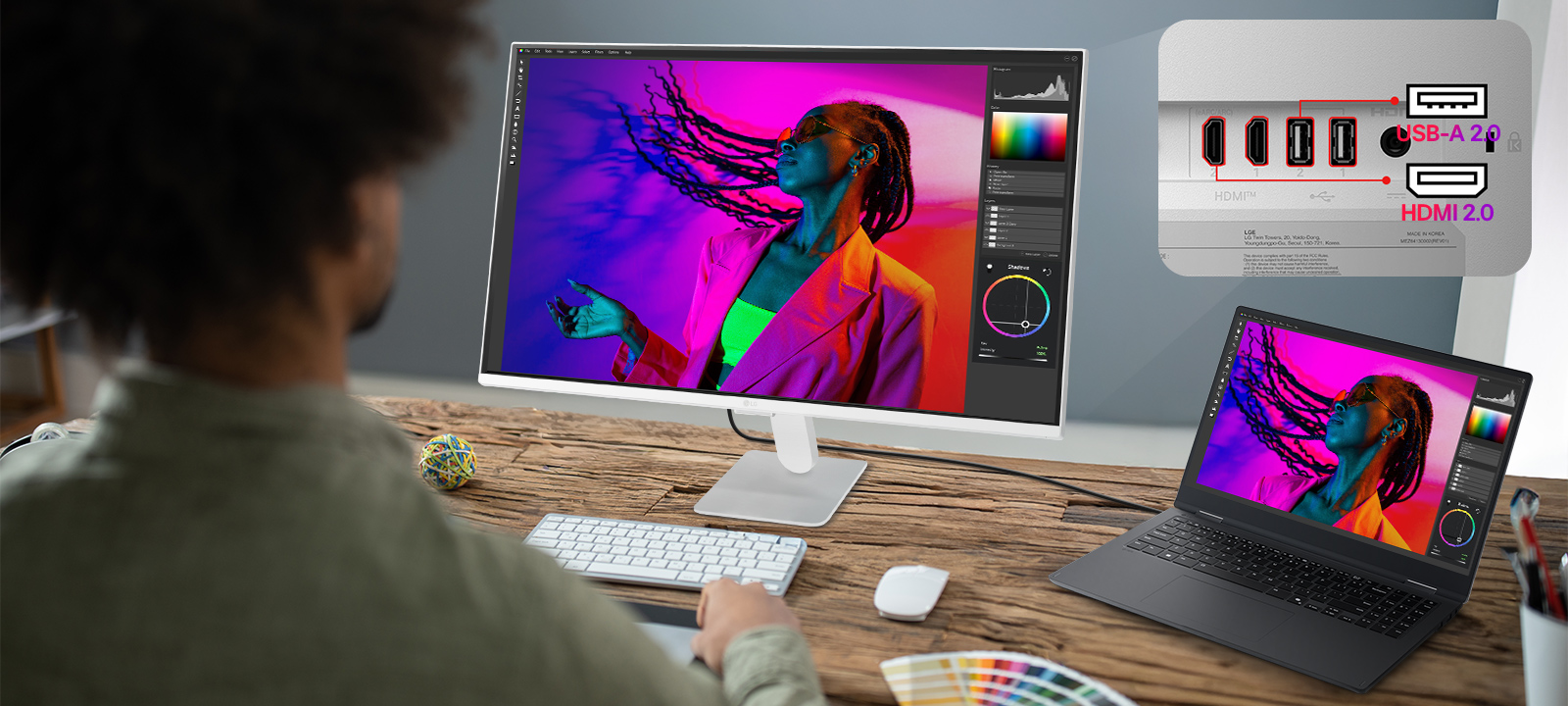

Easy to optimize effortlessly with LG Switch
*LG Switch app is a PC-only application.
*Window arrangement and multi-window features are available within a single input via the LG Switch app.
*This monitor does not support Picture by Picture (PBP) or Picture in Picture (PIP) with multiple inputs. To download the latest version of the LG Switch app, visit LG.com.
*An LG Account and acceptance of the relevant Terms and Conditions are required to access network-based smart services and features, including streaming apps and webOS features. Without an LG Account, only external device connections (e.g. via HDMI) are available. There is no fee to create an LG Account.
Powered by webOS
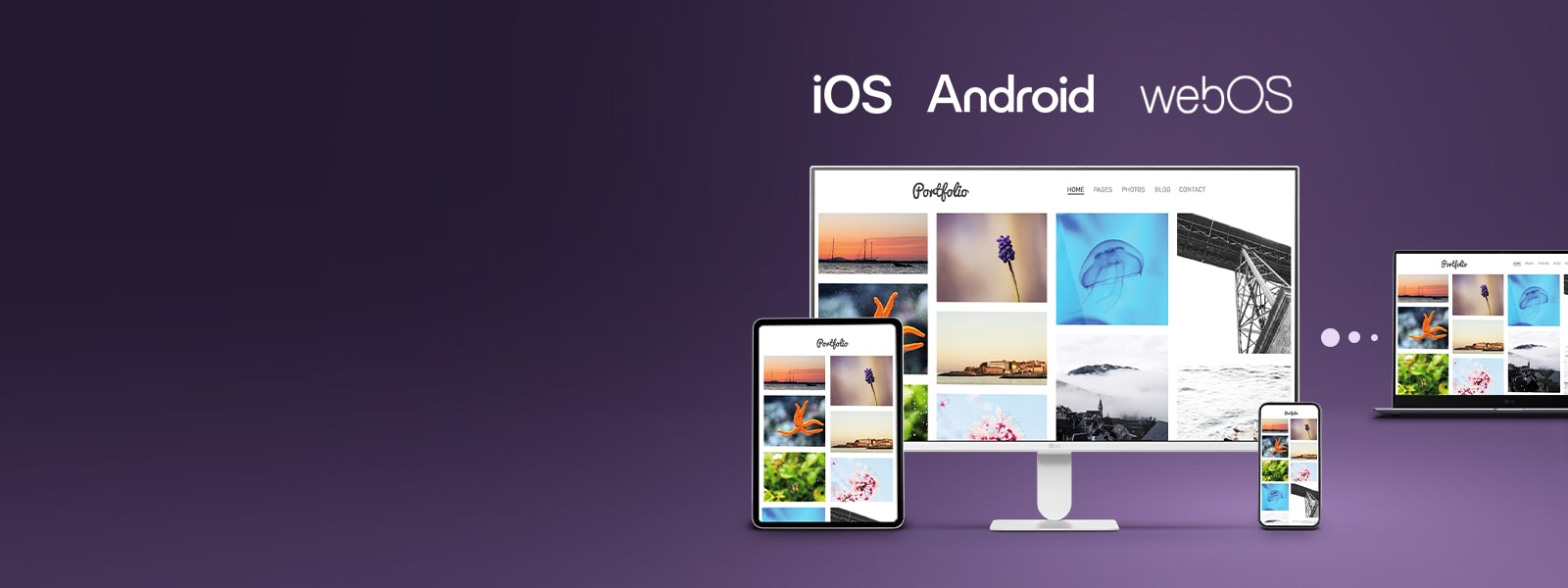
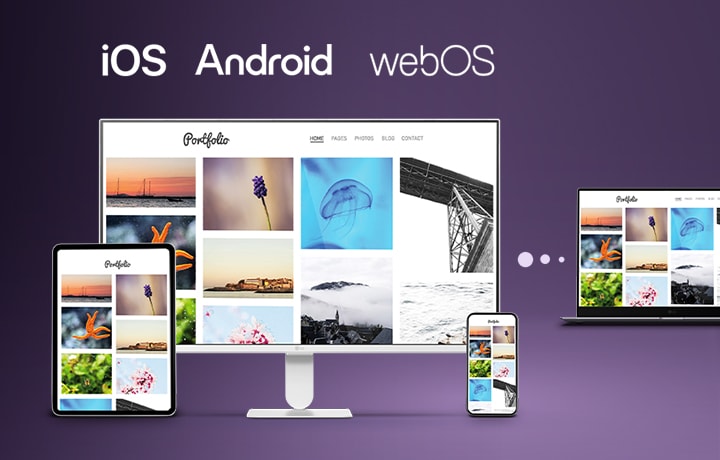
LG Link: easy device
sync across iOS,
Android, and webOS
*To work properly, install the LG gram Link app on your mobile devices. iOS 16.4 or later and Android 9 or higher are required.
*File transfer speed and quality may vary depending on device performance, file size, and network conditions.
*Feature availability, functions, and the timing of application may vary by country, region, and language.
*These features are available on webOS only and are supported on LG Smart Monitor models running webOS 26 or later. They are not supported on previous LG Smart Monitor models.
*To install the LG gram Link app, use the LG Update program to automatically find and install the version that matches your system (applies to models released in 2024 and later).
*The file sharing feature can be used without a network connection via Bluetooth. All other features require the laptop and mobile device to be connected to the same network.
*Support for Smart Monitors will be expanded over time. Some Smart TVs and monitor models may not be supported.
*iOS and Android logos are registered trademarks of Apple Inc., Google LLC, and LG Electronics Inc., respectively.
*An LG Account and acceptance of the relevant Terms and Conditions are required to access network-based smart services and features, including streaming apps and webOS features. Without an LG Account, only external device connections (e.g. via HDMI) are available. There is no fee to create an LG Account.
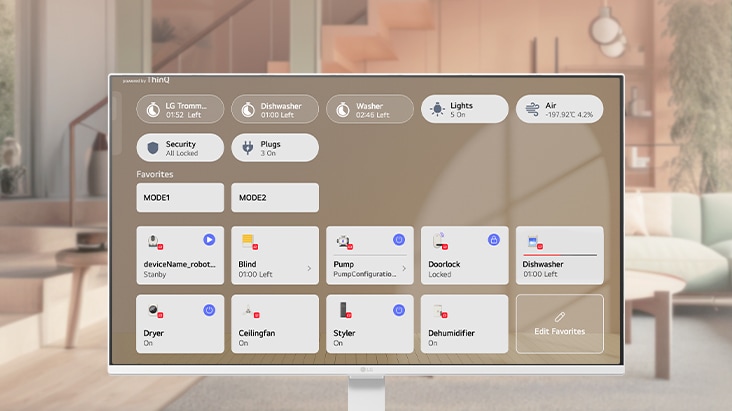
Control multiple smart devices easily with ThinQ Home Hub
Easily control and monitor devices with ThinQ integration, while enjoying compatibility with Apple Home, Apple AirPlay, and Google Cast for seamless viewing and control in one place.
*An LG Account and acceptance of the relevant Terms and Conditions are required to access network-based smart services and features, including streaming apps and webOS features. Without an LG Account, only external device connections (e.g. via USB-C or HDMI) are available. There is no fee to create an LG Account.
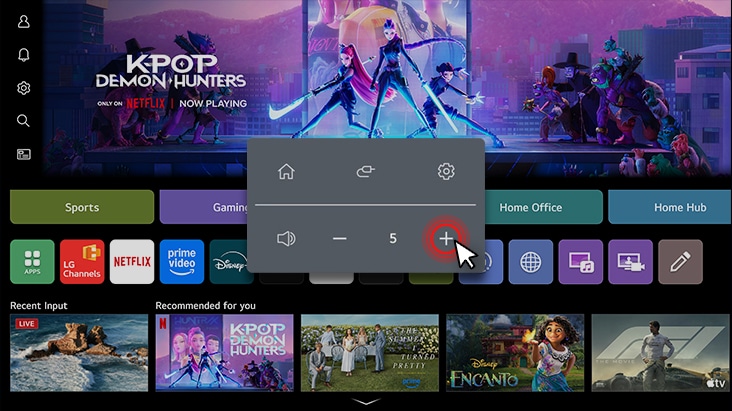
Quick Control
- The safety information for accessories is included with the safety information for the product and is not provided separately.
View 27U511SB-W Product Support


-
Chat Service Check our new WhatsApp service
Add "+971 54 3939 054"
to your phone contact & connect to
LG Customer Service via WhatsApp -
Email Us Send a Message to LG Customer Support.
-
Telephone Call an LG Support Representative at
Afghanistan :5454
Armenia :060 700 333
Azerbaijan :(+99412) 404 7354
Bahrain :8000 1919
Georgia :032 2000 333
Kuwait :1833 333
Oman :800 75545
Pakistan :0800 15454
Qatar :800 0054
UAE :800 54
Yemen :+967 1 264 096


Find Locally

No Results
TIP: Try entering a location or using your current location.
Please enter a location.
There is no data.
Please retry to enter zip code.
Please enter a location.
OBS_MEMBERSHIP_MSG AED *siblingMembershipPrice*
*obsMemberShipLinkEnd*