
To properly experience our LG.com website, you will need to use an alternate browser or upgrade to a newer version of internet Explorer (IE10 or greater).
The LG.com website utilizes responsive design to provide convenient experience that conforms to your devices screen size. In order to get the best possible experience our LG.COM website please follow below instructions. If you’re using Internet Explorer 9 or earlier, you will need to use an alternate browser such as Firefox or Chrome or upgrade to a newer version of internet Explorer (IE10 or greater).


Which monitor setup fits your needs best
Create your ideal setup with the perfect monitor combination for your needs, budget and space. Smarter use of space increases efficiency and maximizes productivity.
How to build a monitor setup for maximum immersion in adventure and exploration games
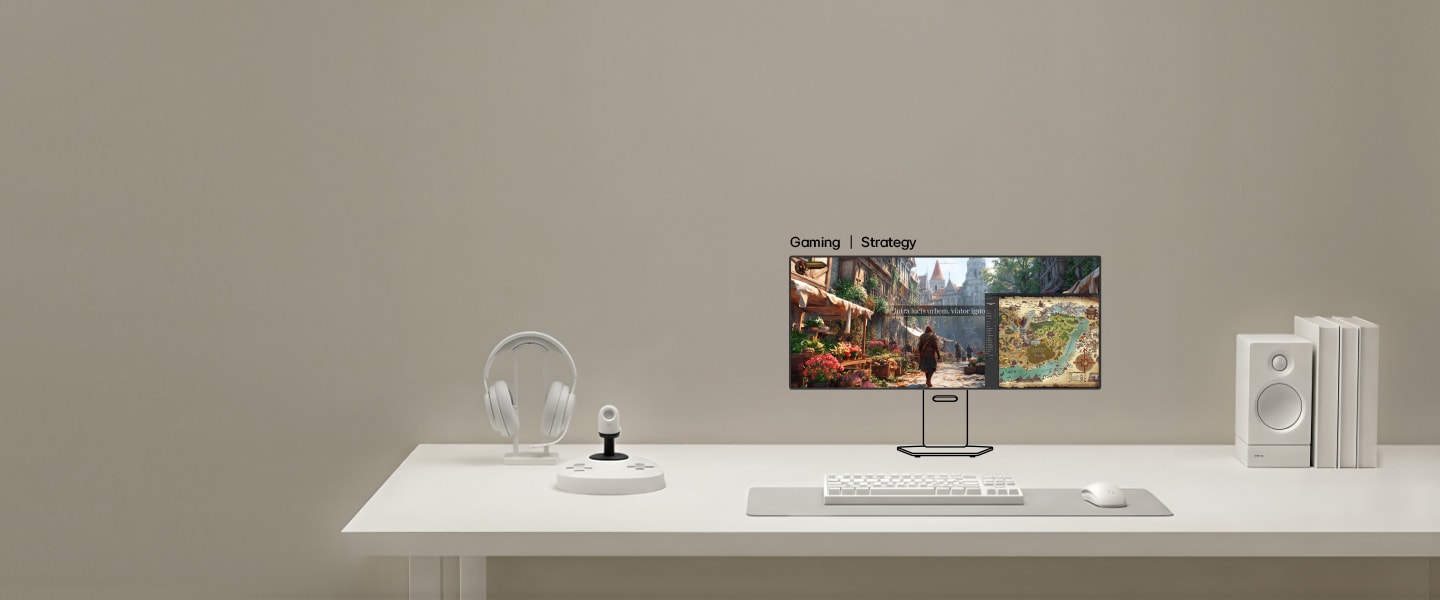
Immersive monitor layout
for expansive adventure
gameplay
View maps, quests, and gameplay across multiple screens to enhance immersion in exploration-focused games.
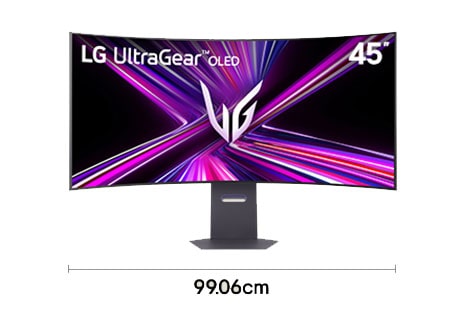
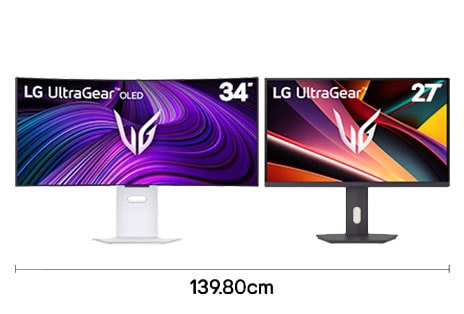
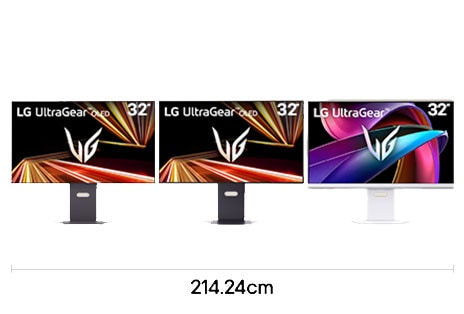
*Widths are based on product dimensions. Please check full specifications on the LG.com PDP.
*Availability of some model names including launch schedules may vary by country.
*Images have been simulated to enhance feature understanding. Please refer to each product’s PDP for the actual appearance.
*Availability of some model names including launch schedules may vary by country.
*Images have been simulated to enhance feature understanding. Please refer to each product’s PDP for the actual appearance.
How to configure an FPS gaming setup for consistent performance
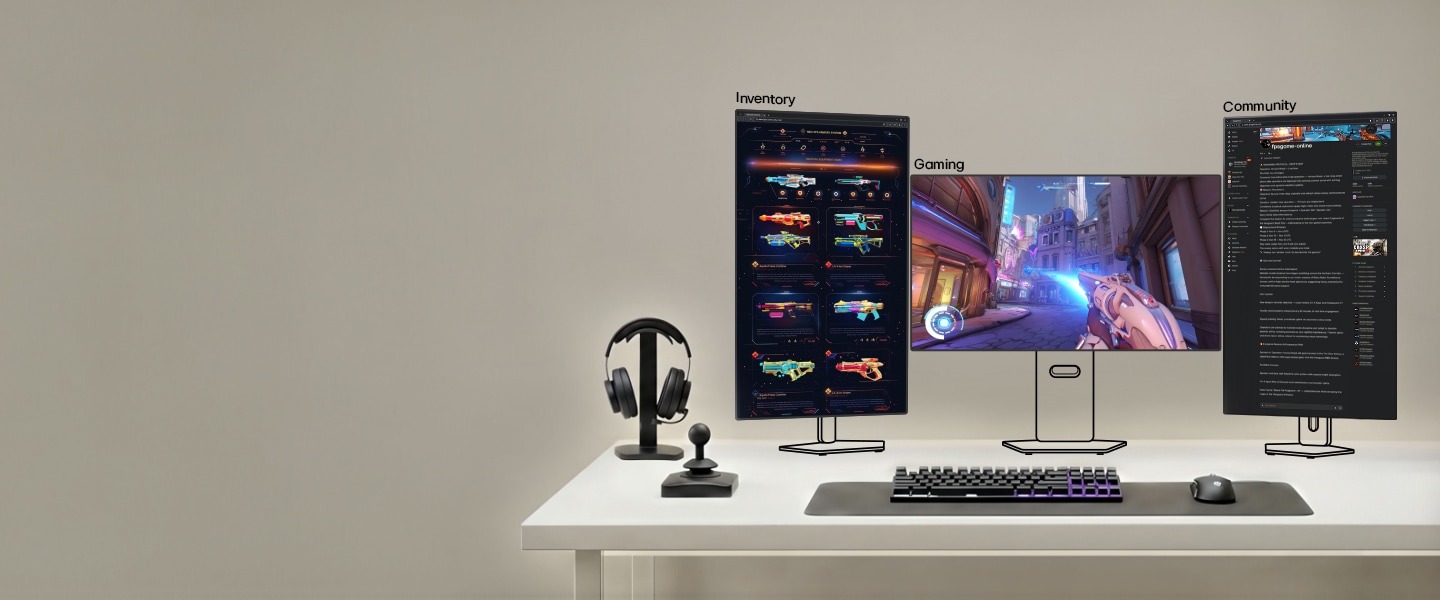
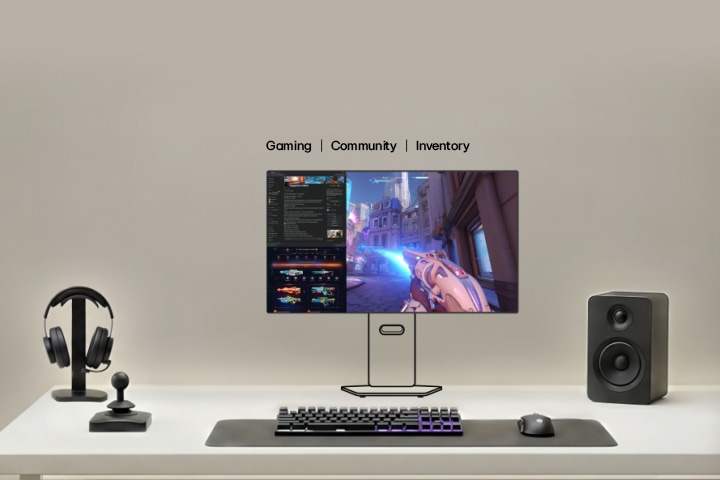
A multi-display layout for
full-spectrum game
control
Start with core gameplay on a single screen, using other displays to stay connected with your team.
-
![Single 27 inch QHD gaming monitor setup with 480 Hz refresh rate for competitive gameplay with 60.52 cm desk width]()
27" QHD 480Hz
27GX790A
-
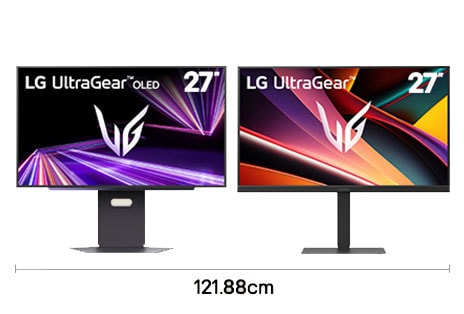
![Dual gaming monitor setup with two 27 inch QHD displays for competitive gaming workflow with 121.88 cm desk width]()
27" QHD 280Hz + 27" QHD 300Hz
Main monitor: 27GX700A, Secondary monitor: 27G640A
-
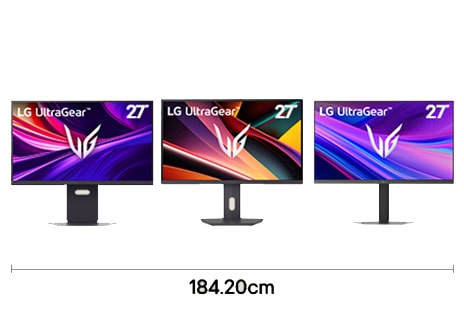
![Triple gaming monitor setup with 27 inch 4K UHD, QHD, and FHD displays for immersive competitive gameplay with 184.20 cm desk width]()
27" 4K UHD 240Hz + 27" QHD 200Hz + 27" FHD 240Hz
Main monitor: 27G850A, Secondary monitor 1: 27G610A, Secondary monitor 2: 27G440A
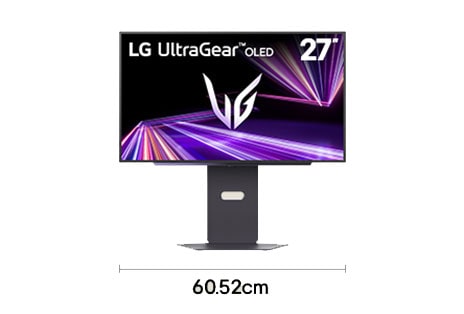
*Widths are based on product dimensions. Please check full specifications on the LG.com PDP.
*Availability of some model names including launch schedules may vary by country.
*Images have been simulated to enhance feature understanding. Please refer to each product’s PDP for the actual appearance.
*Availability of some model names including launch schedules may vary by country.
*Images have been simulated to enhance feature understanding. Please refer to each product’s PDP for the actual appearance.
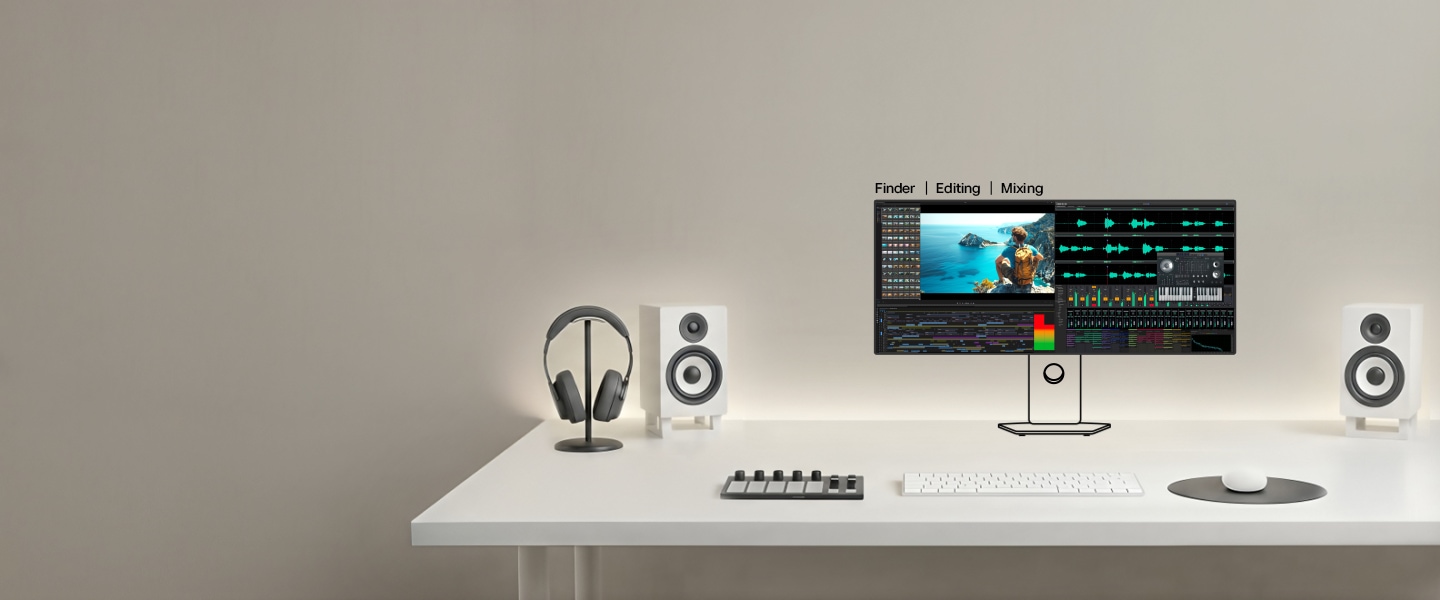
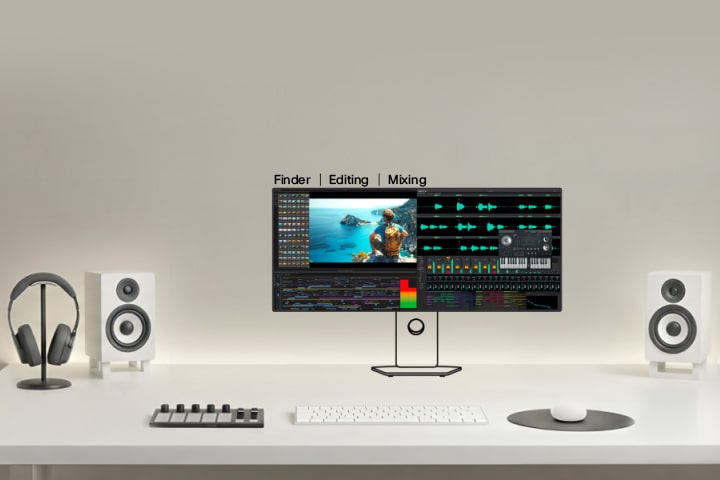
How to configure a display layout for professional audio and video editing
Wide-screen layout to
maximize editing
productivity
View your timeline on a wide screen while keeping your mix panel and preview visible during editing.
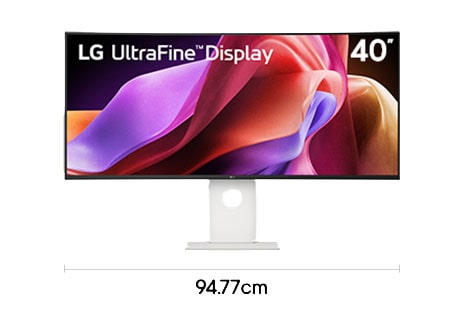
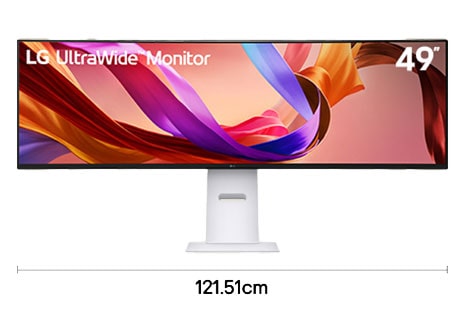
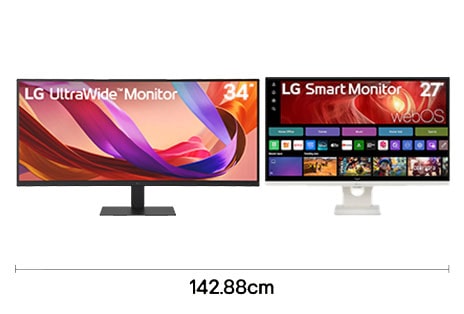
*Widths are based on product dimensions. Please check full specifications on the LG.com PDP.
*Availability of some model names including launch schedules may vary by country.
*Images have been simulated to enhance feature understanding. Please refer to each product’s PDP for the actual appearance.
*Availability of some model names including launch schedules may vary by country.
*Images have been simulated to enhance feature understanding. Please refer to each product’s PDP for the actual appearance.
How to set up a display layout for creative work in photography, illustration, and design
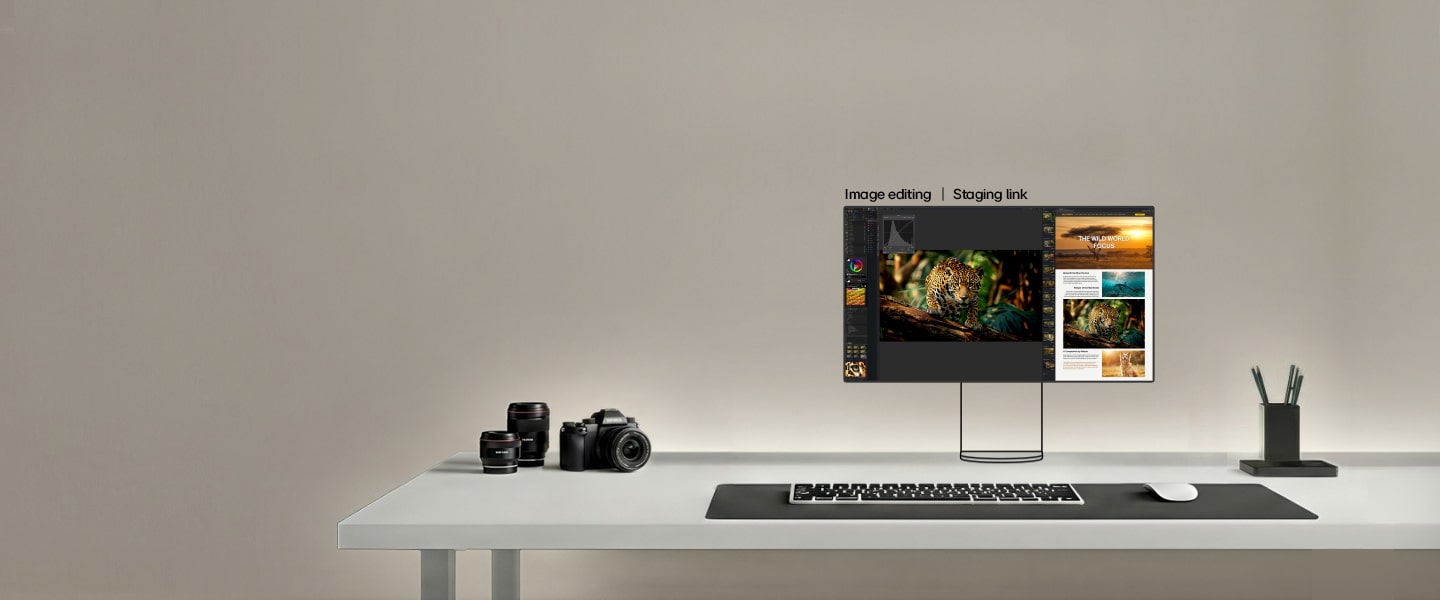
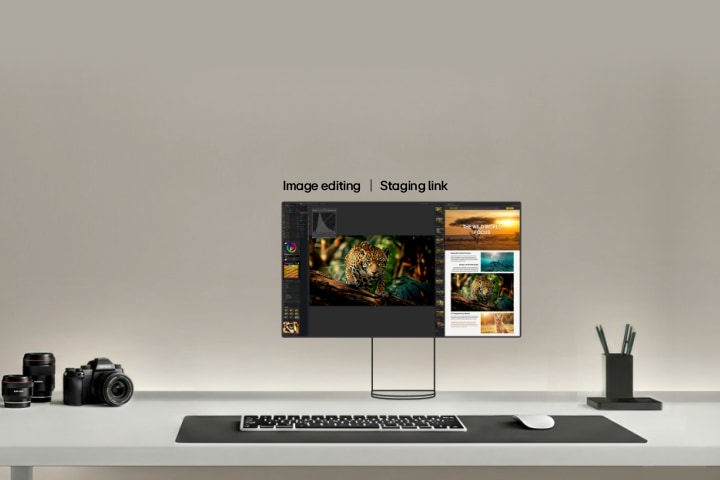
A display setup
for detail-rich
creative work
Keep references, active edits, and final pieces open together, so you can create without switching.
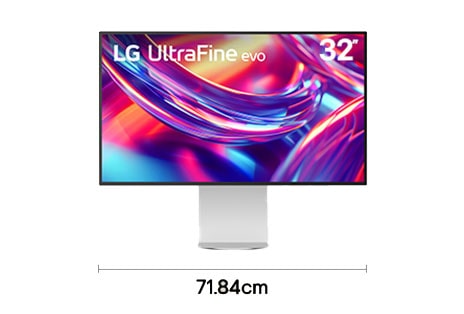
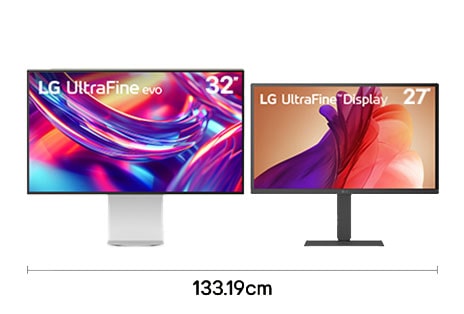
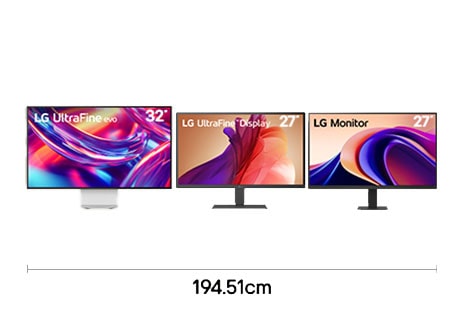
*Widths are based on product dimensions. Please check full specifications on the LG.com PDP.
*Availability of some model names including launch schedules may vary by country.
*Images have been simulated to enhance feature understanding. Please refer to each product’s PDP for the actual appearance.
*Availability of some model names including launch schedules may vary by country.
*Images have been simulated to enhance feature understanding. Please refer to each product’s PDP for the actual appearance.
How to configure a dual monitor layout for efficient office work
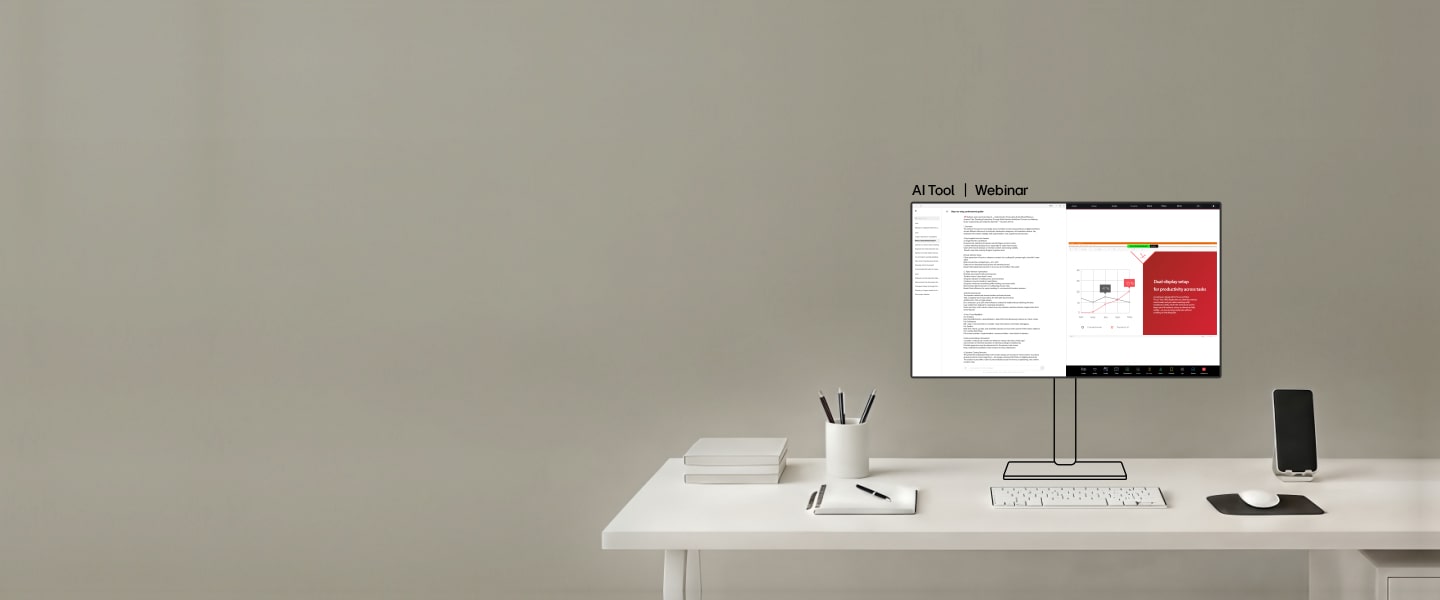
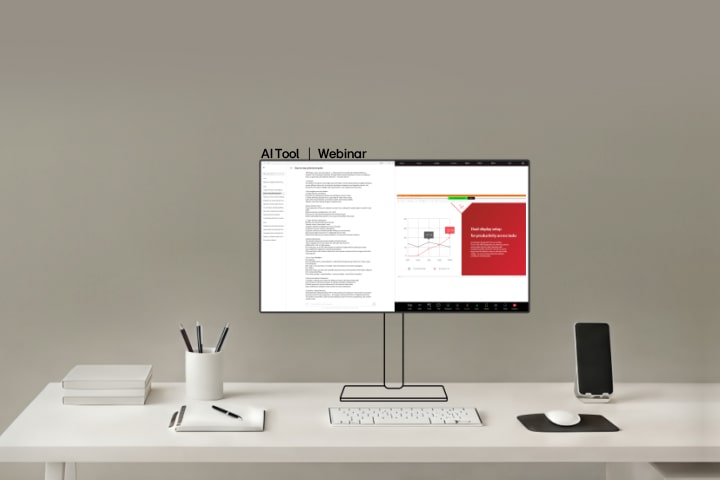
Side-by-side display
for a more focused
workflow
Keeping AI tools and notes on one screen so you can stay focused watching a webinar on another.
-
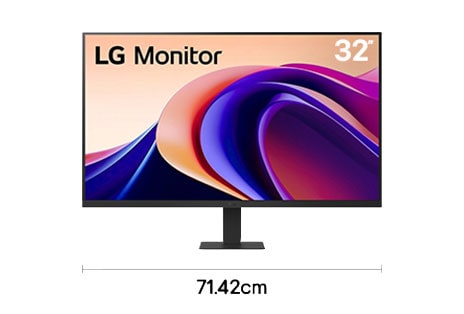
![Single 32 inch QHD monitor setup for professional office workflow with 71.42 cm desk width]()
32" QHD 100Hz
32U631A
-
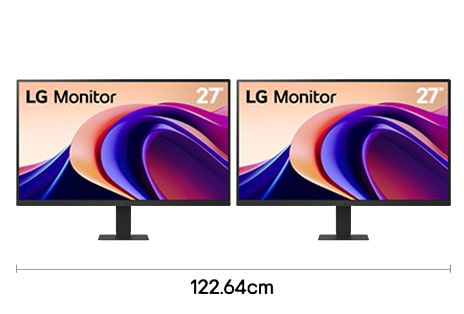
![Dual monitor setup with two 27 inch QHD displays for multitasking office workflow with 122.64 cm desk width]()
27" QHD 100Hz + 27" QHD 100Hz
Main monitor: 27U631A, Secondary monitor: 27U631A
-
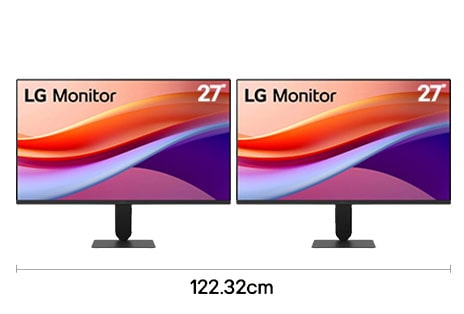
![Dual monitor setup with two 27 inch FHD displays for efficient office workflow with 122.32 cm desk width]()
27" FHD 120Hz + 27" FHD 120Hz
Main monitor: 27U411A, Secondary monitor: 27U411A
*Widths are based on product dimensions. Please check full specifications on the LG.com PDP.
*Availability of some model names including launch schedules may vary by country.
*Images have been simulated to enhance feature understanding. Please refer to each product’s PDP for the actual appearance.
*Availability of some model names including launch schedules may vary by country.
*Images have been simulated to enhance feature understanding. Please refer to each product’s PDP for the actual appearance.
How to configure a multi-screen setup for trading,market charts, and financial dashboards
Stack displays for
multi-source
market tracking
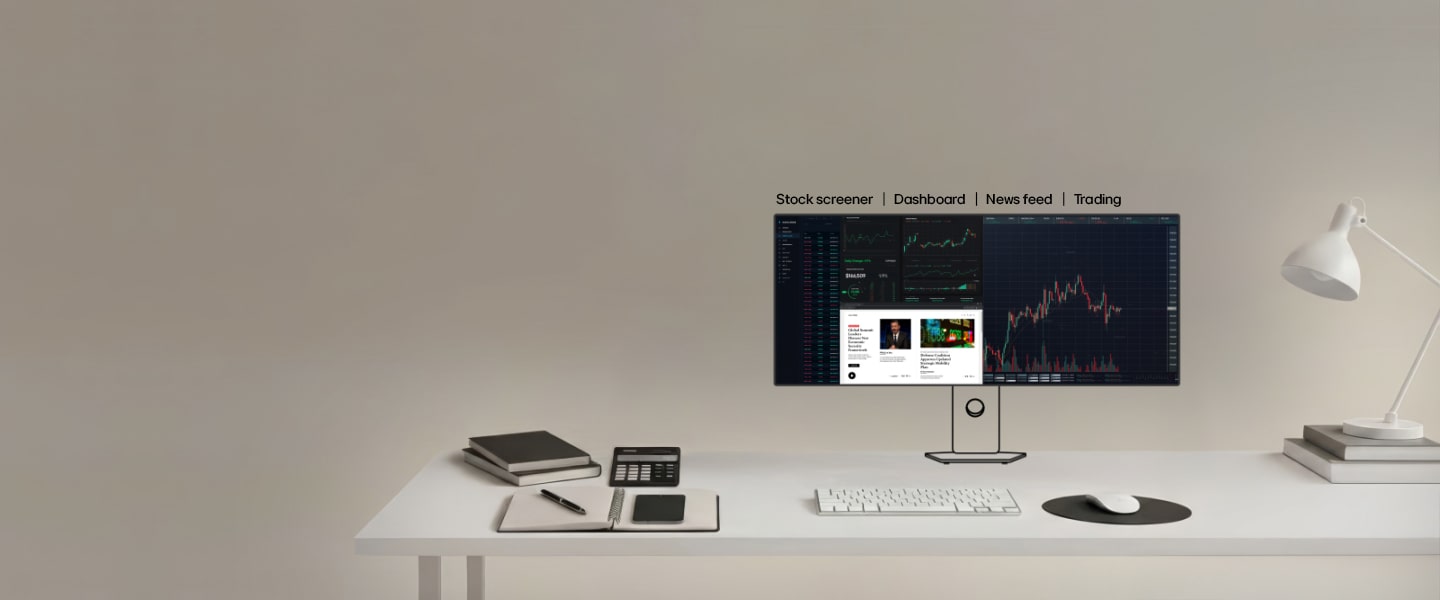
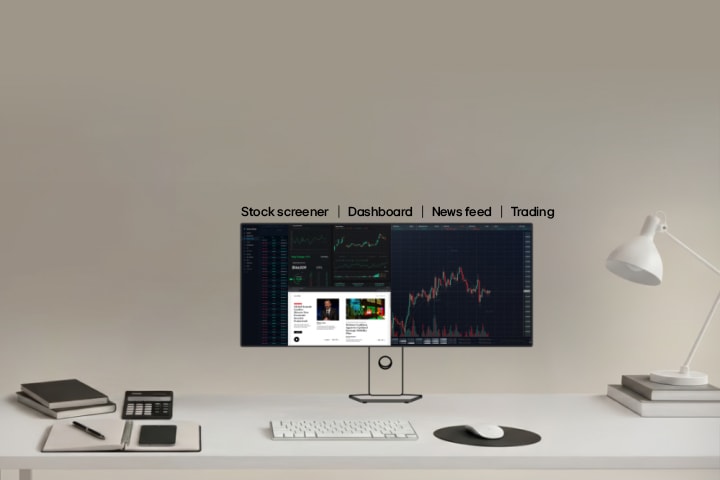
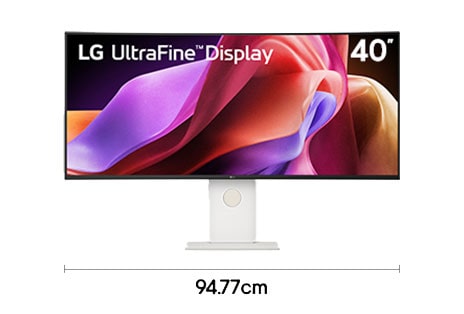
View your dashboards, screener, charts, and news feed to monitor and manage market shifts instantly.
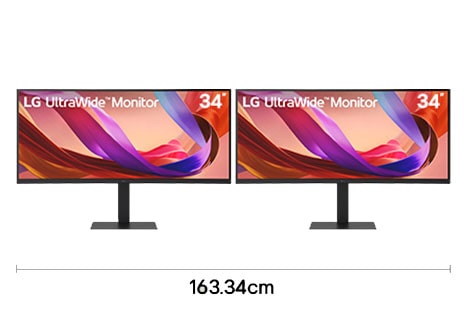
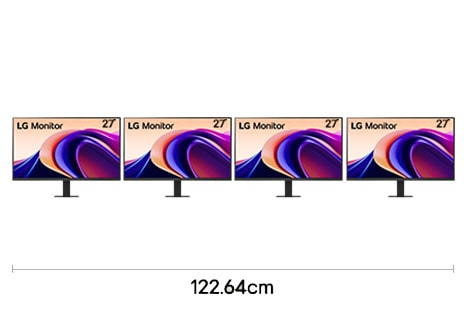
*Widths are based on product dimensions. Please check full specifications on the LG.com PDP.
*Availability of some model names including launch schedules may vary by country.
*Images have been simulated to enhance feature understanding. Please refer to each product’s PDP for the actual appearance.
*Availability of some model names including launch schedules may vary by country.
*Images have been simulated to enhance feature understanding. Please refer to each product’s PDP for the actual appearance.
Which monitor setup helps coders work better with IDEs, terminals, and browsers?
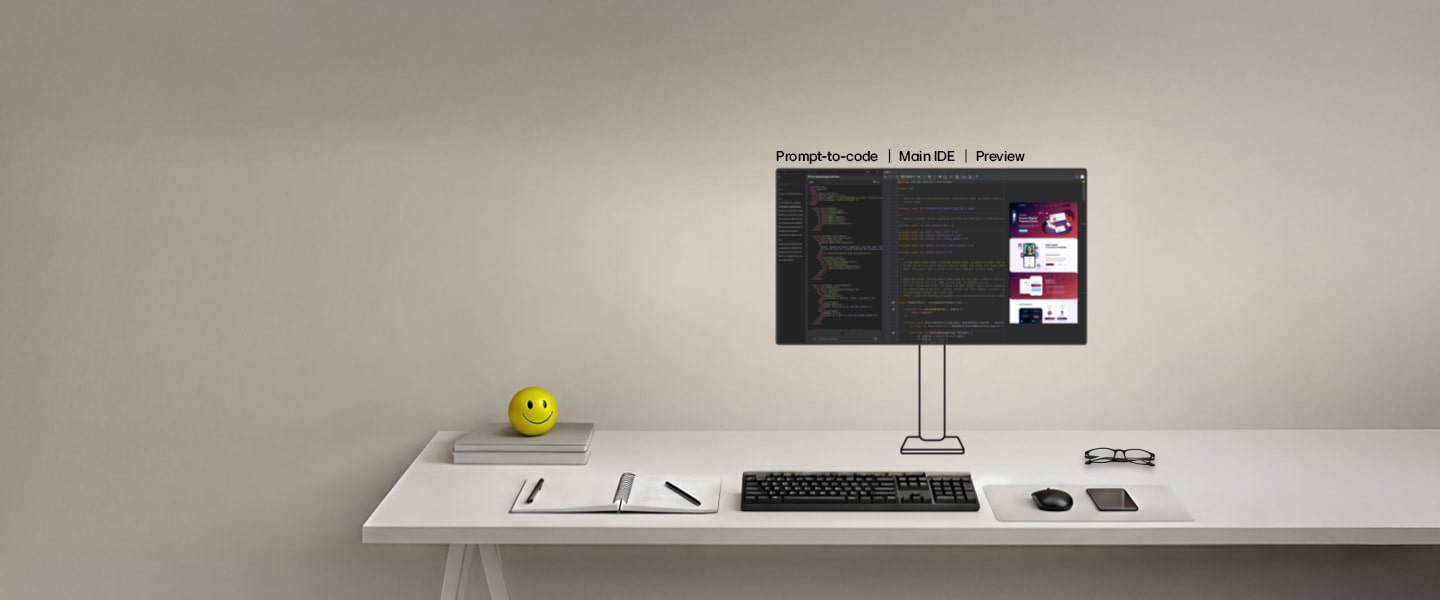
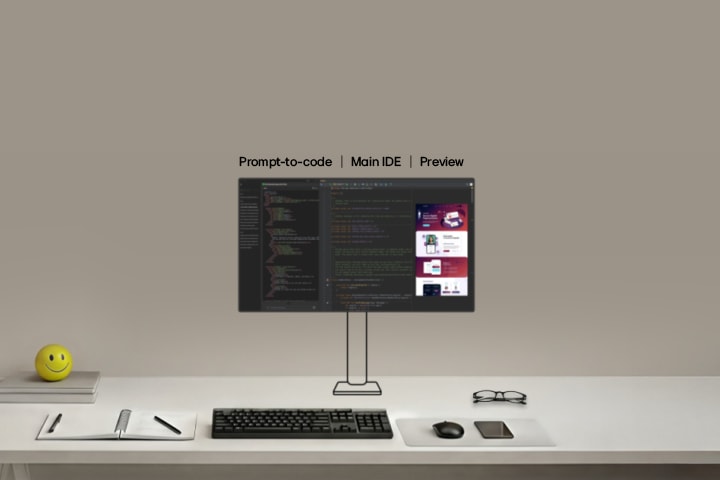
A seamless setup
for end-to-end
coding flow creative work
Keep IDEs, code, and live preview open to try ideas, tweak code, and stay up to speed with results.
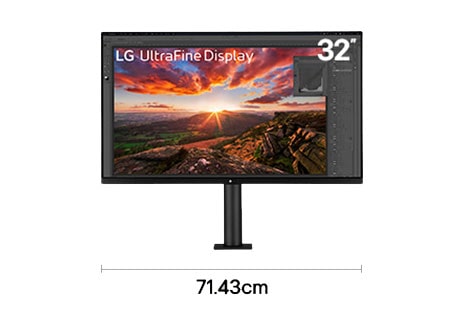
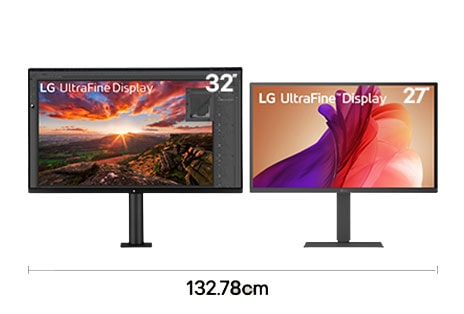
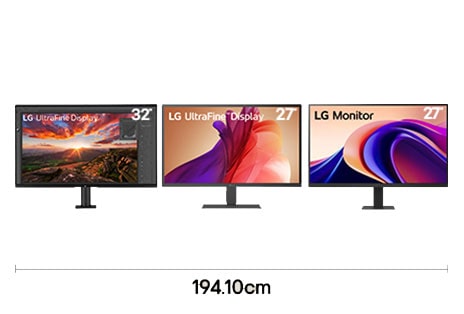
*Widths are based on product dimensions. Please check full specifications on the LG.com PDP.
*Availability of some model names including launch schedules may vary by country.
*Images have been simulated to enhance feature understanding. Please refer to each product’s PDP for the actual appearance.
*Availability of some model names including launch schedules may vary by country.
*Images have been simulated to enhance feature understanding. Please refer to each product’s PDP for the actual appearance.
How to configure a multi-screen layout for videos, tutorials, and social feeds
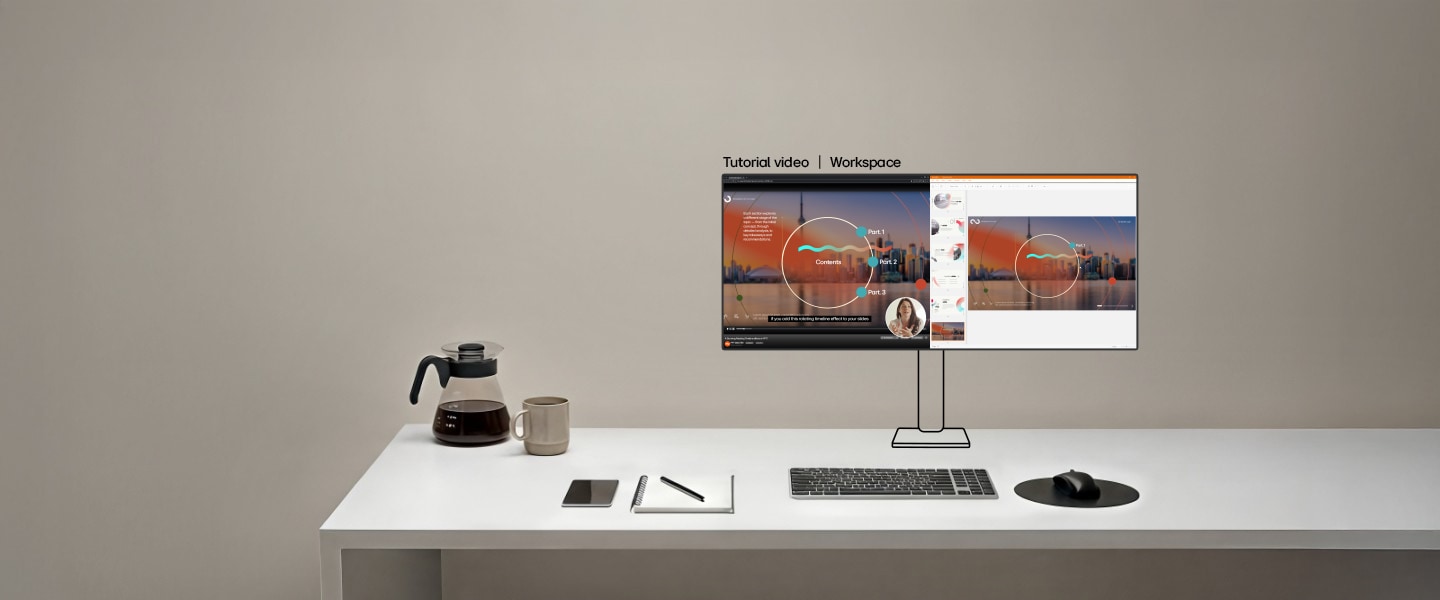
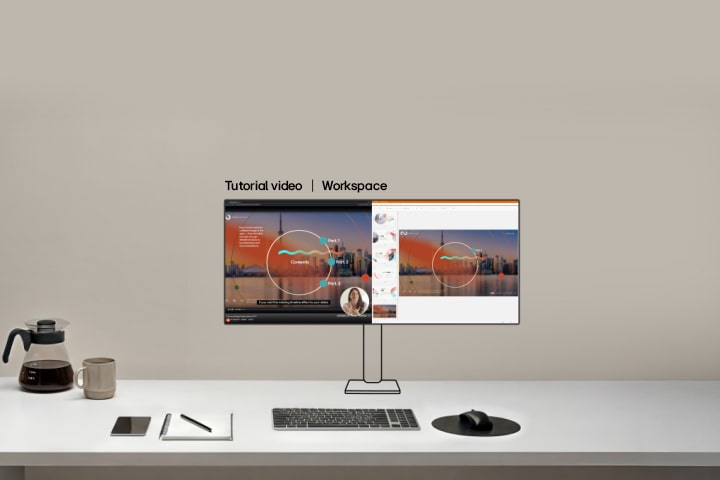
Flexible setup for
productivity and
easy breaks
Edit workflows, learn from tutorials, and watch short clips all within your workspace.
-
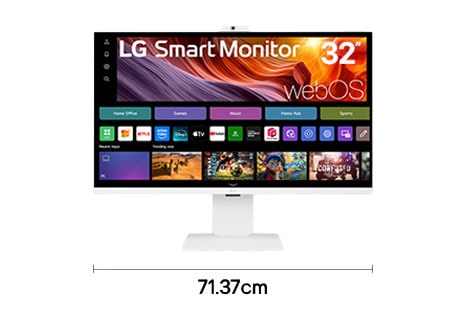
![Single 32 inch 4K UHD smart monitor setup for entertainment viewing with 71.37 cm desk width]()
32" 4K UHD 60Hz
32U850SA
-
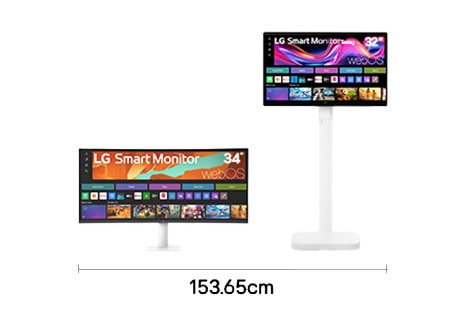
![Dual monitor setup with 34 inch WQHD and 32 inch 4K UHD displays for multitasking entertainment with 153.65 cm desk width]()
34" WQHD 100Hz + 32" 4K UHD 60Hz
Main monitor: 34U601SA, Secondary monitor: 32U889SA
-
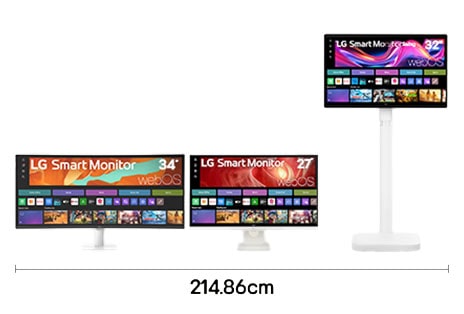
![Triple monitor setup with 34 inch WQHD, 27 inch 4K UHD, and 32 inch 4K UHD displays for development workflow with 214.86 cm desk width]()
34" WQHD 100Hz + 27" 4K UHD 60Hz + 32" 4K UHD 60Hz
Main monitor: 34U601SA, Secondary monitor 1: 27U731SA, Secondary monitor 2: 32U889SA
*Widths are based on product dimensions. Please check full specifications on the LG.com PDP.
*Availability of some model names including launch schedules may vary by country.
*Images have been simulated to enhance feature understanding. Please refer to each product’s PDP for the actual appearance.
*Availability of some model names including launch schedules may vary by country.
*Images have been simulated to enhance feature understanding. Please refer to each product’s PDP for the actual appearance.