TV & Soundbars
-


-
![tv-video]()
![tv-video]()
-
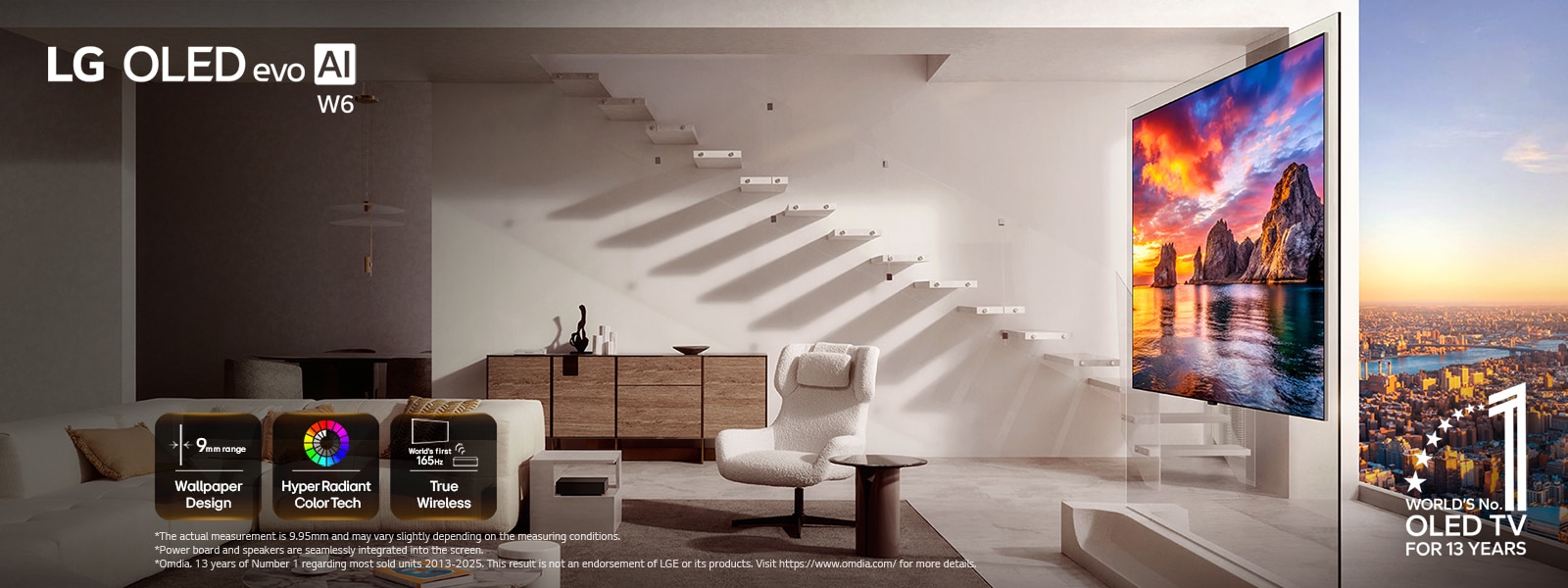
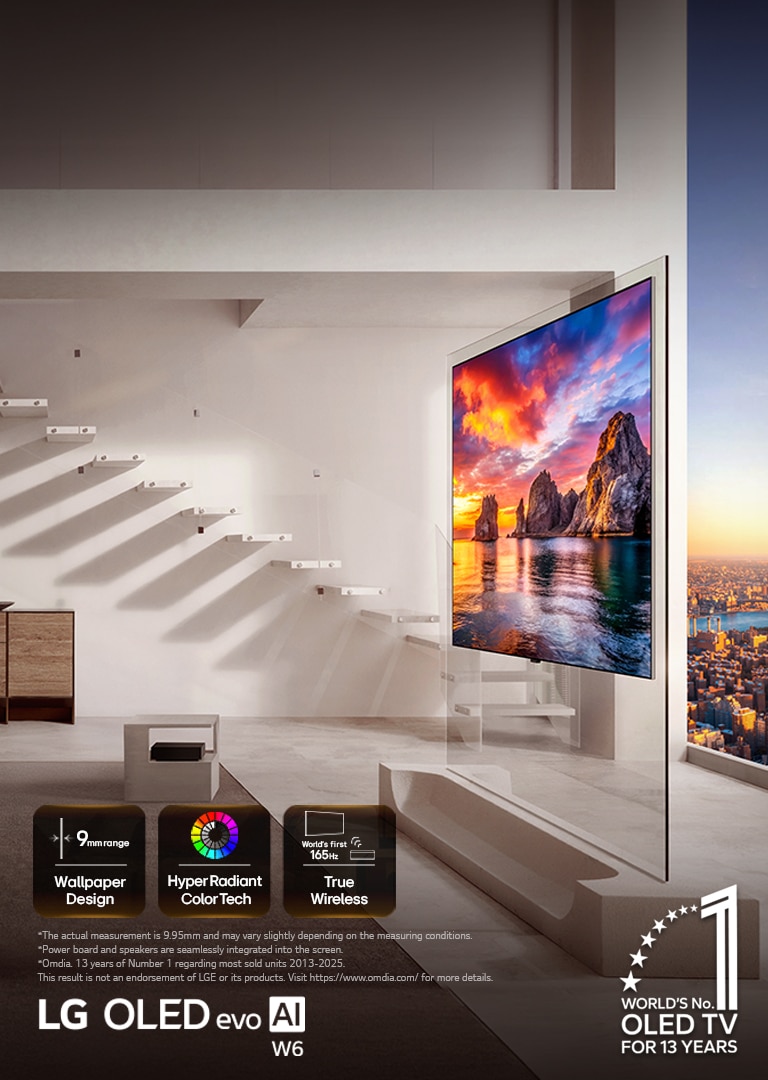
![LG OLED evo AI W6 Wallpaper TV is installed in a living room with city views, showing a vivid sunset coastal scene with on-screen icons reading “9mm-class thin Wallpaper Design,” “Hyper Radiant Color Tech,” and “World’s First 165Hz True Wireless.”]()
![LG OLED evo AI W6 Wallpaper TV is installed in a living room with city views, showing a vivid sunset coastal scene with on-screen icons reading “9mm-class thin Wallpaper Design,” “Hyper Radiant Color Tech,” and “World’s First 165Hz True Wireless.”]()
Wallpaper TV, Reborn Greatness at Its Thinnest
-
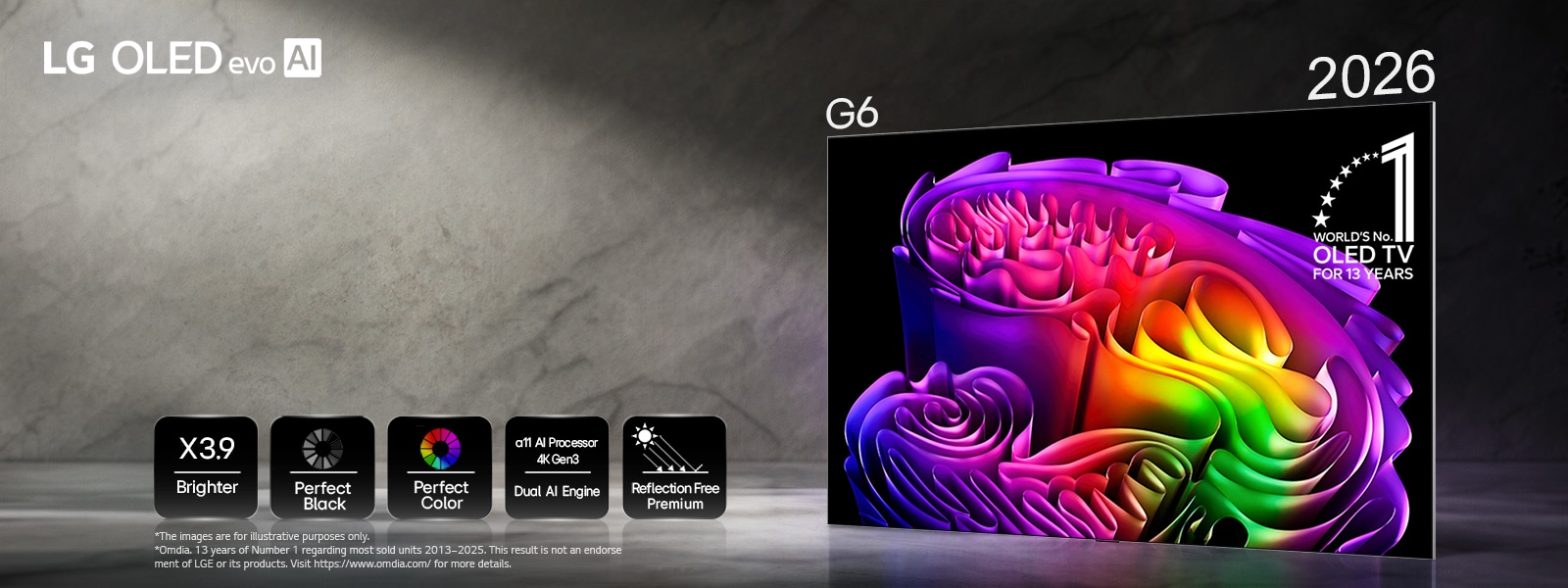
![LG OLED evo AI G6, powered by Hyper Radiant Color Tech, displays a vivid abstract paper art image on screen with icons for X3.9 Brighter peak brightness, Perfect Black, Perfect Color, α11 AI Processor 4K Gen3 Dual AI Engine, and Reflection Free Premium.]()
![LG OLED evo AI G6, powered by Hyper Radiant Color Tech, displays a vivid abstract paper art image on screen with icons for X3.9 Brighter peak brightness, Perfect Black, Perfect Color, α11 AI Processor 4K Gen3 Dual AI Engine, and Reflection Free Premium.]()
Hyper Radiant Color Tech The Next OLED TV
-
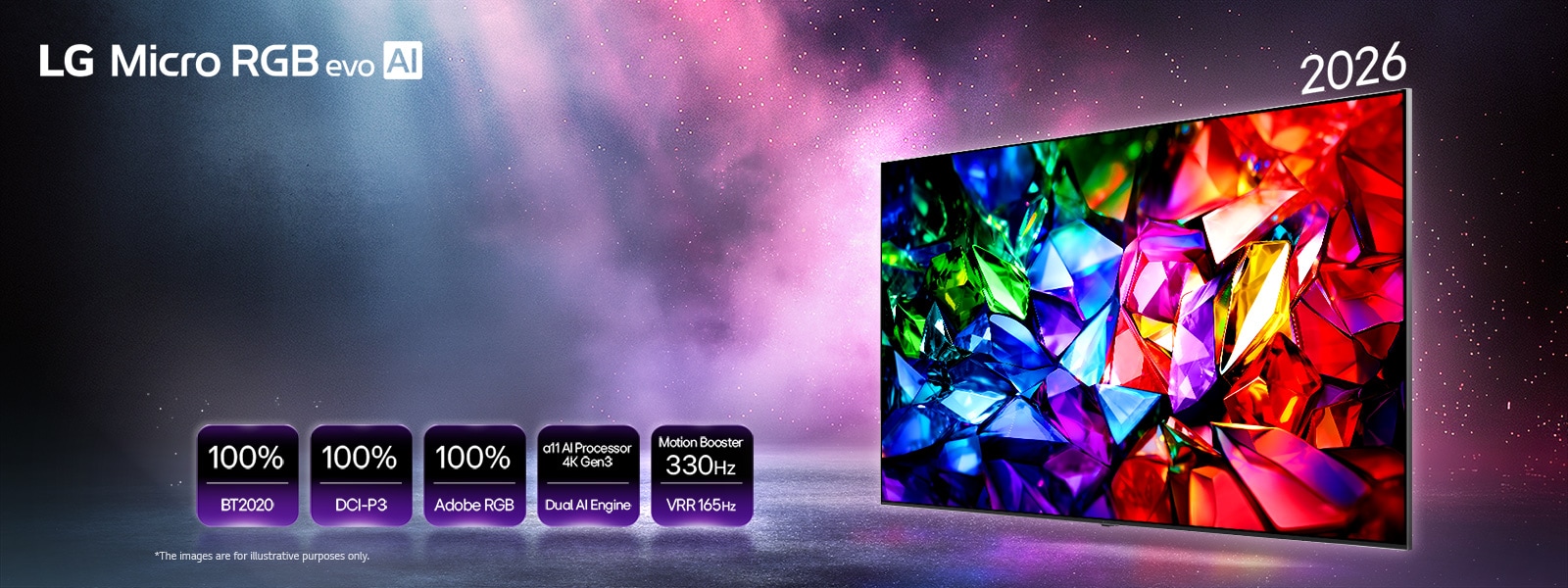
![LG Micro RGB evo AI MRGB95, the new color evolution displays a vivid crystalline color image with sharp facets of red, green and blue. Featured by 100% color coverage of BT2020, DCI-P3 and Adobe RGB, alpha 11 AI Processor 4K Gen3 Dual Engine and Motion Booster 330Hz with VRR 165Hz.]()
![LG Micro RGB evo AI MRGB95, the new color evolution displays a vivid crystalline color image with sharp facets of red, green and blue. Featured by 100% color coverage of BT2020, DCI-P3 and Adobe RGB, alpha 11 AI Processor 4K Gen3 Dual Engine and Motion Booster 330Hz with VRR 165Hz.]()
Micro RGB, evolved The New Color Evolution


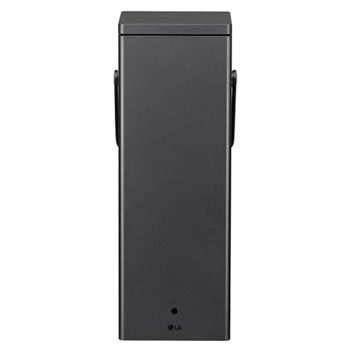
-
OUR AUTHORIZED RETAILERS









Find out what makes LG TVs outstanding
-
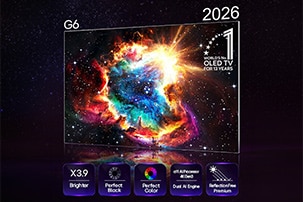
![LG OLED evo AI G6, driven by Hyper Radiant Color Tech, shows a cosmic burst on screen with x3.9 higher peak brightness, powered by the alpha 11 AI Processor 4K Gen3 with Dual AI Engine, and features Reflection Free Premium, Perfect Black, and Perfect Color, along with the World’s No.1 OLED TV for 13 Years badge.]()
Why LG OLED evo
-
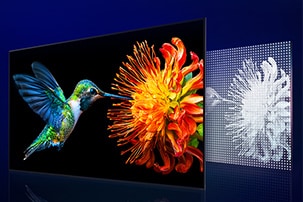
![LG QNED evo AI Mini LED shows a hummingbird with a flower alongside a panel of densely arranged Mini LED lights, where precise dimming control enhances brightness and contrast across the display.]()
Why LG QNED evo
-
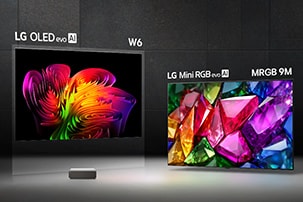
![LG True Wireless TV showcases its lineup with LG OLED evo AI W6 Wallpaper TV and LG Mini RGB evo AI MRGB9M True Wireless TV arranged around a central Zero Connect Box, each display delivering visually lossless picture quality.]()
Why LG True Wireless
-
![LG Micro RGB evo with Micro RGB Technology highlights advanced color expression with BT2020, DCI-P3, and Adobe RGB 100% certifications displayed, while a parrot fills the screen with lifelike color and intricate feather detail.]()
Why LG Micro RGB evo
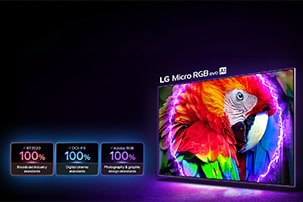
-
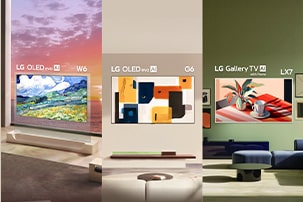
![LG ART TV shows a lineup of LG OLED evo AI W6 Wallpaper TV, LG OLED evo AI G6, and LG Gallery TV with frame LX7 ART TV, each displaying artwork across varied interiors and integrating gallery-style aesthetics into home spaces.]()
Why LG ART TV
-
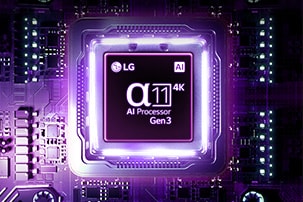
![LG AI TV features alpha 11 AI Processor 4K Gen3 with Dual AI Engine, a processor chip glowing in purple light on a dark circuit board, highlighting its advanced AI performance and intelligent picture processing.]()
Why LG AI
-
![White]()
-
![White]()


Discover the LG TV that's just right for you
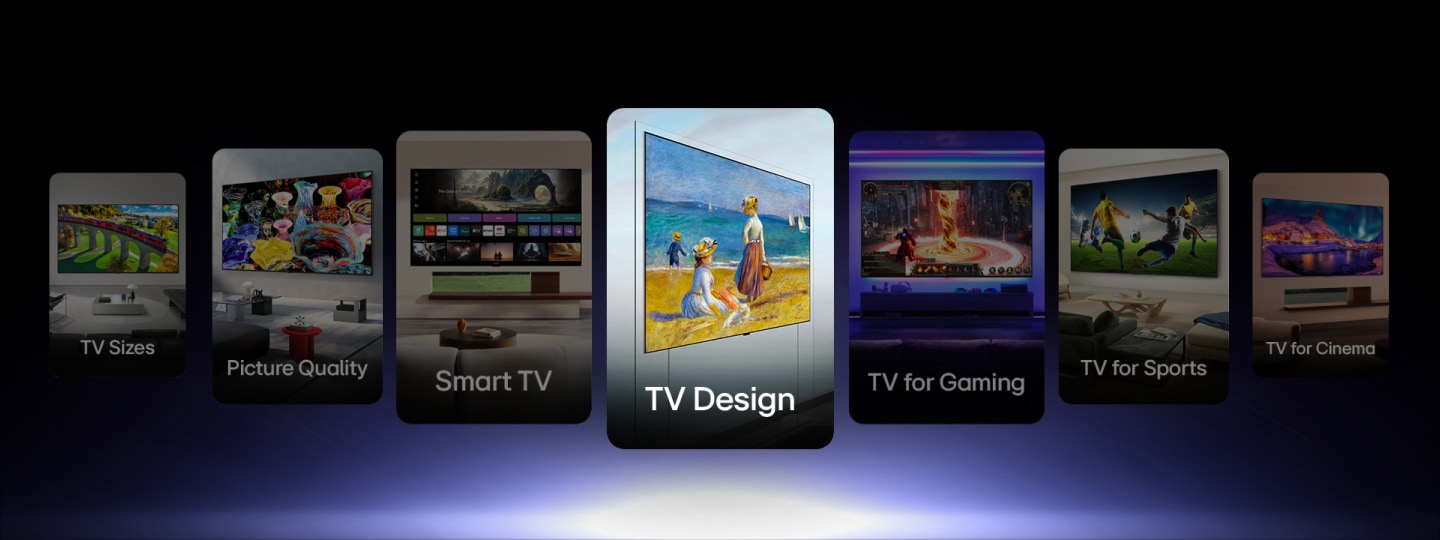
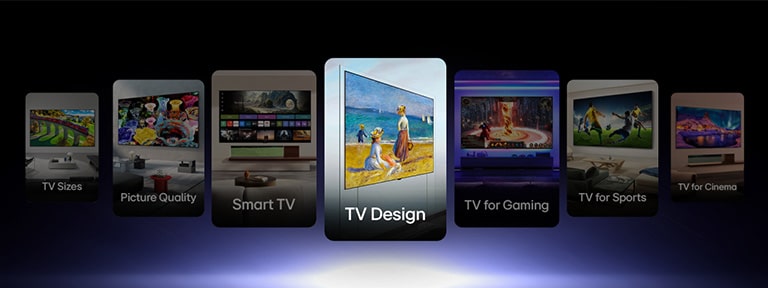
Explore our wide range of TVs
-
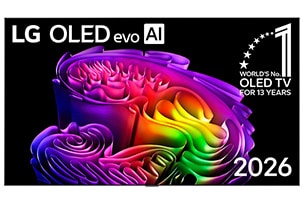
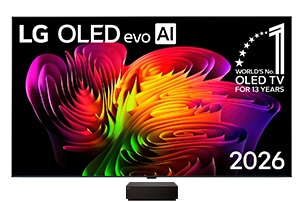
![LG OLED evo fills the screen with richly layered multicolored forms, as fluid shapes and vibrant gradients blend seamlessly across the display.]()
LG OLED evo AI
ㆍ9mm-range Wallpaper Design
ㆍWorld’s first 4K 165Hz True Wireless
ㆍHyper Radiant Color Tech
ㆍPerfect Black & Perfect Color with Reflection Free
ㆍAI Hub for Personalization
ㆍSecured by LG Shield -
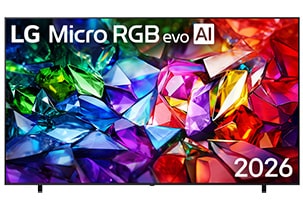
![LG Micro RGB evo fills the screen with a vivid, crystalline composition of sharply defined red, green, and blue facets, forming a striking and structured visual across the display.]()
LG Micro RGB evo AI
ㆍRGB Primary Color Ultra
ㆍCertified Triple 100% Color Coverage
ㆍMicro Dimming Ultra, Stunning Contrast
ㆍNew alpha 11 AI Processor 4K Gen3
ㆍAward-winning Multi AI webOS
ㆍSecured by LG Shield -
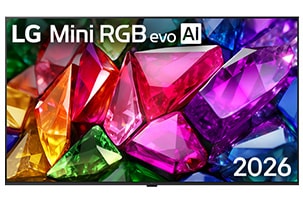
![LG Mini RGB evo fills the screen with a vibrant, crystalline composition of sharply rendered multicolored facets, presenting a crisp and clear visual across the display.]()
LG Mini RGB evo AI
ㆍCertified Double 100% Color Coverage
ㆍNew alpha 11 AI Processor 4K Gen3
ㆍPrecision Dimming for Enhanced Contrast
ㆍTrue Wireless Technology
ㆍAward-winning Multi AI webOS
ㆍSecured by LG Shield -
![White]()
-
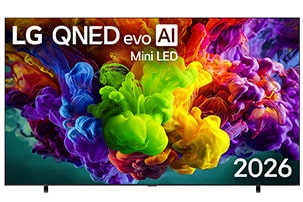
![LG QNED evo fills the screen with vivid, fluid bursts of multicolored, paint-like motion, as dense clouds of color blend seamlessly across the display]()
LG QNED evo Mini LED AI
ㆍDynamic Sports on an Ultra Big TV
ㆍDynamic QNED Color Pro
ㆍMini LED with Precision Dimming Ultra
ㆍAward-winning Multi AI webOS
ㆍAI Hub for Personalization
ㆍSecured by LG Shield -
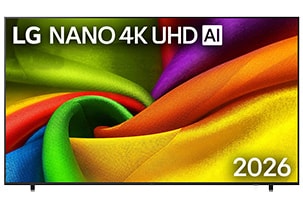
![LG NANO 4K UHD fills the screen with smooth, flowing layers of vividly colored, fabric-like textures, as curved multicolored folds spread across the display.]()
LG NANO 4K UHD AI
ㆍNano Detail Enhancer
ㆍDynamic Sports on an Ultra Big TV
ㆍSecured by LG Shield
ㆍAward-winning Multi AI webOS
ㆍAI Hub for Personalization
ㆍLG Channels - Endless Entertainment for Free -
![LG True Wireless TV fills the screen with a dynamic abstract composition of wave-like color gradients that flow seamlessly across the display, delivering visually lossless wired picture-quality.]()
Ture Wireless
ㆍTrue Wireless freedom
ㆍClean, clutter-free interior
ㆍLossless picture & sound performance
ㆍImmersive content experience -
![White]()
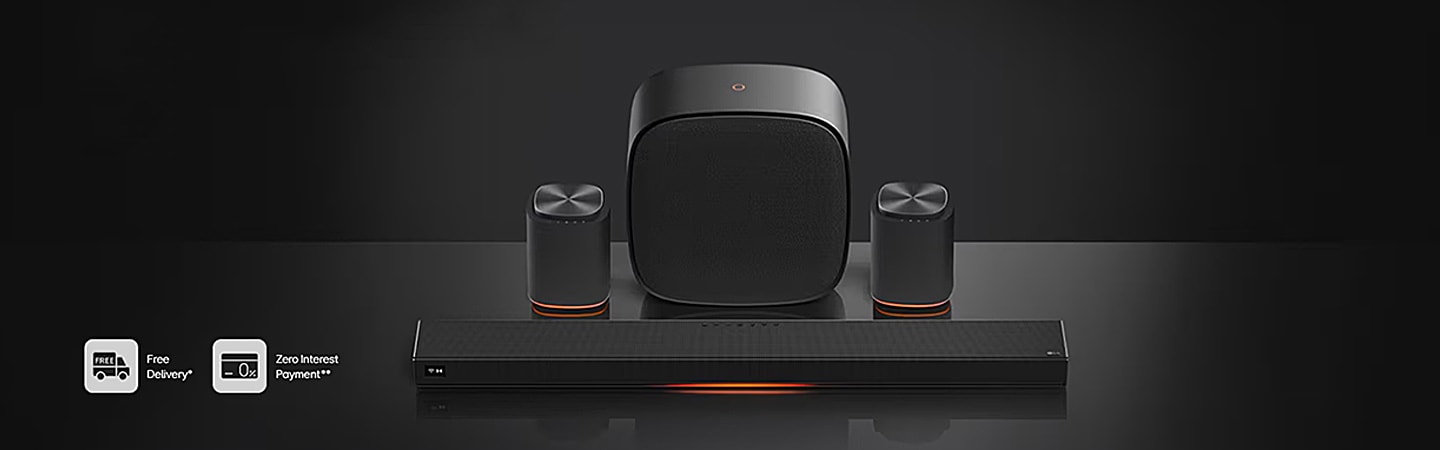
Sound Suite The future of home audio