
To properly experience our LG.com website, you will need to use an alternate browser or upgrade to a newer version of internet Explorer (IE10 or greater).
The LG.com website utilizes responsive design to provide convenient experience that conforms to your devices screen size. In order to get the best possible experience our LG.COM website please follow below instructions. If you’re using Internet Explorer 9 or earlier, you will need to use an alternate browser such as Firefox or Chrome or upgrade to a newer version of internet Explorer (IE10 or greater).


Free entertainment. No fees.
Endless entertainment awaits with LG Channels—hundreds of free live channels, fan-favorite movies and series, and exclusive content, all free. Just grab your remote and start watching. No fees. No hassle.
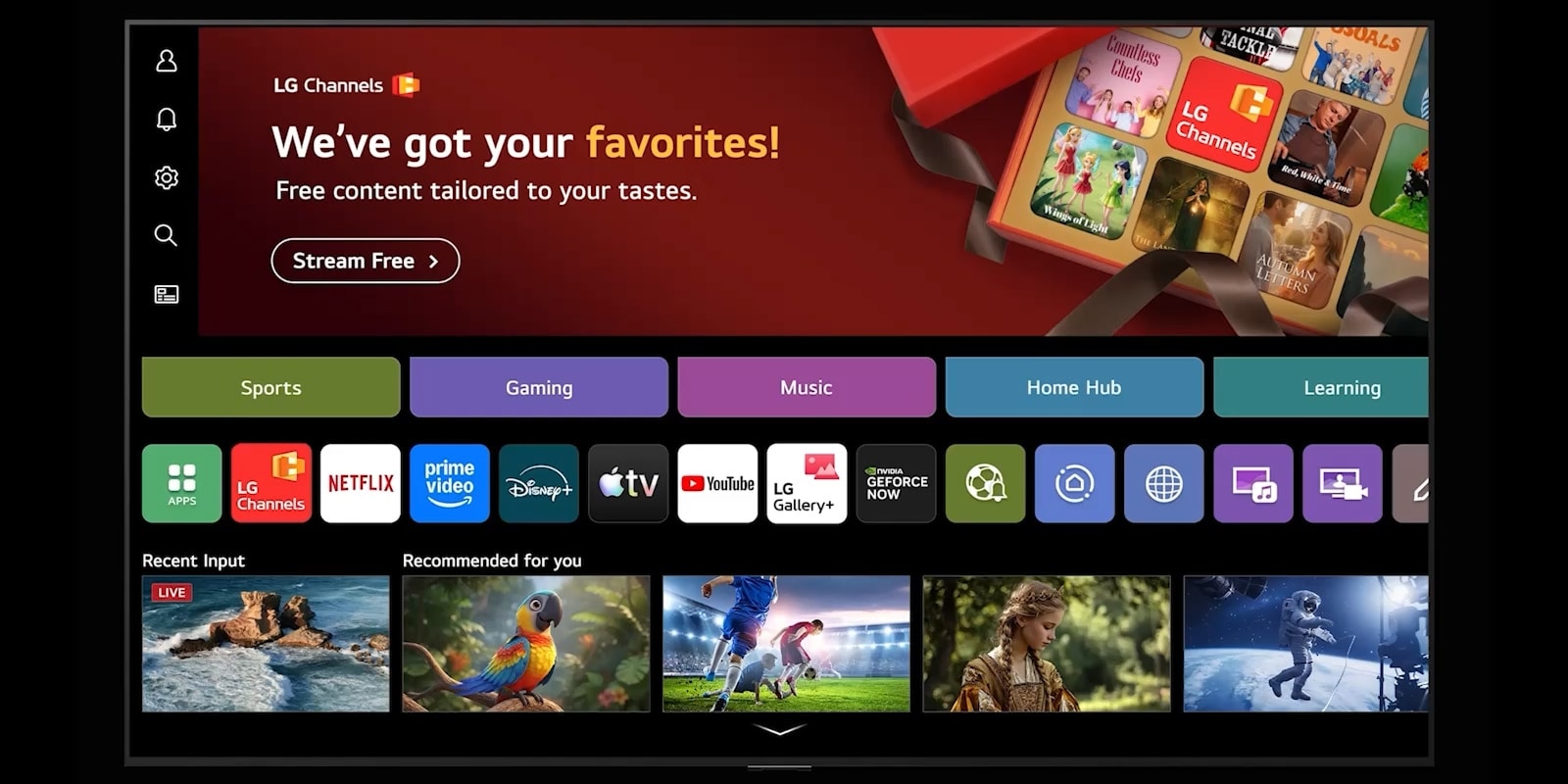
No hassle. No subscriptions. No set-top box required.
Effortless streaming. Ready the moment you are.

Live TV
Discover your next binge-worthy favorite
With a curated selection of live channels, movies, and TV shows, LG Channels makes it easy to find content that matches your taste. Browse effortlessly, jump straight to the channels you love, and start watching in seconds.
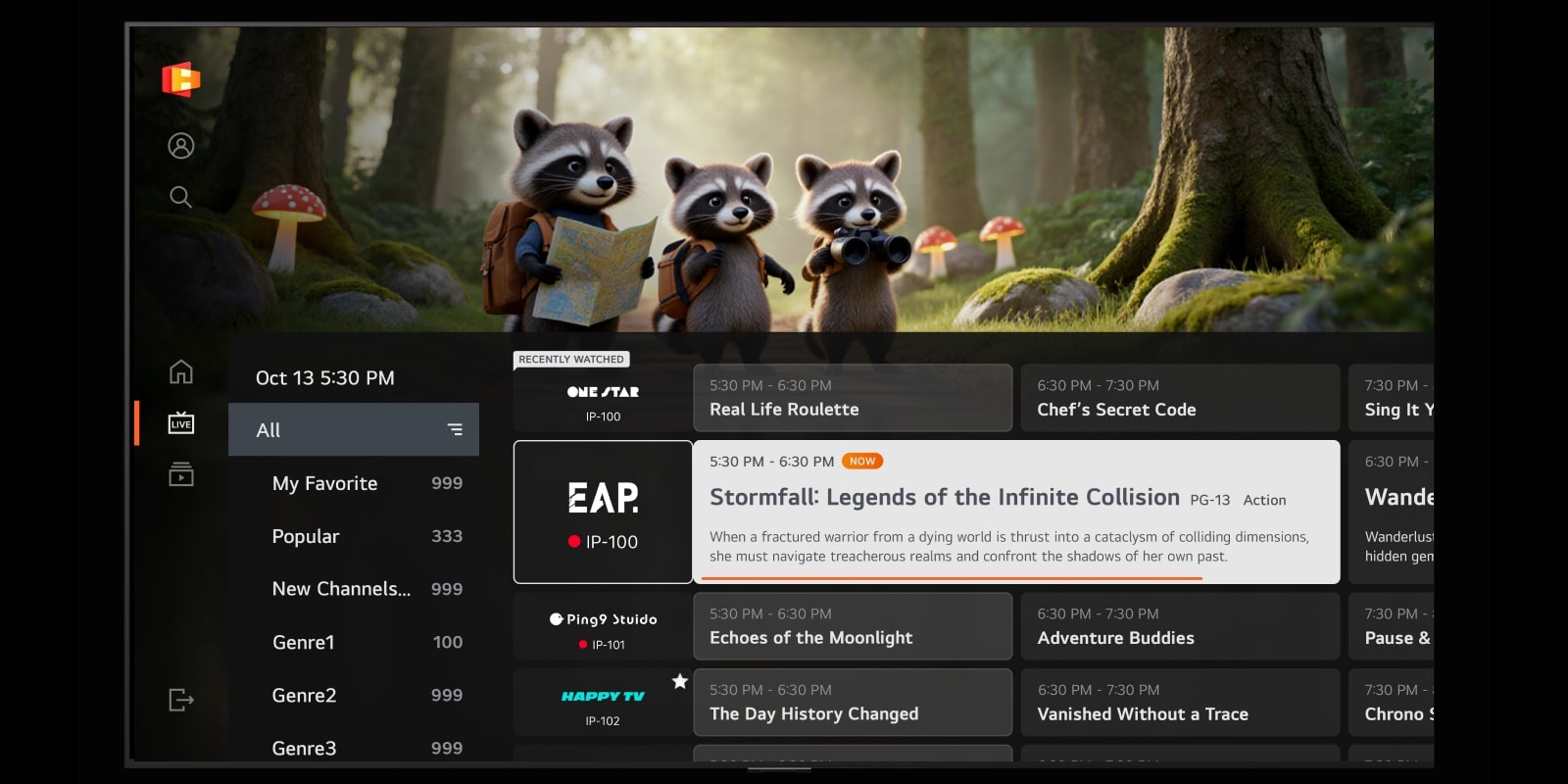
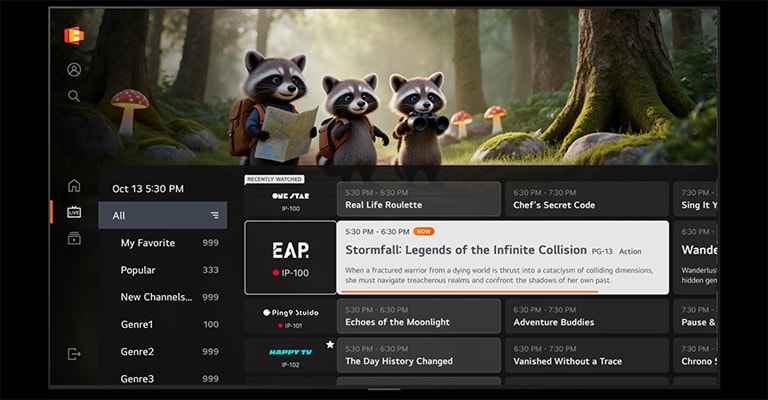
*Images are simulated for illustrative purposes only.
*Content availability may vary by country and is subject to change without notice.
*Access to network-based smart services requires an LG Account.
*Content availability may vary by country and is subject to change without notice.
*Access to network-based smart services requires an LG Account.
Cross-Device
Seamless entertainment across devices
Enjoy free entertainment with LG Channels across LG Smart TVs and a growing range of webOS-powered devices ㅡ including Smart Monitors, TV Monitors, Projectors, mobile via the ThinQ app, in-vehicle platforms, hotel TVs, etc.
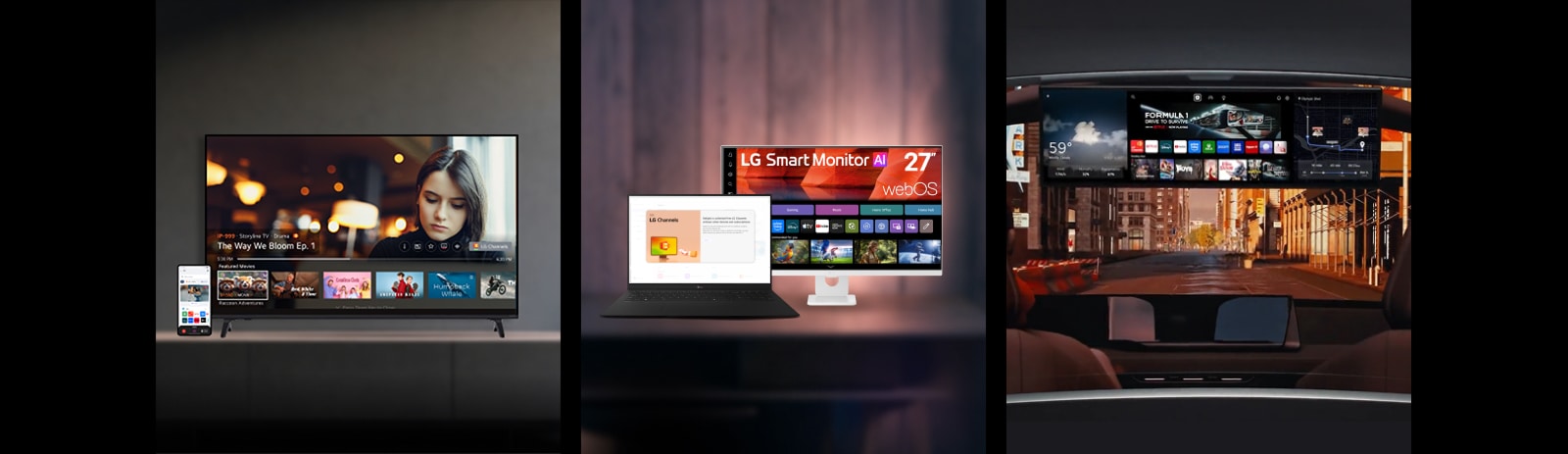
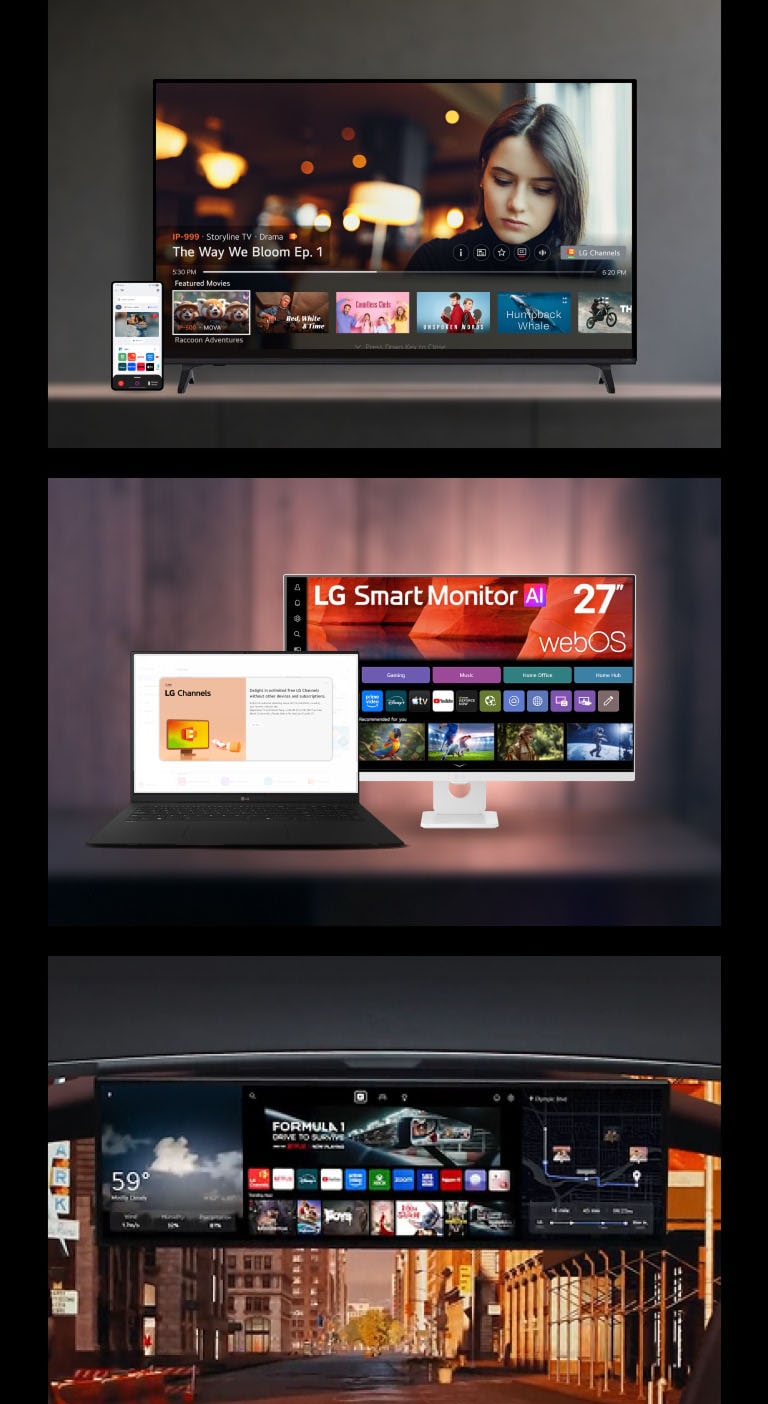
*Availability of LG Channels and supported devices may vary by country and region.
*Access to network-based smart services requires an LG Account.
*Access to network-based smart services requires an LG Account.
Channels List
All your channels. Ready to watch.
From sports and news to kids' and lifestyle, LG Channels offers an extensive range of movies and shows, all ready to watch for free.

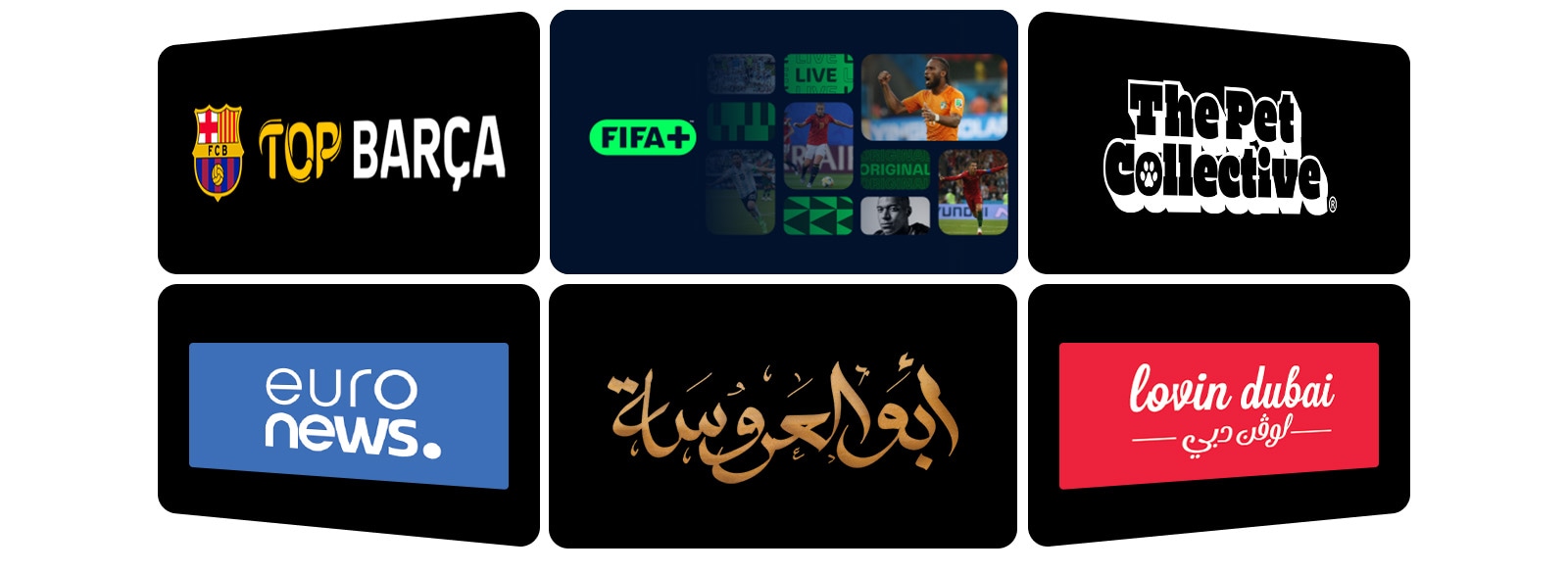
*Available content and apps may vary by country, product, and region.
*Access to network-based smart services requires an LG Account.
*Access to network-based smart services requires an LG Account.
FAQ
-
Q.
What is LG Channels?
-
A.LG Channels is a free streaming service available on LG Smart TVs that offers a wide range of live and on-demand channels. Built into the webOS platform, it allows users to watch news, entertainment, sports, and more directly on their TV without needing a cable subscription or TV tuner.
-
Q.
Is LG Channels free?
-
A.Yes. LG Channels is a free streaming service available on LG Smart TVs. You do not need a subscription, payment, or cable set-top box to watch LG Channels. Simply open the LG Channels app on your TV and start streaming live and on-demand channels.
-
Q.
What channels are available on LG smart TV?
-
A.LG Channels offers a wide selection of live channels across categories such as news, sports, movies, entertainment, kids, and lifestyle. The channel lineup may vary by country, and new channels are regularly added through LG’s global content partners. For the latest channel list in your region, visit ‘LG Channels’.(https://channel-lineup.lgchannels.com/)
*Available content and apps may vary by country, product, and region.
**Access to network-based smart services requires an LG Account.
-
Q.
What devices support LG Channels?
-
A.LG Channels is available on the following devices: LG Smart TVs released from 2016 onward and LG monitors running webOS, including Smart Monitors and Gaming Monitors. It is also supported on Hotel TVs, the Automotive Content Platform, and mobile devices through ThinQ app. Availability of LG Channels and supported devices may vary by country and region.
-
Q.
How do I access LG Channels on LG smart TV?
-
A.You can access LG Channels directly from your LG Smart TV in two simple ways once your TV is connected to the internet:
Using the remote control
1. Press the LG Channels shortcut button on your remote control.
2. Open LG Channels directly and start browsing.
*Button position and availability may vary by country and platform
Using the webOS Home screen
1. Connect your TV to the internet using Wi-Fi or a wired connection.
2. Press the Home button on your remote to open the main home screen.
3. Open LG Channels app from the list of apps.
4. Browse the available channels and select one to start watching.
What else can do with webOS?
Discover more apps, services, and entertainment experiences available on LG TV.
-
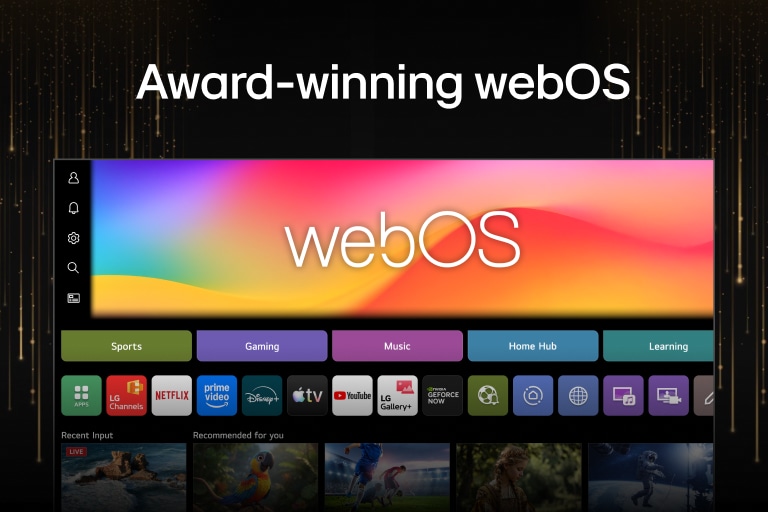
![LG webOS interface featuring various content categories such as "Sports" and "Gaming," inviting users to explore entertainment on the award-winning platform.]()
Entertainment
Experience all your entertainment in one place with the award-winning LG webOS platform.
-
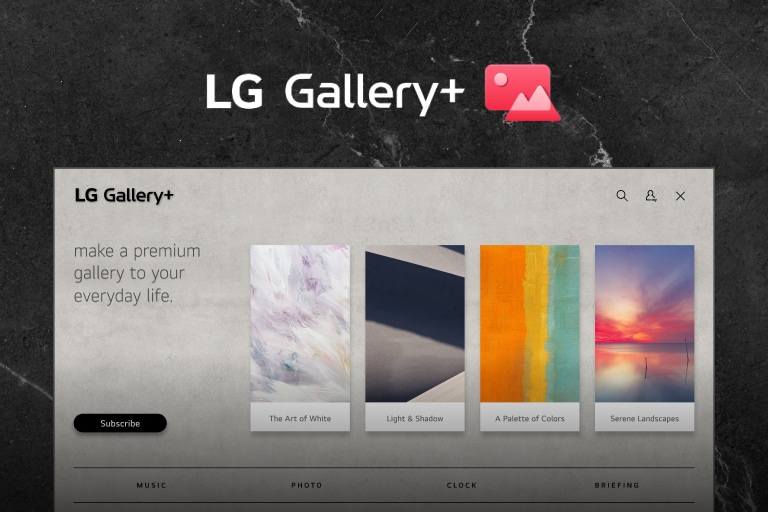
![LG Gallery+ interface features a stylish gray background, showcasing a grid of curated artworks and visuals, emphasizing a clean and organized layout for easy browsing.]()
LG Gallery+
Discover 5,000+ artworks and visuals on LG TV, curated to match your space.
-
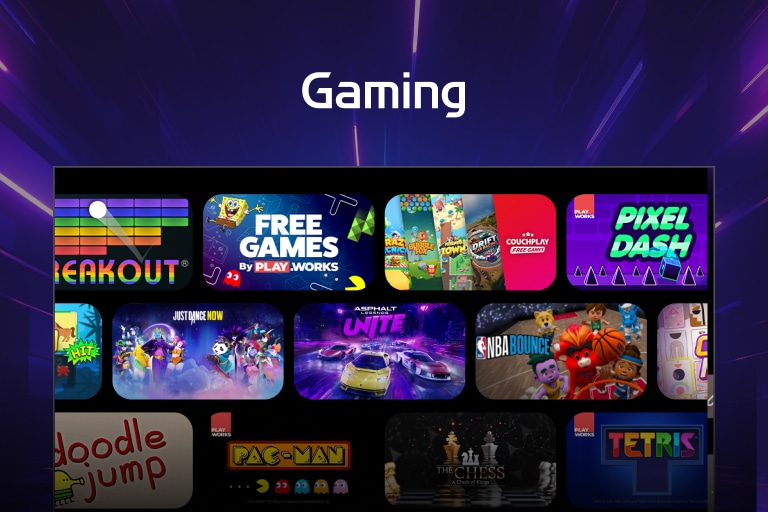
![Gaming interface features a colorful design, displaying a selection of casual games available on LG TV with the Gaming title displayed at the top.]()
Gaming
Play thousands of games directly on LG TV with leading gaming services.
Explore the LG AI TV lineup and find the right one for you
Learn more about the different LG AI TVs and discover the one that fits your needs best.