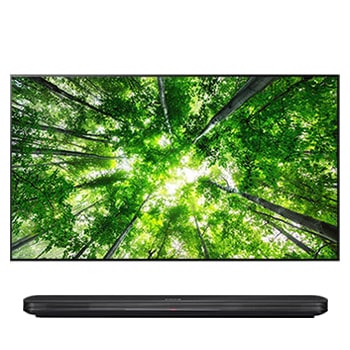
86QNED80T6B.UFMFLJK

Help Library

Topic

  • Document Contents
    Troubleshooting
    How To Find My LG Model and Serial Number
    At a Glance-----------LG makes it easy to find your product's serial number and model number. Forassistance in locating your product's information choose your LG product fromthe categories below.Select Your ProductThis guide was created for...
  • Document Contents
    Troubleshooting
    [LG TV] How to Fix Internet Connection Issues
    If your LG TV is not connecting to the internet, first check if other devices,such as a smartphone or laptop, can connect to the same network.If no devices can connect, the issue is likely with your router or internetservice provider (ISP)....
  • Document Contents
    Troubleshooting
    LG TV - How Do I Sync the Picture and Sound? (Audio and Video Out of Sync)
    If the voice does not match the lip movements on the screen (lip sync issue),first check if this occurs only on specific channels.If the audio is out of sync on all channels, you can fix this by turning on[Bypass] or adjusting the delay val...
  • Document Contents
    Repair
    [LG TV Mirroring][webOS/Miracast] I would like to mirror the screens of my PC running on Windows 8.1 on my TV
    Try this--------How to share Windows 8.1 PC screen with TV① Select PC.② Select Share Screen to stream screens from your PC to your smart TV.③ Select [Miracast].④ Select [Start].⑤ Select a PC running on Windows 8.1 or later from the list of ...
  • Document Contents
    Troubleshooting
    LG TV - How do I download and setup apps on my LG TV
    [https://lg.com/support]LG TV - How do I download and setup apps on my LG TVCan My TV Run Apps?Yes, LG TVs can install and run apps supported by the webOS platform.How to Access Installed Apps: * Press the Home button on your remote control...
  • Document Contents
    Repair
    [LG TV Settings] How do I set a power on/off timer?
    * You can set timers to power on/off your TV at set times. * Before setting the timers, be sure to set the current time. * If the power is not connected, the timers are not available, so be sure to check the power connection status. * If a...
See More