Top Deals: Save 30-50% on select home appliances

Top Deals: Save 30-50% on select home appliances
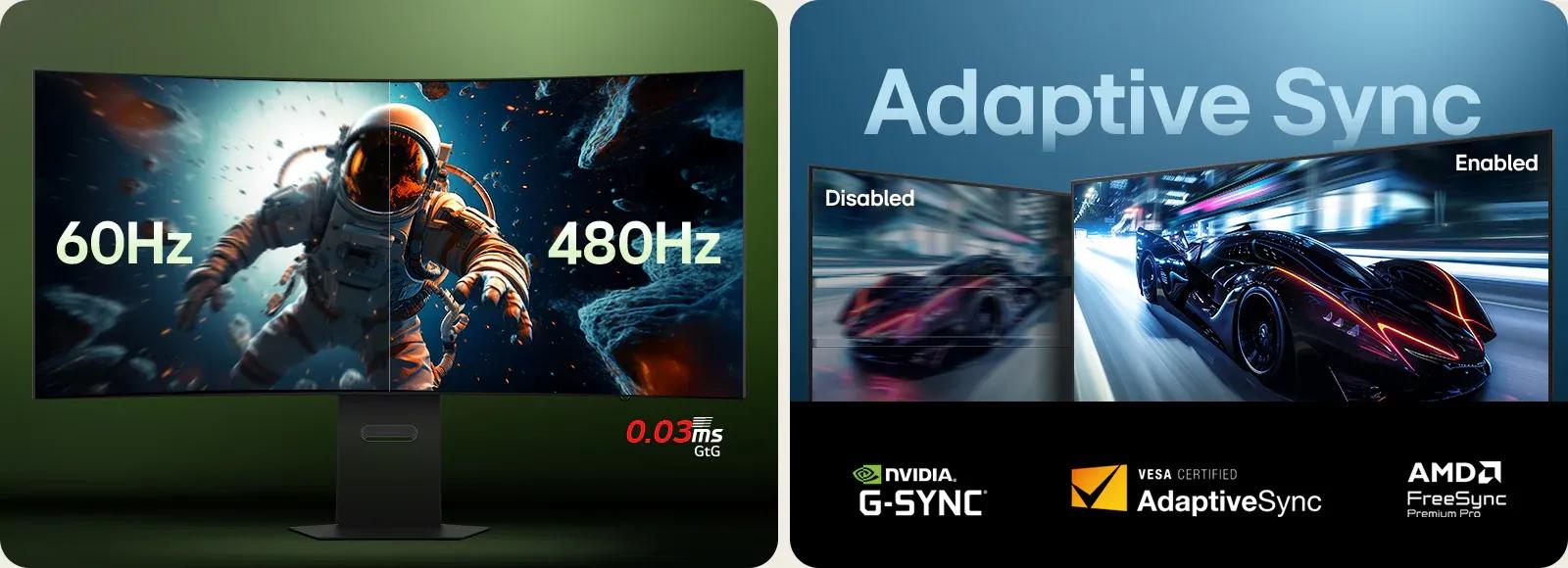
Why do refresh rate and response time matter in gaming?
How does LG UltraGear optimize fast-paced gameplay?
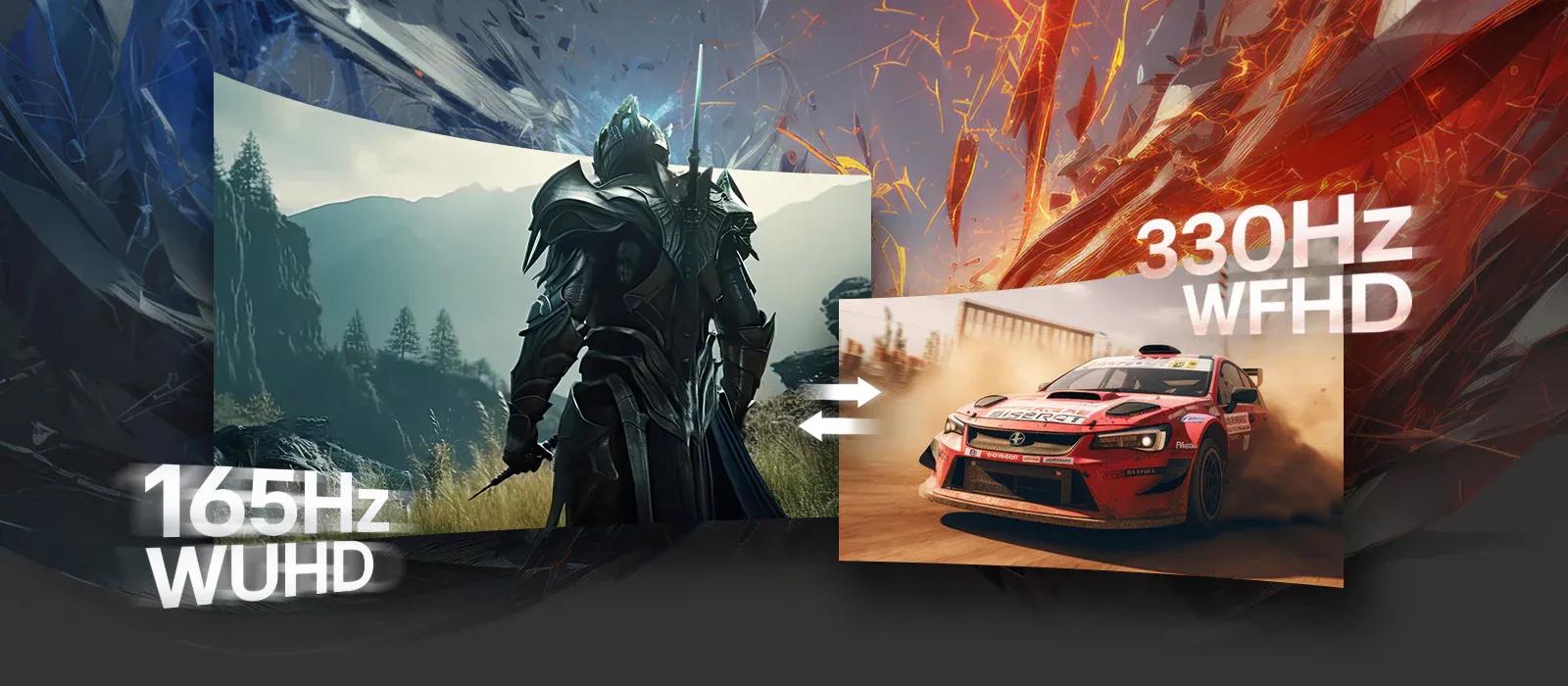
UltraGear's Dual-Mode for switching between refresh rates
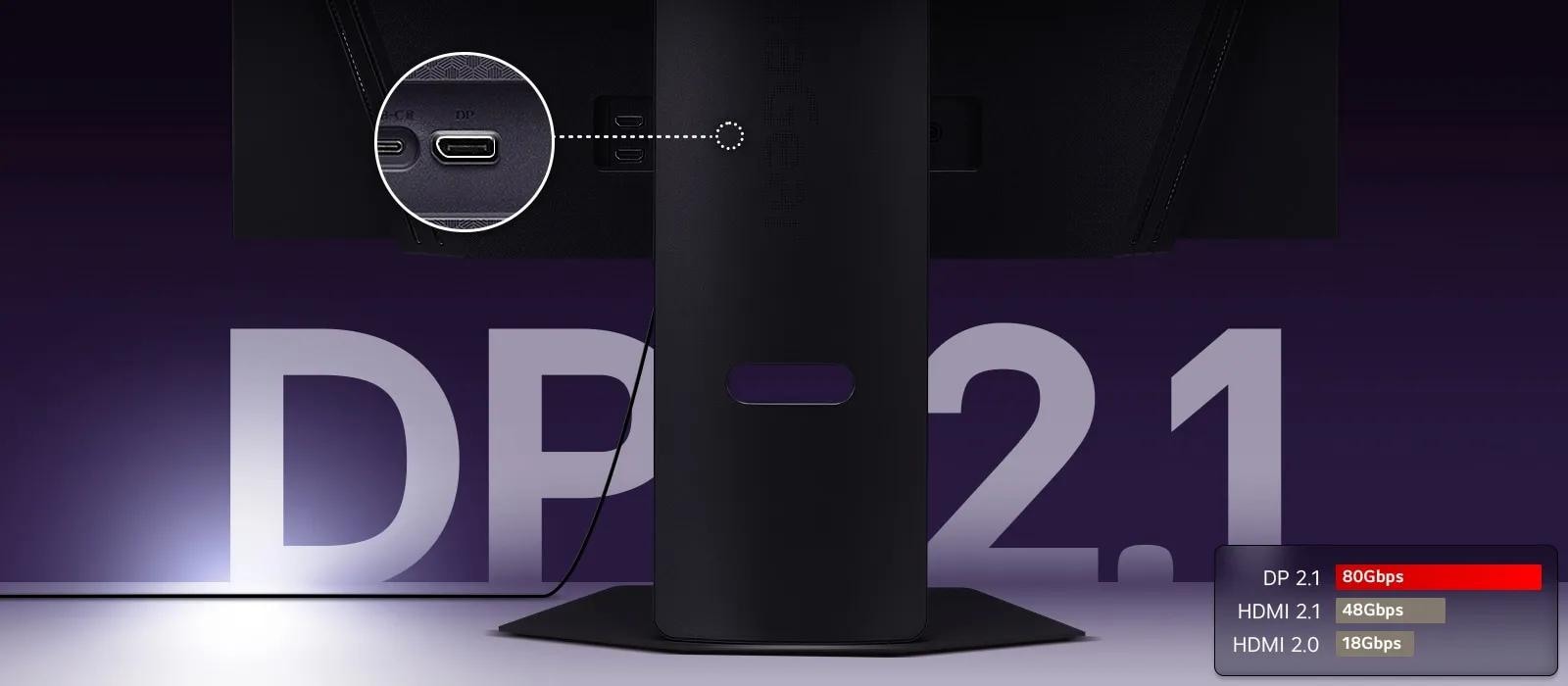
The latest DP technology for peak gaming performance
Compare LG UltraGear gaming monitors
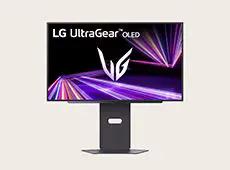
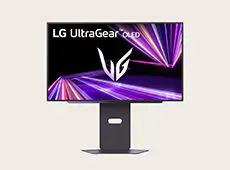
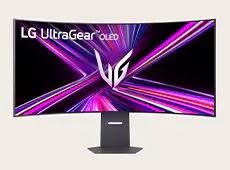
• HDMI™ 2.1 × 2
• USB Type-C™ (PD 90W)
• USB 3.0 2dn
• HDMI™ 2.1 × 2
• USB Type-C™ (PD 90W)
• USB 3.0 1up, 2dn
• HDMI™ 2.1 × 2
• USB Type-C™ (PD 65W)
• USB 3.0 1up, 1dn
• HDMI™ 2.1 × 2
• USB Type-C™ (PD 90W)
Frequently Asked Questions
Which UltraGear™ gaming monitors offer the highest refresh rates?
The UltraGear™ gaming monitors that offer the highest refresh rates are designed to keep motion smooth and responsive during gameplay. Refresh rate is especially important because it affects how fluid on-screen movement looks and how clearly you can track fast action. Higher refresh rates can improve motion clarity, help reduce motion blur, and minimize ghosting in fast-paced competitive games. For professional esports players and serious competitive FPS gamers, the LG UltraGear™ 25G590B offers the world’s first* NATIVE 1000Hz refresh rate (1100Hz (O/C)). If you are looking for Dual-Mode flexibility, models like 27GM950B and 39GX950B support a native 165Hz refresh rate that can switch to 330Hz at lower resolutions for incredibly smooth action.
*Based on publicly available information as of May 19, 2026, among gaming monitors introduced by consumer brands.
Which gaming monitors allow easy switching between refresh rates?
Gaming monitors that allow easy switching between refresh rates are ideal for players who move between different genres and performance needs. This capability lets you prioritize higher resolution and visual quality for rich cinematic titles or quickly shift to higher refresh rates for competitive FPS gameplay where fluid motion is more important. LG UltraGear™ gaming monitors featuring Dual‑Mode make these changes straightforward, allowing you to adjust settings using a physical Hot Key or on‑screen menu without changing cables, so you can seamlessly adapt the monitor to your preferred gameplay style.
What are the best LG curved 240Hz gaming monitors?
For curved 240Hz gaming, the LG UltraGear™ 52G930B is a strong option. This model features a large 52‑inch screen with a 1000R curvature that brings more of the display into your natural field of view, helping open‑world and RPG games feel more engaging. By combining this wraparound design with a fluid 240Hz refresh rate and an ultra‑fast 1ms (GtG) response time, it supports a deeper sense of in‑game presence and very sharp motion clarity.
How do Dual-Mode refresh rate gaming monitors compare to single refresh rate models?
Dual‑Mode refresh rate gaming monitors offer more flexibility than single refresh rate models because they let users switch between different resolution and refresh rate combinations based on the games they play. Competitive gamers may choose higher refresh rates for smoother motion and faster responsiveness in FPS titles, while higher‑resolution modes can provide sharper detail and more immersive visuals in RPG, open‑world, and cinematic games. The LG UltraGear™ 27GM950B and LG UltraGear™ 39GX950B both support Dual‑Mode, allowing players to move between high‑resolution gaming and ultra‑high refresh rate gameplay according to their preferred style and performance priorities.
Images may be simulated and dramatized for illustrative purposes. Actual features, functionality, and other product specifications may differ and are subject to change without notice. Prices, promotions, and availability may vary by model, store, and online. Prices subject to change without notice. Quantities are limited. Check with your local retailers for their final price and availability.
- TV & Home Theater
- My Account
- About LG
- Offers
- Articles & Gift Guides
Social Support
 Copyright © 2009-2026 LG Electronics. All Rights Reserved