Top Deals: Save 30-50% on select home appliances

Top Deals: Save 30-50% on select home appliances
How do resolution and picture quality affect your gaming experience on monitors?
Why does LG UltraGear create high-resolution gaming monitors like 5K2K and 4K?
Higher resolution is always better—it lets you see more of the game world and enjoy sharper, more detailed visuals for deeper immersion. LG UltraGear offers premium high-resolution monitors up to 5K2K and 4K, giving you more screen real estate and clarity. But to get the most out of it, you need to match resolution to your PC specs and the games you play. 1080p is perfect for high-FPS competitive gaming, while 1440p balances clarity and performance. 4K offers ultra-sharp visuals, and 5K2K ultrawide extends your view for truly cinematic gameplay. Still unsure? Dual-Mode monitors make switching easy.
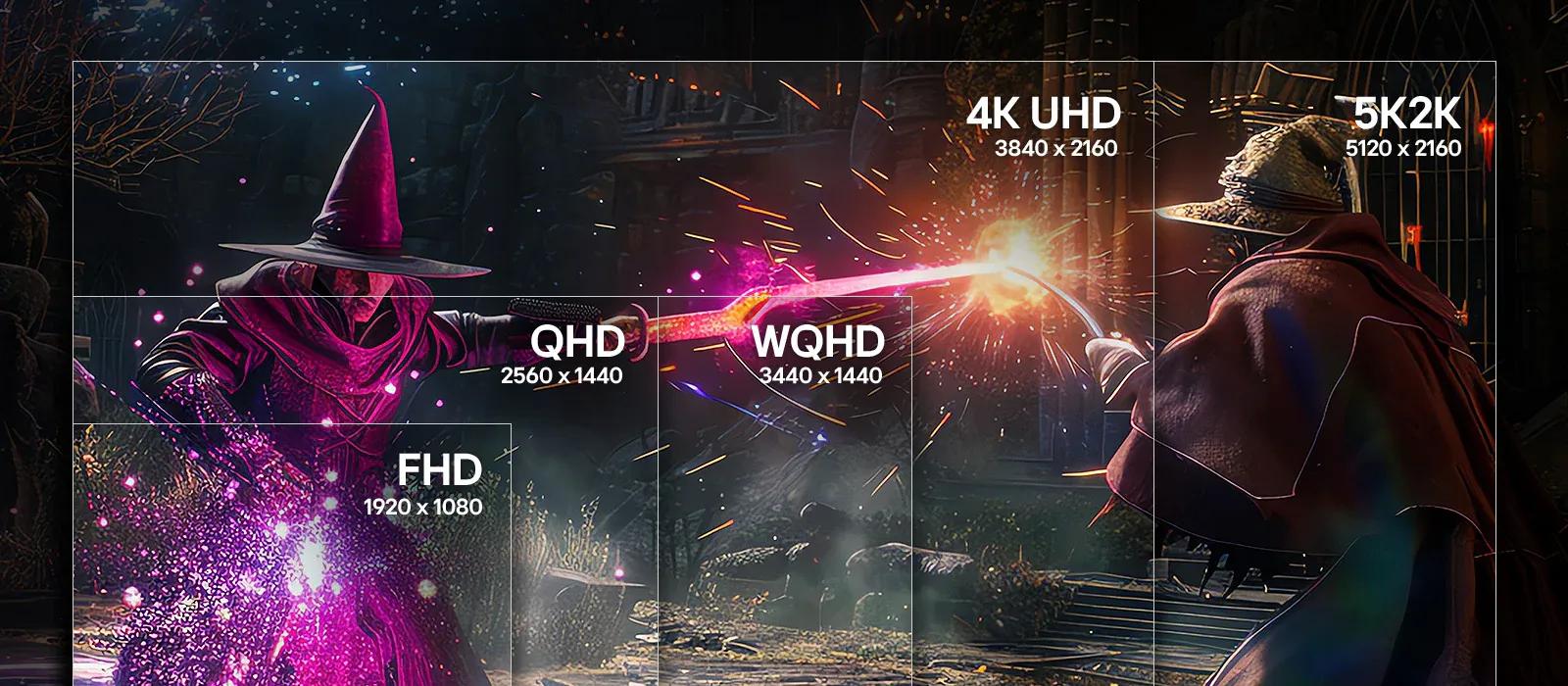
Why is LG UltraGear's high-PPI display ideal for gaming?
High PPI means more detail in every frame—whether you're aiming in an FPS, exploring open world vistas, or tackling your work. Select LG UltraGear 45-inch models achieve 5K2K ultrawide resolution, packing dense pixels into an expansive canvas for vivid visuals and clean UI. Dense pixel layouts keep fine textures clear and text legible, while OLED's pixel-level lighting and refined subpixel structure minimize blur and color fringing. The result is impeccable image quality, viewing comfort, and an immersive viewing experience across all content.
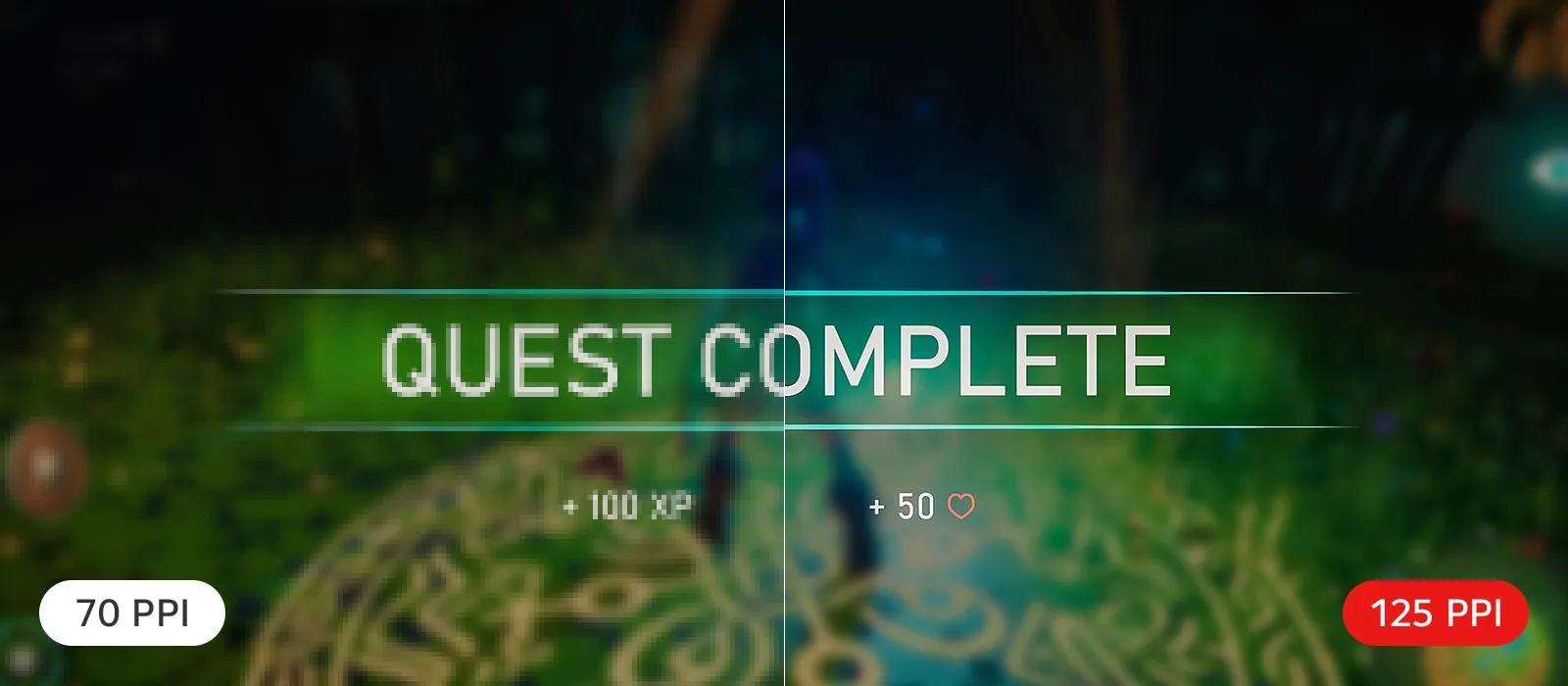
*This feature is based on the specifications of the model 45GX950A.
How does LG UltraGear OLED deliver Perfect Black and Color for AAA games?
LG UltraGear OLED helps enhance immersion with pixel-level dimming for deep contrast, perfect blacks, and precise lighting control. WOLED improves brightness through technologies like Primary RGB Tandem (4th Gen) and MLA+ (3rd Gen), helping maintain black levels and color fidelity even in bright environments. Especially with Primary RGB Tandem, 4th Gen. WOLED is certified for Perfect Black, Perfect Color, 100% Color Fidelity, and Perfect Reproduction—ensuring a flawless visual experience whether you're gaming in a dark room or under daylight.
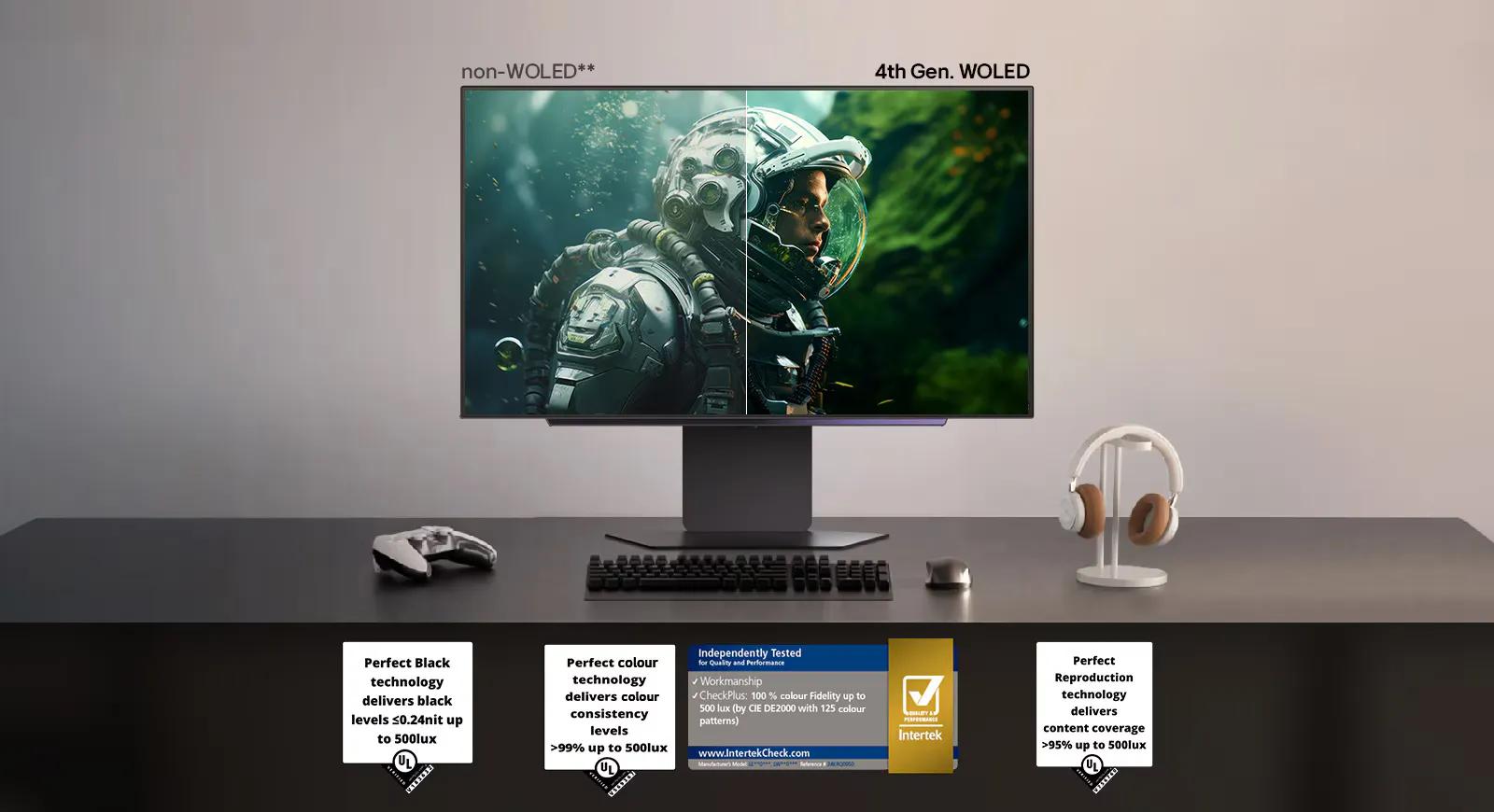
*This feature is based on the specifications of the model 27GX700A.
*The images above are simulated for illustrative purposes only.
**Among OLED gaming monitors. The images are simulated for illustrative purposes only.
*The images above are simulated for illustrative purposes only.
**Among OLED gaming monitors. The images are simulated for illustrative purposes only.
Why does LG UltraGear's color performance matter for gaming?
LG UltraGear OLED monitors are engineered for precision, with ultra-wide up to 95% DCI-P3 color coverage or up to 99% of sRGB color gamut, ensuring bold, vivid color across genres—such as Soul-like or Open world RPG. UltraGear's self-lit OLED pixels and VESA DisplayHDR™ True Black 400 and 500 certifications preserve rich contrast and subtle gradients. Whether you're spotting enemies in low light or enjoying cinematic storytelling, UltraGear brings impeccable fidelity for immersive, reliable gameplay.
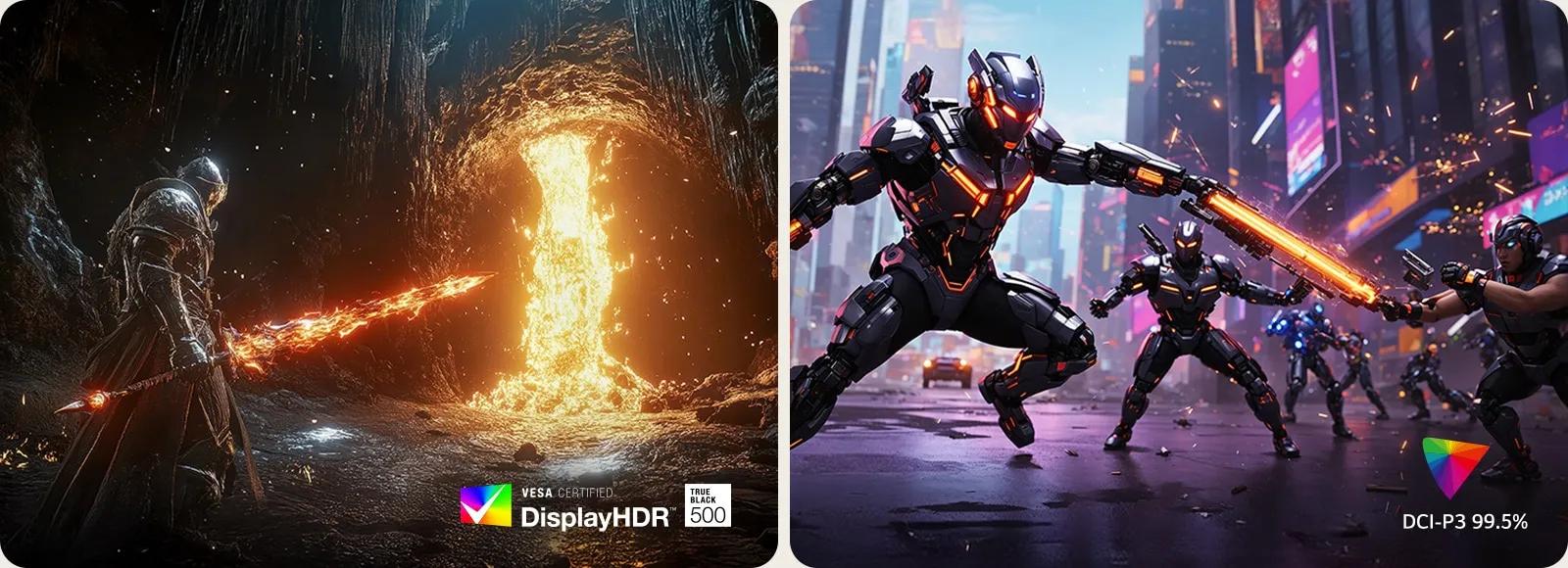
*This feature is based on the specifications of the model 27GX700A.
Compare LG UltraGear gaming monitors
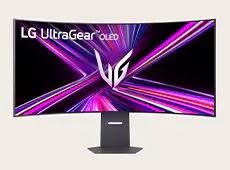
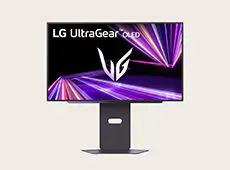


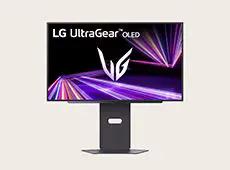
45GX950A
27GX700A
45/39/34GX900A
32GX870A
27GX790A
Resolution
WUHD 5120×2160
QHD 2560×1440
WQHD 3440×1440
UHD 3840×2160
QHD 2560×1440
Panel type
OLED
OLED
OLED
OLED
OLED
Picture quality
VESA DisplayHDR True Black 400
VESA DisplayHDR True Black 500
VESA DisplayHDR True Black 400
VESA DisplayHDR True Black 400
VESA DisplayHDR True Black 400
Color gamut
DCI-P3 98.5%
DCI-P3 99.5%
DCI-P3 98.5%
DCI-P3 98.5%
DCI-P3 98.5%
HDR effect
YES
YES
YES
YES
YES
Screen size
45-inch
27-inch
45/39/34-inch
32-inch
27-inch
Images may be simulated and dramatized for illustrative purposes. Actual features, functionality, and other product specifications may differ and are subject to change without notice. Prices, promotions, and availability may vary by model, store, and online. Prices subject to change without notice. Quantities are limited. Check with your local retailers for their final price and availability.
- TV & Home Theater
- My Account
- About LG
- Offers
- Articles & Gift Guides
Social Support
BusinessPrivacyDo Not Sell or Share My Personal InformationTerms of UseTerms of PurchasePatentAccessibility HelpSite Map
 Copyright © 2009-2026 LG Electronics. All Rights Reserved