Top Deals: Save 30-50% on select home appliances

Top Deals: Save 30-50% on select home appliances
What screen size and aspect ratios are best for gaming monitors?
Why LG UltraGear screen sizes suit different game genres best?
LG UltraGear offers a wide range of screen sizes—so you can pick the one that perfectly fits your playstyle. For immersive AAA games like open world titles, racing sims, or cinematic RPGs, larger screens from 32″ to 45″ can expand your field of view and help enhance the sense of scale—pulling you deeper into the action. For fast-paced shooters or MOBAs, compact 24–27″ monitors keep the crosshair, minimap, and HUD (Heads-Up Display) within easy view, letting you respond quickly with minimal eye movement. UltraGear offers screen sizes across the full spectrum—find the one that fits your playstyle best.
*FPS : First-Person Shooter, MOBA : Multiplayer Online Battle Arena
Why LG UltraGear offers the ideal aspect ratio for every play style?
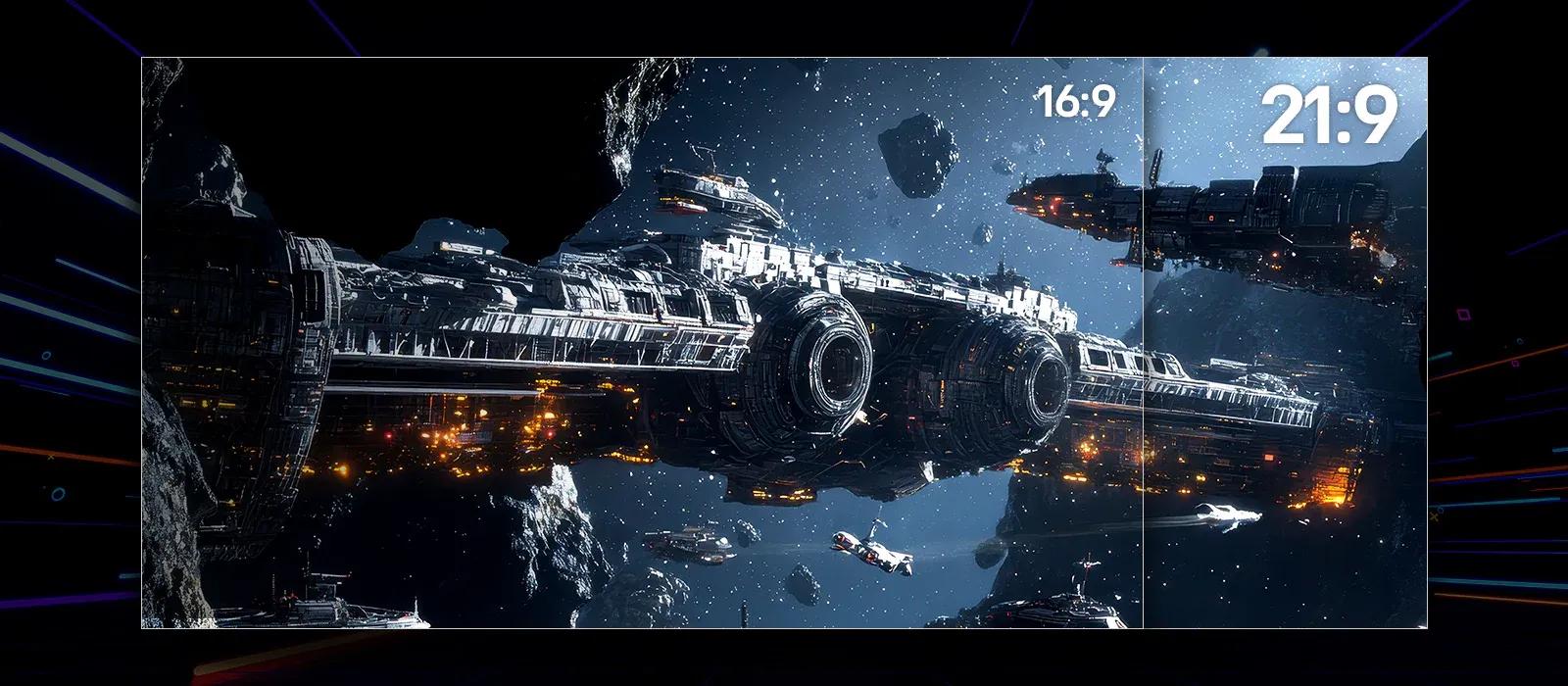
A 21:9 ultrawide hits the sweet spot between immersive scale and practical desk space. For MOBA, RPG, or AAA titles, this wider format reveals more terrain and UI in a single glance, with curved screens keeping the edges comfortably in view. UltraGear offers a wide range of 21:9 monitors across various sizes, so you can find the right fit for your setup.
Prefer a traditional look? Explore UltraGear's extensive lineup of 16:9 monitors built for precision and speed. Choose the aspect ratio that matches the way you play.
Prefer a traditional look? Explore UltraGear's extensive lineup of 16:9 monitors built for precision and speed. Choose the aspect ratio that matches the way you play.
Why is LG UltraGear's 800R curvature ideal for gaming?
UltraGear's 800R curvature keeps screen distance uniform across your view, reducing distortion and enhancing comfort. Curved monitors expand FOV (Field of View) by wrapping visuals around your periphery, boosting immersion in Open world, racing, or cinematic titles and easing eye movement in long play. Flat screens can provide accurate visibility and clean lines, ideal for FPS or RTS where precision and alignment matter. UltraGear offers multiple curvature options—choose the curve that draws you in.
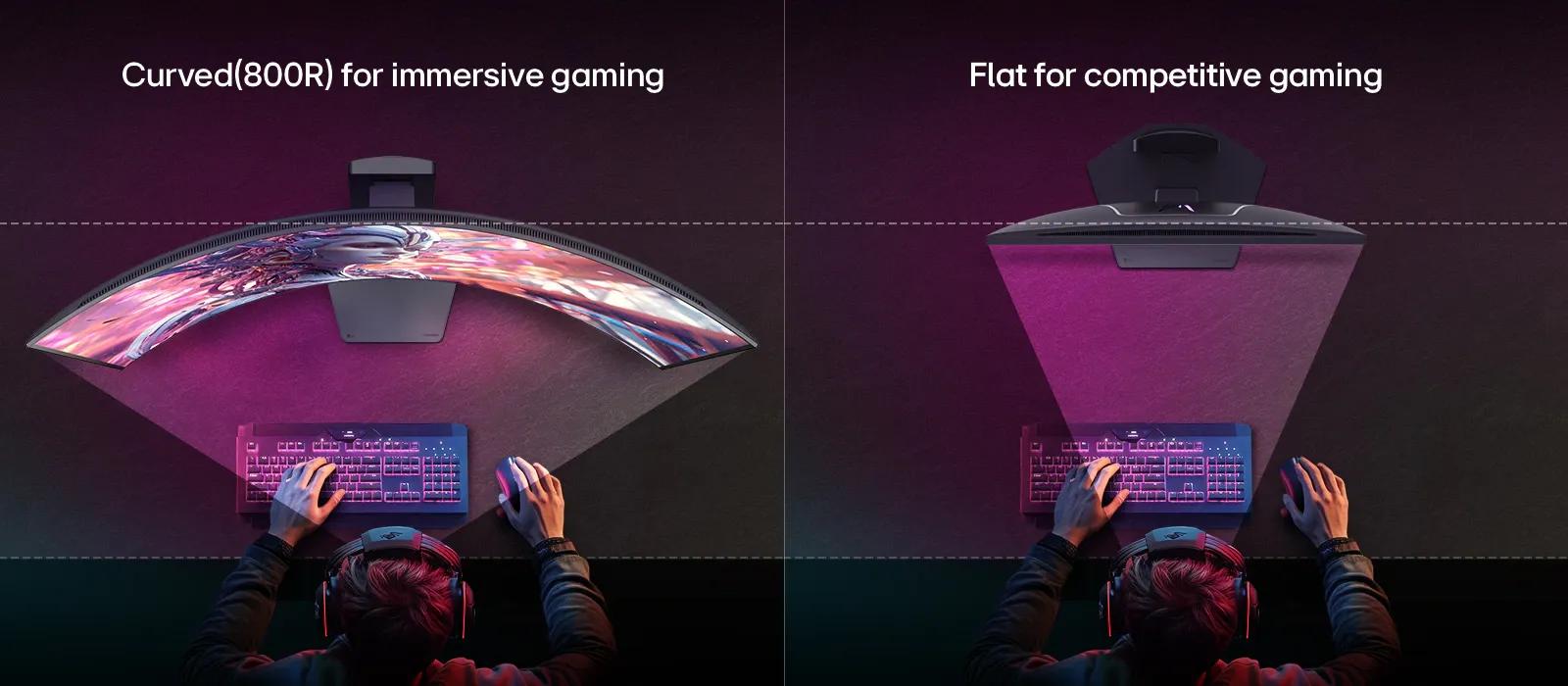
*Curved monitor descriptions are based on models with an 800R curvature.
Compare LG UltraGear gaming monitors
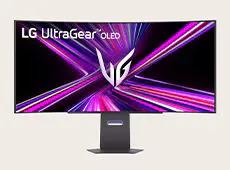
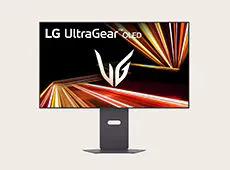
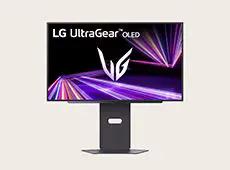
45GX950A
27GX700A
45/39/34GX900A
32GX870A
27GX790A
Resolution
WUHD 5120×2160
QHD 2560×1440
WQHD 3440×1440
UHD 3840×2160
QHD 2560×1440
Panel type
OLED
OLED
OLED
OLED
OLED
Picture quality
VESA DisplayHDR True Black 400
VESA DisplayHDR True Black 500
VESA DisplayHDR True Black 400
VESA DisplayHDR True Black 400
VESA DisplayHDR True Black 400
Color gamut
DCI-P3 98.5%
DCI-P3 99.5%
DCI-P3 98.5%
DCI-P3 98.5%
DCI-P3 98.5%
HDR effect
YES
YES
YES
YES
YES
Screen size
45-inch
27-inch
45/39/34-inch
32-inch
27-inch
Images may be simulated and dramatized for illustrative purposes. Actual features, functionality, and other product specifications may differ and are subject to change without notice. Prices, promotions, and availability may vary by model, store, and online. Prices subject to change without notice. Quantities are limited. Check with your local retailers for their final price and availability.
- TV & Home Theater
- My Account
- About LG
- Offers
- Articles & Gift Guides
Social Support
BusinessPrivacyDo Not Sell or Share My Personal InformationTerms of UseTerms of PurchasePatentAccessibility HelpSite Map
 Copyright © 2009-2026 LG Electronics. All Rights Reserved