Top Deals: Save 30-50% on select home appliances

Top Deals: Save 30-50% on select home appliances
Discover why UltraGear Monitors are perfect for work and play
How does LG Switch* improve multitasking?
LG Switch* helps enhance multitasking by combining features like Personalized Picture Wizard, Screen Split, and Video Call. Users can fine-tune display settings for different tasks, divide the screen into customizable layouts to game or work side-by-side, and quickly join video calls via shortcut—all without interrupting their workflow or gameplay. It delivers a seamless experience tailored to both productivity and entertainment.
*All pictures shown are simulated for illustration purpose only.
*To download the latest version of the LG Switch app, visit LG.com
How does LG UltraGear OLED provide sharper, more readable text?
LG UltraGear OLED leverages high pixel density (PPI) and an improved subpixel structure to help deliver crisp, legible text. Whether you're reading documents, writing emails, or browsing the web, characters remain clear even at small font sizes. These display technologies support visual clarity by improving edge definition and maintaining color alignment, which can help reduce visual noise. You can stay focused during long work or study sessions—without sacrificing clarity when it's time to switch to games.
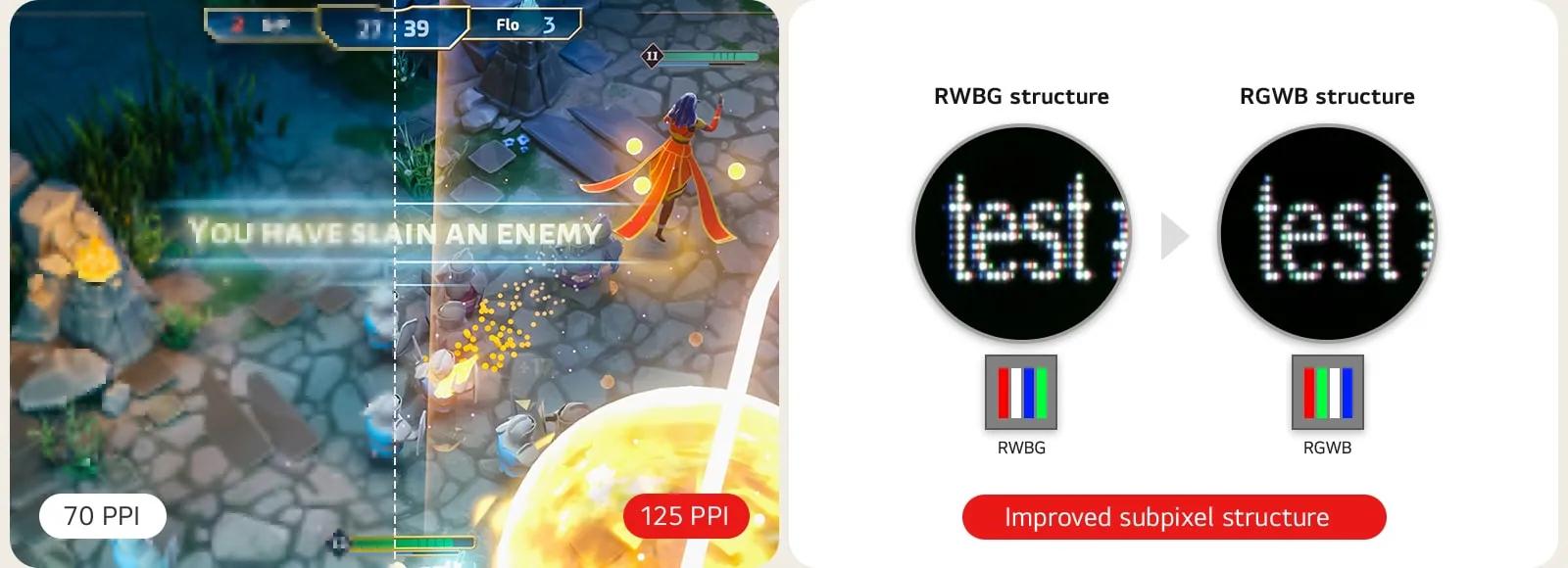
*This feature is based on the specifications of the model 45GX950A.
*Image is for illustrative purpose, comparing RWBG and RGWB subpixel structures, which may affect perceived text clarity depending on display and content.
*Image is for illustrative purpose, comparing RWBG and RGWB subpixel structures, which may affect perceived text clarity depending on display and content.
What makes LG UltraGear convenient for connecting multiple devices?
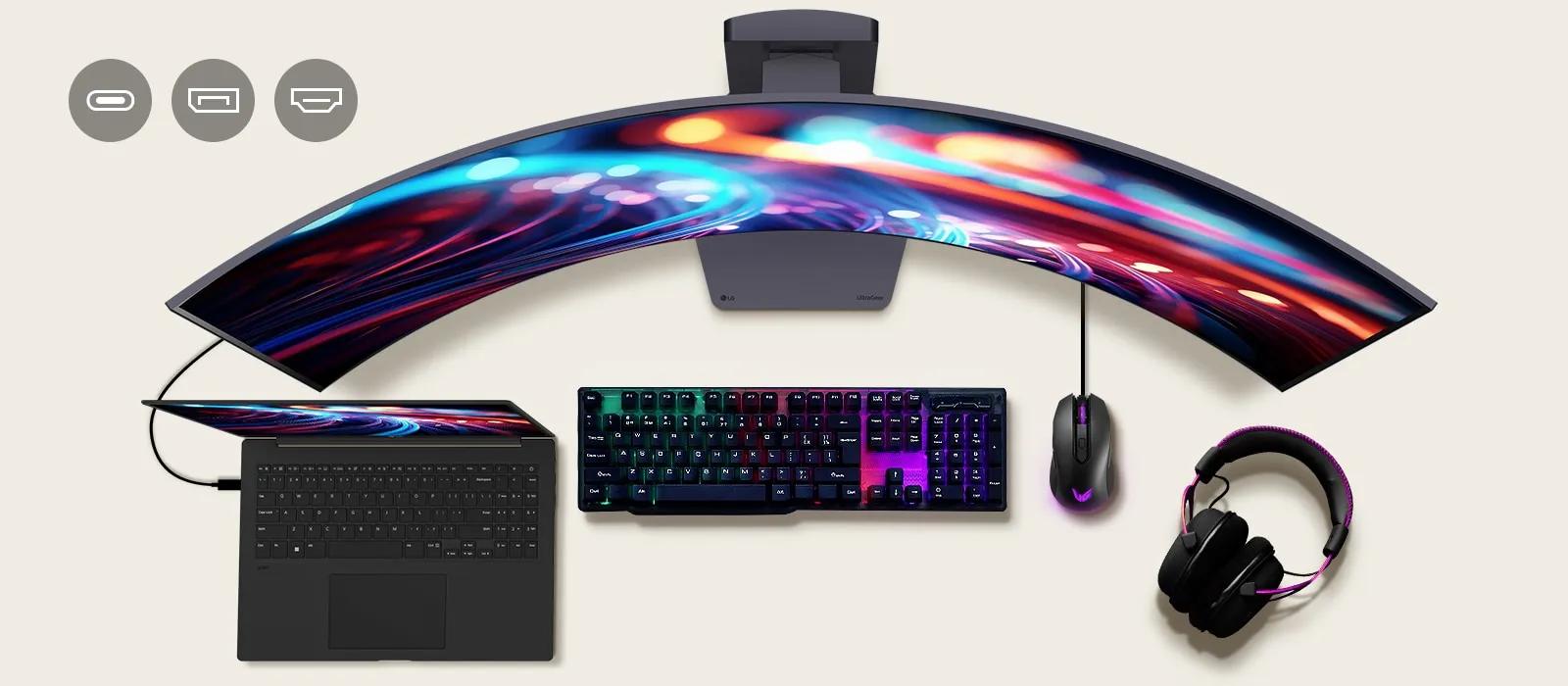
UltraGear monitors have lots of ports—like USB-C, HDMI, and DisplayPort—so you can connect everything from your game console to your laptop. They also support USB hub functionality, allowing you to connect peripherals like your keyboard and mouse directly to the monitor. This means you don't have to keep plugging and unplugging—easily switch between work and gaming without changing your desk setup.
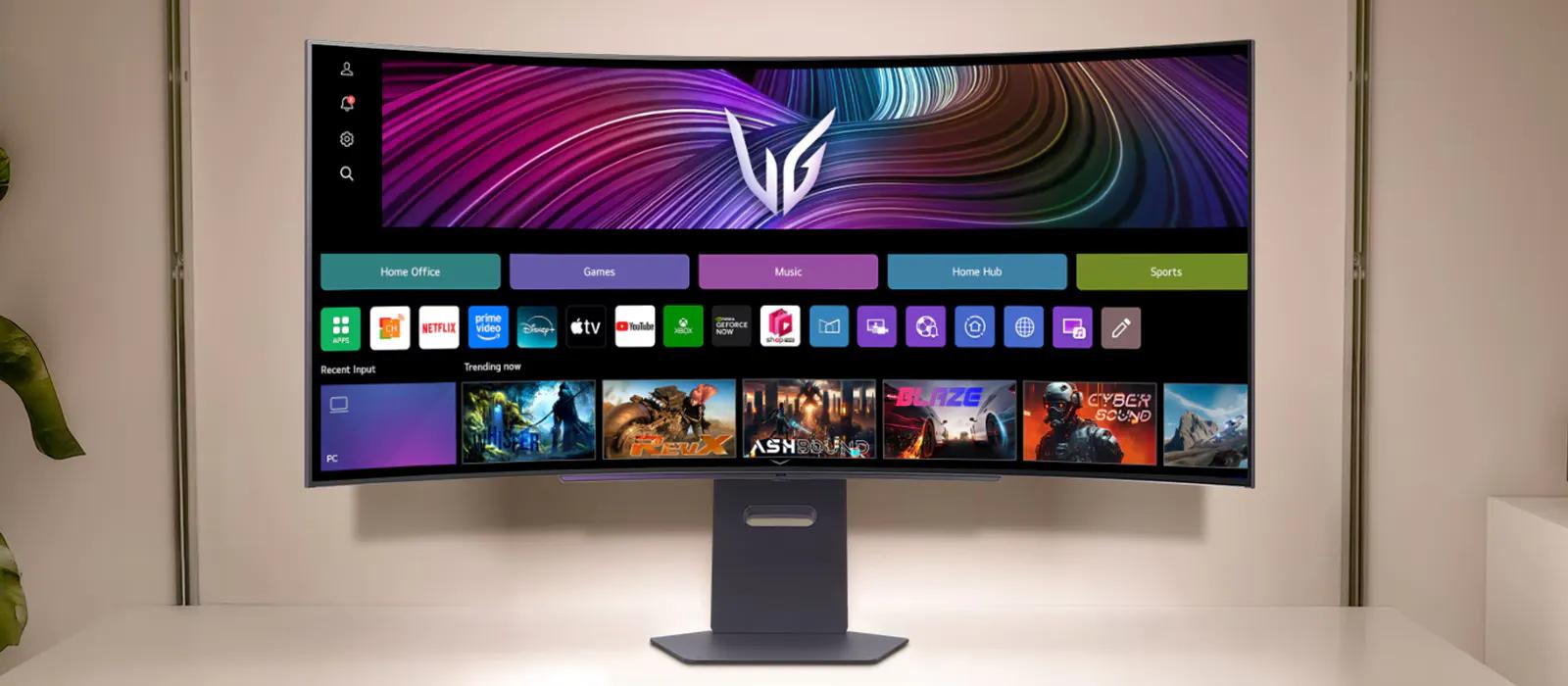
How does webOS† improve everyday use beyond a gaming monitor?
When you're not gaming, you can enjoy quick tasks or video breaks without the noise, heat, or power consumption of a full system. It's ideal for light use between play sessions or during work breaks—saving time, energy, and hassle.
Compare LG UltraGear gaming monitors
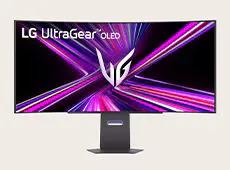
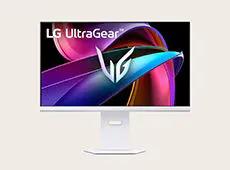
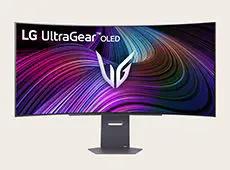
45GX950A
45/39/34GX900A
32G810SA
45/39/34GX905A
screen size
45-inch
45/39/34-inch
32-inch
45/39/34-inch
resolution
WUHD 5160×2160
WFHD 2560×1080
WFHD 2560×1080
WQHD 3440×1440
UHD 3840×2160
WQHD 3440×1440
panel type
OLED
OLED
OLED
OLED
interface
- DisplayPort 2.1 × 1 (with DSC)
- HDMI™ 2.1 × 2
- USB Type-C™ (PD 90W)
- DisplayPort 1.4 × 1 (with DSC)
- HDMI™ 2.1 × 2
- DisplayPort 1.4 × 1 (with DSC)
- HDMI™ 2.1 × 2
- USB Type-C™ (PD 65W)
- USB 3.0 1up, 2dn
- DisplayPort 1.4 × 1 (with DSC)
- HDMI™ 2.1 × 2
- USB Type-C™ (PD 65W)
- USB 2.0 2dn
webOS
–
–
webOS24
webOS24
Images may be simulated and dramatized for illustrative purposes. Actual features, functionality, and other product specifications may differ and are subject to change without notice. Prices, promotions, and availability may vary by model, store, and online. Prices subject to change without notice. Quantities are limited. Check with your local retailers for their final price and availability.
- TV & Home Theater
- My Account
- About LG
- Offers
- Articles & Gift Guides
Social Support
BusinessPrivacyDo Not Sell or Share My Personal InformationTerms of UseTerms of PurchasePatentAccessibility HelpSite Map
 Copyright © 2009-2026 LG Electronics. All Rights Reserved