We use cookies, including cookies from third parties, to enhance your user experience and the effectiveness of our marketing activities. These cookies are performance, analytics and advertising cookies, please see our Privacy and Cookie policy for further information. If you agree to all of our cookies select âAccept allâ or select âCookie Settingsâ to see which cookies we use and choose which ones you would like to accept.
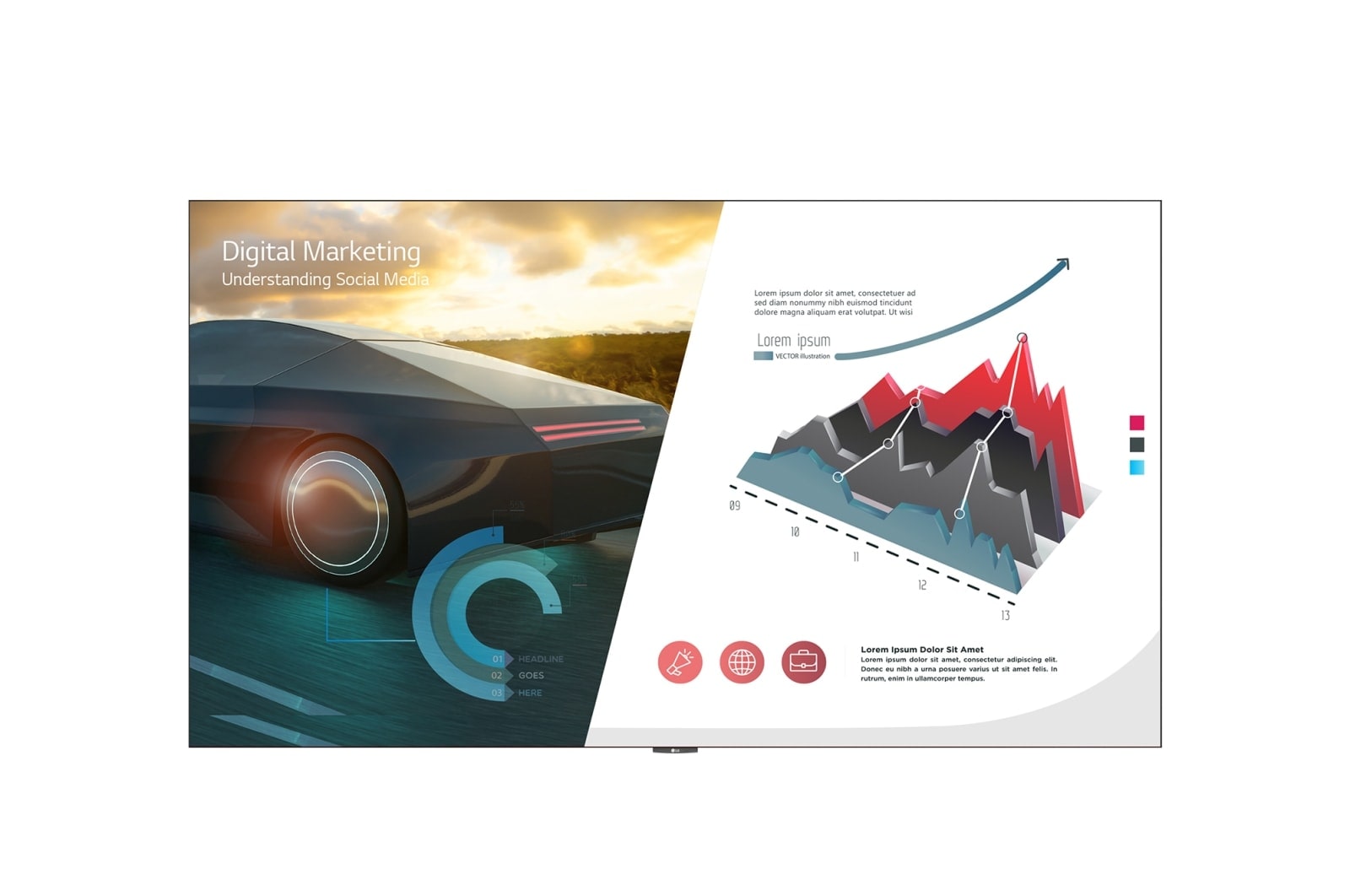
LG LED All-in-One Smart Series
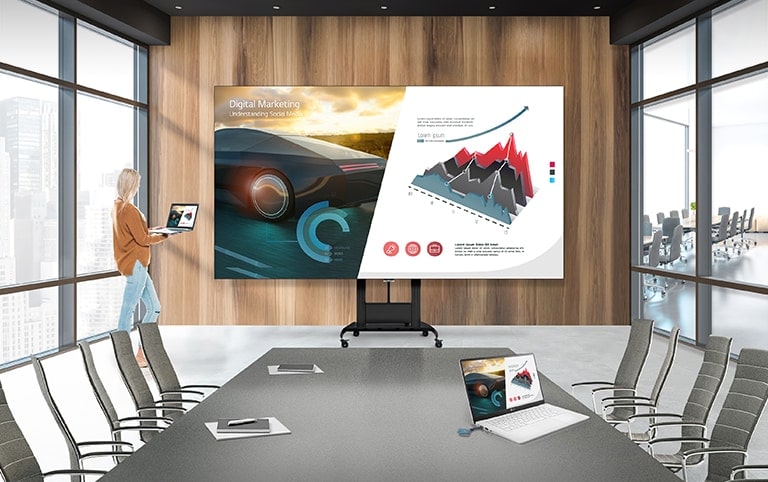
The LAEC installed with a motorized stand in a conference room. A user is sharing her laptop screen to the LAEC screen through LG One:Quick Share.
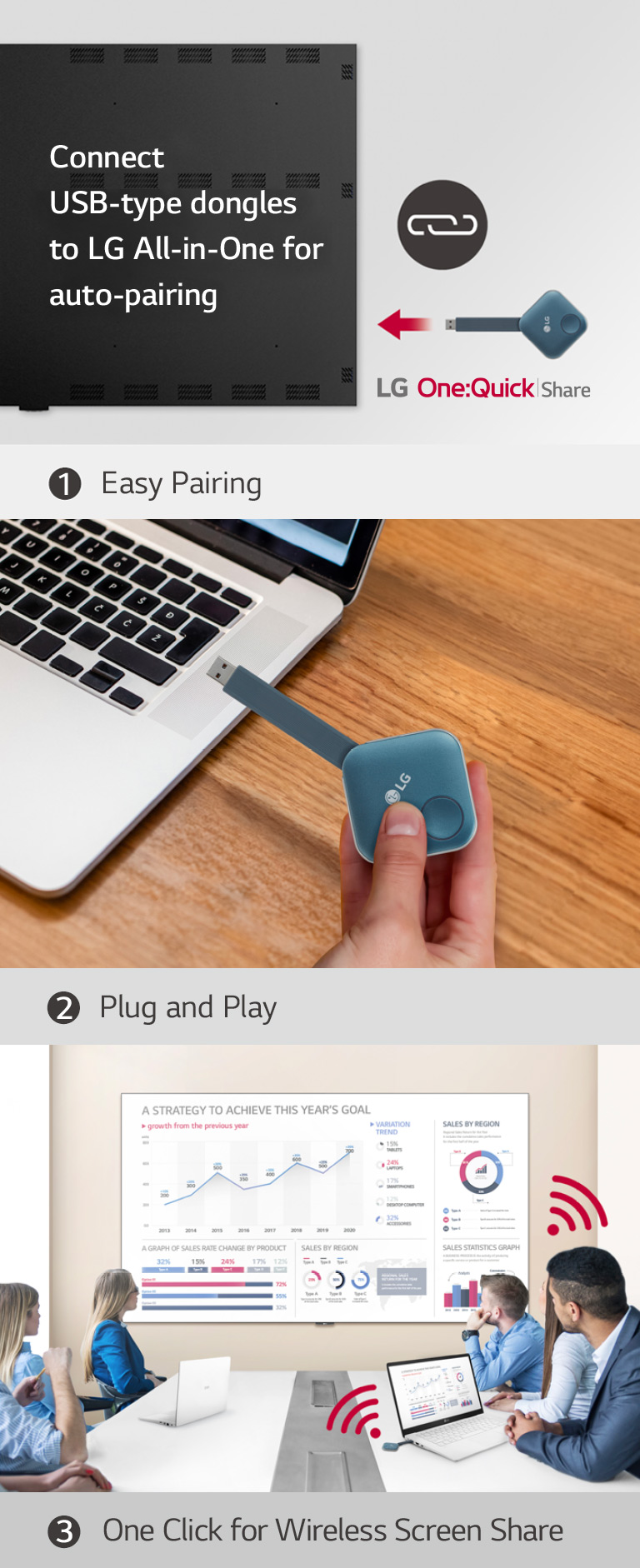
LGâs Wireless Screen Sharing Solution, LG One:Quick Share
This consists of total 3 steps' images for installing One:Quick Share USB Dongle and sharing the personal screen. The first image is for pairing the USB Dongle and the LG Signage, the second describe a person is holding the USB dongle and trying to connect it to the PC, and the last image is for finally people having a meeting by connecting a USB dongle device to a laptop and sharing a screen with the LAEC on the wall.
** Users can enable Office Meeting Mode at EZ Setting Menu of the Signage.
*** LG One:Quick Share needs to be purchased separately.
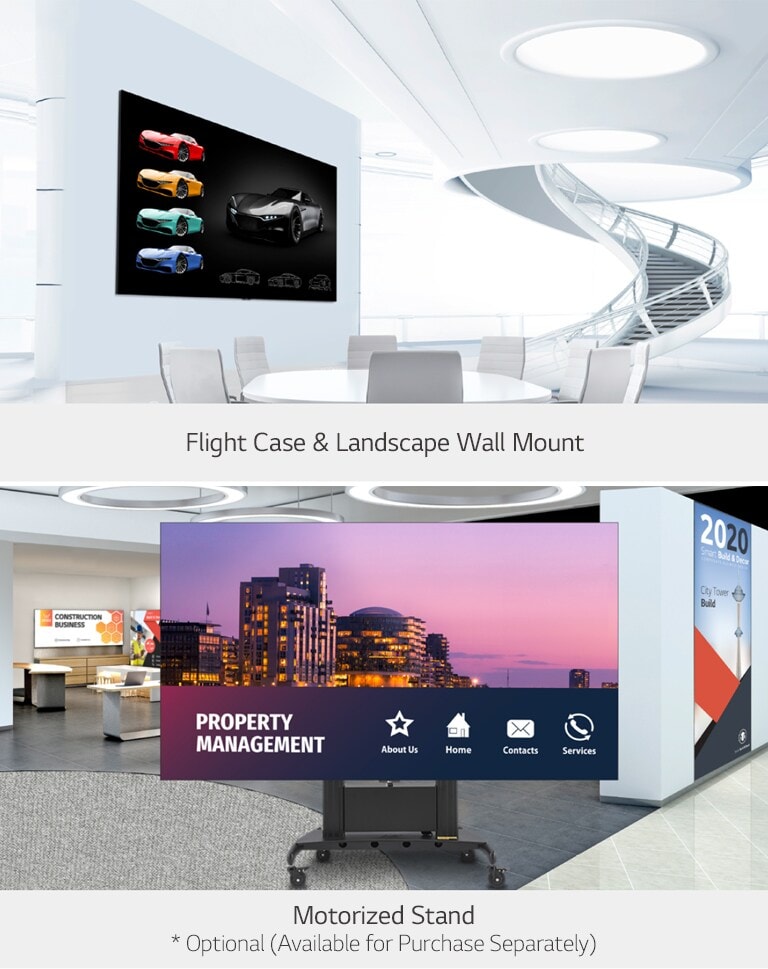
Dedicated Installation Accessories
The LAEC installed on the wall of high-rise space with wall mounted. The LAECâs have been installed along with the motorized stand in an event hall.
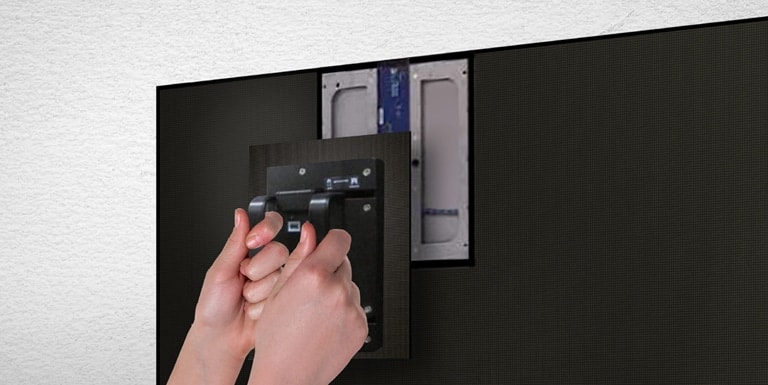
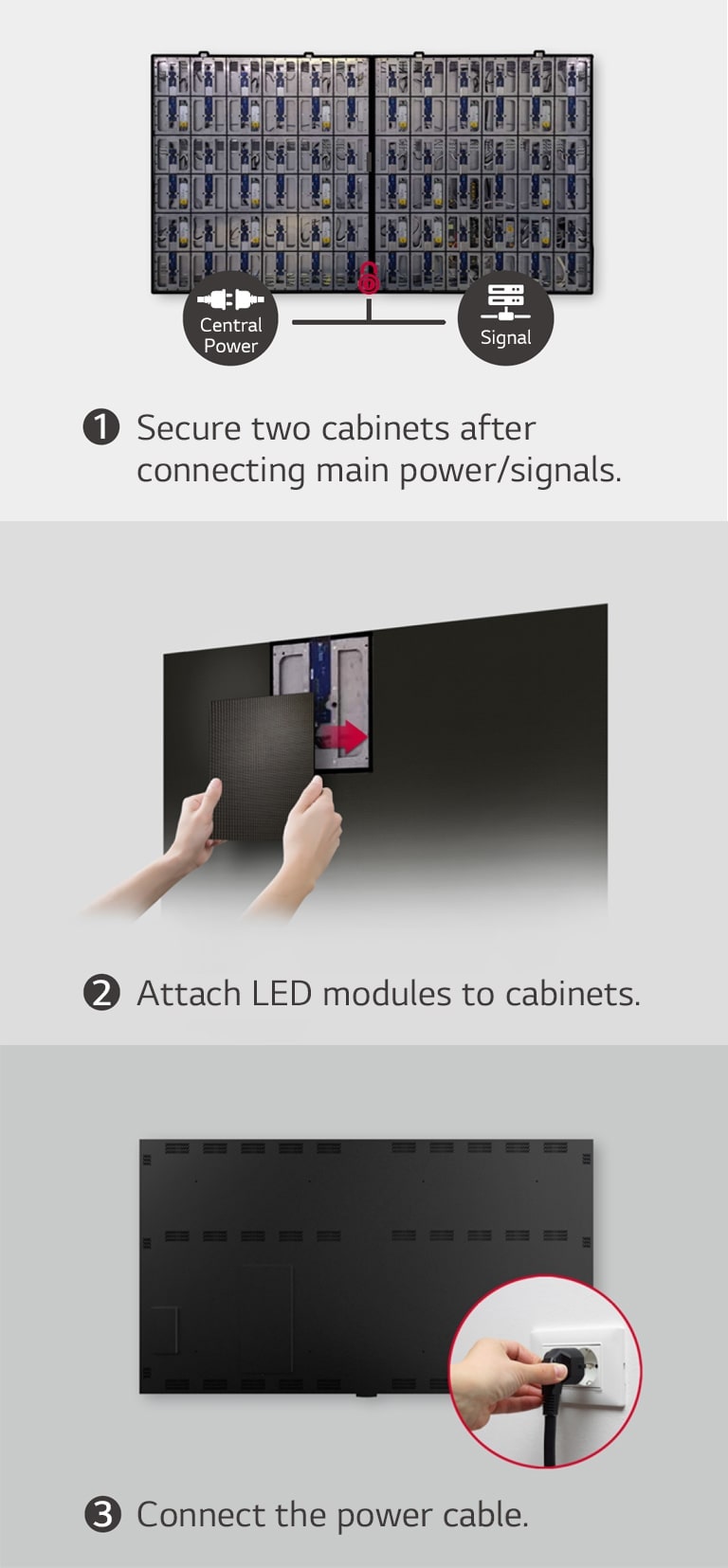
Easy Installation
This consists of total 3 steps' images for securing two cabinets, attaching LED modules, and connecting the power cable.
Headline can be up to 200 characters.
** Network based control
Headline can be up to 200 characters.
Magic Remote for Easy of Use
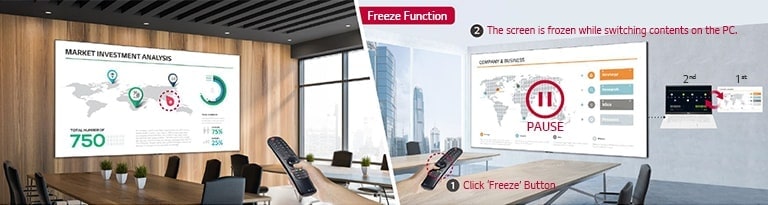
The functions of the LG Magic Remote are shown in two images. The left image show the Magic Remoteâs function which allow it to be used as a laser pointer on the LAEC screen. The right image is the Freeze Function, and when the Freeze button on the Magic Remote is pressed, the LAEC screen installed on the conference room wall is paused.
** The FREEZE function is only available when the LAEC is connected to an external input signal.
Headline can be up to 200 characters.
All Spec
PHYSICAL PARAMETERS
Pixel Configuration
Single SMD
Pixel Pitch (mm)
1.56
Screen Resolution (WxH)
1,920x1,080
Module Dimensions (WxH, mm)
250 x 281.25
No. of Modules per Screen (WxH)
12 x 6 (Total 72)
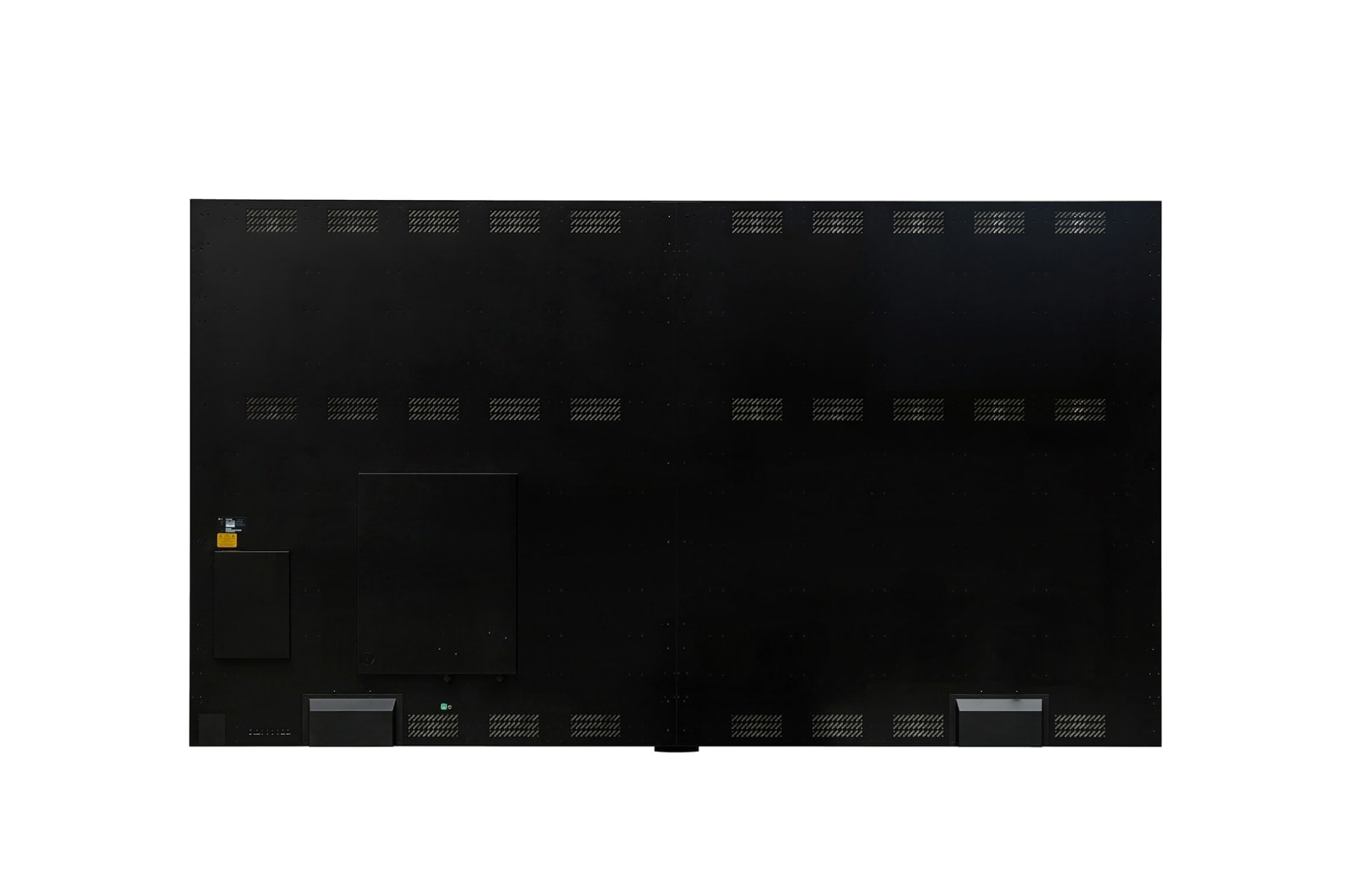
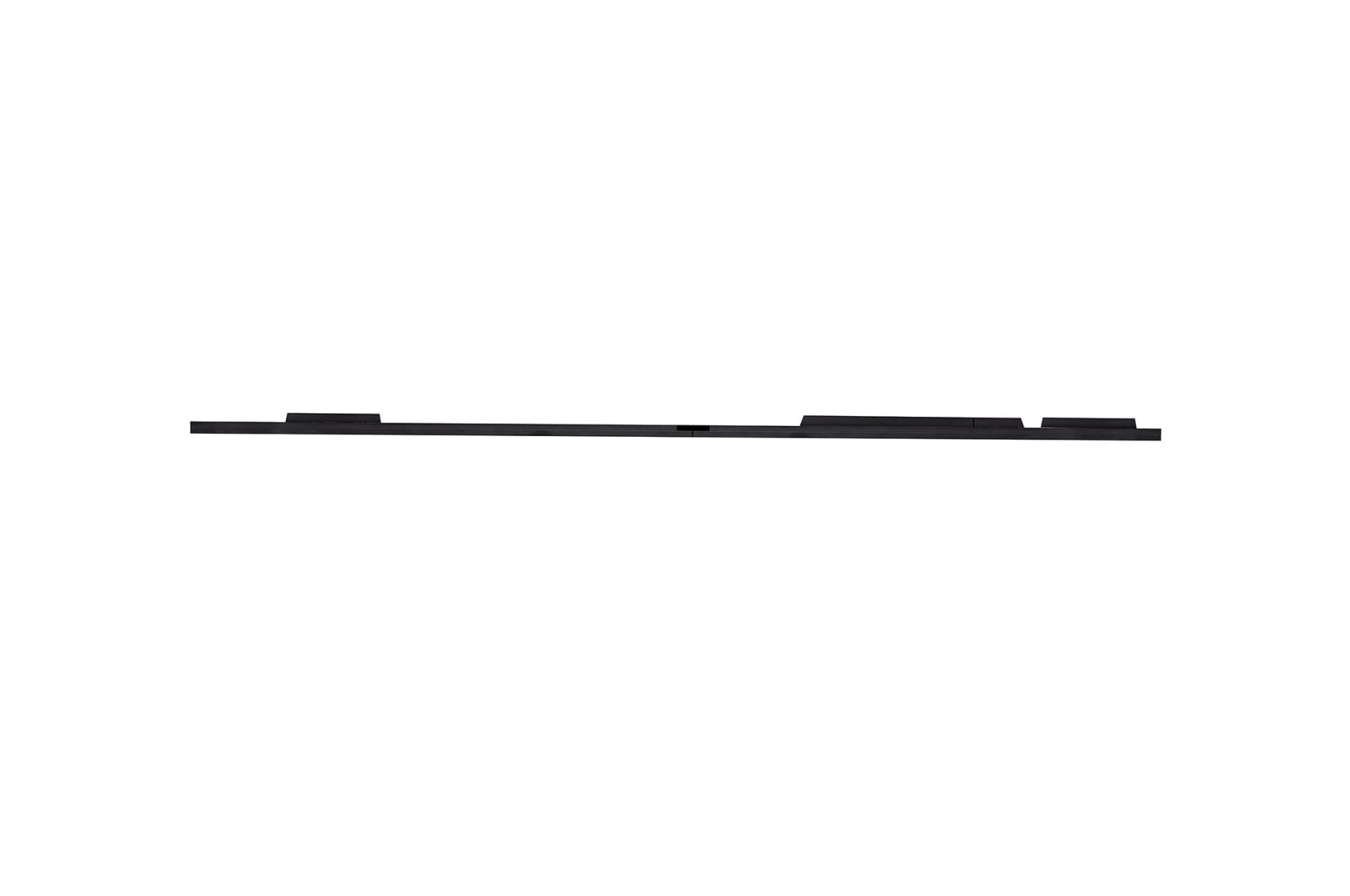
Screen Dimension (W x H x D,mm)
3,004 Ă 1,692 Ă 36.5 (Thickest 70)
Screen Surface Area (ăĄ)
5.06
Screen Weight (kg)
135
Physical Pixel Density (pixels/m²)
409,600
Flatness of Unit Case (mm)
Âą0.2
Unit Case material
Aluminum
Service access
Front
OPTICAL SPECIFICATIONS
Min. Brightness (After Calibration)
500 nit
Color Temperature
3,200~9,300
Visual Viewing Angle (H x V)
160° x 160°
Brightness Uniformity
98%
Color Uniformity
Âą0.015Cx,Cy
Contrast Ratio
3,000:1
Processing Depth (bit)
16 (HDR10, HDR10 Pro)
ELECTRICAL SPECIFICATIONS
Power Consumption (W/Screen, Max.)<br/>
1,700
Power Consumption (W/Screen, Avg.)<br/>
560
Power Consumption (W/m², Max.)
336
Power Consumption (BTU/h/Screen, Max.)
5,801
Power Consumption (BTU/h/Screen, Avg.)
1,911
Power Consumption (BTU/h/m², Max.)
1,146
Power Supply (V)
100 to 240
Frame Rate (Hz)
50 / 60
Refresh Rate (Hz)
âĽ2880
OPERATION SPECIFICATIONS
LED Lifetime (Half brightness)
100,000
Operating Temperature(â)
0â to +40â
Operating Humidity
<90%RH(without condensation)
IP rating Front
IP30
IP rating Rear
IP20
SPEAKER
Speaker
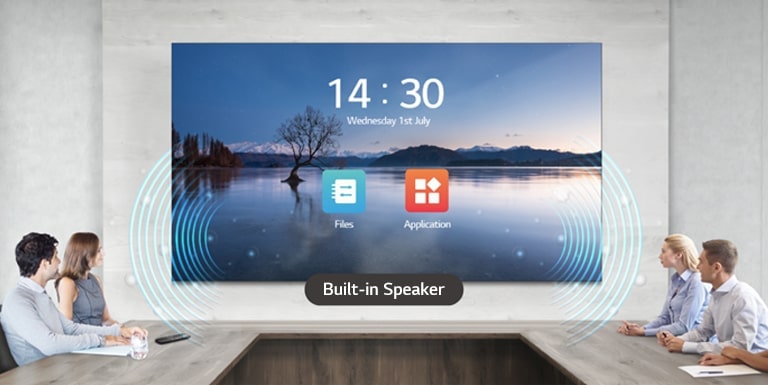
Built-in(9W+9W)
CERTIFICATION
Certification
CE,FCC,ETL,CB
ENVIRONMENT
Environment
RoHS, REACH
CONTROLLER
Controller
Embedded
To access more technical documentation and downloads, please visit the LG B2B Partner Portal.