Black Friday Price Guaranteed on select LG TVs & Soundbars

Black Friday Price Guaranteed on select LG TVs & Soundbars
Beyond inspiring
Form follows feeling
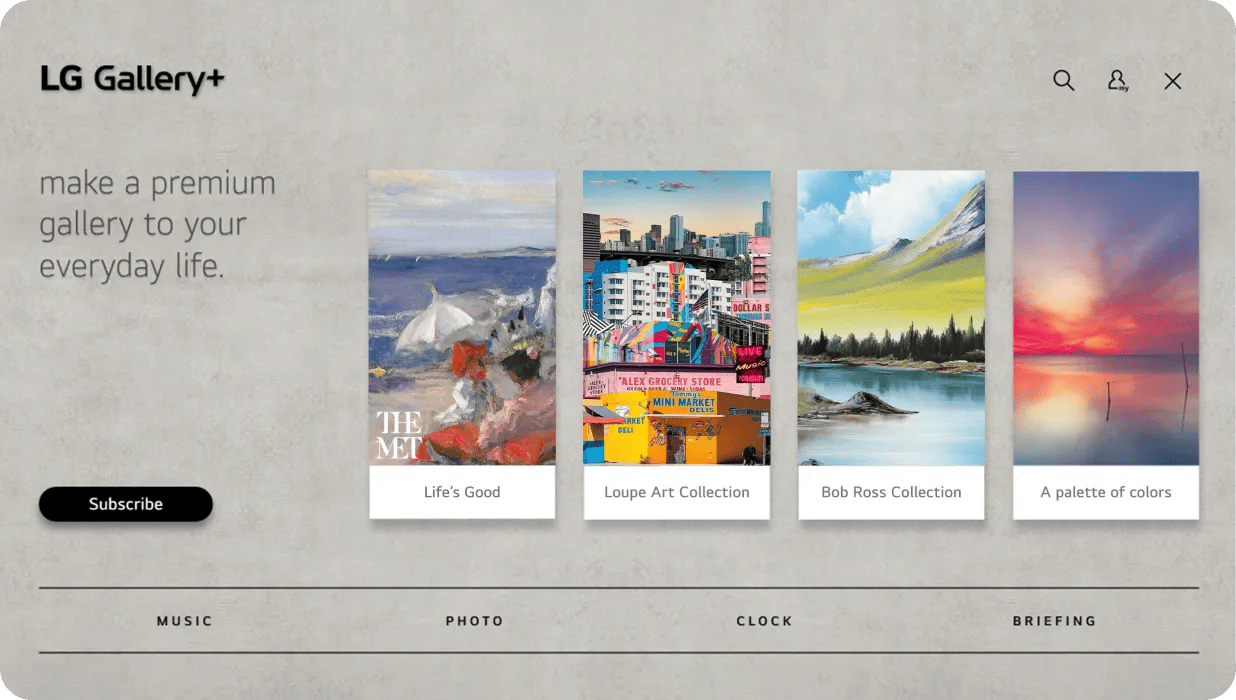
Picture it yourself
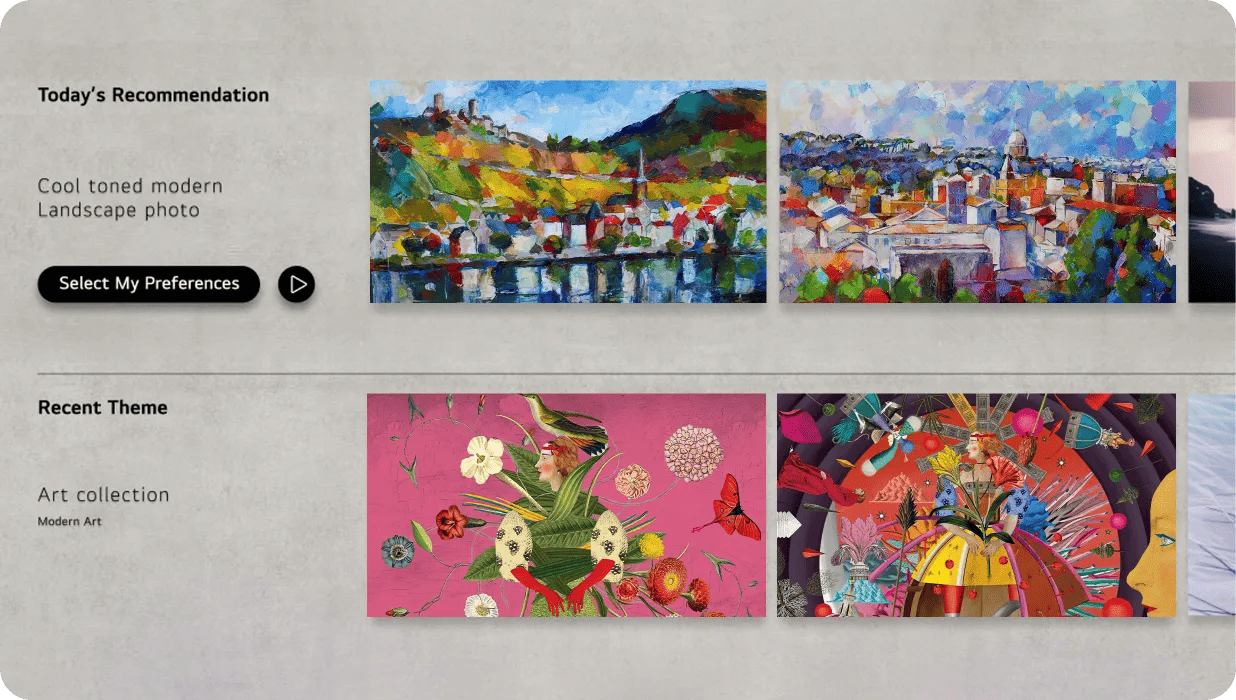
A new perspective, always

Beyond the gallery
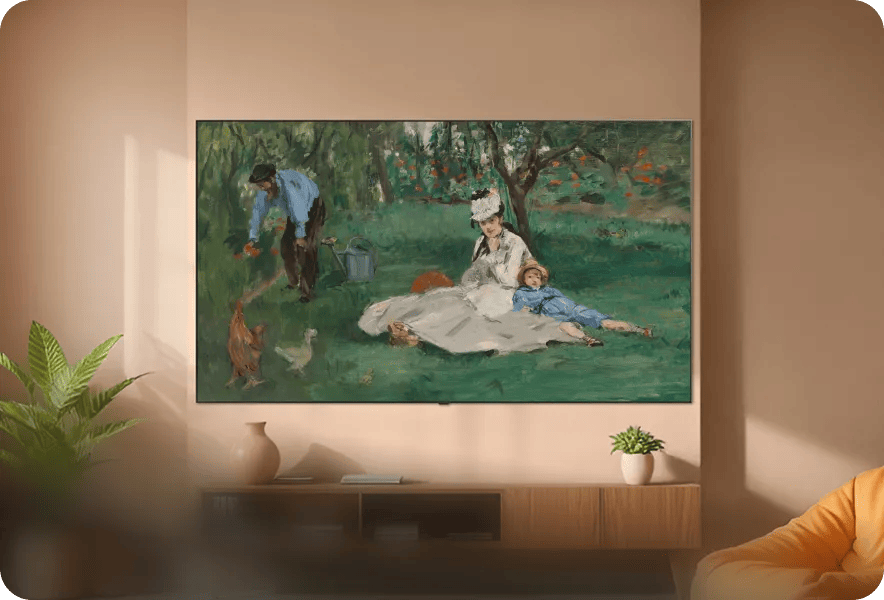

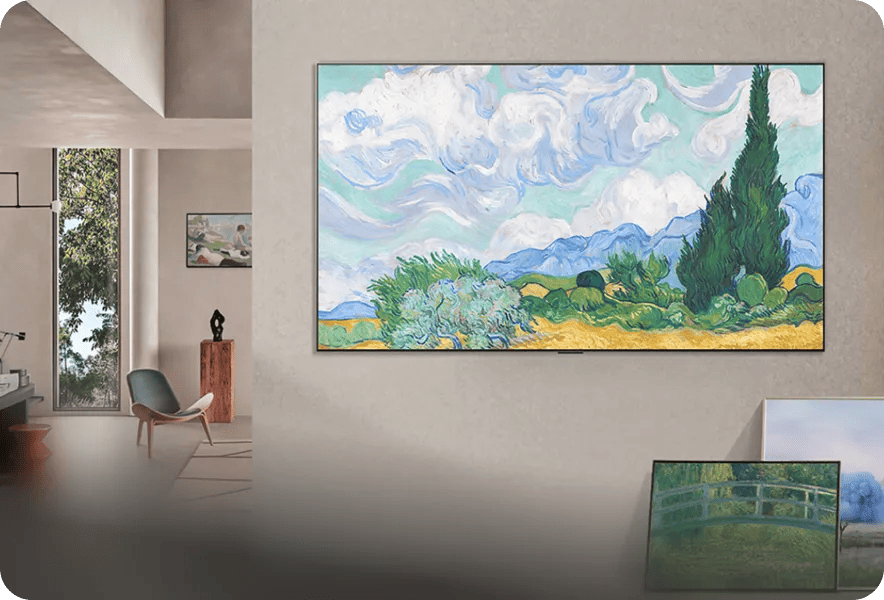
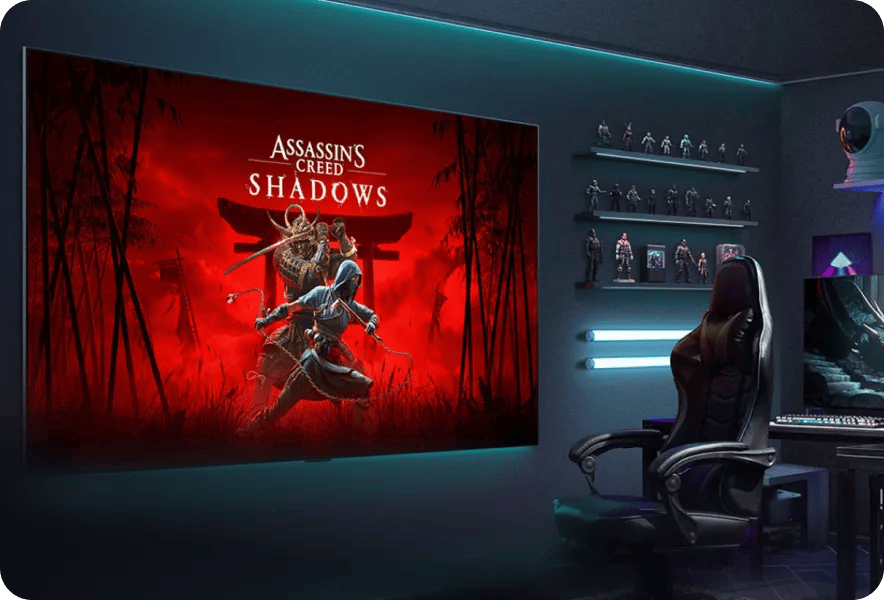
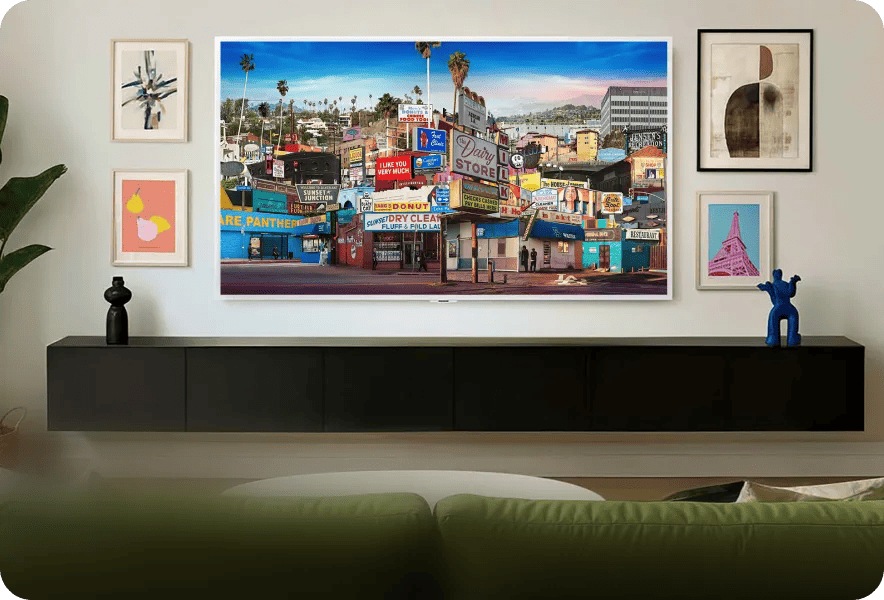
Perfection on display
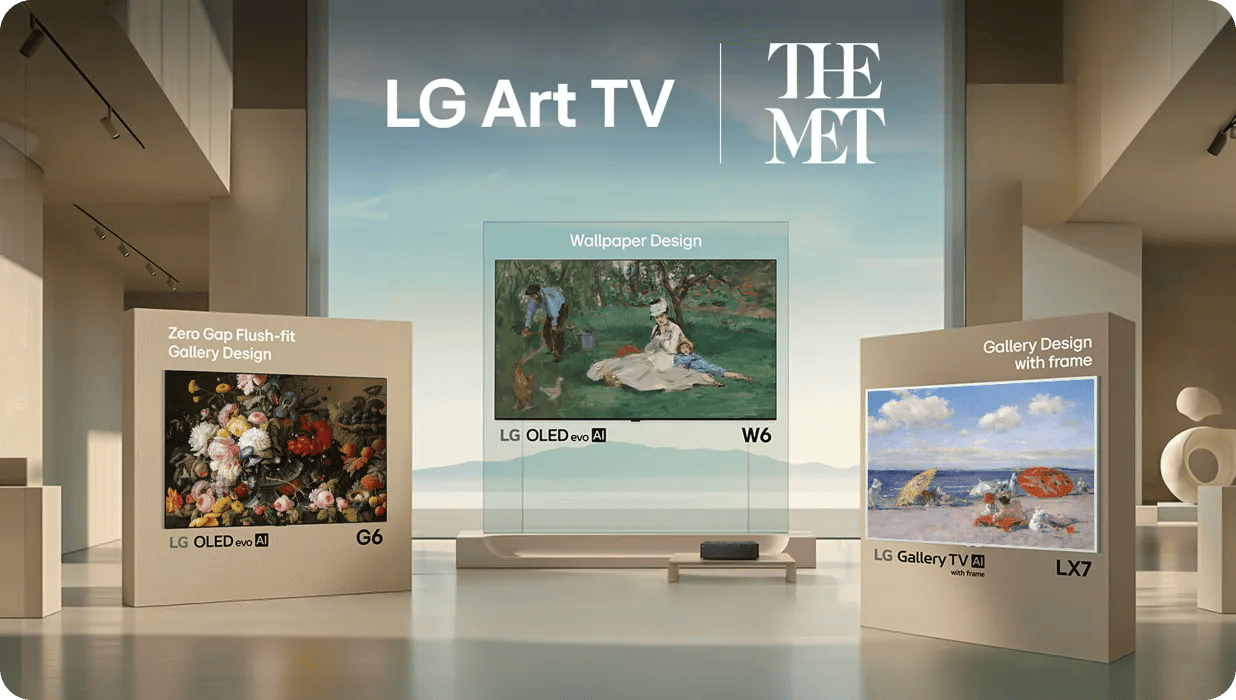
G6: Still Life: Flowers and Fruit (detail); Severin Roesen (American, b. Prussia, 1816–1872?); Oil on canvas, 40 x 50 3/8 in., 1850–55; Purchase, Bequest of Charles Allen Munn, by exchange, Fosburgh Fund Inc. and Mr. and Mrs. J. William Middendorf II Gifts, and Henry G. KeasbeyBequest, 196767.111
W6: The Monet Family in Their Garden at Argenteuil (detail); Édouard Manet (French, 1832–1883); Oil on canvas, 24 x 39 1/4 in., 1874.; Bequest of Joan Whitney Payson, 19751976.201.14
LX7: At the Seaside (detail); William Merritt Chase (American, 1849–1916); Oil on canvas, 20 x 34 in., ca. 1892; Bequest of Miss Adelaide Milton de Groot (1876-1967), 196767.187.123
FAQs
- Generative AI: Create AI-generated images using available credits.
- Music: Play music stored on your TV or from connected devices such as Bluetooth or USB.
- Photos: Display personal photos from external devices, mobile devices connected via LG ThinQ, or Google Photos.
- Briefing: Show useful information such as weather, reminders, and connected device status.
- Press the Home button on your remote.
- Select LG Gallery+ from the home screen.
- Open My Page and sign in with your LG Account.
- Browse and select content to display on your screen.

-
Available content may vary by country.
Provided content is subject to change without notice.
Access to network-based smart services requires an LG Account.
5,000 pieces of content is only available in countries where webOS Pay is supported (Korea, USA, UK, and selected EU countries).
A subscription to the LG Gallery+ service is required ($5/month) to access full content and features. - A 1-month free trial is offered exclusively to customers with a subscription. During the free trial period, users can access 5,000+ pieces of content that are normally available only through a paid subscription. To start the free trial, login and payment method registration are required. Unless the subscription is canceled before the end of the free trial period, the subscription will automatically convert to a paid plan and be charged. You may cancel your subscription at any time during the free trial period.
Images may be simulated and dramatized for illustrative purposes. Actual features, functionality, and other product specifications may differ and are subject to change without notice. Prices, promotions, and availability may vary by model, store, and online. Prices subject to change without notice. Quantities are limited. Check with your local retailers for their final price and availability.
- TV & Home Theater
- My Account
- About LG
- Offers
- Articles & Gift Guides
Social Support
 Copyright © 2009-2026 LG Electronics. All Rights Reserved