Products in this Bundle: 2

FAQ

Q.

I’d like to know how to use the Styler.

A.

'- (Using tap water) fill the water tank located at the bottom of the Styler. 

- On first use, a full tank of water will be used.

- Discard the water in the drain tank.

- Remove the aroma sheet case located in the bottom left corner of the Styler and insert the scented sheet.

- To prevent clothes from falling off, ensure buttons and zippers are closed after applying to the hangers.

- Place the hangers snugly on the (moving hanger) grooves.

- Press the power button and select the course you want. 

- After selecting the desired course, press the Start button to start the product.


* This content was created for public use and may contain images or details that differ from the product you purchased.

Q.

Where and how do I install the product?

A.

Please install the product in an environment in which the temperature does not fall below 10℃ or exceed 35℃. Environmental temperatures that fall outside of the recommended range can cause performance degradation and/or product malfunction.


Additionally, ensure that the product is installed in a well-ventilated room with at least 20cm upper clearance and 5cm side and rear clearance to the product. To prevent unwanted swaying or vibration during the operation of the moving hanger, install the product on a flat surface. 

Flatness of the product can be adjusted by rotating the front lower legs at the base of the product.


If the product is installed next to a wall, provide at least 5cm side clearance to prevent door collision.

Q.

Wondering how to smooth wrinkles and remove odors or dirt from your clothes?

A.

The Styler features patented steam and moving hanger technology to smooth out wrinkles and remove dirt and odor. 

Steam application detaches dirt and odor particles from clothes so that the moving hanger, which moves 350 times a minute, can easily brush them off.

Intertek tests have shown that the [Fine Dust] course removes an average of 99% of fine dust from clothing.


Unlike dry cleaning, the LG Styler cares for clothing without the need for chemicals.

Q.

When does the moving hanger operate?

A.

The Styler operates in the following sequence: steam preparation → preheat → refresh (steam application + temperature maintenance) → dry (dry preparation + dry). 


The moving hanger operates from the steam application to the temperature maintenance stage of the refresh cycle, with different operation times and RPMs for each course.


The moving hanger operates for all courses except for the sterilization and bedding courses, where the shelves are used instead of the moving hanger.

Q.

What is the maximum load when styling bedding items like blankets?

A.

Only thin blankets can be sterilized with the Styler. 

Blankets and comforters weighing 1.5 kilograms (kg) or less should be applied.

If you do not have a blanket hanger, please place the blankets on the shelf. 

Blankets may take longer to dry after sterilization. (In this case, please use the time selection to allow additional drying).

Q.

Can I dry or sanitize shoes?

A.

Shoe materials that are sensitive to steam may be damaged on use.

(Shoes or products containing sponge or adhesive materials may be damaged)

For clean clothes styling, applying shoes is not recommended.

Q.

What is the room dehumidifier course?

A.

The built-in dehumidifier keeps clothes and indoor spaces dry with the AutoFresh System™. 

An ample 10L capacity water tank removes dampness worries. 

Even with the door closed, air is circulated and dehumidified to keep your wardrobe and living space fresh and pleasant.

Q.

Wondering about the Reservation feature?

A.

If you need to keep your clothes inside the Styler for a long time, try using the Reservation feature. 

Place your clothes in the Styler then press the power button.

Select the course you want, then press the Settings button to use the Reservation feature to set the time you want the movement to complete.

You can set a time from 3 hours to 19 hours, and if you set a time of 5 hours, the selected course will end after 5 hours.

Q.

How long can I use the water tank after it's been filled?

A.

Based on the Refresh course, the Styler can be used 3 to 4 times on one full water tank (or 2 times for the Intensive course).

However, on first use, a full tank will be used to fill up the internal steam generator.

Simply fill the water tank when the water refill notification appears. 

The water tank must be filled before use. 

Using filtered water will help the product last longer and perform better.

Q.

How do I use the tray?

A.

The tray prevents debris from entering the bottom of the product and protects the instep. (Safety Guard) It also prevents small amounts of condensation that may occur during the steam blast process from dripping on the floor.

Open the Styler door and check the bottom.

Place the dedicated tray down in front of the Styler.

Hook the left hook of the tray onto the lower leg until it clicks into place.

Q.

I want to know how to keep the Styler in good condition.

A.

'- Use a soft cloth to remove dust from the inside of the product.

- If the water tank has been left for a long time, water moss may form. Therefore, please clean the inside of the water tank periodically with a cleaning brush.

- If the aroma sheet is not replaced periodically, odor removal and scent performance may decrease.

- Periodically wipe off any accumulated water in the water tank attachment/detachment areas as it may run.

- Empty the tray periodically as accumulated water may gather.

- If the dust filter is clogged, air circulation inside the product may be impaired, resulting in poor performance. Therefore, please clean regularly.

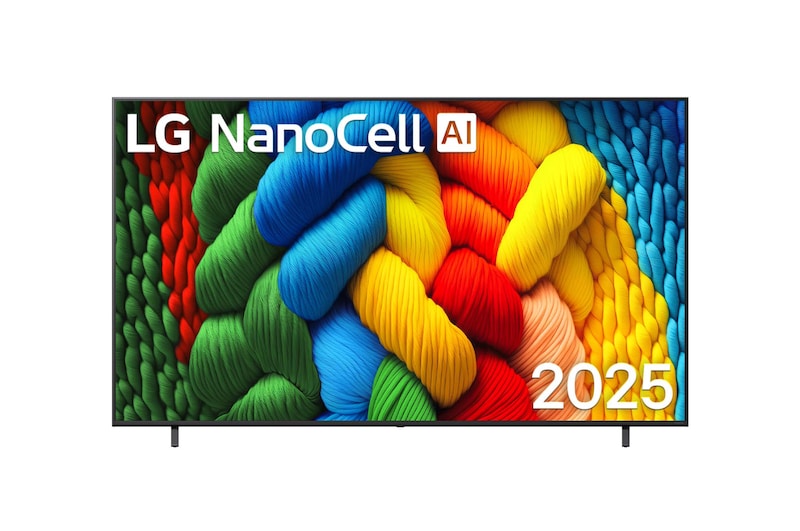
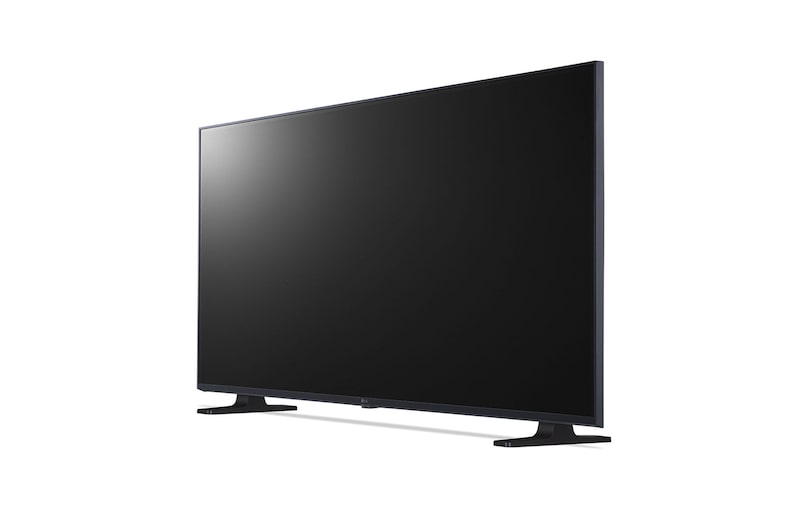
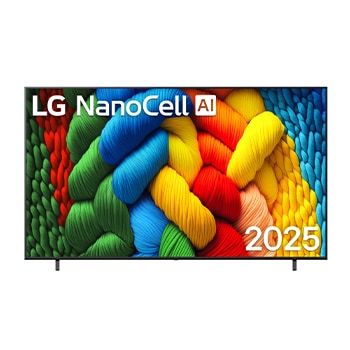
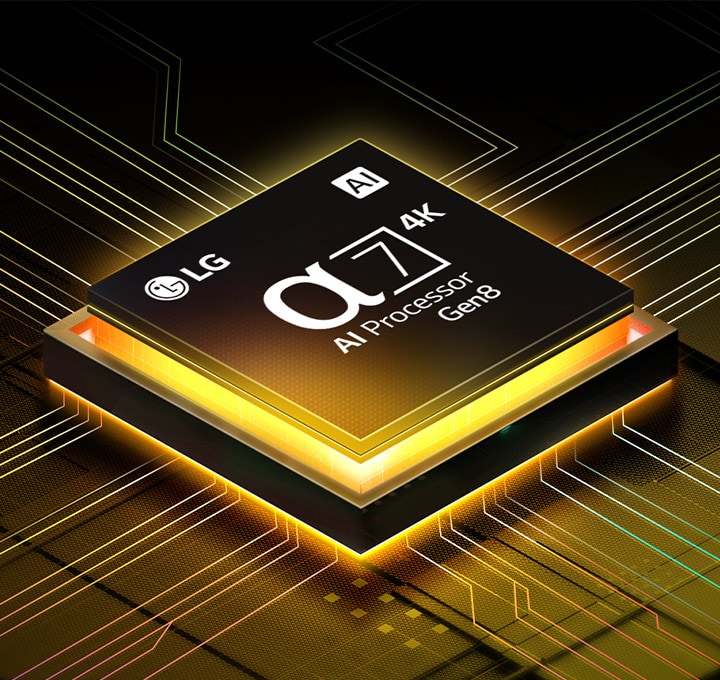
LG NanoCell TV terletak sedikit miring menghadap ke kiri dan menggambarkan benang warna-warni. Alpha 7 4K AI Processor ada di pojok kanan bawah layar TV. Latar belakangnya adalah gradasi biru muda.

LG NanoCell TV terletak sedikit miring menghadap ke kiri dan menggambarkan benang warna-warni. Alpha 7 4K AI Processor ada di pojok kanan bawah layar TV. Latar belakangnya adalah gradasi biru muda.

Masuklah ke dunia warna yang autentik

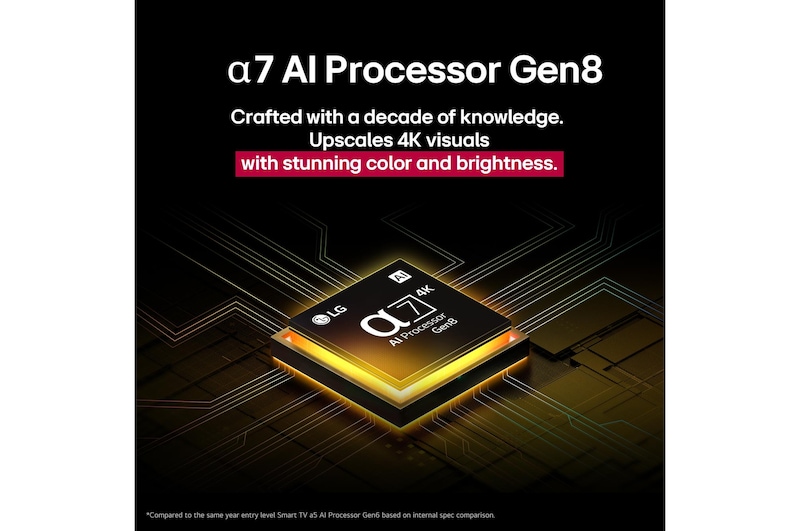
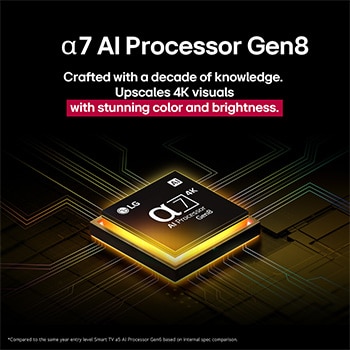
Perkenalkan alpha 7 AI Processor Gen8 yang tangguh dan cerdas

Dengan peningkatan kinerja signifikan dan pemrosesan lebih cepat, alpha 7 AI Processor Gen8 kini menghadirkan kualitas gambar 4K dengan ketajaman dan kedalaman yang jauh lebih baik dari sebelumnya.

Alpha 7 AI Processor Gen8 menyala kuning, dan kilatan cahaya warna-warni memancar darinya.

*Dibandingkan dengan Smart TV alpha 5 AI Processor Gen6 tingkat pemula pada tahun yang sama berdasarkan perbandingan spesifikasi internal.

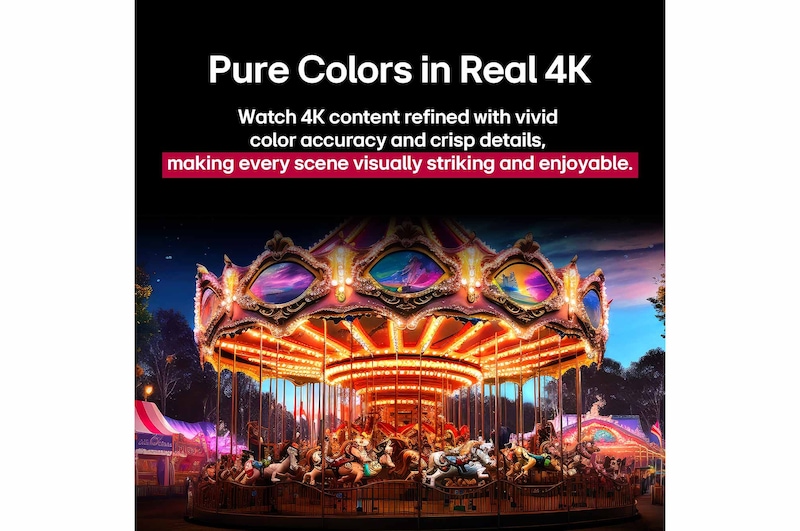
Warna Murni dalam 4K Nyata

Saksikan konten 4K yang disempurnakan dengan akurasi warna yang hidup dan detail tajam, yang membuat setiap adegan menjadi memukau dan menyenangkan secara visual.

Korsel yang memudar disapu oleh gelombang warna, sehingga menghasilkan visualisasi yang lebih tajam dari korsel berwarna yang terang benderang.

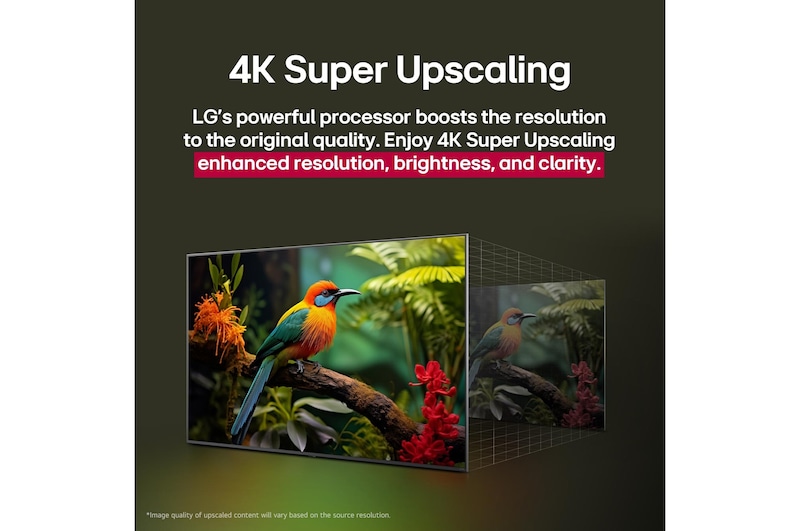
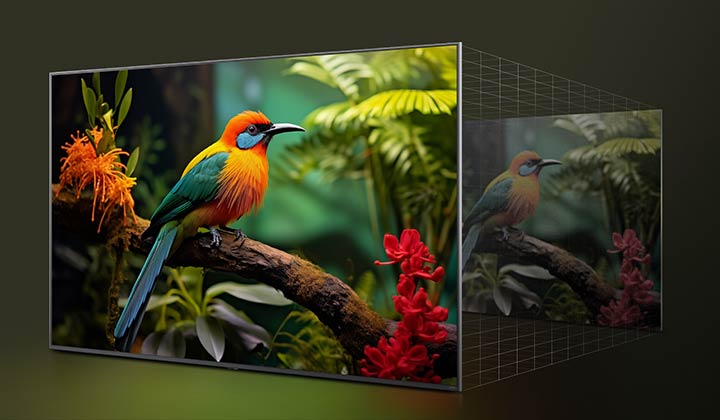
4K Super Upscaling membuat setiap frame menjadi lebih hidup

Prosesor LG yang tangguh meningkatkan resolusi ke kualitas asli. Nikmati peningkatan resolusi, kecerahan, dan kejernihan 4K Super Upscaling.

Perbandingan sebelum dan sesudah bagaimana LG 4K Super Upscaling meningkatkan kualitas gambar. Dua panel menampilkan gambar yang sama tentang seekor burung berwarna-warni yang bertengger di sebuah dahan di hutan, panel di sebelah kanan memudar.

*Kualitas gambar konten yang ditingkatkan akan bervariasi berdasarkan resolusi sumber.

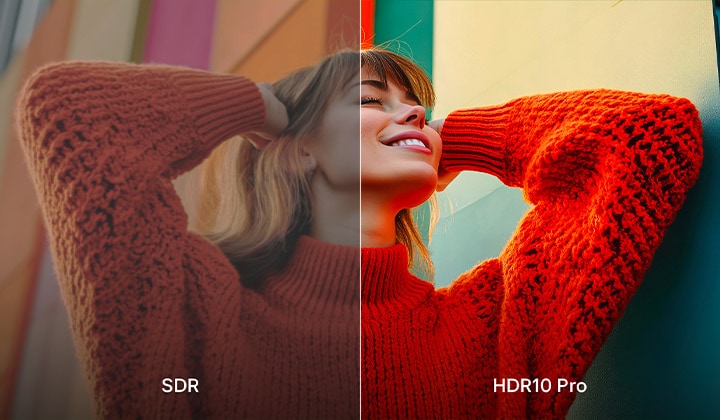
HDR10 Pro

Warna-warna cerah dan kecerahan membawa resolusi layar ke tingkat yang lebih tinggi. Dapatkan kualitas gambar yang lebih tinggi dengan kontras yang
lebih tajam.

Foto seorang gadis mengenakan sweater merah yang terbelah di tengah untuk memperlihatkan sisi kiri SDR dan sisi kanan HDR10 Pro. Sisi kanan gambar lebih tajam dan kontras dibandingkan dengan sisi kiri gambar.

*HDR10 Pro adalah teknologi yang dikembangkan oleh LG Electronics berdasarkan kualitas gambar standar 'HDR10'.

Generasi berikutnya dari LG AI TV

AI Magic Remote melengkapi
AI experience

Mudah mengontrol TV dengan AI magic remote - tidak perlu perangkat tambahan! Dengan sensor gerak dan roda gulir, arahkan dan klik untuk menggunakannya seperti mouse udara atau cukup ucapkan untuk perintah suara.

*Desain, ketersediaan, dan fungsi AI Magic Remote dapat berbeda menurut wilayah dan bahasa yang didukung, bahkan untuk model yang sama.

*Sebagian fitur mungkin memerlukan koneksi internet.

*AI Voice Recognition hanya disediakan di sejumlah negara yang mendukung NLP dalam bahasa ibu mereka.

Keluarga beranggotakan empat orang berkumpul di sekitar LG AI TV. Lingkaran muncul di sekeliling orang yang memegang remote yang menunjukkan namanya. Ini menunjukkan bagaimana AI Voice ID mengenali suara khas setiap pengguna. Antarmuka webOS kemudian menunjukkan bagaimana AI secara otomatis mengalihkan akun dan merekomendasikan konten yang dipersonalisasi.

AI Voice ID

AI Voice ID LG mengetahui ciri khas suara setiap pengguna dan menawarkan rekomendasi yang dipersonalisasi saat Anda menyalakannya dan berbicara.

*Konten yang dikurangi atau dibatasi mungkin ditampilkan tergantung pada wilayah dan konektivitas jaringan.

*Dukungan Voice ID dapat bervariasi menurut wilayah dan negara, dan tersedia pada TV OLED, QNED, NanoCell, dan UHD yang dirilis mulai tahun 2024 dan seterusnya.

*Hanya berfungsi dengan aplikasi yang mendukung akun Voice ID.

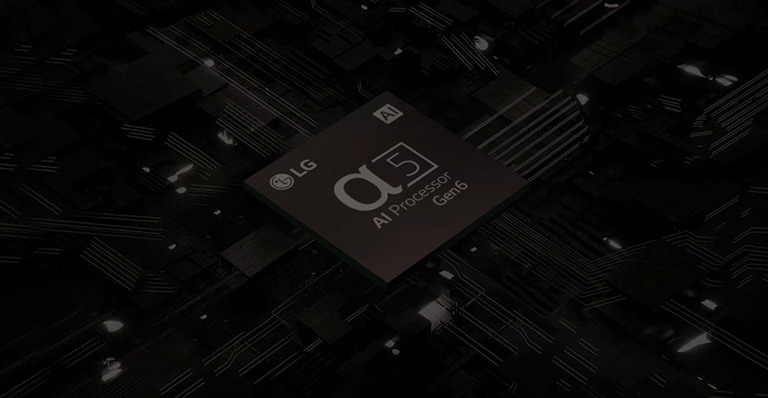
Prosesor AI α5 Gen6

Tingkatkan Pengalaman Menonton Anda

Prosesor AI α5 Gen6 menyempurnakan LG HD TV untuk memberi Anda pengalaman yang imersif.

*LR65 dilengkapi Prosesor AI α5 Gen6.
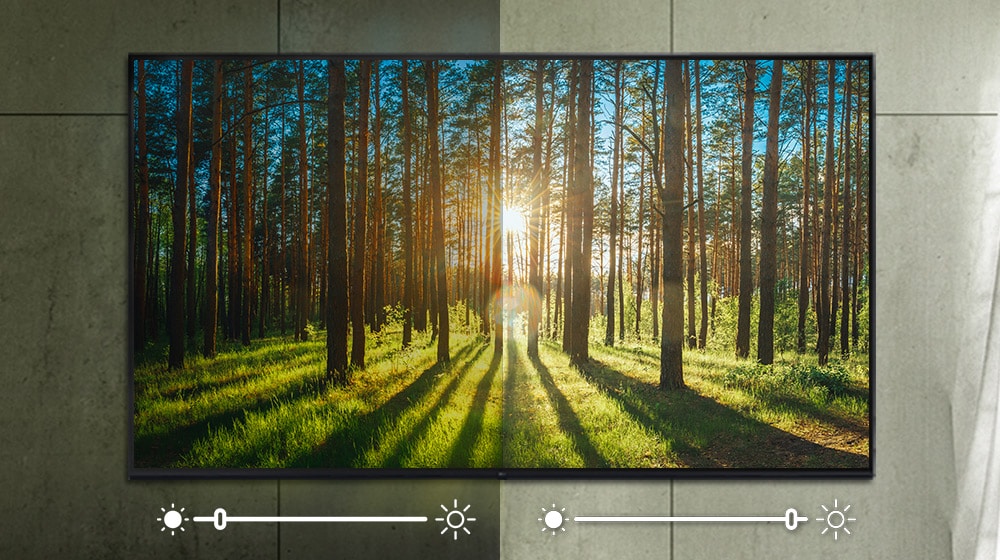
Antarmuka untuk mengubah pengaturan ditayangkan di layar TV.

Antarmuka untuk mengubah pengaturan ditayangkan di layar TV.

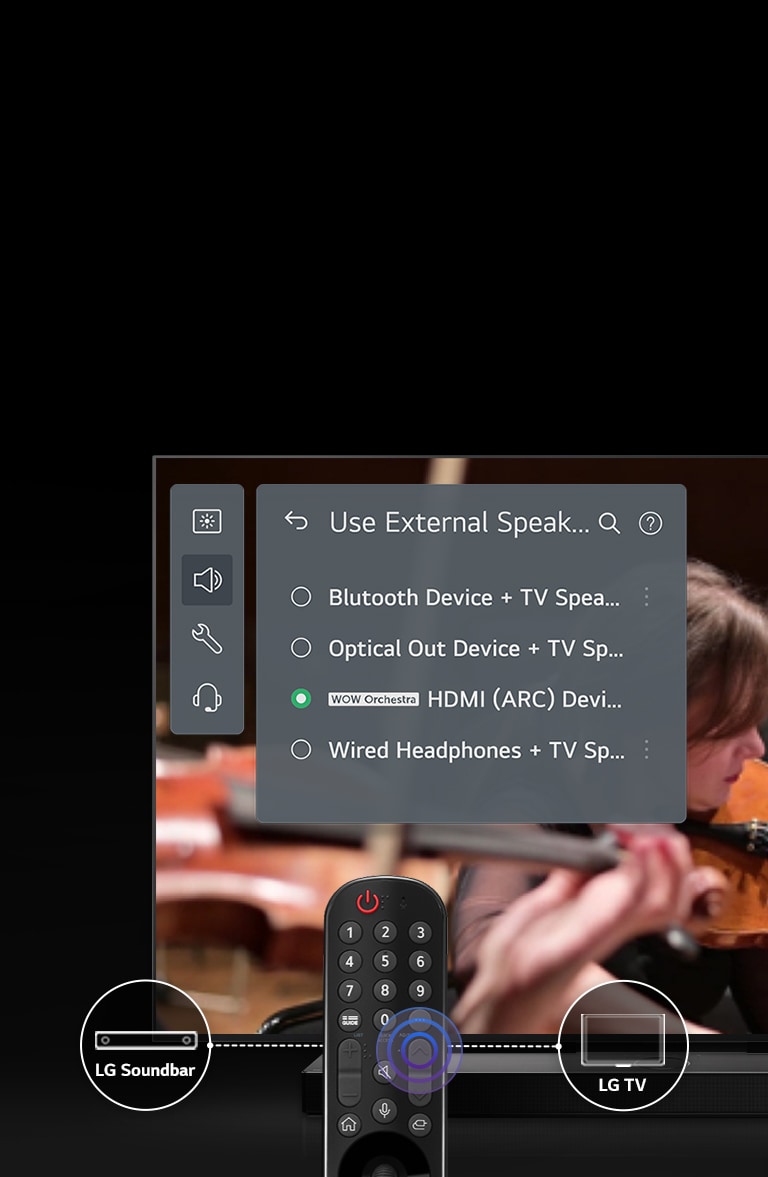
Antarmuka WOW

Pengaturan yang Beragam

Saat disambungkan dengan LG TV, Sound Bar Anda beralih ke mode suara Sound Bar secara otomatis. Selain itu, nikmati 3 mode tambahan untuk pengalaman suara terbaik.

*Fitur ini hanya didukung pada model TV tahun 2023. Dukungan berbeda-beda tergantung model.
*Dukungan fitur berbeda-beda tergantung model LG Soundbar.

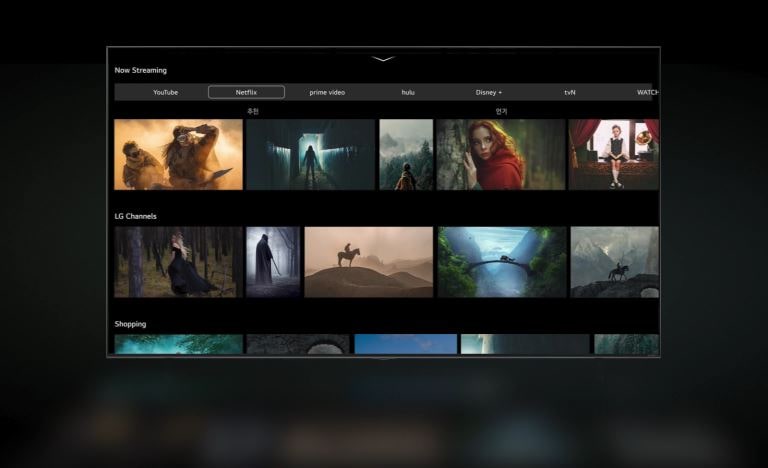
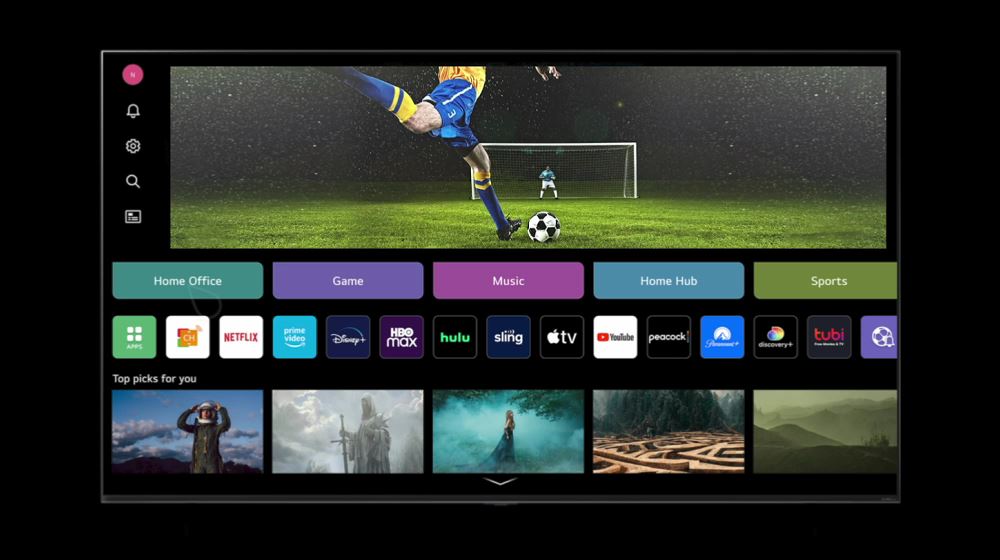
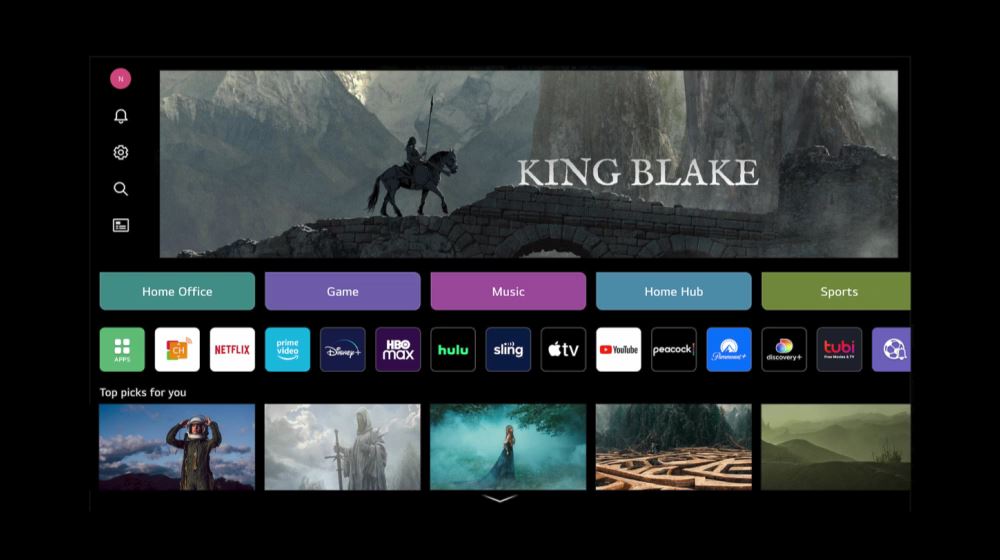
Beranda Baru webOS 23

Disesuaikan dengan keinginan Anda

Mulai dari konten favorit sampai cara menonton pilihan Anda, Beranda baru webOS 23 baru menjadi pusat yang berputar di sekeliling Anda.
*Ketersediaan layanan dapat berbeda-beda berdasarkan wilayah atau negara.
*Memerlukan berlangganan terpisah untuk layanan OTT.

Profil Saya

Dapatkan rekomendasi film yang disesuaikan, gambaran sekilas pertandingan tim Anda berikutnya, dan notifikasi Anda sendiri, semuanya dari satu tempat yang khusus untuk Anda.
*Konten yang dikurangi atau dibatasi dapat ditampilkan tergantung pada wilayah dan konektivitas jaringan.
*Jumlah profil yang tidak terbatas dapat dibuat tetapi layar depan hanya akan menampilkan maksimal 10 profil.

Kartu Cepat

Buat kartu khusus untuk aplikasi dan layanan favorit Anda. Atur sesuka Anda, tukar, dan beralih dengan cepat ke konten Anda.

Apa yang orang katakan

Produk Kami

Temukan Secara Lokal

Rasakan produk ini di sekitar Anda.
Kalkulator Cicilan
 
 
Kalkulator Cicilan