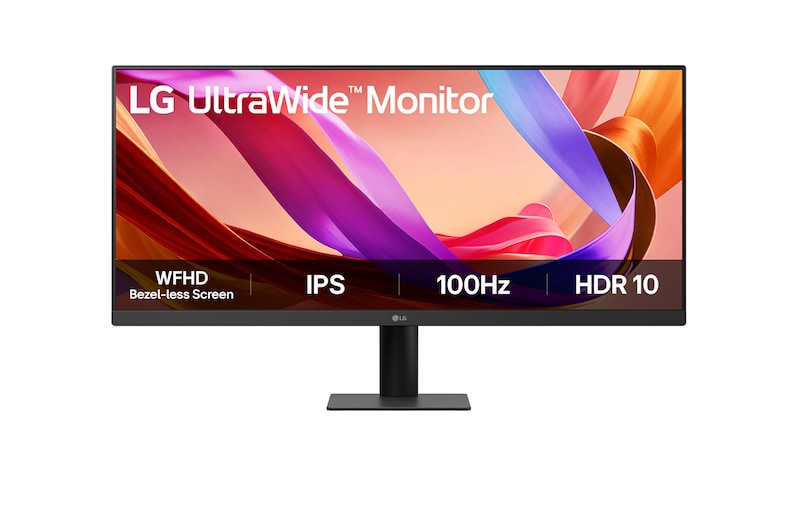
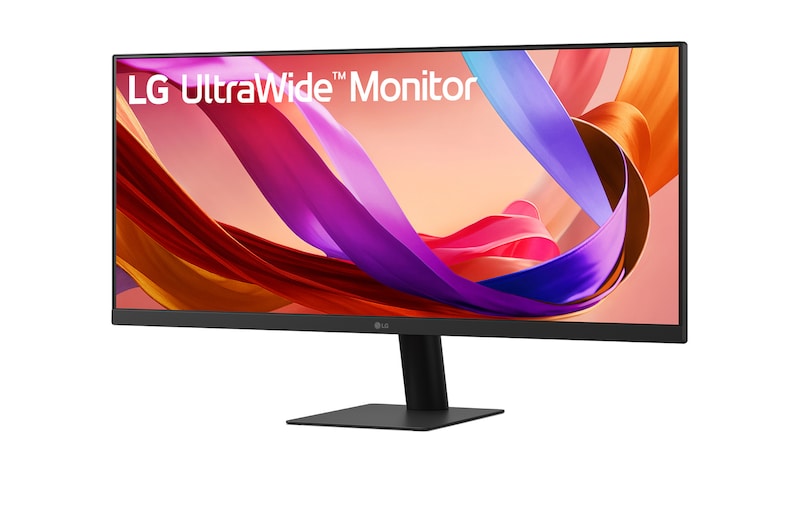
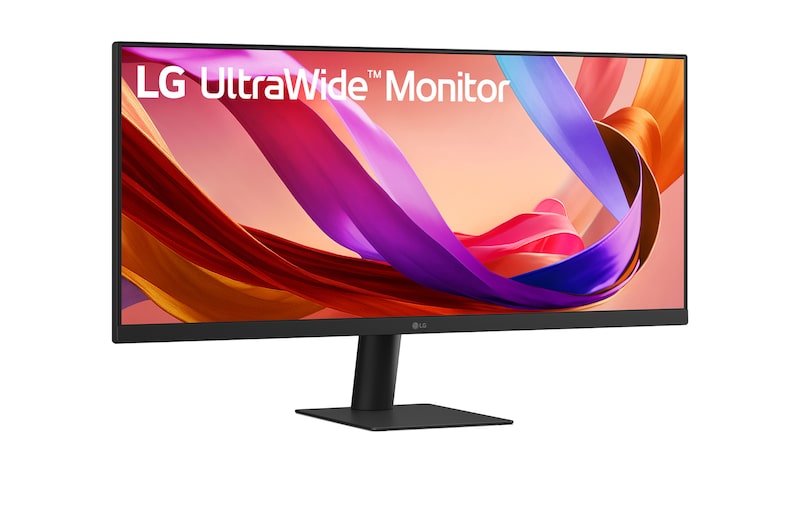
LG UltraWide Monitor logo.

LG UltraWide Monitor logo.

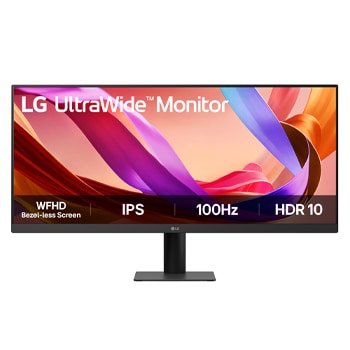
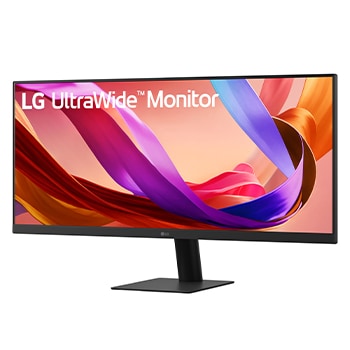
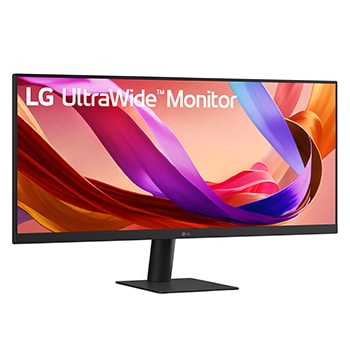
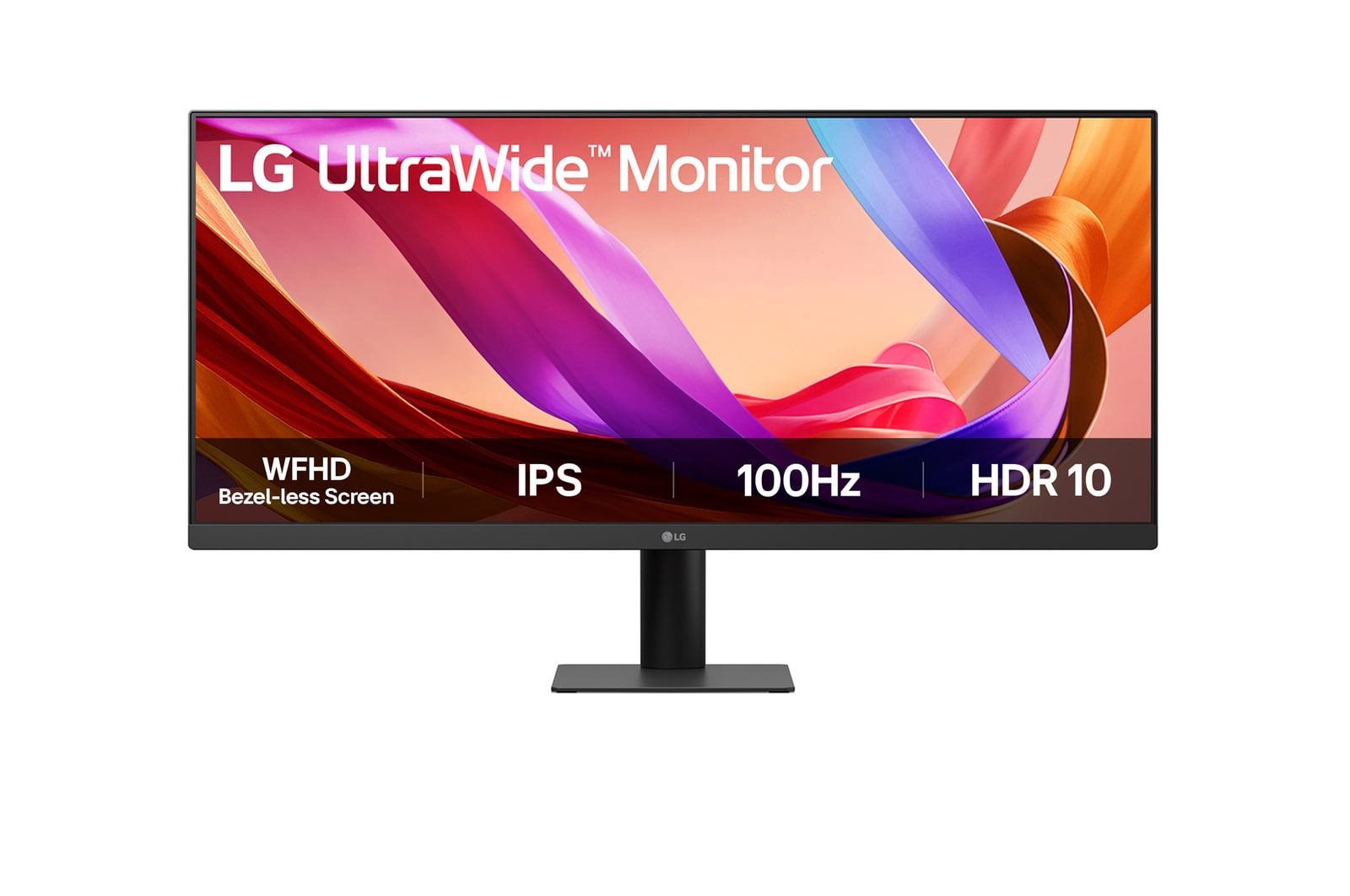
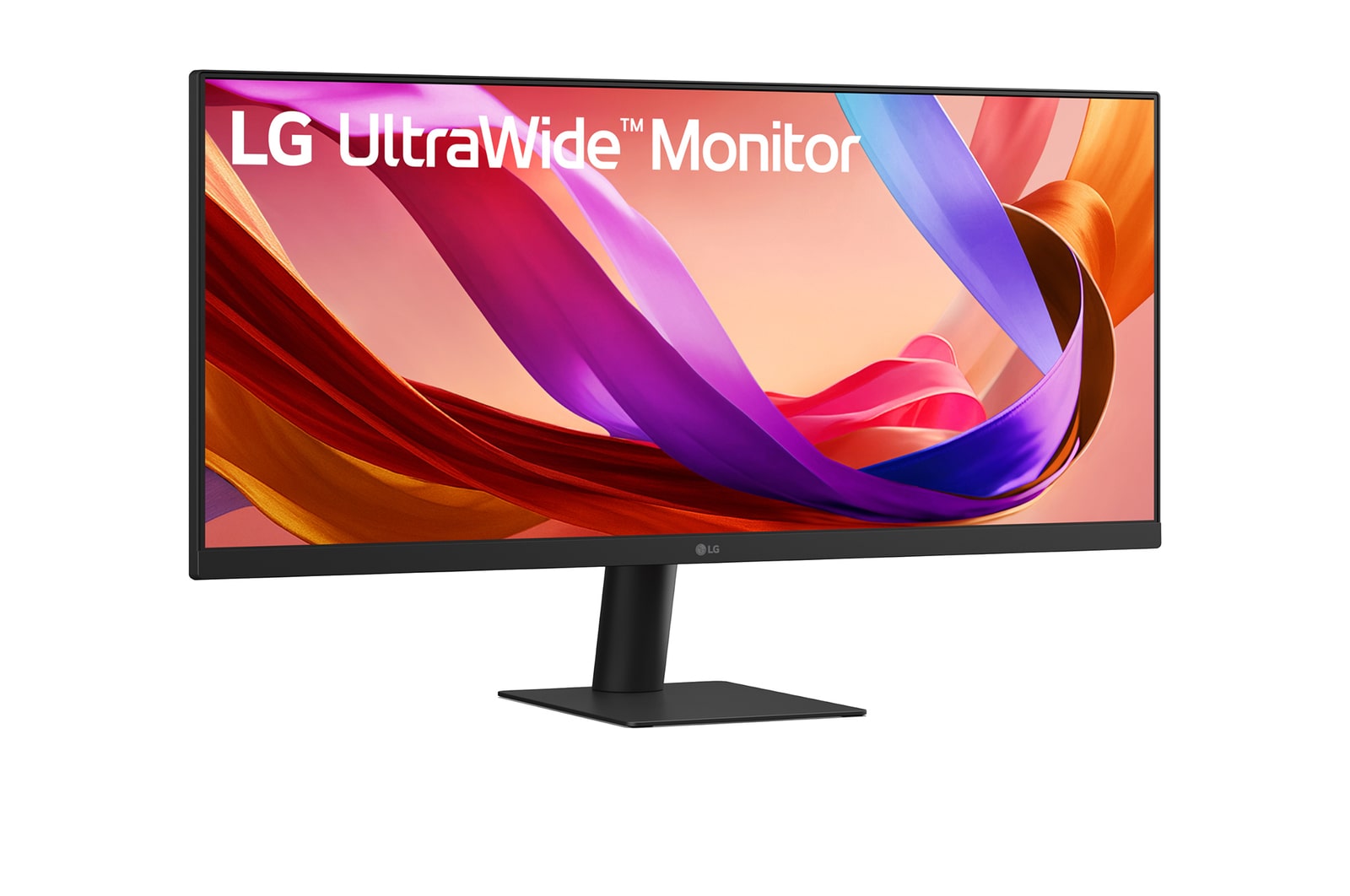
29-inch 21:9 WFHD (2560x1080) IPS Display

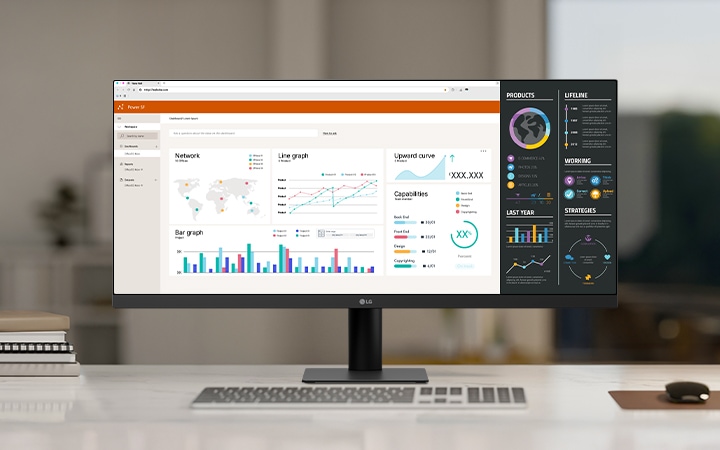
LG ultra-wide monitor on a white desk in a modern office, displaying multiple data dashboards and graphs for productivity and multitasking.
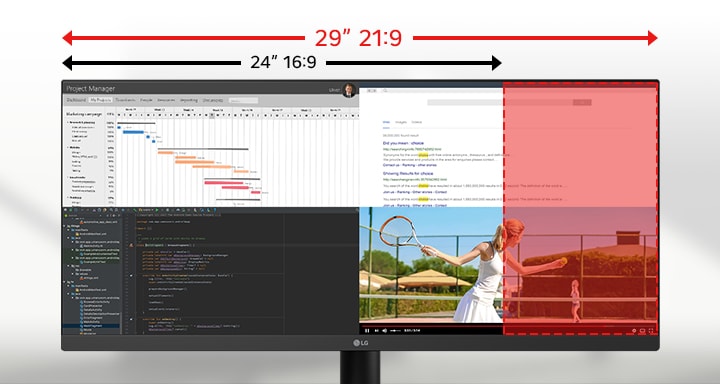
Ultra-wide 29-inch LG monitor illustrating the difference between 21:9 and 16:9 aspect ratios, with multiple applications displayed side by side for multitasking.

29" WFHD
IPS™ Display

with Bezel-less Screen

A futuristic motorcyclist racing through a neon-lit cityscape, with a highlighted section showing a clearer, sharper view to demonstrate motion clarity.

Clear and smooth with 100Hz refresh rate

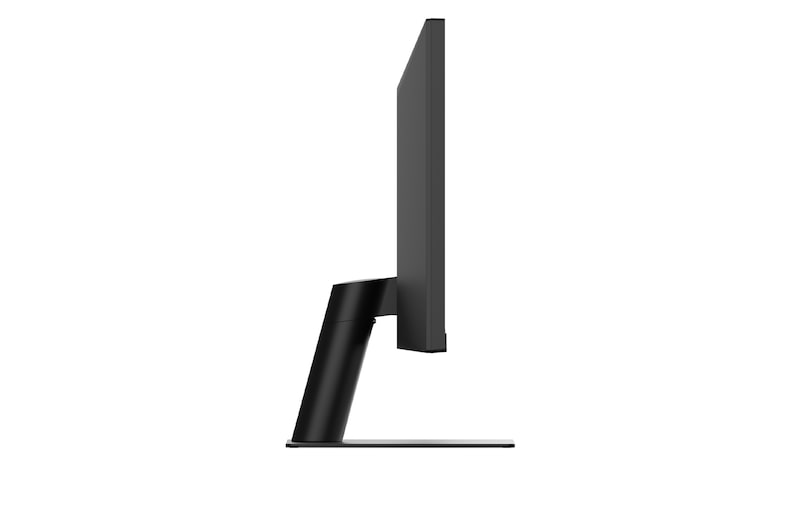
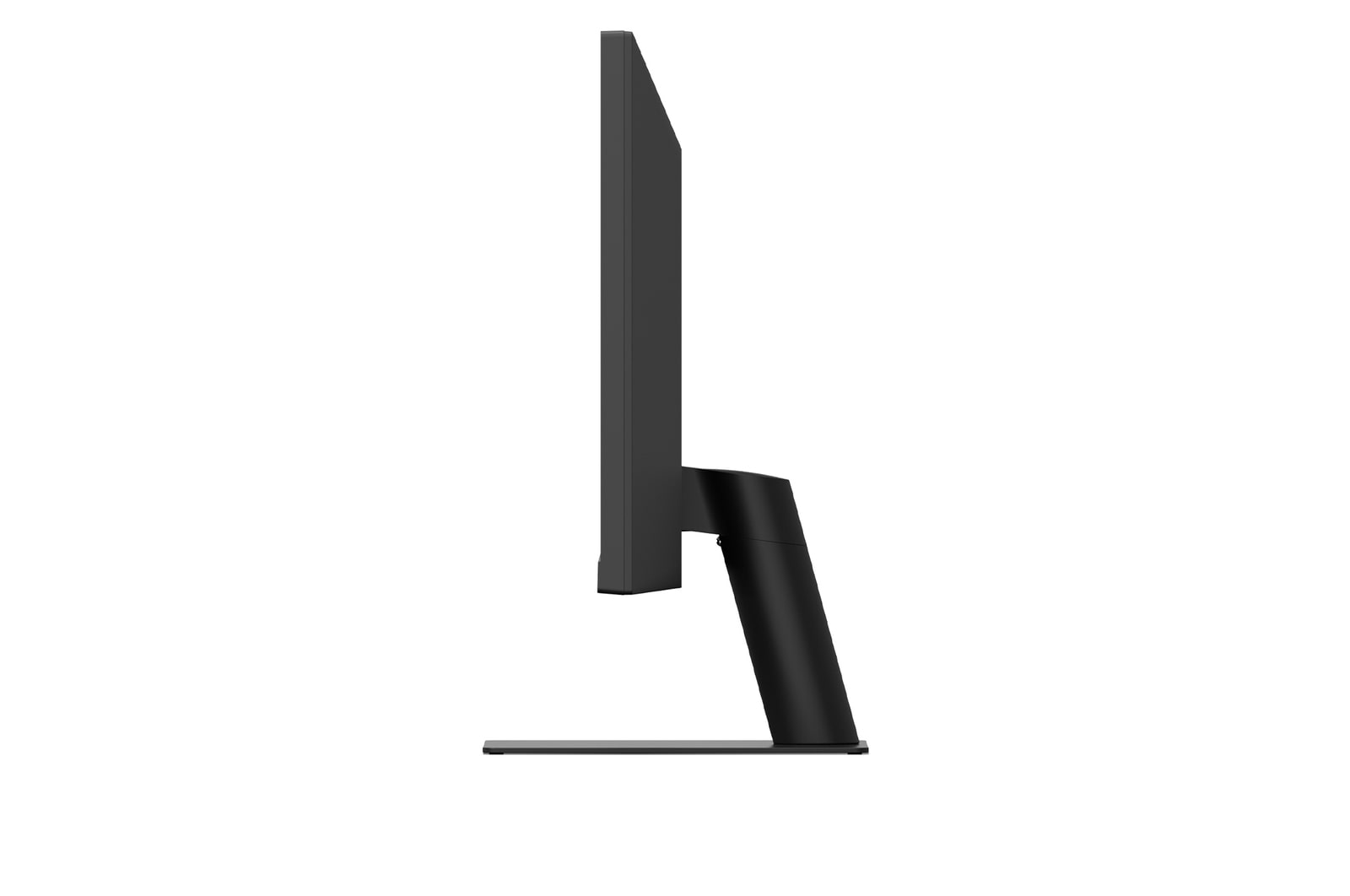
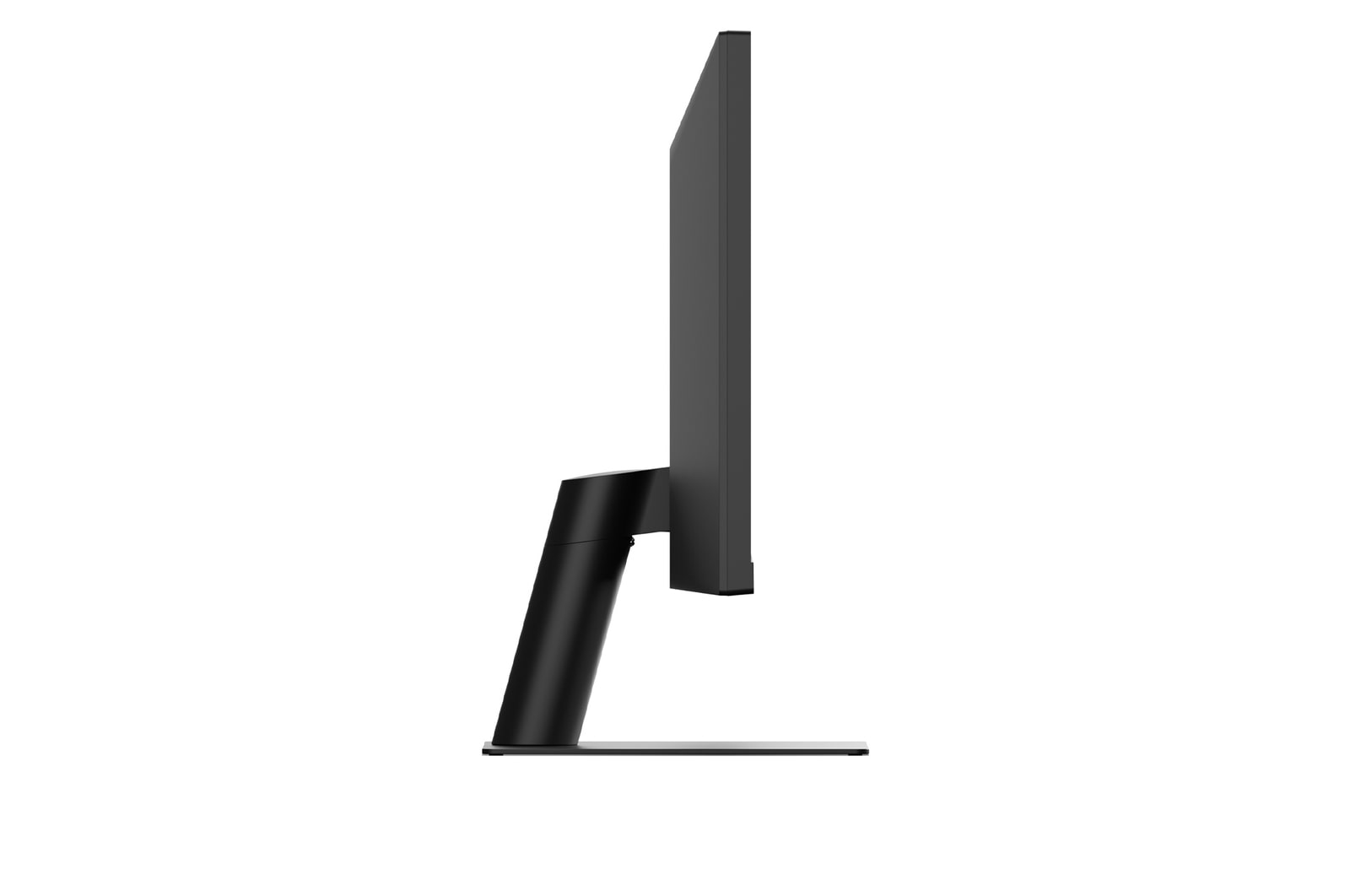
Side view of a monitor illustrating tilt adjustment with overlapping outlines showing its ergonomic movement range.

Clutter-Free with a Sleek Stand

Night view of a brightly lit modern bridge and skyscrapers with vivid lighting reflected in the water, demonstrating high contrast and color detail.

HDR10 Detailed contrast

21:9 UltraWide™ Full HD Display

See more, do more

The UltraWide™ Full HD (2560×1080) display provides more horizontal screen space than a standard FHD (1920×1080) monitor. The virtually bezel-less design offers an uninterrupted, wider view. This allows for more efficient multitasking without switching between windows.

Ultra-wide 29-inch LG monitor illustrating the difference between 21:9 and 16:9 aspect ratios, with multiple applications displayed side by side for multitasking.

*The images simulated to enhance feature understanding. It may differ from actual use.

VESA DisplayHDR™ 400

Clarity that keeps you focused

Supports VESA DisplayHDR™ 400, offering improved brightness and contrast for clearer detail in HDR content.

IPS™ Display

LG IPS™ monitor displays outstanding color accuracy with a wide viewing angle.

HDR 10

HDR 10 (high dynamic range) supports specific levels of color and brightness.

sRGB 99% (Typ.)

With 99% coverage of the DCI-P3 spectrum, it is a great solution for accurate color display.

Color calibrated

Ensures precise and consistent color reproduction.

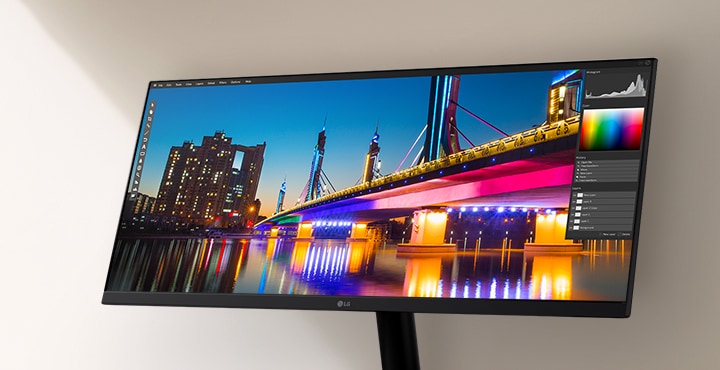
LG ultra-wide monitor displaying a vivid nighttime cityscape with a brightly lit bridge and reflection, shown within a photo editing software interface highlighting color and contrast tools.

*The images simulated to enhance feature understanding. It may differ from actual use.

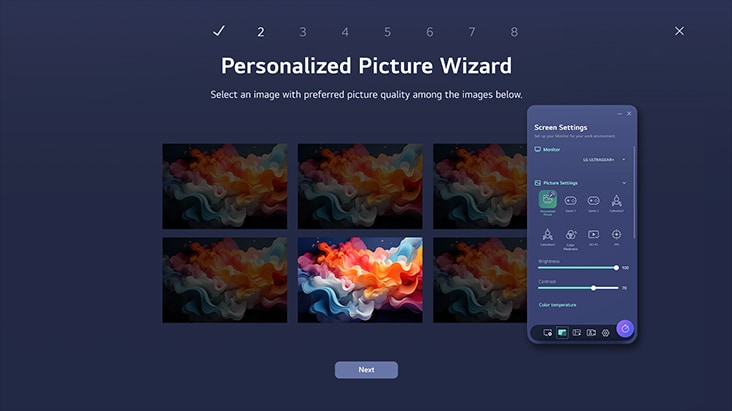
LG Switch app

Switch swiftly

You can readily divide the whole display into up to 6 sections, change the theme design, or even launch a video call platform with a mapped hotkey. It also supports PBP and PIP modes for efficient multitasking across multiple input sources.

*The images are simulated to enhance feature understanding and may differ from actual use.

*To download the latest LG Switch app, search in the LG.com Support Menu.

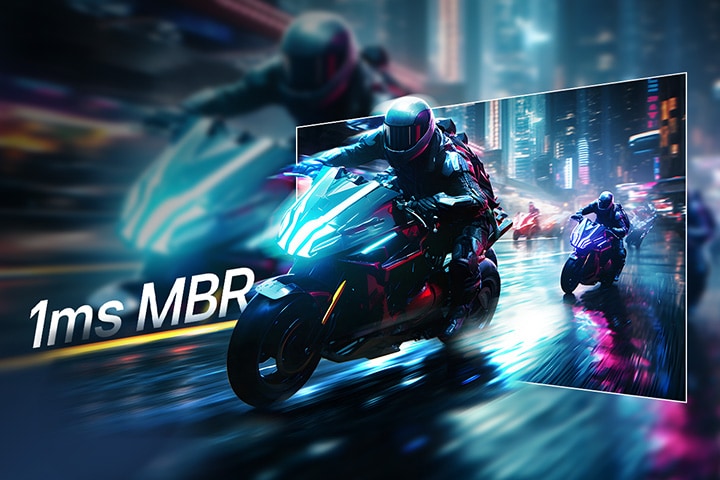
1ms MBR

Clear motion with 1ms MBR

1ms MBR reduces motion blur and ghosting, delivering smoother gameplay and clearer visuals in fast-paced scenes.

ノートパソコンとデスクトップの両方に接続されたモニターでデュアルコントローラーを説明する画像です。モニターが、それぞれのデバイスの画像を同時に表示します。

Futuristic motorcyclists racing through a neon-lit city street, with motion blur effect in the background and a highlighted section showing sharp, clear visuals to demonstrate 1ms Motion Blur Reduction (MBR).

*The images simulated to enhance feature understanding. It may differ from actual use.

*1ms Motion Blur Reduction causes lowered luminance, and the following features cannot be used while it is activated : AMD FreeSync™.

*Flicker may occur during 1ms MBR operation.

Built for comfort, designed for productivity

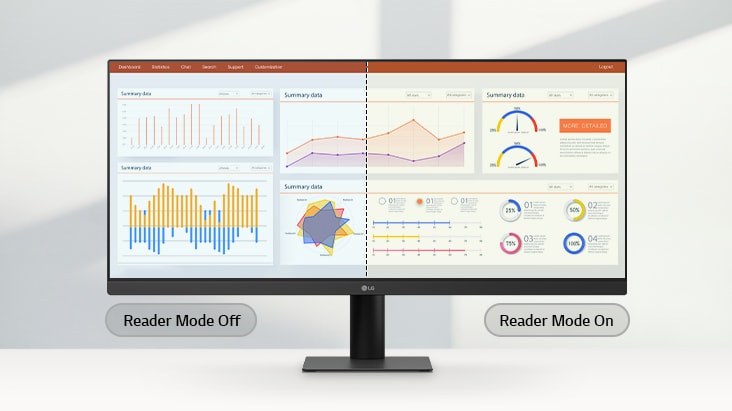
Reader Mode

Adjusts color temperature and brightness to help reduce eye fatigue when viewing documents for extended periods.

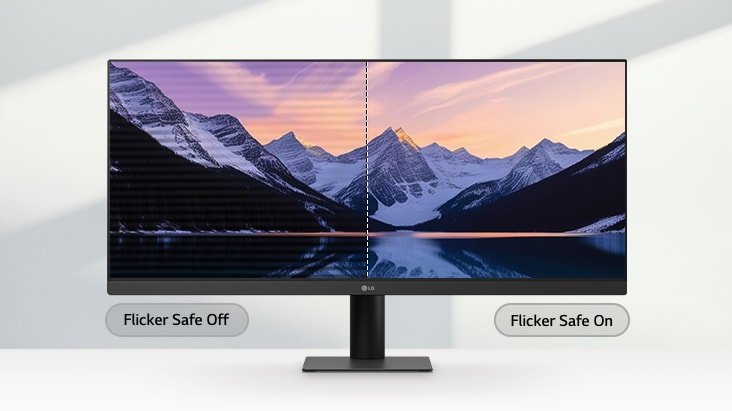
Flicker Safe

Flicker Safe reduces invisible flickering on the screen and provides a more comfortable working environment for your eyes.

*The images simulated to enhance feature understanding. It may differ from actual use.

*Above feature may vary depending on real use conditions that the user is using.

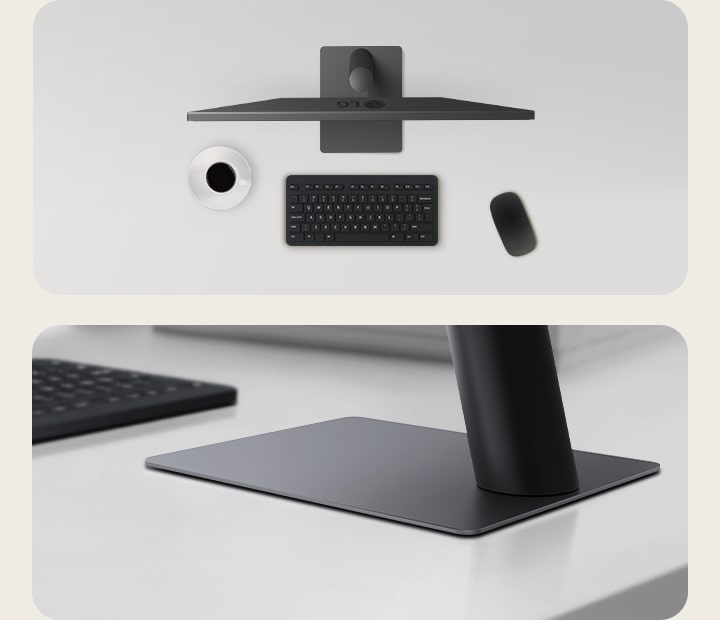
Sleek Stand with a Slim Base

Clutter-free with a sleek stand

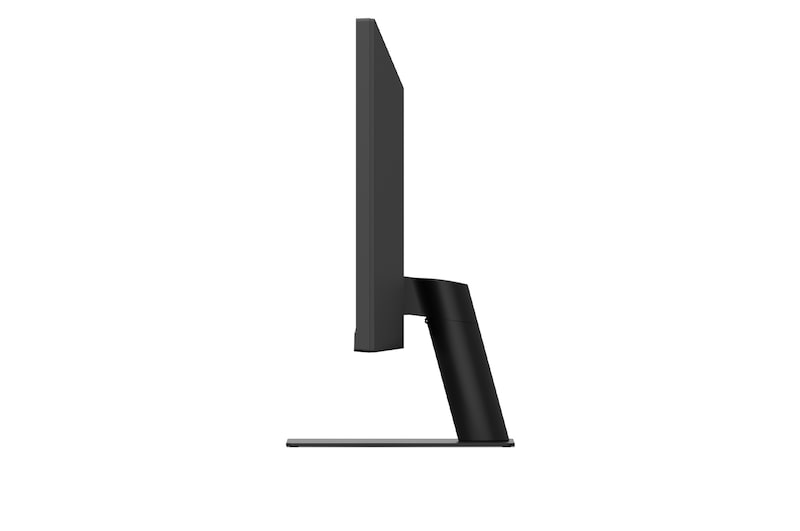
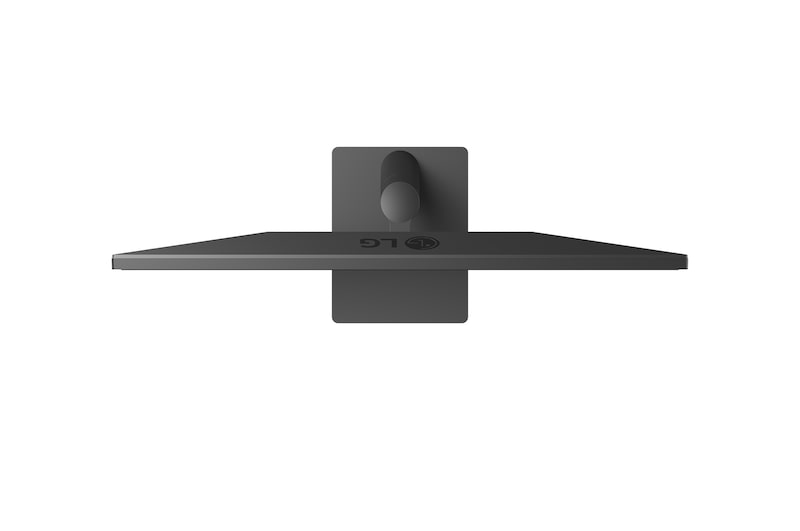
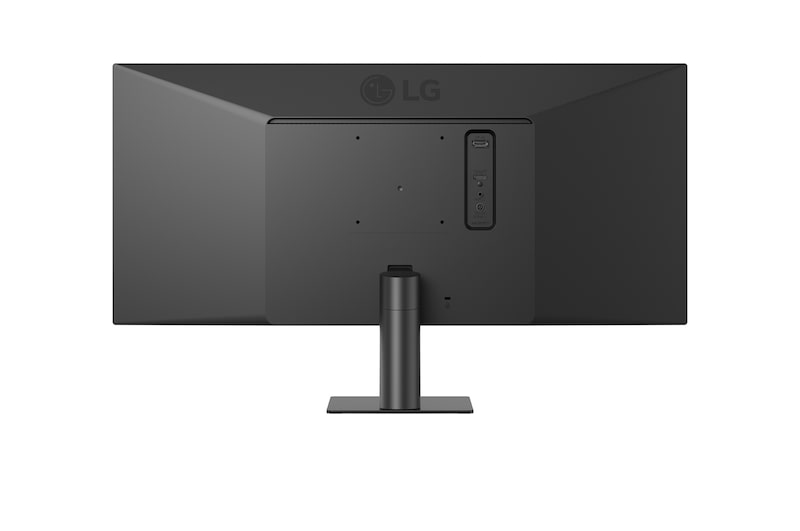
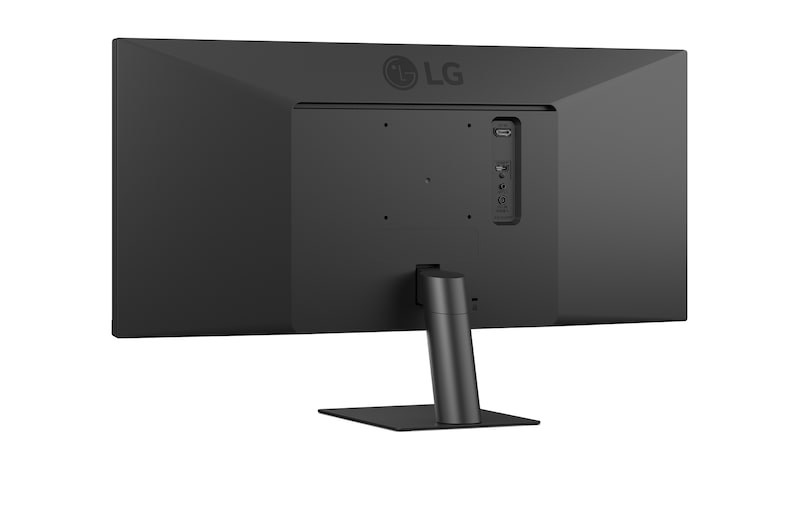
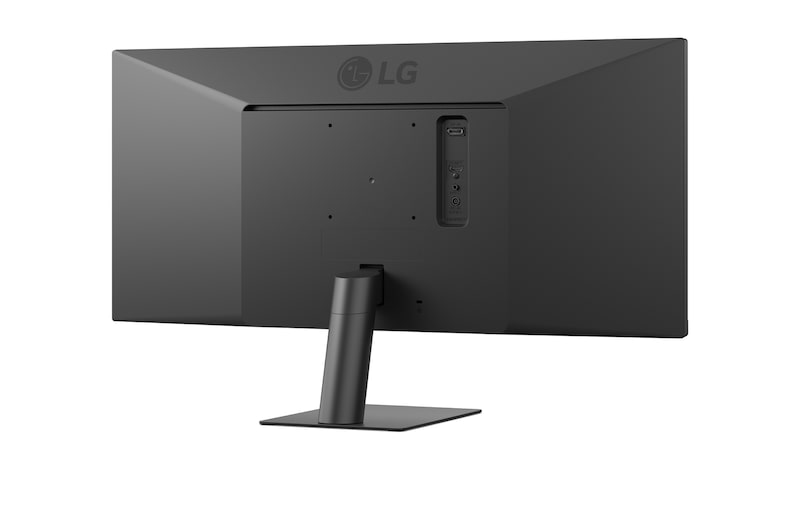
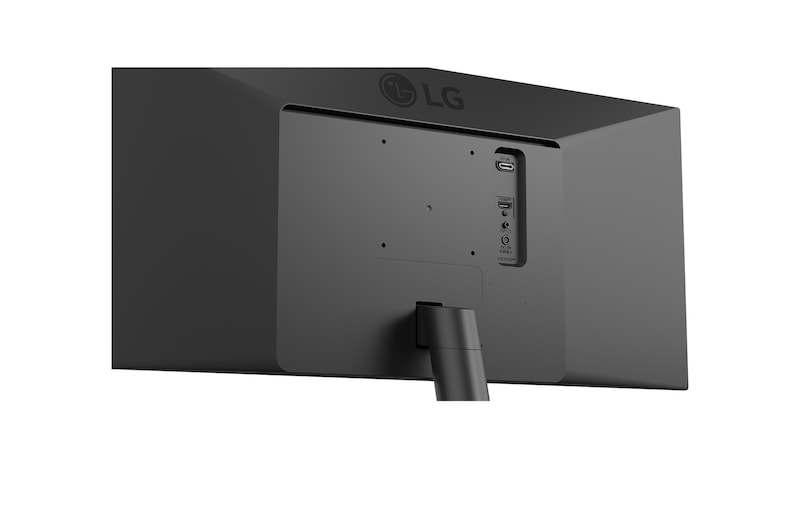
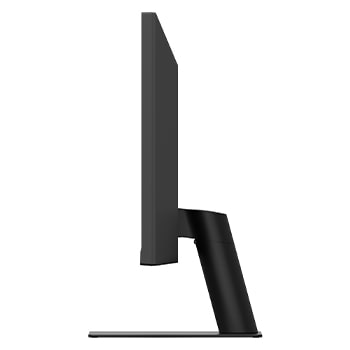
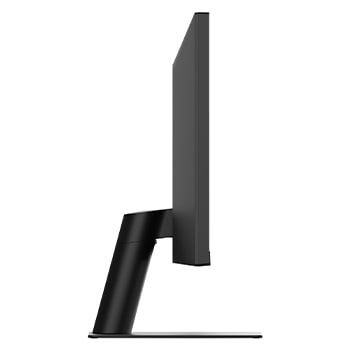
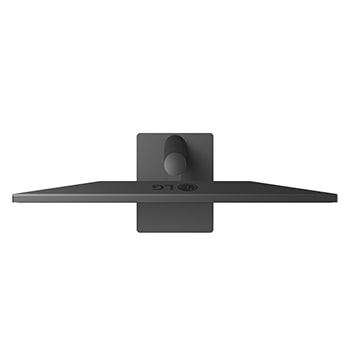
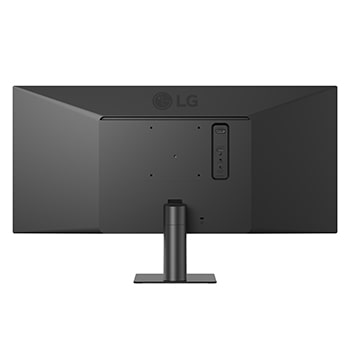
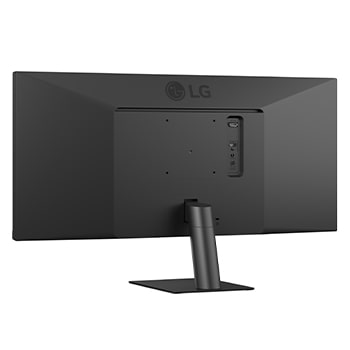
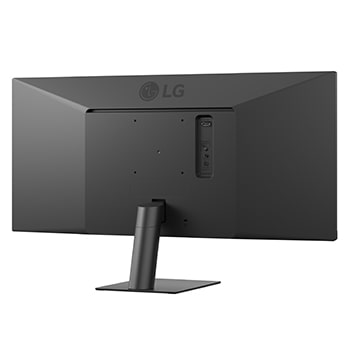
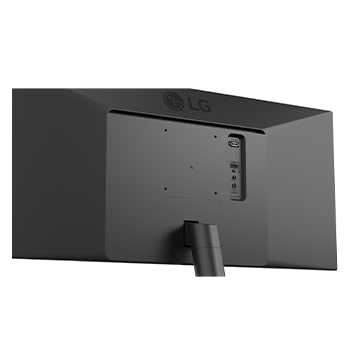
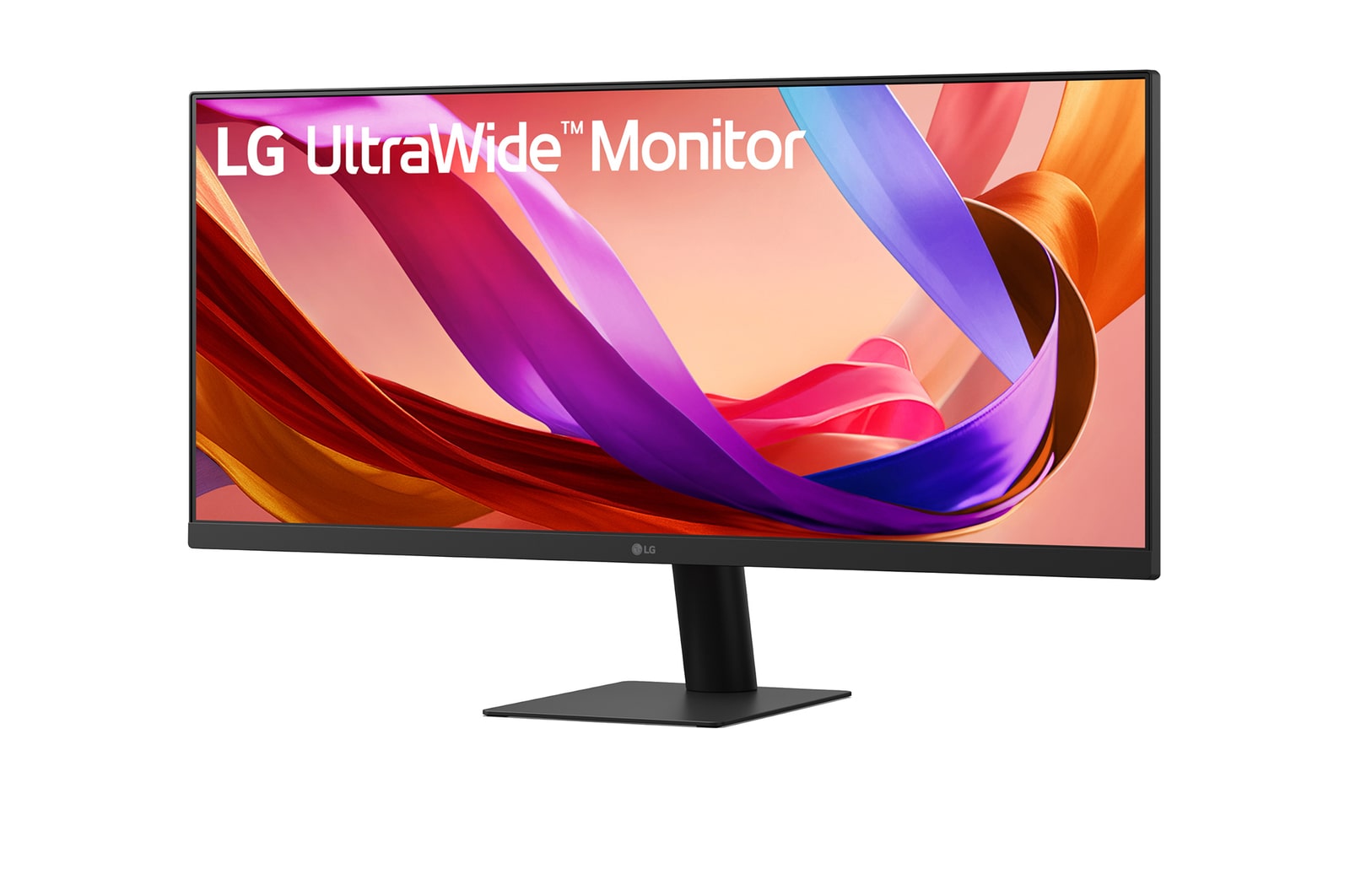
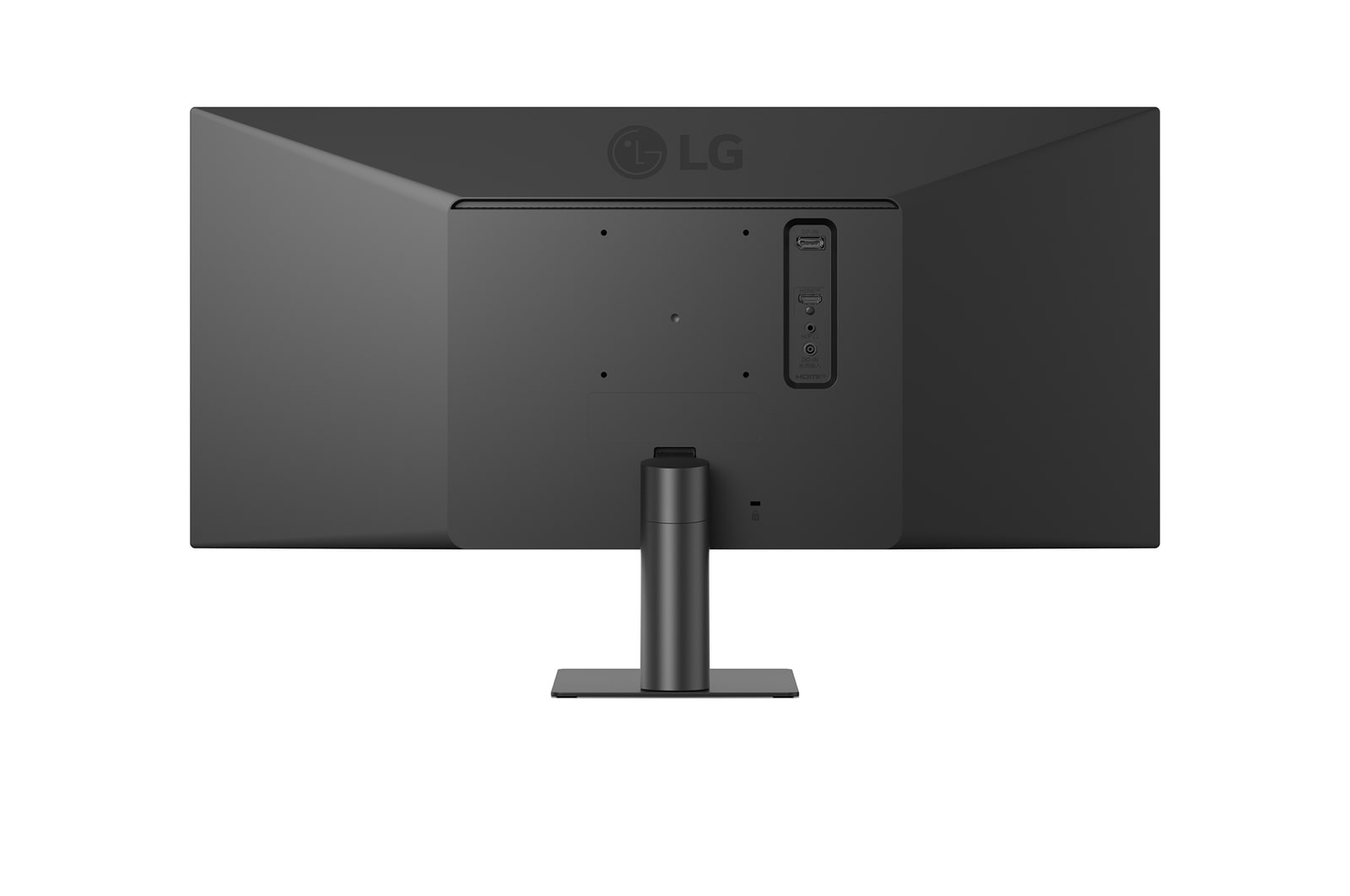
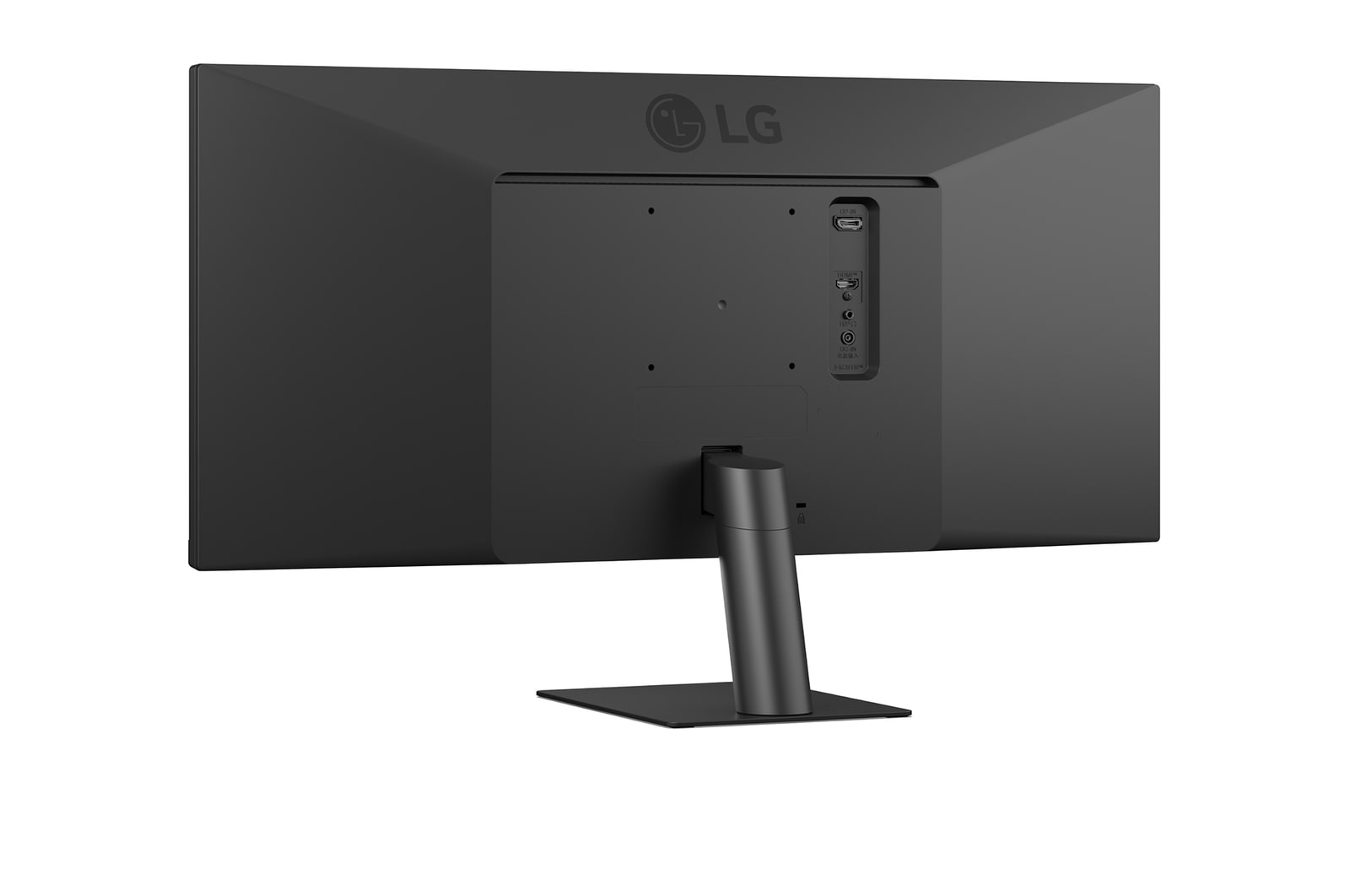
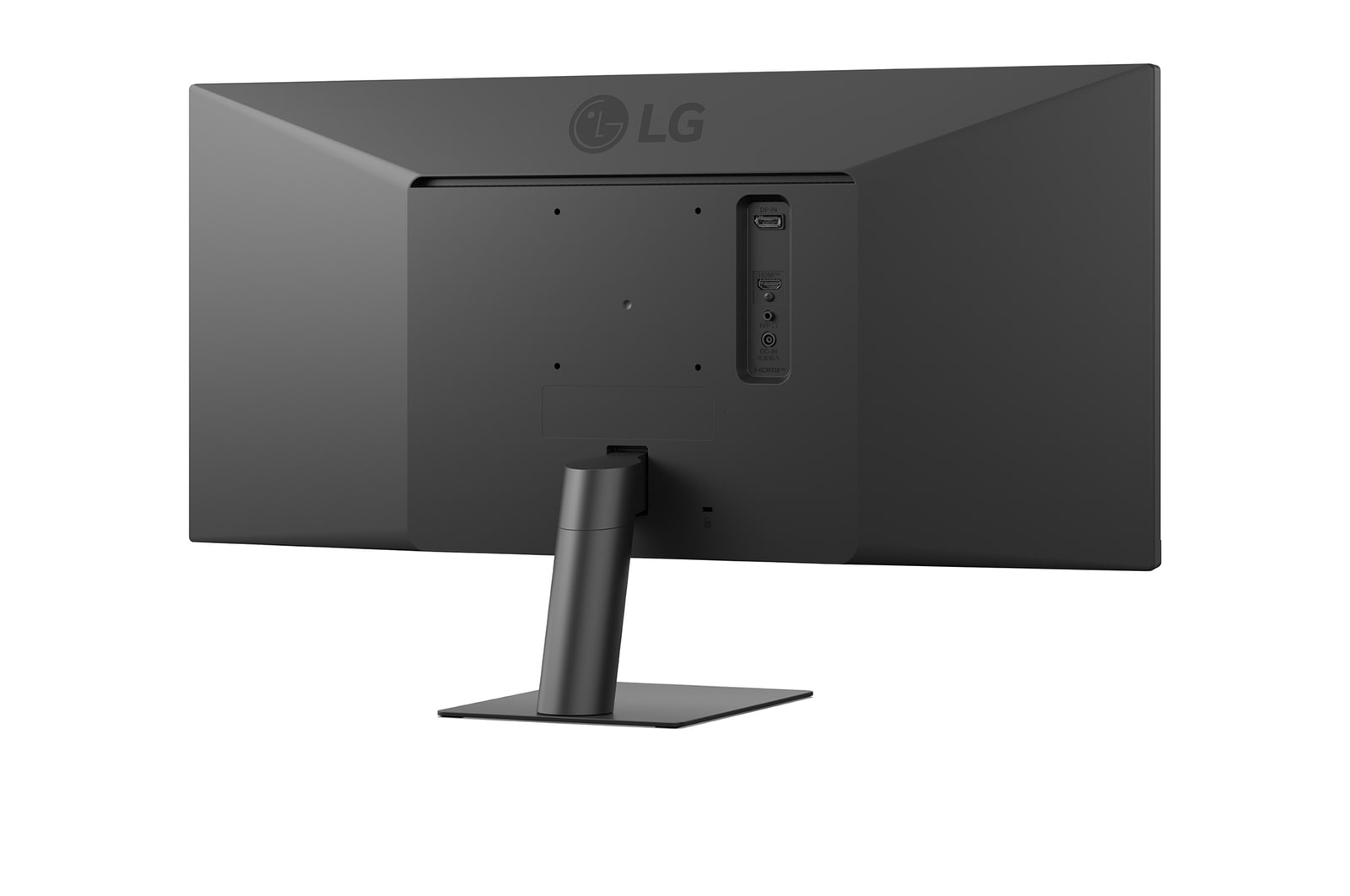
A sleek L-shaped stand is designed for ergonomic comfort with tilt adjustment, and is also compatible with 100×100 VESA wall mounting for flexible installation and efficient workspace use.

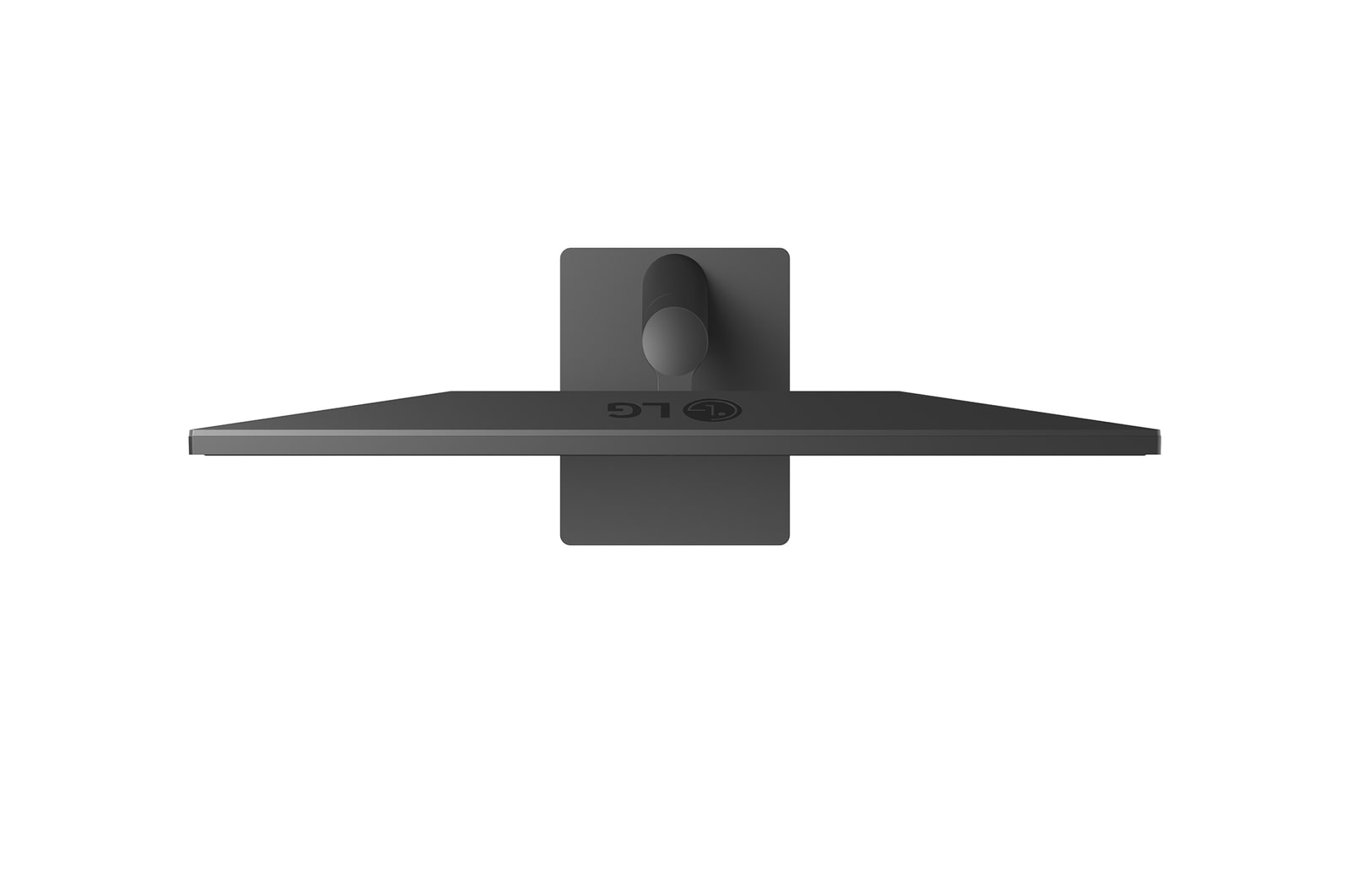
      Top and angled views of an monitor setup on a clean desk, featuring a coffee cup, wireless keyboard, mouse, and a sleek, low-profile stand that ensures stability and saves space.

Key Specs

  • Display - Size [Inch]

    29

  • Display - Resolution

    2560 x 1080

  • Display - Panel Type

    IPS

  • Display - Aspect Ratio

    21:9

  • Display - Color Gamut (Typ.)

    sRGB 99% (CIE1931)

  • Display - Brightness (Typ.) [cd/m²]

    250 cd/m²

  • Display - Refresh Rate (Max.) [Hz]

    100

  • Display - Response Time

    5ms (GtG at Faster)

  • Mechanical - Display Position Adjustments

    Tilt

All Spec

DISPLAY

  • Size [Inch]

    29

  • Aspect Ratio

    21:9

  • Panel Type

    IPS

  • Surface Treatment

    Anti-Glare

  • Response Time

    5ms (GtG at Faster)

  • Resolution

    2560 x 1080

  • Pixel Pitch [mm]

    0.2626 x 0.2628 mm

  • Color Depth (Number of Colors)

    16.7M

  • Viewing Angle (CR≥10)

    178º(R/L), 178º(U/D)

  • Brightness (Typ.) [cd/m²]

    250 cd/m²

  • Contrast Ratio (Typ.)

    1000:1

  • Color Gamut (Typ.)

    sRGB 99% (CIE1931)

  • Color Gamut (Min.)

    sRGB 90% (CIE1931)

  • Refresh Rate (Max.) [Hz]

    100

  • Brightness (Min.) [cd/m²]

    200 cd/m²

  • Contrast Ratio (Min.)

    700:1

  • Color Bit

    8bit (6bit+FRC)

  • Size [cm]

    73cm

CONNECTIVITY

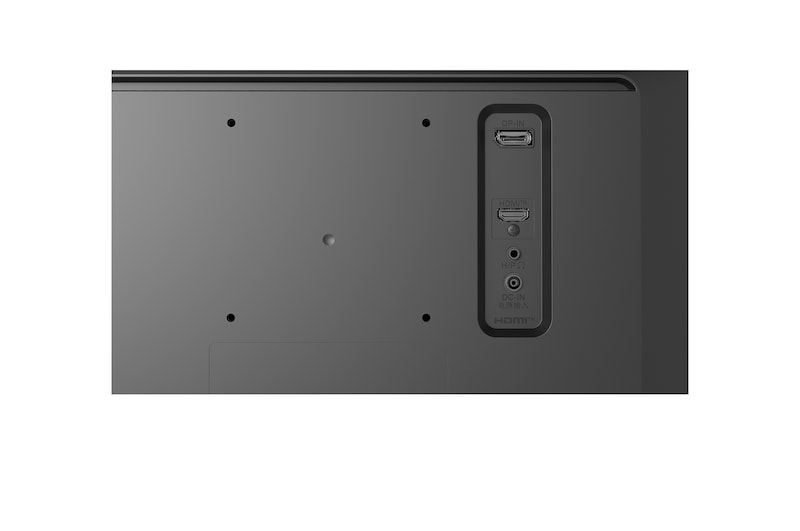
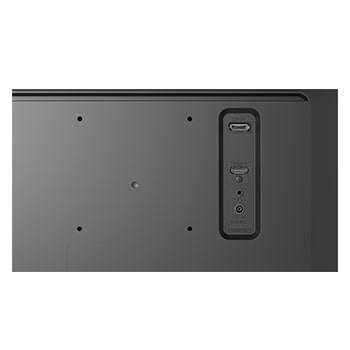
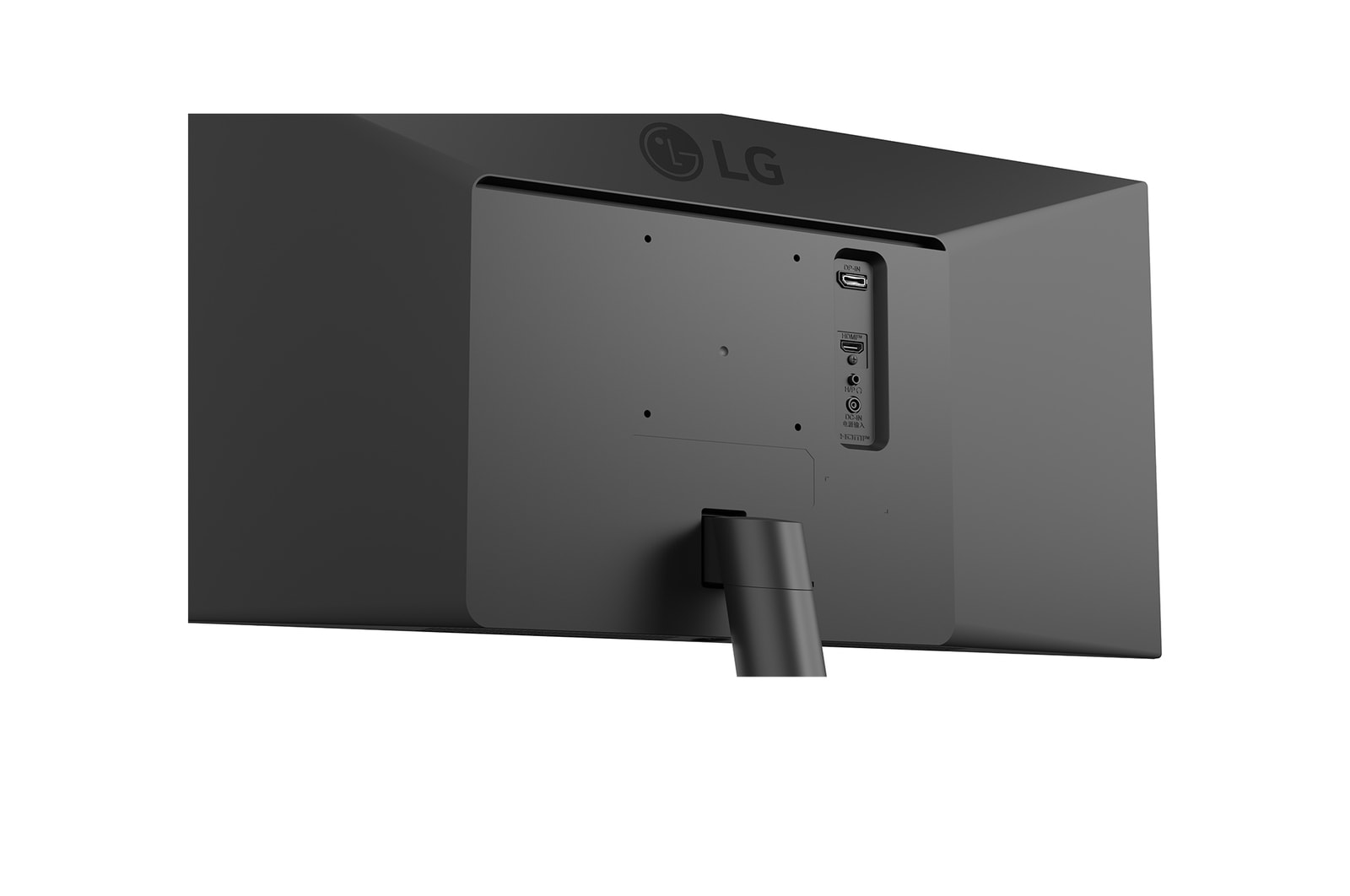
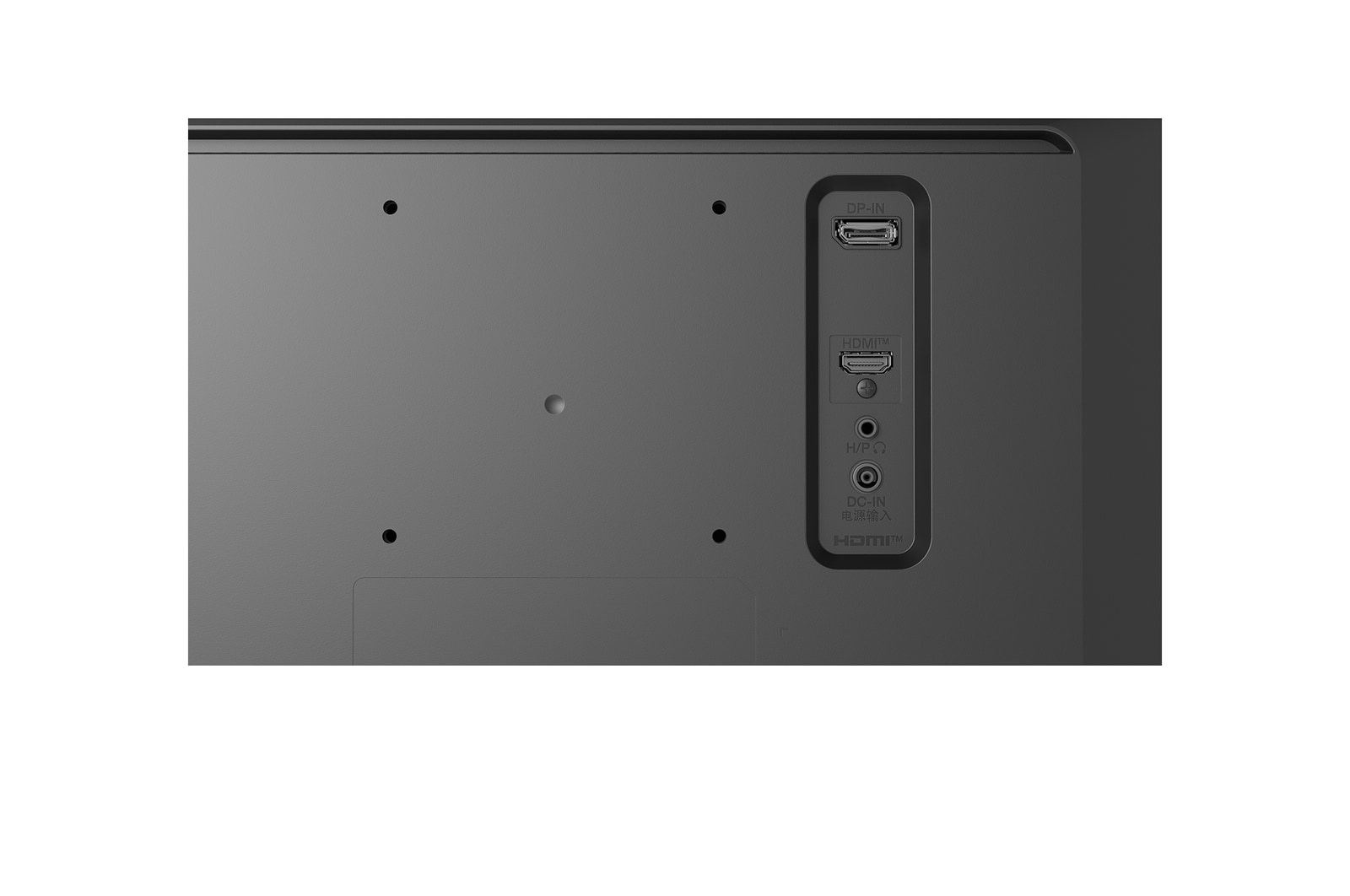
  • HDMI

    YES(1ea)

  • DisplayPort

    YES(1ea)

  • DP Version

    1.4

  • Headphone out

    3-pole (Sound Only)

FEATURES

  • HDR 10

    YES

  • Color Weakness

    YES

  • Smart Energy Saving

    YES

  • Flicker Safe

    YES

  • Dynamic Action Sync

    YES

  • Black Stabilizer

    YES

  • Crosshair

    YES

  • Others (Features)

    CEC

  • Reader Mode

    YES

  • Super Resolution+

    YES

  • Motion Blur Reduction Tech.

    YES

  • Auto Input Switch

    YES

  • HDR Effect

    YES

MECHANICAL

  • Display Position Adjustments

    Tilt

  • Borderless Design

    3-Side Virtually Borderless Design

  • Wall Mountable [mm]

    100 x 100 mm

DIMENSIONS/WEIGHTS

  • Dimension in Shiping (W x H x D) [mm]

    781 x 391 x 132

  • Dimension with Stand (W x H x D) [mm]

    688.5 x 408.7 x 220 mm

  • Dimension without Stand (W x H x D) [mm]

    688.5 x 313.4 x 76.9 mm

  • Weight in Shipping [kg]

    6.6 kg

  • Weight with Stand [kg]

    5.1 kg

  • Weight without Stand [kg]

    4.0 kg

INFO

  • Product name

    UltraWide

  • Year

    Y25

POWER

  • Power Consumption (Max.)

    25W

  • Power Consumption (Sleep Mode)

    Less than 0.5W

  • Power Consumption (Typ.)

    22W (Typ.)

  • Power Consumption (DC Off)

    Less than 0.3W

  • AC Input

    100~240V (50/60Hz)

  • Type

    External Power(Adapter)

  • DC Output

    19V 1.3A

ACCESSORY

  • Adapter

    YES

  • Calibration Report (Paper)

    YES

  • HDMI

    YES

  • HDMI (Color/Length)

    Black / 1.5m

  • Power Cord

    YES

SW APPLICATION

  • Dual Controller

    YES

STANDARD

  • UL (cUL)

    YES

  • CE

    YES

  • KC (for Rep. of Korea)

    YES

What people are saying

Our picks for you

picture
Pay over 3 paydays – interest free
How it works
Payflex lets you get what you need now, but pay for it over 3 interest-free instalments. You pay 1/3 upfront, then split the rest over the next 2 paydays.
  • Step 1
    Shop Online and fill your cart
  • Step 2
    Choose Payflex at checkout
  • Step 3
    Get approved and pay 1/3 today with your debit or credit card
  • Step 4
    Pay the remainder over the next 2 paydays. No interest. No fees.
  • You must be over 18 years old

  • You must have a valid South African ID

  • You must have a debit or credit card issued by Mastercard, Visa or Amex

Still want more information? Click here
picture
Digital credit when you have to have it
How it works
Mobicred is a digital credit facility that allows you to purchase your goods now and settle the outstanding balance via convenient and easy monthly installments.
  • Step 1
    Shop online and add to cart
  • Step 2
    Choose Mobicred to pay and sign in with your Mobicred details
  • Step 3
    Enter the OTP sent to your phone to confirm the purchase
  • Step 4
    Your order will be processed, and you can simply make your Mobicred repayments when due.
You will need to apply and be approved for a Mobicred account before you can checkout.
Apply Now
  • Must be 18 years or older

  • Must have a valid South African ID

  • Must have a valid email address and cell number

  • Must have a valid bank account in your name