We use cookies, including cookies from third parties, to enhance your user experience and the effectiveness of our marketing activities. These cookies are performance, analytics and advertising cookies, please see our Privacy and Cookie policy for further information. If you agree to all of our cookies select “Accept all” or select “Cookie Settings” to see which cookies we use and choose which ones you would like to accept.

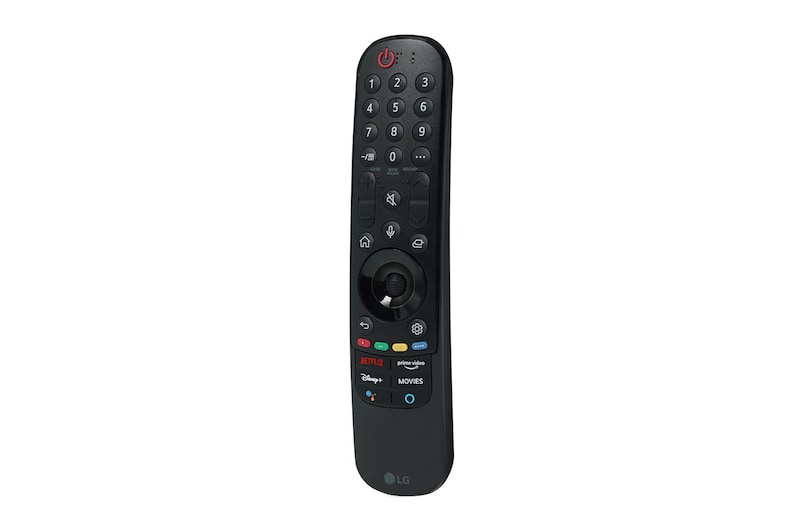
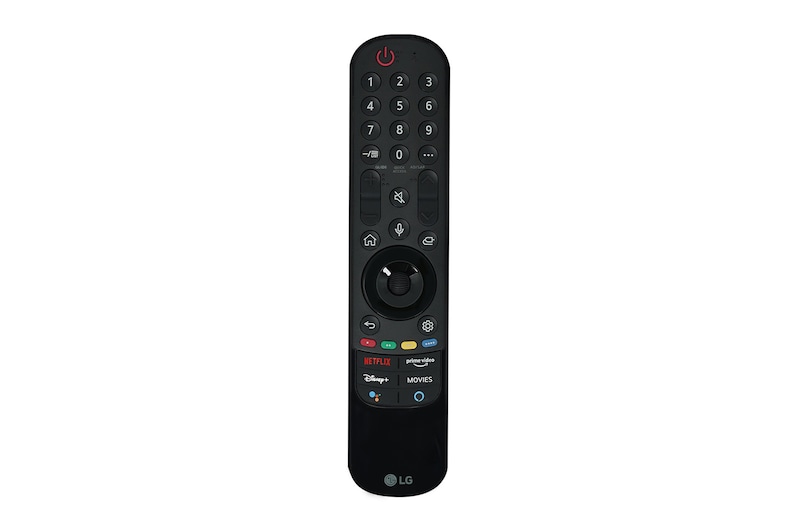
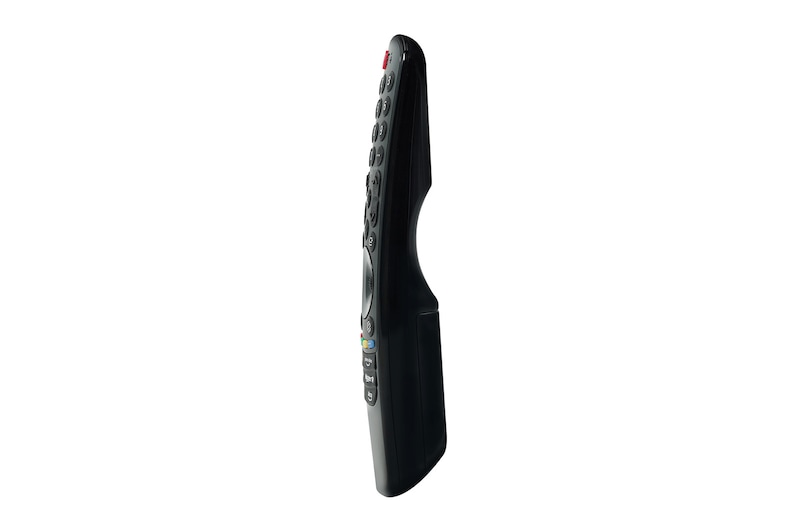
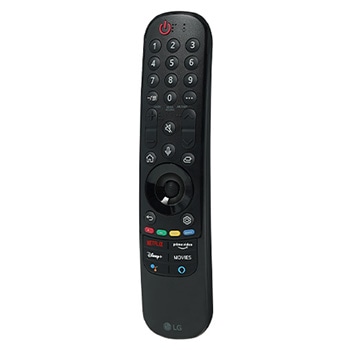
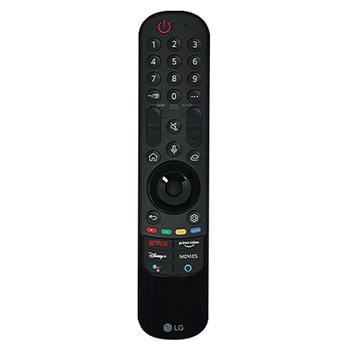
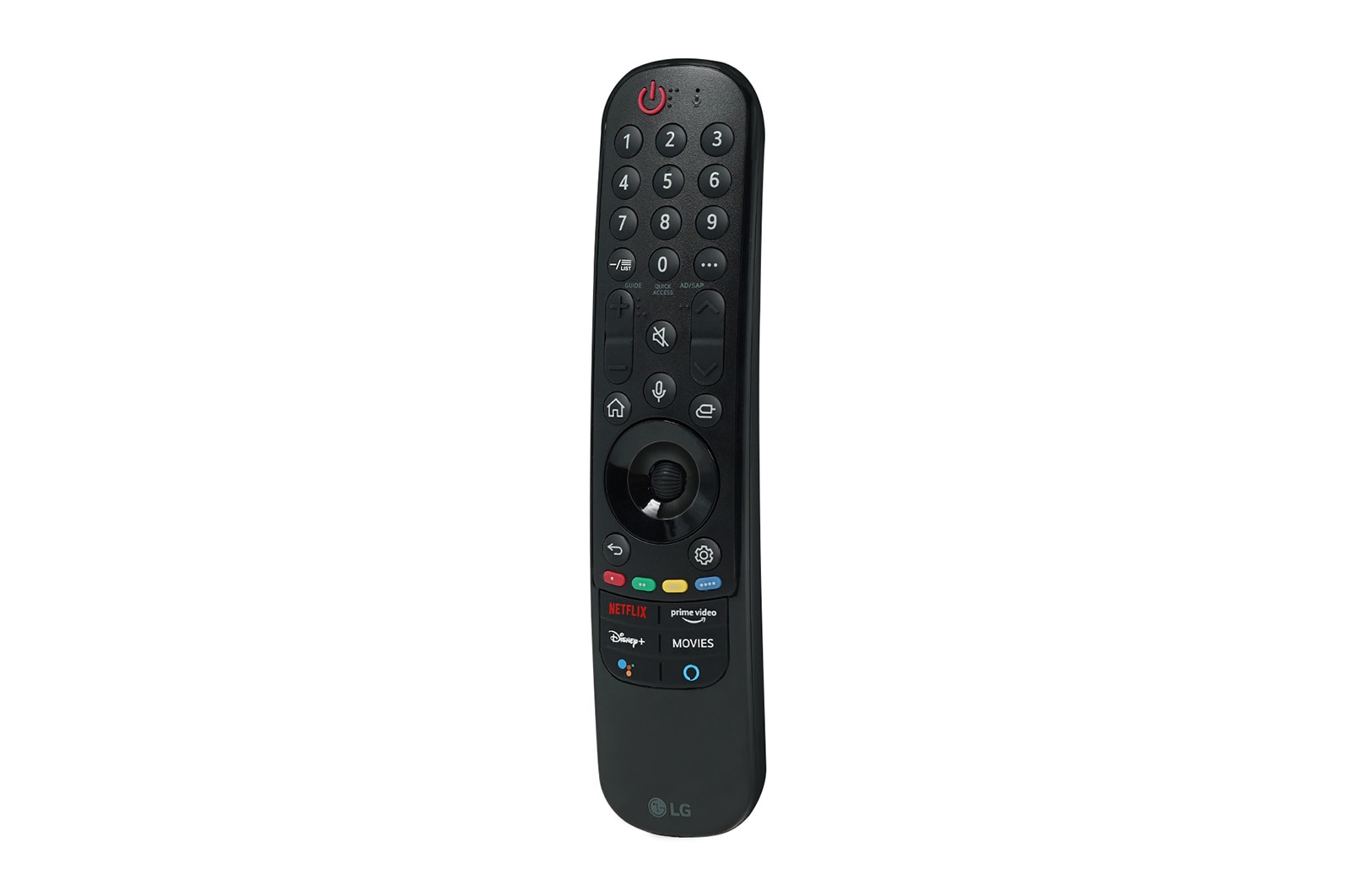
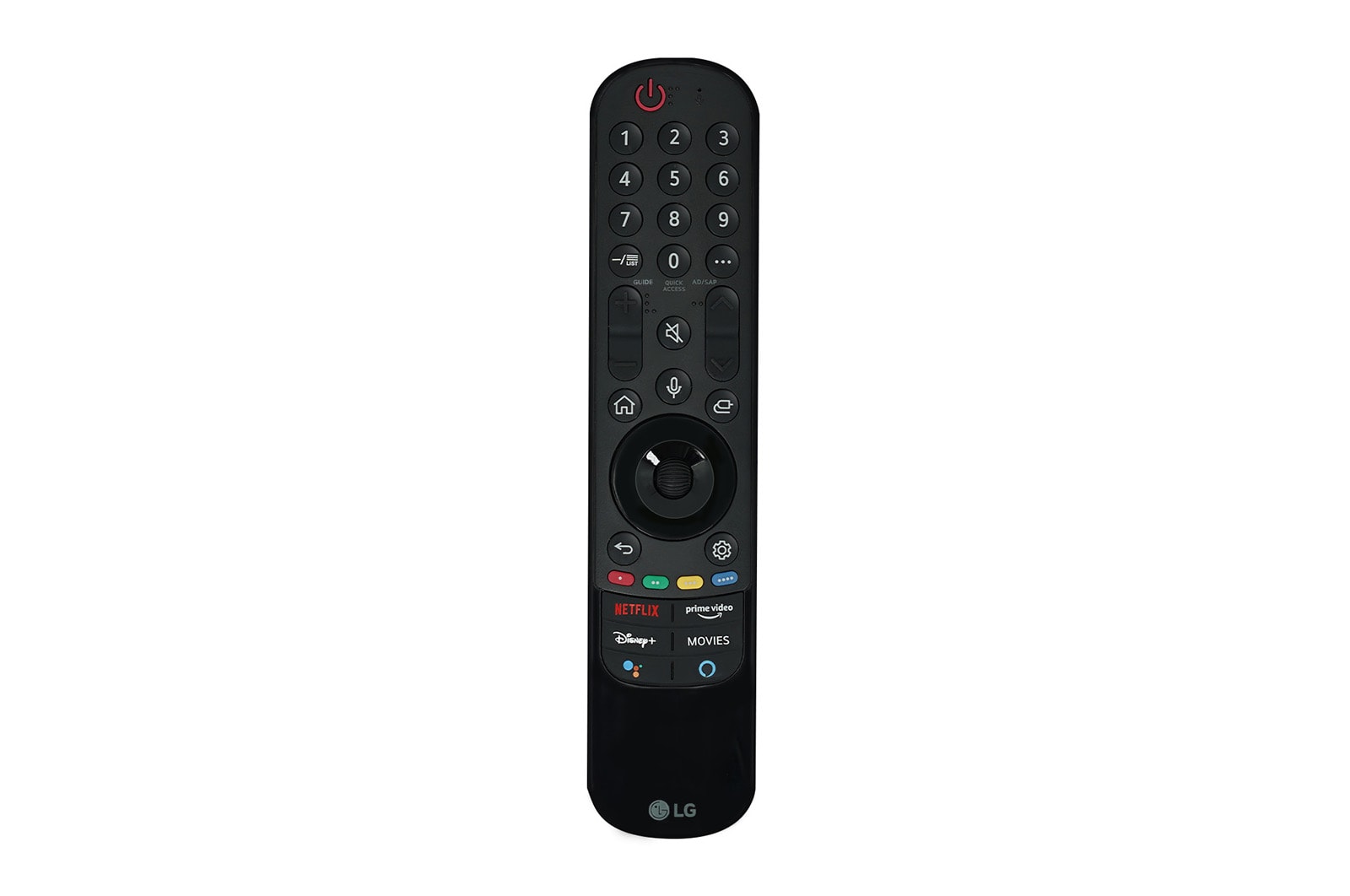
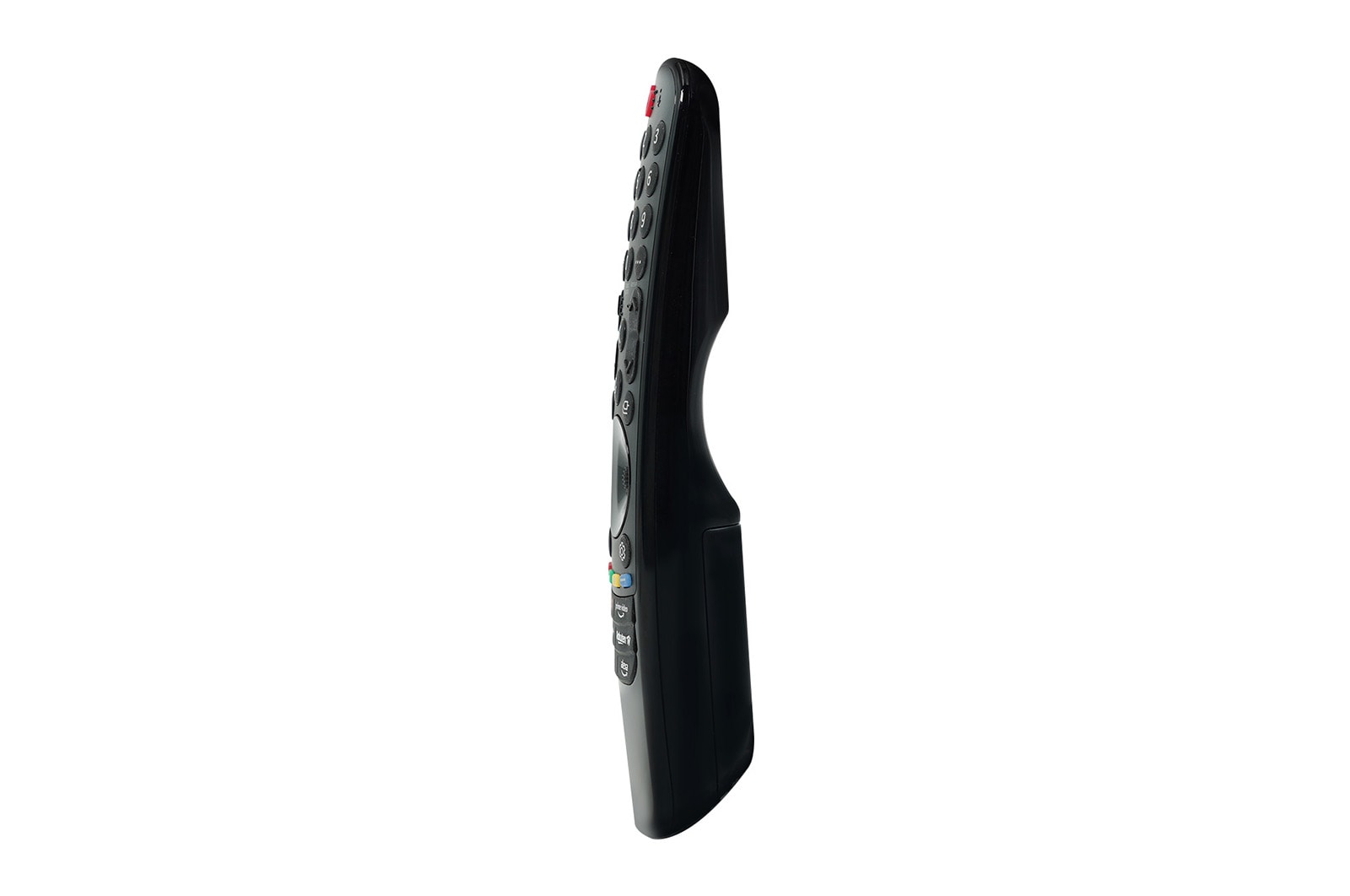
TV 2021 Series Magic Remote Controller
How to Register
For more detailed information, please refer to the product manual for your model.
How to register the Magic Remote Controller.
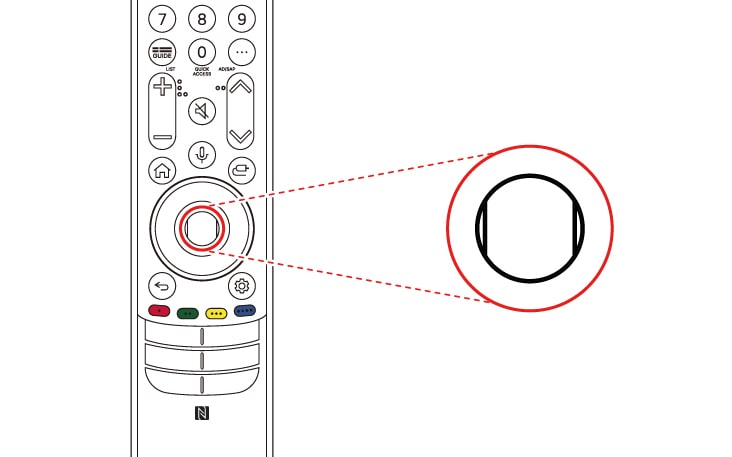
To use the Magic Remote Controller, first pair it with your TV.
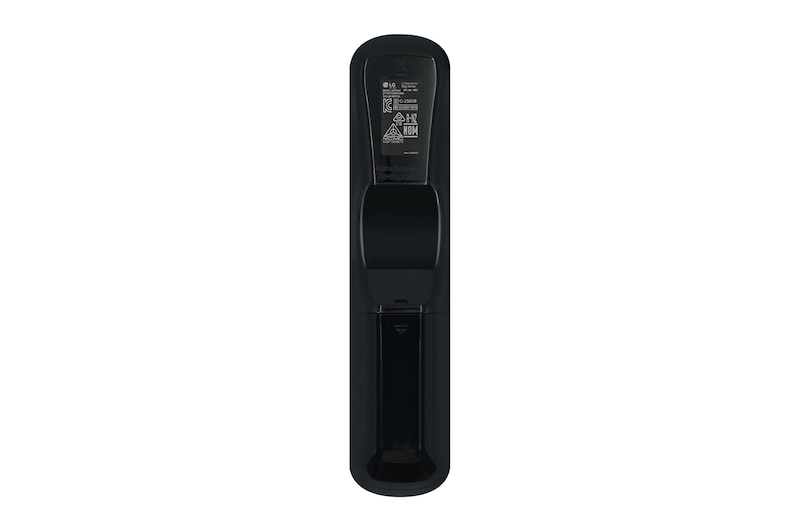
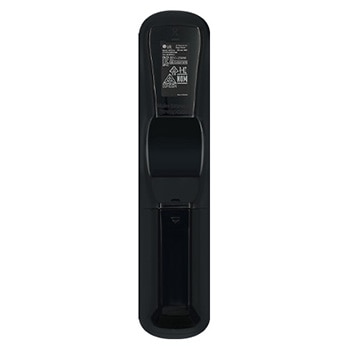
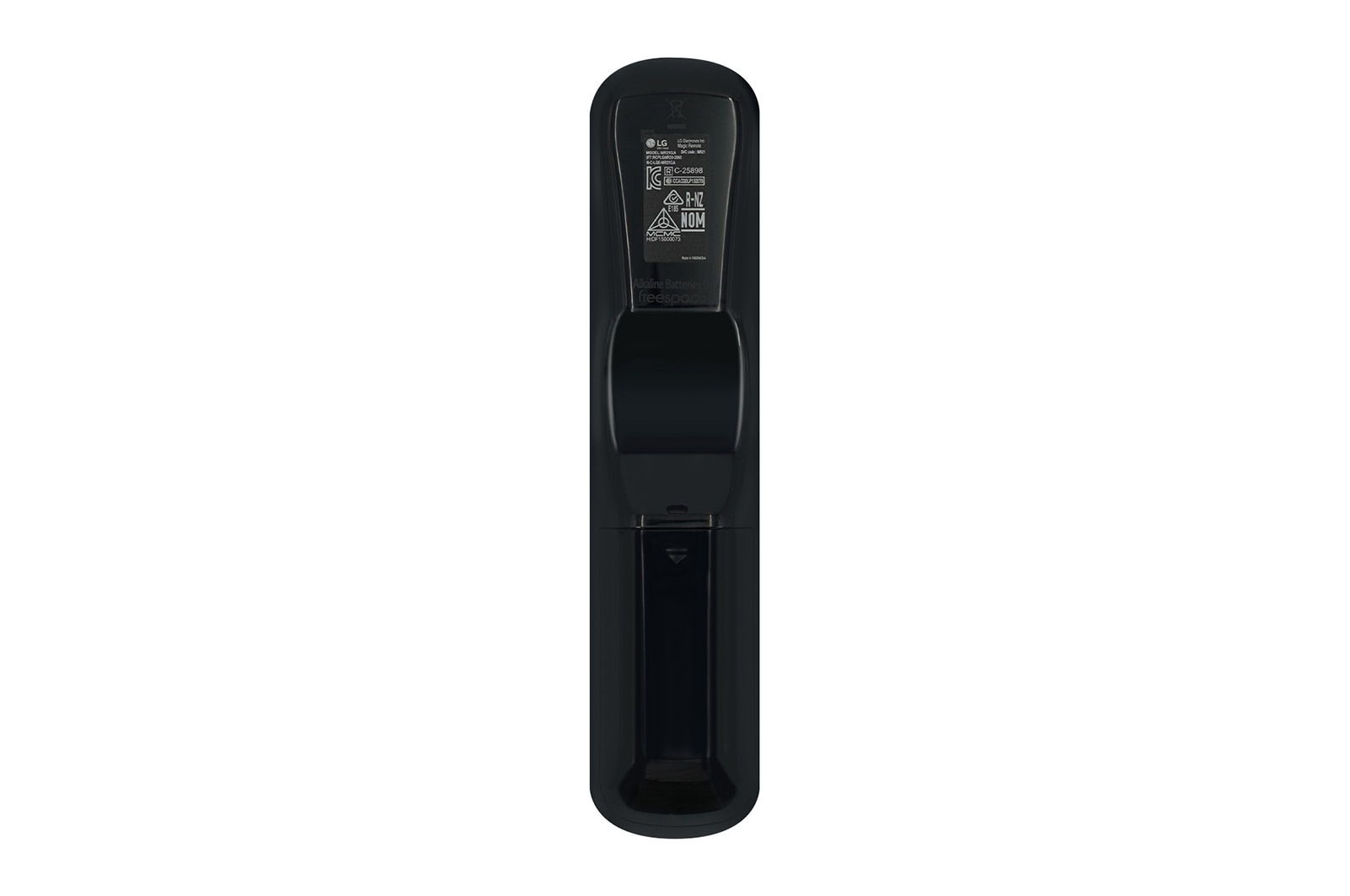
1. Put batteries into the Magic Remote and turn the TV on.
2. Point the Magic Remote Controller at your TV and press the Wheel (OK) button on the remote Controller.
- If the TV fails to register the Magic Remote Controller, try again after turning the TV off and back on.

How to deregister the Magic Remote Controller.
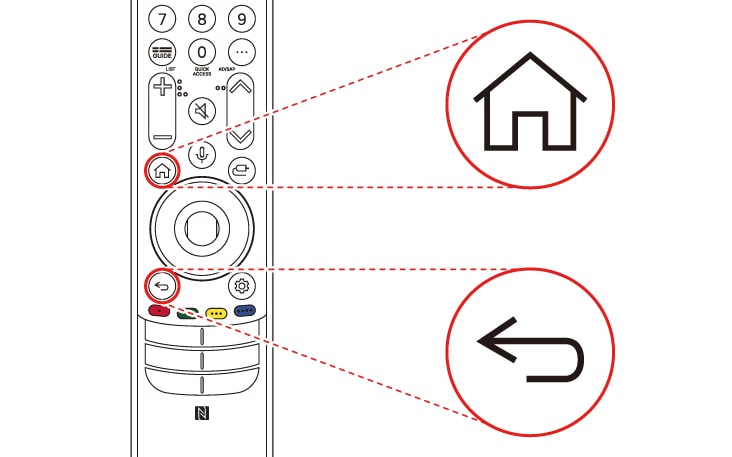
Remote Controller Press and hold the (HOME)button and (Back)button at the same time for five seconds, to unpair the Magic Remote Controller with your TV.
- Press and hold the (Home) button and (Settings) button together for more than 5 seconds to disconnect and re-register the Magic Remote Controller at the same time.

* Product images and features may contain advertising expressions and may differ from the actual product. Product appearance, specifications, etc. may change without prior notice for product improvement.
* All product images are photo cuts and may differ from the actual product. Product color may vary depending on monitor resolution, brightness settings, and computer specifications.
* The performance of the product may vary depending on the usage environment, and availability may vary by store.
All Spec
What people are saying
Our picks for you
Product registration
Registering your product will help you get support faster.
Product support
Find product manuals, troubleshoot or check your warranty.
Order support
Track your order and check order FAQ.
Repair request
Request repair service conveniently online.
Livechat
Chat with LG Product Experts for shopping assistance, discounts and offers in real time
Share your feedback
Please share your thoughts and opinions.
Email us
Send an Email to LG Service Support
Call Us
Speak directly with our support representatives.