Top Deals: Save 30-50% on select home appliances

Top Deals: Save 30-50% on select home appliances
LG UltraGear Gaming Monitor Buying Guide
Choosing a gaming monitor isn't just about specs—it's about unlocking a whole new experience. From lightning-fast OLED visuals to smooth, immersive gameplay, the right monitor can transform your gaming experience. Whether you're chasing victories or savoring rich, lifelike worlds, UltraGear™ helps you choose smart and play harder. Explore what truly matters, and find your edge.
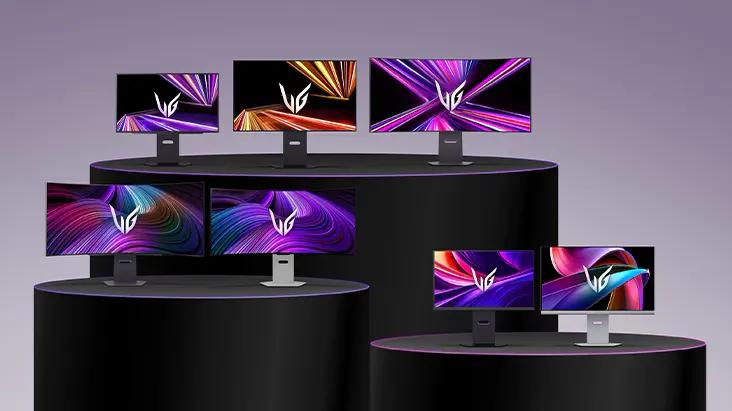
What screen size and aspect ratio is best for my gaming style?
LG UltraGear offers monitors in various sizes, aspect ratios, and curvatures to match your playstyle. This guide helps you choose the right model. Screen size and shape aren't just about desk fit—they affect how you see, react, and enjoy your games. From sniping in FPS to exploring open-world RPGs, the right setup improves visibility, response, and immersion across genres.
How do resolution and picture quality affect your gaming experience?
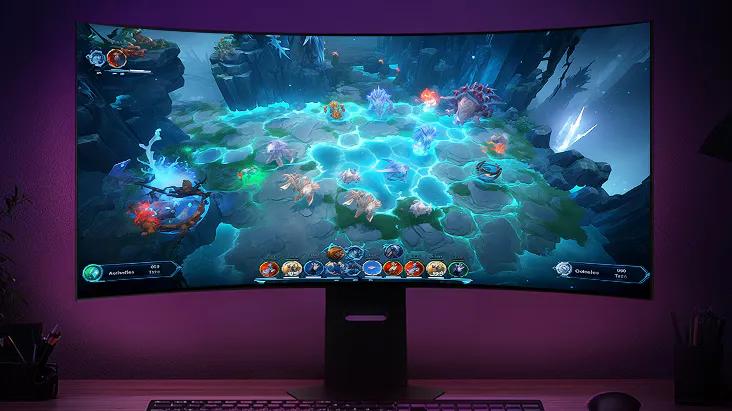
For immersive AAA games like open-world adventures or cinematic RPGs, a high-resolution OLED monitor with HDR reveals deeper blacks, vivid highlights, and ultra-fine details. This lifelike display makes every scene feel more expansive, consistent, and visually stunning—perfect for exploring vast worlds or story-rich environments.
Why do refresh rate and response time matter in gaming?
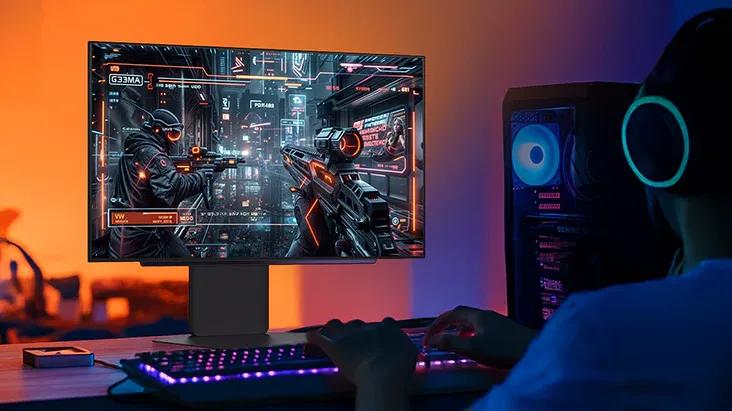
For shooters or racing games, choose a monitor with a high refresh rate (like 480 Hz)§ and fast response time (like 0.03 ms). These factors keep motion clear and reduces blur, helping you not to miss any action during fast moving sequences.
How can UltraGear support both work and play?
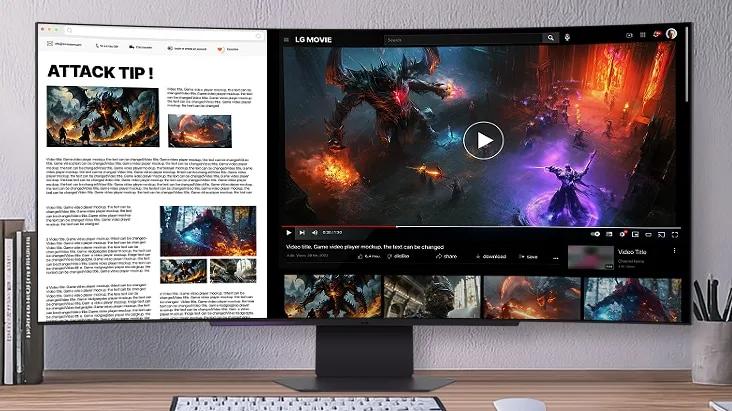
LG Switch* lets you toggle between optimized layouts for gameplay, multitasking, or content creation. With webOS† , you can browse or stream directly from the monitor—no PC required. The high PPI and refined subpixel structure keep text sharp for reading and writing, while USB-C, HDMI, and DisplayPort support make it easy to connect work devices or entertainment devices.
Images may be simulated and dramatized for illustrative purposes. Actual features, functionality, and other product specifications may differ and are subject to change without notice. Prices, promotions, and availability may vary by model, store, and online. Prices subject to change without notice. Quantities are limited. Check with your local retailers for their final price and availability.
- TV & Home Theater
- My Account
- About LG
- Offers
- Articles & Gift Guides
Social Support
BusinessPrivacyDo Not Sell or Share My Personal InformationTerms of UseTerms of PurchasePatentAccessibility HelpSite Map
 Copyright © 2009-2026 LG Electronics. All Rights Reserved