We use cookies, including cookies from third parties, to enhance your user experience and the effectiveness of our marketing activities. These cookies are performance, analytics and advertising cookies, please see our Privacy and Cookie policy for further information. If you agree to all of our cookies select “Accept all” or select “Cookie Settings” to see which cookies we use and choose which ones you would like to accept.

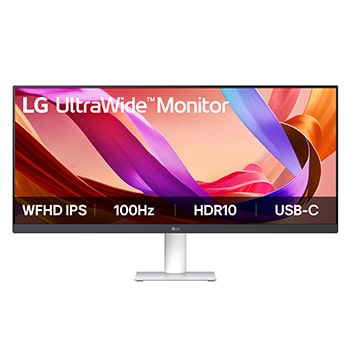
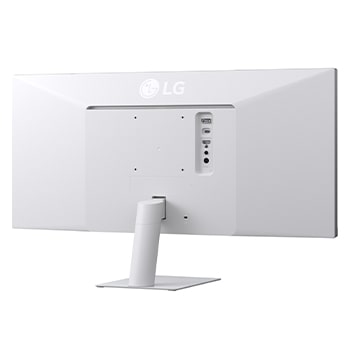
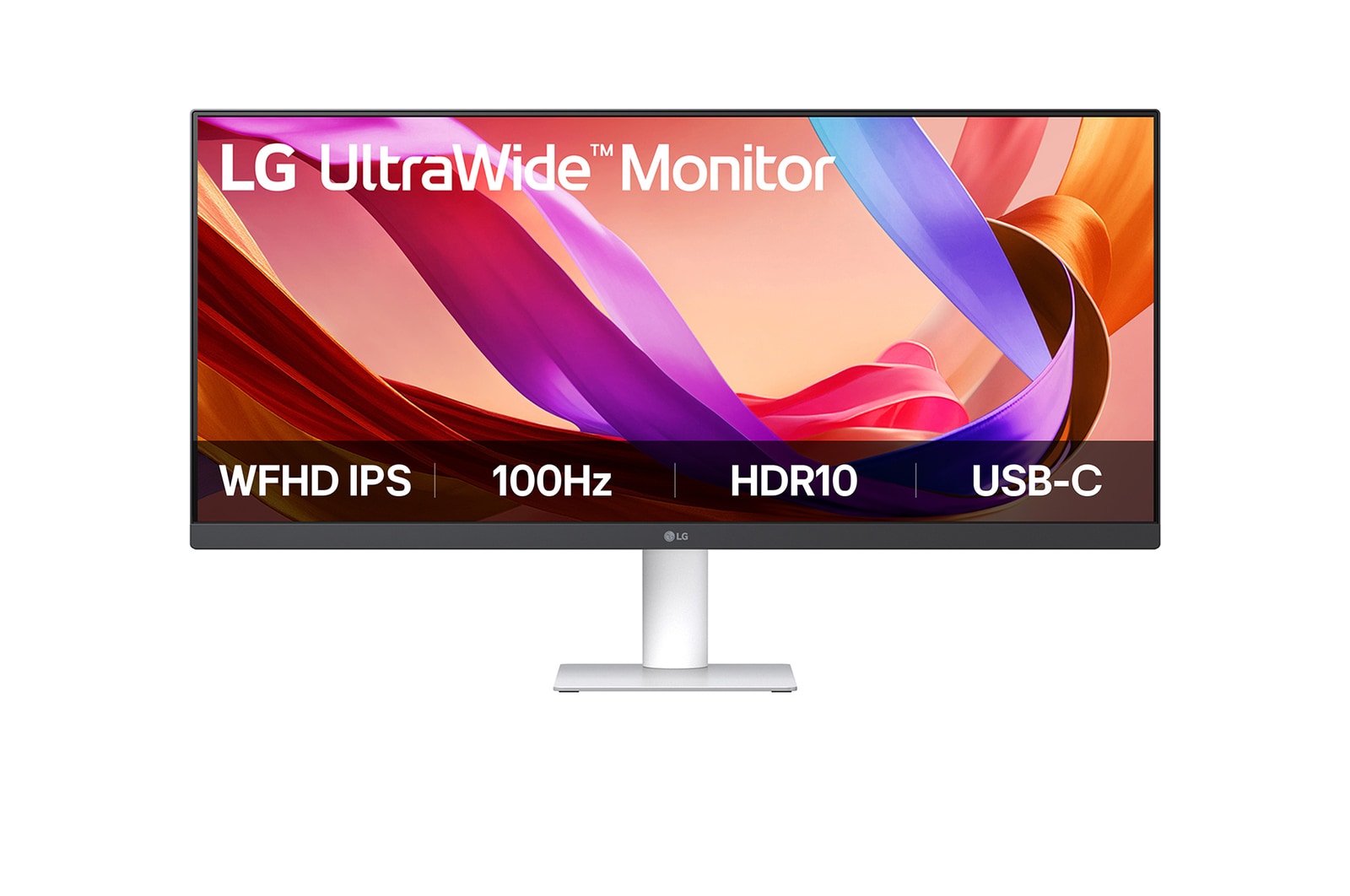
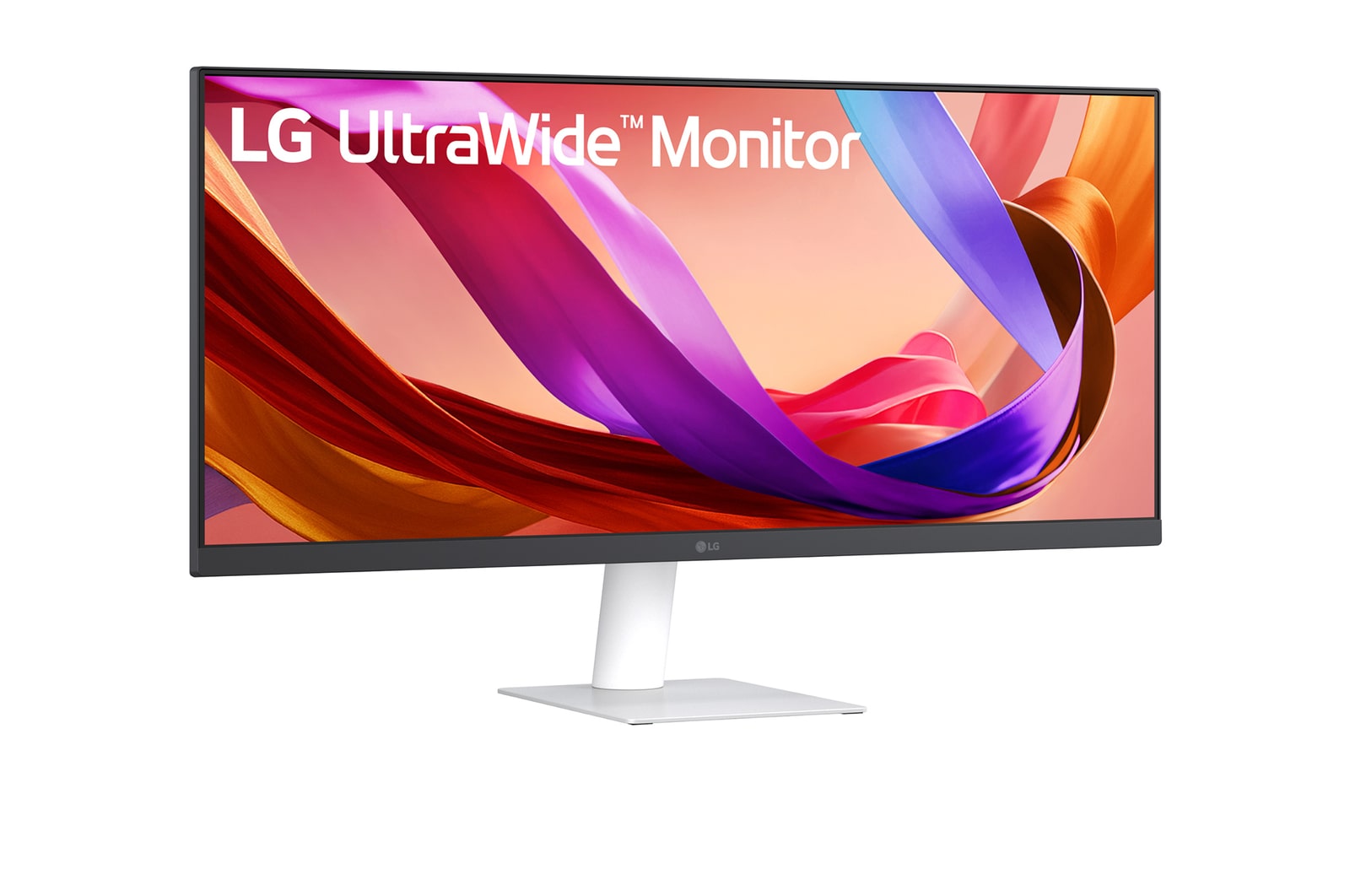
29” UltraWide™ FHD IPS gaming monitor | 100Hz, 1ms
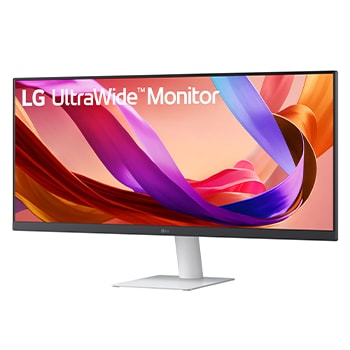
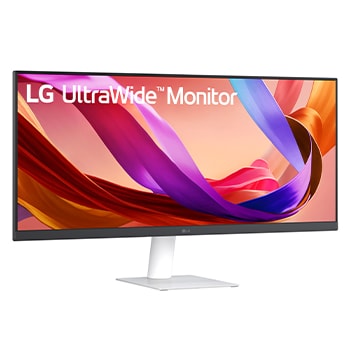
34-inch 21:9 WFHD (2560x1080) IPS Display
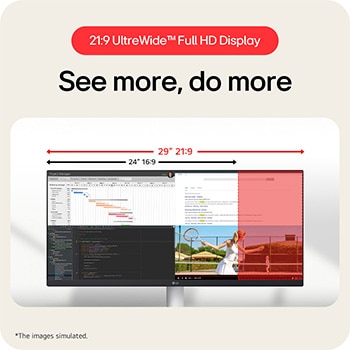
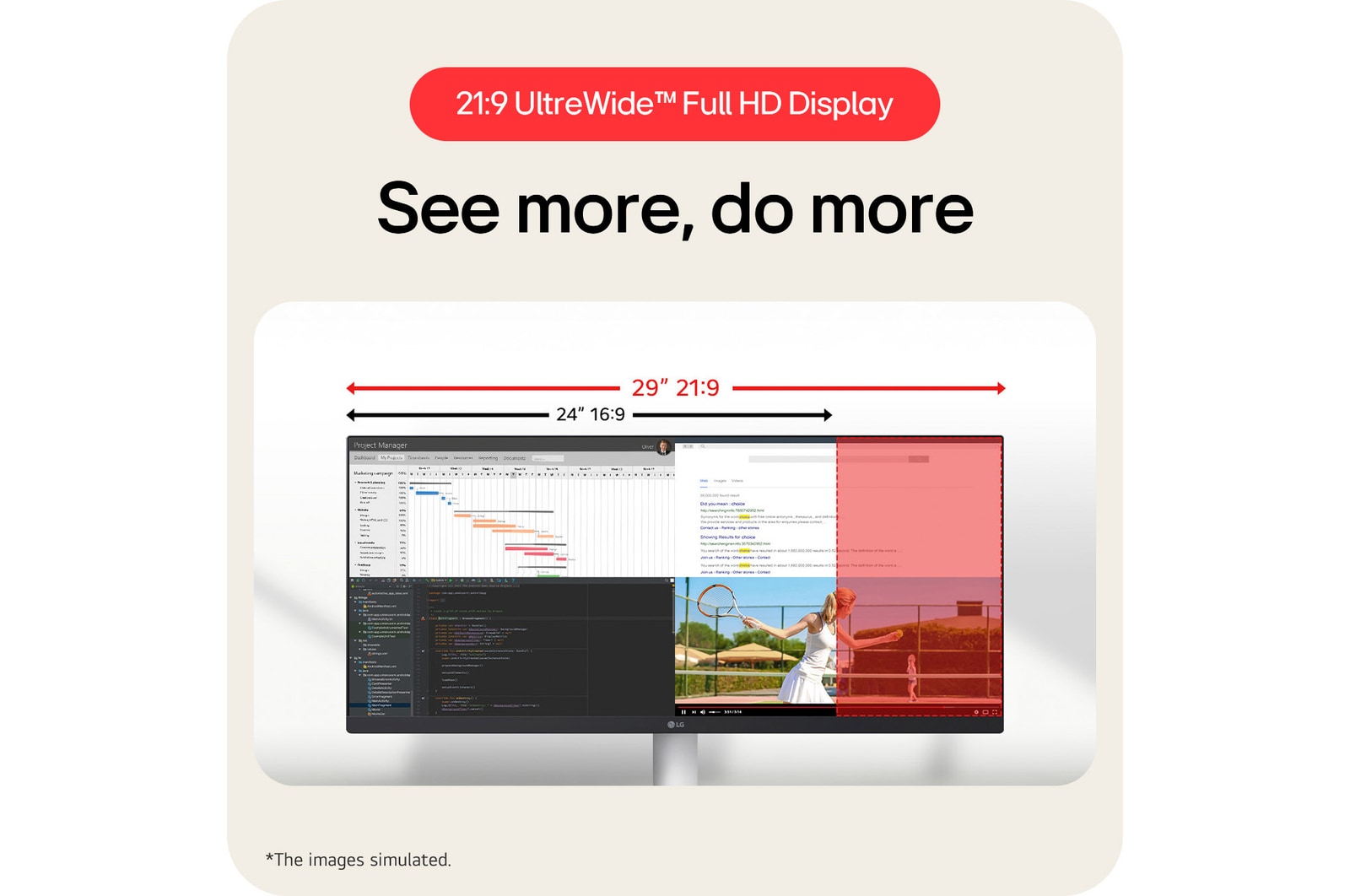
21:9 UltraWide™ Full HD Display
See more, do more
The UltraWide™ Full HD (2560×1080) display provides more horizontal screen space than a standard FHD (1920×1080) monitor. The virtually bezel-less design offers an uninterrupted, wider view. This allows for more efficient multitasking without switching between windows.
*The images simulated to enhance feature understanding. It may differ from actual use.
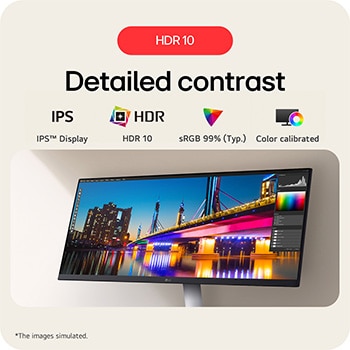
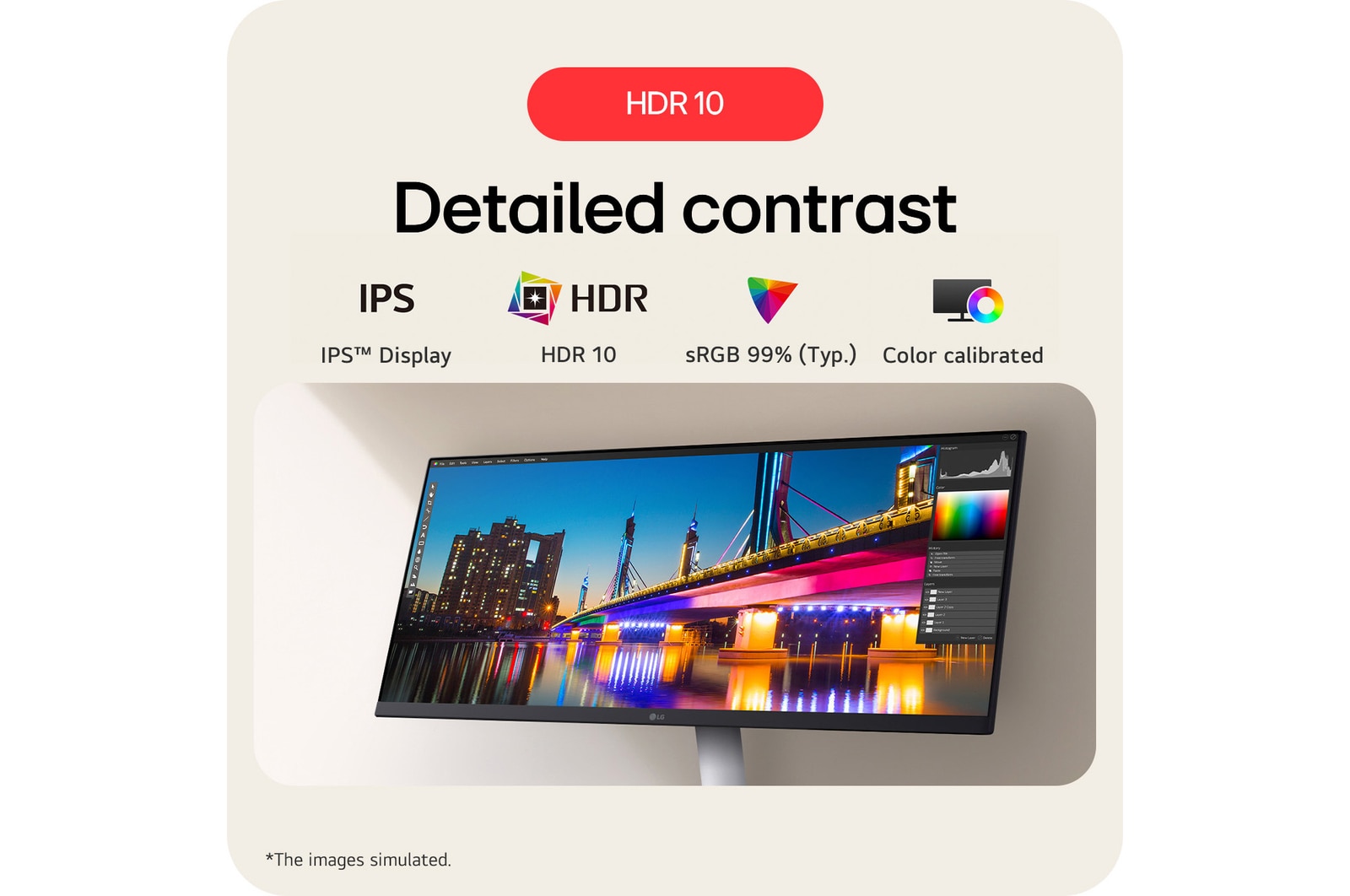
HDR 10
Detailed contrast
HDR technology is now applied to various content. This monitor is compatible with industry standard HDR10 high dynamic range, based on the sRGB 99% colour gamut, supporting specific levels of colour and brightness that enables viewers to enjoy the dramatic colours of the content.
*The images simulated to enhance feature understanding. It may differ from actual use.
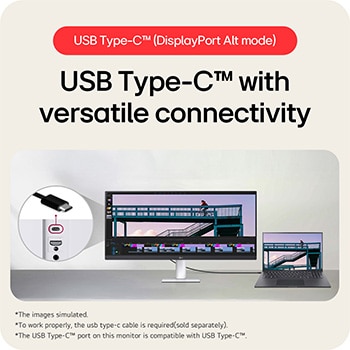
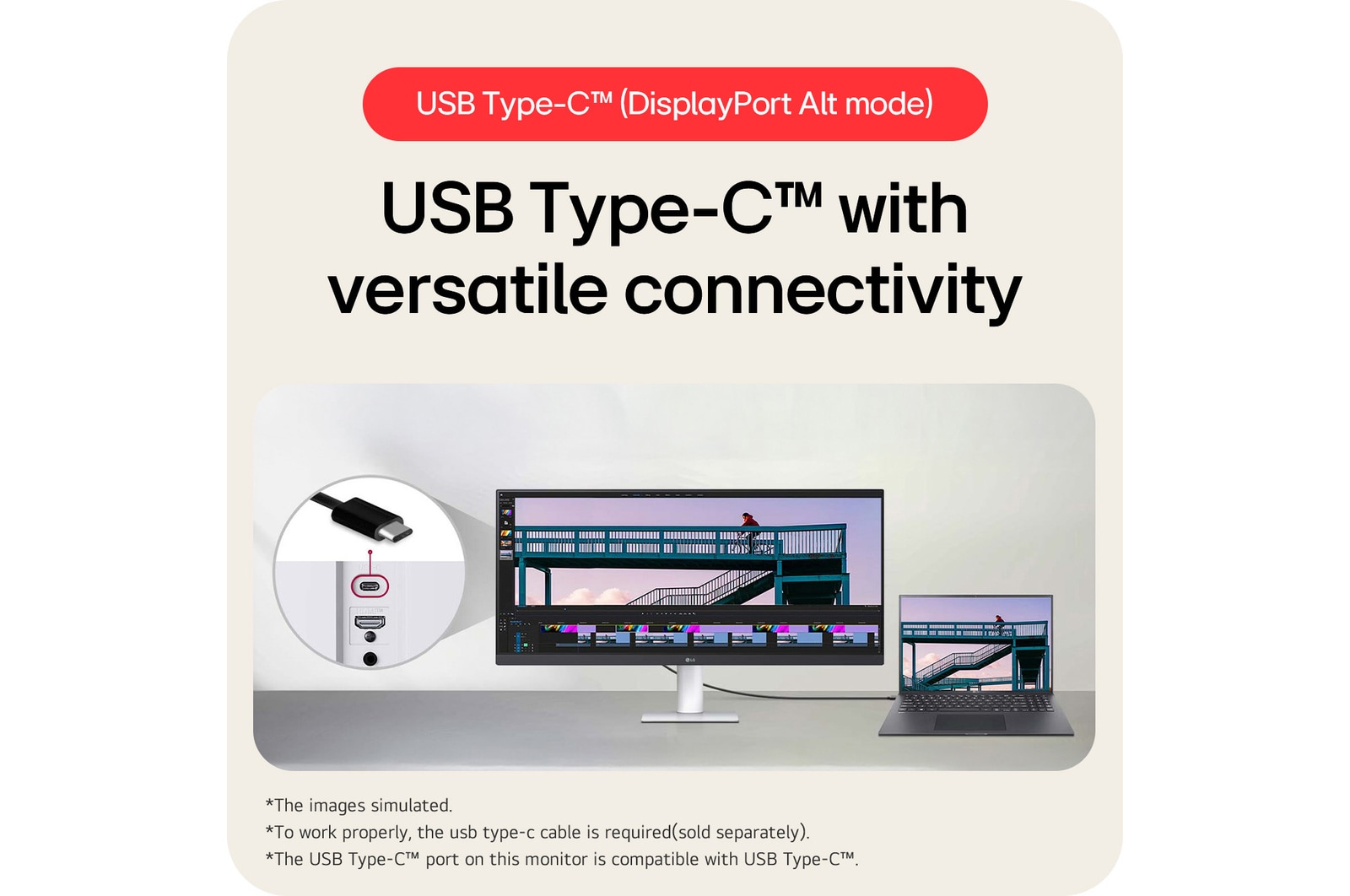
USB Type-C™ (DisplayPort Alt mode)
USB Type-C™ with versatile connectivity
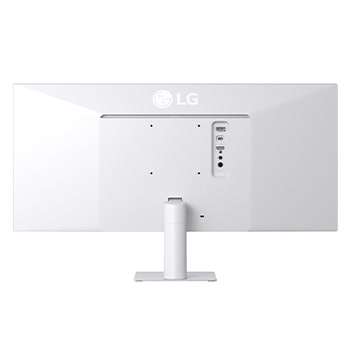
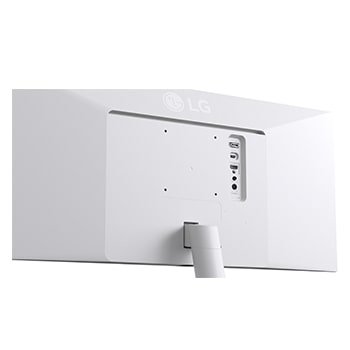
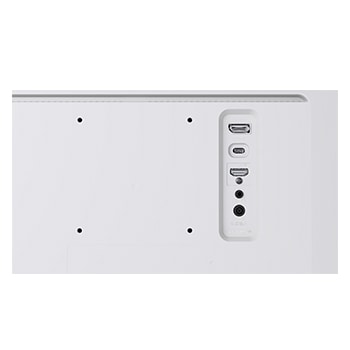
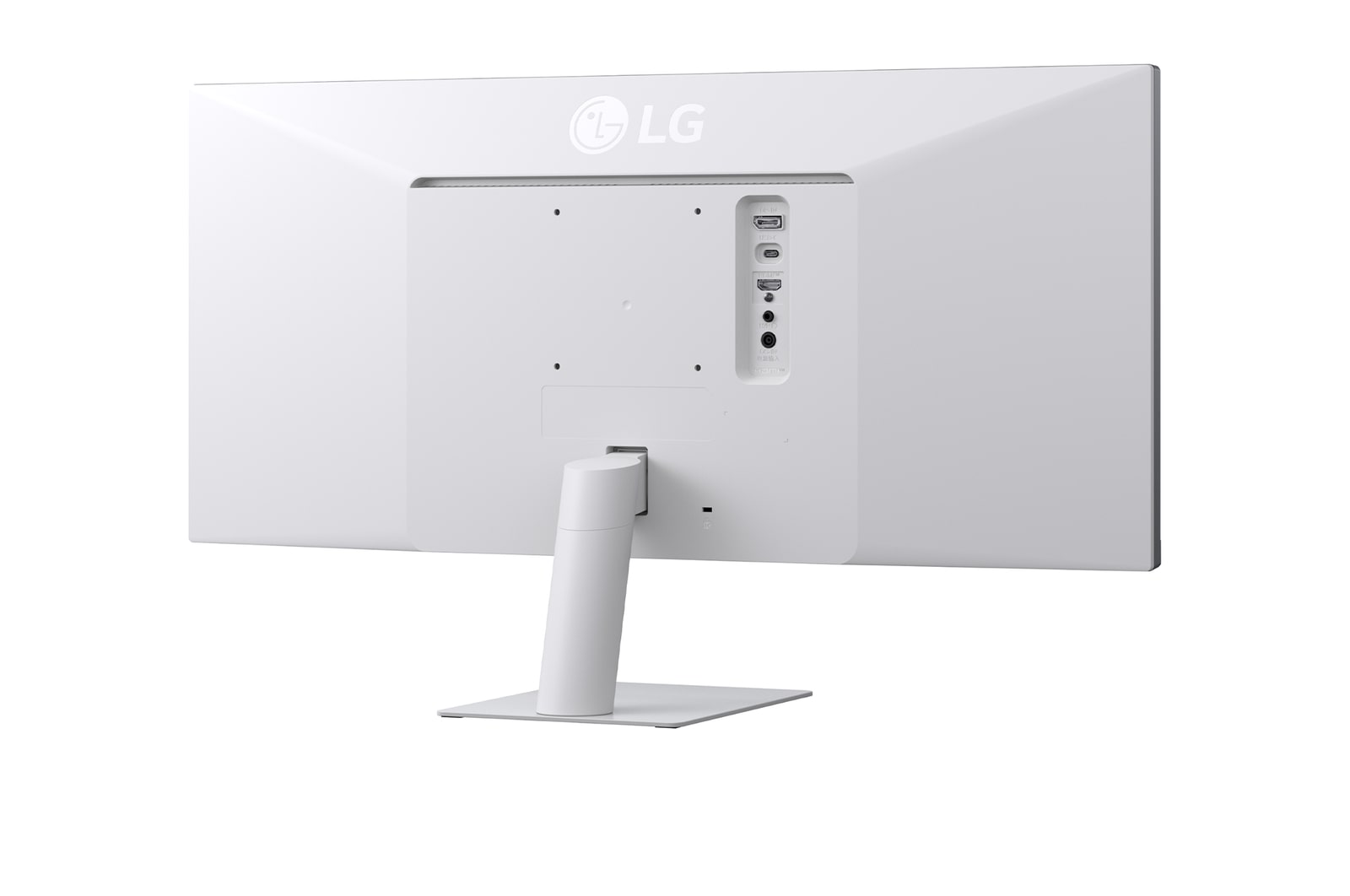
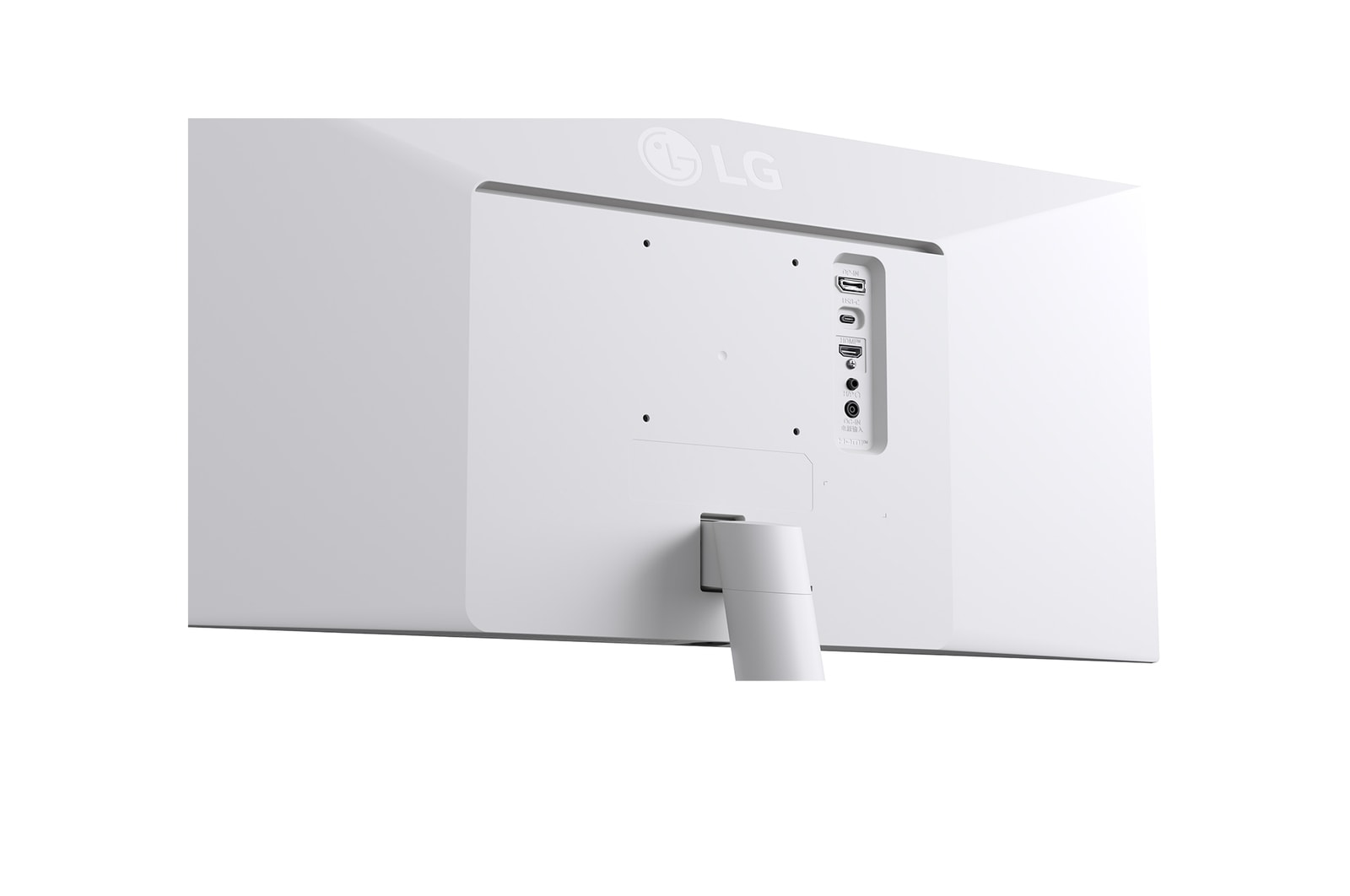
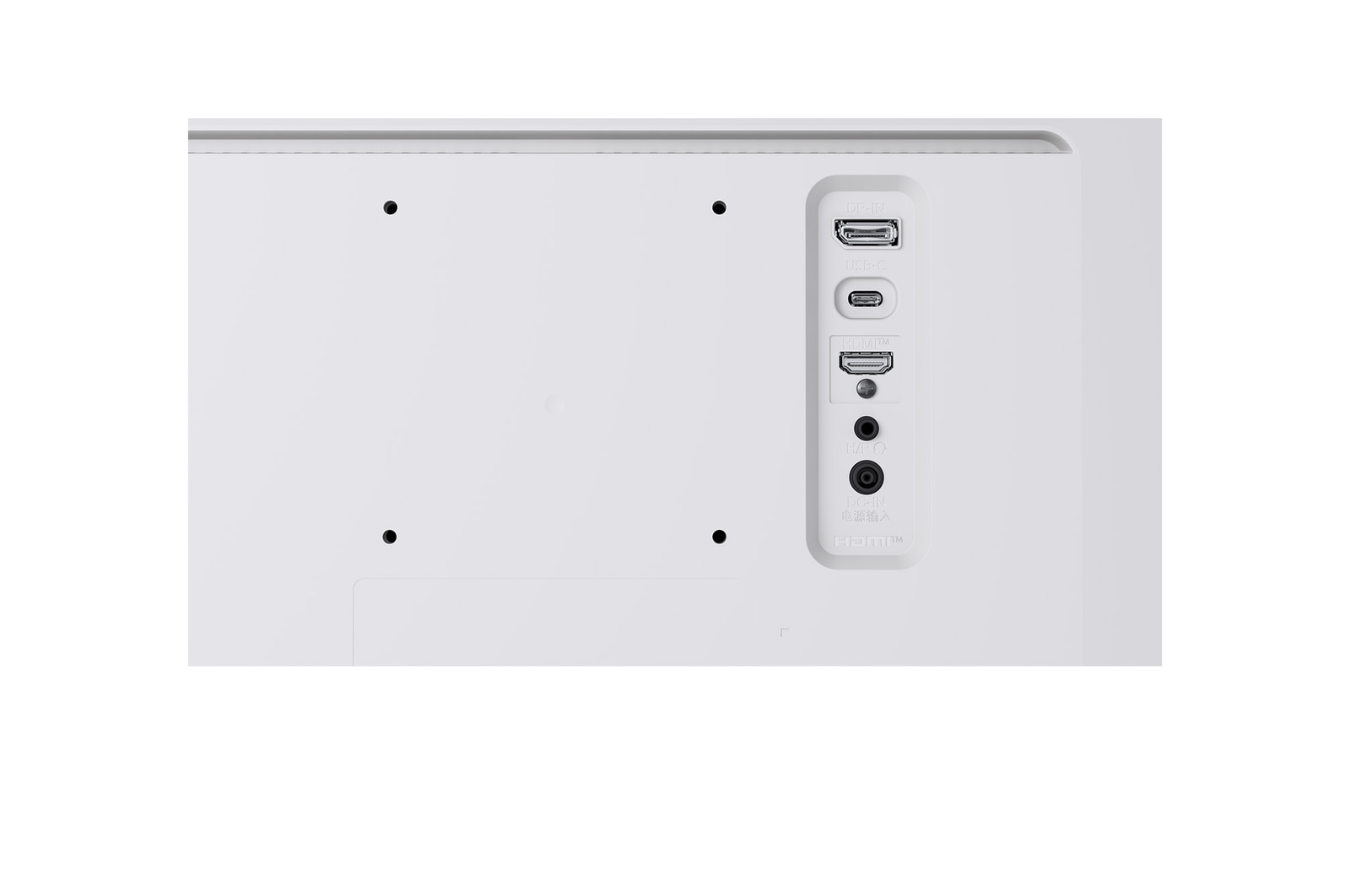
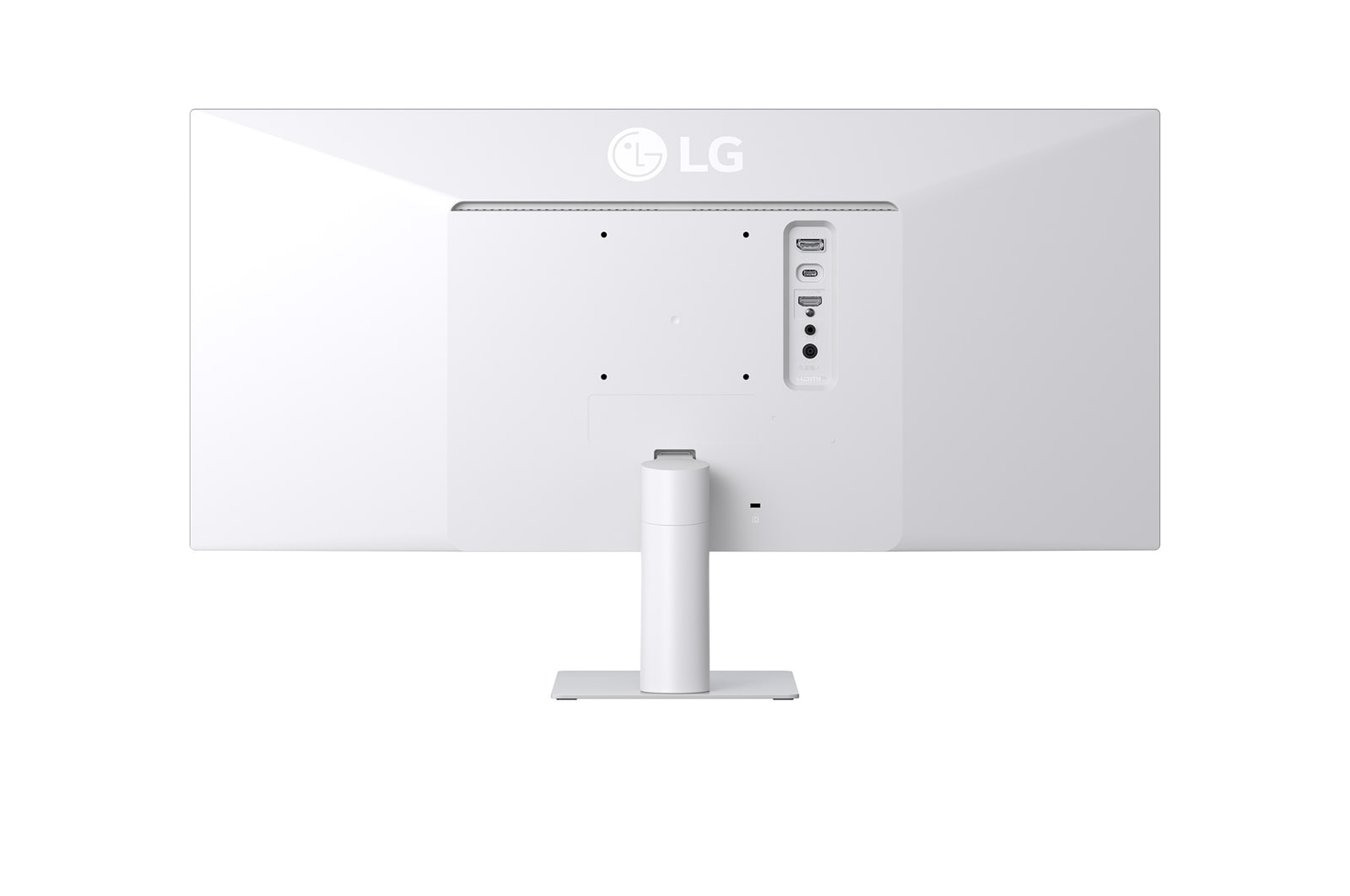
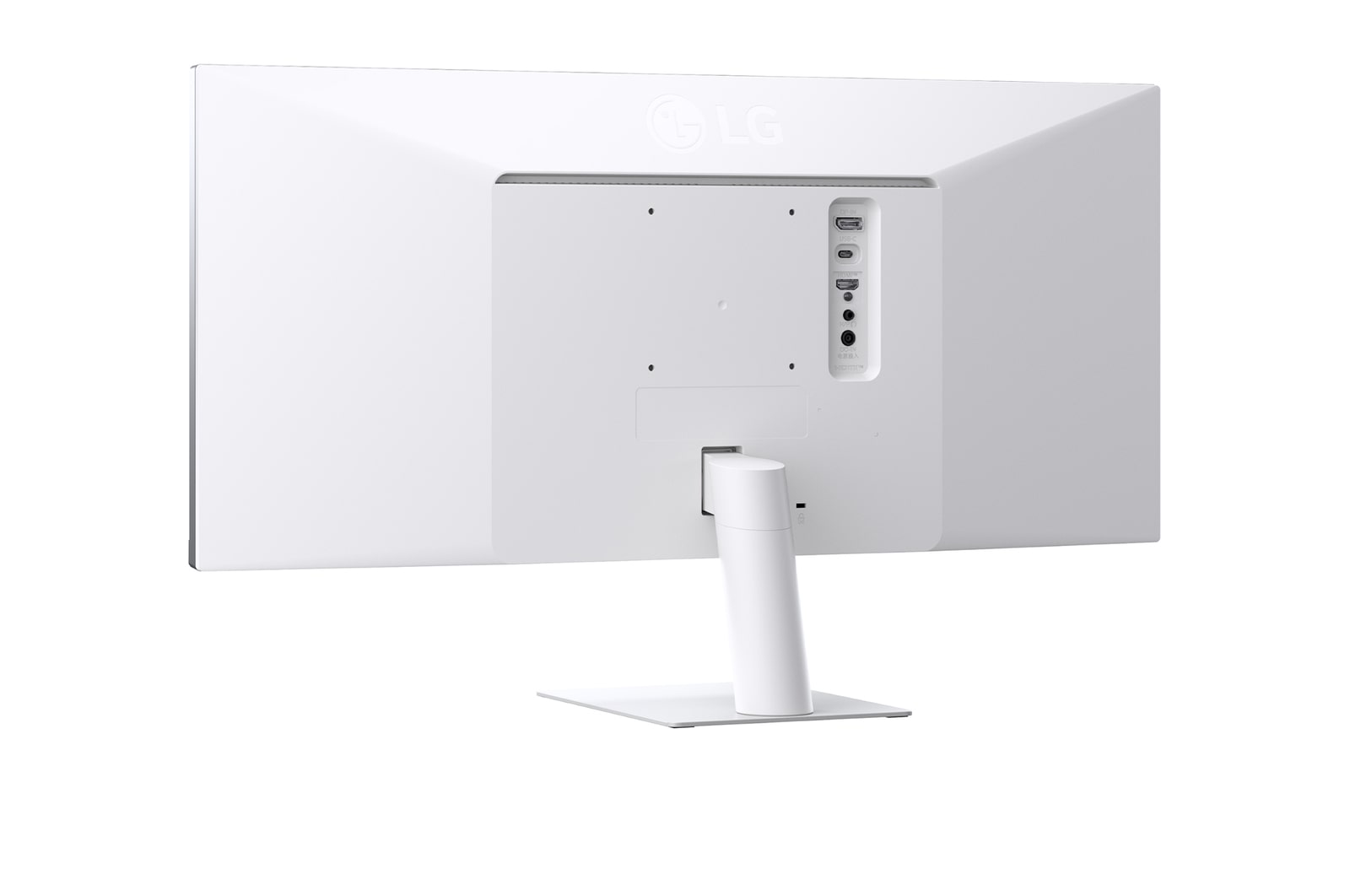
This monitor offers USB Type-C™, DisplayPort, HDMI ports to ensure smooth connectivity with various devices. The USB Type-C™ port supports both display output and data transfer, allowing easy connection to your laptop with a single cable.
*The images simulated to enhance feature understanding. It may differ from actual use.
*To work properly, the usb type-c cable is required (sold separately).
*The USB Type-C™ port on this monitor is compatible with USB Type-C™ (DisplayPort Alt Mode)-enabled laptop and smart devices, not supporting power delivery.
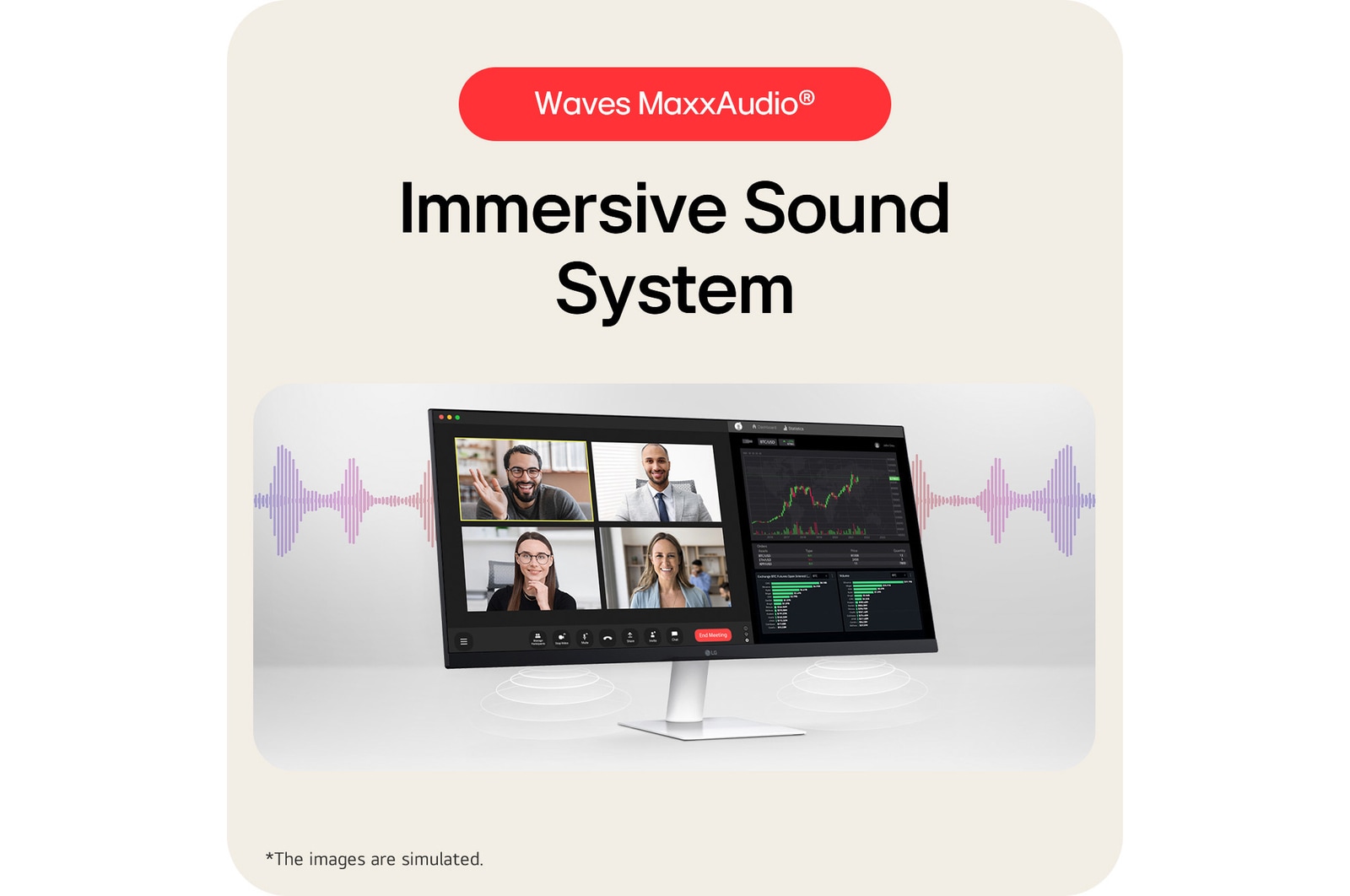
Waves MaxxAudio®
Immersive Sound System
While two 7W Stereo Speakers with MaxxAudio® completes your immersive experience.
*The Images are simulated to enhance feature understanding and may differ from actual use.
LG Switch app
Switch swiftly
You can readily divide the whole display into up to 6 sections, change the theme design, or even launch a video call platform with a mapped hotkey. It also supports PBP and PIP modes for efficient multitasking across multiple input sources.
*The images are simulated to enhance feature understanding and may differ from actual use.
*To download the latest LG Switch app, search in the LG.com Support Menu.
1ms MBR
Clear motion with 1ms MBR
1ms MBR reduces motion blur and ghosting, delivering smoother gameplay and clearer visuals in fast-paced scenes.
Futuristic motorcyclists racing through a neon-lit city street, with motion blur effect in the background and a highlighted section showing sharp, clear visuals to demonstrate 1ms Motion Blur Reduction (MBR).
*The images simulated to enhance feature understanding. It may differ from actual use.
*1ms Motion Blur Reduction causes lowered luminance, and the following features cannot be used while it is activated : AMD FreeSync™.
*Flicker may occur during 1ms MBR operation.
Built for comfort, designed for productivity
Reader Mode
Adjusts color temperature and brightness to help reduce eye fatigue when viewing documents for extended periods.
Flicker Safe
Flicker Safe reduces invisible flickering on the screen and provides a more comfortable working environment for your eyes.
*The images simulated to enhance feature understanding. It may differ from actual use.
*Above feature may vary depending on real use conditions that the user is using.
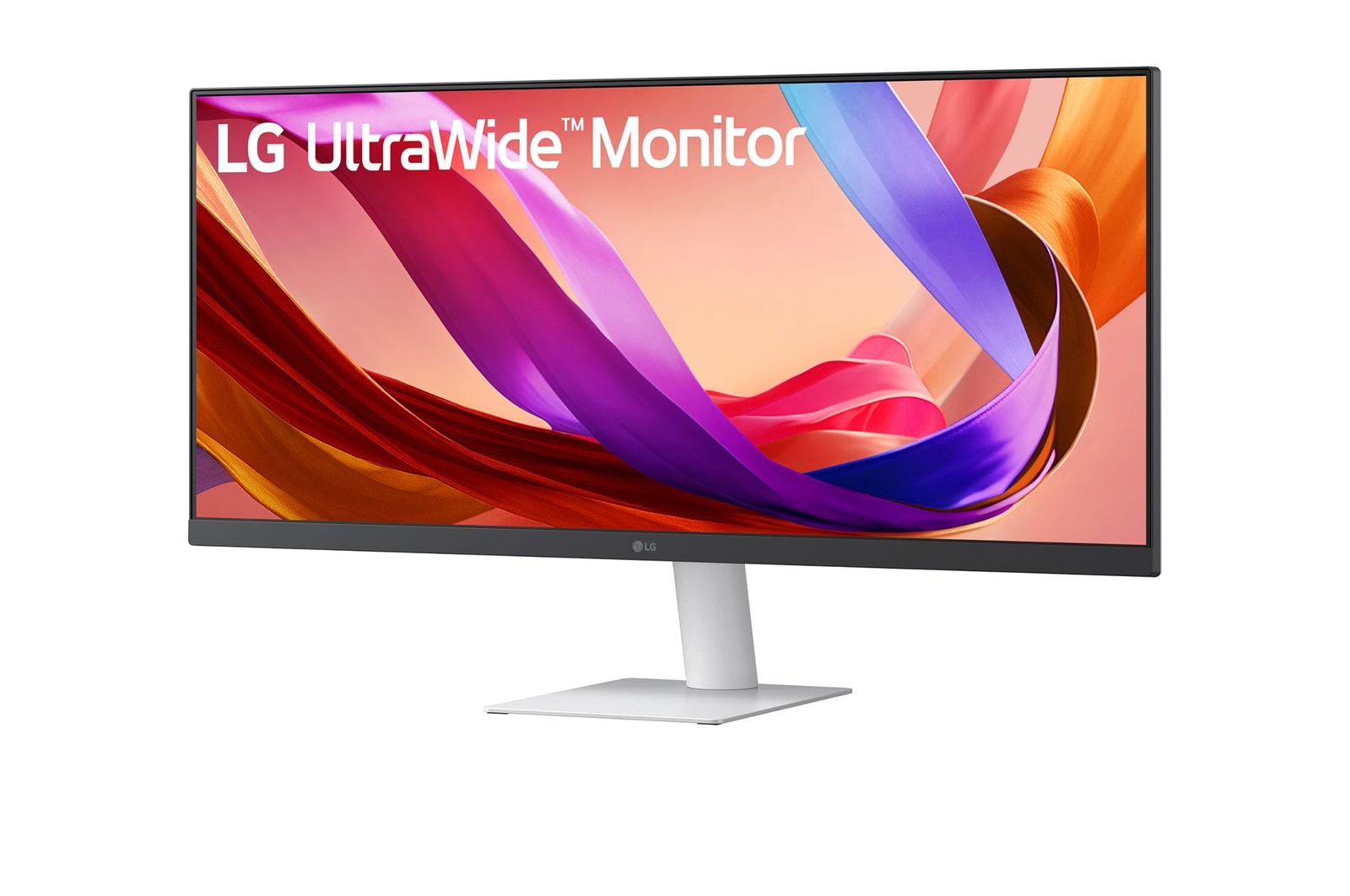
Sleek Stand with a Slim Base
Clutter-free with a sleek stand
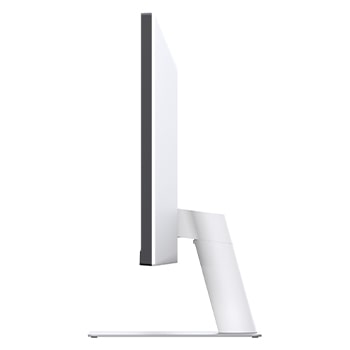
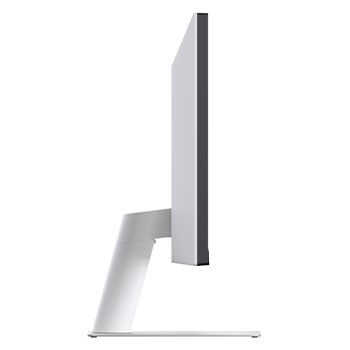
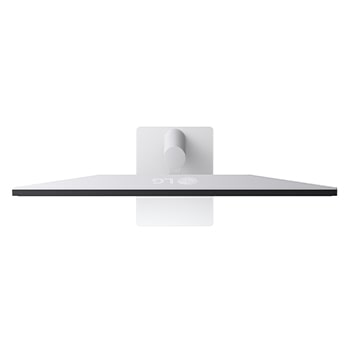
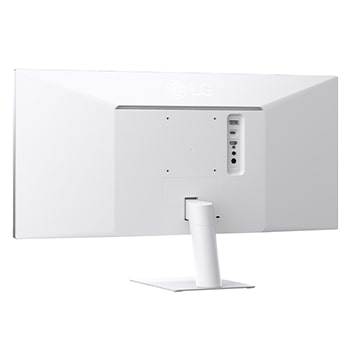
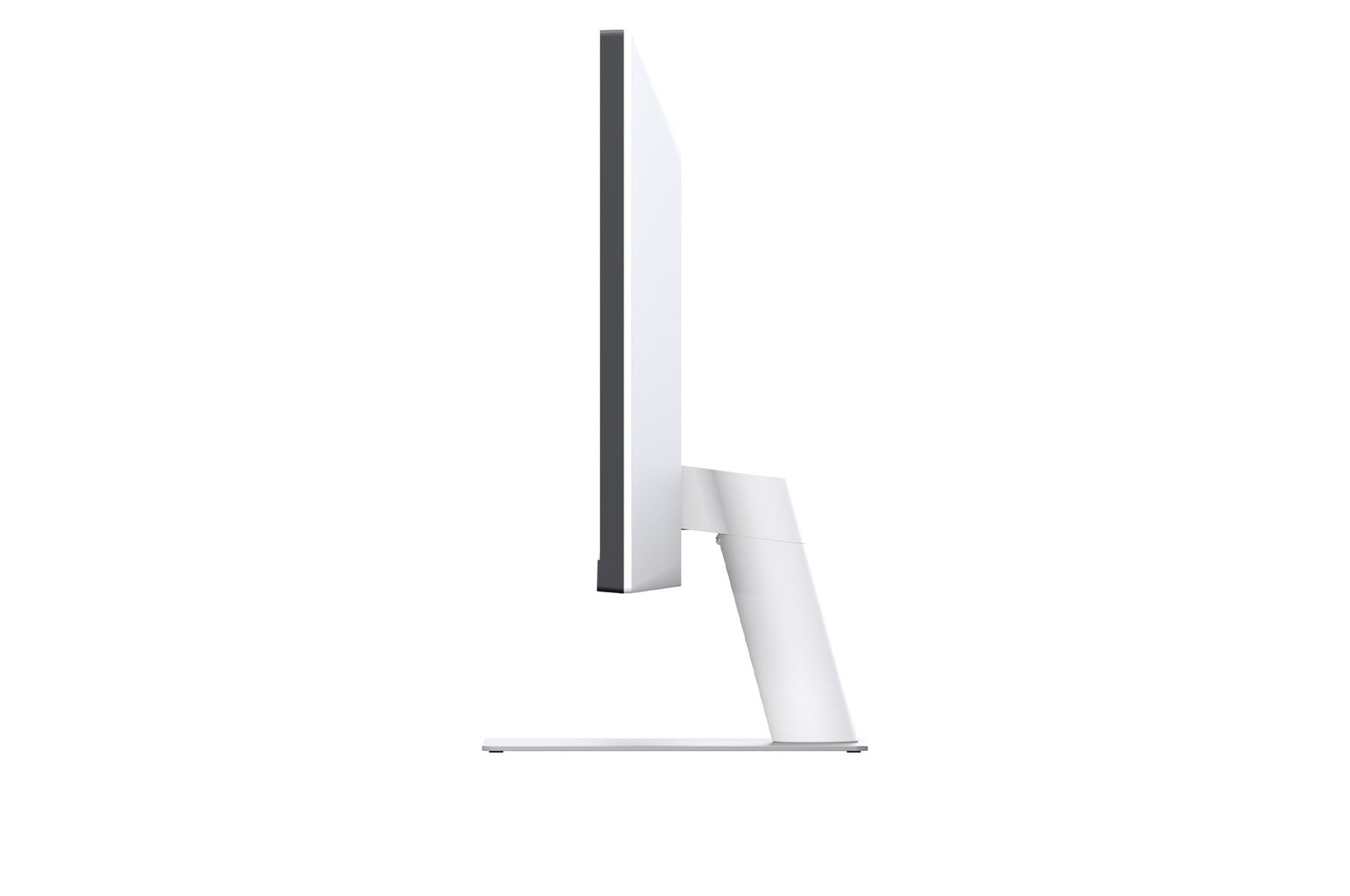
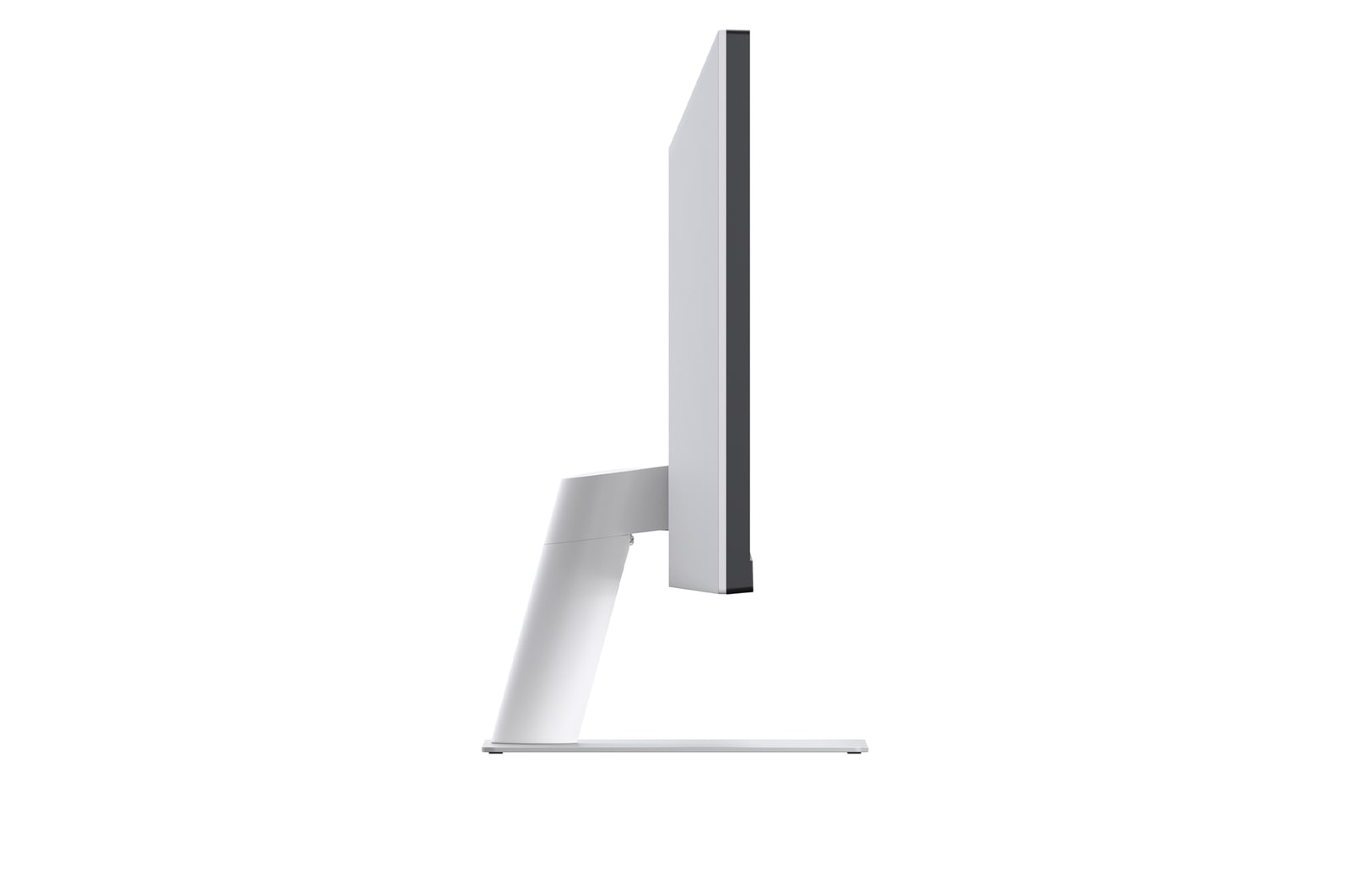
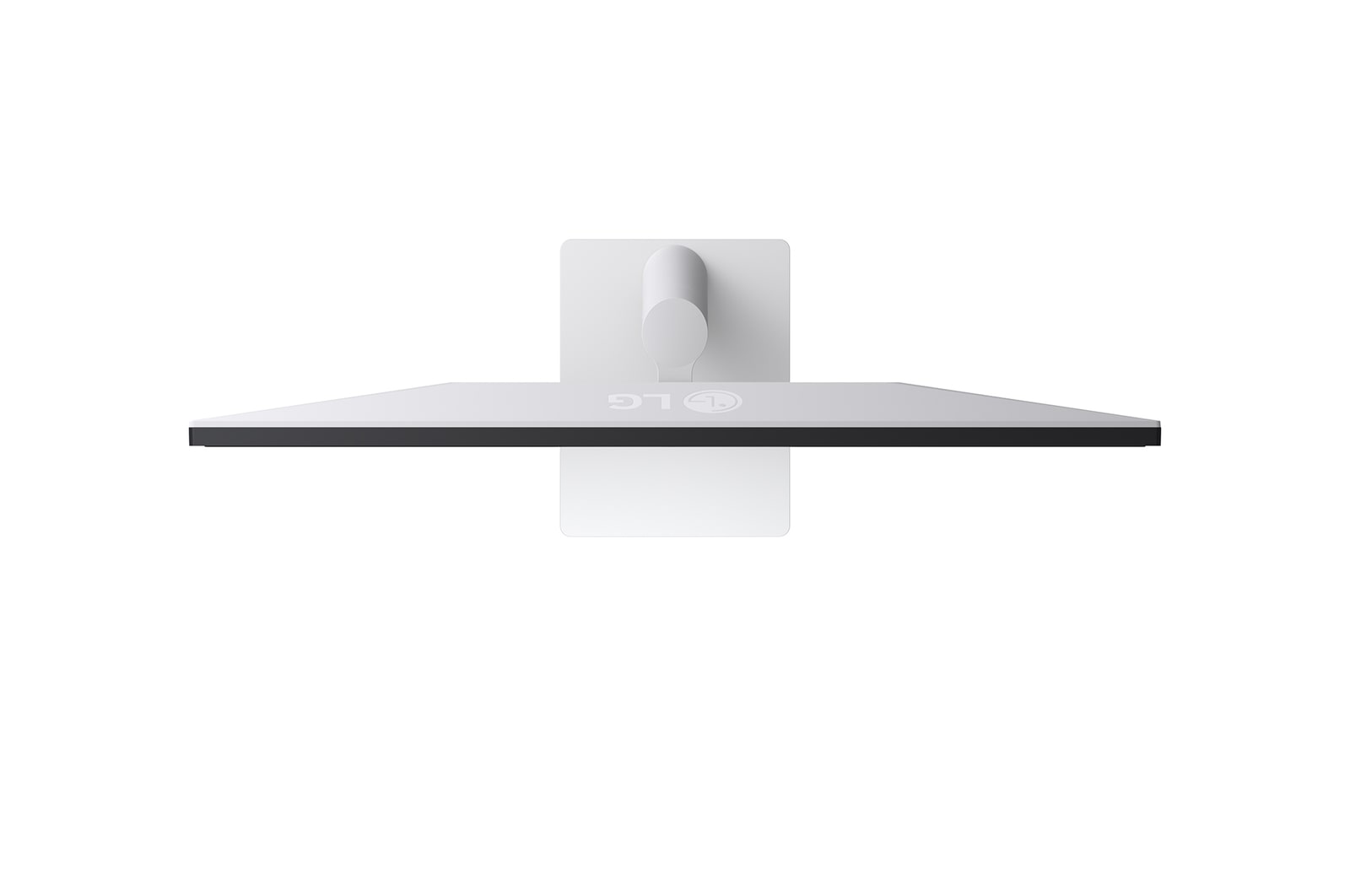
A virtually borderless 3-sided design with a clutter-free L-stand, paired with a fully adjustable base for swivel, tilt, pivot, and height adjustments. It is crafted to save desk space, making your workflow more efficient and helping you stay focused longer while editing video clips and visual output.
Key Specs
Display - Size [Inch]
29
Display - Resolution
2560 x 1080
Display - Panel Type
IPS
Display - Aspect Ratio
21:9
Display - Color Gamut (Typ.)
sRGB 99% (CIE1931)
Display - Brightness (Typ.) [cd/m²]
250 cd/m²
Display - Refresh Rate (Max.) [Hz]
100
Display - Response Time
5ms (GtG at Faster)
Mechanical - Display Position Adjustments
Tilt
All Spec
DISPLAY
Size [Inch]
29
Aspect Ratio
21:9
Panel Type
IPS
Response Time
5ms (GtG at Faster)
Resolution
2560 x 1080
Pixel Pitch [mm]
0.2628 x 0.2628
Color Depth (Number of Colors)
16.7M
Viewing Angle (CR≥10)
178º(R/L), 178º(U/D)
Brightness (Typ.) [cd/m²]
250 cd/m²
Contrast Ratio (Typ.)
1000:1
Color Gamut (Typ.)
sRGB 99% (CIE1931)
Color Gamut (Min.)
sRGB 95% (CIE1931)
Refresh Rate (Max.) [Hz]
100
Brightness (Min.) [cd/m²]
200 cd/m²
Contrast Ratio (Min.)
700:1
Size [cm]
73cm
CONNECTIVITY
HDMI
YES(1ea)
DisplayPort
YES(1ea)
DP Version
1.4
USB-C
YES(1ea)
Headphone out
3-pole (Sound Only)
FEATURES
HDR 10
YES
Color Weakness
YES
Smart Energy Saving
YES
Color Calibrated in Factory
YES
Flicker Safe
YES
Dynamic Action Sync
YES
Black Stabilizer
YES
Crosshair
YES
Reader Mode
YES
Super Resolution+
YES
Motion Blur Reduction Tech.
YES
Auto Input Switch
YES
HDR Effect
YES
MECHANICAL
Display Position Adjustments
Tilt
Wall Mountable [mm]
100 x 100
SOUND
Maxx Audio
YES
Speaker
5W x2
DIMENSIONS/WEIGHTS
Dimension in Shiping (W x H x D) [mm]
781 x 391 x 132
Dimension with Stand (W x H x D) [mm]
688.5 x 408.7 x 220 mm
Dimension without Stand (W x H x D) [mm]
688.5 x 313.4 x 76.9 mm
Weight in Shipping [kg]
6.7 kg
Weight with Stand [kg]
5.2 kg
Weight without Stand [kg]
4.1 kg
INFO
Product name
UltraGear
Year
Y25
POWER
Power Consumption (Sleep Mode)
Less than 0.5W
Power Consumption (DC Off)
Less than 0.3W
AC Input
100~240V (50/60Hz)
Type
External Power(Adapter)
Power Consumption (On-Mode)
22W (Typ.)
Power Consumption (On-Mode) (ErP)
25W
ACCESSORY
HDMI
YES
SW APPLICATION
Dual Controller
YES
What people are saying
Our picks for you
Product registration
Registering your product will help you get support faster.
Product support
Find product manuals, troubleshoot or check your warranty.
Order support
Track your order and check order FAQ.
Repair request
Request repair service conveniently online.
Livechat
Chat with LG Product Experts for shopping assistance, discounts and offers in real time
Share your feedback
Please share your thoughts and opinions.
Email us
Send an Email to LG Service Support
Call Us
Speak directly with our support representatives.
Similar Products