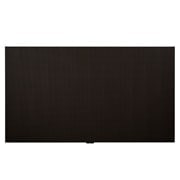
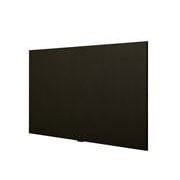
2023 LG Smart All-in-One LED Display, 163inch

2023 LG Smart All-in-One LED Display, 163inch

All-in-One LED Display with webOS

All-in-One LED Display with webOS

*All images in this page are for illustrative purposes only and may differ from the actual product.
*Stand accessories differ by models, and need to be purchased separately.

All-in-One LED Screen with Built-in Speaker

All-in-One LED Screen with Built-in Speaker

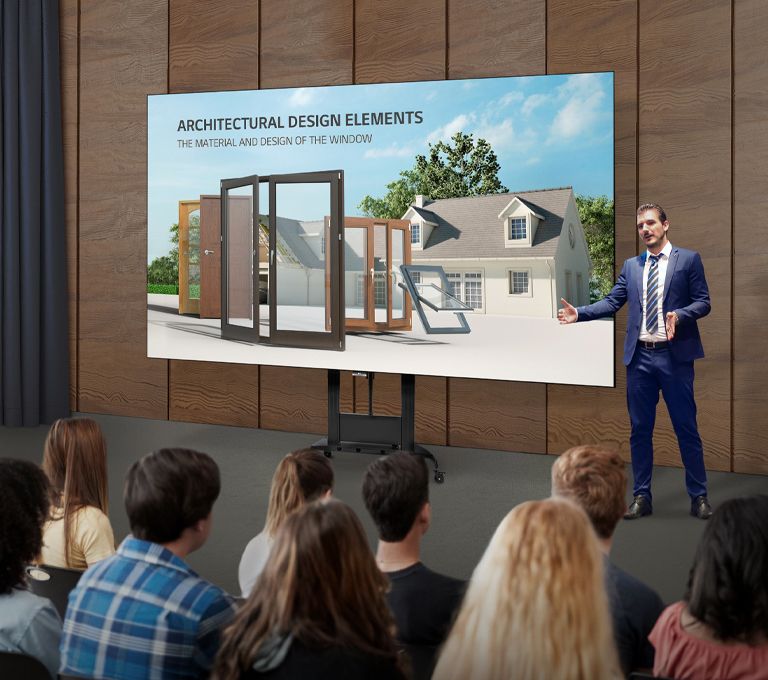
LG’s LED All-in-One LAEC series has two size of screens; 136- inch and a 163-inch. The LAEC series is offered as an all-in-one package including an embedded controller and built-in speaker. Eliminating the prejudice that LED displays are difficult and complex to install, it doesn't require controller connections or module configuration. After a simple installation process, all you need to do is to turn on the screen with a remote control like home TV.

High Performance with webOS

High performance with webOS


Built-in Quad Core SoC (System on Chip) can execute several tasks at once for providing smooth content playback. Also, LG webOS Smart Platform enhances user convenience with intuitive GUI and provides to SI or/and developers simple app development tools* such as SDK (Software Development Kit), SCAP, sample applications.


*The webOS Signage Developer site (https://webossignage.developer.lge.com) provides SDK tools and documentation for creating apps on LG Digital Signage. This is only open to partners.

Easy Installation

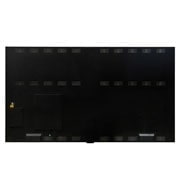
The installation process of the All-in-One Smart series is very simple. After securing cabinets (two for LAEC015, three for LAEC018), attach each LED display module to them. Lastly, plug in the power cable. This simple installation saves time and labor, thereby making users handle the LED screen with ease.

Easy Installation

*Fixing screws or installing wall mount / accessories is needed additionally.
*The image is illustrated as an example of LAEC015 model.

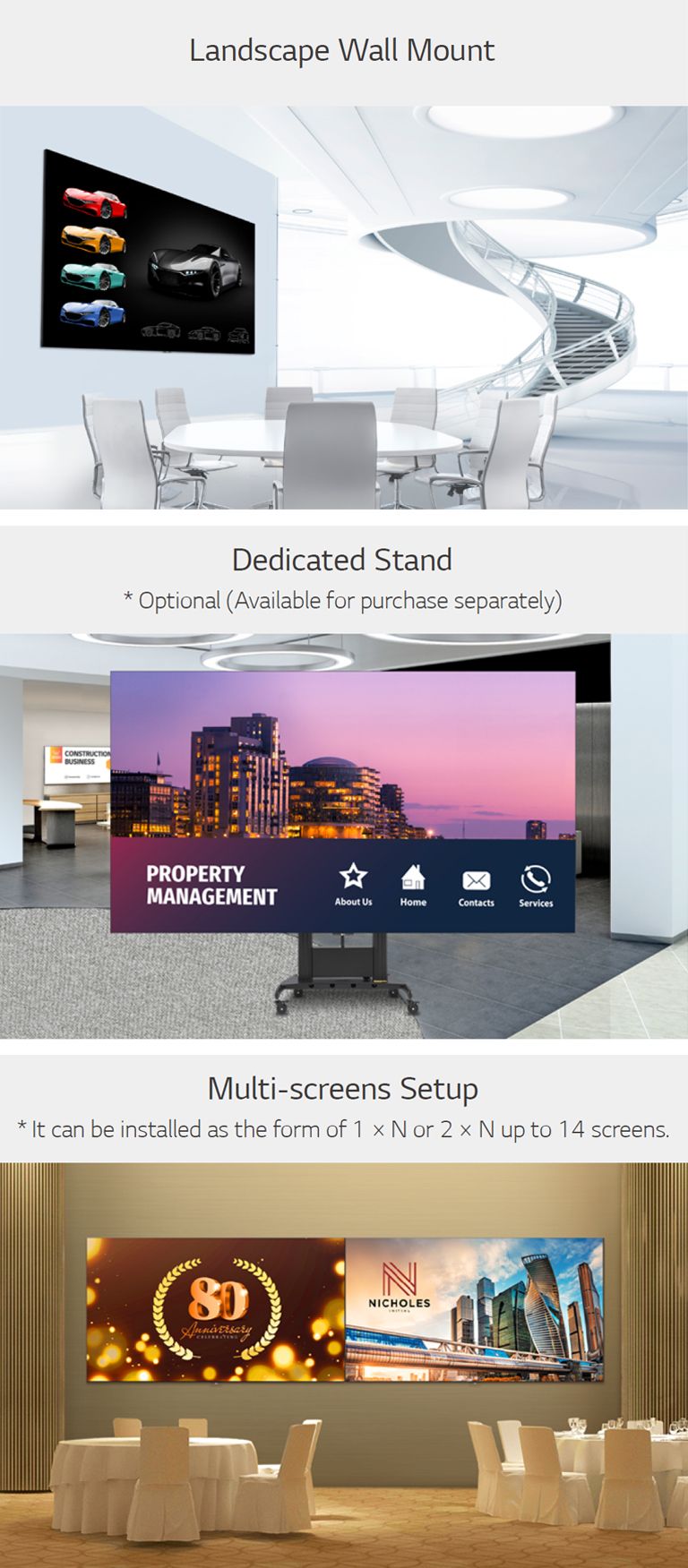
Versatile Installation with Dedicated Accessories

The product is offered with the necessary component including the landscape wall mount and tools for installation. The dedicated stand* is provided as an option, so that you can easily place it depending on your installation sites. Also, the LAEC series can be installed side by side in the form of 1 × N or 2 × N, up to 14 screens, suitable for its installation site and its purposes.

Versatile Installation with Dedicated Accessories

*Stand accessories differ by models, and need to be purchased separately.

Quick Maintenance

Quick Maintenance       


In case of failure related to the LED module or the system board, it can be serviced from the front. The LED module can be simply detached by the provided magnetic tool and replaced quickly without cabling.

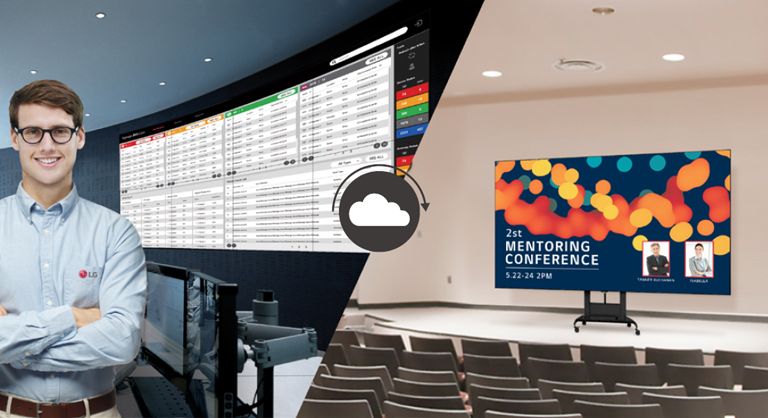
Real-time LG ConnectedCare

Real-time LG ConnectedCare


Maintenance is easy and fast with the optional LG ConnectedCare* service, a cloud service solution provided by LG. It remotely manages the status of displays in client workplaces for fault diagnosis and remote-control services, enabling the stable operation of clients' businesses.


*The availability of LG ConnectedCare differs by region.
**Stand accessories differ by models, and need to be purchased separately.

Compatible with AV Control Systems

Compatible withAV Control Systems


The LAEC series supports Crestron ConnectedÂŽ* for high compatibility with professional AV controls to achieve seamless integration and automated control**, boosting business management efficiency.


*Initial setting from display is required for Crestron ConnectedÂŽ compatibility.
**Network based control

Wireless Screen Sharing

Wireless Screen Sharing


The LAEC series is compatible with LG One:Quick Share*, a wireless screen sharing solution. It helps to simply share one’s personal PC screen to the display with its button and embedded Wi-Fi**, and it can also adjust the basic setting values (volume, picture mode, auto bright, etc.) of the connected display without a remote control.

*LG One:Quick Share needs to be purchased separately.
**Users need to set up SoftAP enabled at Network Menu of the Signage.

Magic Remote for Easy of Use

With the LG Magic Remote, you can select and run the menu of the signage just like using a mouse and its cursor can be used as a laser pointer. In addition, through the newly added 'FREEZE' button on the remote control, users can temporarily freeze the screen while switching contents on the PC, so that users are able to have uninterrupted meetings without exposing its switching process.

Magic Remote for Easy of Use

*LG Magic Remote needs to be purchased separately.
**The FREEZE function is only available when the LAEC is connected to an external input signal.

All Spec

To access more technical documentation and downloads, please visit the LG B2B Partner Portal.