Share this content.

You can share the items you like with your friends

Fridge

What Can I Do with the LG ThinQ™ App on My Fridge?


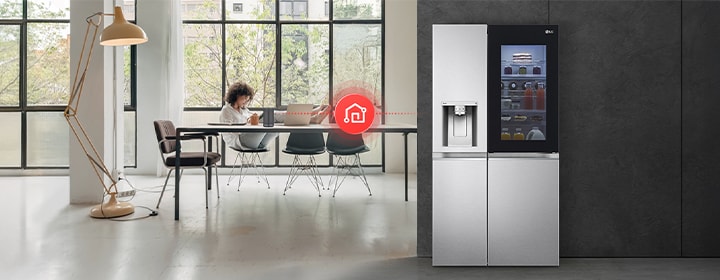
LG fridge freezer connected with smart home control via LG ThinQ app in a modern interior.

LG ThinQ™ is a smart connectivity platform that helps you stay connected to your LG refrigerator. With the LG ThinQ™ app, you can monitor fridge status, receive alerts, and manage selected functions remotely. This page explains what LG ThinQ™ is, how it works with refrigerators, what you can do through the app, and which models are compatible.

FAQ

What is LG ThinQ™ for refrigerators?

LG ThinQ™ for refrigerators is a smart connectivity platform that allows users to monitor and manage compatible LG fridge freezers using a smartphone.


With the LG ThinQ™ app, users can check fridge status, receive notifications, and access smart features designed to support everyday food storage and appliance management.

How can I use the LG ThinQ™ app?

The LG ThinQ™ app can be downloaded on Android and iOS smartphones. Once installed, users can connect their compatible LG refrigerator to the app via Wi-Fi. Available features, system compatibility, and service availability may vary depending on the model and region.

What can I do with the LG ThinQ™ app on my fridge?

With the LG ThinQ™ app, users can monitor their refrigerator’s status, receive alerts, and manage selected functions remotely.


Depending on the model, available features may include temperature monitoring, door open alerts, filter replacement notifications, and smart diagnostics for troubleshooting.


These tools help users manage their refrigerator more conveniently and efficiently.

Is LG ThinQ™ useful for monitoring and managing my refrigerator remotely?

Yes. LG ThinQ™ allows users to stay connected to their refrigerator even when they are away from home. Remote monitoring and notifications can help users respond quickly to issues such as door openings, temperature changes, or maintenance needs, supporting better food management and appliance care.

How is LG ThinQ™ supported and updated over time?

LG ThinQ™ is continuously supported through app updates and system improvements. Software updates may include new features, performance enhancements, security updates, and compatibility improvements, depending on the model and region.

Why should you consider LG ThinQ™ connectivity when buying a fridge freezer?

When buying a fridge freezer, it can be helpful to consider smart features that allow you to monitor and manage the appliance more easily.


Connectivity platforms such as LG ThinQ™ enable users to check refrigerator status, receive alerts, and access selected features remotely through a smartphone.


When comparing refrigerator models, reviewing smart connectivity alongside capacity, layout, and cooling technologies can help you choose a model that supports more convenient everyday food storage and appliance management.

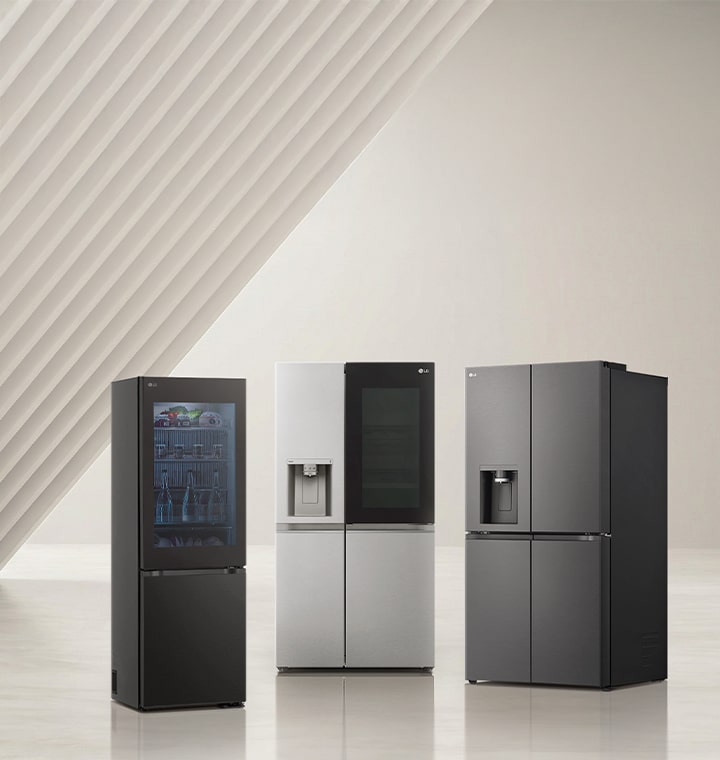
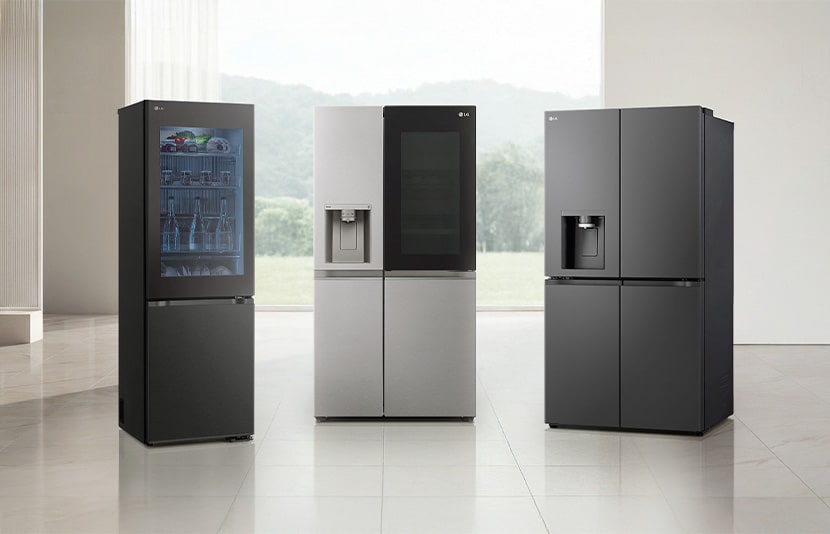
LG fridge freezer lineup including American style models displayed in a minimal interior setting.

LG fridge freezer lineup including American style models displayed in a minimal interior setting.

You may also interested in

picture
Pay over 3 paydays – interest free
How it works
Payflex lets you get what you need now, but pay for it over 3 interest-free instalments. You pay 1/3 upfront, then split the rest over the next 2 paydays.
  • Step 1
    Shop Online and fill your cart
  • Step 2
    Choose Payflex at checkout
  • Step 3
    Get approved and pay 1/3 today with your debit or credit card
  • Step 4
    Pay the remainder over the next 2 paydays. No interest. No fees.
  • You must be over 18 years old

  • You must have a valid South African ID

  • You must have a debit or credit card issued by Mastercard, Visa or Amex

Still want more information? Click here
picture
Digital credit when you have to have it
How it works
Mobicred is a digital credit facility that allows you to purchase your goods now and settle the outstanding balance via convenient and easy monthly installments.
  • Step 1
    Shop online and add to cart
  • Step 2
    Choose Mobicred to pay and sign in with your Mobicred details
  • Step 3
    Enter the OTP sent to your phone to confirm the purchase
  • Step 4
    Your order will be processed, and you can simply make your Mobicred repayments when due.
You will need to apply and be approved for a Mobicred account before you can checkout.
Apply Now
  • Must be 18 years or older

  • Must have a valid South African ID

  • Must have a valid email address and cell number

  • Must have a valid bank account in your name