We use cookies, including cookies from third parties, to enhance your user experience and the effectiveness of our marketing activities. These cookies are performance, analytics and advertising cookies, please see our Privacy and Cookie policy for further information. If you agree to all of our cookies select “Accept all” or select “Cookie Settings” to see which cookies we use and choose which ones you would like to accept.
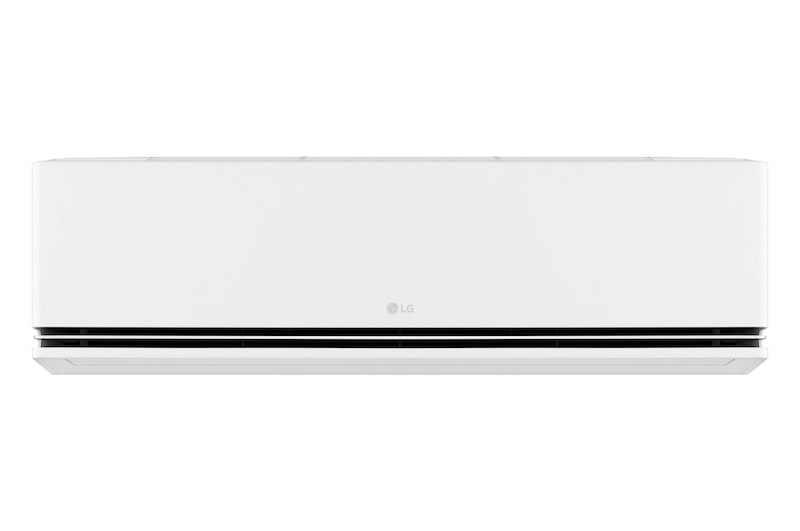
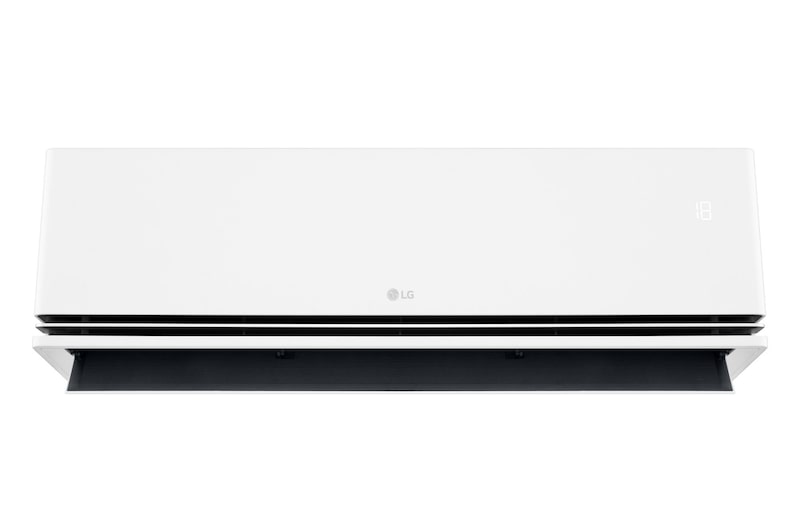
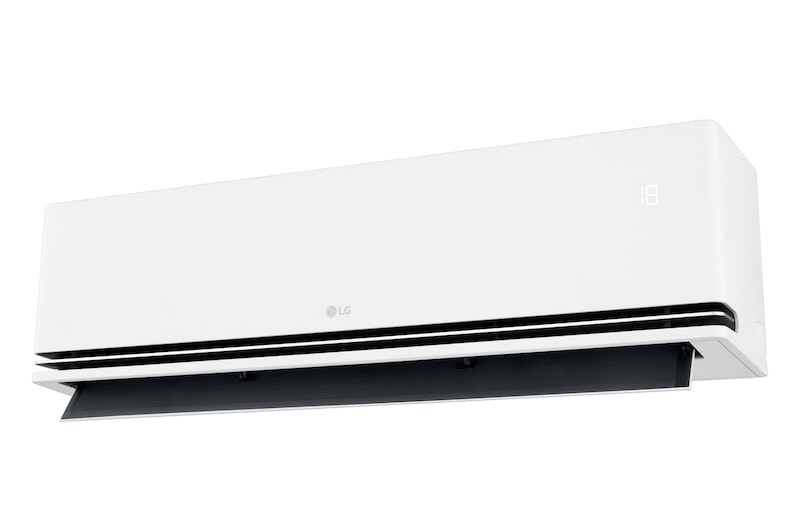
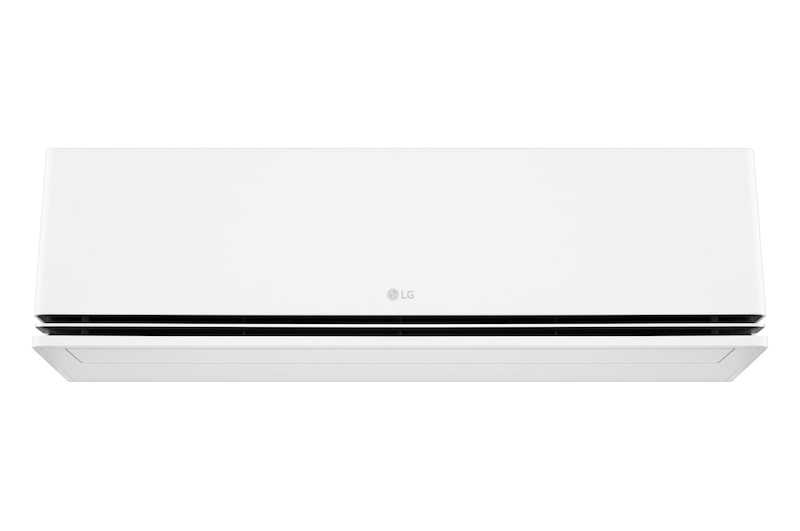
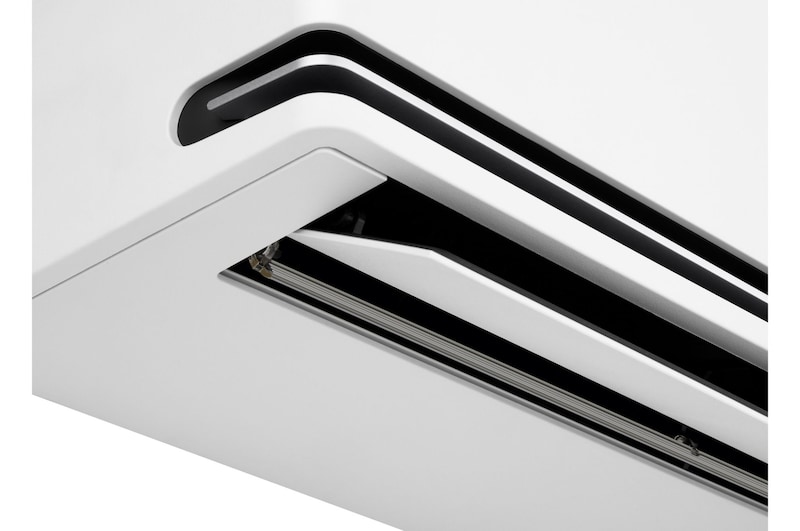
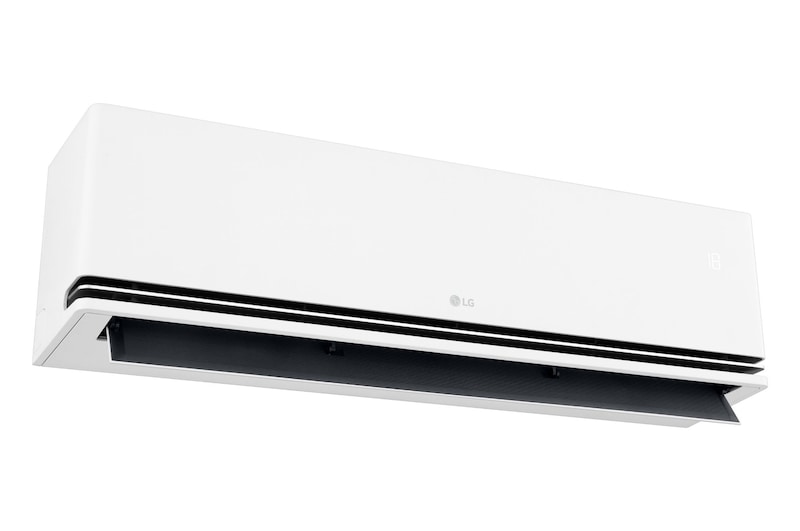
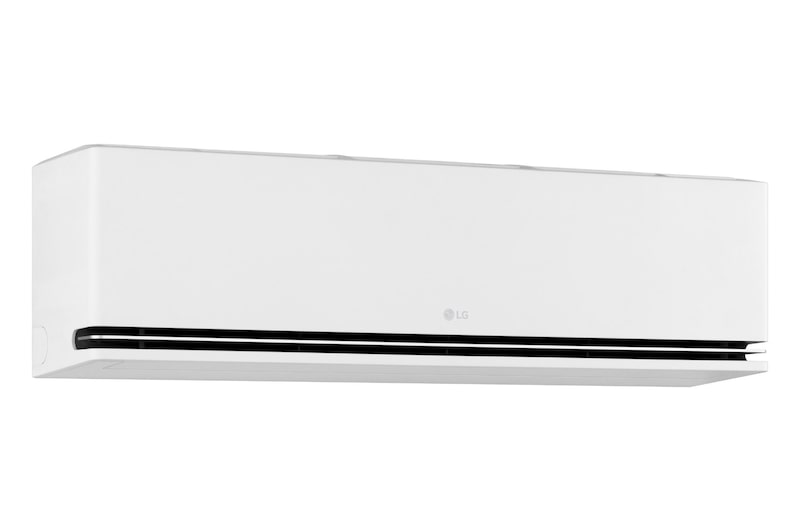
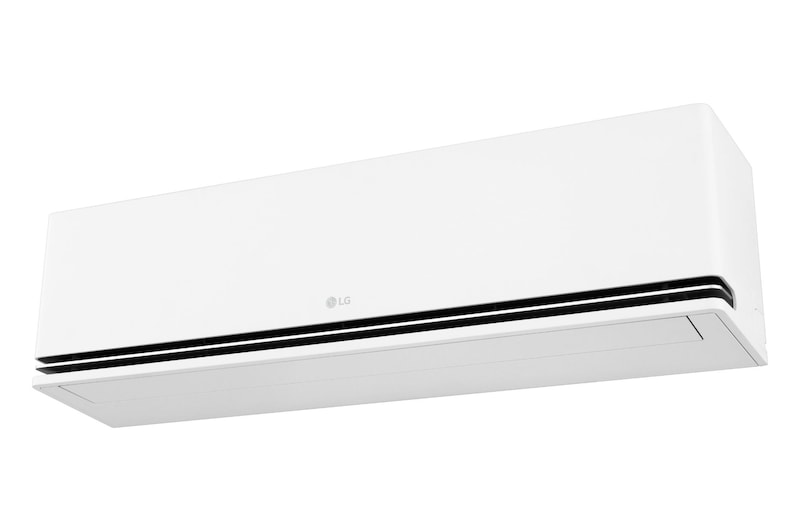
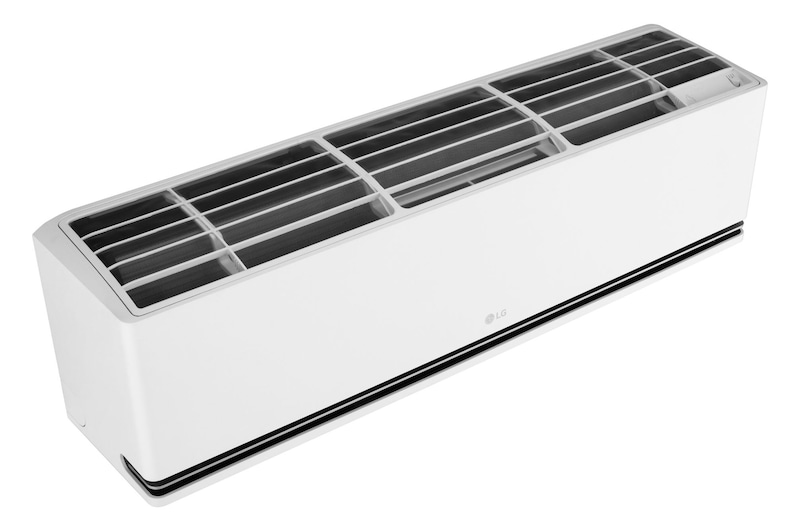
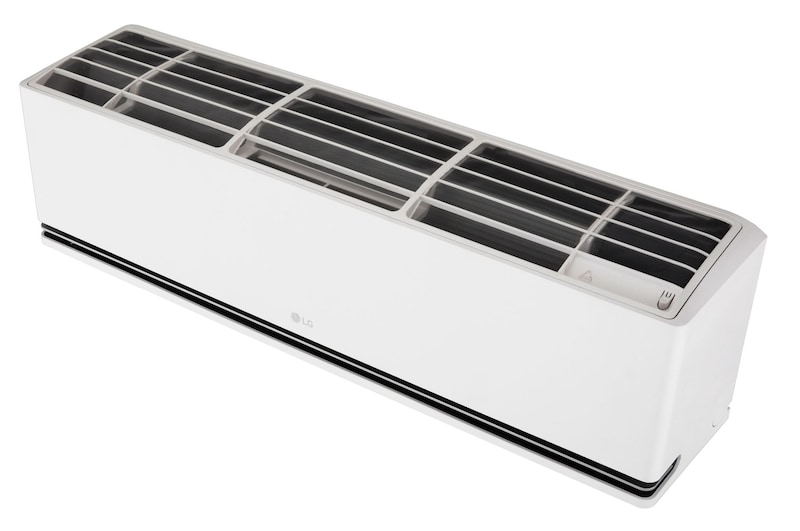
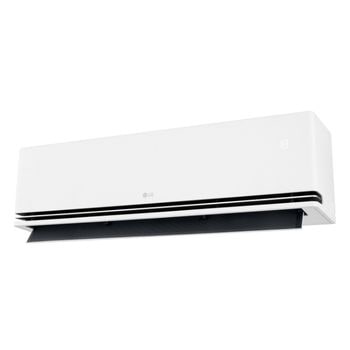
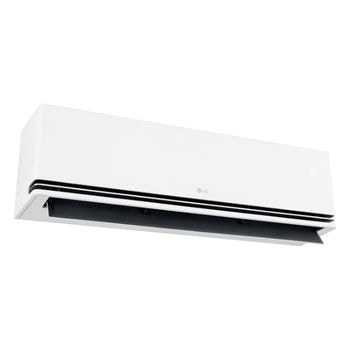
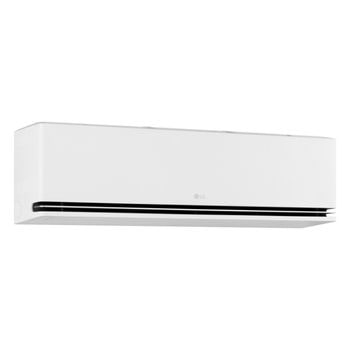
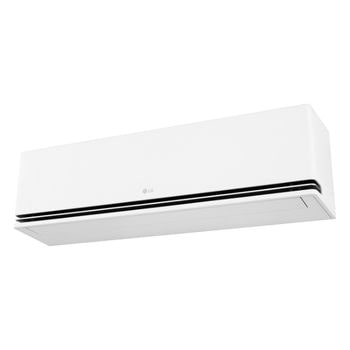
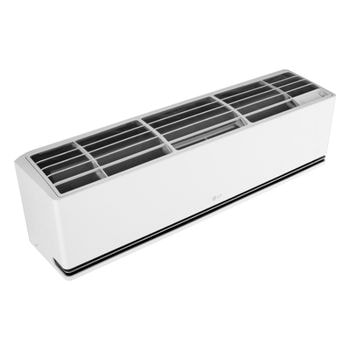
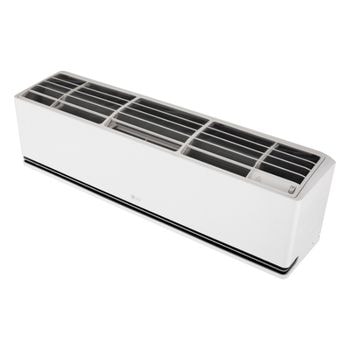
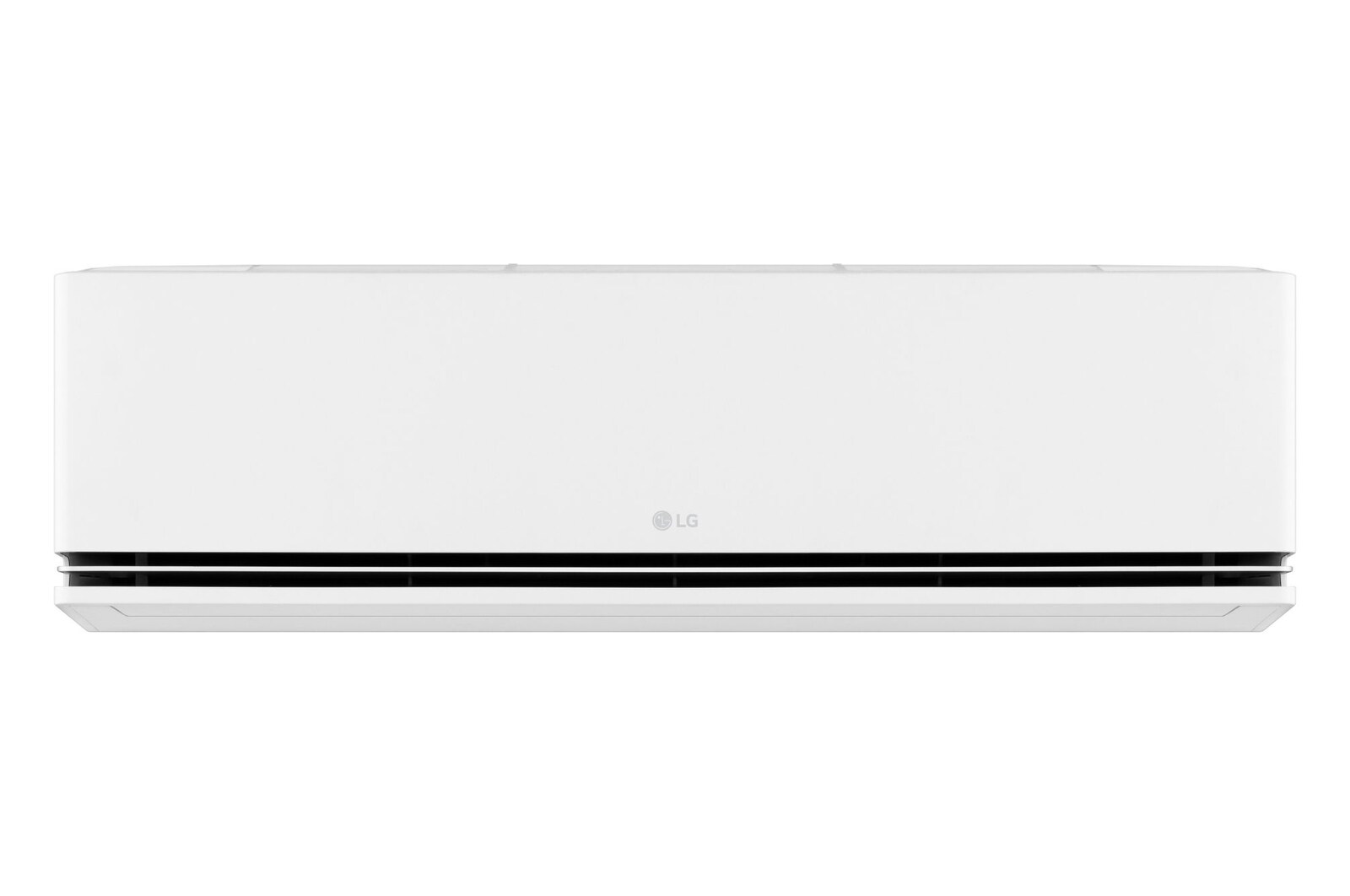
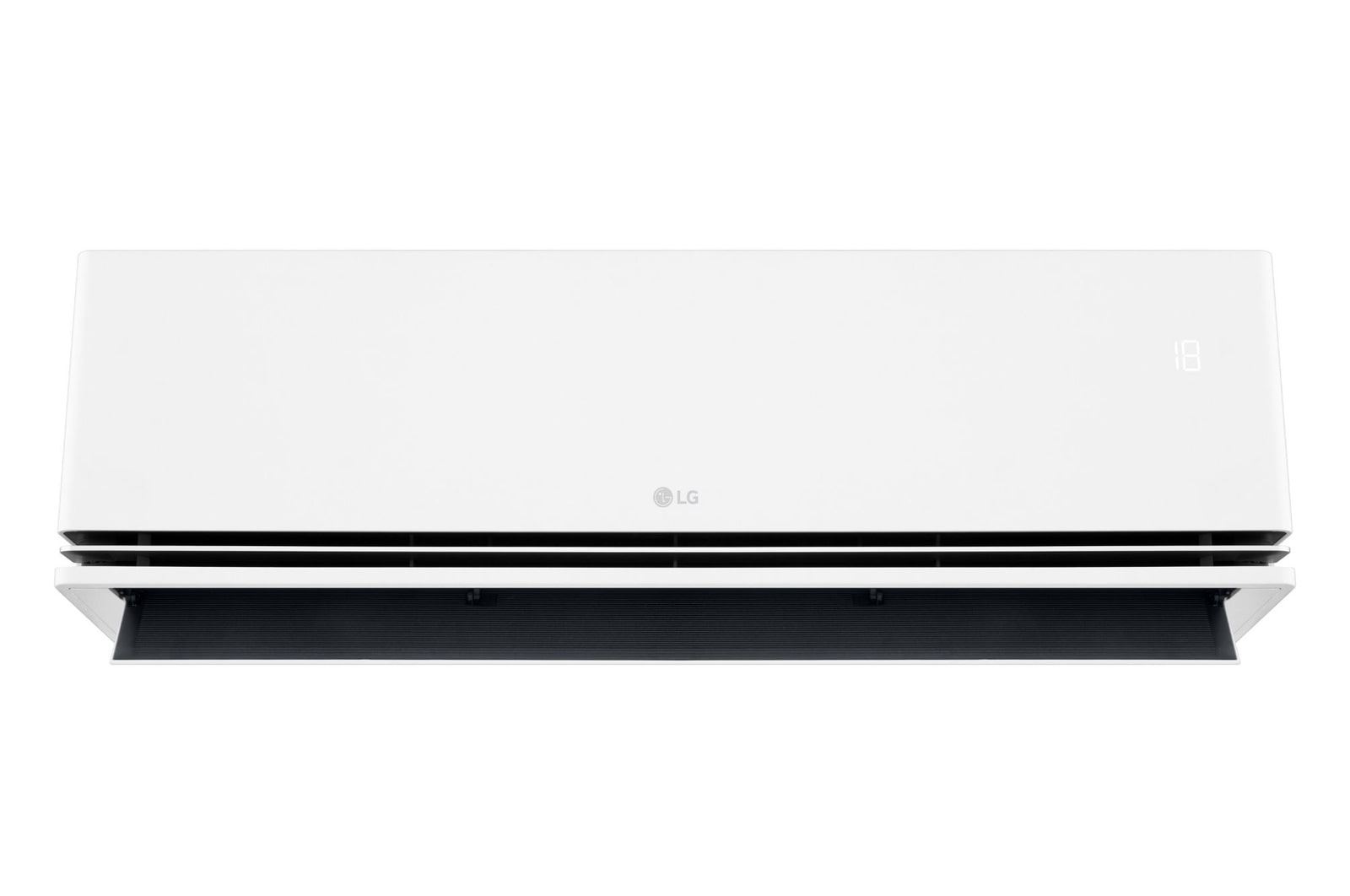
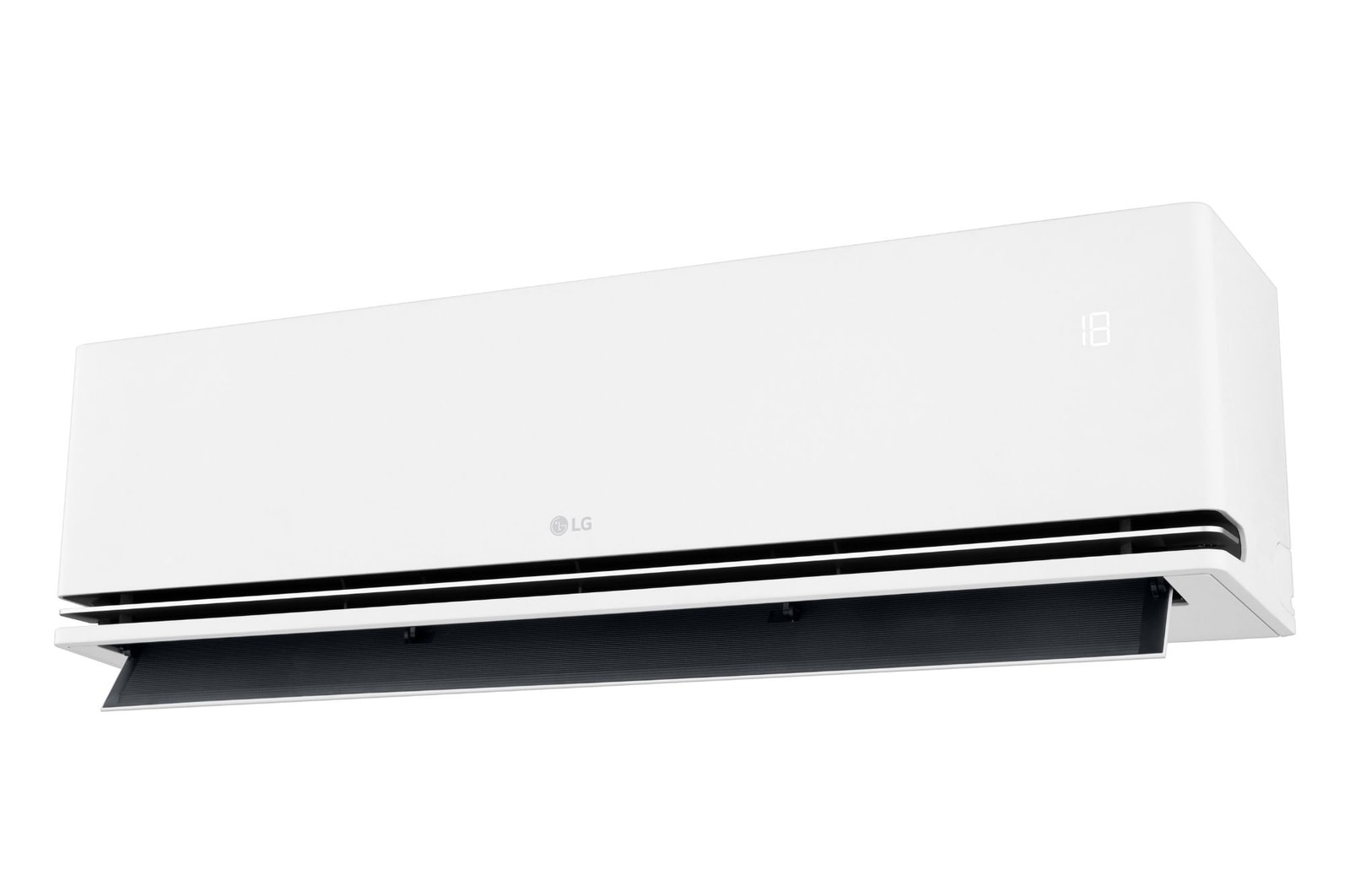
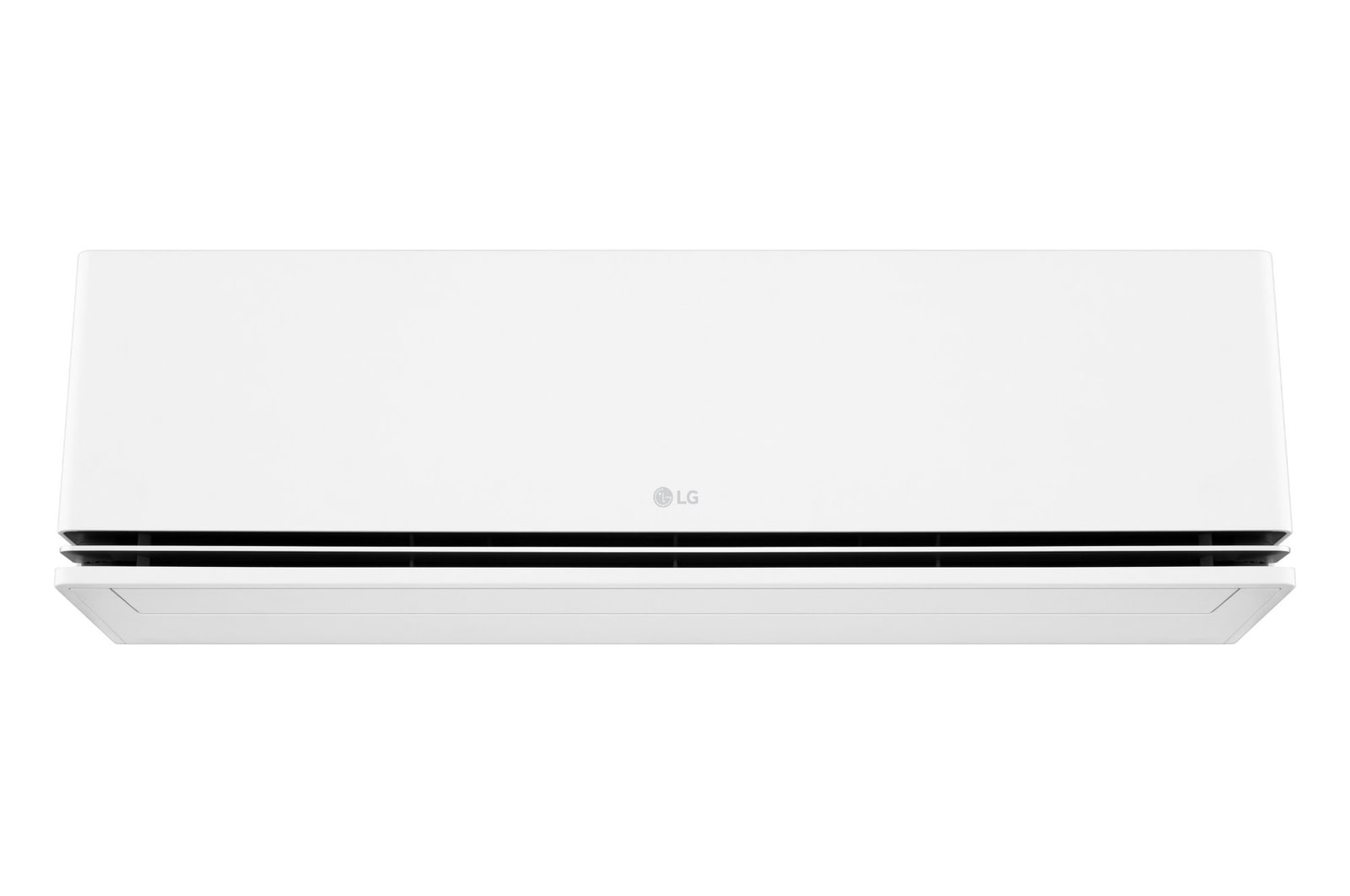
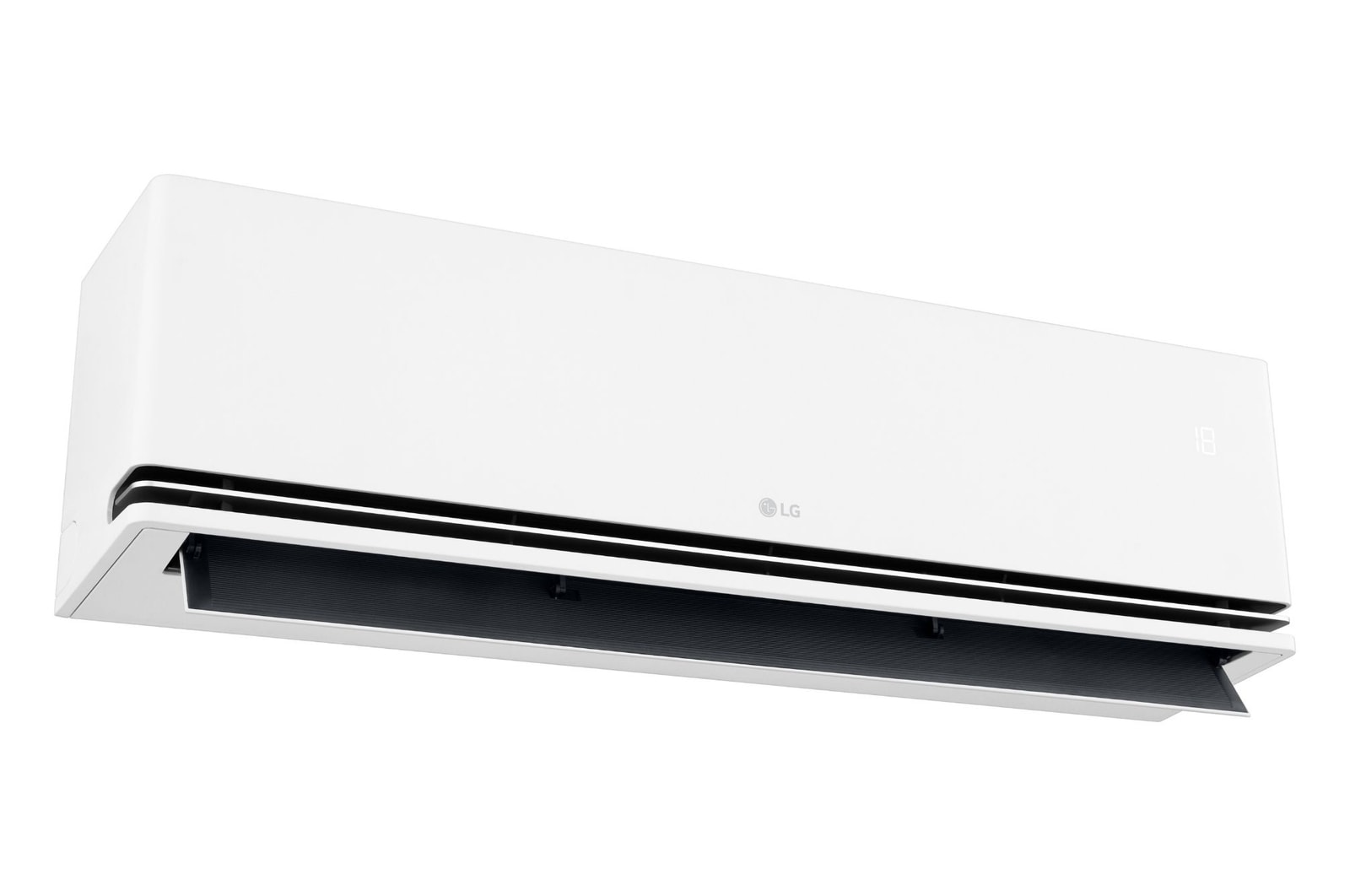
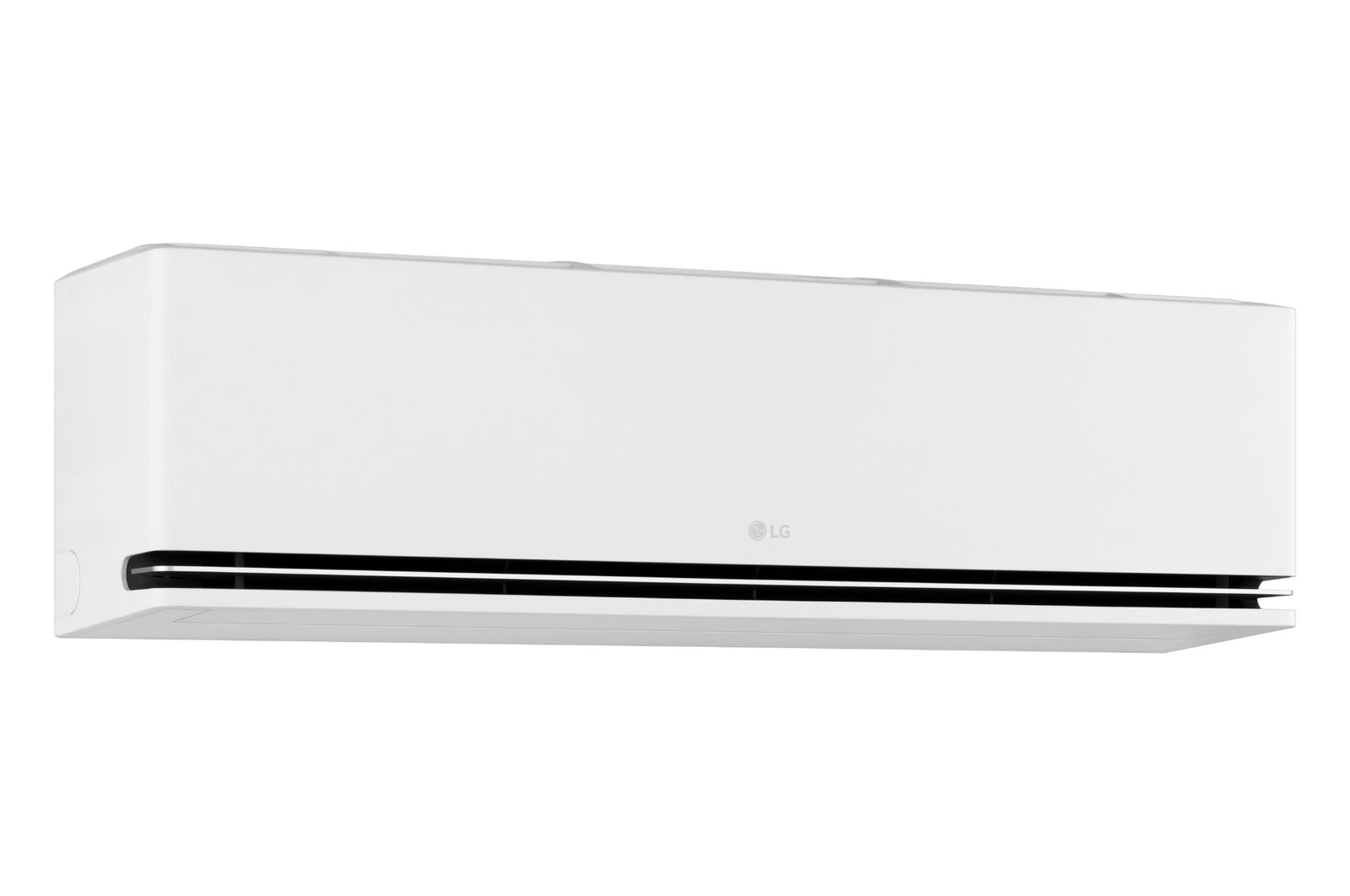
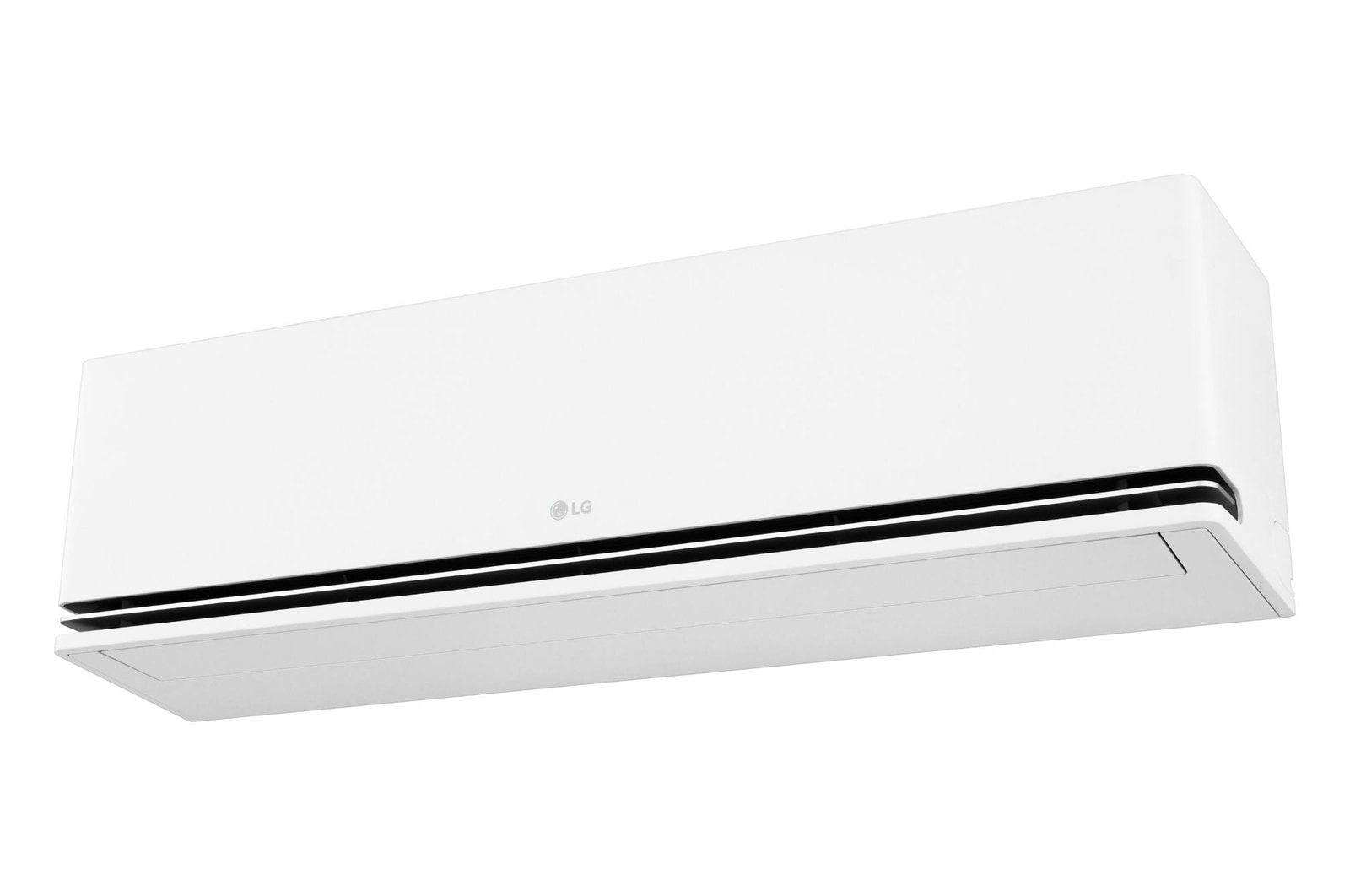
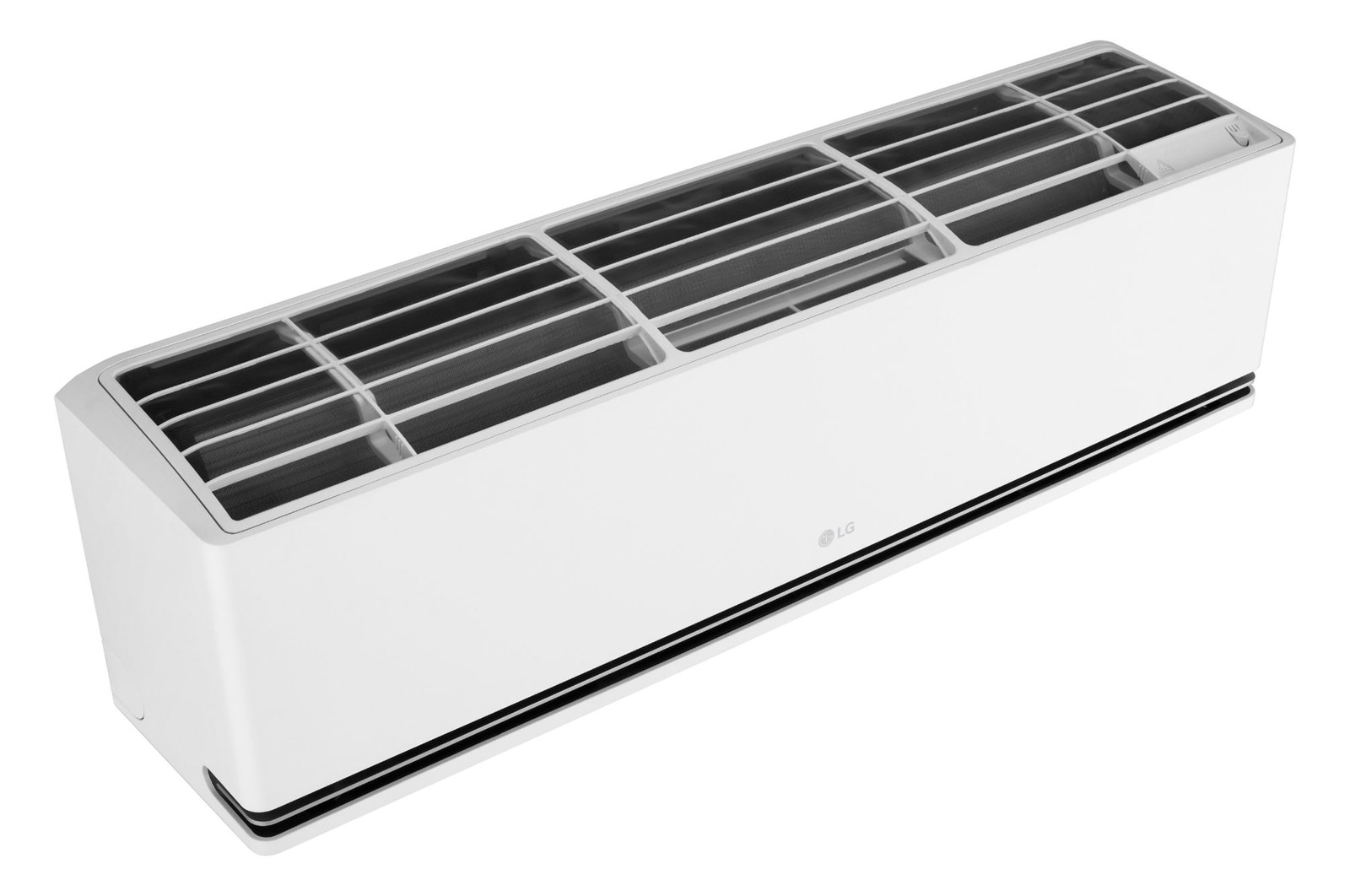
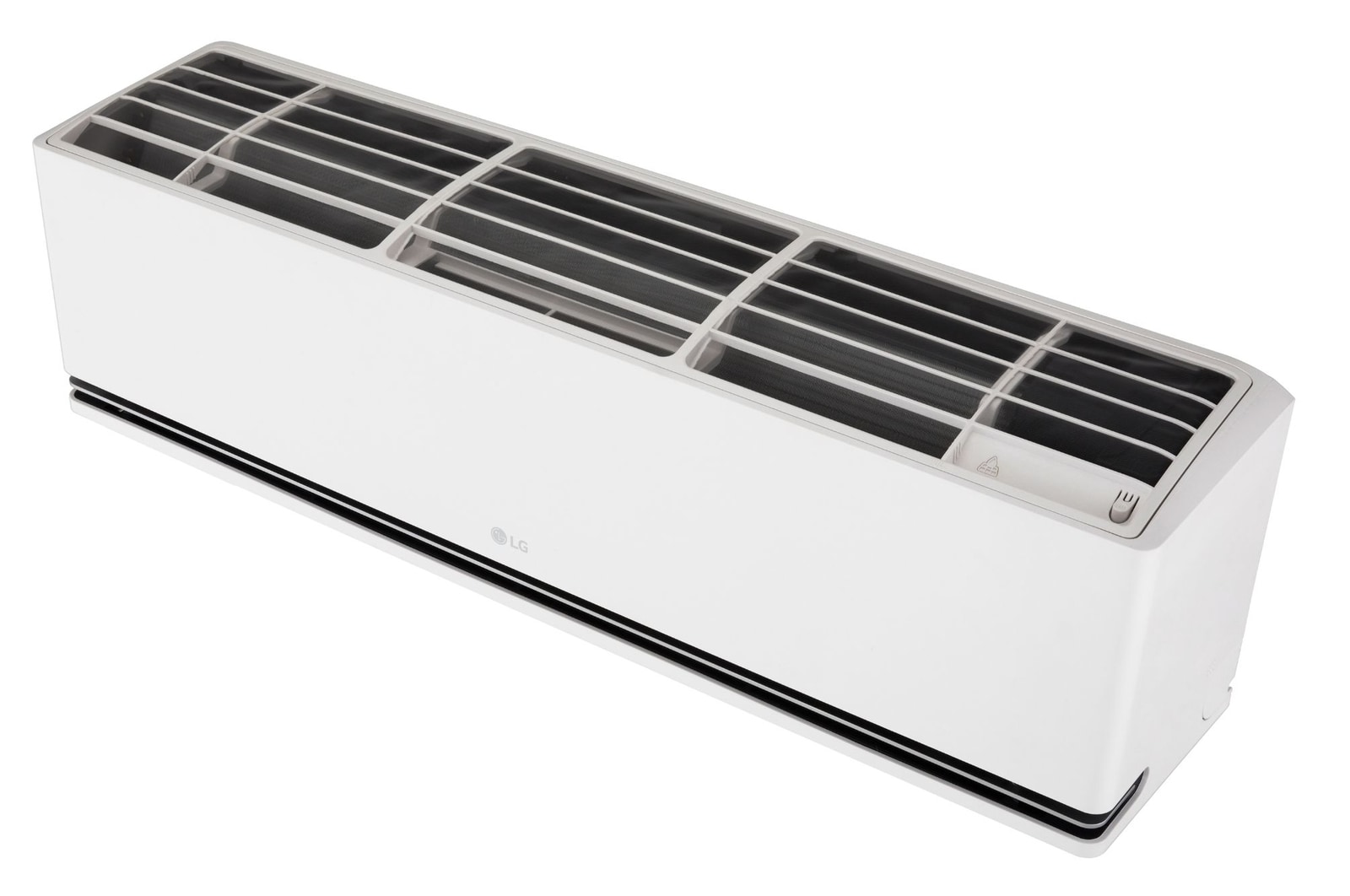
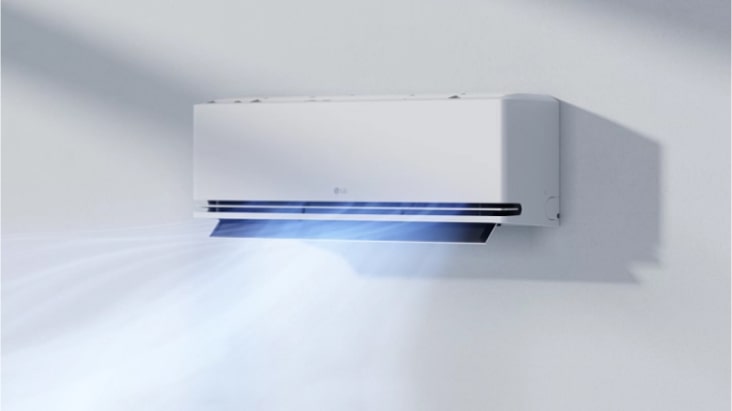
5KW DUALCOOL™ AI Air Deluxe Single Split Air Conditioner
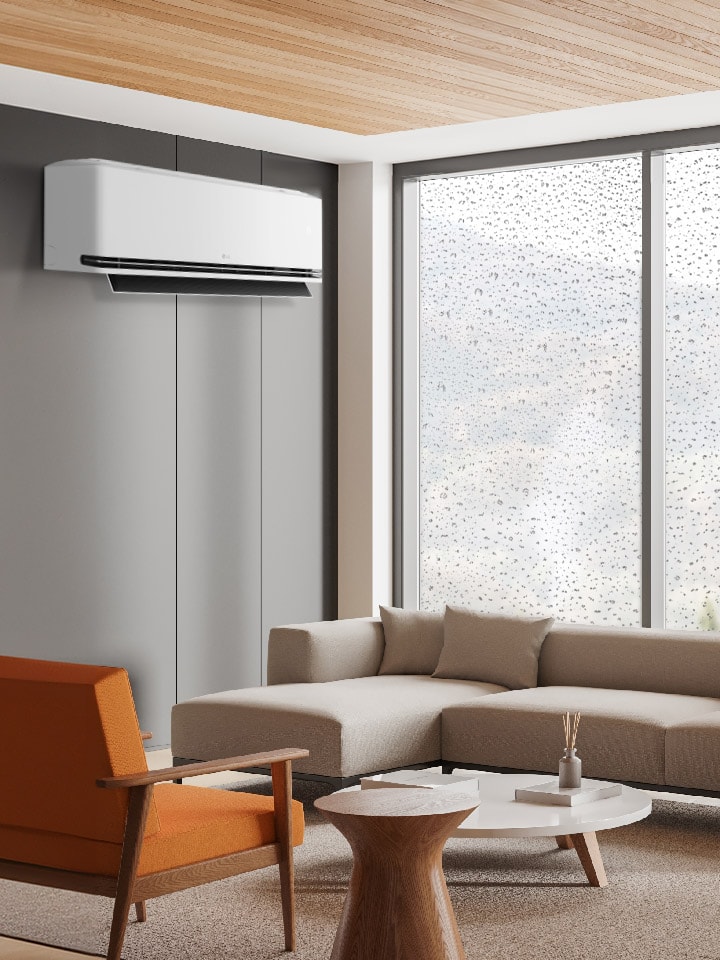
Intelligent cooling & heating, carefully refined for you
*Product image is for illustrative purpose only and may differ from actual product.
AI Air
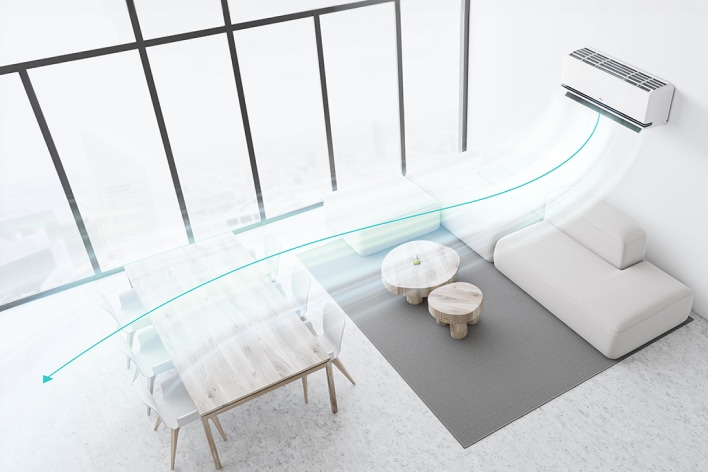
AI brings comfort designed around you
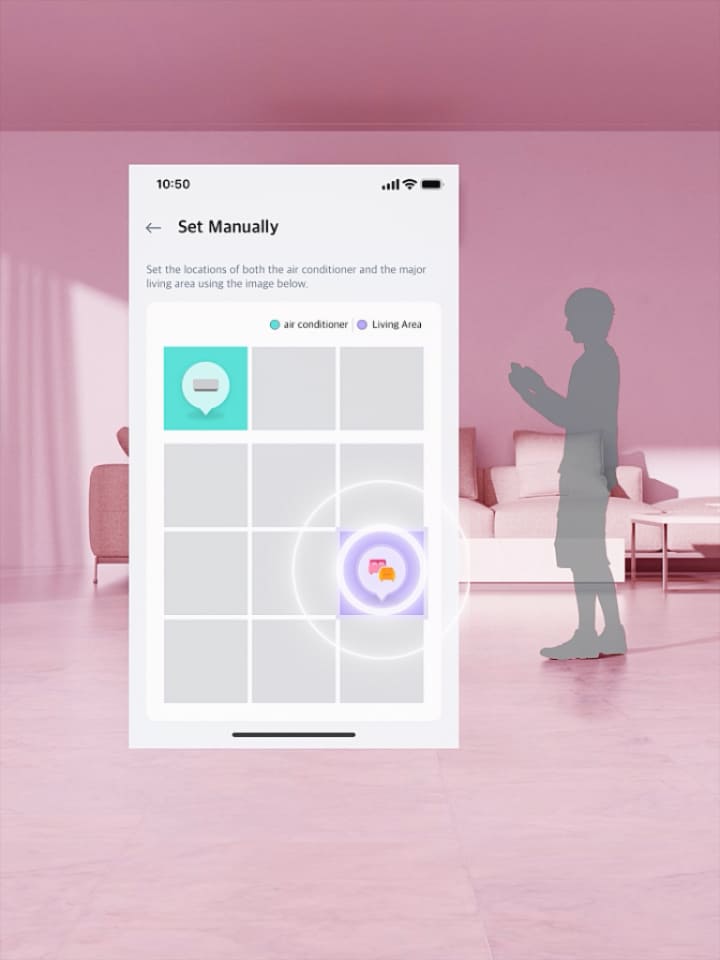
Set your location in LG ThinQ™, and AI Air1) checks the indoor temperature to adjust airflow for optimised comfort.
*The images and videos above are staged and created for illustrative purposes to enhance understanding. There may be variations depending on the actual product installation environment.
1)AI Air
- The AI Air function is available exclusively in heating and cooling modes when utilised with the ThinQ™ app. When the function is activated, it automatically operates in one of
three airflow modes (Direct, Indirect, Soft Air) using the ThinQ™ settings based on the occupant’s location. It is necessary to set the positions of both the product and the occupant via the ThinQ™ app. Based on the set positions and the indoor environment, the airflow mode and product performance are adjusted automatically; however, tracking functionality is not available.
- LG ThinQ™ app available from Google Play Store or Apple App required, compatible with Android or iOS smartphones required (Android OS 7.0 or higher, iOS 14.0 or higher). Phon and Home Wi-Fi Data connection and product registration with LG ThinQ™ required. Visit lg.com/au/lg-thinq for features, system compatibility and service availability which may vary by model.
Soft Air
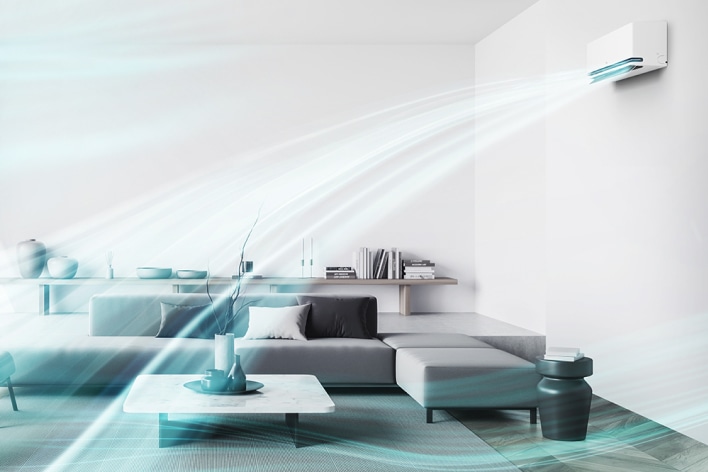
Gentle breeze adjusted to your needs
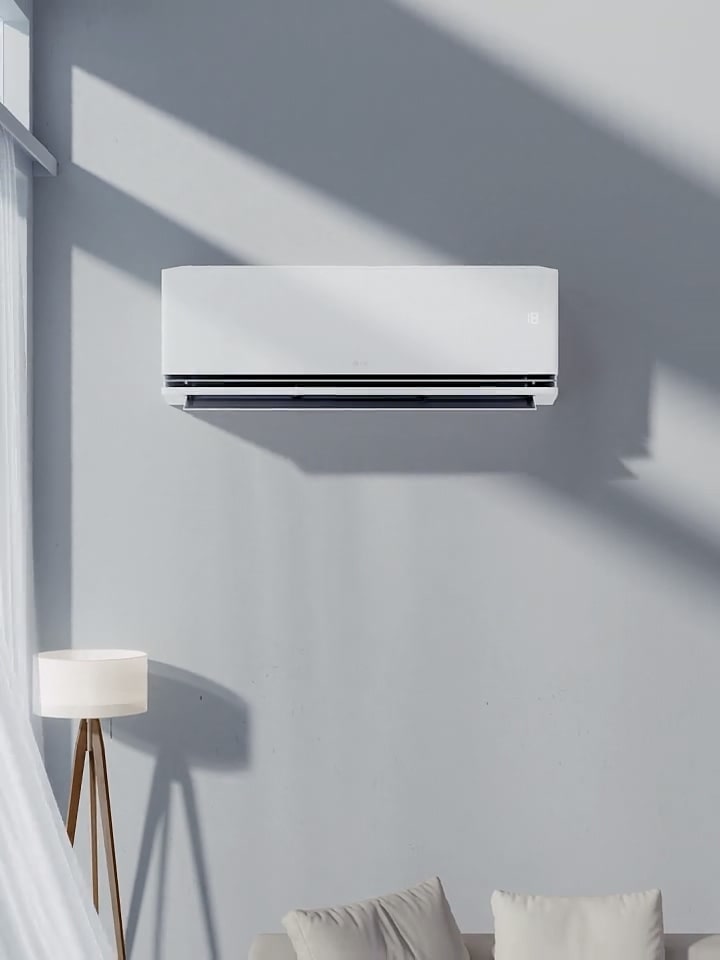
Soft Air2) switches to indirect airflow when your set temperature is reached, keeping you comfortable.
*The images and videos above are staged and created for illustrative purposes to enhance understanding. There may be variations depending on the actual product installation environment.
2)Soft Air
-In Soft Air mode, the bottom air outlet is closed and the front air outlet provides indirect airflow.
-This feature is only applicable in Cool/Fan/AI Air mode.
-When operating in AI Air mode, the Soft Air function is automatically enabled based on the room environment.
-To use the Soft Air function alone, it can be manually activated using remote control or LG ThinQ™.
-Airflow temperature can only be set on LG ThinQ™ when using Soft Air mode only, not during AI Air mode.
-When using Soft Air mode only, the lowest room temperature that can be set is 24°C."
DUAL Vane
Optimised airflow direction & temperature comfort
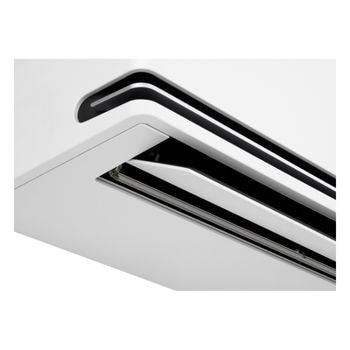
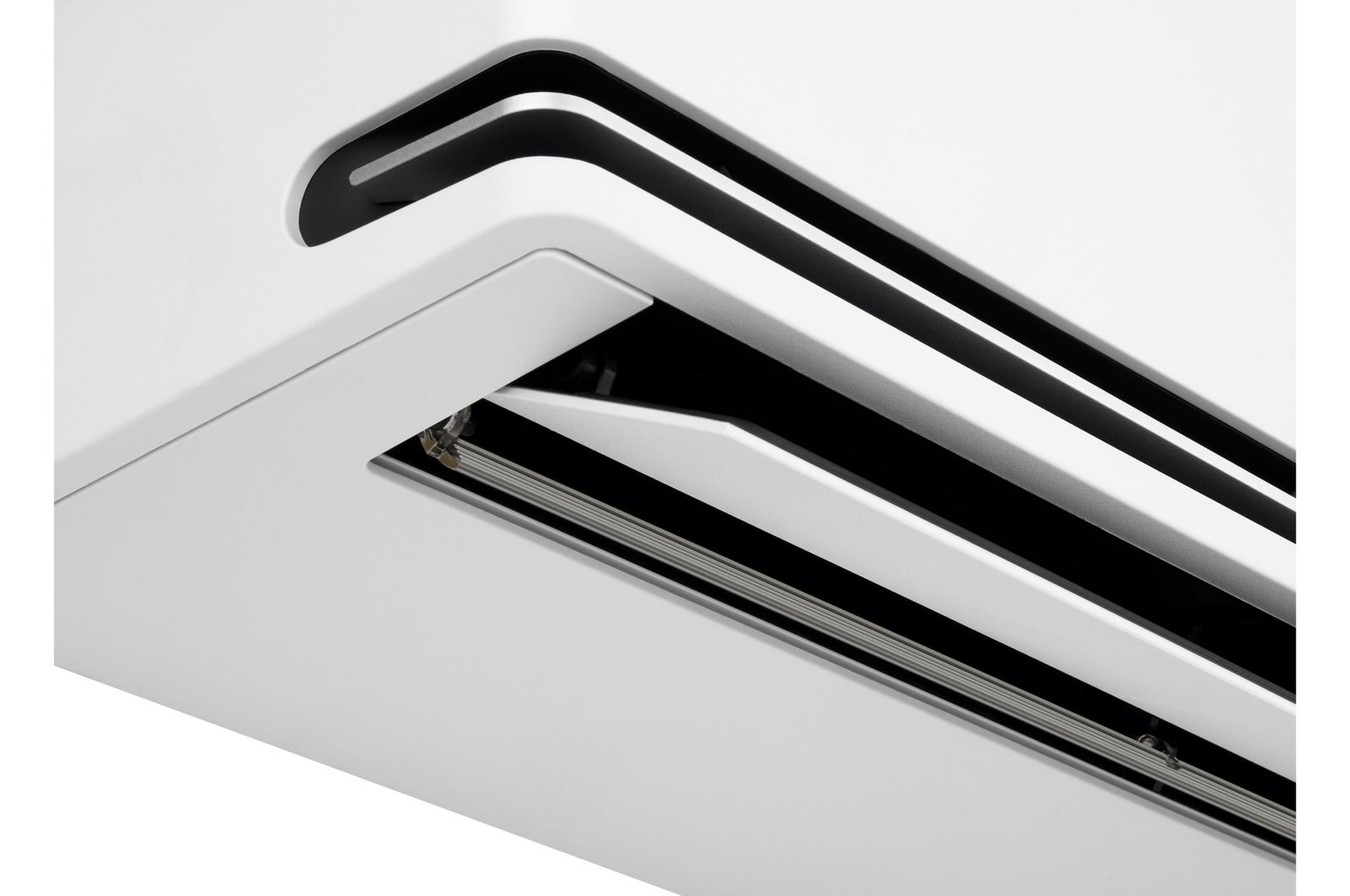
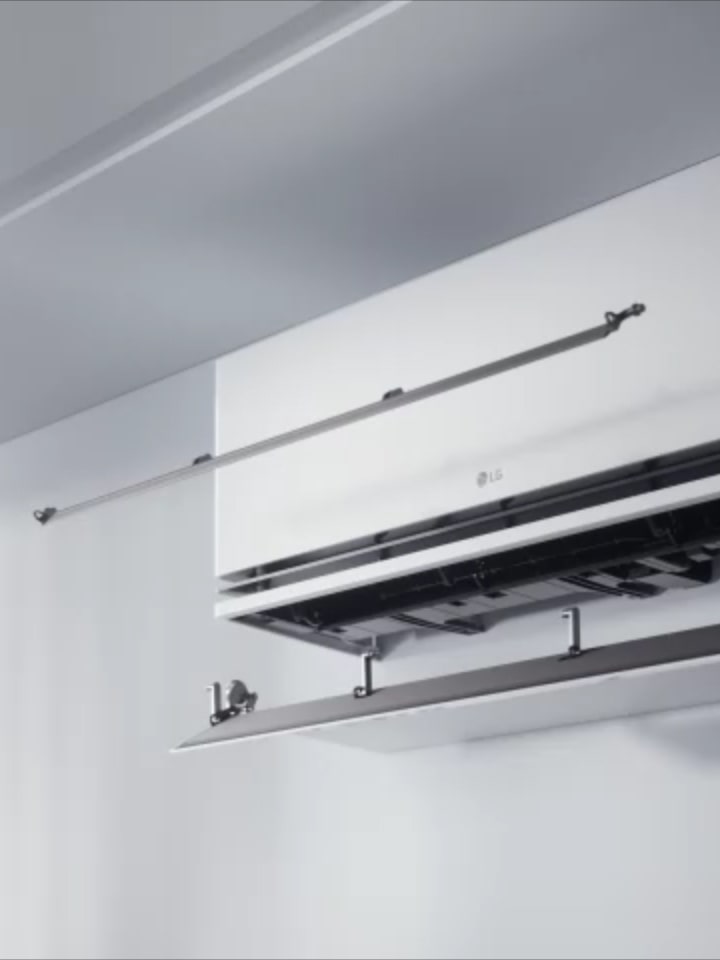
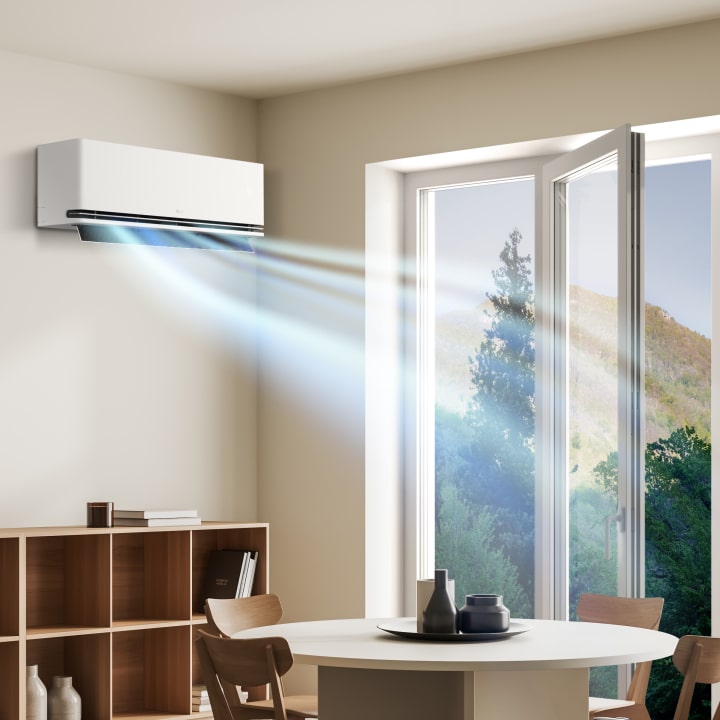
Dual vane spreads airflow up or down, further and faster3), for optimised comfort in any season.
*The images and videos above are staged and created for illustrative purposes to enhance understanding. There may be variations depending on the actual product installation environment.
3) DUAL Vane
- The percentage time improvement relative to the previous model is defined as the duration required to decrease the temperature by 5℃ (for cooling) or to increase it by 5℃ (for heating) from the initial average room temperature. Tested in LG environment testing chamber at Jet Modewith the following condition: Cooling: Indoor 30℃ DB/ 60%RH, Outdoor 35℃ DB/ 50% RH and 18℃ setting Heating: Jet Mode, Indoor 12℃ DB/ 60% RH, Outdoor 7 ℃ DB/ 60% RH and 30℃ setting. The performance result may vary depending on actual usage conditions.
- Measured in LG test chamber, Test model : S3-Q24121D0, installation height 2.0m, Fan mode. The maximum distance of 22 meters is achieved with an airflow speed of more than 0.25 m/s from the products. The performance result may vary depending on actual usage conditions
*The images and videos above are staged and created for illustrative purposes to enhance understanding. There may be variations depending on the actual product installation environment.
4)22% longer
-Date: 2024.12, Measurement results in LG air conditioner R&D Center,
-Test conditions: Product installation height 2.0m, Fan mode airflow, vane angle P1.
-Test method: Using an airflow measurement probe, measurements were taken at 0.2m intervals from 0.1m to 1.7m in height. The maximum airflow reach distance was determined by measuring the airflow speed for 180 seconds at each point, considering the airflow to have reached if the speed exceeded 0.25m/s for more than 50% of the time.
-Test model: S3-Q24121D0(LG new platform-DUAL Vane)
-Test result: Under the proposed test conditions, the maximum airflow reach distance was confirmed to be over 22m.
-The airflow reach of the LG previous platform-single vane(S3-W18KL33A) is up to 18m.
-The performance result may vary depending on actual usage conditions.
Comfort Humidity Control
Get cosy with comfy humidity
Not too humid, not too dry — air that's just right. Comfort Humidity Control5) helps maintain comfort humidity level for your preferred temperature.
*The images and videos above are staged and created for illustrative purposes to enhance understanding. There may be variations depending on the actual product installation environment.
5) A default humidity 60% control will be activated by pressing the humidity control button.
*The images and videos above are staged and created for illustrative purposes to enhance understanding. There may be variations depending on the actual product installation environment.
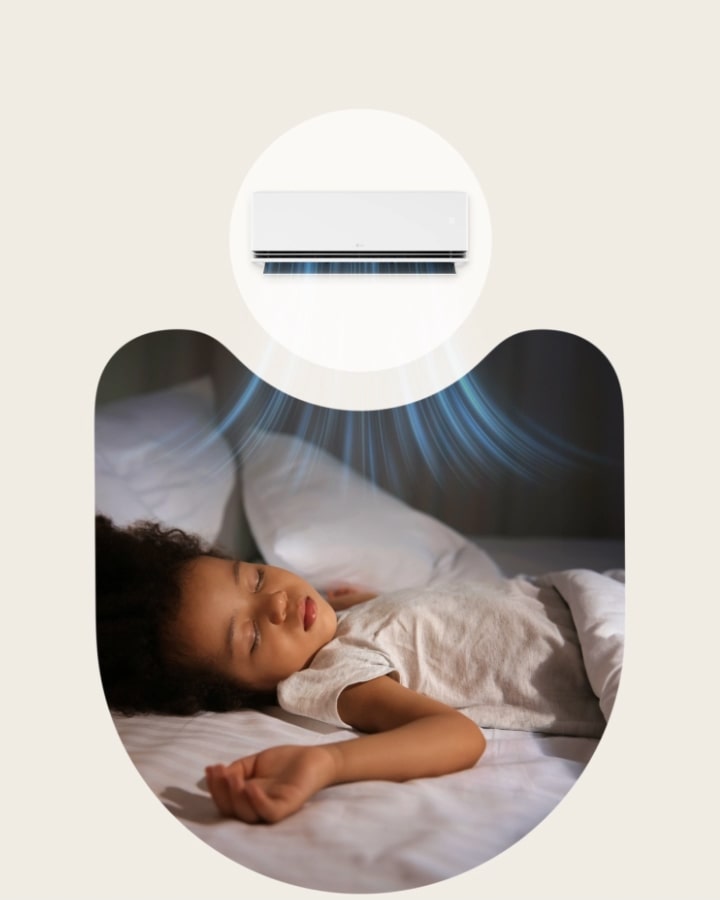
6) Sleep Timer+
- Sleep Timer+ automatically adjusts the temperature by analysing your usage patterns while operating in sleep mode.
- Sleep Timer+ can only be used in cooling mode.
- The airflow strength is set automatically through usage pattern analysis and can be changed via ThinQ
- The set temperature range of Sleep Timer+ is 22~28°C.
- To use the Sleep Timer+ feature, you need to set it up for the first time via ThinQ.
- LG ThinQ® app available from Google Play Store or Apple App required, compatible with Android or iOS smartphones required (Android OS 7.0 or higher, iOS 14.0 or higher). Phone and Home Wi-Fi Data connection and product registration with LG ThinQ® required. Visit lg.com/au/lg-thinq for features, system compatibility and service availability which may vary by model.
*The images and videos above are staged and created for illustrative purposes to enhance understanding. There may be variations depending on the actual product installation environment.
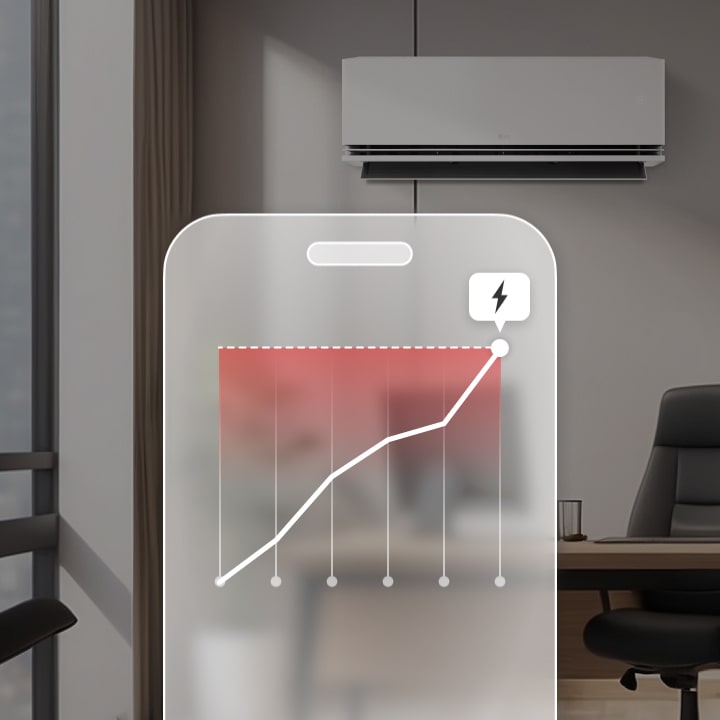
7)Energy Manager+
- Available only in Cooling Mode
- LG ThinQ® app available from Google Play Store or Apple App required, compatible with Android or iOS smartphones required (Android OS 7.0 or higher, iOS 14.0 or higher). Phone and Home Wi-Fi Data connection and product registration with LG ThinQ® required. Visit lg.com/au/lg-thinq for features, system compatibility and service availability which may vary by model.
8)Window open detection
- The initial setting is off when the product is shipped. This function can be set up through “ThinQ” only. The “Window open detection” is available in Cooling and Heating mode only.
- LG ThinQ® app available from Google Play Store or Apple App required, compatible with Android or iOS smartphones required (Android OS 7.0 or higher, iOS 14.0 or higher). Phone and Home Wi-Fii Data connection and product registration with LG ThinQ® required. Visit lg.com/au/lg-thinq for features, system compatibility and service availability which may vary by model.
One-Click Scheduled Cleaning
Brings you peace of mind with multi-step cleaning cycle
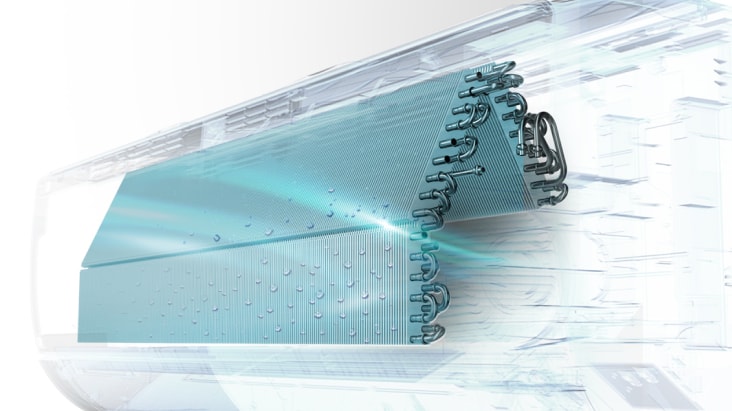
With One-Click Scheduled Cleaning, all it takes is one button to set in motion a seriously thorough multi-step cleaning cycle which will help keep the coils of your LG DUALCOOL™ clean9).
*The images and videos above are staged and created for illustrative purposes to enhance understanding. There may be variations depending on the actual product installation environment.
9)One-Click Scheduled Cleaning
- One-click Scheduled Cleaning operates through ThinQ only.
- When using the One-click Scheduled Cleaning function, Generating Condensed water, Freeze Cleaning, and Auto Clean+ will operate sequentially.
- The operation time of the One-click Scheduled function may vary depending on environmental and usage conditions.
- LG ThinQ® app available from Google Play Store or Apple App required, compatible with Android or iOS smartphones required (Android OS 7.0 or higher, iOS 14.0 or higher). Phone and Home Wi-Fi Data connection and product registration with LG ThinQ® required. Visit lg.com/au/lg-thinq for features, system compatibility and service availability which may vary by model
Auto Clean+
Automatically dries heat exchanger after use
Auto Clean+10) activates after use, blowing air to remove moisture. Runs for up to 20 minutes, adjusting volume for faster drying or quieter operation.
*The images and videos above are staged and created for illustrative purposes to enhance understanding. There may be variations depending on the actual product installation environment.
10)Auto Clean+
-Auto Clean+ automatically initiates the drying function after the cooling operation ends, and this is indicated by the remaining residue on the product.
-Auto Clean+ can operate in fan mode for up to 20 minutes automatically, depending on the previous cooling operation usage pattern, to help remove moisture from the heat exchanger.
-The internal drying condition may vary based on the temperature and humidity conditions of the indoor air.
-You can select the airflow strength through LG ThinQ™ to adjust the airflow and drying time.
-Auto Clean+ is activated upon product shipment and can be used without additional settings.
Freeze Cleaning
Keep coils easy to clean
Freeze Cleaning11) mode makes cleaning inside your air conditioner simple. Thawed ice helps remove heat exchanger dust and P. aeruginosa bacteria by up to 99.9%
*The images and videos above are staged and created for illustrative purposes to enhance understanding. There may be variations depending on the actual product installation environment.
11) Freeze Cleaning
- Lab tested by TUV shows the reduction of Pseudomonas aeruginosa by up to 99.9%.
*The images and videos above are staged and created for illustrative purposes to enhance understanding. There may be variations depending on the actual product installation environment.
Smart air care
Smart living begins with LG ThinQ™
Control your air conditioner and receive the latest alerts on the convenient LG ThinQ™ 14).
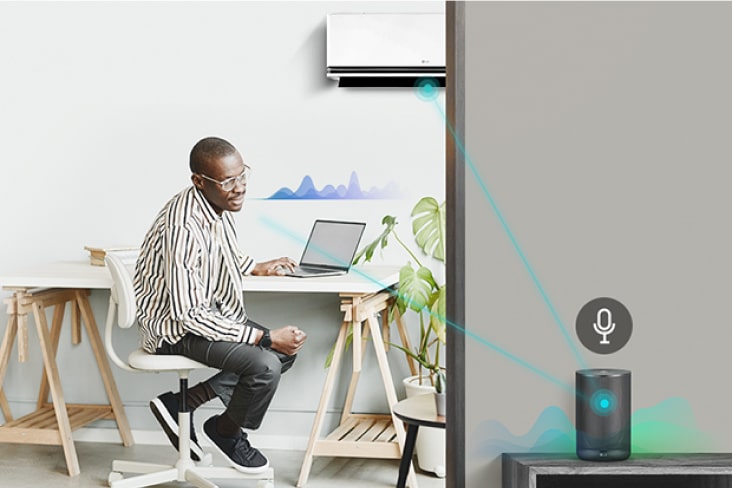
Simple control with voice assistant
Tell your compatiable Smart speaker what you need. Simply say, 'Turn on/off,' and the your AI speaker will listen, then the air conditioner will respond.
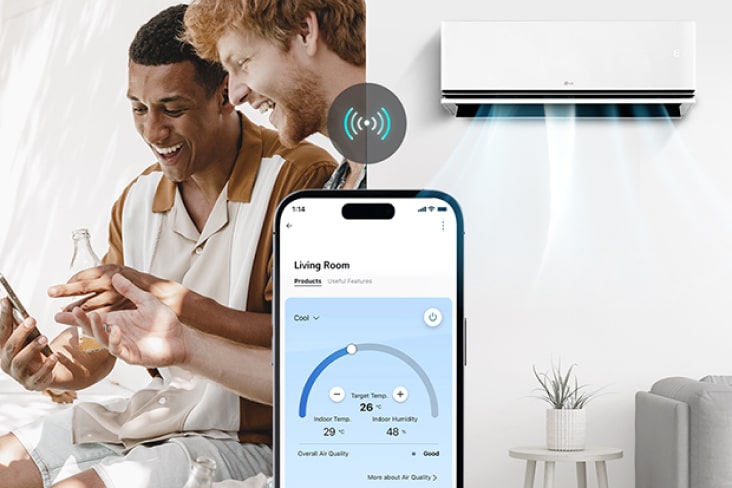
Connect and control from anywhere
The LG ThinQ™ lets you connect with your air conditioner with more functions. Start it easily with just a tap.
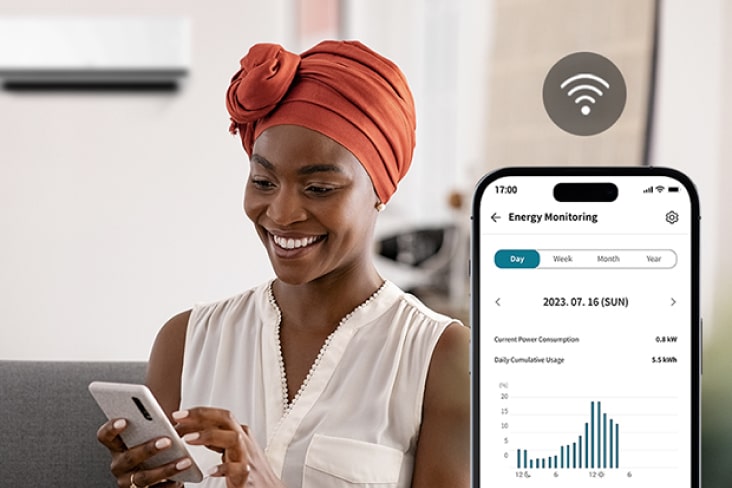
Efficient product maintenance
The LG ThinQ™ keeps an eye on your air conditioner, helping you track energy usage and manage everyday maintenance effortlessly.


FAQ
-
What is a suitable temperature setting for my air conditioner?
When you turn on the air conditioner for the first time, set it to a low temperature and use a strong wind setting to quickly lower the temperature in the room. Once your room has cooled sufficiently, 25℃ is the optimal temperature to maintain a cool house and save energy.
The Smart Inverter Compressor™ technology enables 40%1) faster cooling and saves up to 70%2) more energy than non-inverter models.
1)Verified by TÜV: LG inverter air conditioners (US-Q242K*) cools up to 40% more faster than LG non-inverter air conditioners (TS-H2465DAO).
*Initial Temperature (Outdoor 35℃, Indoor 33℃), Setting Temperature (26℃).
2)Verified by TÜV: LG inverter air conditioners (US-Q242K*) saves up to 70% more energy than LG non-inverter air conditioners (TS-H2465DAO).
*Initial Temperature (Outdoor 35℃, Indoor 33℃), Setting Temperature (26℃), Testing Time (8 Hours).
-
What is the difference between an inverter air conditioner and a non-inverter air conditioner?
Inverter air conditioners operate more efficiently than non-inverter air conditioners.
Non-inverter air conditioners have compressors working at the same speed regardless of indoor temperature, turning off when the desired temperature is reached and turning on again when the temperature rises.
Inverter air conditioners operate by adjusting the compressor speed faster at higher temperatures and slower at lower temperatures, which means they save more energy than non-inverter air conditioners and enable faster cooling and quieter operation.
-
How can I clean and manage the air conditioner?
For clean wind and strong performance, the filter needs to be cleaned every two weeks. Wash the Pre-Filter with lukewarm water or use a neutral detergent for more stubborn dirt. After washing with water, dry the Pre-Filter in the shade away from direct sunlight. Clean an optional filter (Ultrafine dust filter, Fine Dust Filter, Allergy filter etc.) with a vacuum or a soft brush, but do not clean with water. You can use Auto Clean+1) function for more convenient air conditioning management that automatically dries the AC interior when you turn it off2).
1)Initial Auto Clean+ setup requires the ThinQ app or remote control. Check the manual included with the product for details.
2)When the product is turned off, it automatically sets an appropriate drying time based on the operating conditions. The drying time can be up to 30 minutes and may vary depending on the product. The function is set to off when shipped from the factory. The function may be change without notice. Please check the manual enclosed with the product for details.
-
How can I reduce energy consumption while using the air conditioner?
You can save energy by selecting appropriate temperatures when cooling and heating and by regularly cleaning the filters to reduce unnecessary energy wastage. It is recommended to set air conditioner to 25℃ for cooling and 21℃ for heating. Additionally, using the Smart Energy Manager feature of LG air conditioners helps you use the desired amount of power. To use the Smart Energy Manager feature, a connection to ThinQ is required, and it is only available on models that support this feature. Please refer to the manual included with the product for more details.
-
How do I install the air conditioner?
Among the various types of air conditioners, a professional engineer must install Split type air conditioners because the installation process requires drilling through walls to connect outdoor and indoor units, and electrical wiring work.
-
Can LG air conditioners provide heating as well as cooling?
LG air conditioners have both cooling and heating functions, so they can be used all year round. LG air conditioners use heat pump technology to provide efficient heating.
-
How quiet is the air conditioner?
Thanks to LG's DUAL Inverter Compressor™ technology, inverter air conditioners are generally quiet. Models equipped with LG's DUAL Inverter Compressor™ technology optimize operating noise to maintain a quiet environment. Noise levels can vary depending on each model, so it is advisable to check the noise specifications of each model before purchasing. In general, inverter air conditioners operate more quietly than non-inverter air conditioners.
-
What are the benefits of a dual vane?
Providing you with ideal comfort in any season, the dual vanes disperse airflow both upward and downward, reaching farther and faster. With biomimetic technology, the 6-level angle-adjustable dual vanes offer tailored airflow control at your fingertips.
Strong airflow can be directed from both the front and bottom vanes. The dual vanes can send cool air upward for up to 23% faster cooling without a drafty sensation and direct warm air downward for up to 6% faster heating, avoiding direct hot air.
*1) The percentage time improvement relative to the previous model is defined as the duration required to decrease the temperature by 5℃ (for cooling) or to increase it by 5℃ (for heating) from the initial average room temperature. Tested in LG environment testing chamber at Jet Modewith the following condition:
Cooling: Indoor 30℃ DB/ 60%RH, Outdoor 35℃ DB/ 50% RH and 18℃ setting Heating: Jet Mode, Indoor 12℃ DB/ 60% RH, Outdoor 7 ℃ DB/ 60% RH and 30℃ setting. The performance result may vary depending on actual usage conditions.
2) Measured in LG test chamber, Test model : S3-Q24121D0, installation height 2.0m, Fan mode.
The maximum distance of 22 meters is achieved with an airflow speed of more than 0.25 m/s from the products.
The performance result may vary depending on actual usage conditions

*The images and videos above are staged and created for illustrative purposes to enhance understanding. There may be variations depending on the actual product installation environment.
13)LG ThinQ™
-LG SmartThinQ™ is now renamed as LG ThinQ™.
-Smart features and voice assistant product may vary by country and model. Check with your local retailer or LG for service availability.
-Google and Google Home are trademarks of Google LLC.
-Amazon, Alexa, Echo and all related logos and motion marks are trademarks of Amazon.com, Inc or its affiliates.
-Voice-enabled smart speaker device is not included.
Key Feature
- AI Air with LG ThinQ™
- DUAL Vane
- Proactive Energy Management
- 5-Step Cleaning
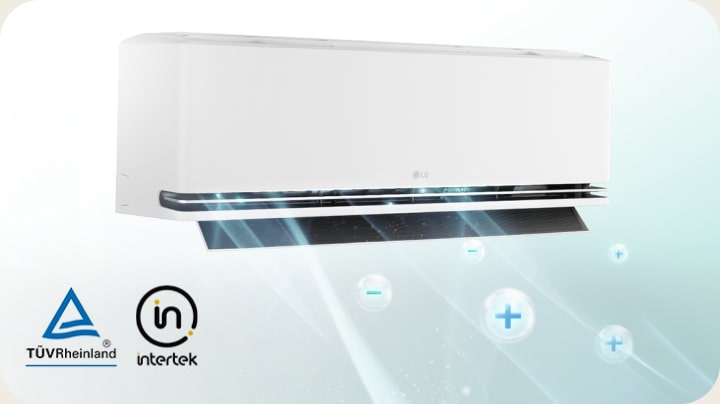
- Plasmaster™ Ionizer+
- One-click scheduled cleaning
Summary
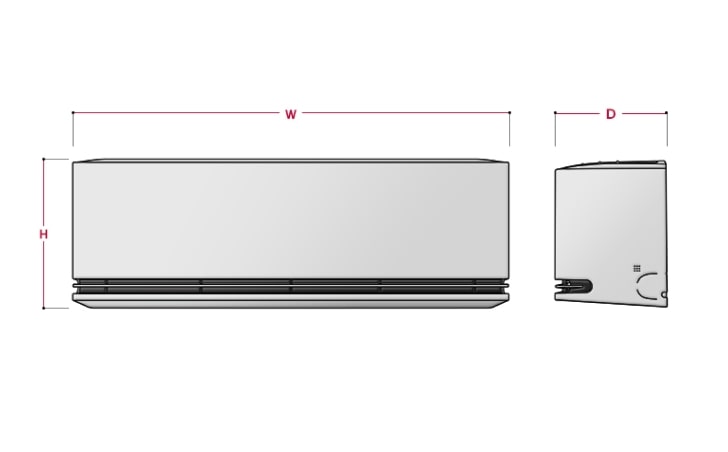
DIMENSIONS

All Spec
GENERAL
Indoor Unit Dimension_WxHxD(mm)
1050x307x235
Cooling Capacity Max(W)
6200
Cooling Capacity Rated/Min(W)
5000 / 1150
Cooling Power Consumption Rated/Min(W)
1260 / 220
Heating Capacity Max(W)
7500
Heating Capacity Rated/Min(W)
6000 / 1300
Heating Consumption Power Rated/Min(W)
1560 / 230
HVAC Type
H/P
Indoor Unit Weight(kg)
12.6
Outdoor Unit Dimension_WxHxD(mm)
870x650x330
Outdoor Unit Weight(kg)
41.0
Product Type
Wall Mounted
Product Type II
Inverter
Rated Input Voltage(V, Hz)
220 ~ 240, 50
Refrigerant Type
R32
AIR PURIFYING
Air Purifying Display
N/A
Ionizer
Yes(4G)
PM 1.0 Sensor
N/A
EAN CODE
EAN Code
8806096623091
COMPLIANCE
Launching Month (YYYY-MM)
2025-09
Manufacturer (Importer)
LG Electronics
Product Model Name
S3-W18221DA
Product Type & Model Name
H/P(S3NW18221DA)
CONVENIENCE
Remote Controller
Yes
Auto Restart
Yes
Deep Sleep
N/A
Fan Mode
Yes
Forced Switch Operation
Yes
Low Noise
Yes
On/Off Reservation(24Hr)
Yes
Reservation
Yes
Sleep Timer+
N/A
Smart Diagnosis
Yes
ThinQ(Wi-Fi)
Yes
Voice Control (3rd Part device)
Yes
COOLING
Comfort Air
N/A
4way
Up-Down/Left-Right
Airflow direction control (Left & Right)
Yes(5 Steps)
Airflow direction control (Up & Down)
Yes(6 Steps)
AI Air
Yes
Fan Speed
5 Steps + Natural
Power Cooling
Yes
Soft Air
Yes
DEHUMIDIFICATION
Dehumidification
Yes
Comfort Humidity Control
Yes
Humidity Sensor
Yes
DESIGN
Color(Body)
White
Color(Discharge)
Silver
Display
88 Hidden
ENERGY SAVING
Active Energy Control
Yes
AI kW Manager
Yes
Energy Display
Yes
Energy Grade
5 Star
Energy Monitoring
Yes
Energy Saving(Cooling)
N/A
Radar Sensor
N/A
Window Opening Detection
Yes(ThinQ Only)
FILTER
Fine Dust Filter
N/A
Pre Filter
Yes
Ultra Fine Dust Filter
N/A
HEATING
Power Heating
Yes
HYGIENE
UV Nano
N/A
All Cleaning
Yes
Auto Clean+
Yes
Heat Exchanger Cleaning
Yes
OUTDOOR UNIT
Outdoor Unit Model Name
S3UW18221DA
RAC B2B FUNCTION
PI485 Module
Yes
Dry Contact
Yes
Wired Remote Controller
Yes
What people are saying
Manual& Software
Download product manuals and latest software for your product.
Troubleshoot
Find helpful how-to videos for your product.
Warranty
Check your product warranty information here.
Part& Accessory
Discover accessories for your product.
Product registration
Registering your product will help you get faster support.
Product support
Find manual, troubleshoot and warranty of your LG product.
Feedback
Give us your feedback by completing our web survey
Locate repair center
Find repair service center conveniently online.
Find locally
Recommended Product