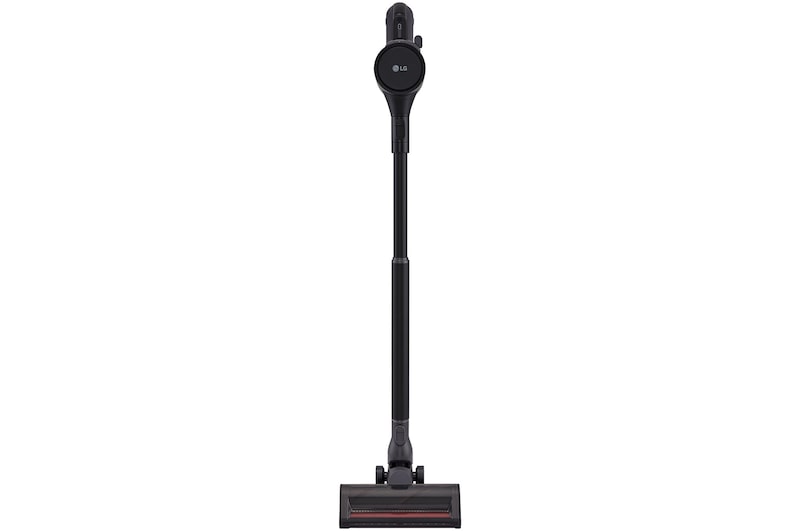
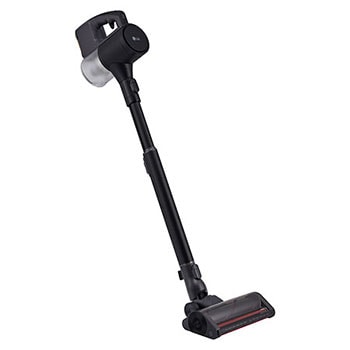
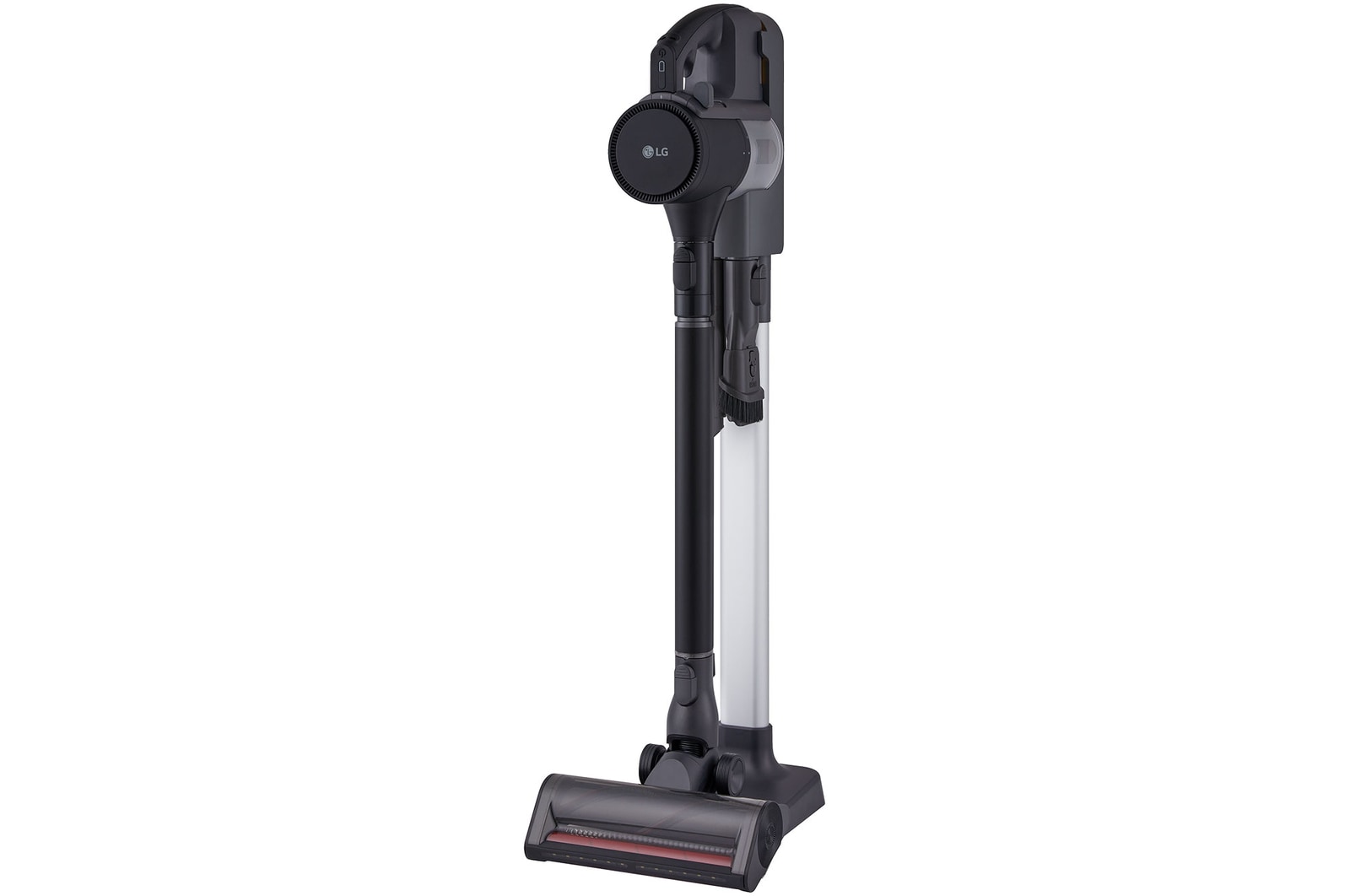
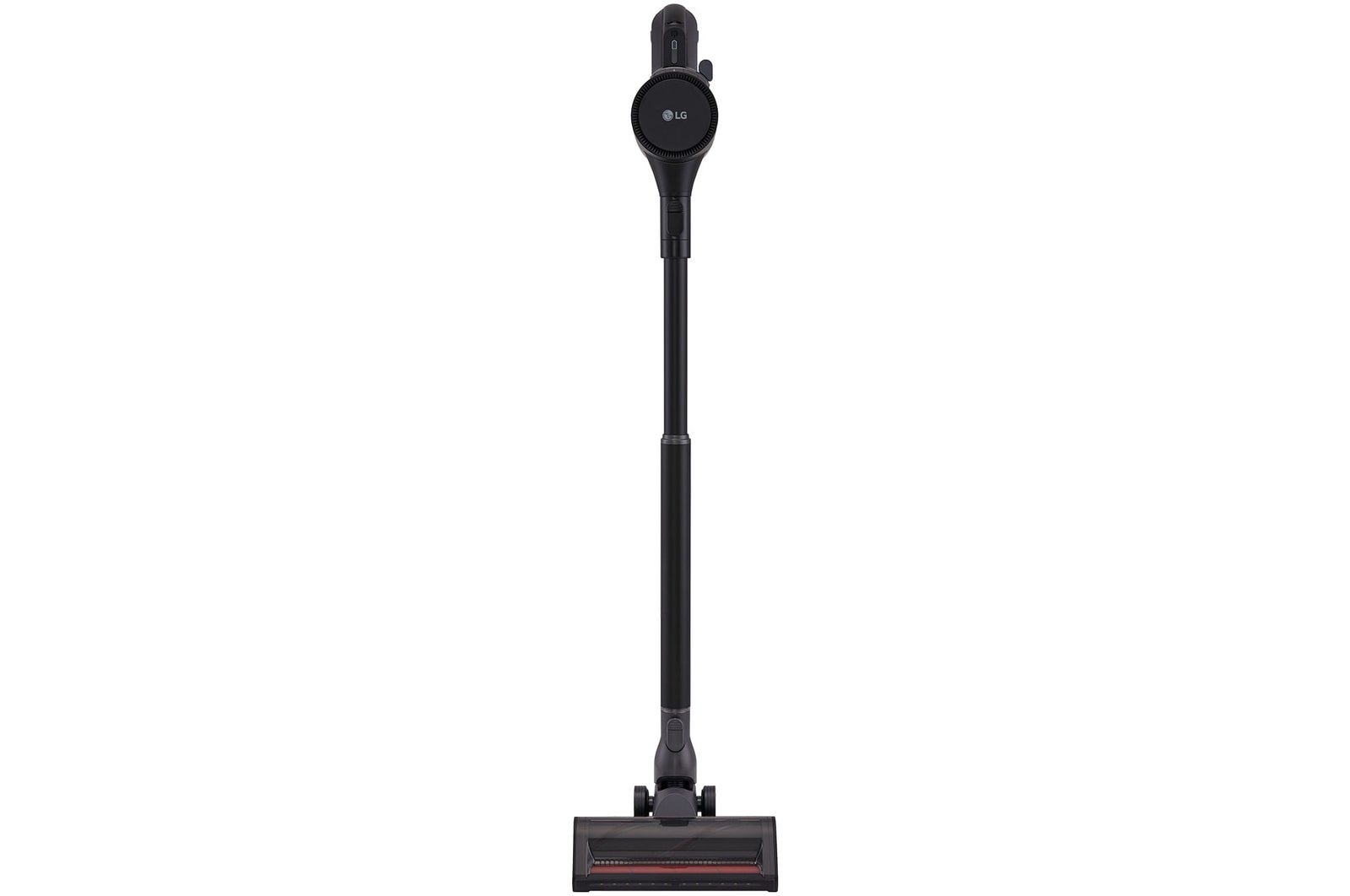
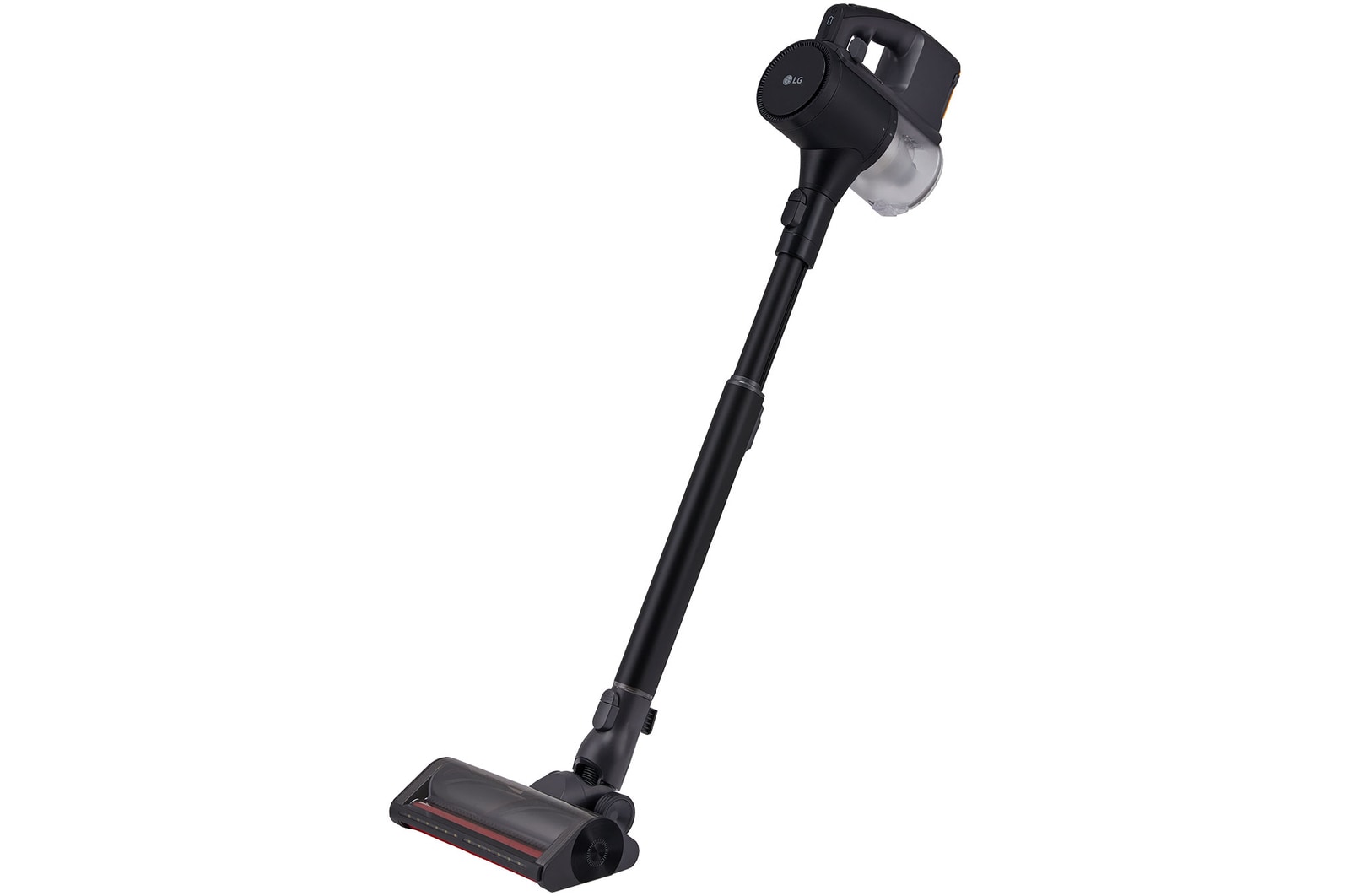
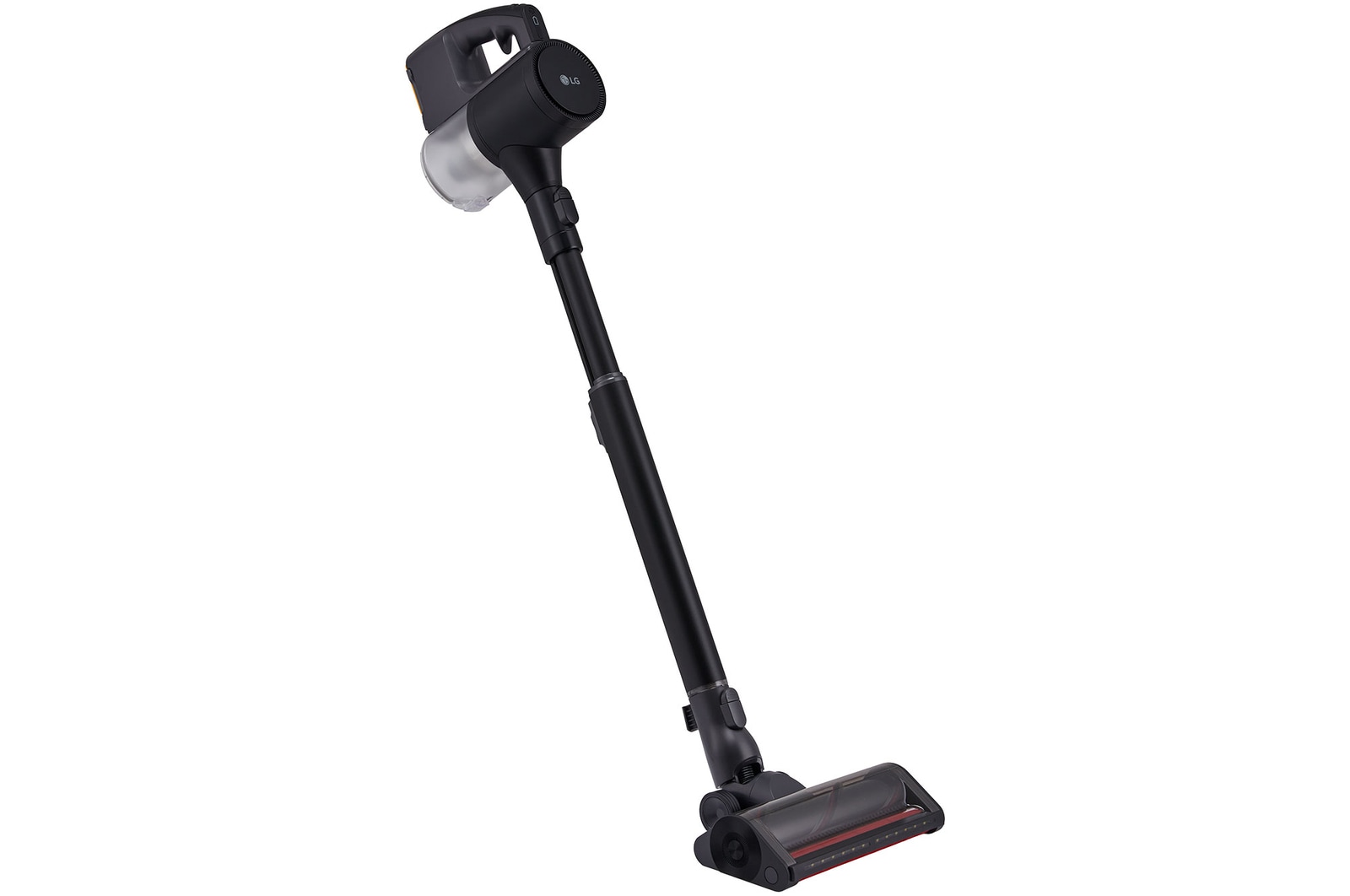
LG CordZero® Handstick Vac with Power Drive™ Mop

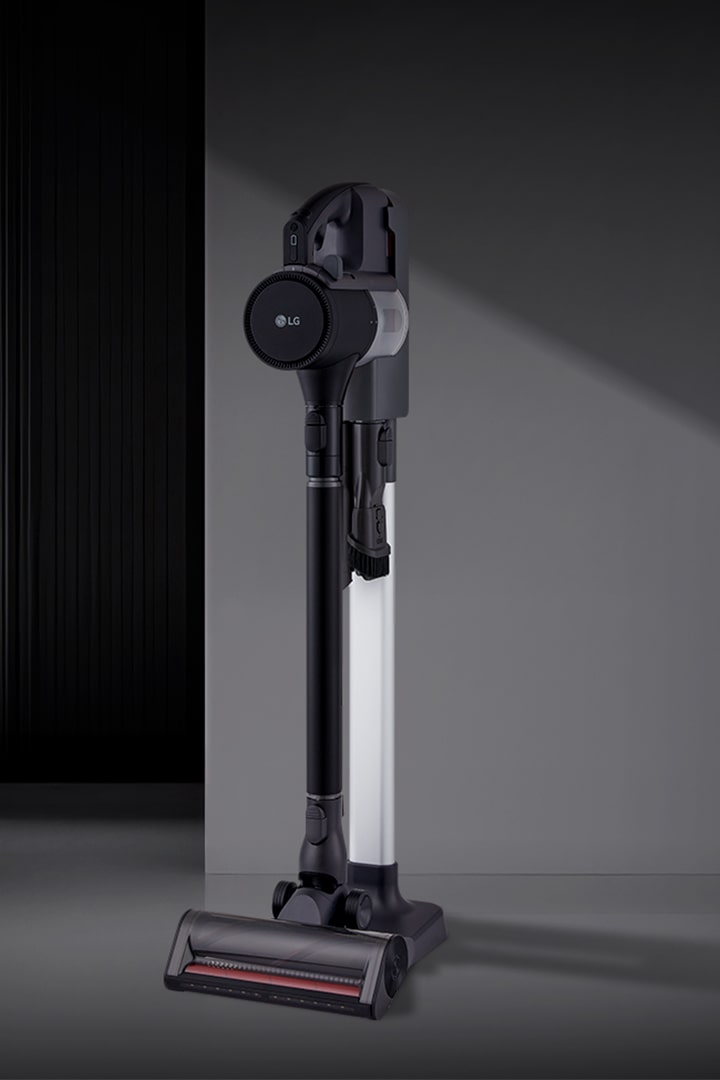
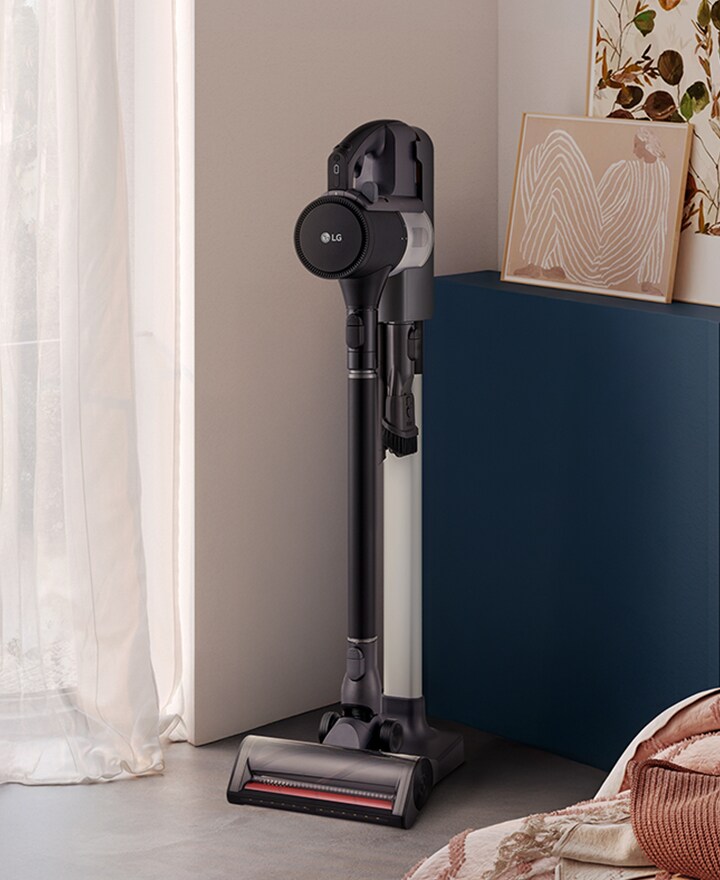
A9L vacuum standing upright in a modern room setting.

A9L vacuum standing upright in a modern room setting.

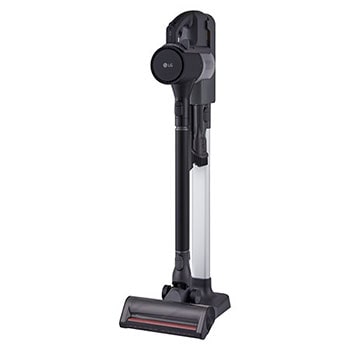
Floor standing charging dock station

Easy setup, stylish design

Enjoy freedom of placement with a floor-standing design that charges, stores accessories and blends seamlessly into your space.

*The image above is for illustrative purposes only. It may look different from the actual product.
Powerful performance

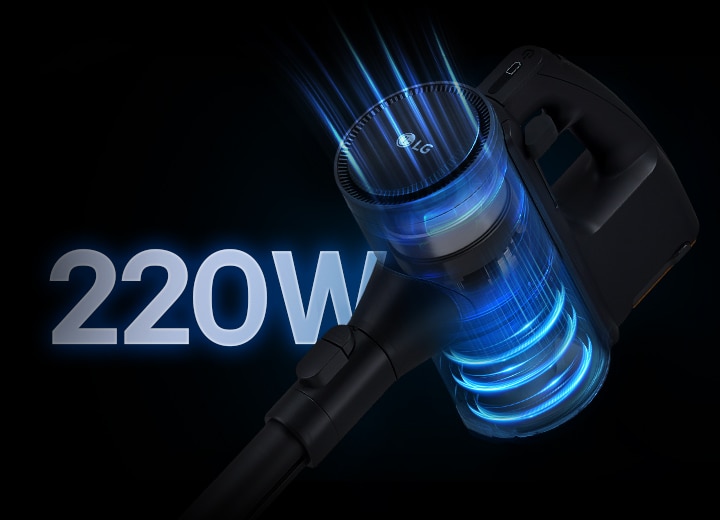
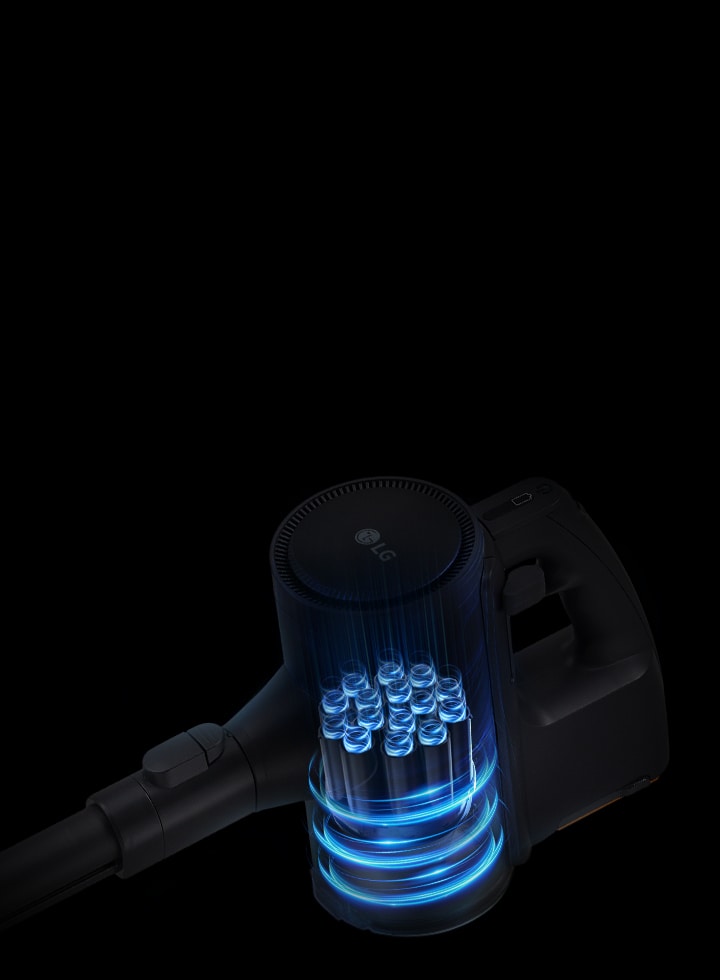
Up to 220W suction power*

Strong suction in a light weight body ensures effective cleaning with effortless operation.
Close-up of A9L vacuum with blue airflow and up to 220W suction text.

Close-up of A9L vacuum with blue airflow and up to 220W suction text.

*Based on KTL Testing in accordance with IEC 62885-2 and IEC 62885-4, 220W reached when in Turbo Mode.

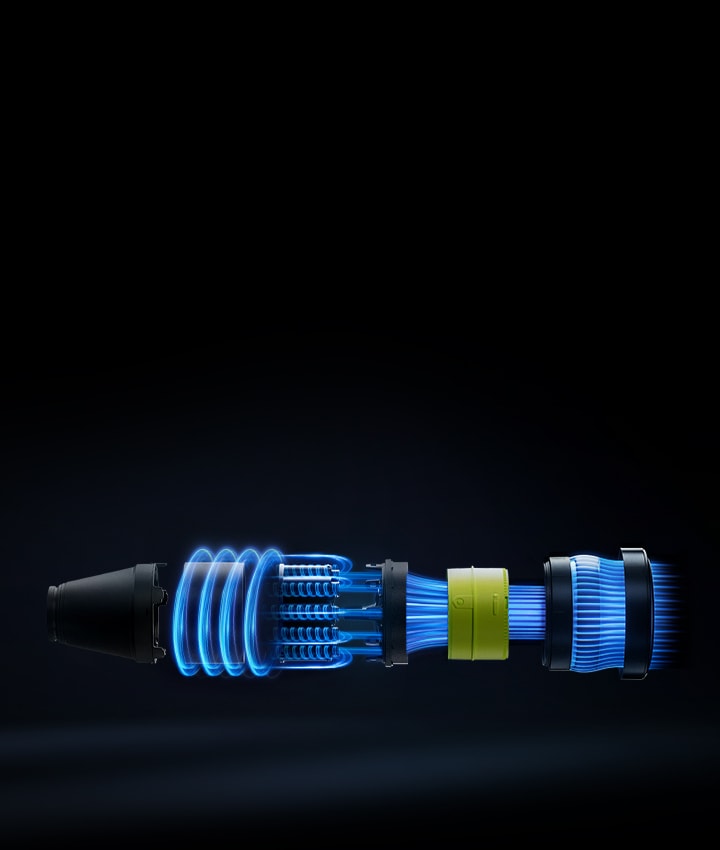
Exploded view of Smart Inverter Motor™ with glowing blue airflow and internal components.

Exploded view of Smart Inverter Motor™ with glowing blue airflow and internal components.

Smart Inverter Motor™

Delivers powerful and reliable cleaning performance

The durable Smart Inverter Motor™ rapidly spins without friction to create powerful suctioning performance.

A9L vacuum showing airflow and dust separation with Dual Turbo Cyclone™ technology.

A9L vacuum showing airflow and dust separation with Dual Turbo Cyclone™ technology.

Dual Turbo Cyclone™

Long Lasting Suction

Continuous airflow keeps dust and air from building up in the filters, helping to maintain long lasting suction.

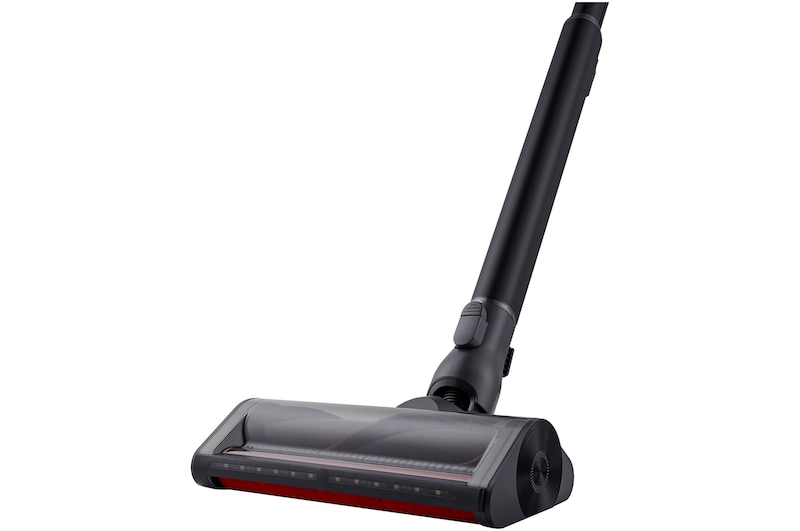
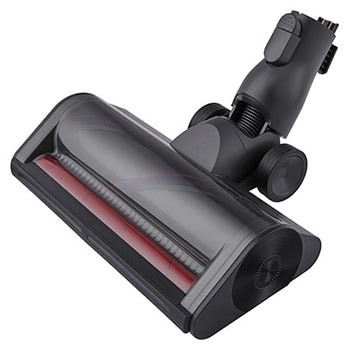
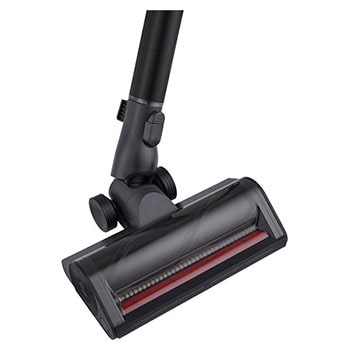
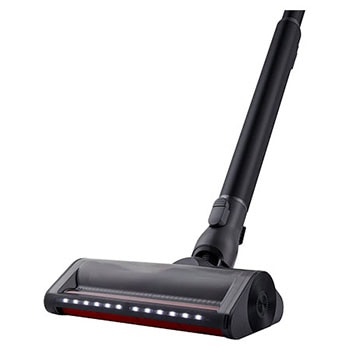
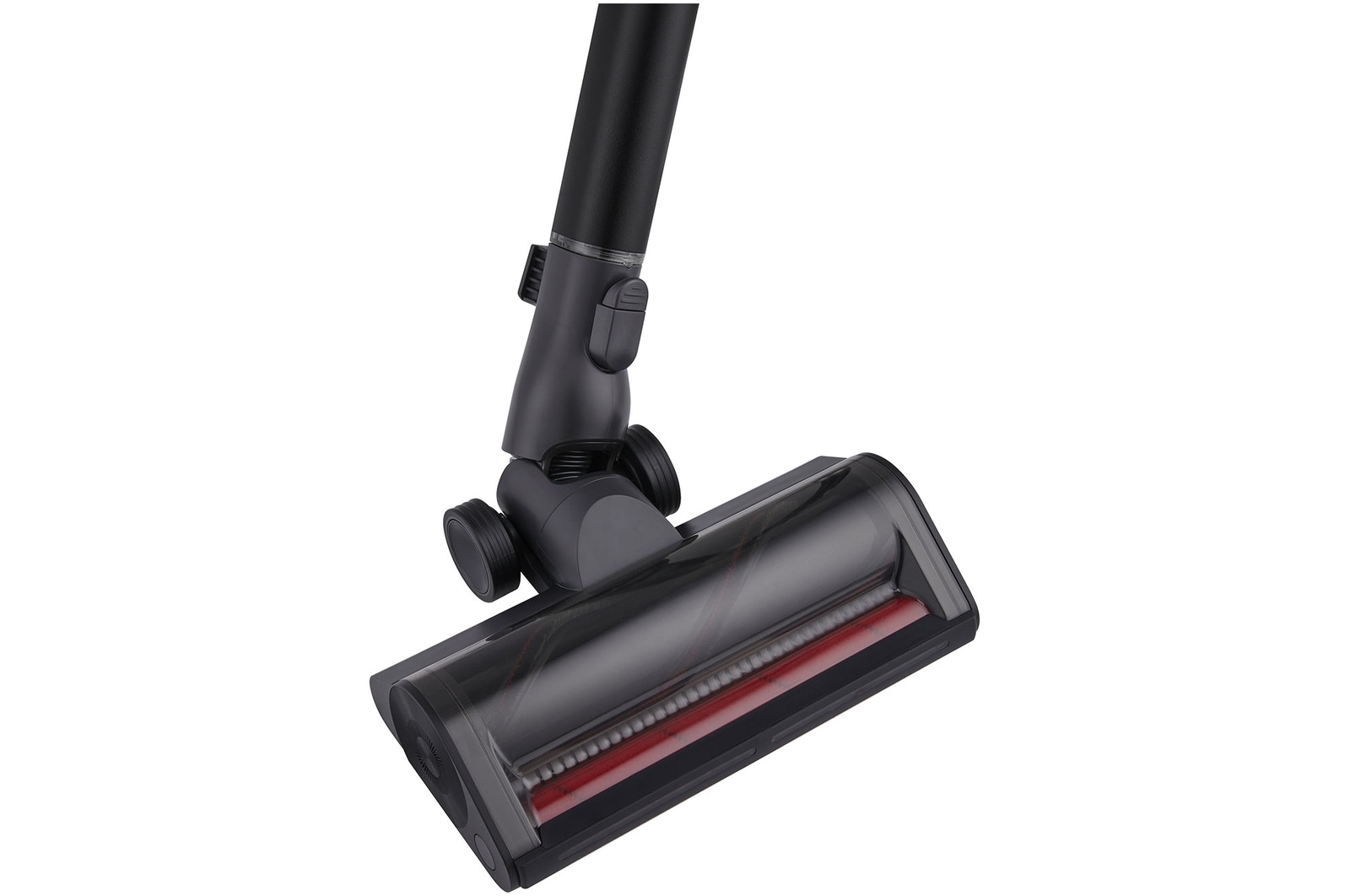
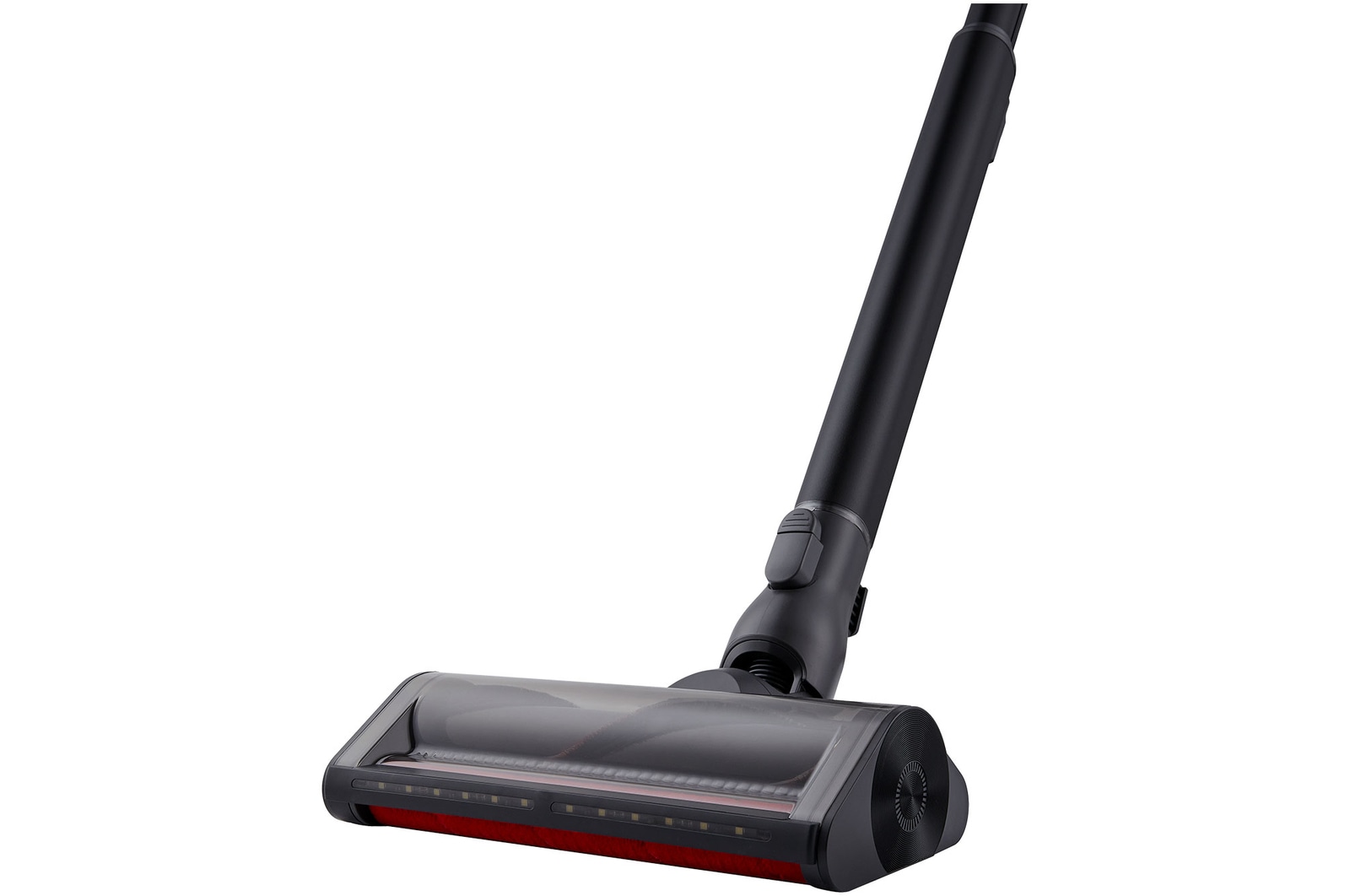
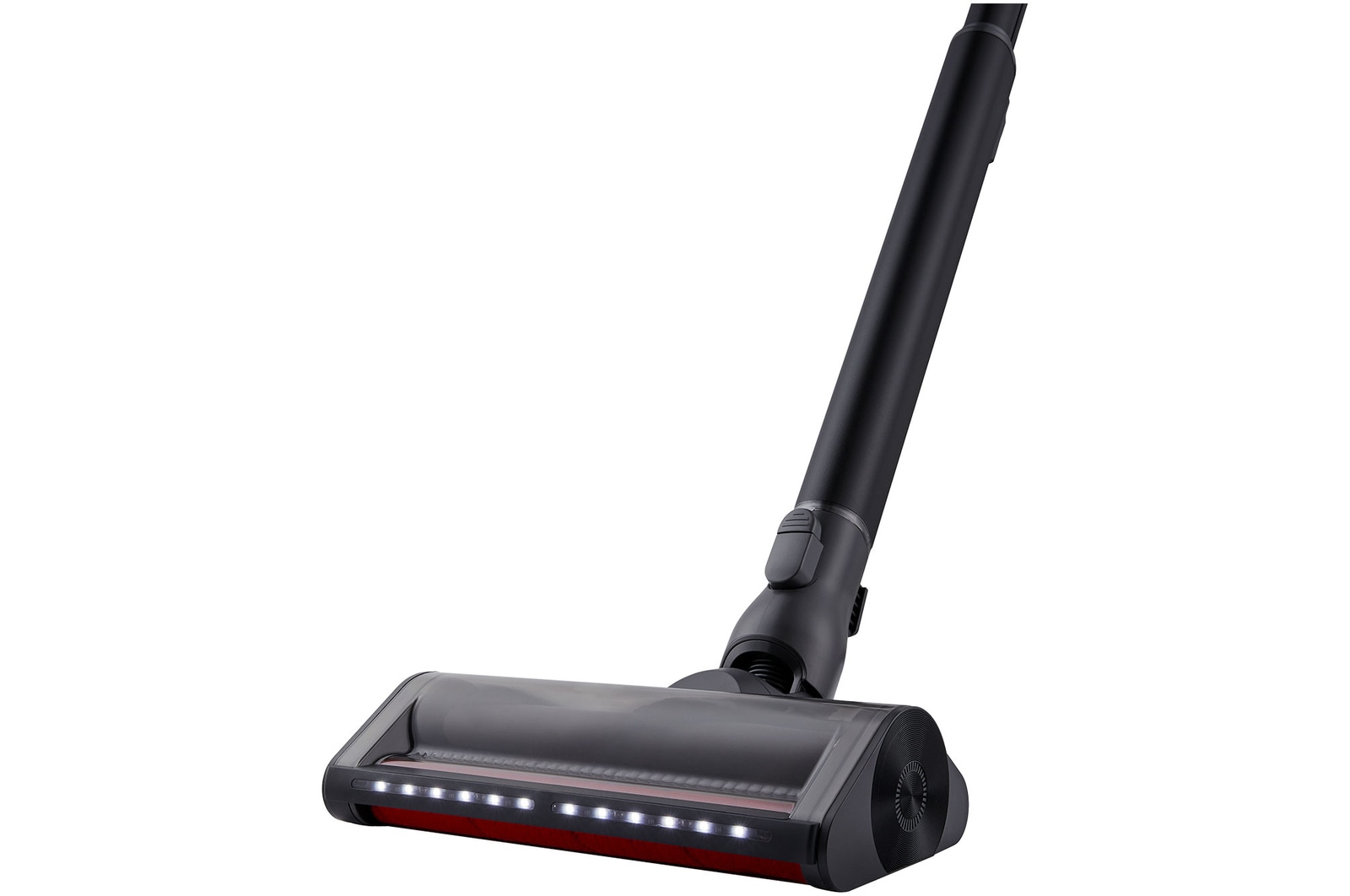
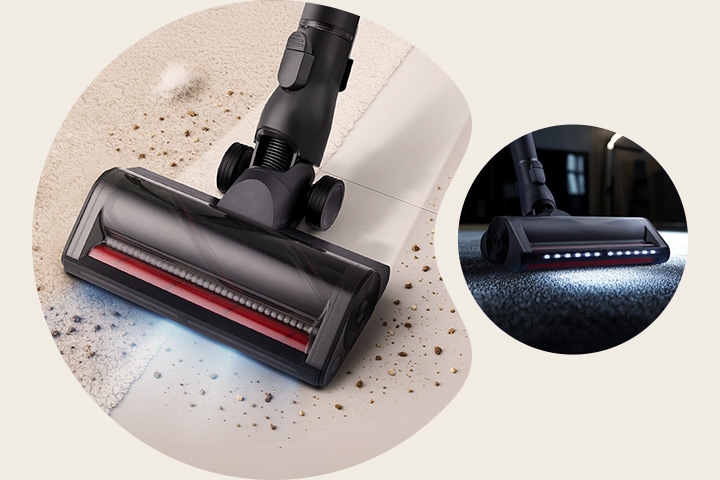
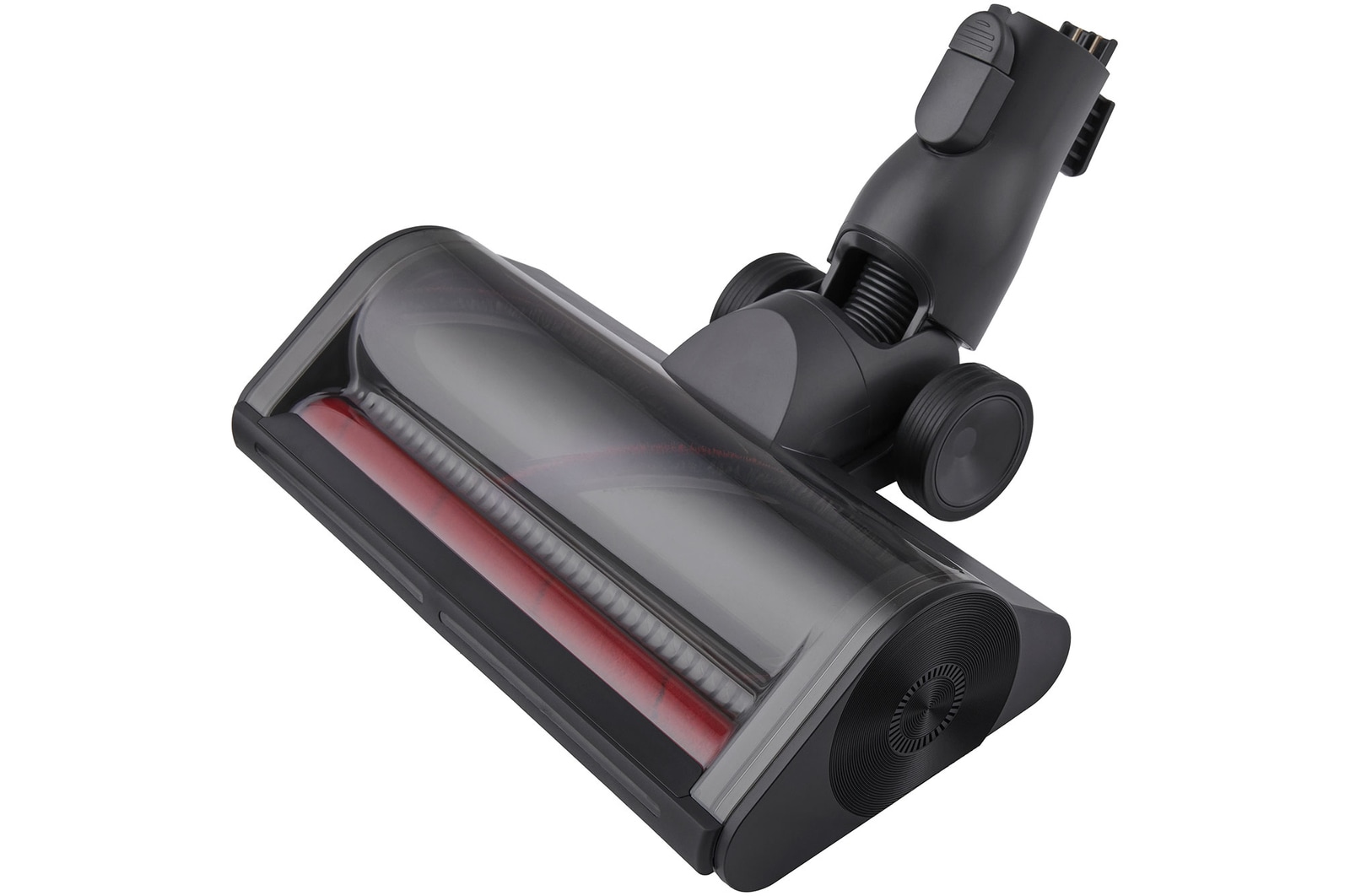
DUAL Floor Max™ Nozzle

One nozzle does the job for carpets and hard floors

No need to switch attachments. The DUAL Floor Max™ nozzle effortlessly lifts dirt from both carpets and hard floors.


DUAL Floor Max™ Nozzle cleaning both carpet and hard floor with red brush roller visible. Power Drive Mop™ vacuuming and mopping simultaneously on wooden floor in living room.

DUAL Floor Max™ Nozzle cleaning both carpet and hard floor with red brush roller visible. Power Drive Mop™ vacuuming and mopping simultaneously on wooden floor in living room.

*The image is for illustrative purposes and may differ from the actual product

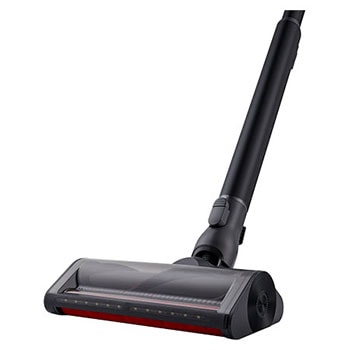
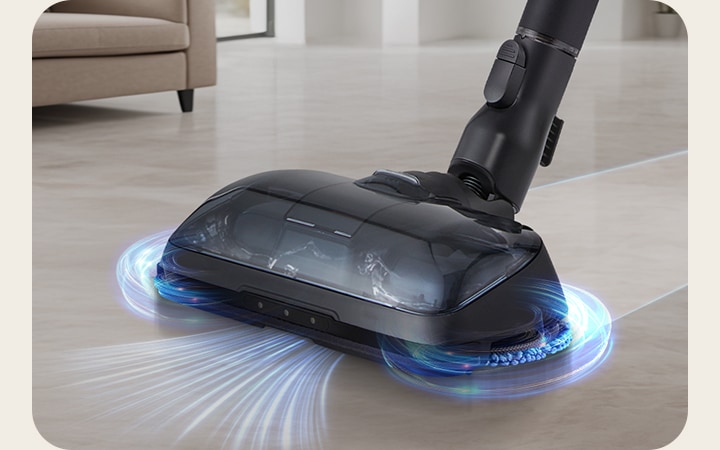
Power Drive Mop™

Vacuum Cleaning and mopping at the same time

Vacuum up dust and mop up stains with one motion using the Power Drive Mop™.


Power Drive Mop™ vacuuming and mopping simultaneously on wooden floor in living room.

Power Drive Mop™ vacuuming and mopping simultaneously on wooden floor in living room.

*The image is for illustrative purposes and may differ from the actual product

Sleek design

Clean living starts here

Experience a high standard of home cleaning
 

A9L vacuum standing in a bright, stylish living space near a cabinet and sofa.

A9L vacuum standing in a bright, stylish living space near a cabinet and sofa.

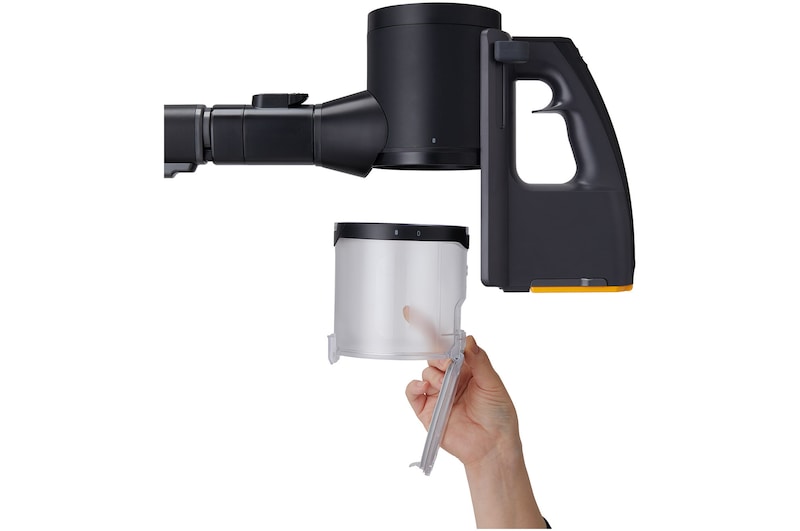
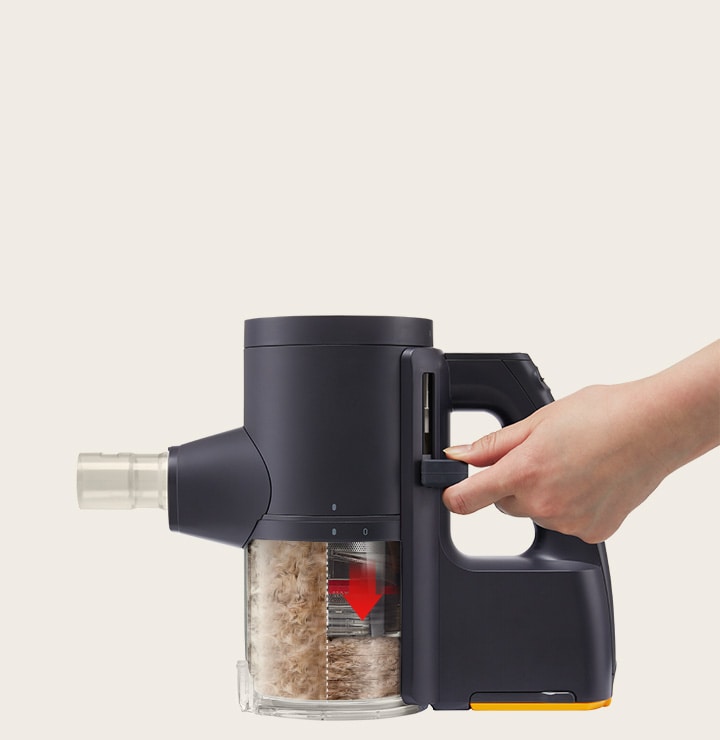
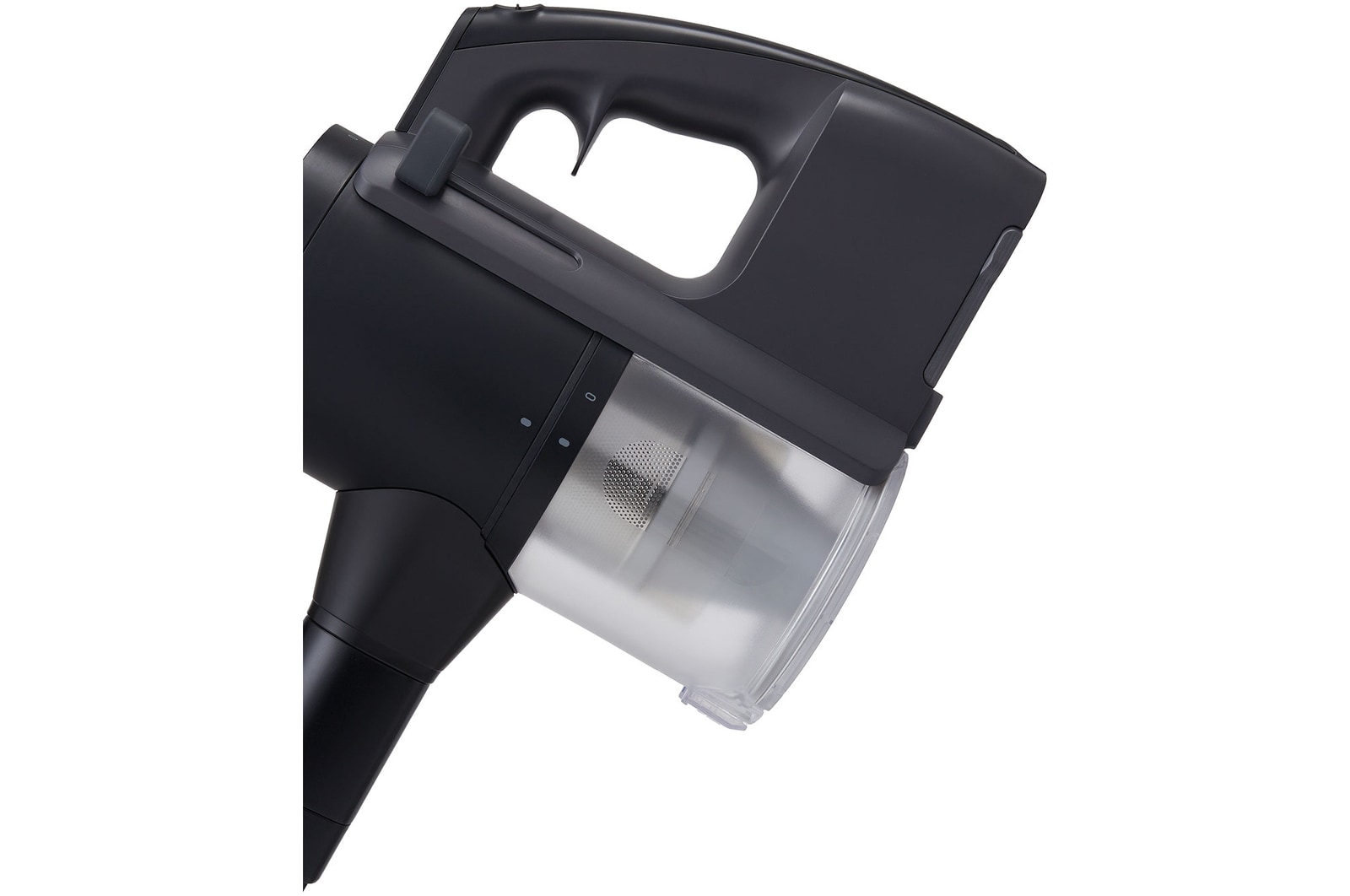
Hand pressing LG A9 Kompressor™ to compress collected dust, showing red arrow indicating compacted bin.

Hand pressing LG A9 Kompressor™ to compress collected dust, showing red arrow indicating compacted bin.

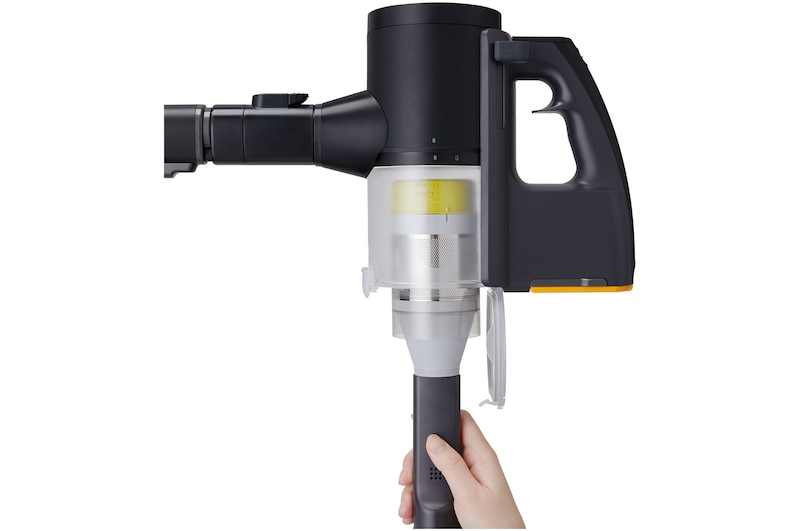
LG KOMPRESSOR®

Fit More In

LG KOMPRESSOR® technology compresses dust and hair allowing you to fit up to 2.2x more in the bin so you don't have to empty as often.*

*Based on LG internal testing results observed by Intertek. A9 Kompressor™ receptacle capacity was tested on Turbo mode. Cat hair (Maine Coon) was suctioned and compressed by the manual compression function repeatedly until it reached the receptacle capacity. Compression efficiency "2.2x" was calculated by comparing the weight of compressed cat hair with the weight of non-compressed cat hair (both with the same volume). Actual receptacle capacity (compression efficiency) may vary depending on operating environment.

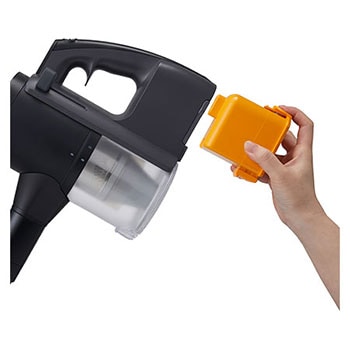
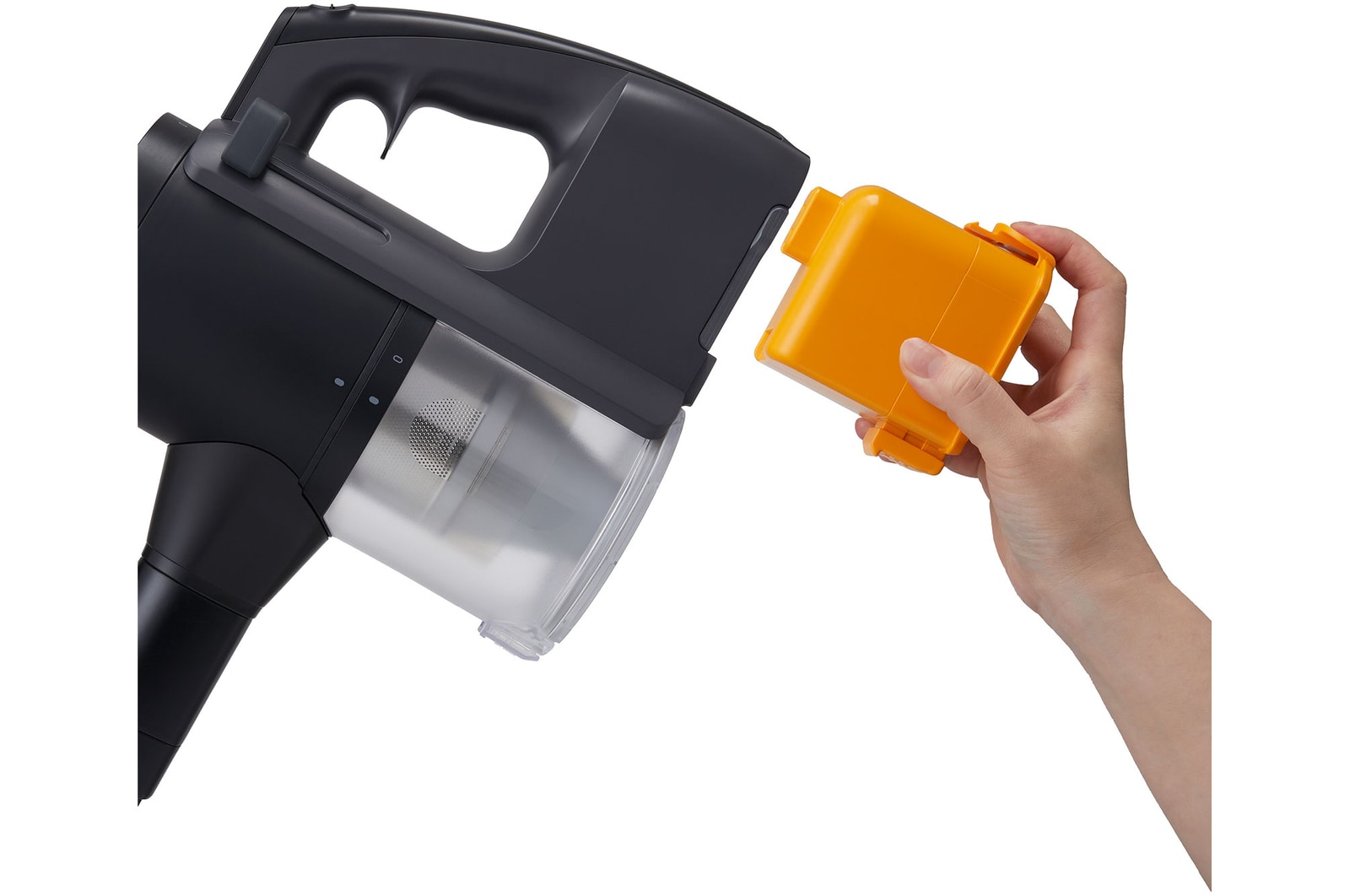
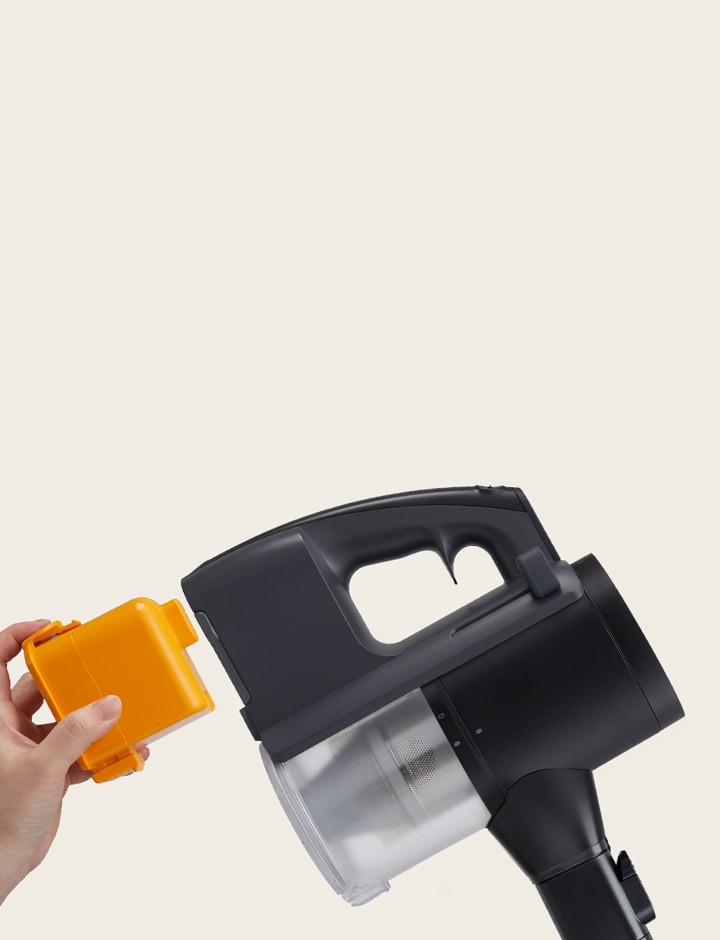
Hand with yellow battery approaching battery compartment

Hand with yellow battery approaching battery compartment

Dual battery charging*

Always ready to go

Clean and charge at the same time with the two included interchangeable batteries.

*Vacuum must be placed on dock and battery in designated slots for simultaneous charging.

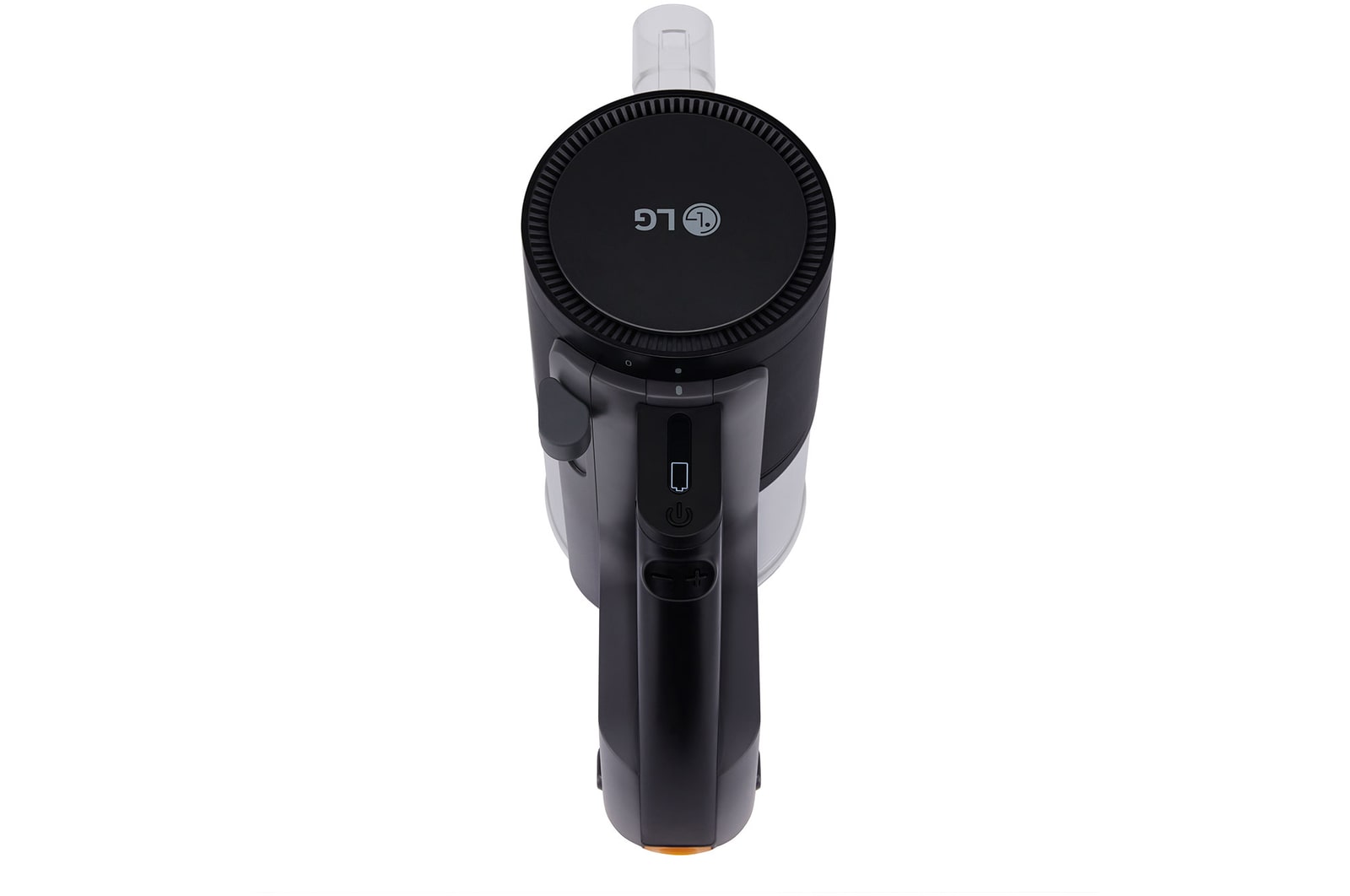
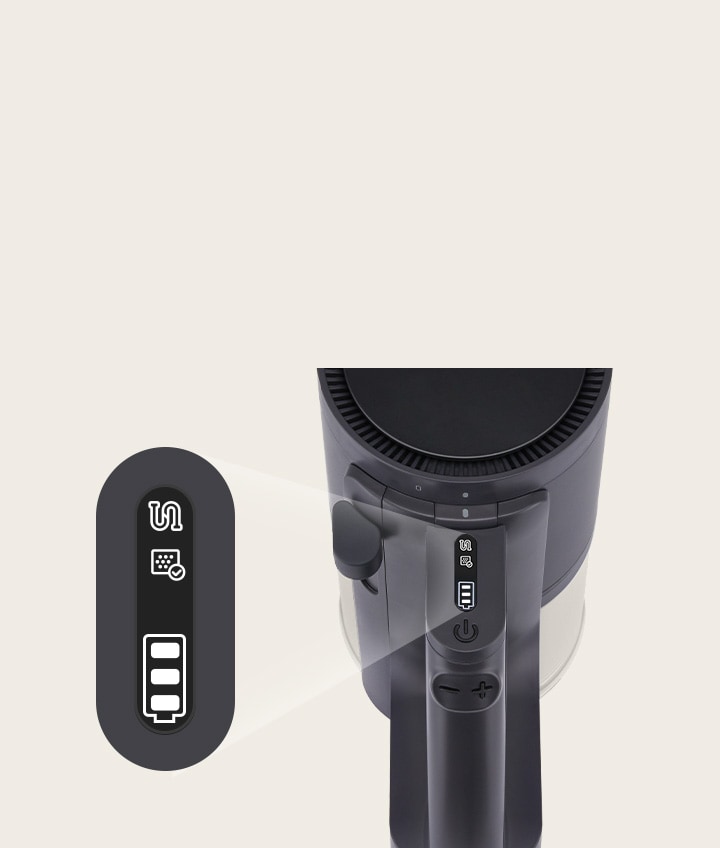
Close-up shot of thumb touch control panel showing battery status.

Close-up shot of thumb touch control panel showing battery status.

Thumb touch control

Control and monitor

Easily switch between On, Off and Power levels. Check remaining battery and status at a glance with the intuitive led display. 

*The image above is for illustrative purposes only. It may look different from the actual product.

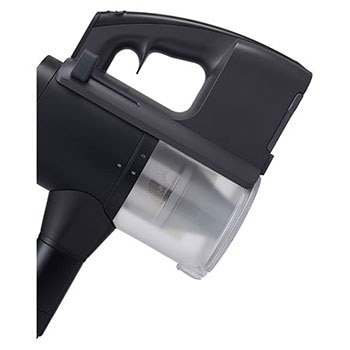
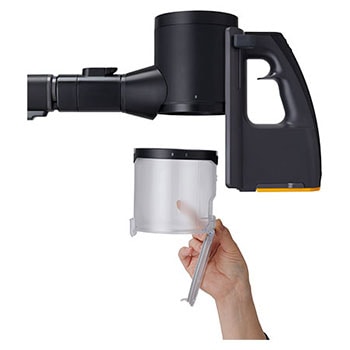
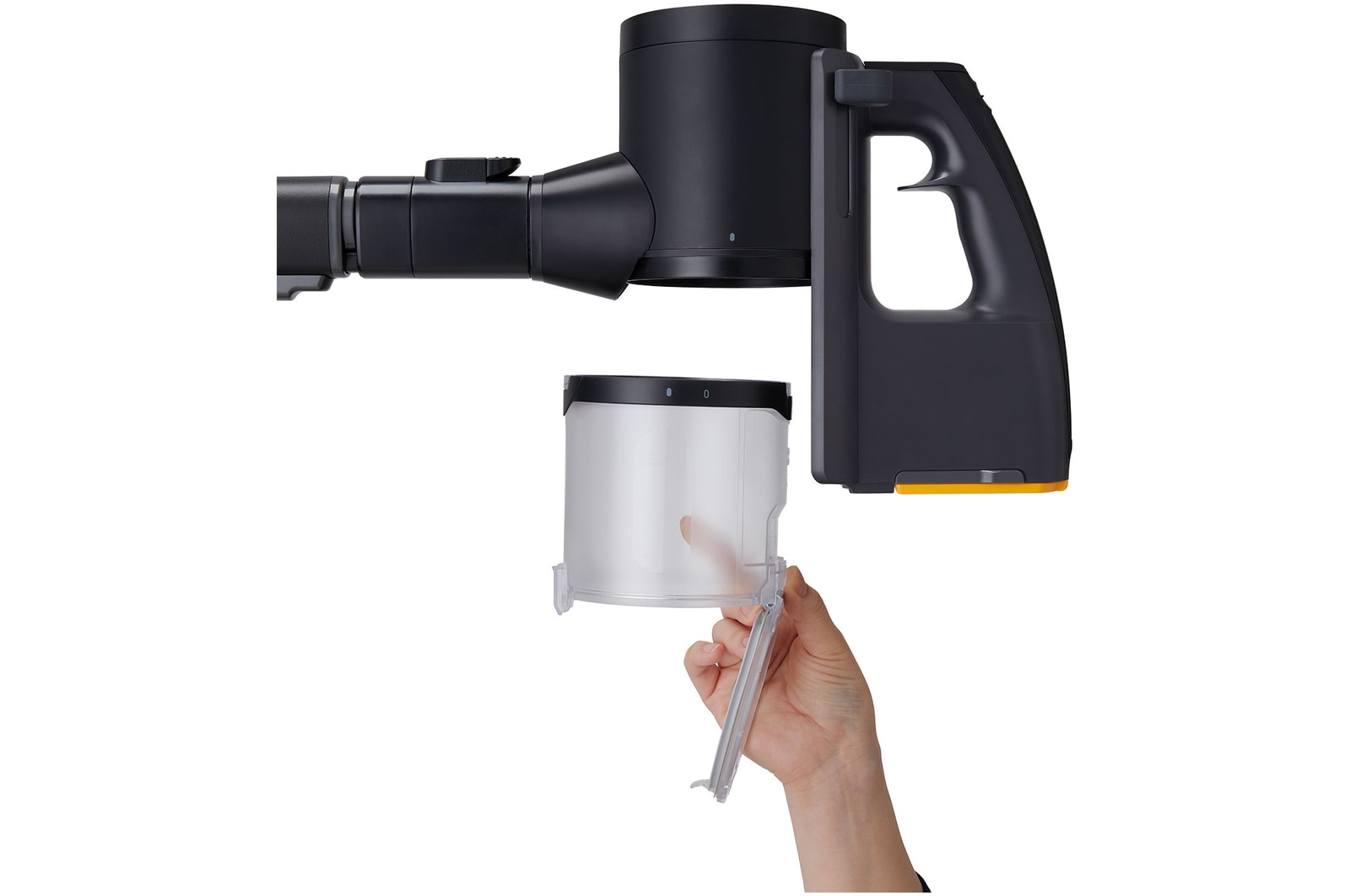
Removable and washable filters

Maintain your vacuum with ease

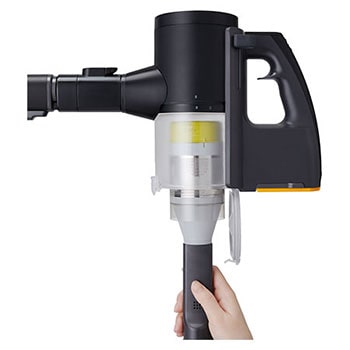
Easy maintenance with removable and washable filters and dust bin to help maintain your vaccum.

Frequently Asked Questions

Which features does this product have?

Features vary by model. Not all features referred to in the below Q&A are available on every product in the LG range. Please refer to specifications / product pages for details by model.

Can I find replacement parts and accessories for LG Vacuum Cleaners? 

Yes, we offer a range of replacement parts and accessories across all our Vacuum Cleaners, including filters, brush rolls, and attachments. These can be purchased separately via LG website or official LG stockists.

How do I troubleshoot common issues with my LG Handstick Vacuum Cleaner?

LG provides comprehensive customer support, including troubleshooting guides in the user manual and online resources. If you encounter any issues with your Handstick Vacuum Cleaner, such as loss of suction or battery problems, refer to the troubleshooting section of the manual or contact our customer service team for assistance. 

What’s the difference between a handstick and bagless Vacuum cleaner?

Our handstick vacuum cleaners possess the features of a cordless, lightweight, and manoeuvrable vacuum cleaner designed for quick clean-ups and ease of use. On the other hand, our bagless vacuum cleaners collect dust and debris in a dirt bin or canister instead of disposable bags. The bagless vacuums tend to be larger in size, but are still an efficient and easy product to use.

Are LG Handstick Vacuum Cleaners suitable for cleaning carpets and hardwood floors?

Yes, our Handstick Vacuum Cleaners are versatile and designed to effectively clean various surfaces, including carpets, hardwood floors, tiles, and more. They come with adjustable suction power, and various nozzle types and attachments to ensure thorough cleaning on different floor types.

How do I maintain and clean my LG Handstick Vacuum Cleaner?

To maintain optimal performance, it's recommended to regularly empty the dustbin, clean the filters, and remove any hair or debris tangled around the brush roll. We also offer a number of removable and washable filters sold separately to our handstick vaccum, ensuring you always maintain your vacuum to ensure optimal clean. Refer to the user manual for specific cleaning instructions tailored to your model. 

Are LG Handstick Vacuum Cleaners cordless?

Yes, our LG Hand stick Vacuum Cleaners are cordless for your added convenience and manoeuvrability during performance. They are powered by rechargeable lithium-ion batteries, allowing you to move freely around your home without being tethered to a power outlet.

The dust emptying function isn't working. How can I fix this?

Please check the following:

  1. Make sure the power plug is connected.
  2. Check that the vacuum cleaner is properly installed. It will beep if set up correctly.
  3. If the dust stops emptying, pressing the "Start/Stop” button will restart the process.
  4. The dust-emptying mode is either automatic or manual:

-The default setting for robot vacuum cleaners is Auto mode. The default setting for stick vacuum cleaners is Manual mode.

-For Manual mode, press the Stick Empty or Robot Empty buttons while the stick or robot vacuum cleaners are docked to begin the dust emptying process.

-To switch between the Manual and Auto dust-emptying modes, press the Select Mode button for at least three seconds.

The unit has lost power. What could be causing this?

Please check whether:

  1. The power plug is fully inserted into the outlet.
  2. Any multi-outlet strip is switched on.
  3. The breaker hasn't tripped and power is available.

Why isn’t my vacuum charging?

Here are some tips:

  1. Check if the vacuum is properly installed—it will beep when placed correctly. Reinstall the vacuum if there is no beep.
  2. Make sure the auxiliary battery is fully pushed in until its icon flashes.
  3. Check that the robot vacuum has docked correctly—it beeps when in place. Also, check for debris if an error message pops up.
  4. Check that the plug is fully inside the outlet.
  5. Unplug the unit and wipe off any debris from the charging terminal with a dry cloth.
  6. Your unit may not charge if the temperature is below 5°C. Try charging again after it’s above 5°C.

What should I do if the product has a smell?

Here are some tips:

  1. New vacuums may have a "new" smell that tends to go away after about 3 months.
  2. Check for damp dust stuck on the mop nozzle, since it can create odors. Remember to remove any wet dust after each use before storing your vacuum. The pre-filter, exhaust filter, or large dust separator may also start smelling if not dried completely. After a wash with water, dry the parts thoroughly in well-ventilated shade for at least 24 hours before using them again.
  3. If you can smell the dust bag, strong odors like pet waste may have transferred to the dust bag. Replace the bag after vacuuming up strong-smelling items even if it is not full. Similarly, old dust bags that haven't been replaced in a long time may also start to smell. Replace the dust bag regularly even if it’s not full.

What does it mean if the Auto emptying and Auxiliary battery indicators flash at the same time?

A motor is not working properly. This could be caused by:

The motor that presses the dust bin cover separation button

The motor that opens and closes the dust bin cover

The motor that changes air flow between the STICK Emptying and the ROBOT Emptying modes

Please unplug the power cord and contact an LG Electronics service center.

Why does the dust emptying notification flash red for about 10 seconds followed by a beep?

The dust bag is full and needs replacing. You can purchase additional replacement dust storage bags via LG website or official LG stockists.

Key Feature

  • Up to 220W suction power
  • Smart Inverter Motor™
  • 5-step filtration system
  • Dual Floor Max Nozzle with LED light

Summary

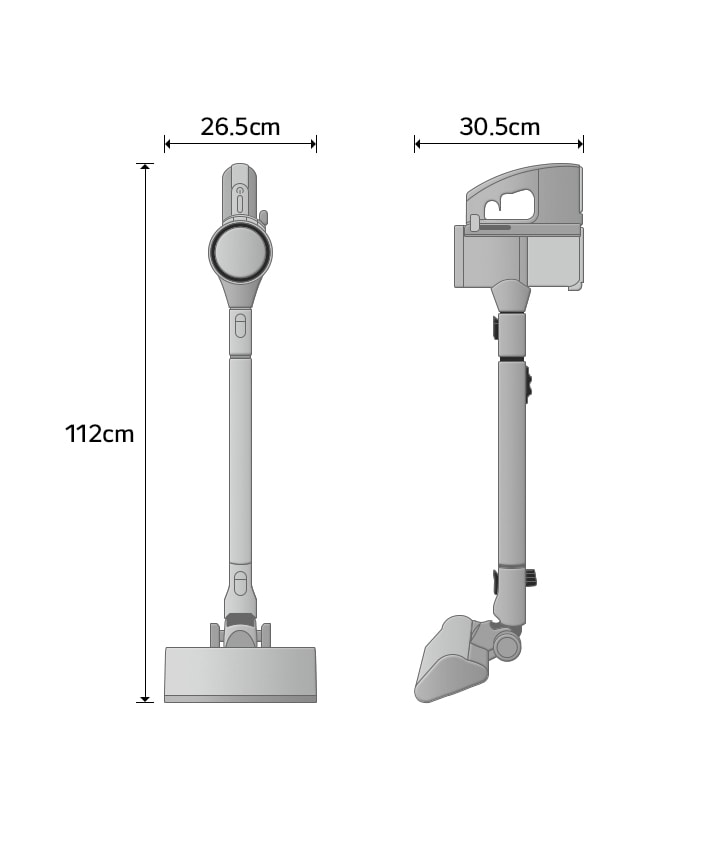
DIMENSIONS

a9l-aqua

Key Specs

  • MATERIAL & FINISH - Body Color (Cleaner)

    Black

  • DIMENSIONS & WEIGHTS (CLEANER) - Product Dimensions (WxHxD mm)

    265 x 1120 x 305

  • FEATURES (CLEANER) - 5-Step Filtration System

    Yes

  • FEATURES (CLEANER) - Cyclone Technology

    Axial Turbo Cyclone

  • FEATURES (CLEANER) - Kompressor Technology

    Yes

  • FEATURES (CLEANER) - Smart Inverter Motor

    Yes

  • FEATURES (CLEANER) - Telescopic Pipe (4 Lengths)

    Yes

  • FEATURES (CLEANER) - Washable Filters

    Yes

  • SMART TECHNOLOGY - ThinQ(Wi-Fi)

    No

All Spec

MATERIAL & FINISH

  • Body Color (Cleaner)

    Black

EAN CODE

  • EAN Code

    8806096531013

BASIC ACCESSORIES

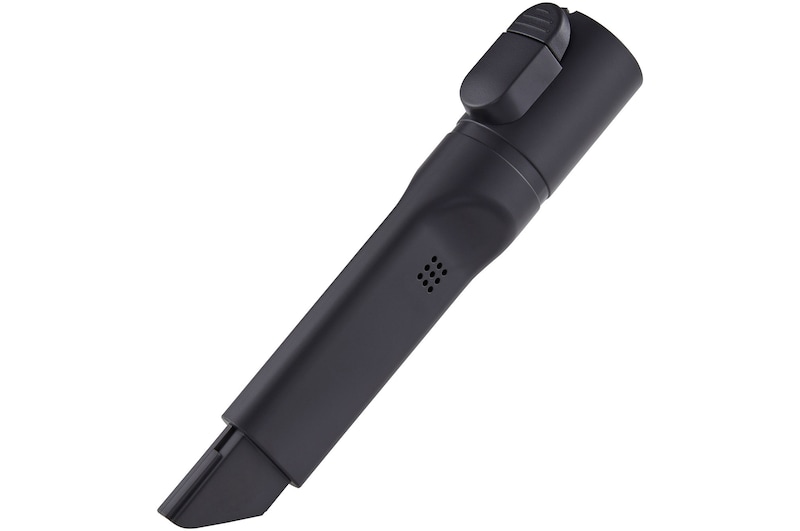
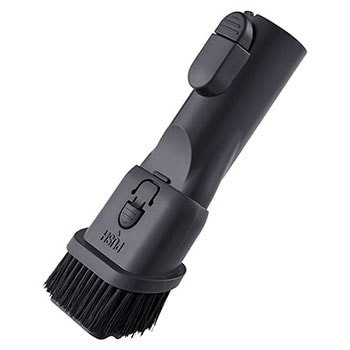
  • Combination Tool

    Yes

  • Cleaning Brush

    No

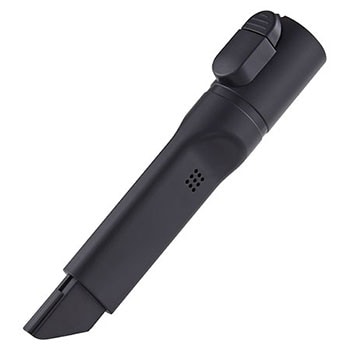
  • Crevice Tool

    Yes

BATTERY

  • Batteries Included (Qty)

    2 (Dual)

  • Battery Type

    Lithium-ion

  • Charging Time per battery (minutes)

    240

  • Max Run Time per battery (minutes) - Normal Mode without Nozzles

    30

  • Max Run Time per battery (minutes) - Normal Mode with Nozzle

    20

  • Max Run Time per battery (minutes) - Power Mode without Nozzles

    0

  • Max Run Time per battery (minutes) - Power Mode with Nozzle

    0

  • Max Run Time per battery (minutes) - Turbo Mode without Nozzles

    7

  • Max Run Time per battery (minutes) - Turbo Mode with Nozzle

    6

  • Min Capacity (mAh)

    2300

  • Rated Capacity (mAh)

    2400

  • Rated Voltage (V) (DC)

    25.9

DIMENSIONS & WEIGHTS (CLEANER)

  • Box Dimensions (WxHxD mm)

    1025 x 285 x 295

  • Product Dimensions (WxHxD mm)

    265 x 1120 x 305

  • Weight (kg)

    2.88

  • Max Product Height (mm)

    1120

  • Weight include packing (kg)

    11.55

FEATURES (CLEANER)

  • Type

    Cordless Hand Stick

  • Thumb Touch Control

    Yes

  • Dual PowerPack

    Yes

  • Smart Inverter Motor

    Yes

  • 5-Step Filtration System

    Yes

  • AEROSCIENCE

    Yes

  • Battery Status Indicator

    Yes

  • Charging and Storage

    3 Ways (Wall-mount/Floor-standing/Compact installation)

  • Clogged Objects Indicator

    Yes

  • Convert to Handheld

    Yes

  • Cyclone Technology

    Axial Turbo Cyclone

  • Filter Cleaning Cycle Alarm Indicator

    Yes

  • Kompressor Technology

    Yes

  • Telescopic Pipe (4 Lengths)

    Yes

  • Washable Filters

    Yes

NOZZLES

  • Universal(Multi-Surface) Nozzle

    No

  • Bedding Nozzle

    No

  • Dual Nozzle with LED Lighting (Carpet + Hard Floors)

    Yes

  • LED Lighting Wide Plus Nozzle

    No

  • Mop Nozzle

    Yes

  • Pet Nozzle

    No

  • Slim Hard Floor Nozzle

    No

  • Smart steam mop

    No

  • Spray Mop Nozzle with LED Lighting

    No

OTHER TOOLS AND ACCESSORIES

  • Hard Dirt Tool

    No

  • Accessory Bag

    No

  • Extra Pre-filter

    No

  • Detachable Nozzle and Mop Pads Storage

    No

  • Extendable Hose Extension

    No

  • Extra Exhaust Filter

    No

  • Flexible Crevice Tool

    No

  • Mattress Tool

    No

  • Mop Pads (Qty)

    4

  • Multi-angle Tool

    No

  • Water Tank Filler (Measuring Cup) for Mop Nozzle

    No

PERFORMANCE (CLEANER)

  • Power Mode

    Eco / Normal / Turbo

  • Dust Bin Capacity (L)

    0.4

  • Dust Bin Capacity (L) (When compressed)

    1.0

  • Max Suction Power (W)

    220

  • Rated Power Consumption (W)

    350

SMART TECHNOLOGY

  • ThinQ(Wi-Fi)

    No

  • Cleaning History

    No

  • Filter Cleaning Cycle Alarm

    Yes

  • Filter Cleaning Guide

    Yes

  • Smart Diagnosis

    No

What people are saying

Find locally

Find a retailer.