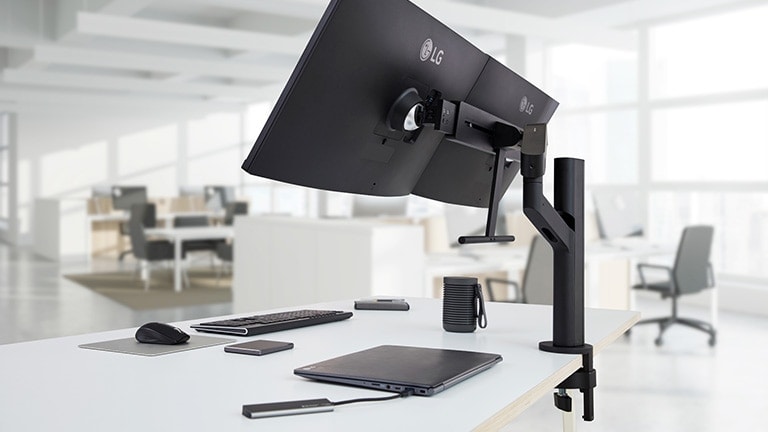
LG QHD Monitor Ergo Dual

LG QHD Monitor Ergo Dual

LG QHD Monitor Ergo Dual designed around you

LG QHD Monitor Ergo Dual designed around you

Designed Around You

Boost your productivity with a flexible, innovative dual-screen monitor for a more efficient workday.

Stunning Image Quality

• Dual 27" QHD (2560 x 1440) IPS Displays
• sRGB 99% (Typ.) & HDR10

Enhanced Ergonomics

• Ergo Dual Stand with C-Clamp & Grommet
• Customizable Dual Display

Convenient Compatibility

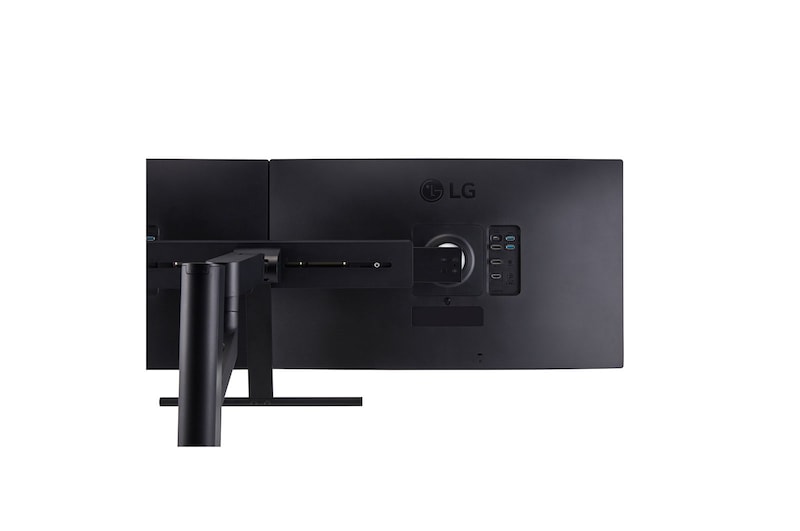
• Daisy Chain (USB Type-C™ DisplayPort)
• USB Type-C™

Ergo Dual Stand

Customizable Dual Display

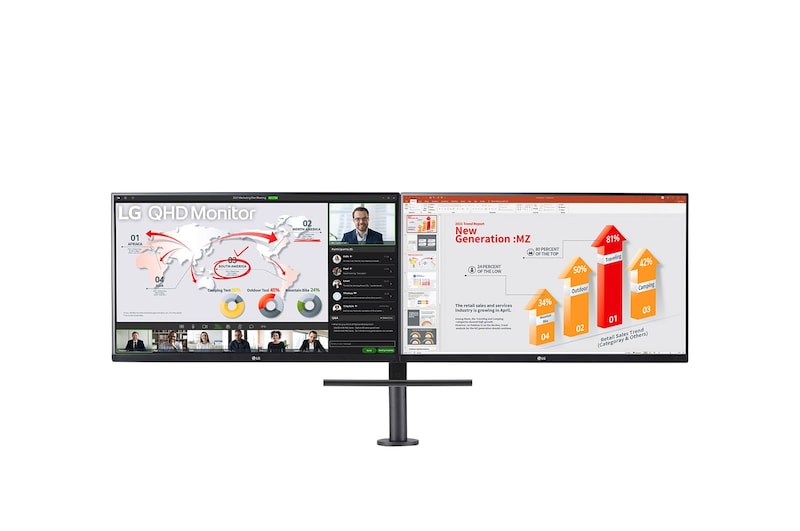
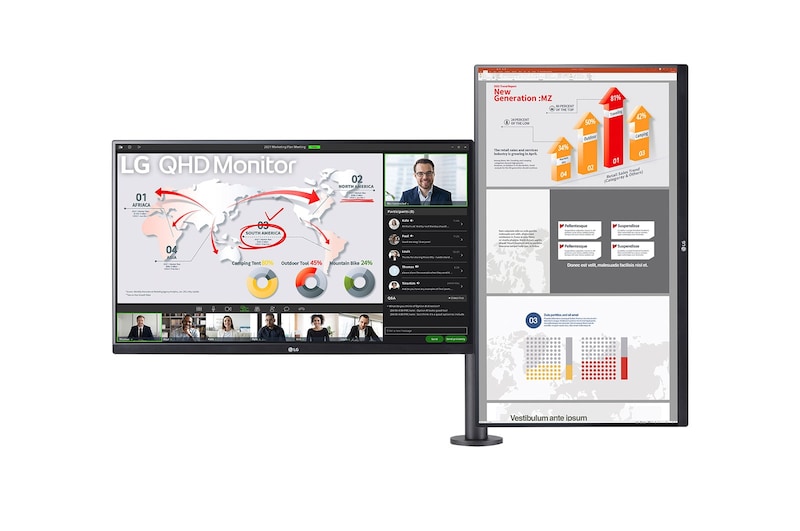
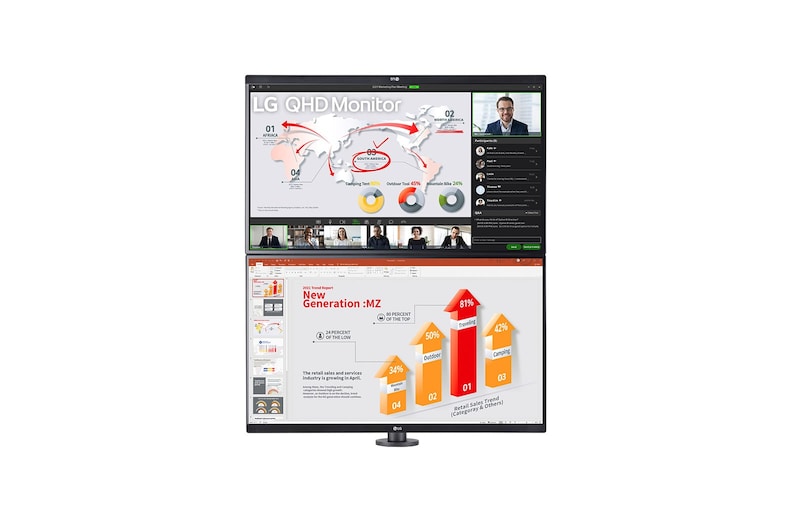
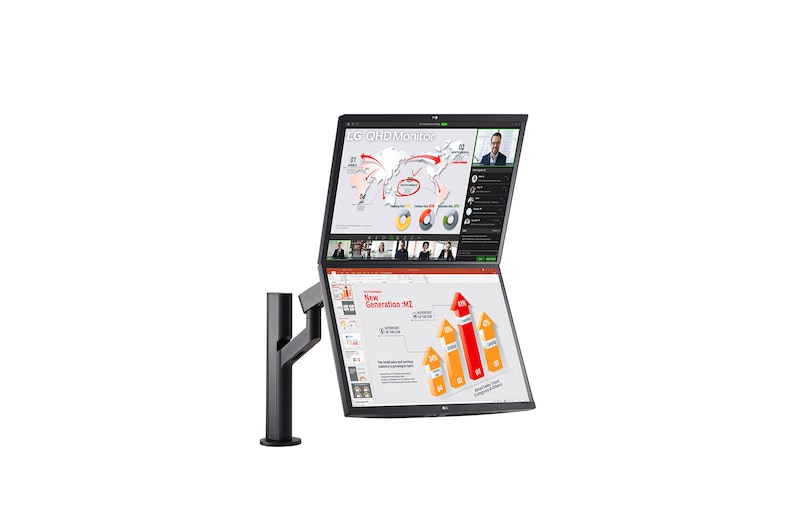
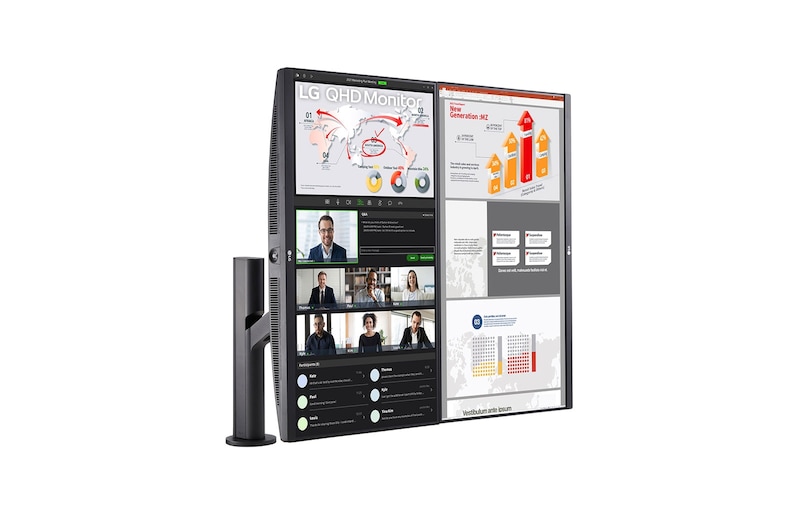
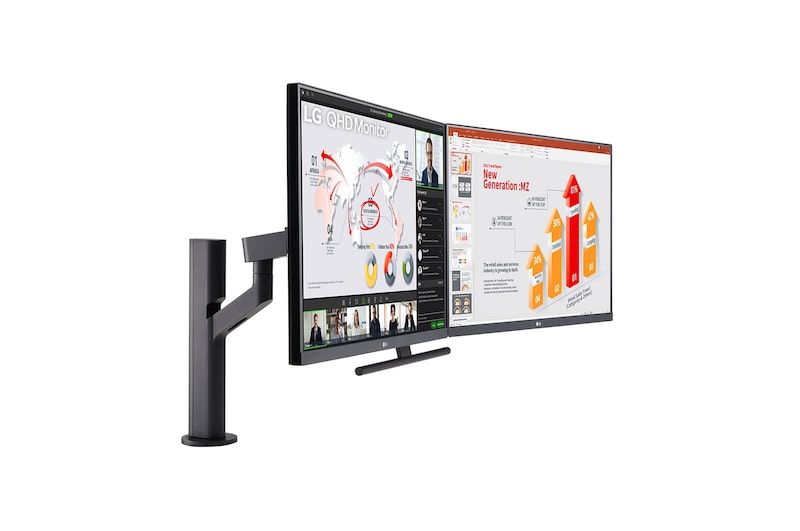
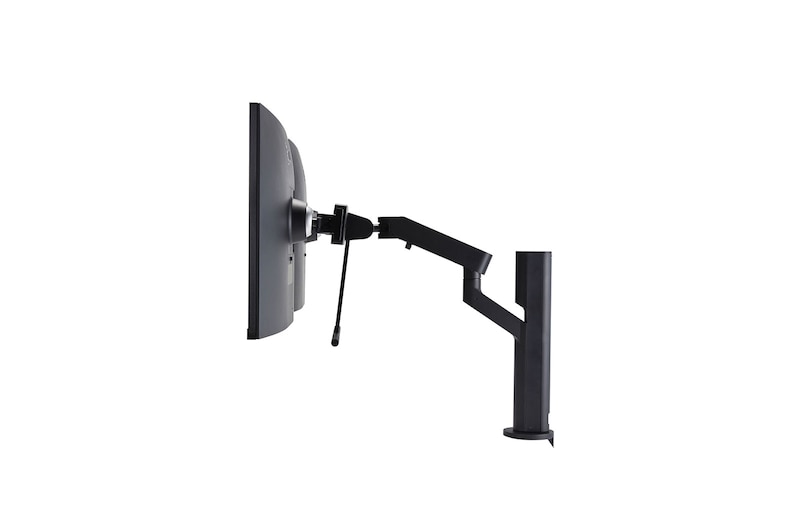
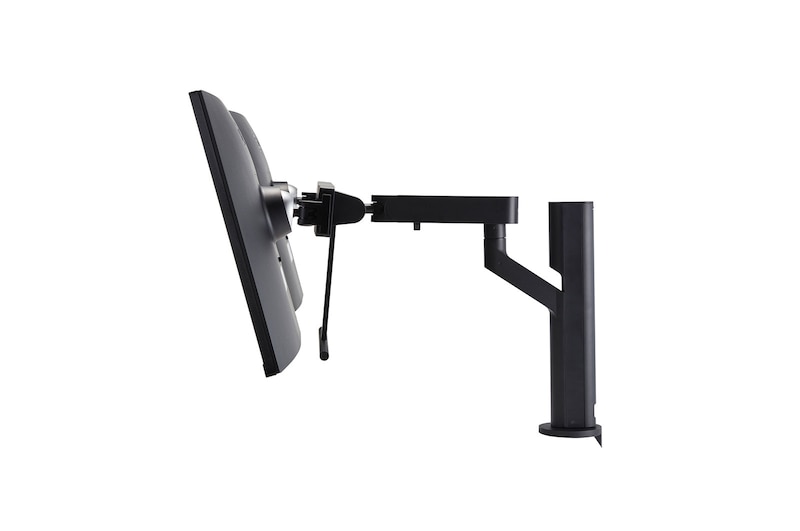
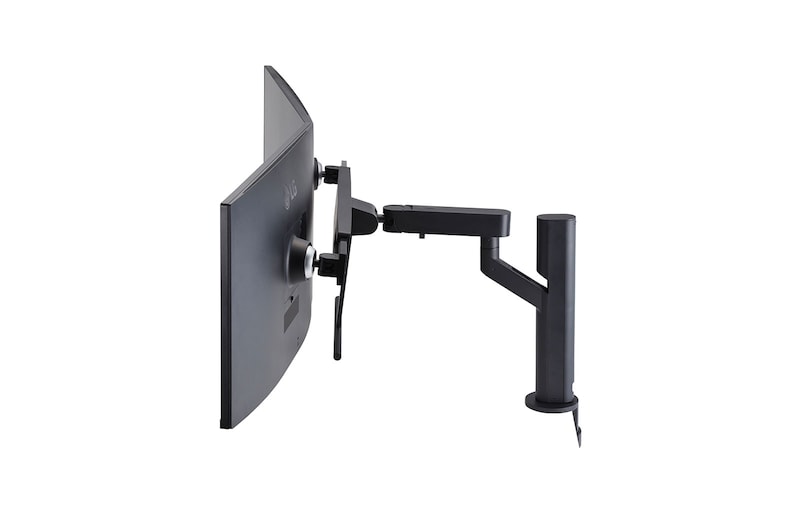
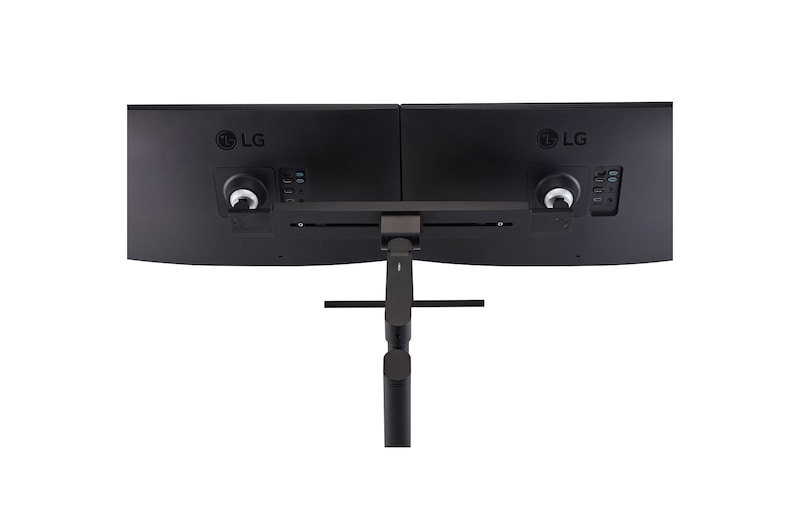
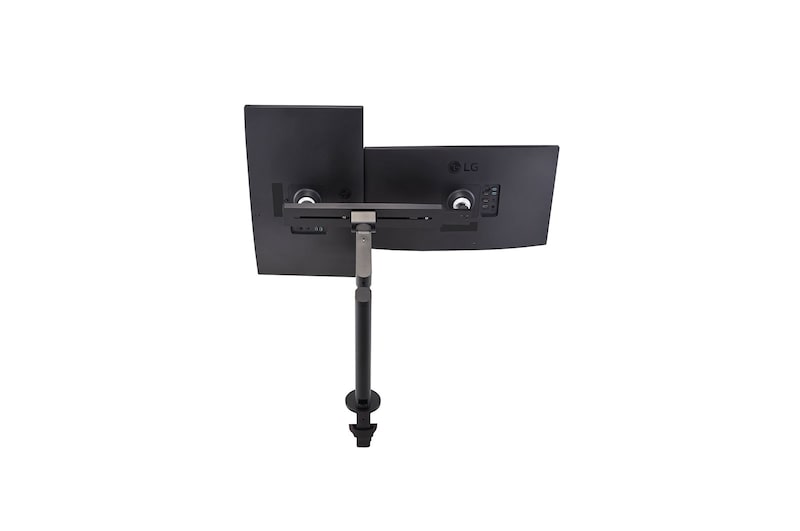
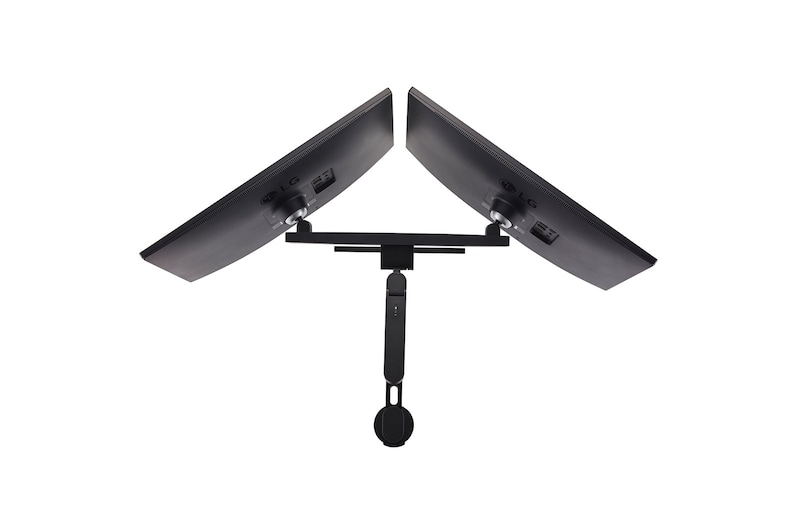
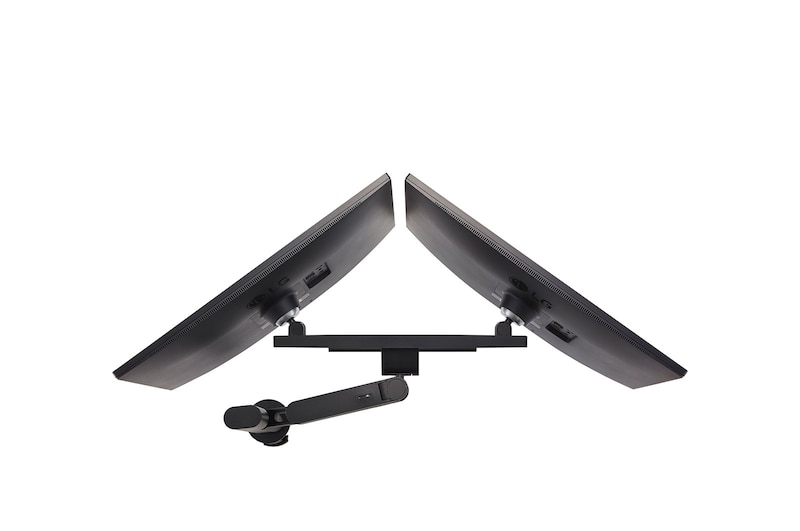
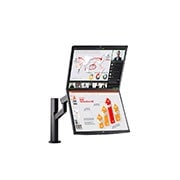
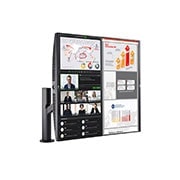
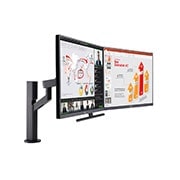
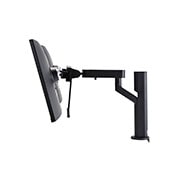
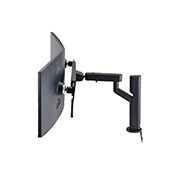
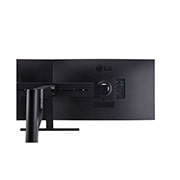
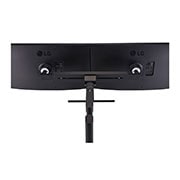
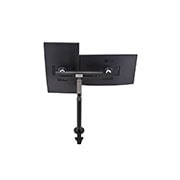
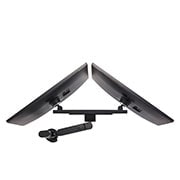
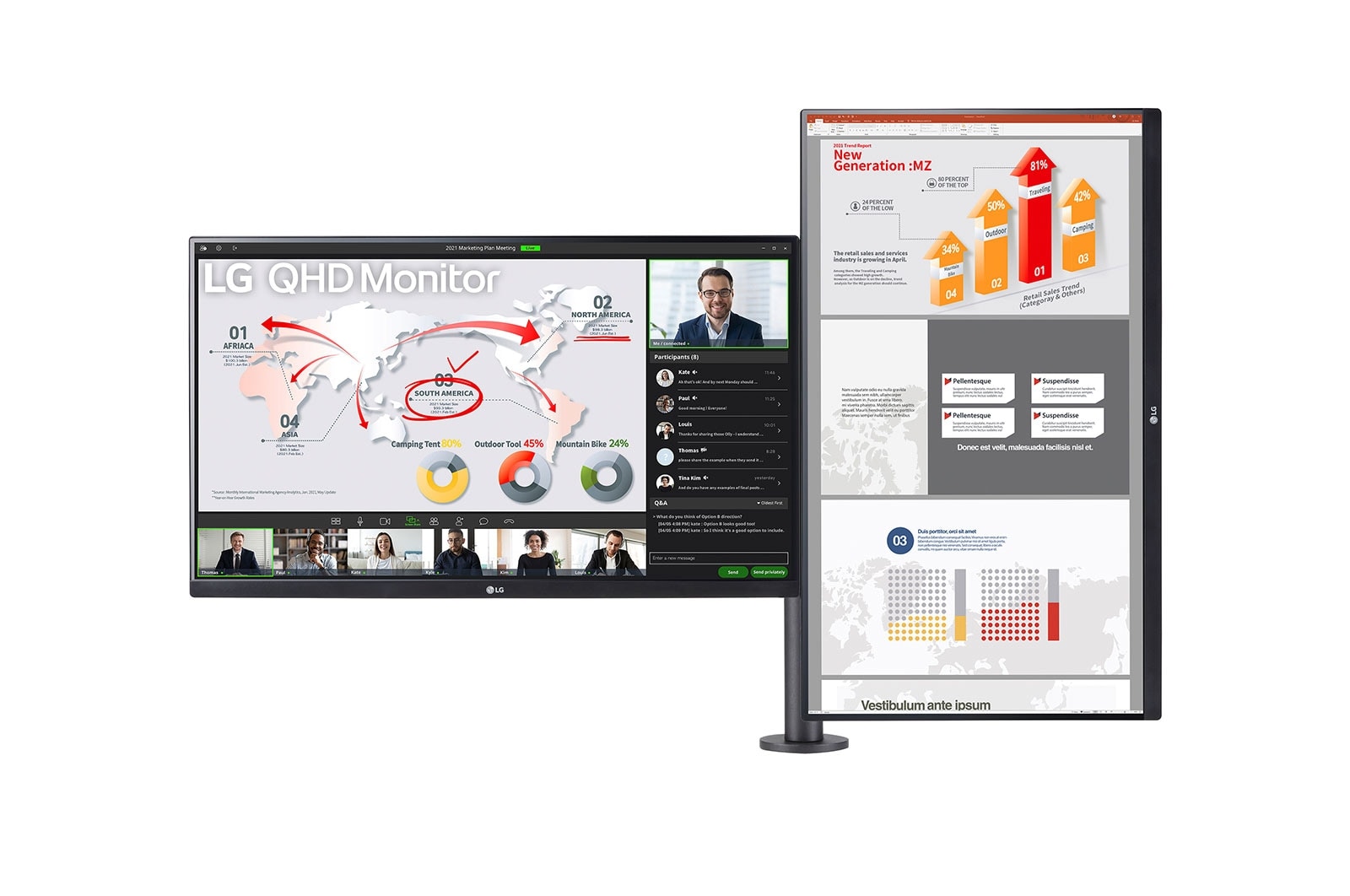
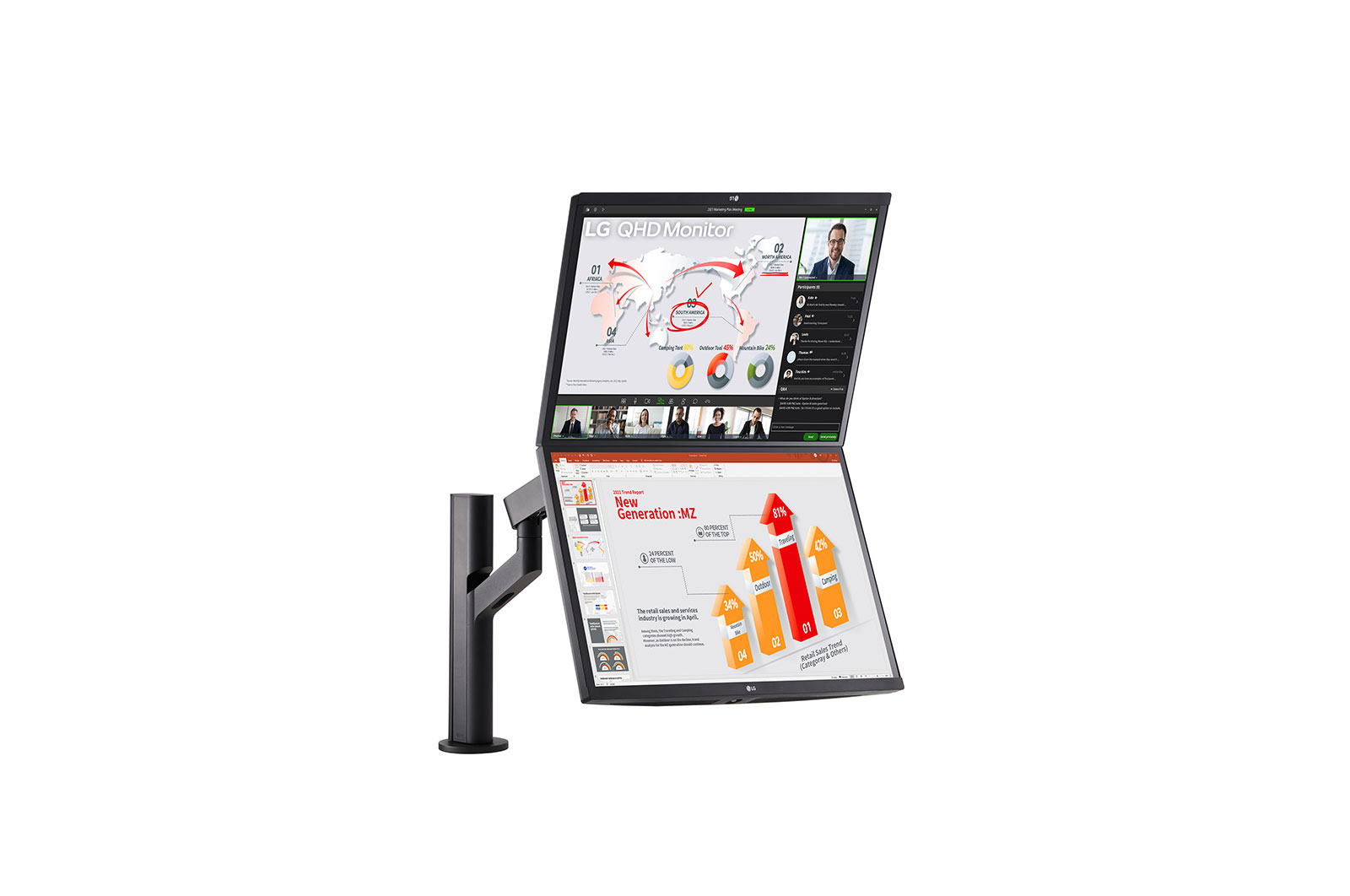
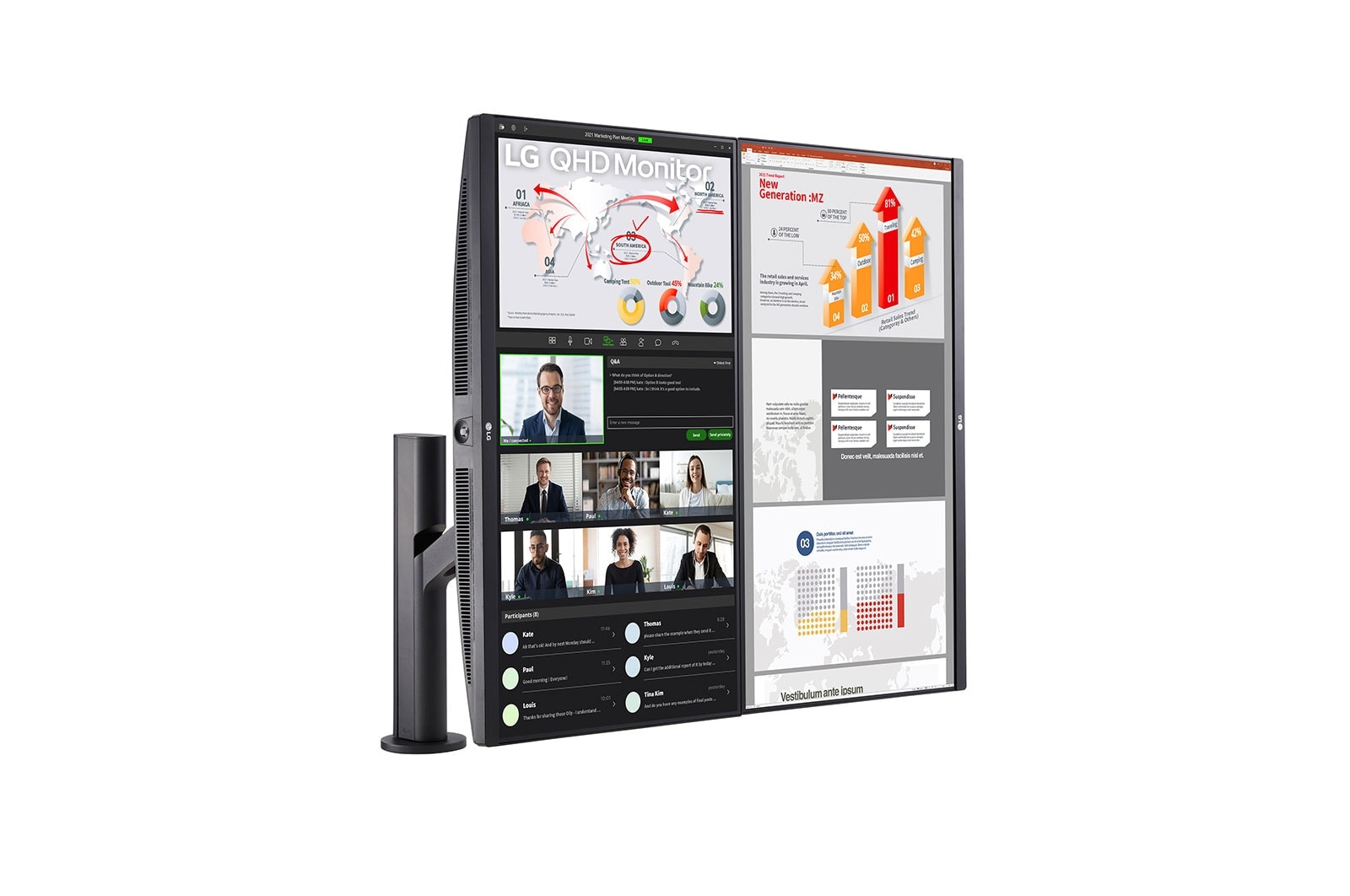
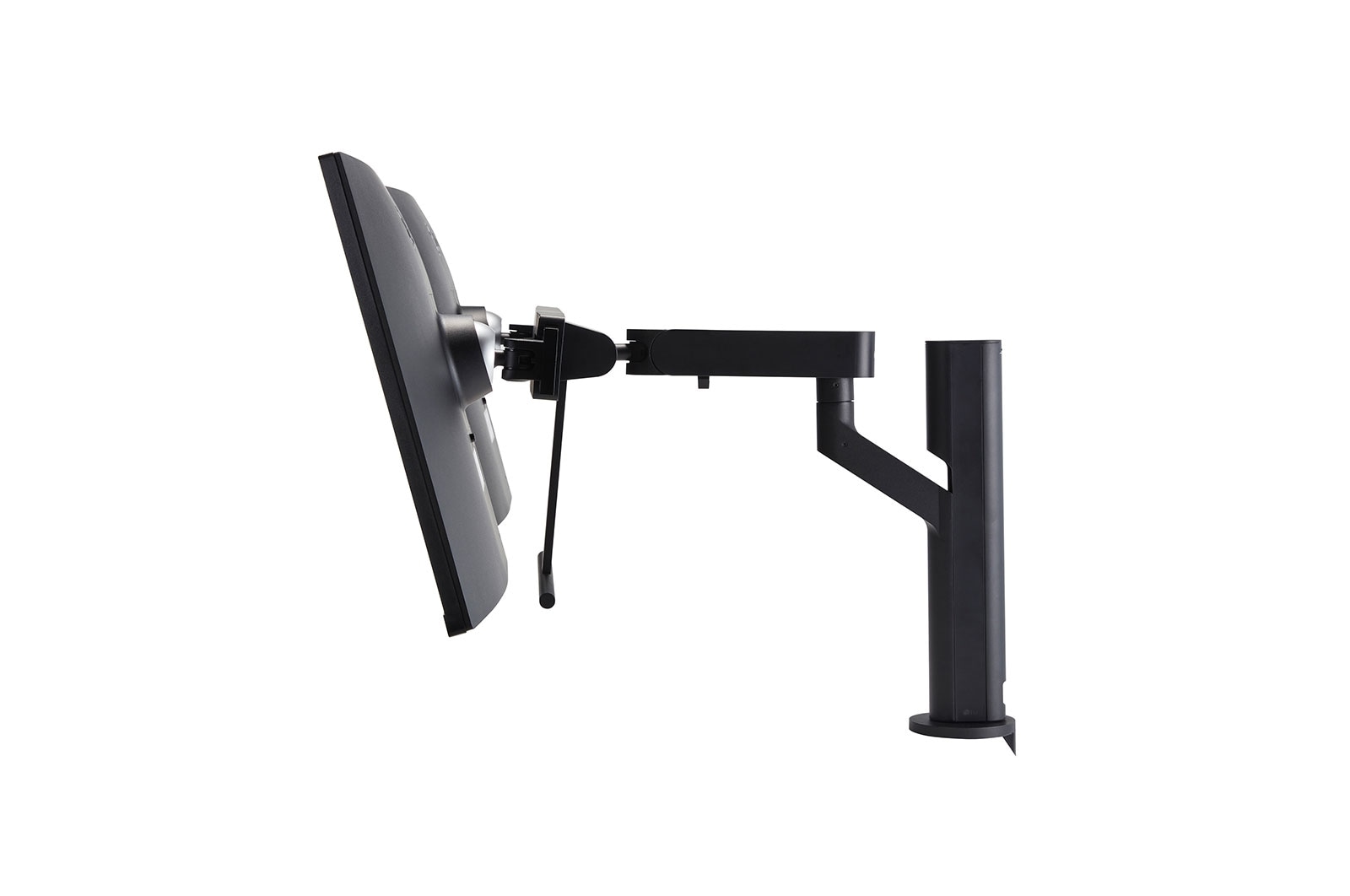
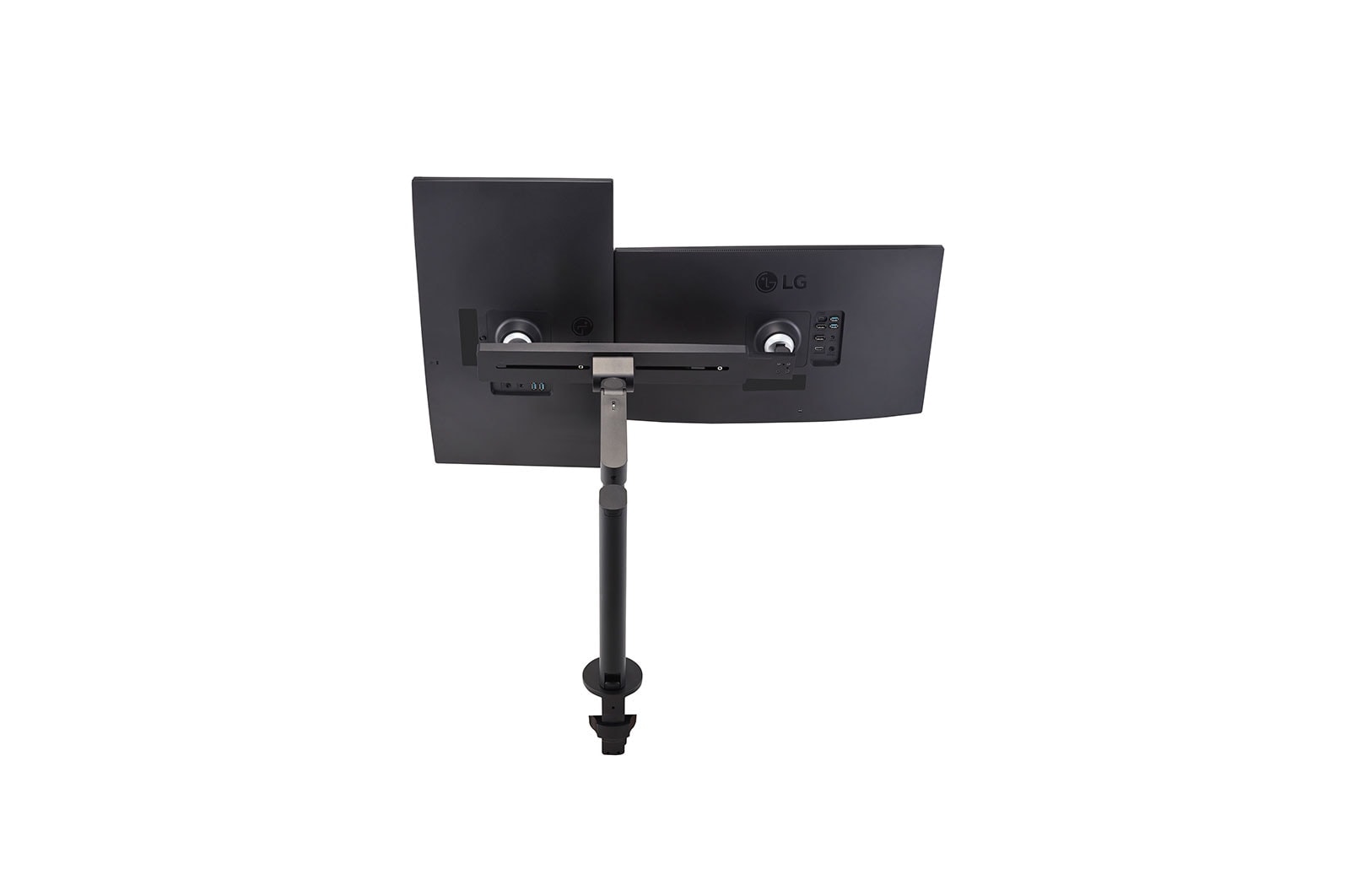
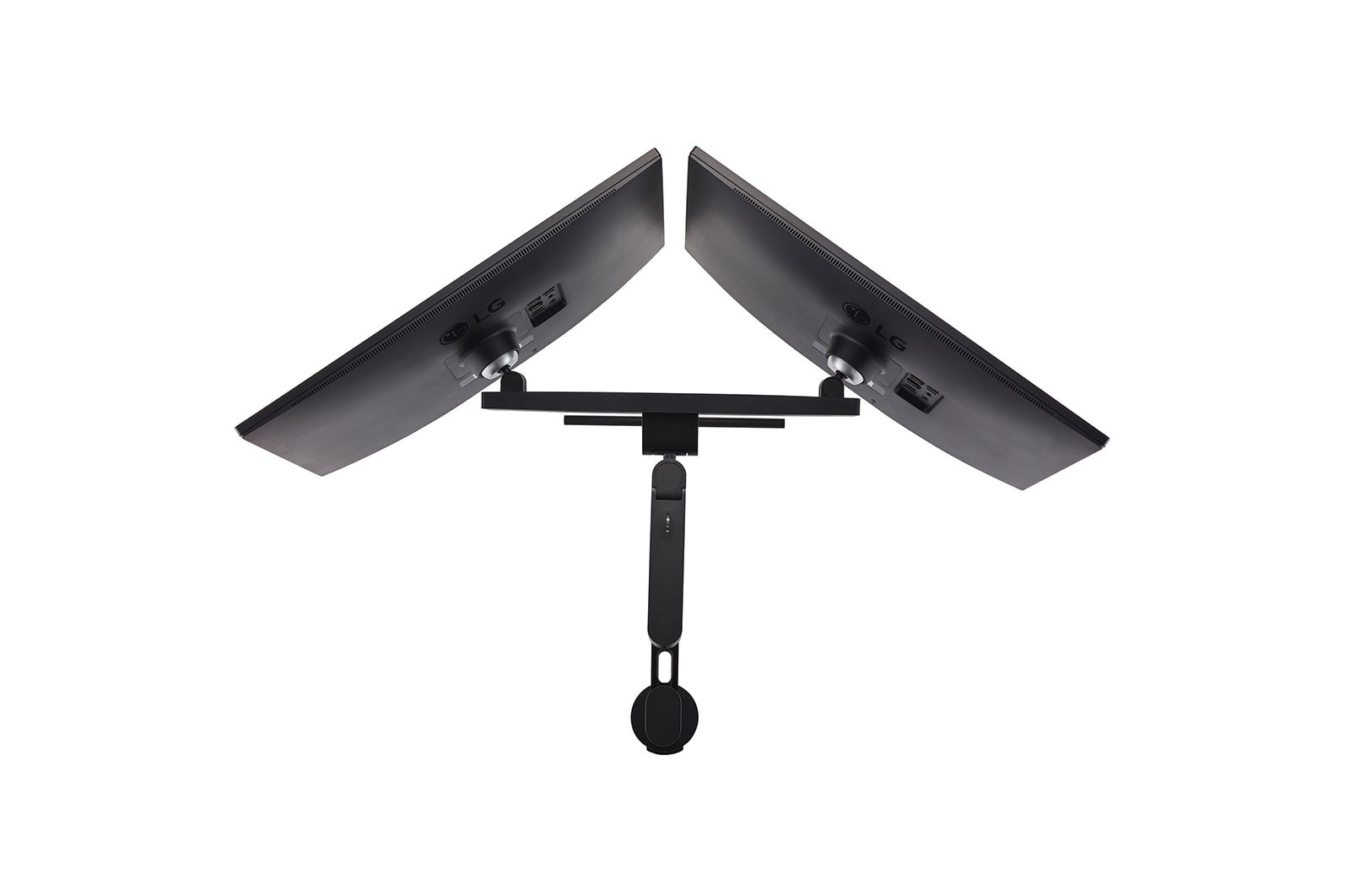
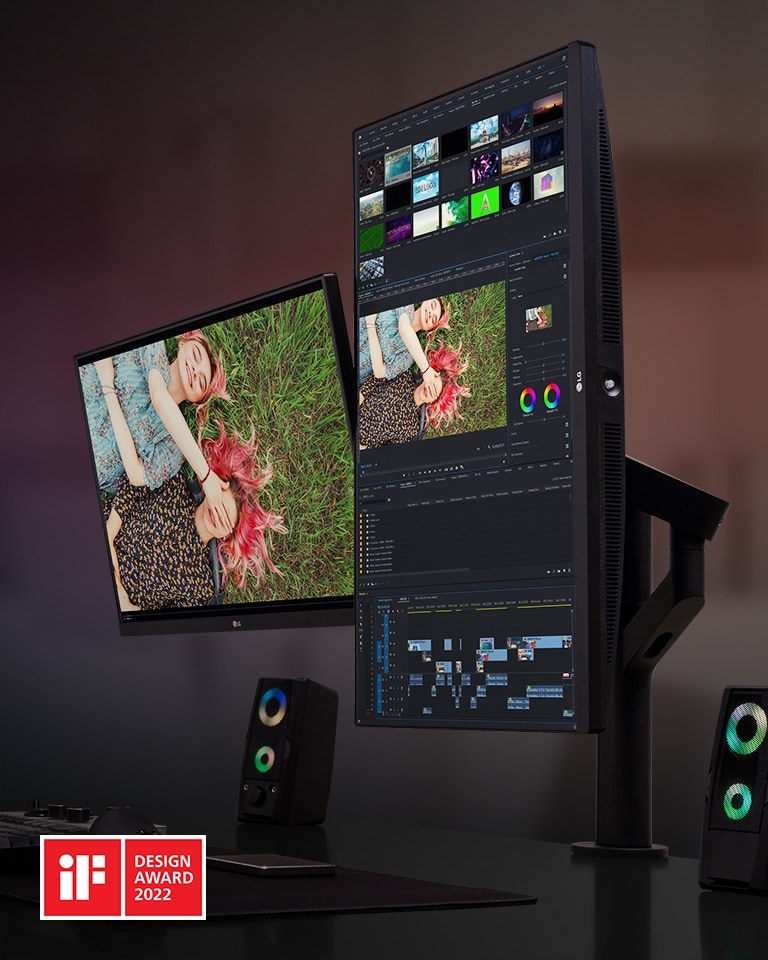
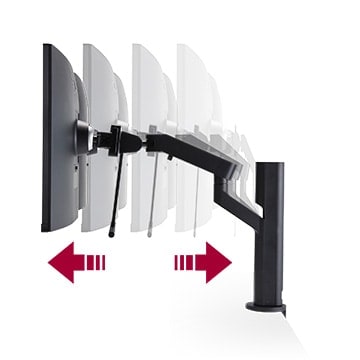
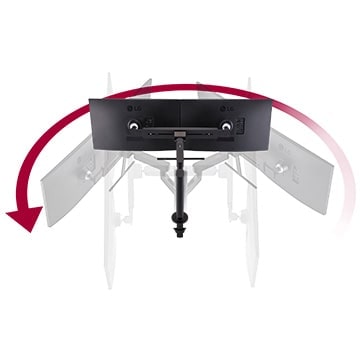
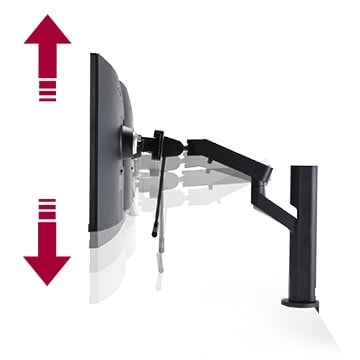
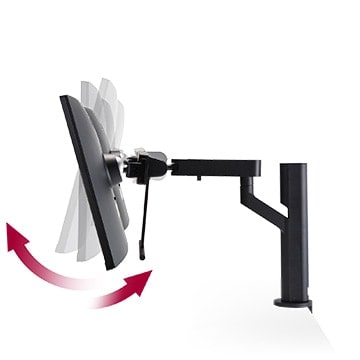
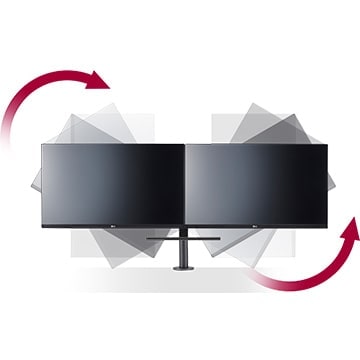
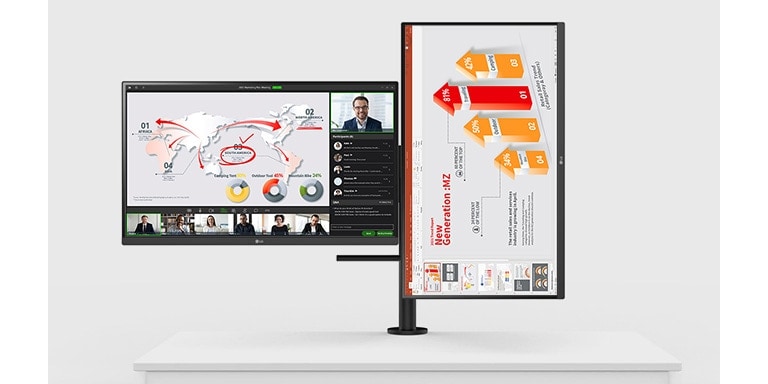
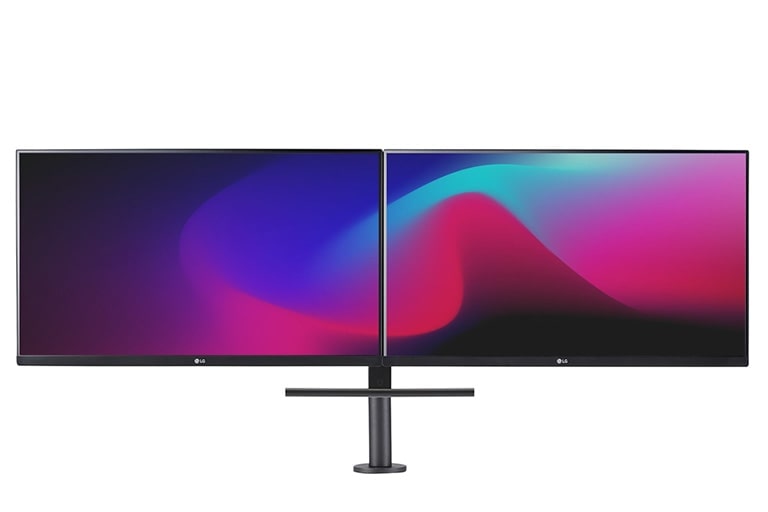
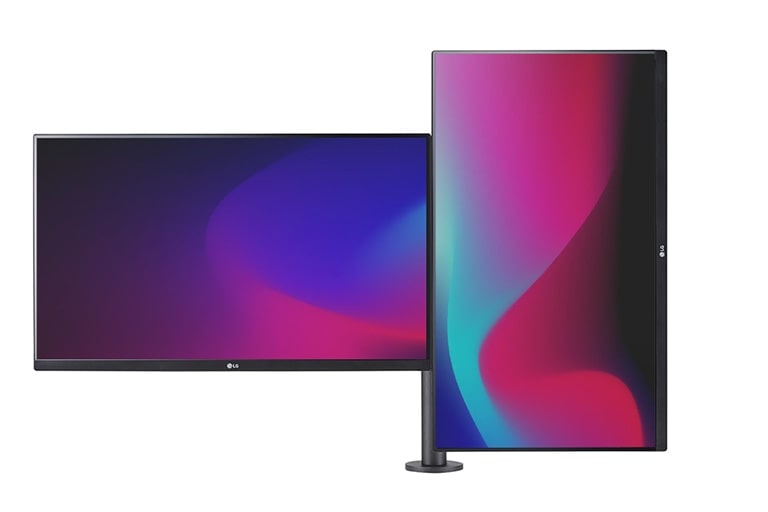
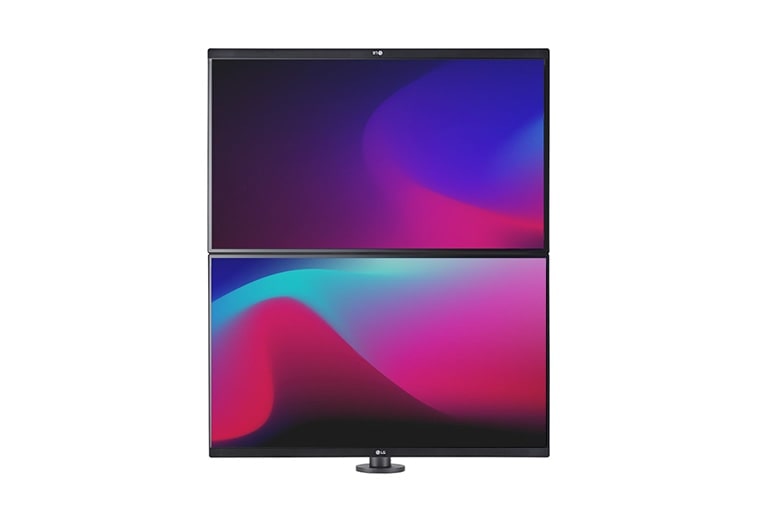
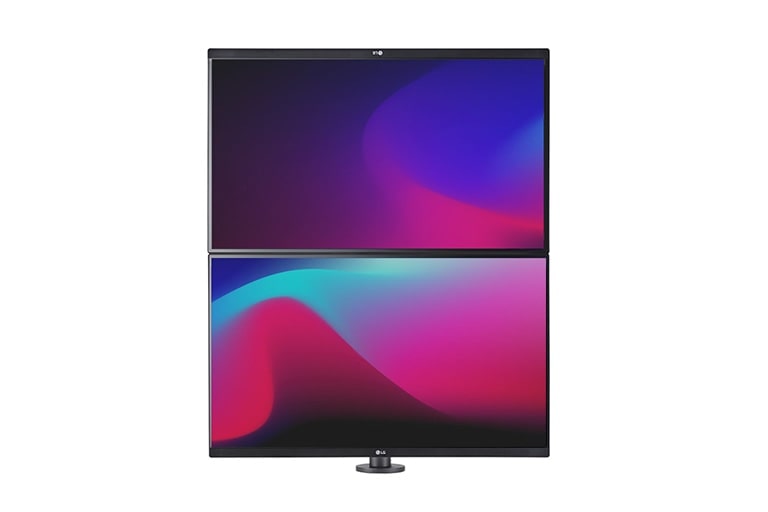
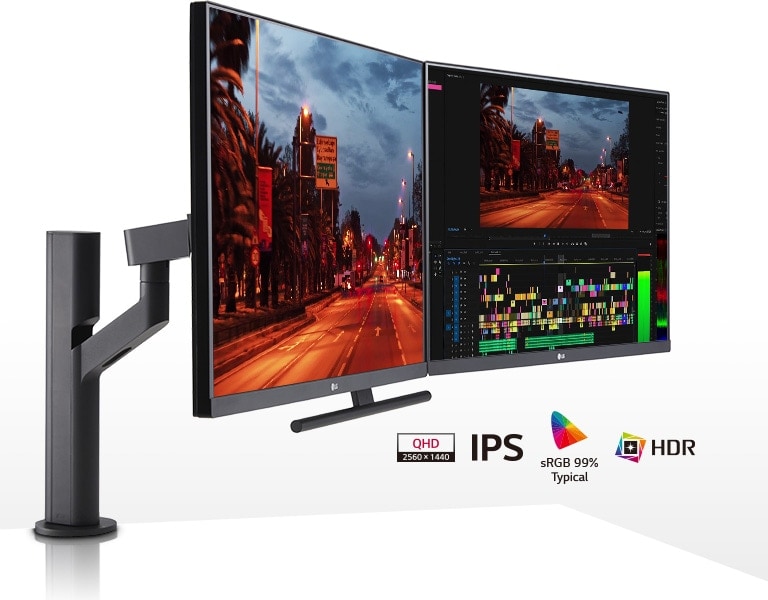
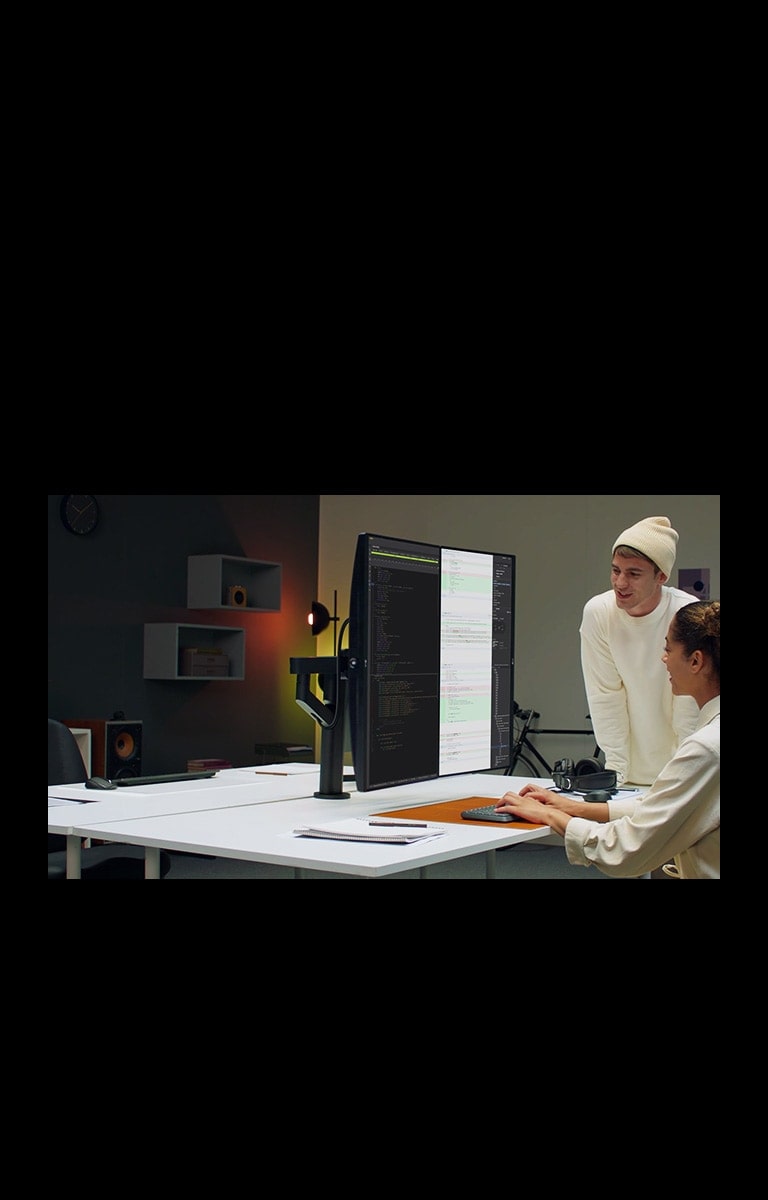
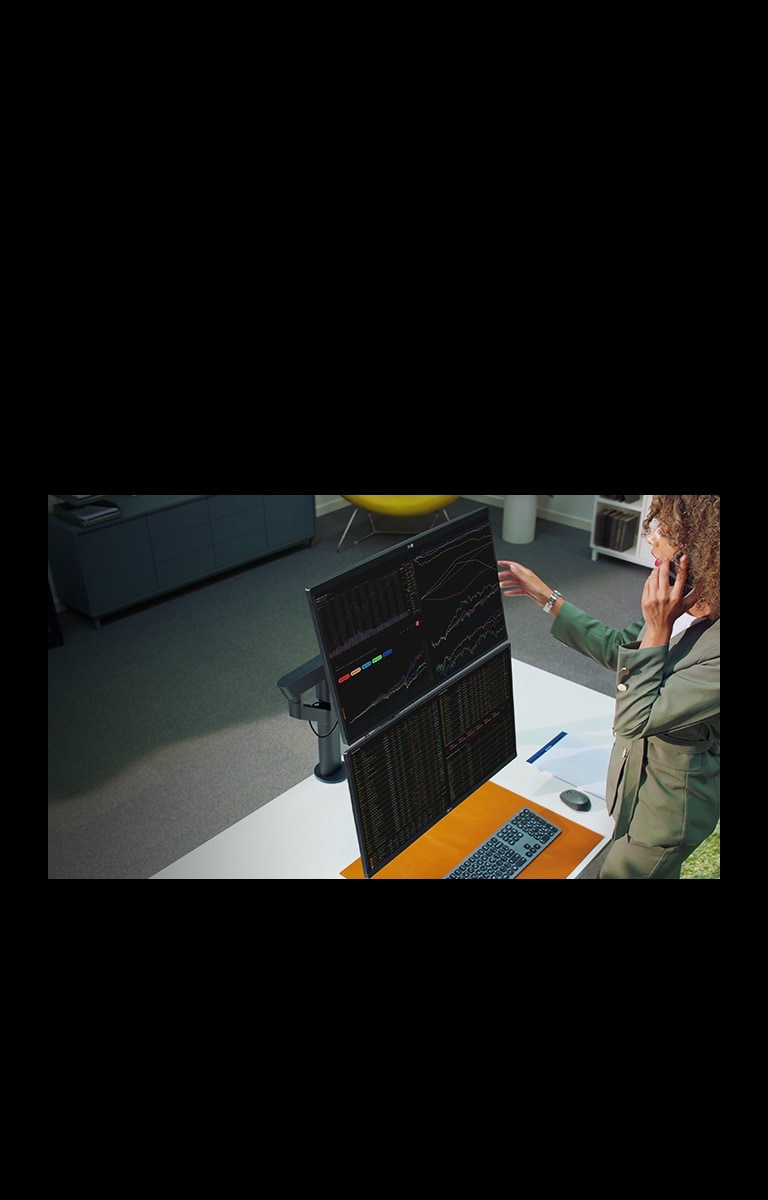
Tap into the enhanced flexibility of the Ergo Dual Stand to optimize your setup. Adjust the dual monitors by moving them forward or backwards, swiveling, rotating, tilting and more. Configure the dual monitor setup any way you want to increase your productivity and immerse yourself in your work.

Two displays setting with one horizontally and one vertically

27" QHD IPS Display: Stunning Image Quality, 27-inch QHD IPS display, sRGB 99% (Typ.), HDR10.
Dual 27-inch QHD IPS Displays

Bring Your Work to Life with Stunning Image Quality

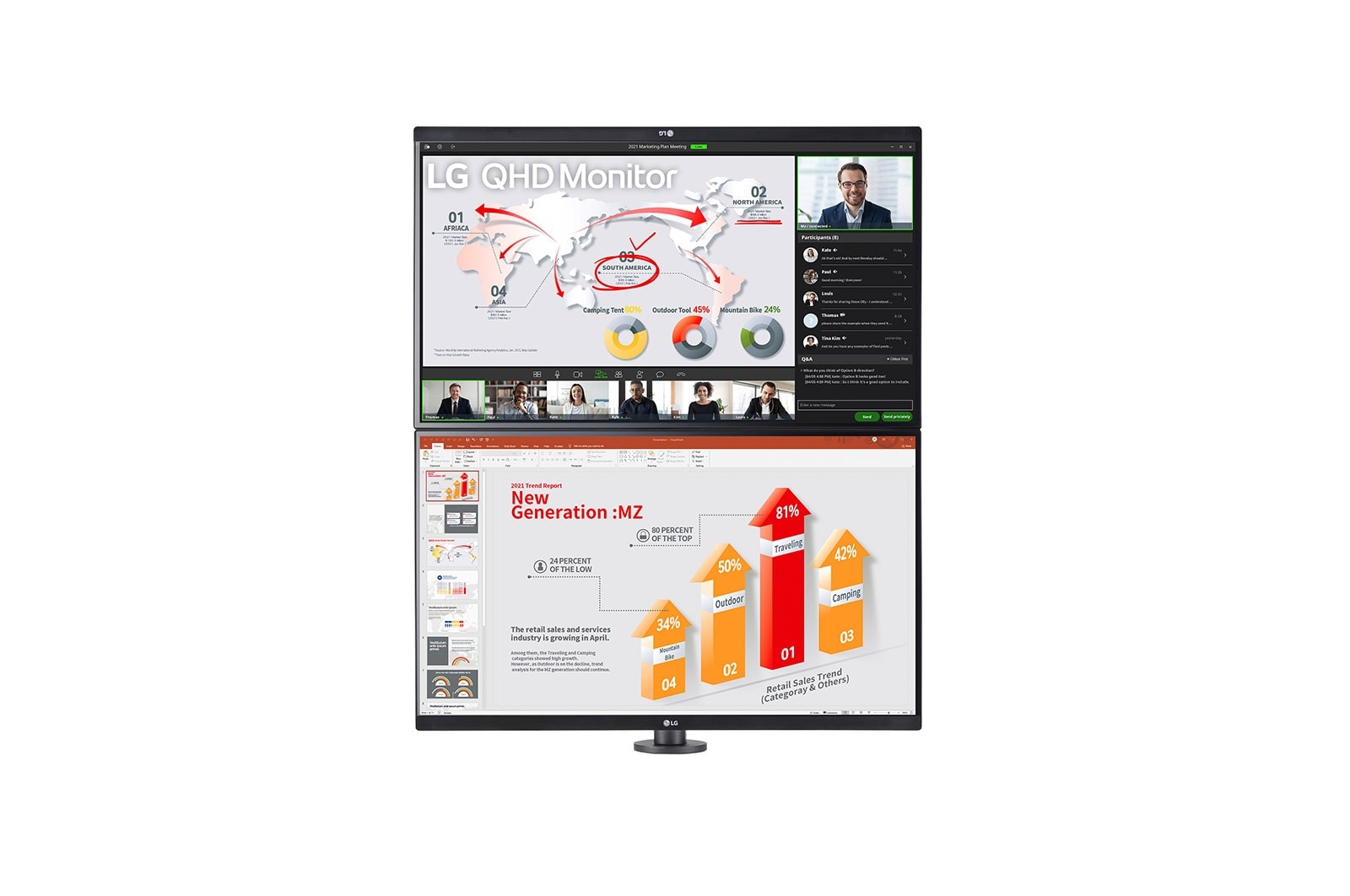
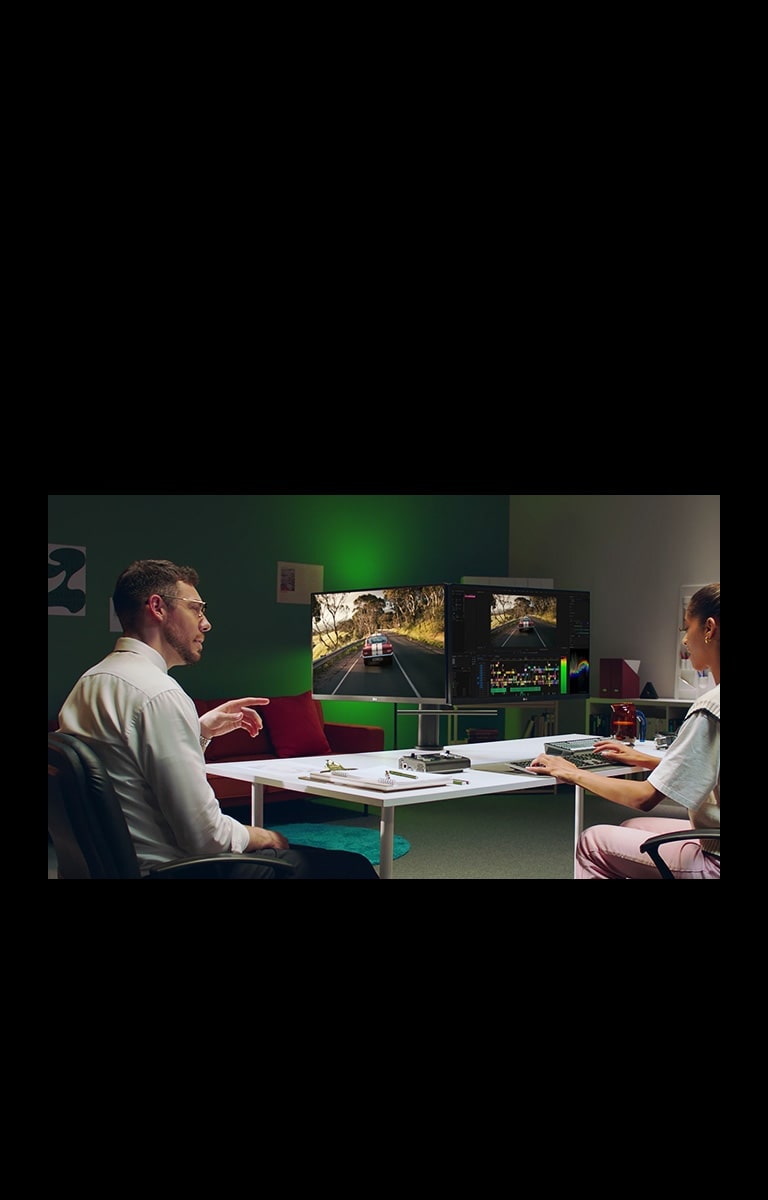
The dual 27-inch QHD (2560x1440) IPS displays deliver detailed images and brilliant color, even at wide angles. And its HDR10 delivers a dramatic, dynamic immersive visual experience.

*Screen images simulated.

Feel Better, Work Better

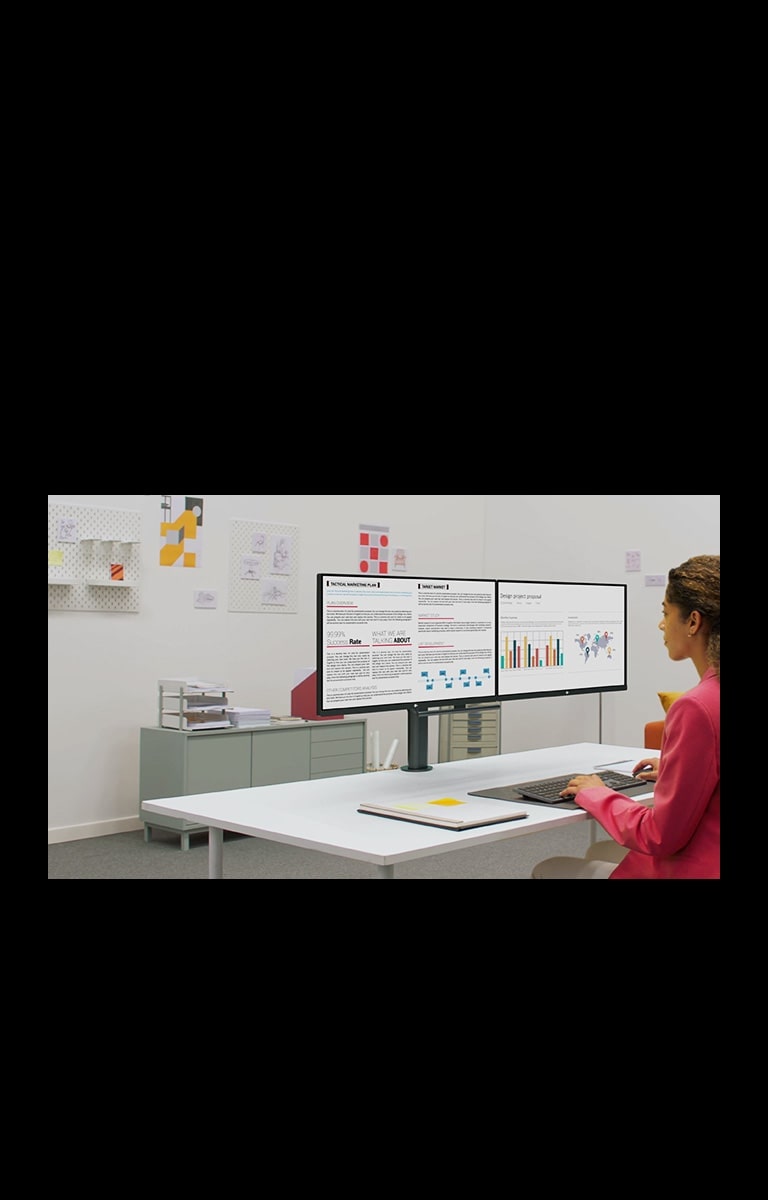
The LG QHD Monitor Ergo Dual helps boost productivity by creating a flexible workstation for better, more comfortable posture.

Feel Better, Work Better1

*Screen images simulated.

USB-Type C™ with DP Daisy Chain

Compatible with a Daisy Chain Setup

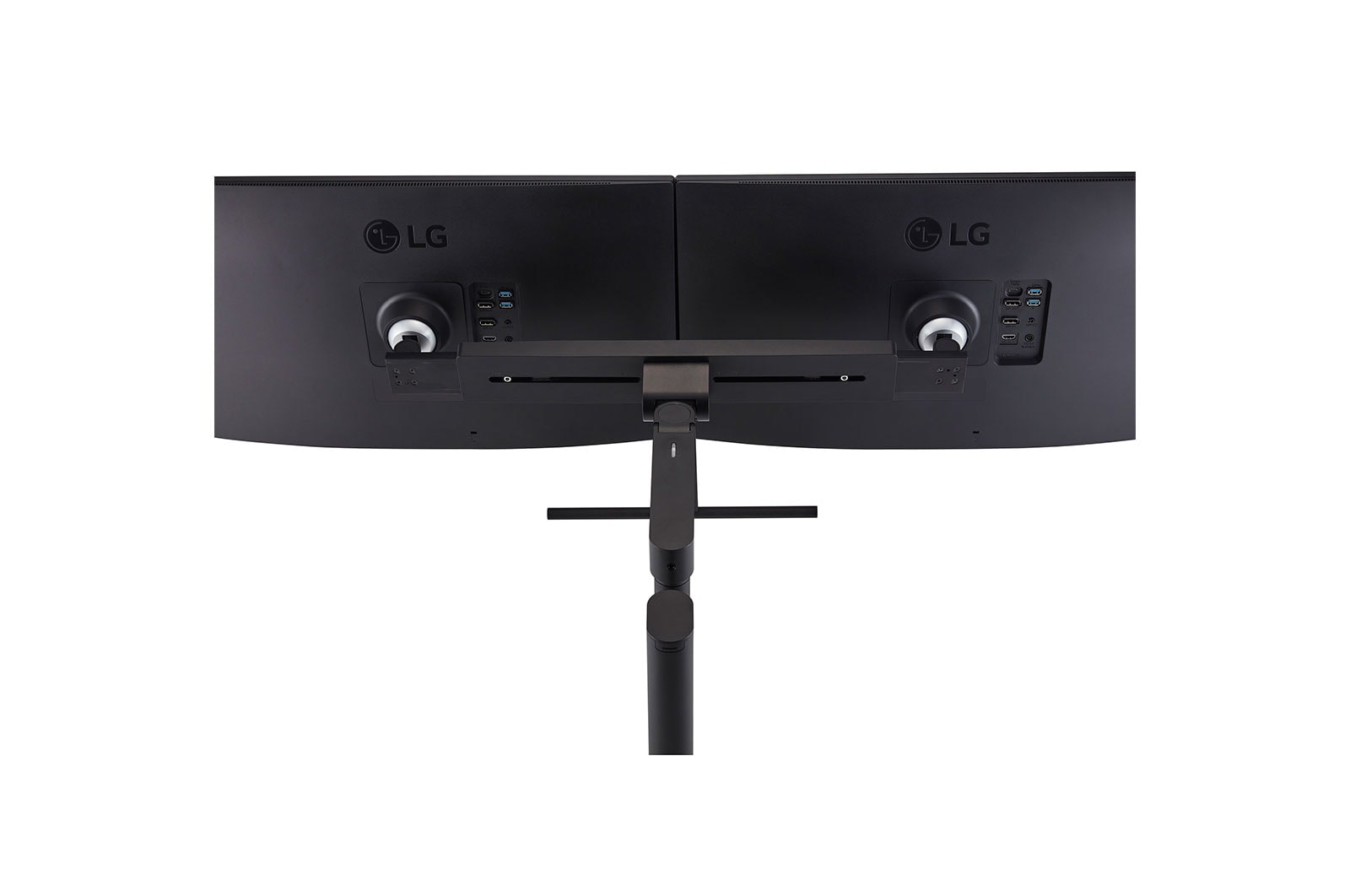
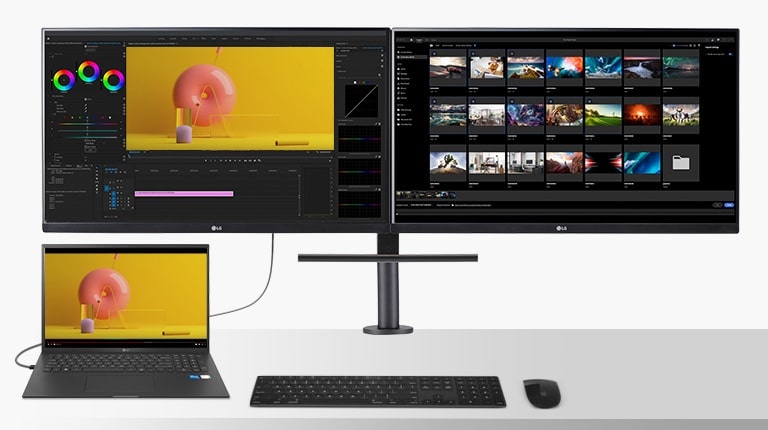
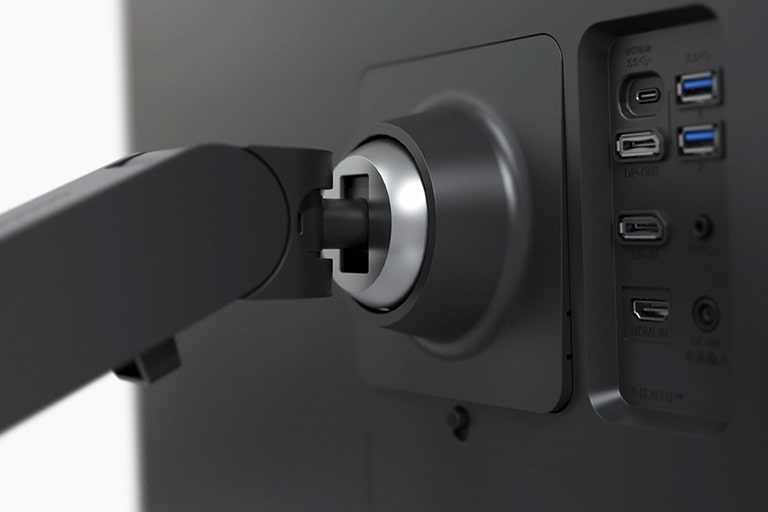
With USB Type-C™ and DisplayPort, the LG QHD Monitor Ergo Dual supports a Daisy Chain setup, so you can establish a productive workstation**. Simply connect dual monitors and a laptop using a DP cable and a USB Type-C™ cable. Plus, with USB-C™, you can use and charge the connected laptop while transferring display and data simultaneously.

Ergo Dual monitor allows you to connect dual monitors and laptops to create a productive workstation.

*Screen images simulated.
**This feature is not compatible with Mac devices that have the Apple M1 chip.

Ergo Makes It Easy to Create an Organized Workspace

Easy Installation

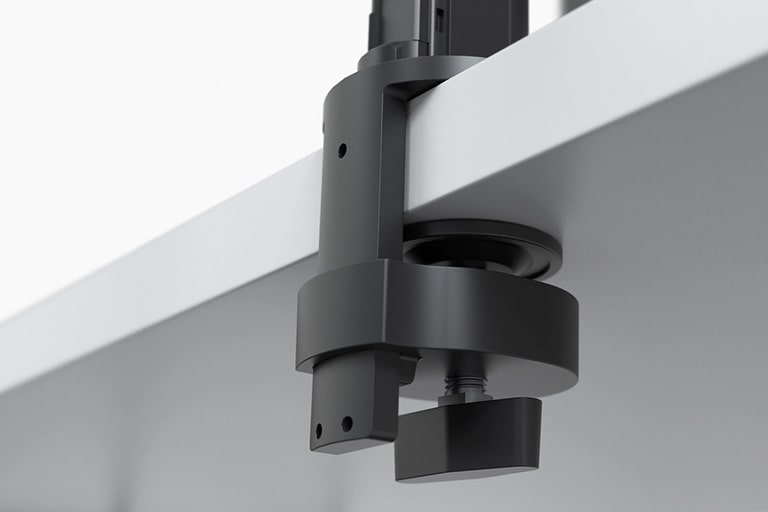
The C-Clamp & Grommet makes installation easy*—no need to change or adjust your desk. With One Click Mount you can install the stand instantly, without tools.

*To install the Ergo stand on the table, the desktop should be less than 75mm (2.9 inches) thick for C-Clamp or have the table hole more than 45mm (1.7 inches) in size for Grommet.
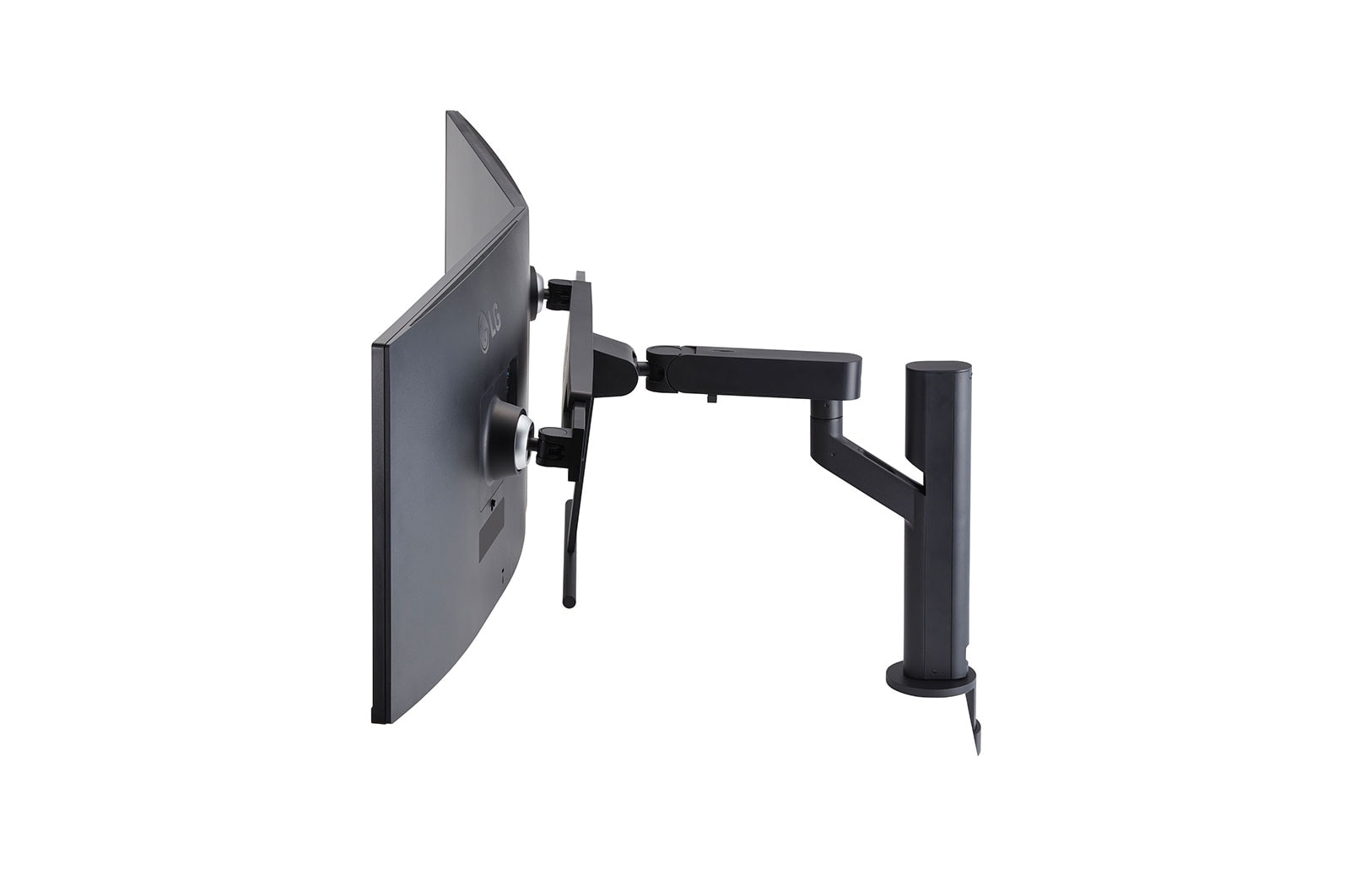
Optimize Your Desk Space with the Ergo Stand

The Ergo Stand expands your display while taking up less space than a traditional dual monitor setup. So your workspace gets an upgrade without getting too crowded.
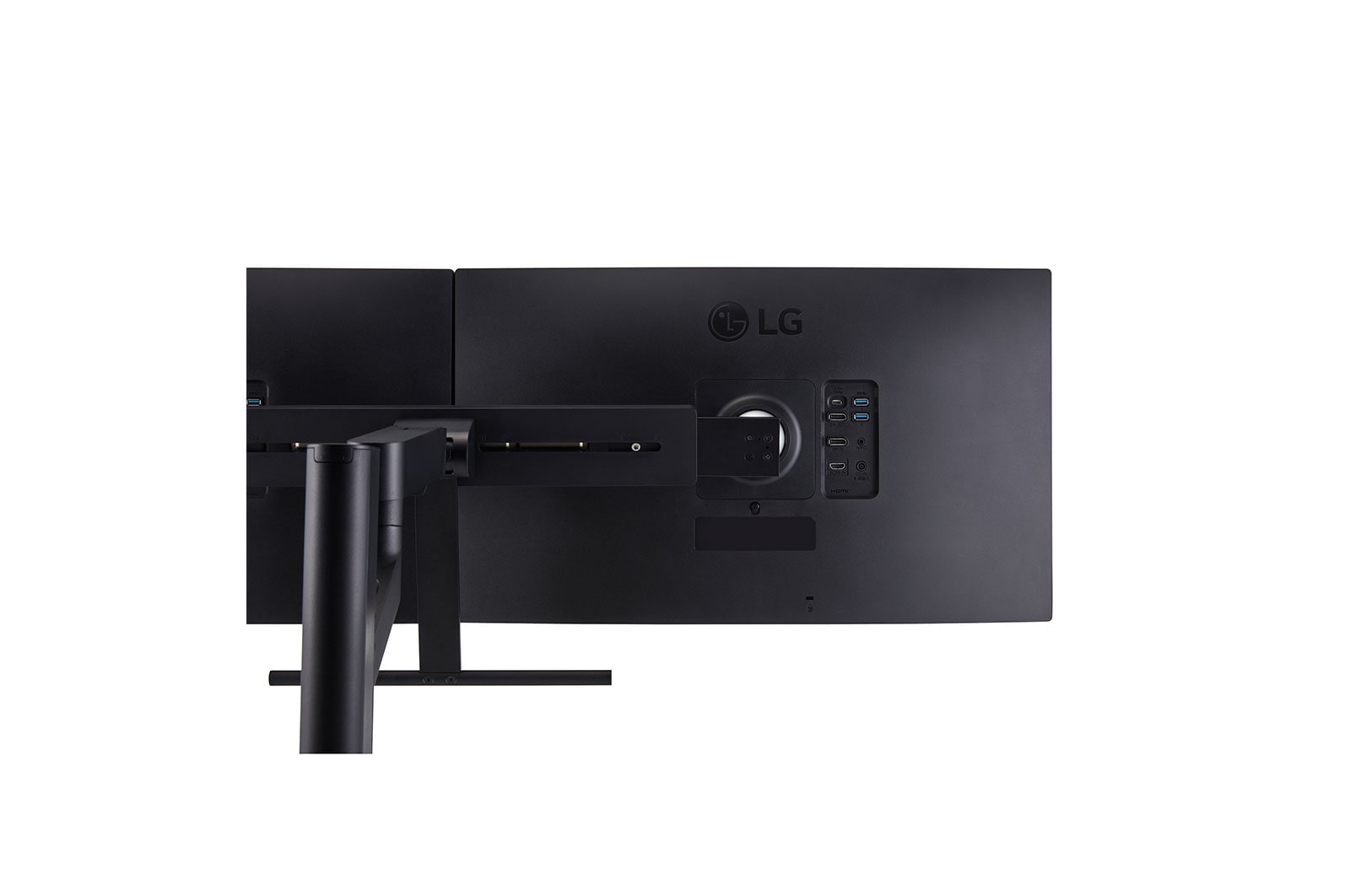
Key Specs

  • Display - Size [Inch]

    27

  • Display - Resolution

    2560 x 1440

  • Display - Panel Type

    IPS

  • Display - Aspect Ratio

    16:9

  • Display - Color Gamut (Typ.)

    sRGB 99% (CIE1931)

  • Display - Brightness (Typ.) [cd/m²]

    350

  • Display - Refresh Rate (Max.) [Hz]

    75

  • Display - Response Time

    5ms (GtG at Faster)

  • Mechanical - Display Position Adjustments

    Tilt/Height/Swivel/Pivot/Extend/Retract

All Spec

CONNECTIVITY

  • USB-C

    YES(1ea)

  • Headphone out

    3-pole (Sound Only)

  • USB-C (Data Transsmission)

    YES

POWER

  • Type

    External Power(Adapter)

FEATURES

  • Color Calibrated in Factory

    YES

  • Color Weakness

    YES

  • Dynamic Action Sync

    YES

  • Flicker Safe

    YES

  • HDR 10

    YES

  • HDR Effect

    YES

  • Smart Energy Saving

    YES

  • Reader Mode

    YES

  • Super Resolution+

    YES

INFO

  • Product name

    PC Monitor

  • Year

    2021

MECHANICAL

  • Display Position Adjustments

    Tilt/Height/Swivel/Pivot/Extend/Retract

  • Wall Mountable [mm]

    100 x 100

POWER

  • AC Input

    100-240V (50/60Hz)

  • Power Consumption (Max.)

    140W

  • Power Consumption (DC Off)

    Less than 0.3W

  • Power Consumption (Sleep Mode)

    0.5W

  • Power Consumption (Typ.)

    38W

STANDARD

  • RoHS

    YES

SW APPLICATION

  • Dual Controller

    YES

  • OnScreen Control (LG Screen Manager)

    YES

CONNECTIVITY

  • HDMI

    YES(1ea)

  • Daisy Chain

    YES(QHD/60Hz)

  • DisplayPort

    YES(In 1ea / Out 1ea)

  • DP Version

    1.4

  • USB-C (Max. Resolution at Hz)

    2560 x 1440 @ 75Hz

  • USB-C (Power Delivery)

    65W

  • USB Downstream Port

    YES(2ea/ver3.0)

DIMENSIONS/WEIGHTS

  • Dimension in Shiping (W x H x D) [mm]

    732 x 568 x 374

ACCESSORY

  • Display Port

    YES (2ea)

  • HDMI

    YES (2ea)

  • Others (Accessory)

    DC Extension cable (2ea) Black / 1.4m w/ Holder

  • USB-C

    YES

DIMENSIONS/WEIGHTS

  • Weight in Shipping [kg]

    23.5

  • Dimension with Stand (W x H x D) [mm]

    1227.1 x 613.0 x 590.0

  • Dimension without Stand (W x H x D) [mm]

    613.5 x 363.5 x 45.4

DISPLAY

  • Aspect Ratio

    16:9

DIMENSIONS/WEIGHTS

  • Weight without Stand [kg]

    9.5

  • Weight with Stand [kg]

    17

DISPLAY

  • Brightness (Min.) [cd/m²]

    280

  • Brightness (Typ.) [cd/m²]

    350

  • Color Depth (Number of Colors)

    16.7M

  • Color Gamut (Min.)

    sRGB 98% (CIE1931)

  • Color Gamut (Typ.)

    sRGB 99% (CIE1931)

  • Contrast Ratio (Min.)

    700:1

  • Contrast Ratio (Typ.)

    1000:1

  • Panel Type

    IPS

  • Pixel Pitch [mm]

    0.2331 x 0.2331

  • Refresh Rate (Max.) [Hz]

    75

  • Resolution

    2560 x 1440

  • Response Time

    5ms (GtG at Faster)

  • Size [cm]

    68.466

  • Size [Inch]

    27

  • Viewing Angle (CR≥10)

    178º(R/L), 178º(U/D)

FEATURES

  • AMD FreeSync™

    FreeSync

  • Auto Input Switch

    YES

  • Black Stabilizer

    YES

To access more technical documentation and resources, please visit the LG B2B partner portal.

picture
Pay over 3 paydays – interest free
How it works
Payflex lets you get what you need now, but pay for it over 3 interest-free instalments. You pay 1/3 upfront, then split the rest over the next 2 paydays.
  • Step 1
    Shop Online and fill your cart
  • Step 2
    Choose Payflex at checkout
  • Step 3
    Get approved and pay 1/3 today with your debit or credit card
  • Step 4
    Pay the remainder over the next 2 paydays. No interest. No fees.
  • You must be over 18 years old

  • You must have a valid South African ID

  • You must have a debit or credit card issued by Mastercard, Visa or Amex

Still want more information? Click here
picture
Digital credit when you have to have it
How it works
Mobicred is a digital credit facility that allows you to purchase your goods now and settle the outstanding balance via convenient and easy monthly installments.
  • Step 1
    Shop online and add to cart
  • Step 2
    Choose Mobicred to pay and sign in with your Mobicred details
  • Step 3
    Enter the OTP sent to your phone to confirm the purchase
  • Step 4
    Your order will be processed, and you can simply make your Mobicred repayments when due.
You will need to apply and be approved for a Mobicred account before you can checkout.
Apply Now
  • Must be 18 years or older

  • Must have a valid South African ID

  • Must have a valid email address and cell number

  • Must have a valid bank account in your name