The User-Friendly Smart Signage Platform

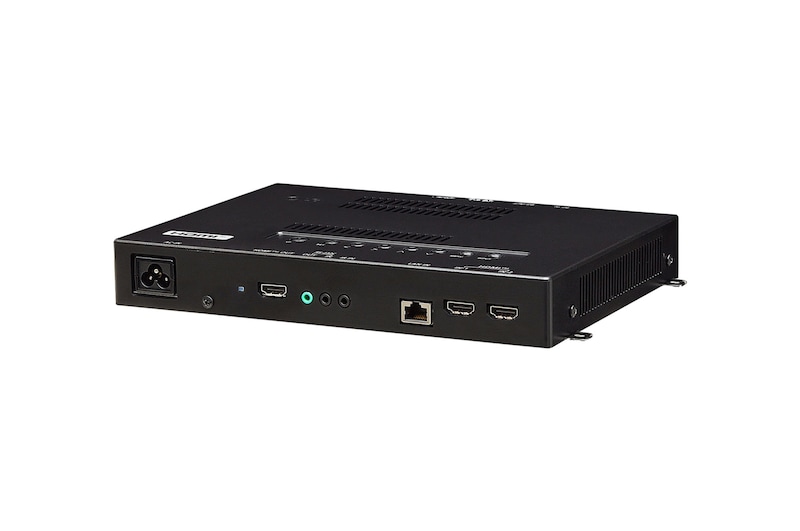
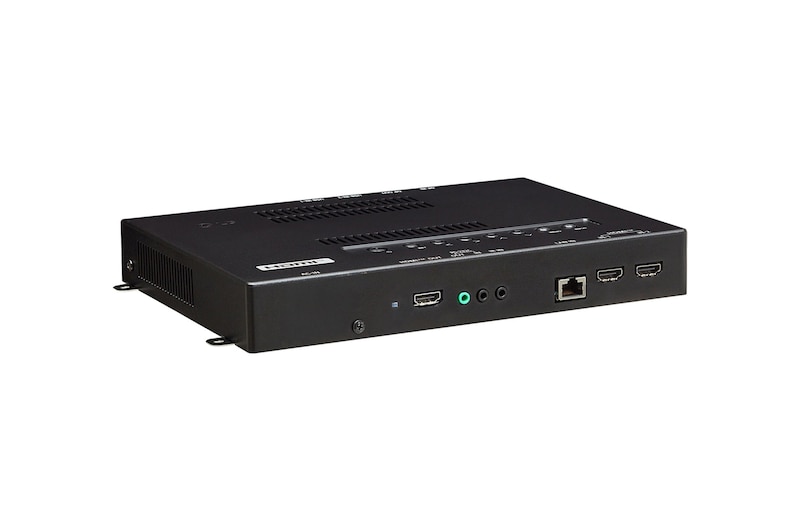
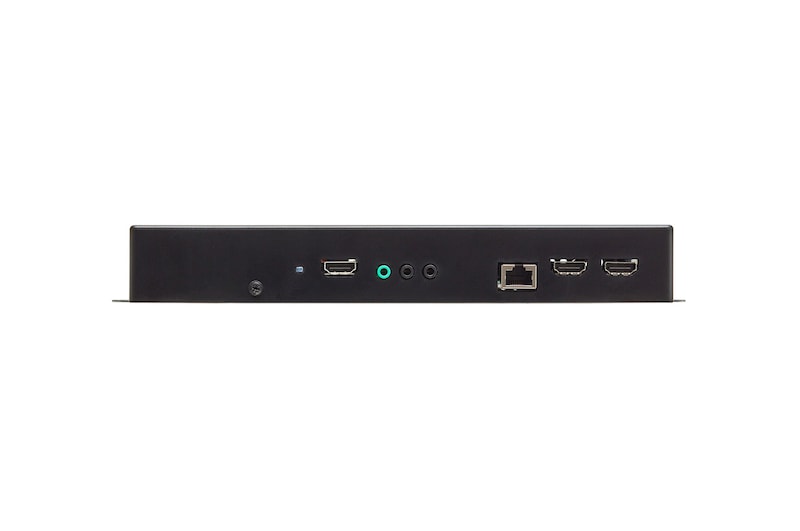
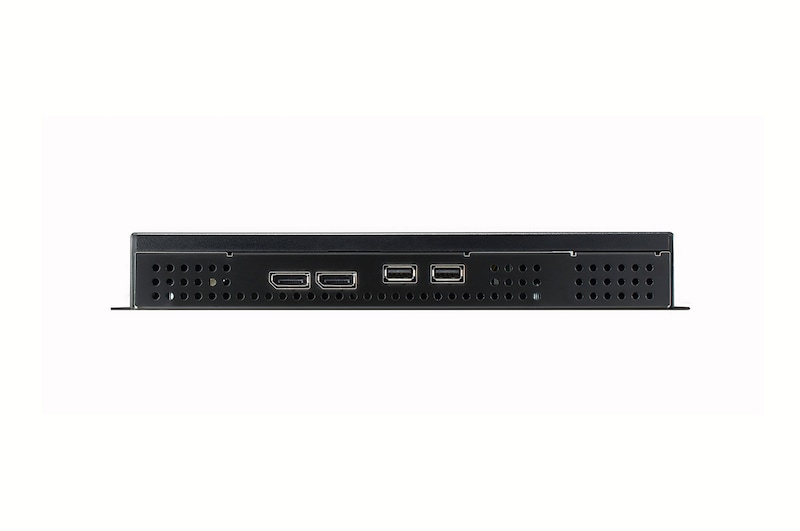
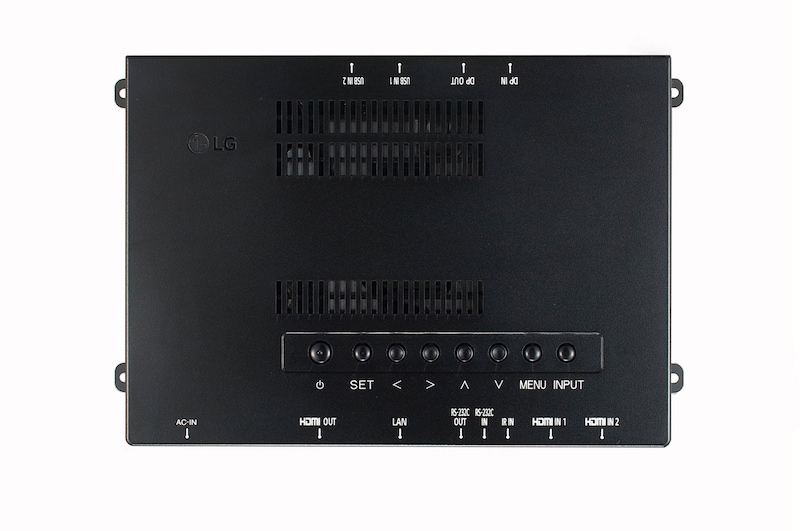
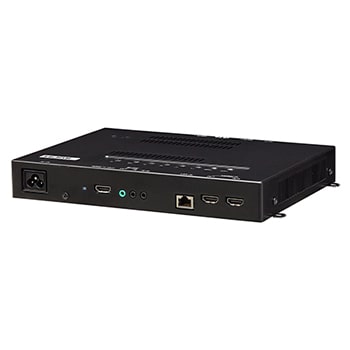
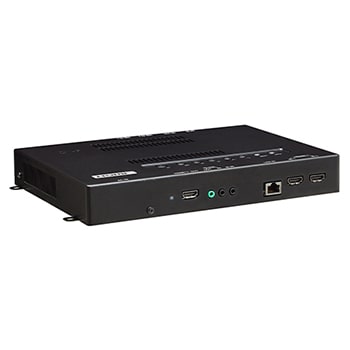
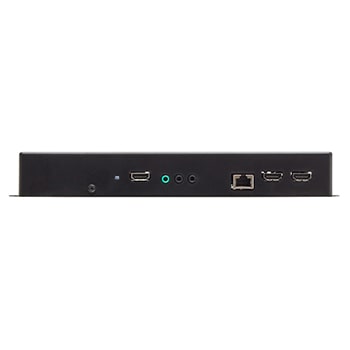
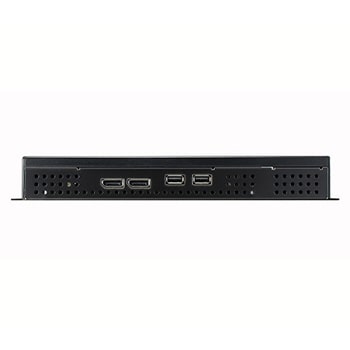
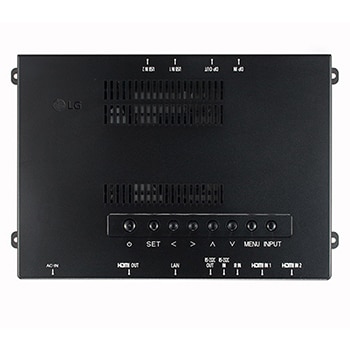
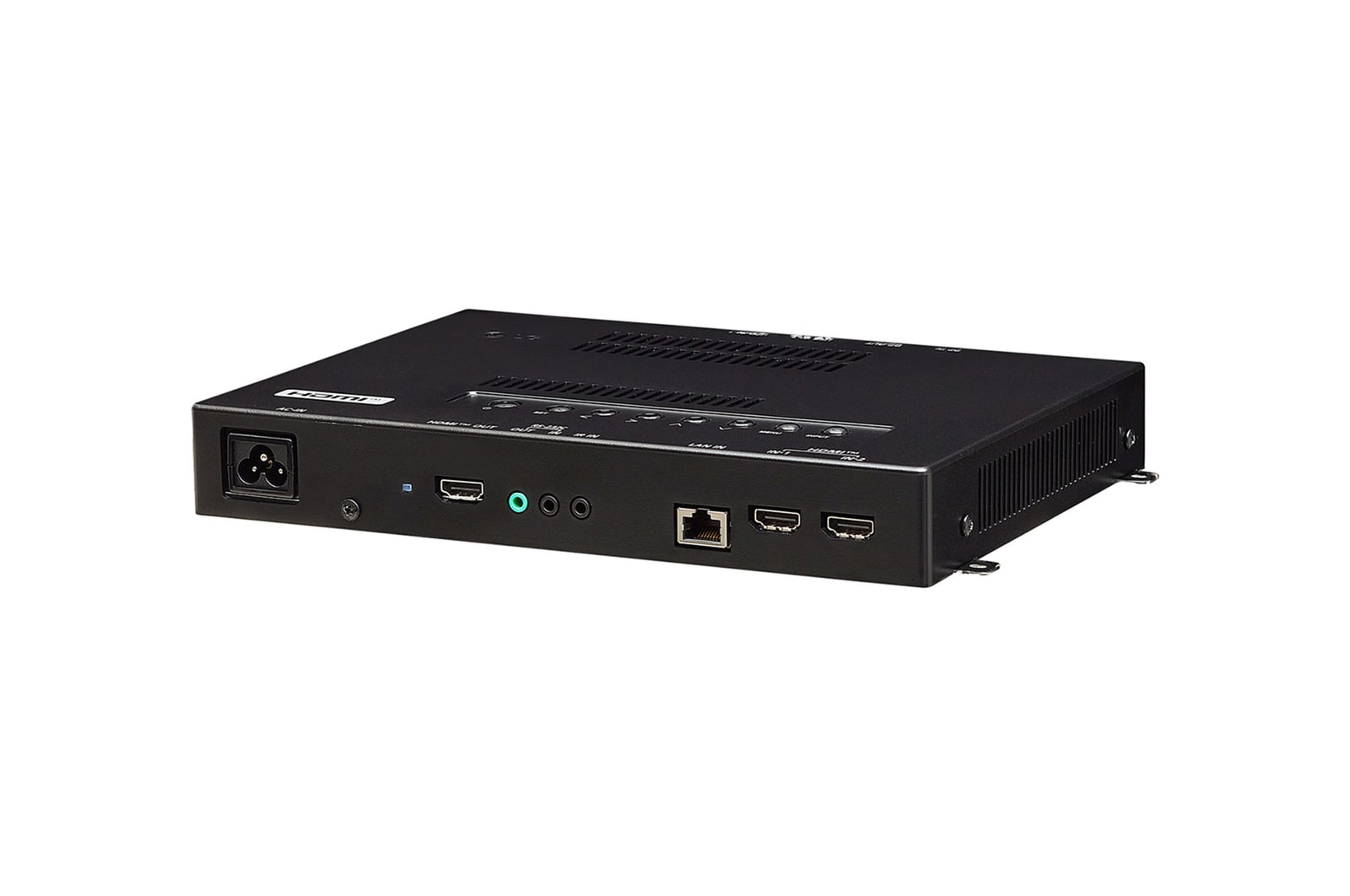
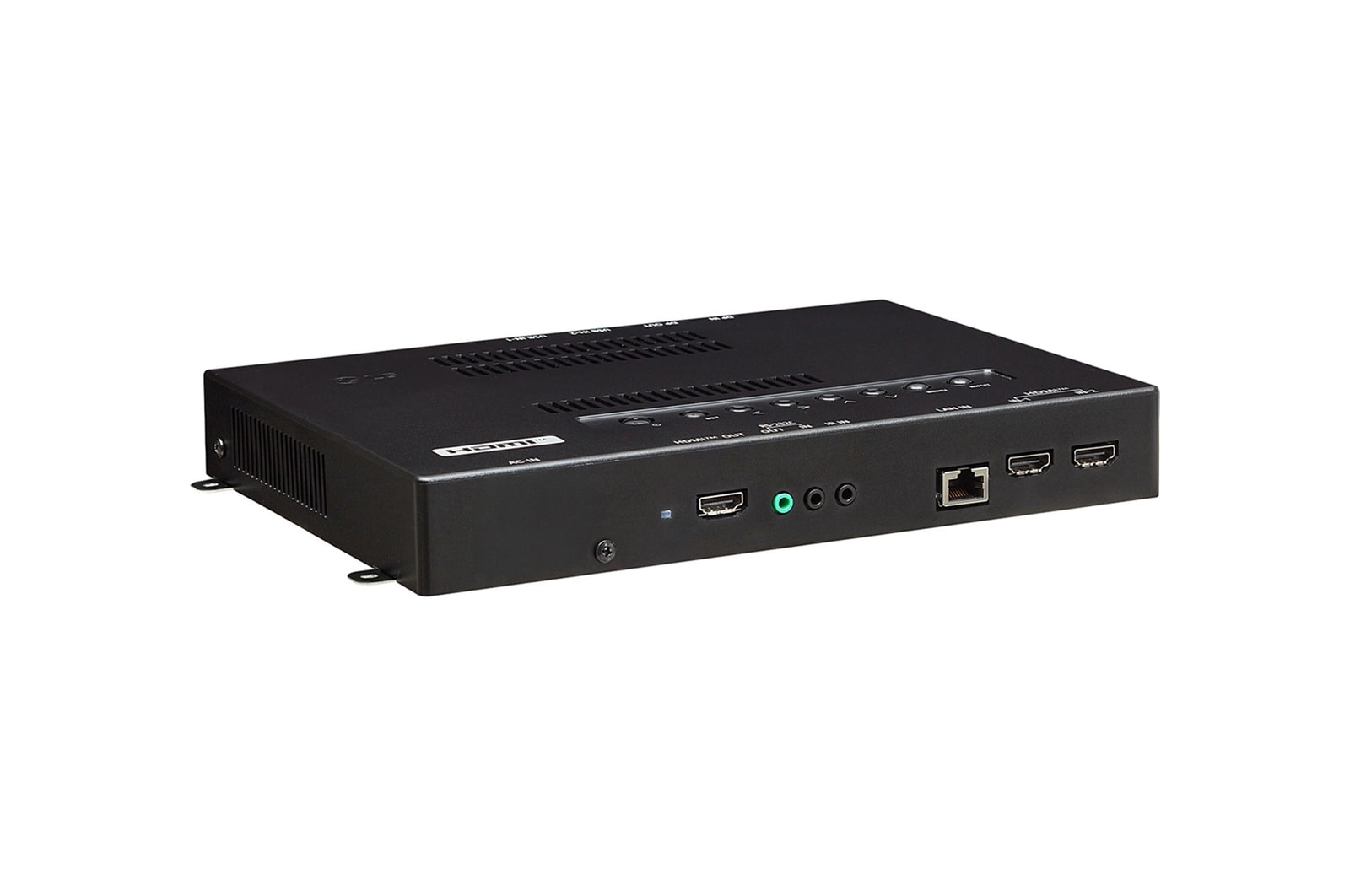
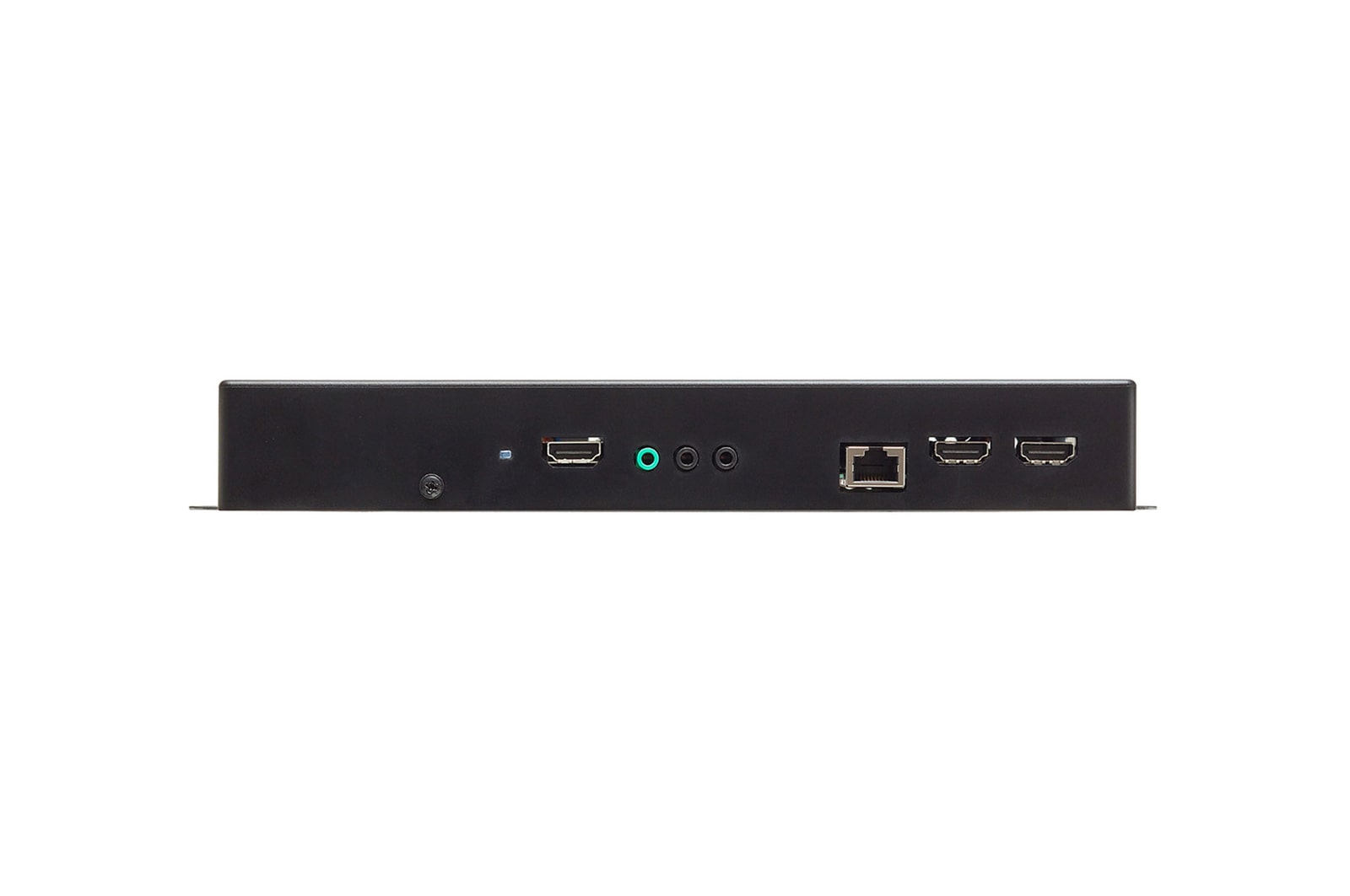
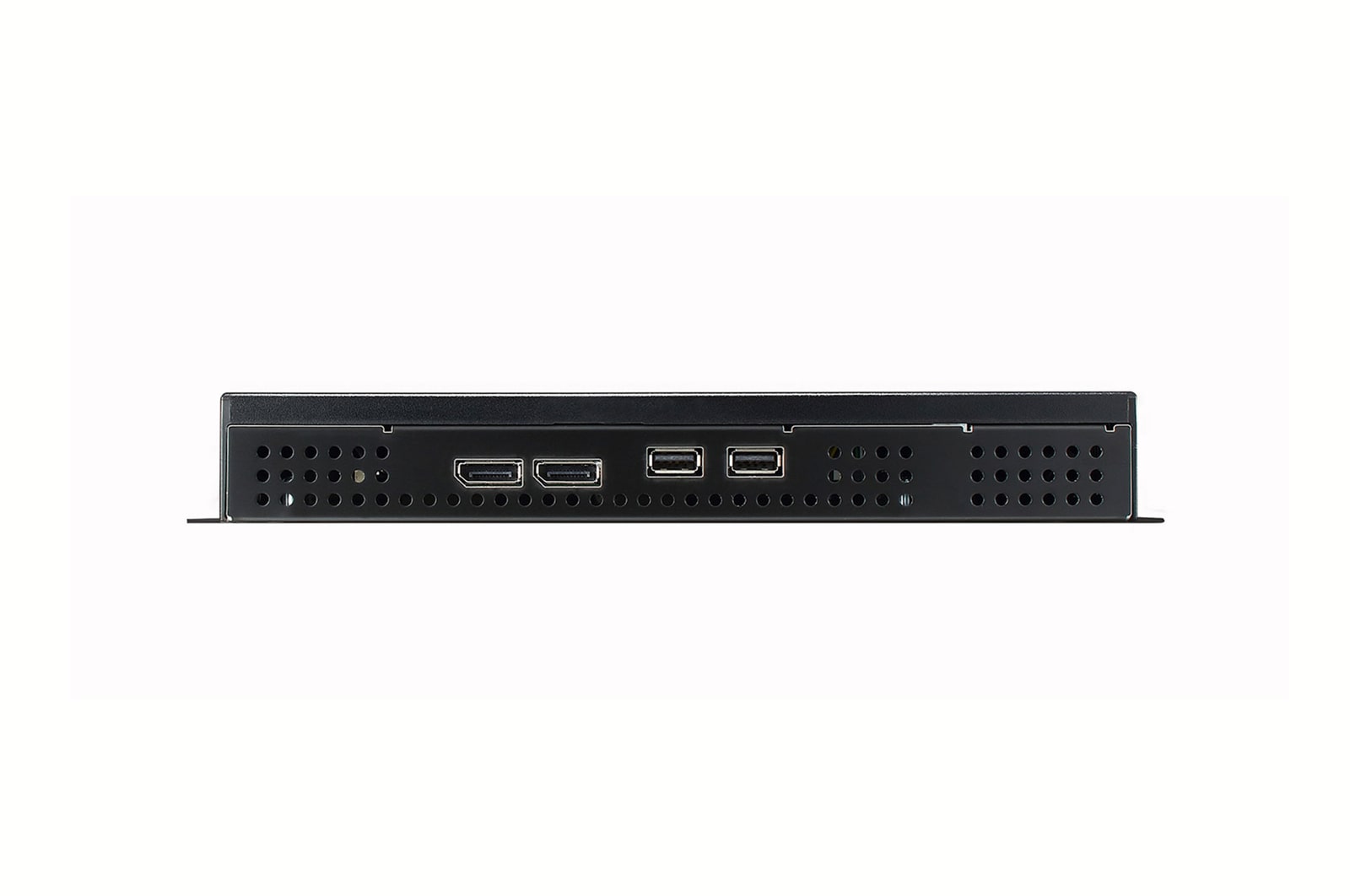
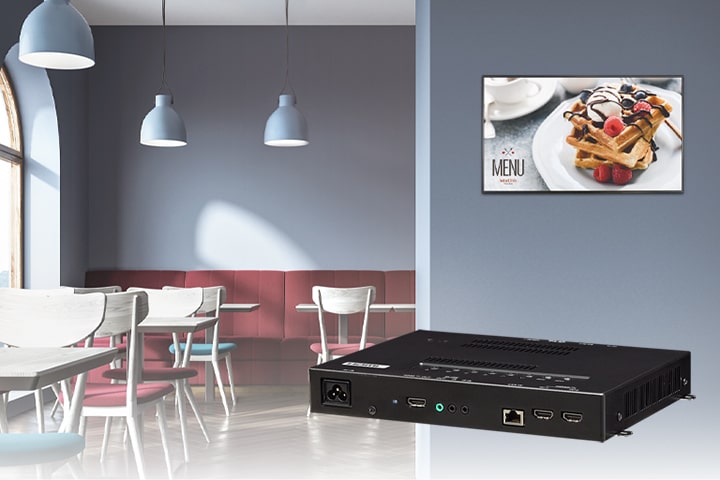
The WP601 webOS box operates webOS 6.0, the user-friendly LG smart signage platform, and is attached to existing LG digital signages and upgrades them regardless of their original platform. It can execute several tasks at once while providing smooth content playback, and provides an excellent user experience with an intuitive menu and convenient features.


WP601 is connected to LG digital signage to perform several functions.

* All images in this page are for illustrative purposes only and may differ from the actual product.

webOS 6.0 Smart Signage Platform

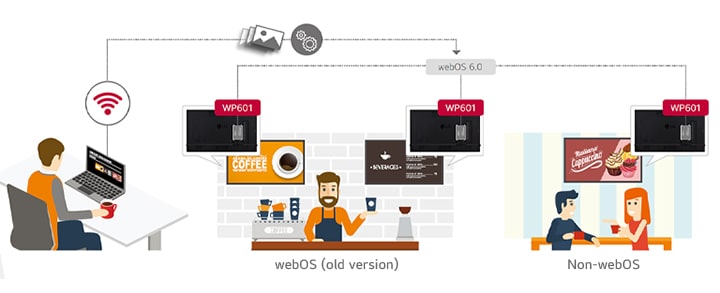
The WP601 may be applied towards any type of LG digital signages. The webOS box provides user-friendly functions with dedicated menus essential for business use. This way, users are able to easily manage and distribute content or develop web-based applications for multiple signages simultaneously. Moreover, the WP601 has expanded its versatile ability to control displays.

 

This image shows that WP601 upgrades webOS (old version) and non-webOS LG digital signages to the webOS 6.0 Smart Signage Platform. In this way, users easily manage and distribute web-based applications.

* All images in this page are for illustrative purposes only and may differ from the actual product.

UHD Video Playback Supported

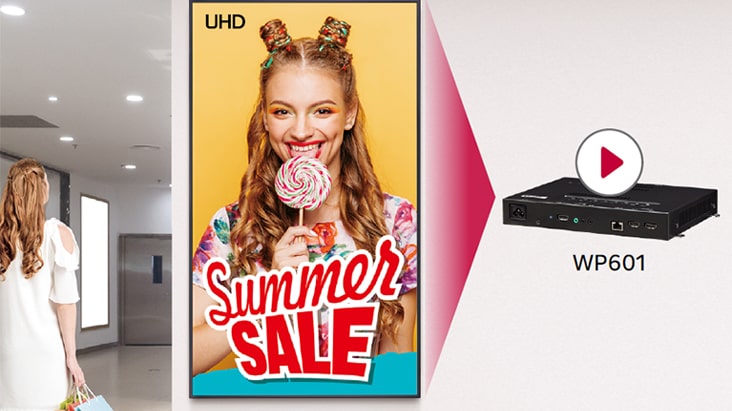
The WP601 supports Ultra HD high-quality video playback which delivers color and details of content vividly, with four times higher definition than FHD. Only a single webOS box is required for this superior picture quality.

Display Control Capability

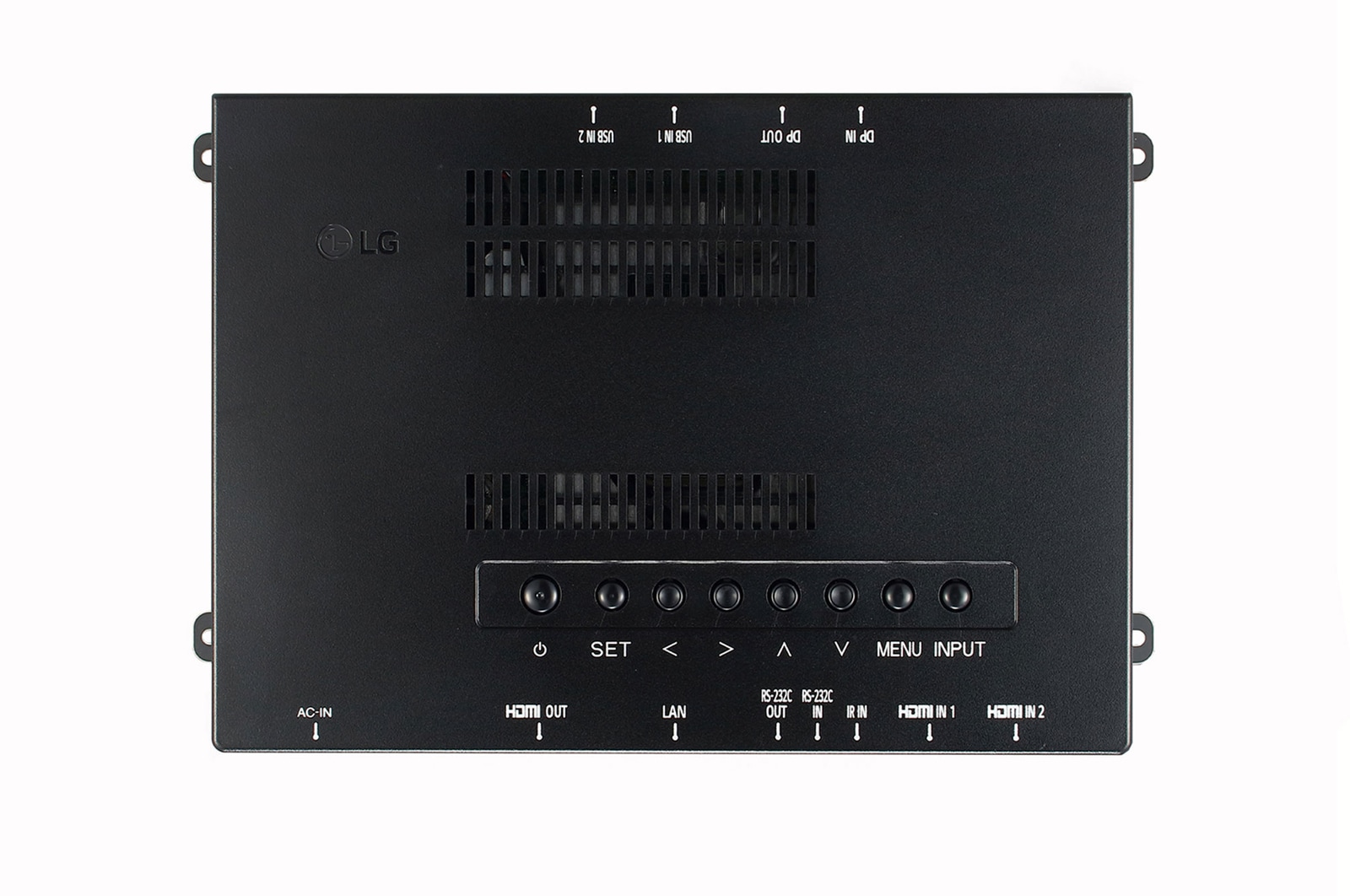
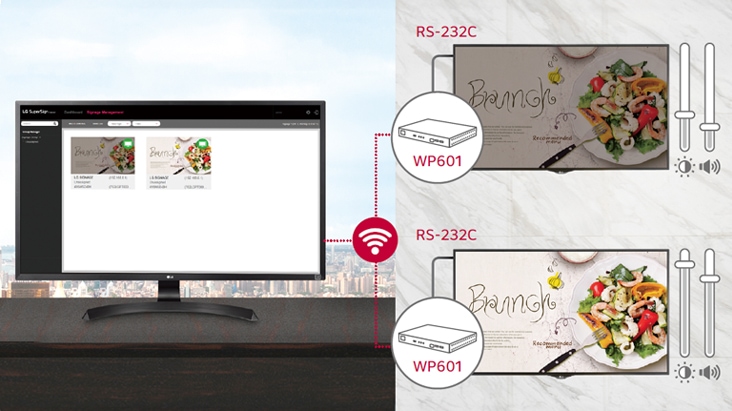
Beyond content management, control commands from the WP601 can be sent to LG digital signages through the RS-232C cable connection. It allows users to flexibly set up display values such as power, brightness or volume for optimal operation.

All-in-One Home Menu

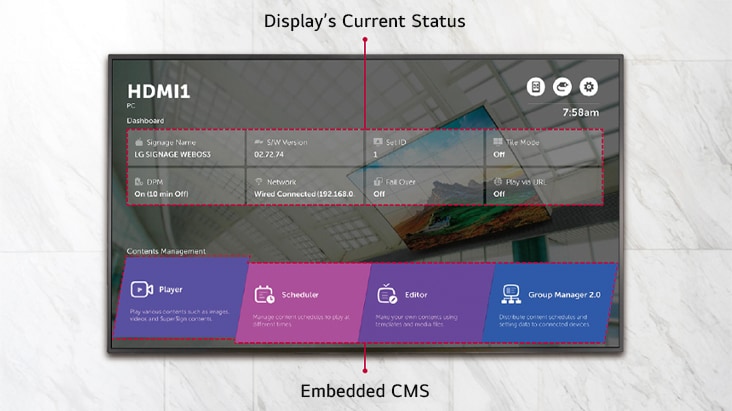
The WP601 offers a signage-dedicated home menu that shows key information related to signage operation at a glance. A dashboard showing the status of devices, a content management menu, and shortcuts leading to quick settings greatly enhance user convenience.

Embedded Content Management

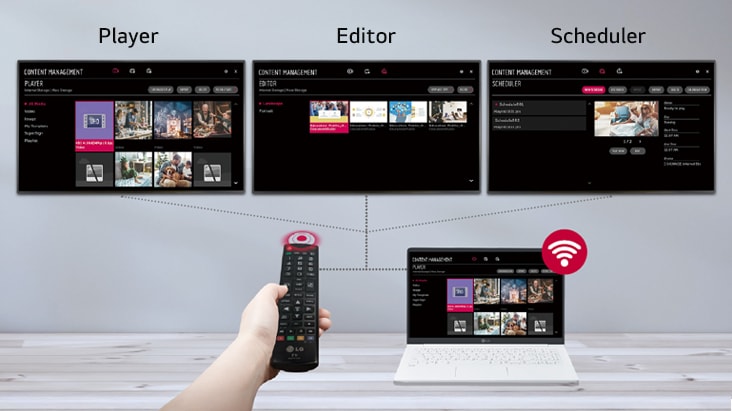
The embedded CMS(Content Management System) allows users to edit content using internal/external sources and set playlists to play at the desired schedule. Users can easily explore and manage content through the intuitive GUI, using various input devices, from a remote control to a laptop.

Multi Video Tags

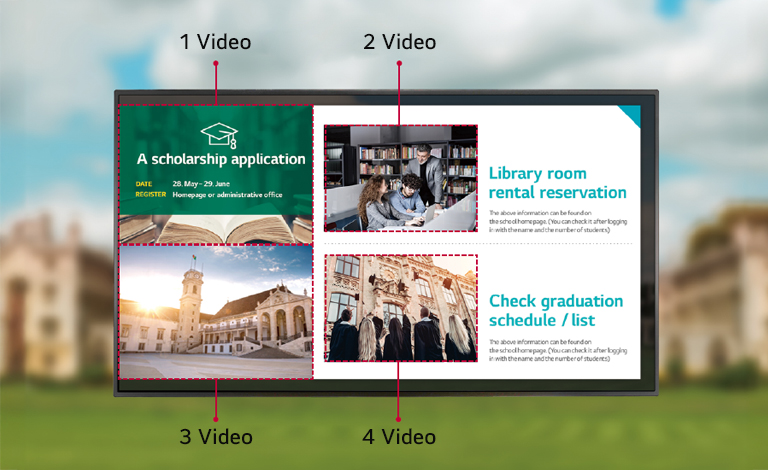
Several different videos can be played at the same time using the multi video tags feature. This gives you great flexibility to organize and deploy content when various content items need to be delivered simultaneously via web apps.

Multi Screen with PBP/PIP

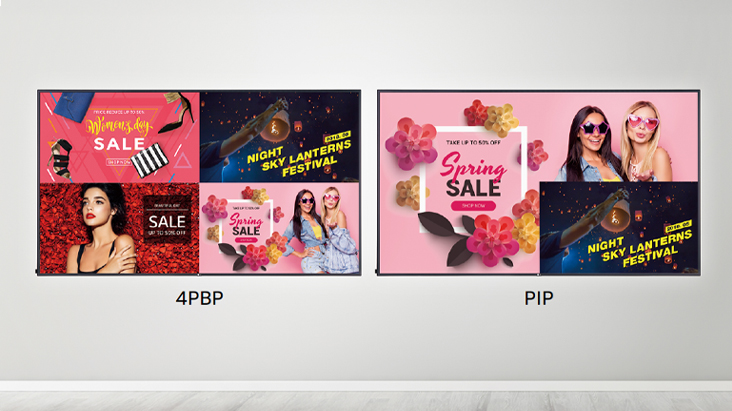
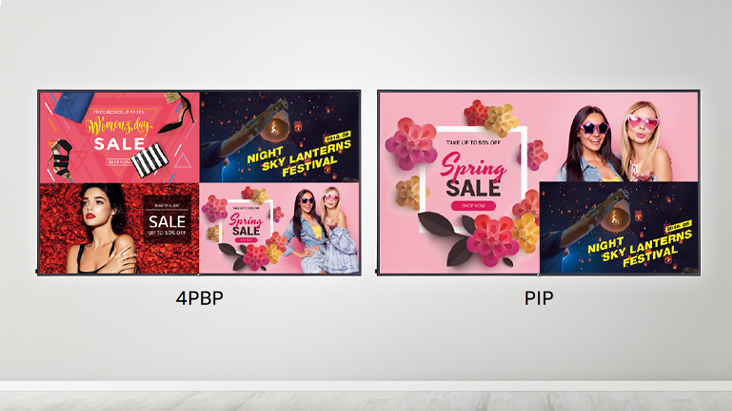
PBP(Picture-By-Picture) features multi screen in a single display with up to 4 input sources while PIP(Picture-In-Picture) supports playing both main screen and sub screen at the same time with various layouts. This gives great flexibility to allocate space for each content source.

Compatibility with LG SuperSign Solutions

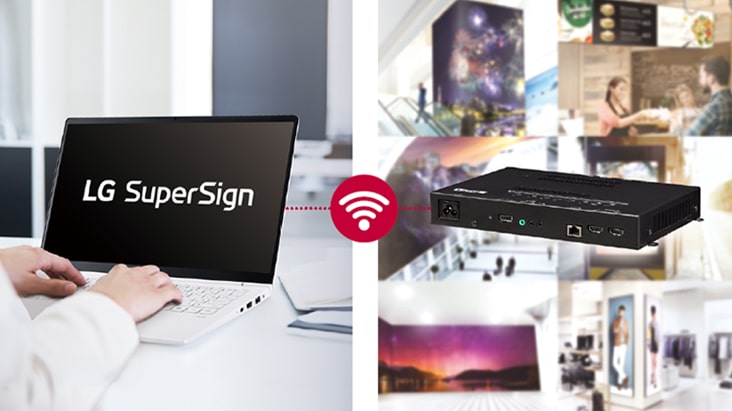
LG SuperSign is a comprehensive and indispensable software solution for the integrated management of LG digital signages. With SuperSign, content creation and distribution gets intuitive and centralized monitoring and control becomes simple, helping your business save time and operate effectively across different locations.

Real-time LG ConnectedCare

Maintenance is easy and fast with the optional LG ConnectedCare service, a cloud service solution provided by LG. It remotely manages the status of displays in client workplaces for fault diagnosis and remote-control services, enabling the stable operation of clients' businesses.


* The availability differs by regions.

All Spec

To access more technical documentation and resources, please visit the LG B2B partner portal.

picture
Pay over 3 paydays – interest free
How it works
Payflex lets you get what you need now, but pay for it over 3 interest-free instalments. You pay 1/3 upfront, then split the rest over the next 2 paydays.
  • Step 1
    Shop Online and fill your cart
  • Step 2
    Choose Payflex at checkout
  • Step 3
    Get approved and pay 1/3 today with your debit or credit card
  • Step 4
    Pay the remainder over the next 2 paydays. No interest. No fees.
  • You must be over 18 years old

  • You must have a valid South African ID

  • You must have a debit or credit card issued by Mastercard, Visa or Amex

Still want more information? Click here
picture
Digital credit when you have to have it
How it works
Mobicred is a digital credit facility that allows you to purchase your goods now and settle the outstanding balance via convenient and easy monthly installments.
  • Step 1
    Shop online and add to cart
  • Step 2
    Choose Mobicred to pay and sign in with your Mobicred details
  • Step 3
    Enter the OTP sent to your phone to confirm the purchase
  • Step 4
    Your order will be processed, and you can simply make your Mobicred repayments when due.
You will need to apply and be approved for a Mobicred account before you can checkout.
Apply Now
  • Must be 18 years or older

  • Must have a valid South African ID

  • Must have a valid email address and cell number

  • Must have a valid bank account in your name