UltraGear™ logo in a futuristic, neon-lit room.

UltraGear™ logo in a futuristic, neon-lit room.

27-inch 200Hz FHD Gaming Monitor

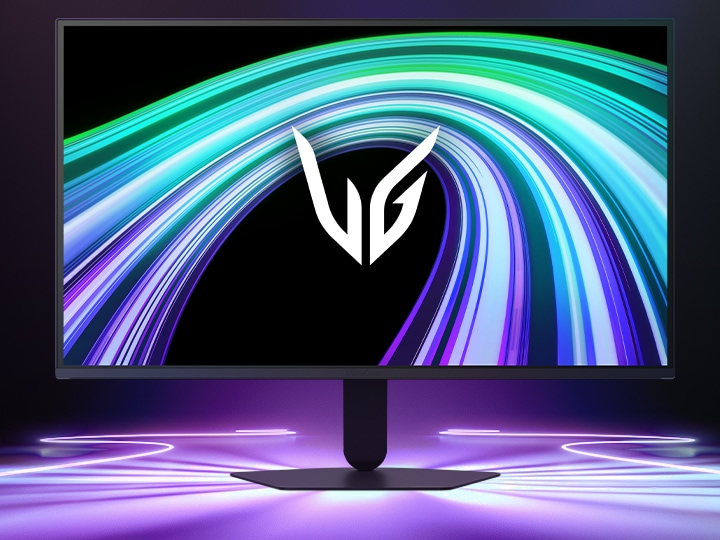
Front image of the UltraGear™ 27G523B gaming monitor in a futuristic, neon-lit room.

Front image of the UltraGear™ 27G523B gaming monitor in a futuristic, neon-lit room.

*Images have been simulated to enhance feature understanding, and may differ from actual use experience.

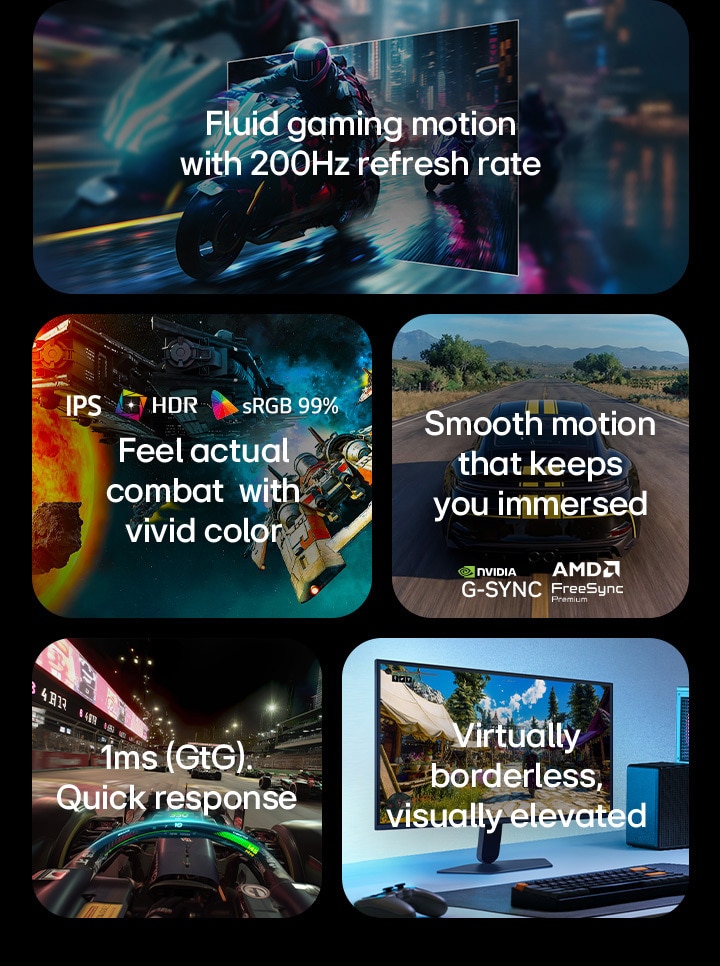
This image presents key features of an LG gaming monitor, including a 200Hz refresh rate for fluid motion, IPS display with HDR and sRGB 99% color for vivid visuals, smooth gameplay with NVIDIA G-SYNC and AMD FreeSync Premium support, 1ms(GtG) response time for fast-paced gaming, and a virtually borderless design for an immersive setup.

This image presents key features of an LG gaming monitor, including a 200Hz refresh rate for fluid motion, IPS display with HDR and sRGB 99% color for vivid visuals, smooth gameplay with NVIDIA G-SYNC and AMD FreeSync Premium support, 1ms(GtG) response time for fast-paced gaming, and a virtually borderless design for an immersive setup.

Fluid gaming motion with
200Hz refresh rate

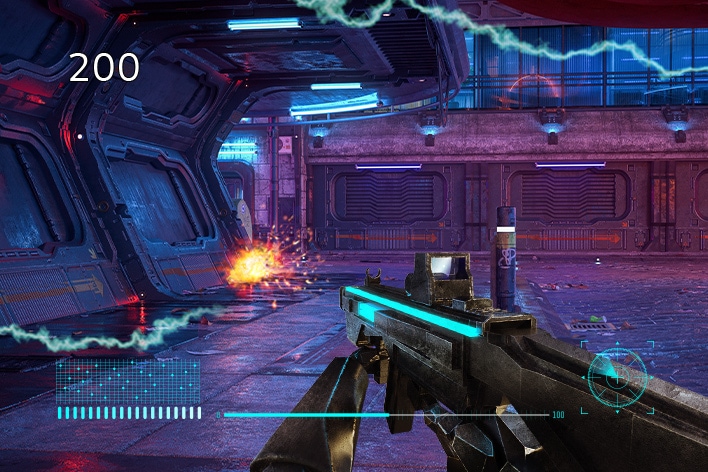
To bring a 200Hz refresh rate for fluid, crystal-clear visuals, while minimizing motion blur.

Dive into more immersive gameplay with every frame. 

Motorcycle racing scene illustrating the UltraGear™ 27G523B’s 200Hz refresh rate for fluid, crystal-clear gaming motion.

Motorcycle racing scene illustrating the UltraGear™ 27G523B’s 200Hz refresh rate for fluid, crystal-clear gaming motion.

*Images have been simulated to enhance feature understanding, and may differ from actual use experience.

1ms (GtG). Quick response
for gameplay.

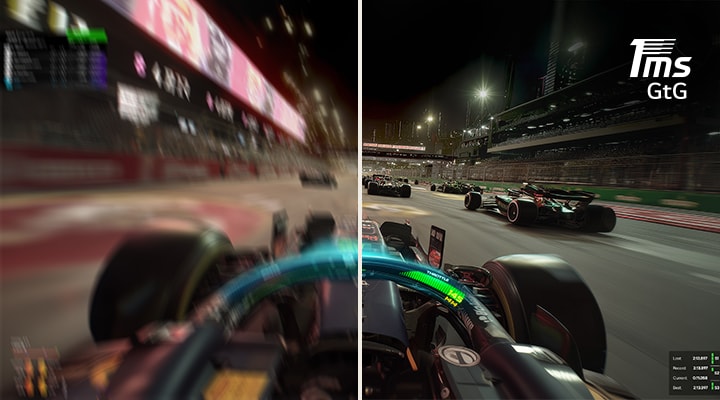
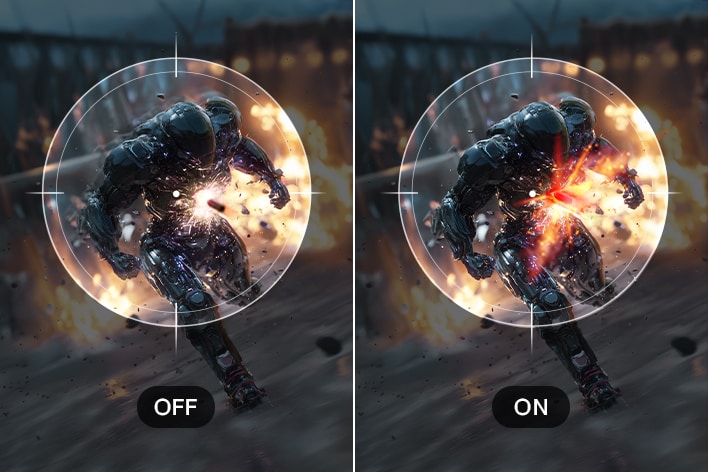
The 1ms (GtG) response time is built to reduce reverse ghosting, helping maintain clearer on-screen transitions for smoother, more responsive gameplay.

Comparison image showing reduced motion blur on the UltraGear™ 27G523B with 1ms (GtG) response time for smoother gaming visuals.

Comparison image showing reduced motion blur on the UltraGear™ 27G523B with 1ms (GtG) response time for smoother gaming visuals.

*Images have been simulated to enhance feature understanding, and may differ from actual use experience.


Smooth motion that keeps you immersed

Minimize tears and lags with NVIDIA® G-SYNC® compatible and AMD FreeSync™ Premium technology. Experience significantly reduced screen tearing and stuttering for smooth visuals with minimized motion blur and ghosting.

Racing scene displayed on the UltraGear™ 27G523B monitor comparing Disabled and Enabled modes, illustrating smoother motion and reduced tearing with support for NVIDIA G-SYNC and AMD FreeSync Premium.

Racing scene displayed on the UltraGear™ 27G523B monitor comparing Disabled and Enabled modes, illustrating smoother motion and reduced tearing with support for NVIDIA G-SYNC and AMD FreeSync Premium.

*Images have been simulated to enhance feature understanding, and may differ from actual use experience.

*The performance of the feature is compared to the models not applying the sync technology.

*NVIDIA® G-SYNC® compatible is supported via DisplayPort only.

*Errors or delays may occur depending on the network connection.

Feel actual combat with
vivid color

Our monitor offers 99% sRGB coverage, providing a wide color spectrum that enables high-fidelity color representation with its IPS display for an immersive gaming experience. It allows gamers to experience dramatic battlefields as intended by the game developers.

Logo of IPS display.

LG IPS™ monitor displays outstanding color accuracy with a wide viewing angle.

Logo of HDR 10.

HDR 10 (high dynamic range) supports specific levels of color and brightness.

Logo of sRGB 99%.

With 99% coverage of the sRGB spectrum, it is a great solution for accurate color display.

Futuristic space battle scene on the UltraGear™ monitor, showcasing vivid colors and rich contrast with bright explosions, glowing planets, and detailed spacecraft against a colorful cosmic background.

Futuristic space battle scene on the UltraGear™ monitor, showcasing vivid colors and rich contrast with bright explosions, glowing planets, and detailed spacecraft against a colorful cosmic background.

*Images have been simulated to enhance feature understanding, and may differ from actual use experience.

Smarter control, seamless switching by LG Switch

With the LG Switch app, it's easy to optimize your monitor for both gaming and everyday use. Effortlessly manage your monitor settings—adjust image quality and brightness to your preference, then apply your settings instantly using a hotkey. The app also lets you split the screen into 11 layouts and launch your video call platform in a click—bringing even more convenience to your setup.

This video shows how to set up your monitor with the LG Switch app.

*This video is for illustrative purposes only and may not reflect the actual product specifications.

*LG Switch requires software and manual download from LG.com for proper use.

*Images have been simulated to enhance feature understanding, and may differ from actual use experience.

Virtually borderless, visually elevated

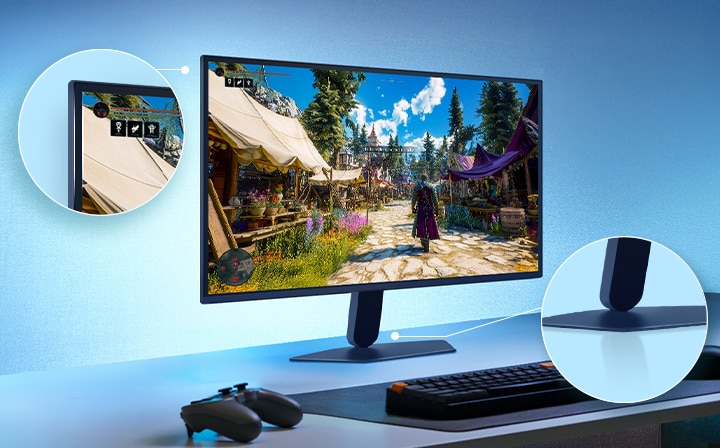
Experience our space-efficient design featuring an adjustable tilt base. A clutter-free slim stand is designed to minimize desk space usage and eliminate dead space efficiently, while adding a sleeker, more refined look to your setup.

Borderless design icon.

3-side virtually
borderless design

Tilt icon.

Tilt

Wall mount 100x100 icon.

Wall mount

This image shows an UltraGear™ gaming monitor on a desk setup displaying a game scene, with zoomed-in highlights emphasizing the borderless display design and a sleek floating-like stand.

This image shows an UltraGear™ gaming monitor on a desk setup displaying a game scene, with zoomed-in highlights emphasizing the borderless display design and a sleek floating-like stand.

*Images have been simulated to enhance feature understanding, and may differ from actual use experience.

What people are saying

Our picks for you

Need help?

We're here to provide all the help you need.

    Contact us