We use cookies, including cookies from third parties, to enhance your user experience and the effectiveness of our marketing activities. These cookies are performance, analytics and advertising cookies, please see our Privacy and Cookie policy for further information. If you agree to all of our cookies select “Accept all” or select “Cookie Settings” to see which cookies we use and choose which ones you would like to accept.

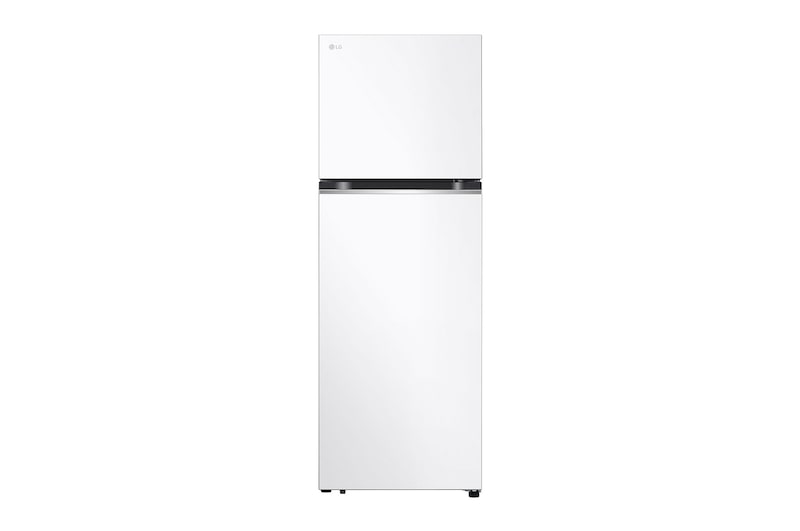
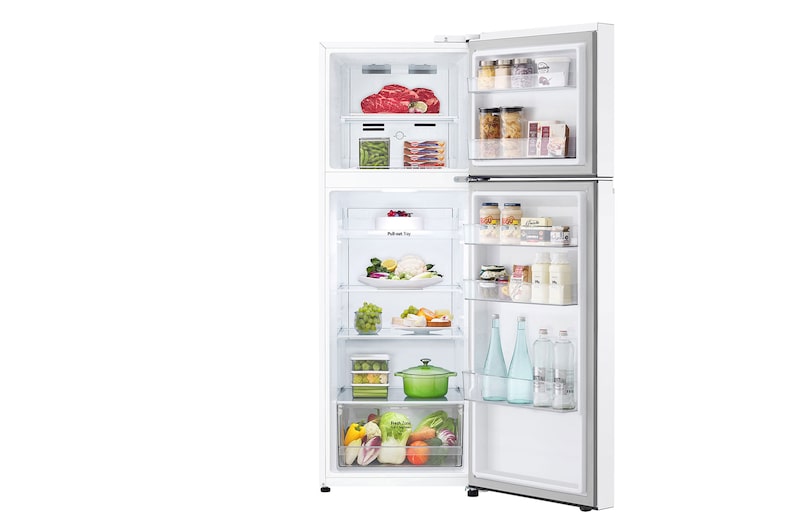
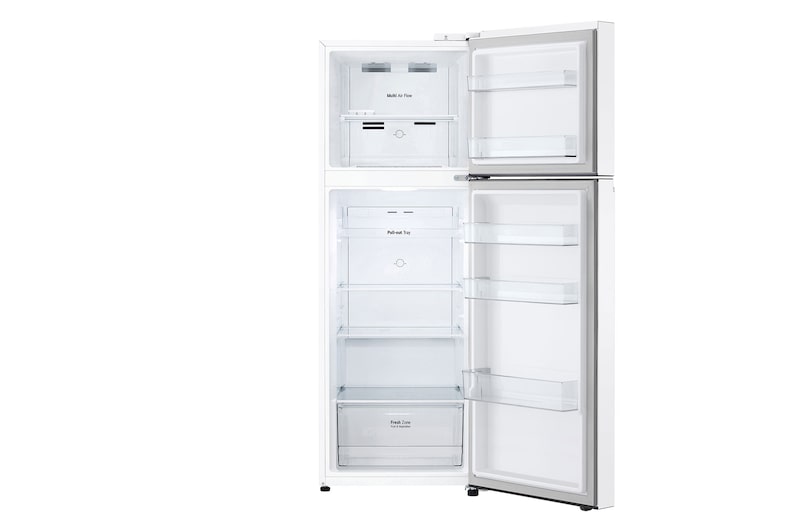
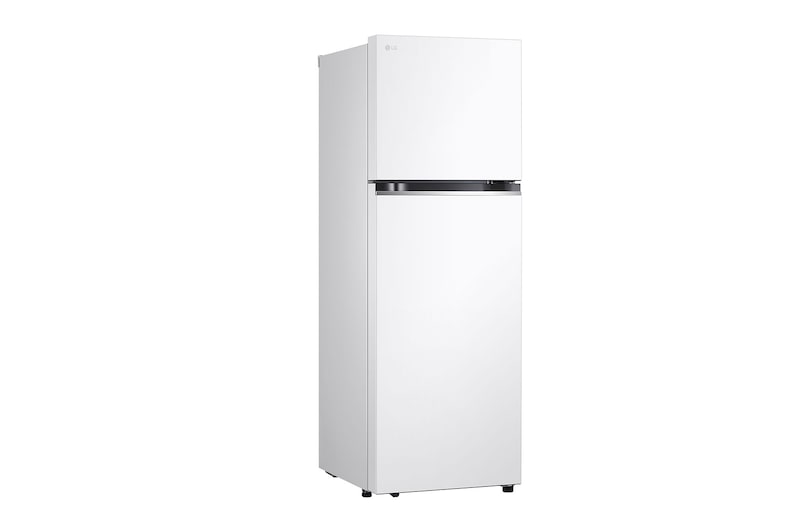
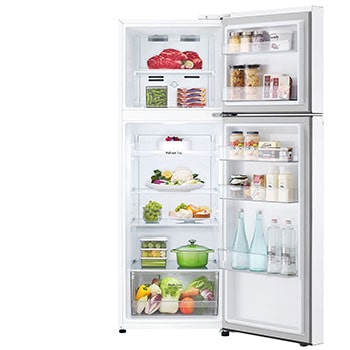
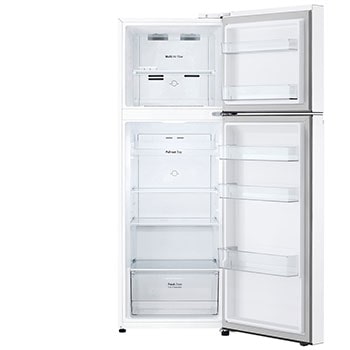
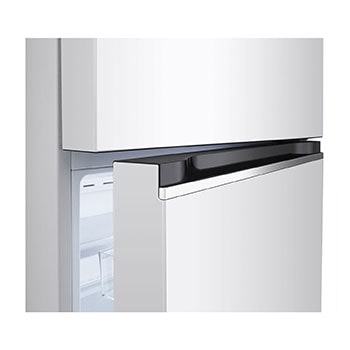
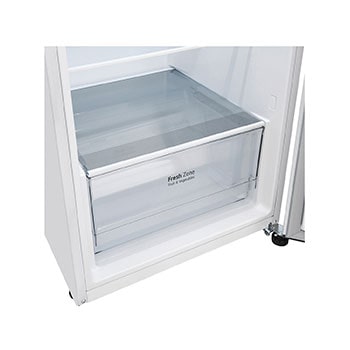
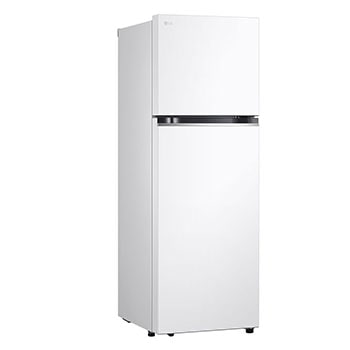
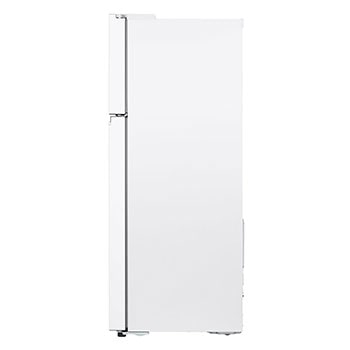
Refrigerator|11.8 Cu.Ft|Smart Inverter
*Extended warranty for compressor and motor covers parts only. (excluding labour, gas, refilling & transportation costs after the expiry of the 1st year warranty period).
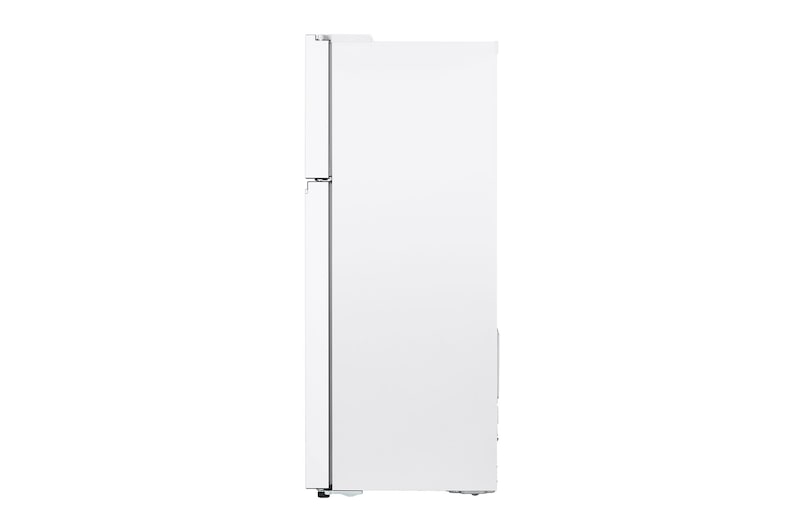
*The image of the product are for illustration purpose only and may differ from actual product.
FAQ
What is the default color of the door when the door color is turned off?
When the door color is turned off, the default colors for the door are Lux Gray (top) and Lux White (bottom). The matte glass material has a stone pattern, so you can appreciate the beauty of the door material without having to turn on the door’s color.
How can I set different colors for each door of the refrigerator?
After selecting the refrigerator in the ThinQ app, you can go to the ‘Color Collection' -> ‘My Selection' menu to set different colors for each door. For a harmonious color combination, the upper and lower door colors are categorized separately.
How long does the selected color stay on?
The color stays on for 30 minutes from the last door opening or proximity sensor detection. You can adjust the duration of the color display in the ThinQ app. If you want to keep the color on after 30 minutes, you can approach the refrigerator approximately 60 cm from the front to extend the display time.
How do the Bluetooth speakers work with the ‘Music Collection’?
To operate the Bluetooth speaker, press and hold the ‘BT Speaker' button located at the top of the refrigerator for 3 seconds. Then, you can select the built-in music theme from the ‘Music Collection’ through the ThinQ app. Additionally, after connecting to the Bluetooth speaker with a smart device, you can also stream music from your preferred music app
What colors are displayed when the ‘Music Flow’ and ‘Music Bounce’ modes are activated?
In ‘Music Flow’ mode, the color sequences displayed are Clementine (top) and Cream White (bottom) -> Paris Sunset -> Waikiki -> Sunset Vibes. In ‘Music Bounce’ mode, the color sequences displayed are Pop 1 -> Pop 3 -> Pop 2.
What is the maximum duration for the 'Music Flow’ and ‘Music Bounce’ modes?
There is no maximum duration for the ‘Music Flow’ and ‘Music Bounce’ modes, and they will remain active throughout music playback. If there is no music playing, a notification will appear after 10 minutes informing you that ‘Party Mode’ has ended, and the display will return to the pre-set color combination.
How much heat does it generate?
The panels are equipped with heat dissipation technology, so the heat generated is very minimal. If you touch it with your hand after leaving it on for a long time, it will feel slightly warm.
What is the lifespan of the LED components?
The LED device used in the door panel has a lifespan of approximately 10 years. Based on a survey of door opening frequency among actual refrigerator users, the maximum number of daily fridge door openings is about 41 times. If the LED is set to be on for 30 minutes per opening, the daily duration of LED operation is approximately 11 hours. With this usage pattern, the fridge’s LED components can last for about 10 years.
Could the LED panel on the door break easily?
The LED panel is installed inside the door as part of the MoodUP feature, but the external material of the door is the same strength as a conventional glass fridge door. There is minimal risk of the door breaking or being damaged during use.
How do I clean and maintain the door panels?
You can clean and maintain the door panel using water wipes or a damp cloth, just like a regular refrigerator. The product is designed to withstand moisture from cleaning without any issues.
SUMMARY
Key Spec
DIMENSIONS & WEIGHT - Product Dimension (WxHxD, mm)
600 x 1720 x 710
PERFORMANCE - Compressor Type
Smart Inverter Compressor (BLDC)
FEATURES - Door-in-Door
No
SMART TECHNOLOGY - ThinQ (Wi-Fi)
No
MATERIAL & FINISH - Finish (Door)
Super White
All Spec
BASIC SPEC
Product Type
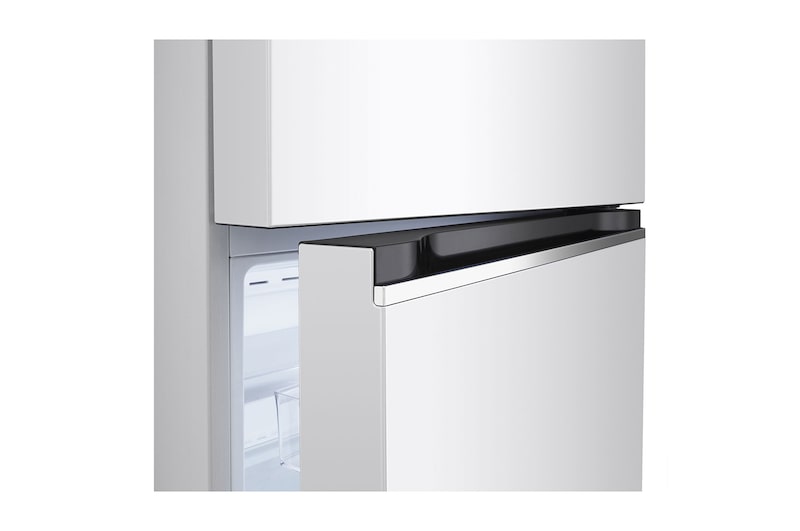
Top Mount
CAPACITY
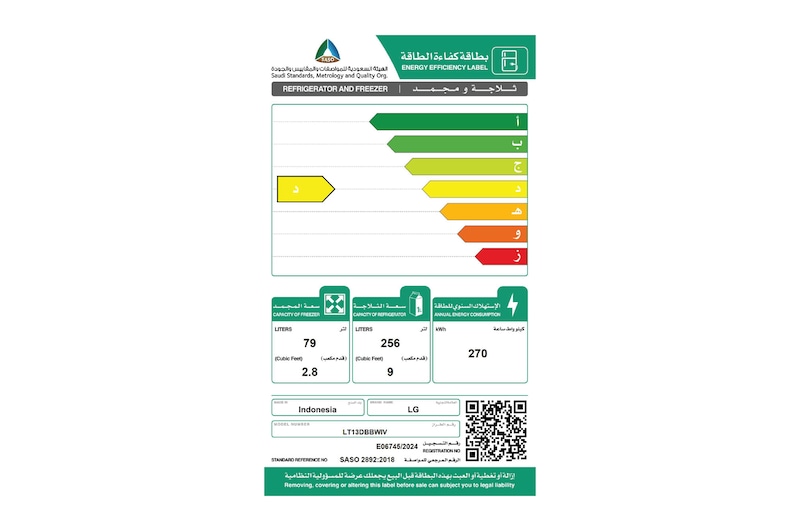
Freezer Capacity (cu. ft)
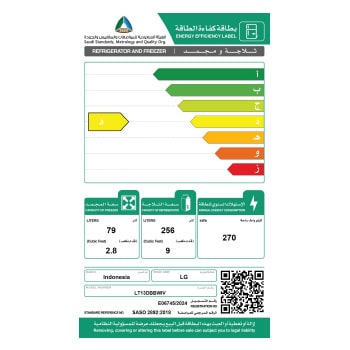
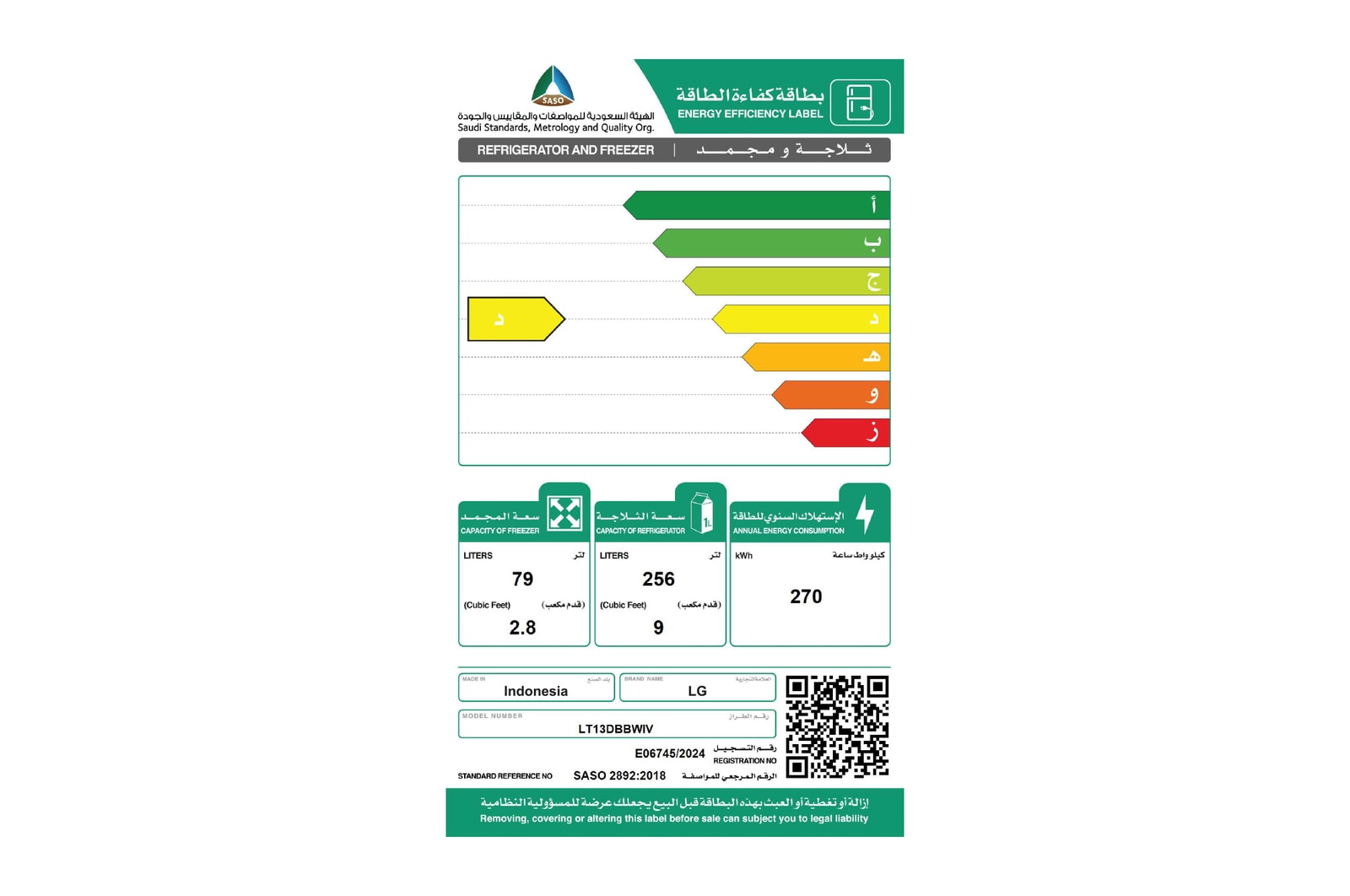
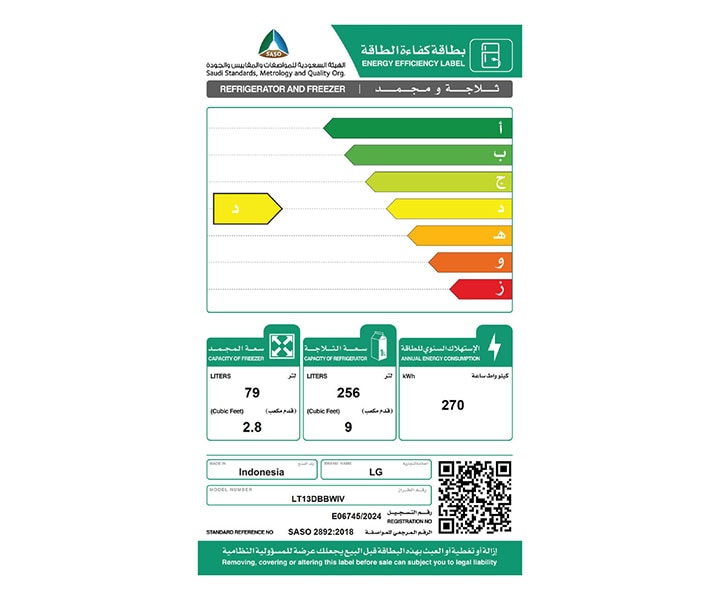
2.8
Refrigerator Capacity (cu. ft)
9.0
Storage Volume Freezer (L)
79
Storage Volume Refrigerator (L)
256
Storage Volume Total (L)
335
DIMENSIONS & WEIGHT
Depth without door (mm)
624
Depth without handle (mm)
710
Packing Weight (kg)
63
Product Dimension (WxHxD, mm)
600 x 1720 x 710
Product Weight (kg)
57
FEATURES
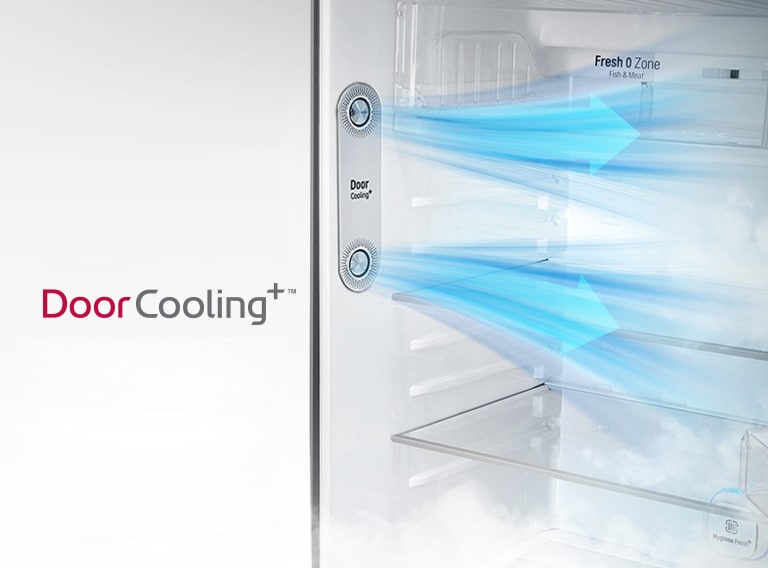
Door Cooling+
No
Deodorizer
No
Door-in-Door
No
LINEAR Cooling
Yes
FREEZER COMPARTMENT
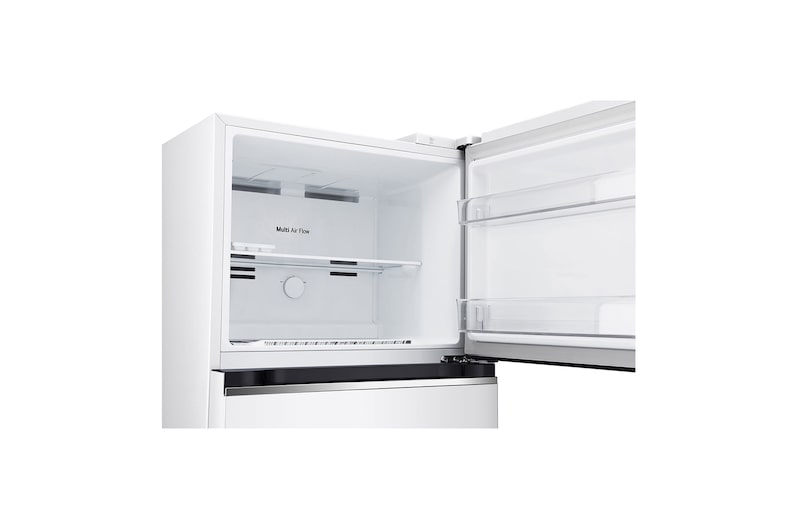
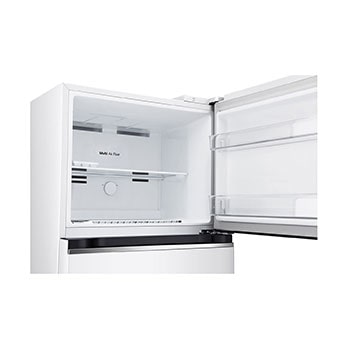
Multi-Air Flow
Yes
Shelf_Tempered Glass
1
ICE & WATER SYSTEM
Water Only Dispenser
No
Automatic Ice Maker
No
Ice Maker_Manual(Movable)
No
MATERIAL & FINISH
Finish (Door)
Super White
PERFORMANCE
Compressor Type
Smart Inverter Compressor (BLDC)
REFRIGERATOR COMPARTMENT
Refrigerator Light
Top LED
Egg tray/Egg basket
10 Eggs
Fresh 0 Zone
No
Hygiene Fresh
No
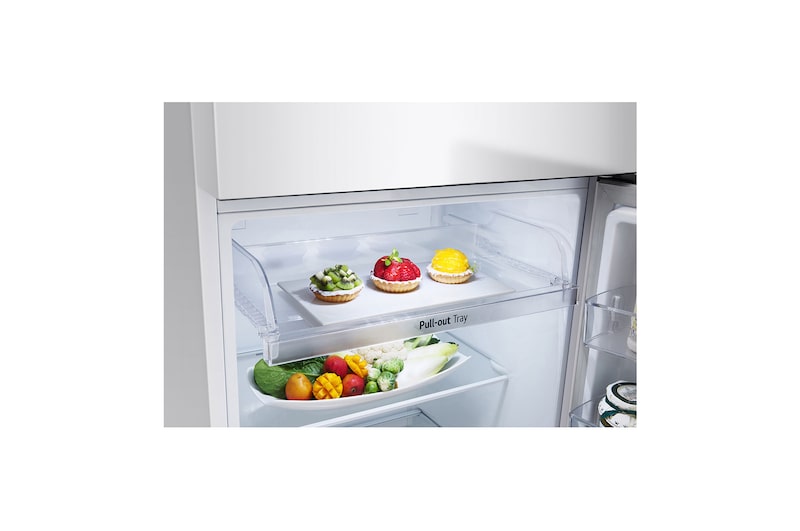
Shelf_Tempered Glass
2
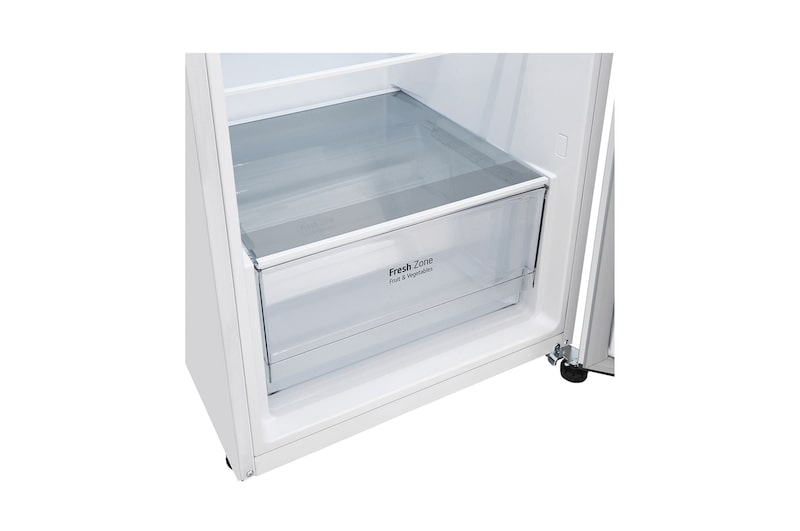
Vegetable Box
Yes (1)
SMART TECHNOLOGY
Smart Diagnosis
No
ThinQ (Wi-Fi)
No
What people are saying
Our Picks for You
Manual& Software
Download product manuals and latest software for your product.
Troubleshoot
Find helpful how-to videos for your product.
Warranty
Check your product warranty information here.
Part& Accessory
Discover accessories for your product.
Product registration
Registering your product will help you get faster support.
Product support
Find manual, troubleshoot and warranty of your LG product.
Order support
Track your order and check order FAQ.
Repair request
Request repair service conveniently online.