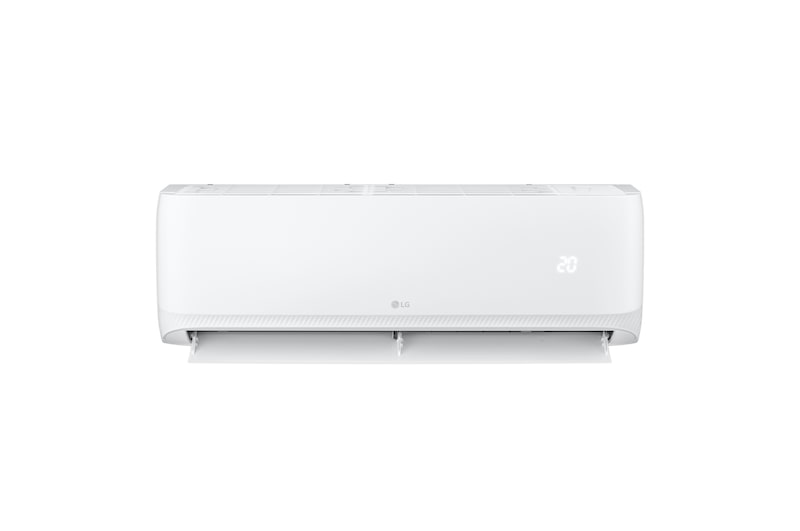
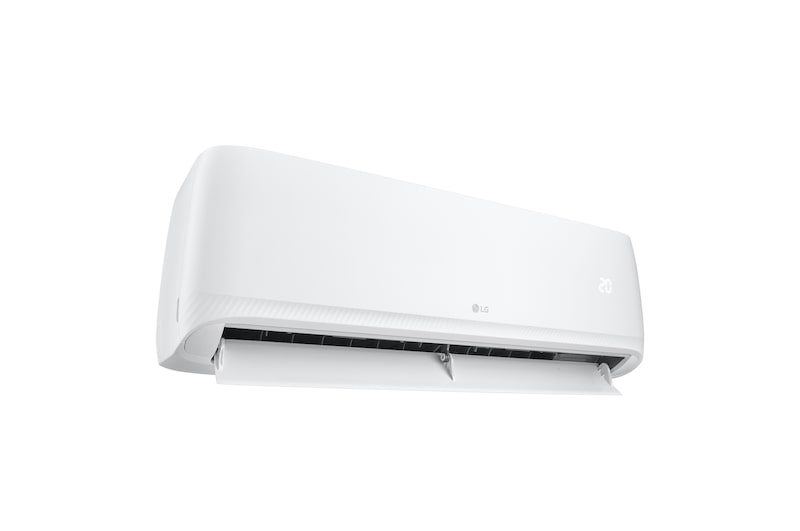
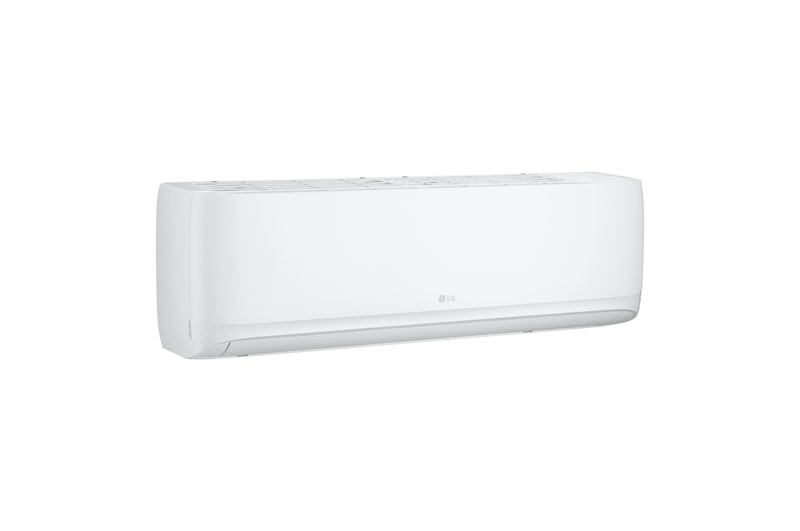
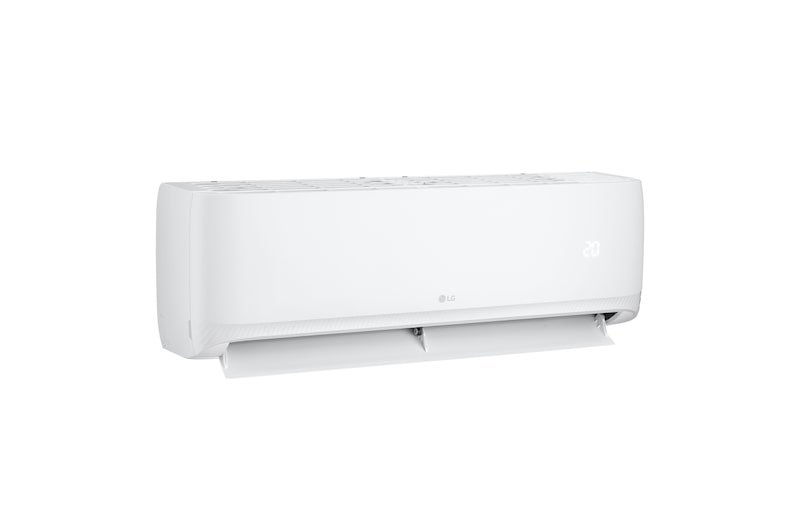
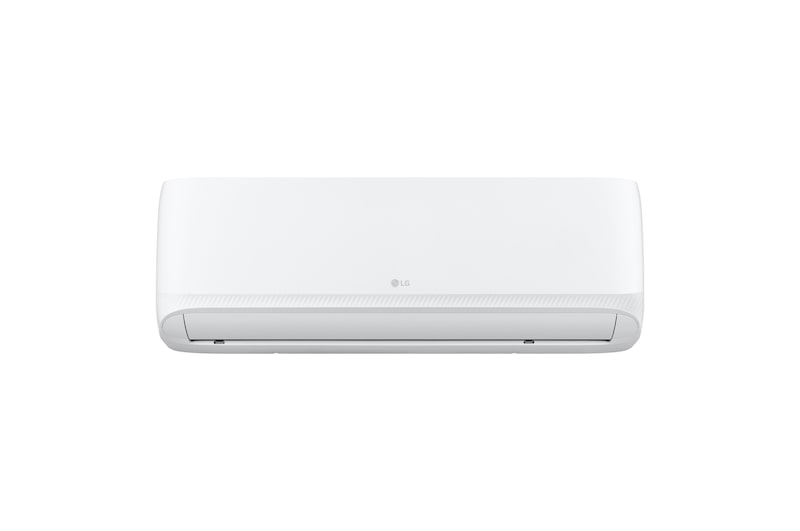
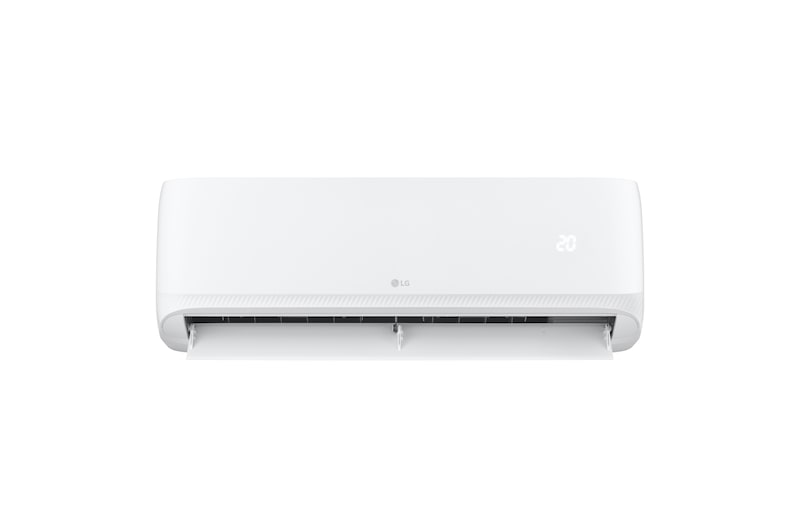
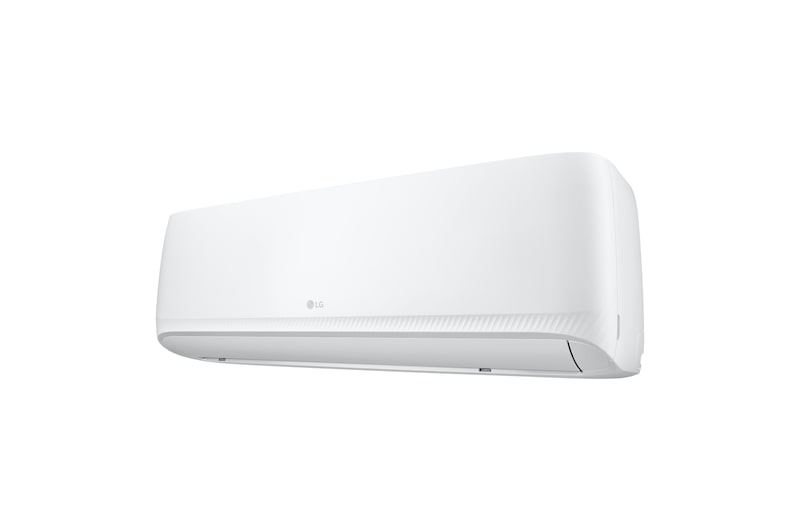
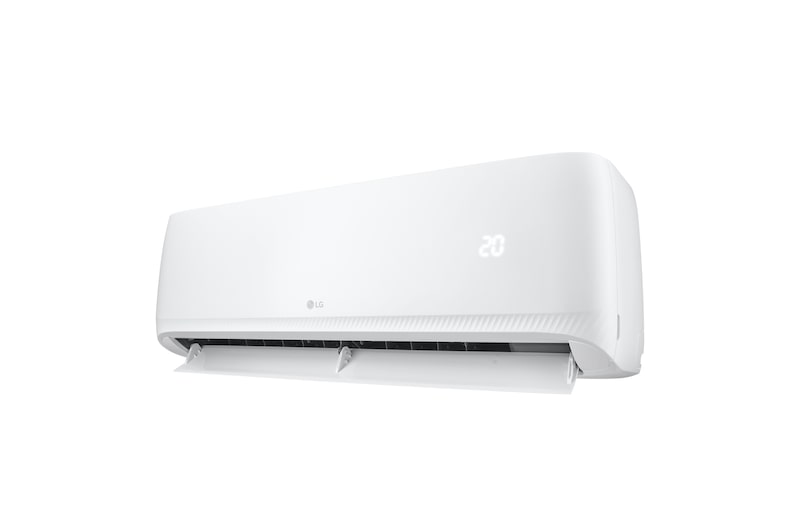
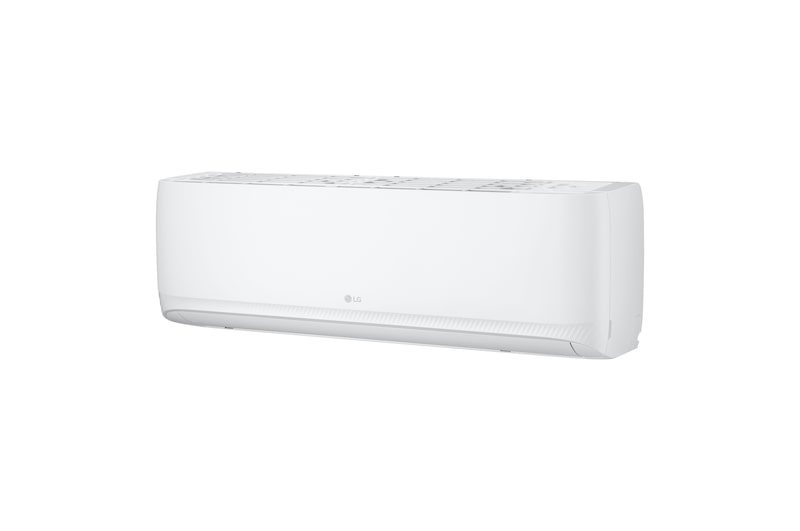
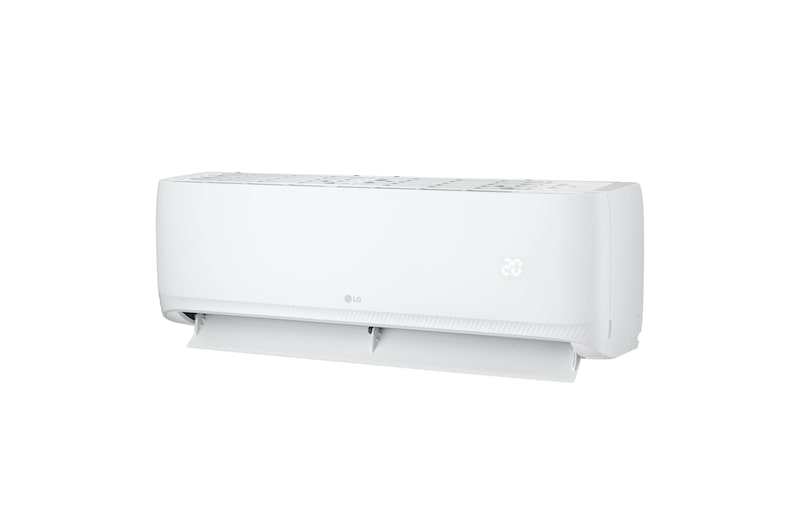
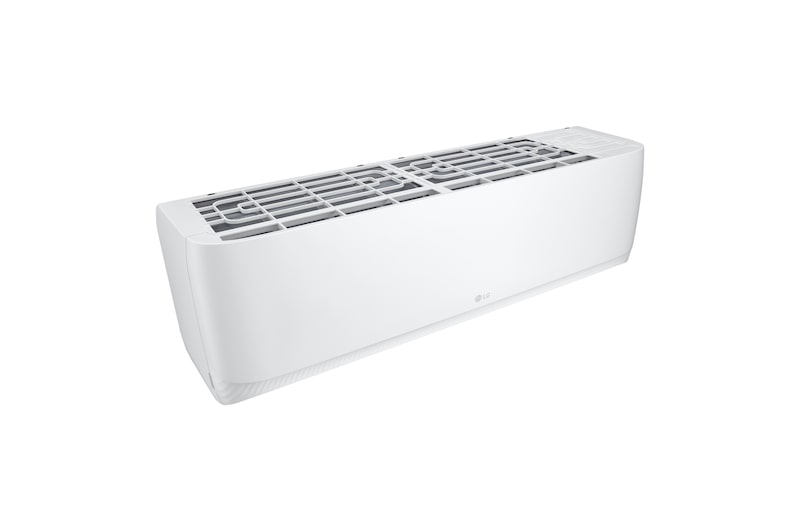
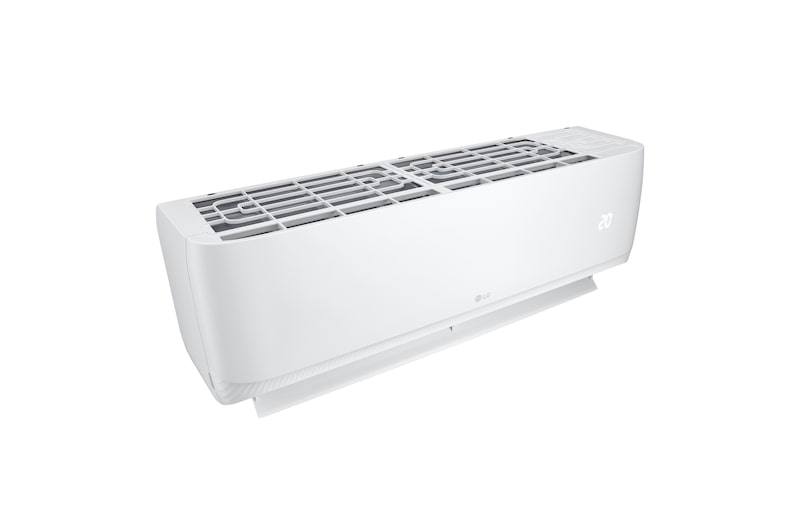
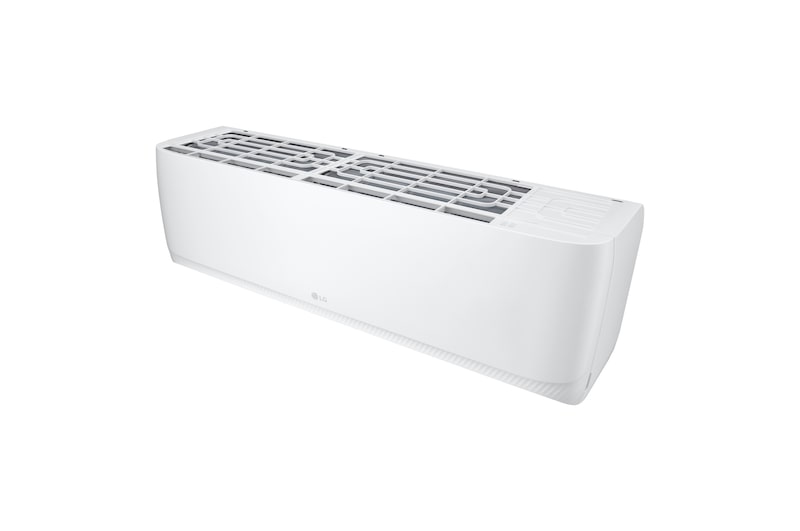
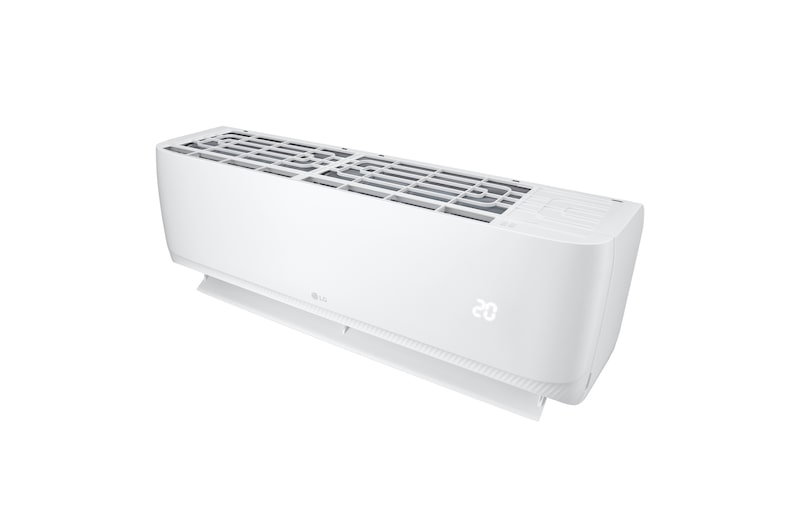
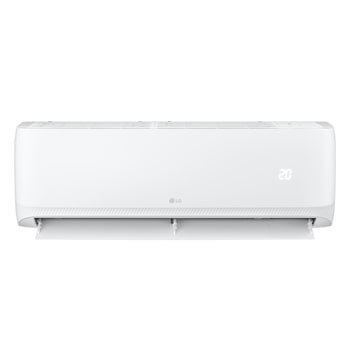
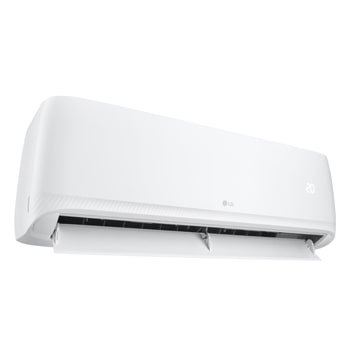
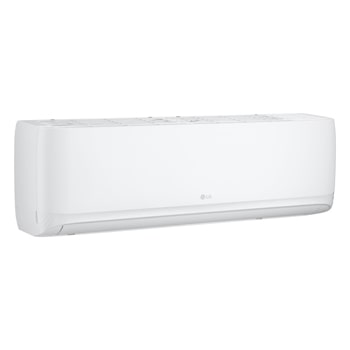
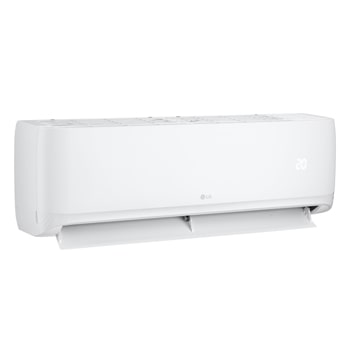
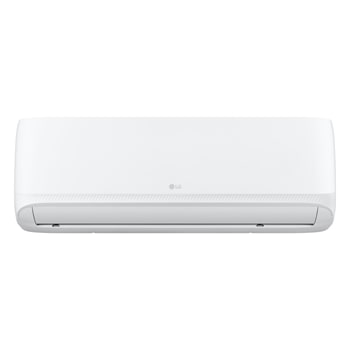
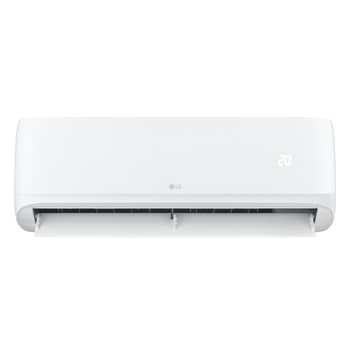
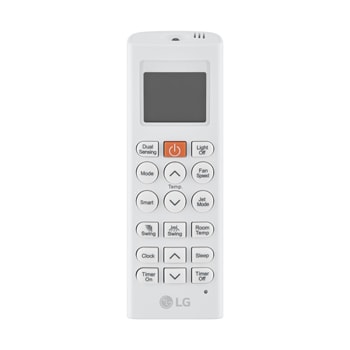
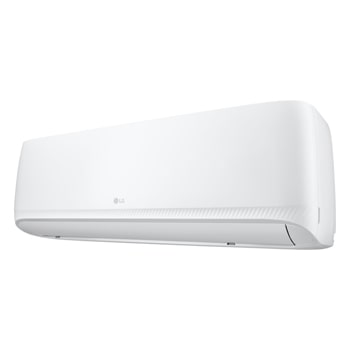
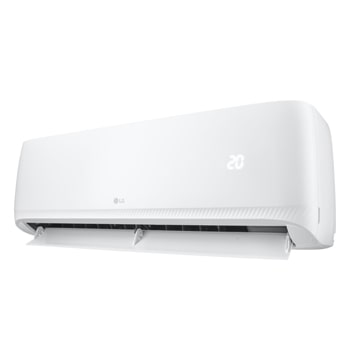
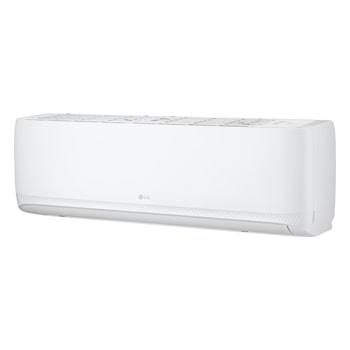
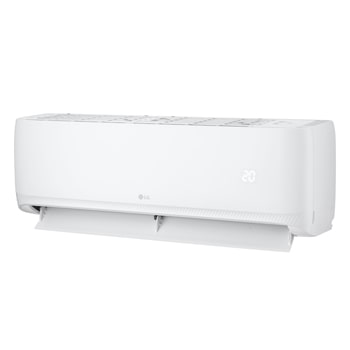
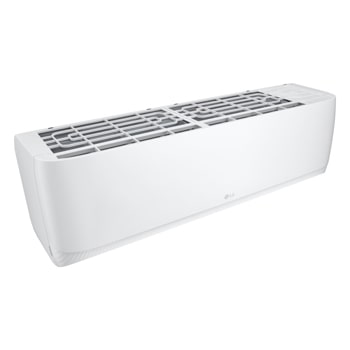
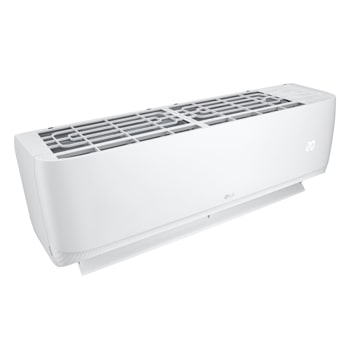
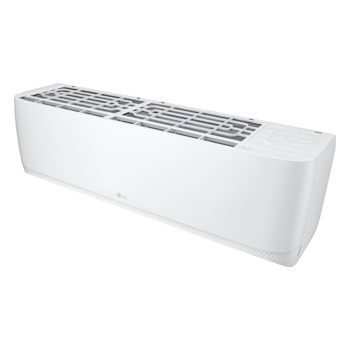
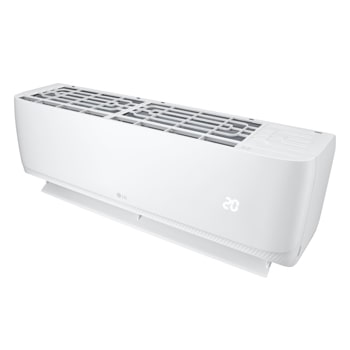
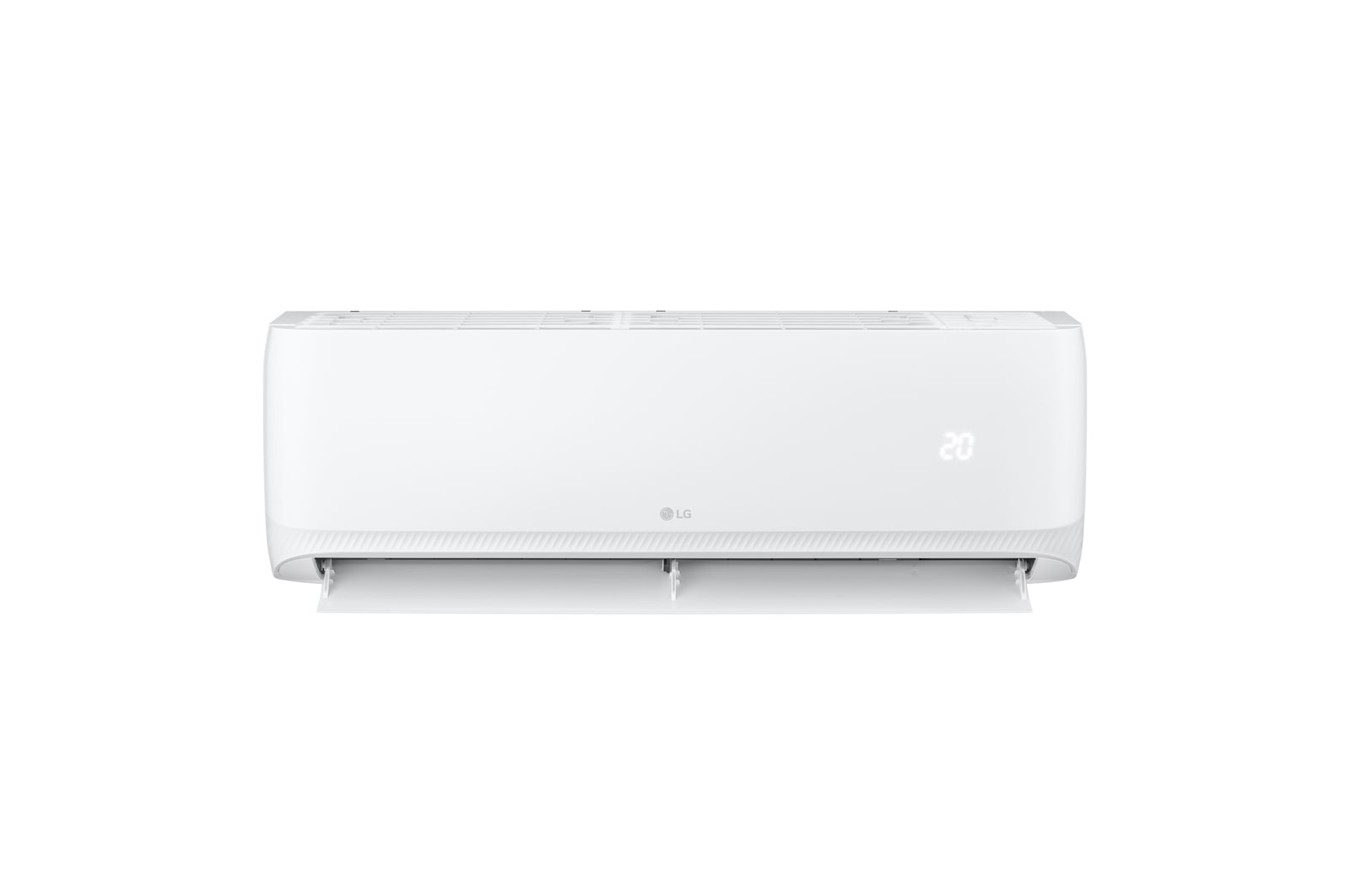
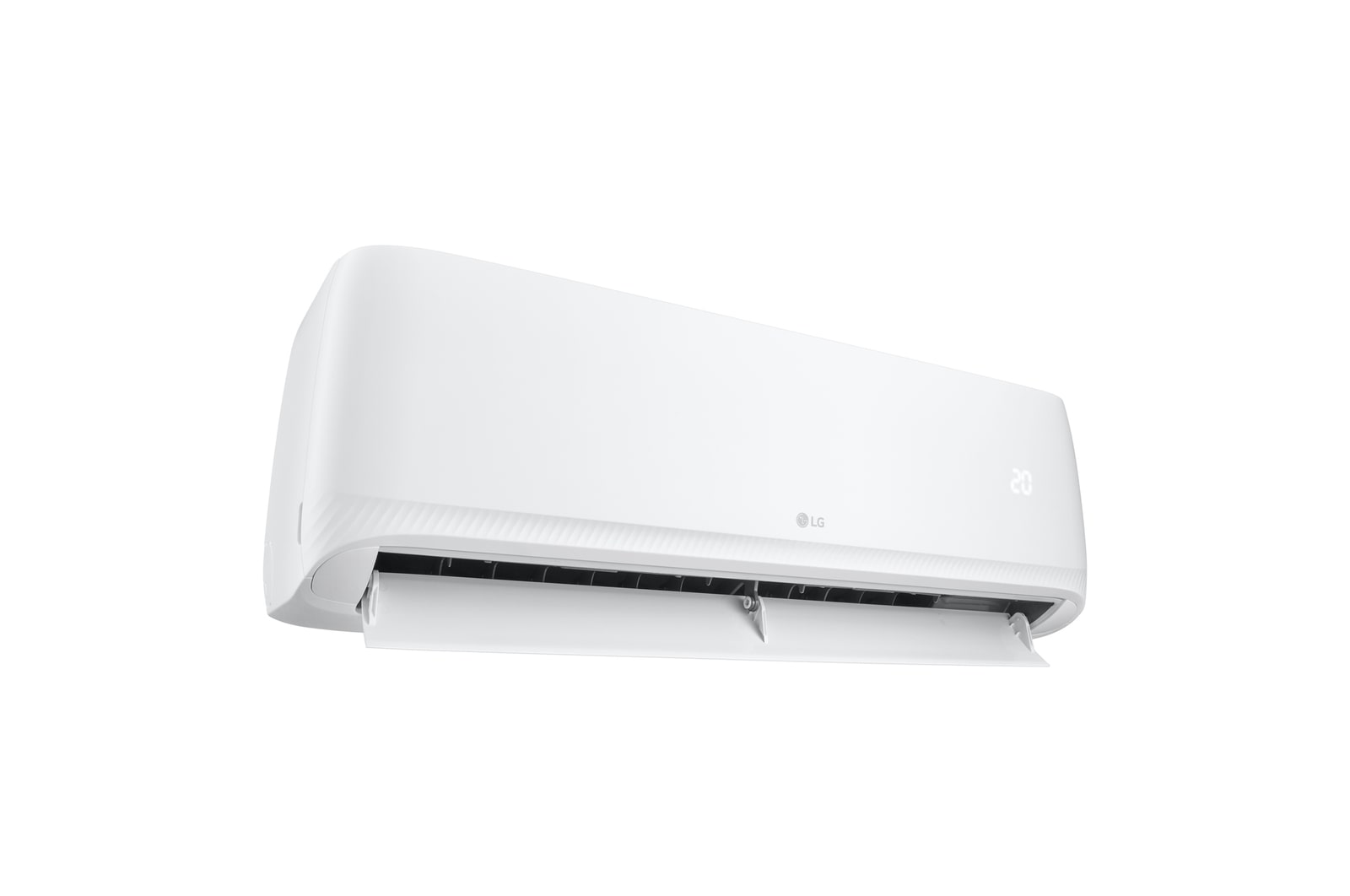
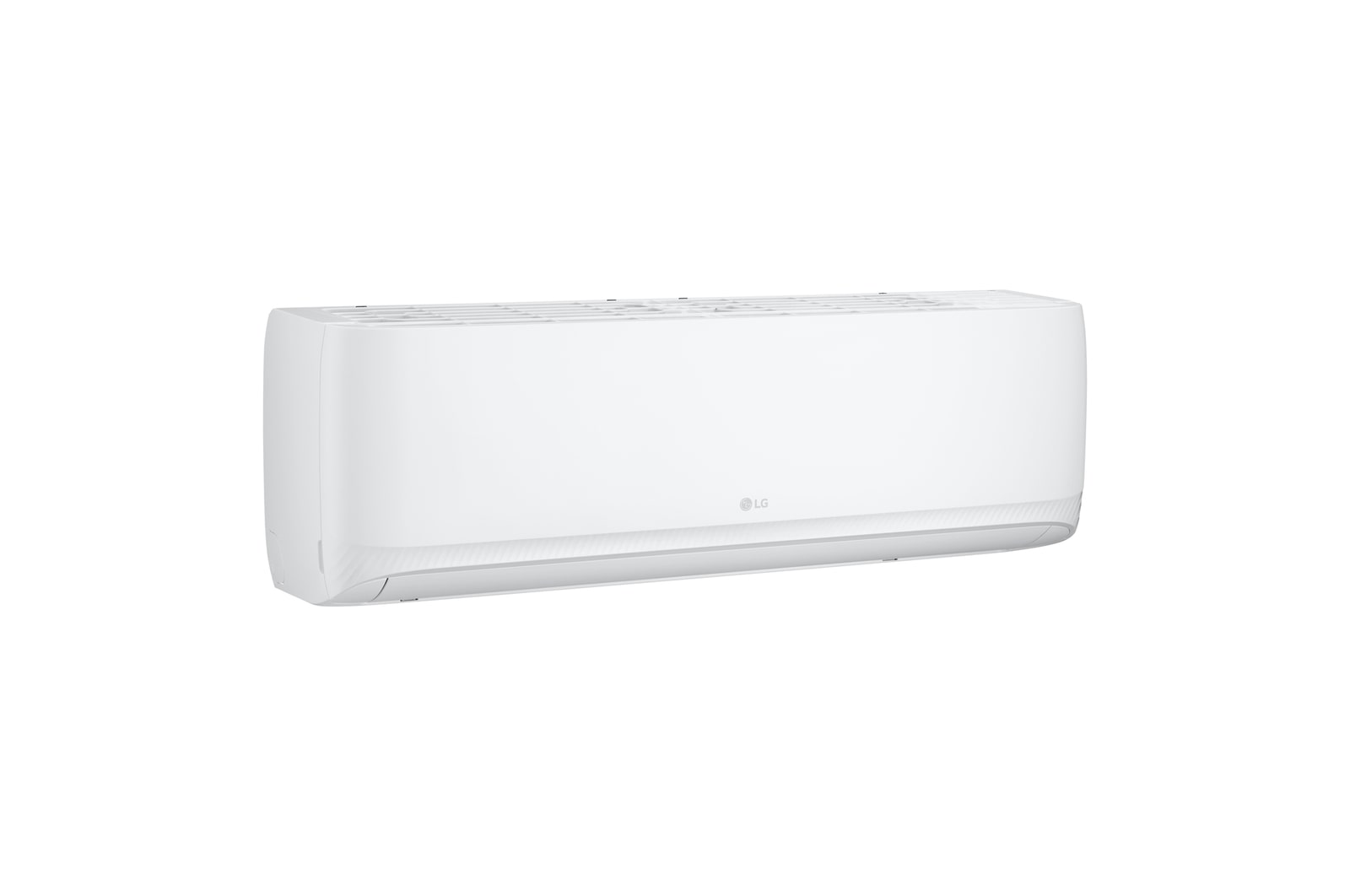
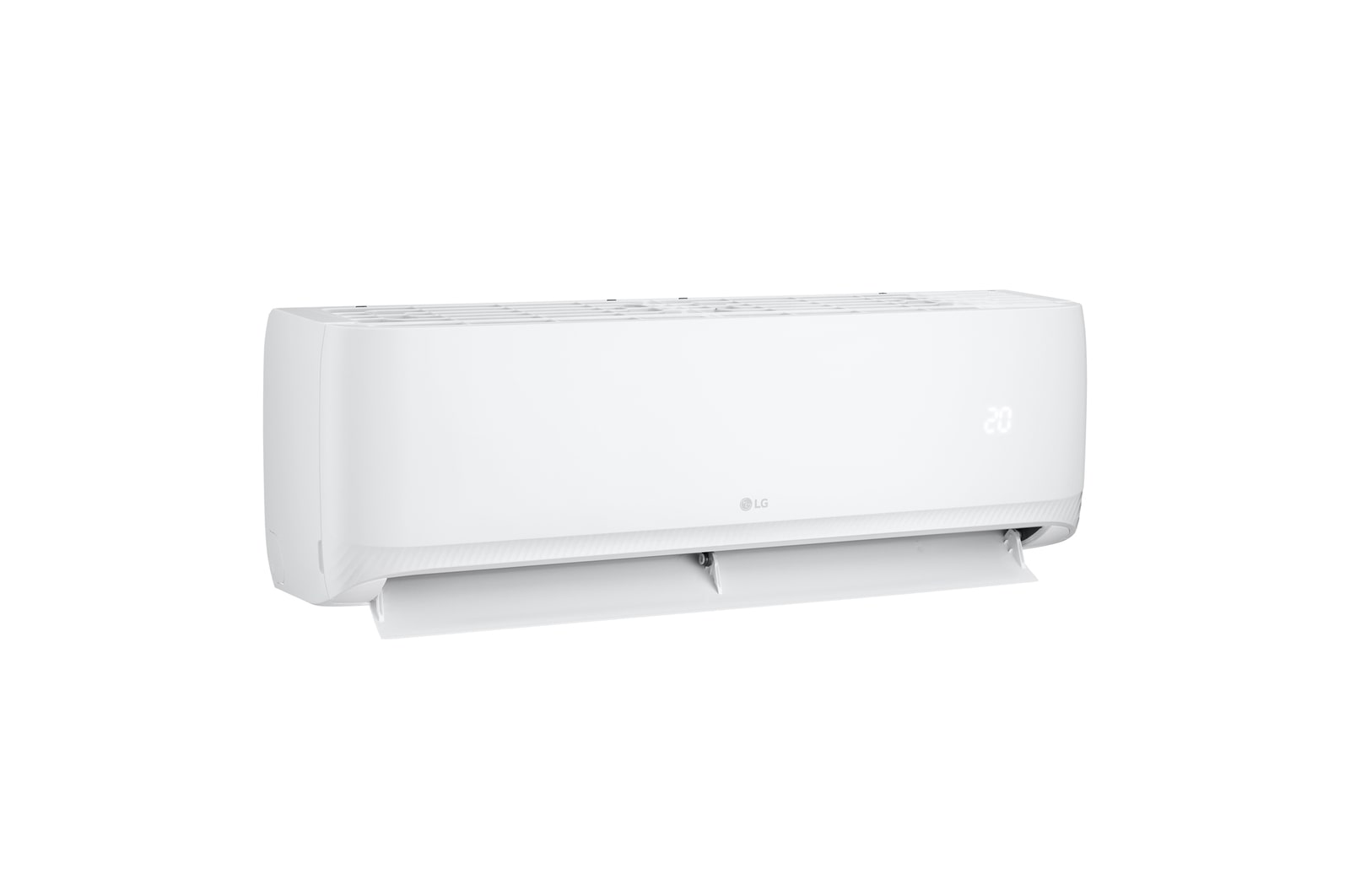
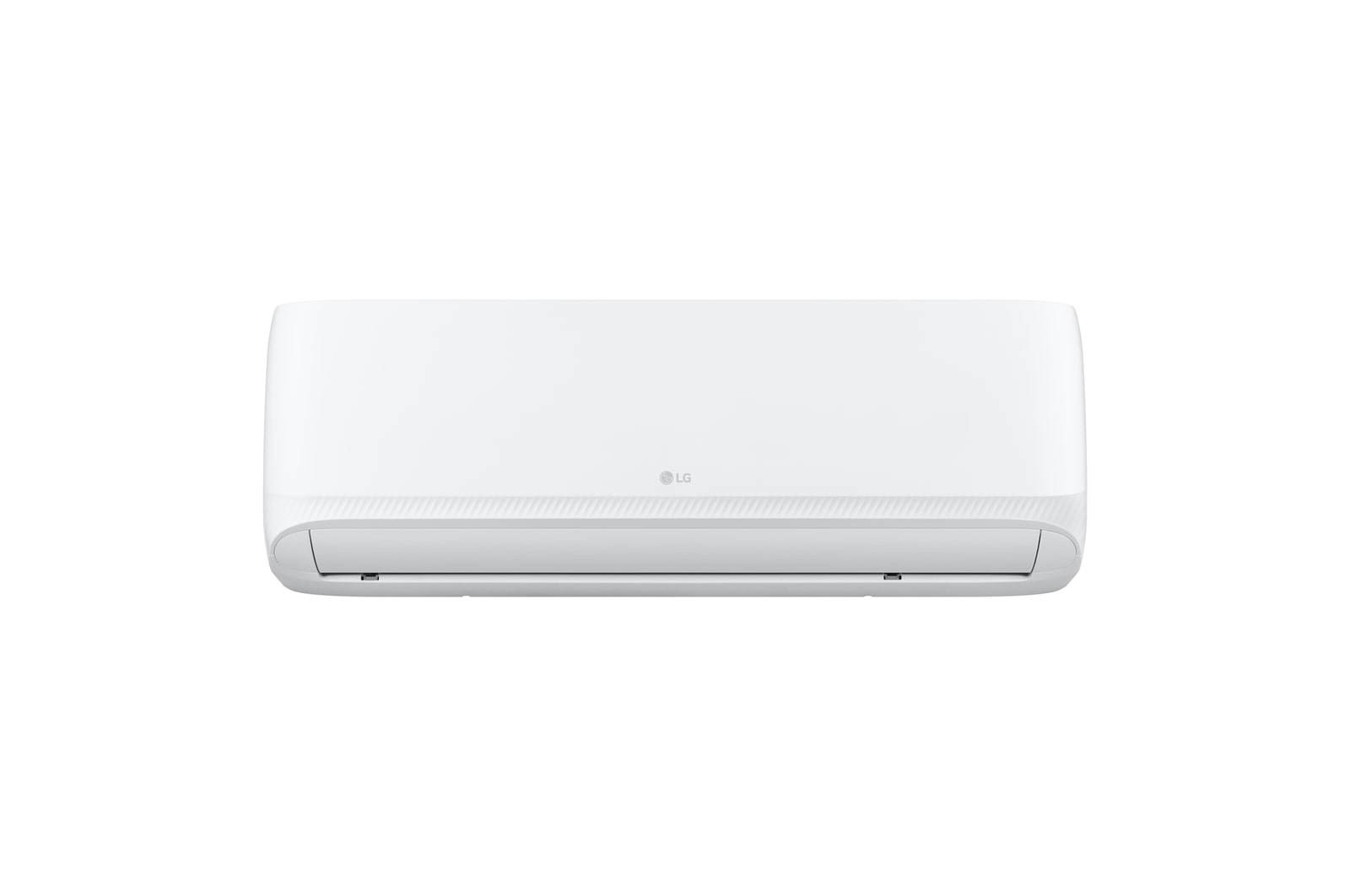
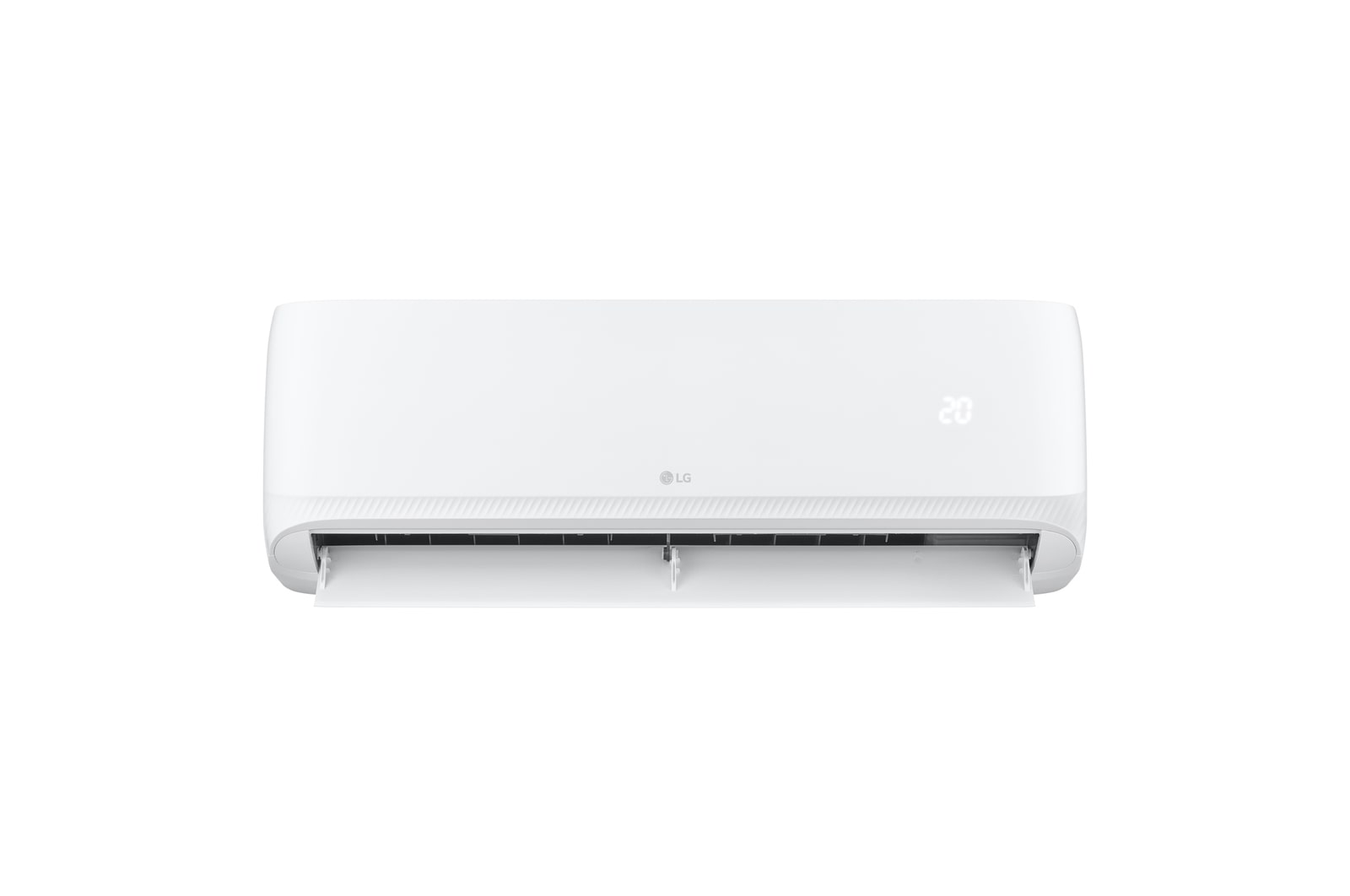
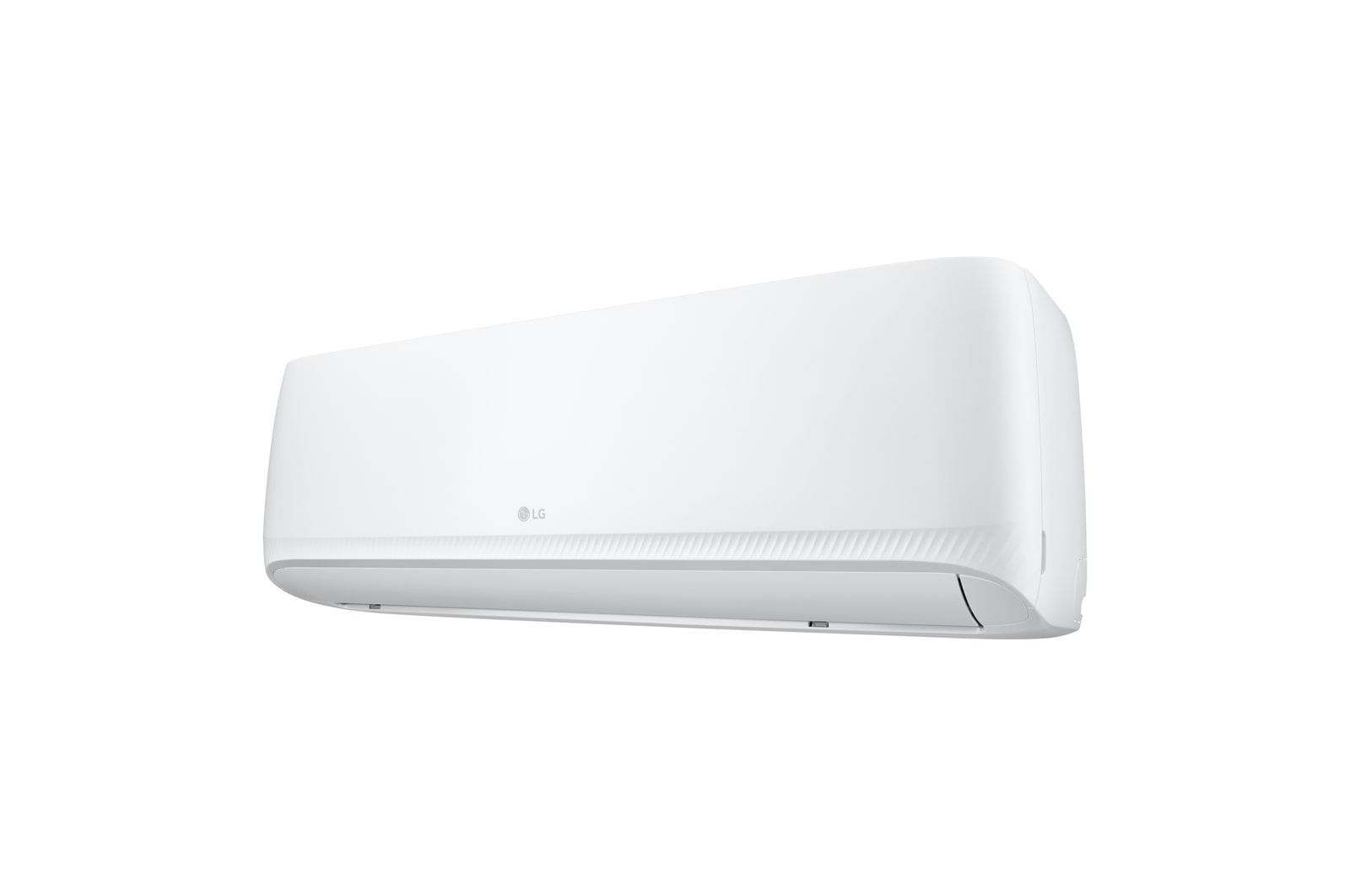
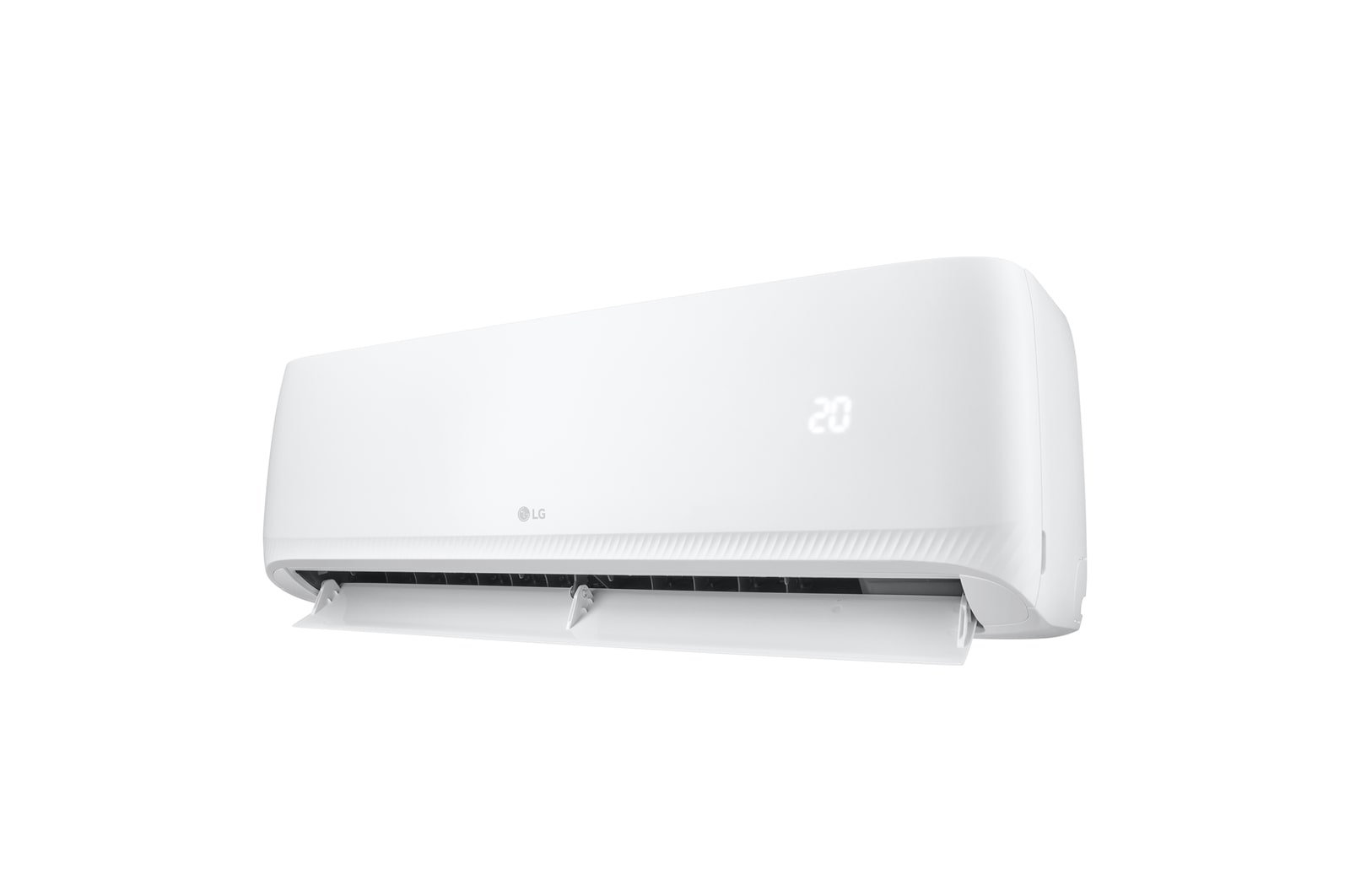
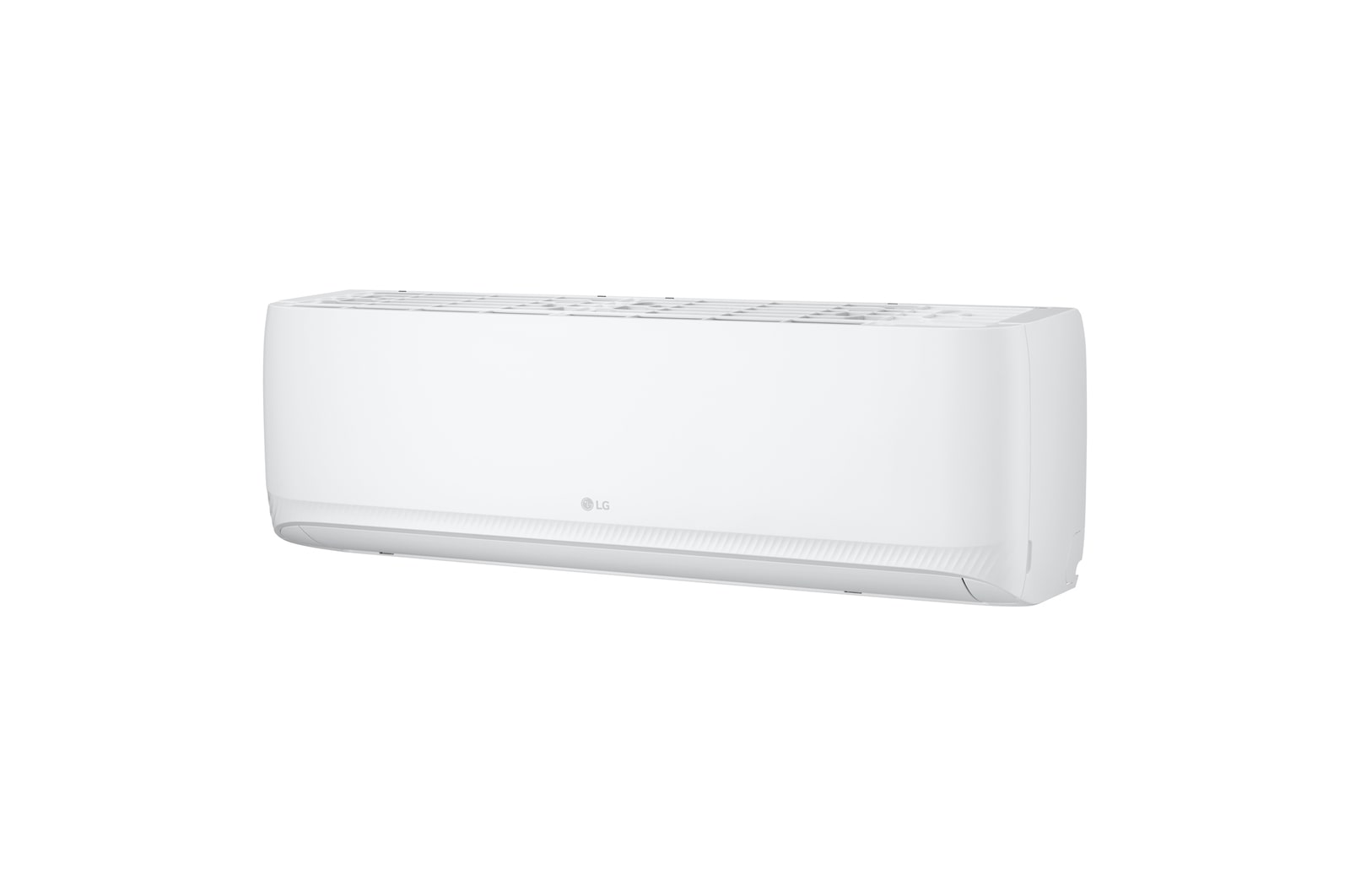
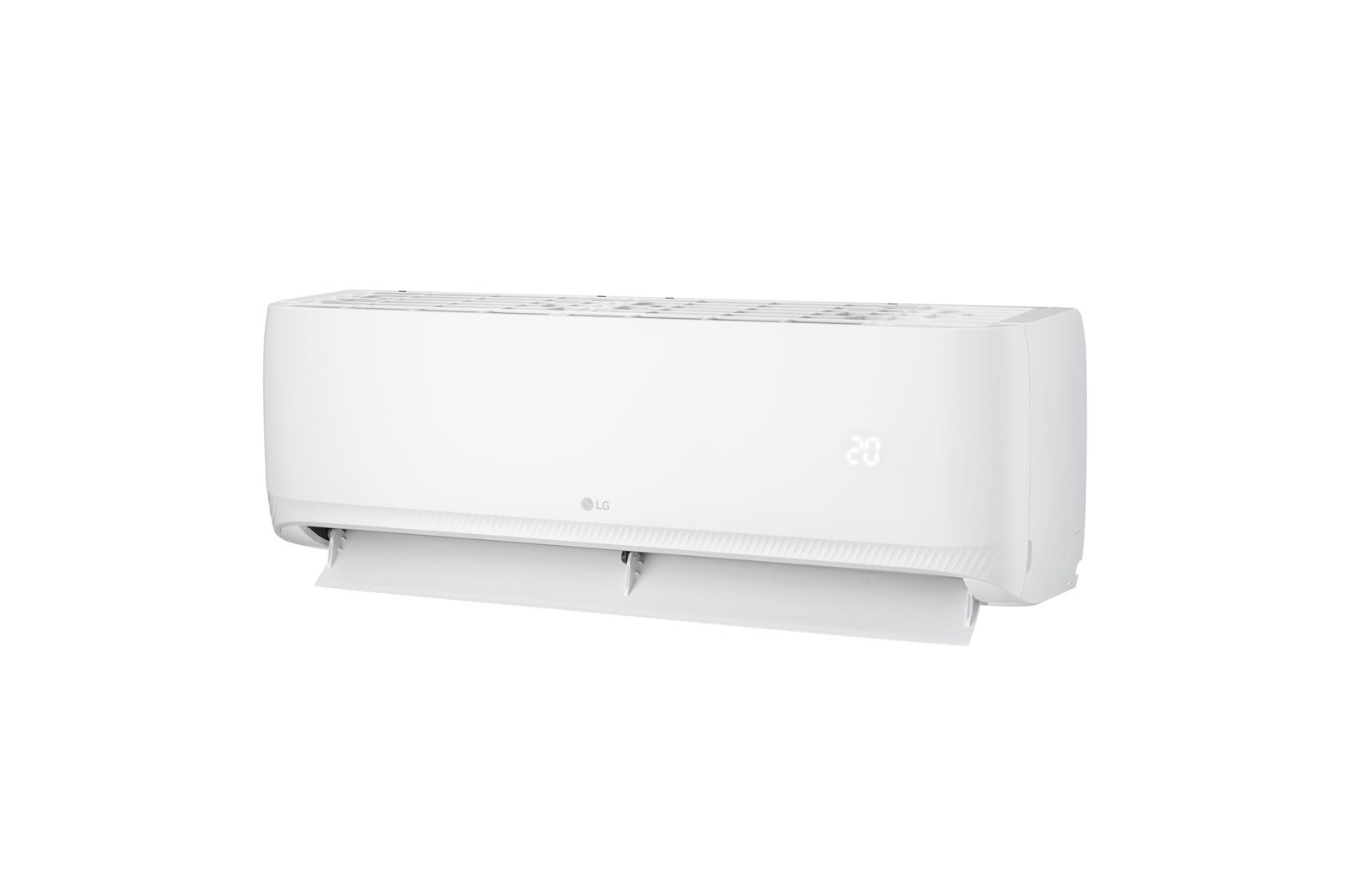
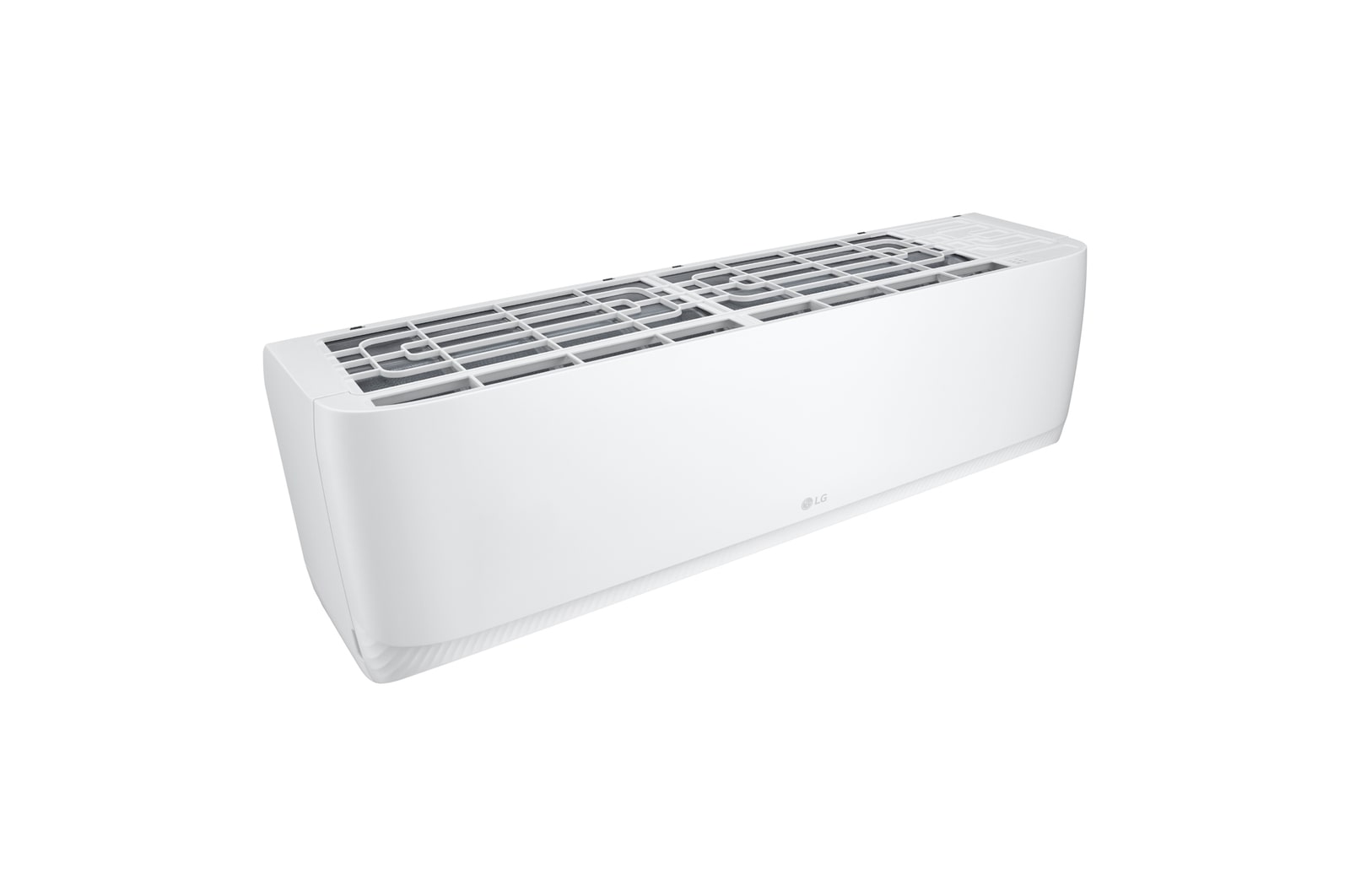
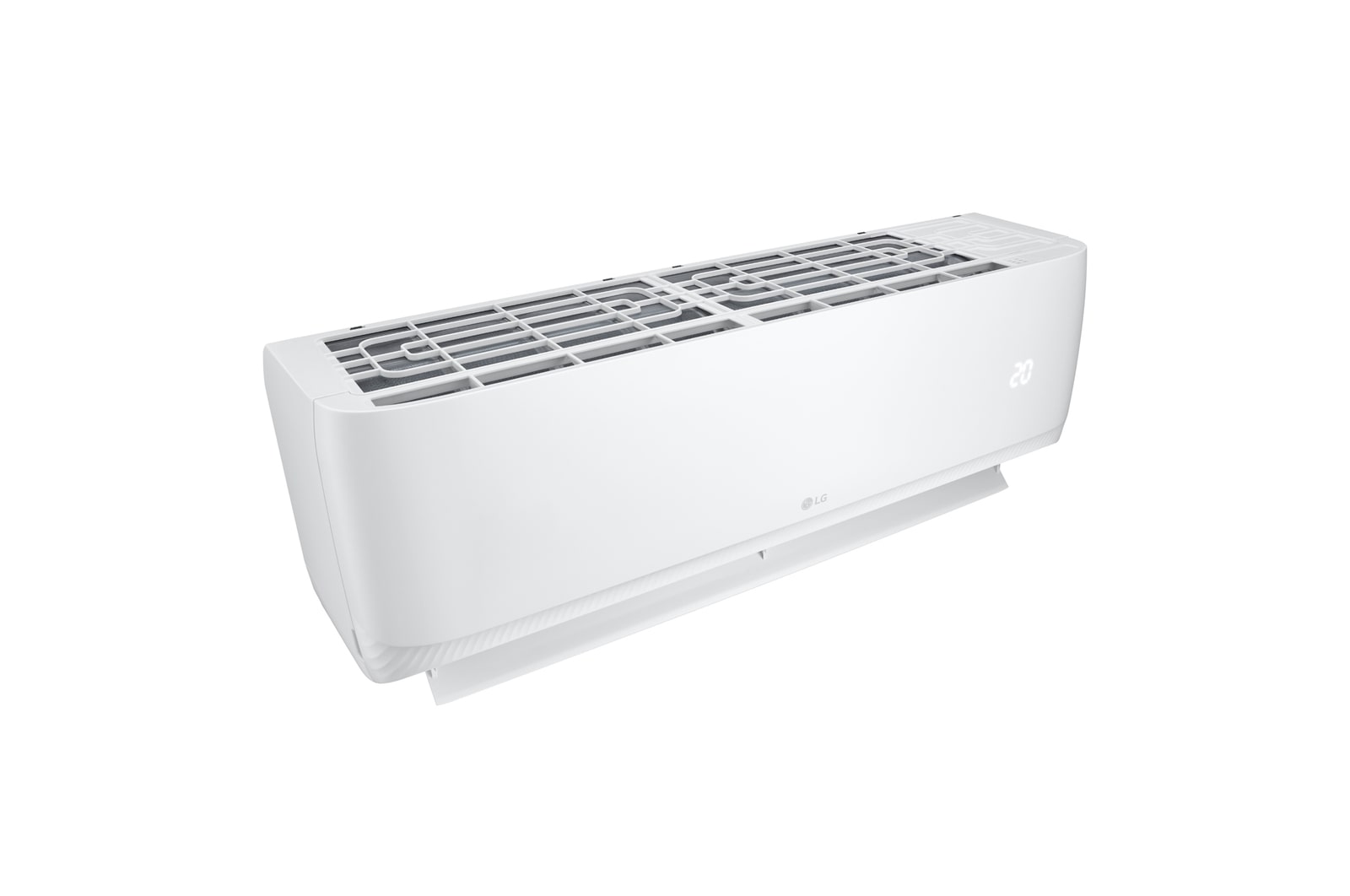
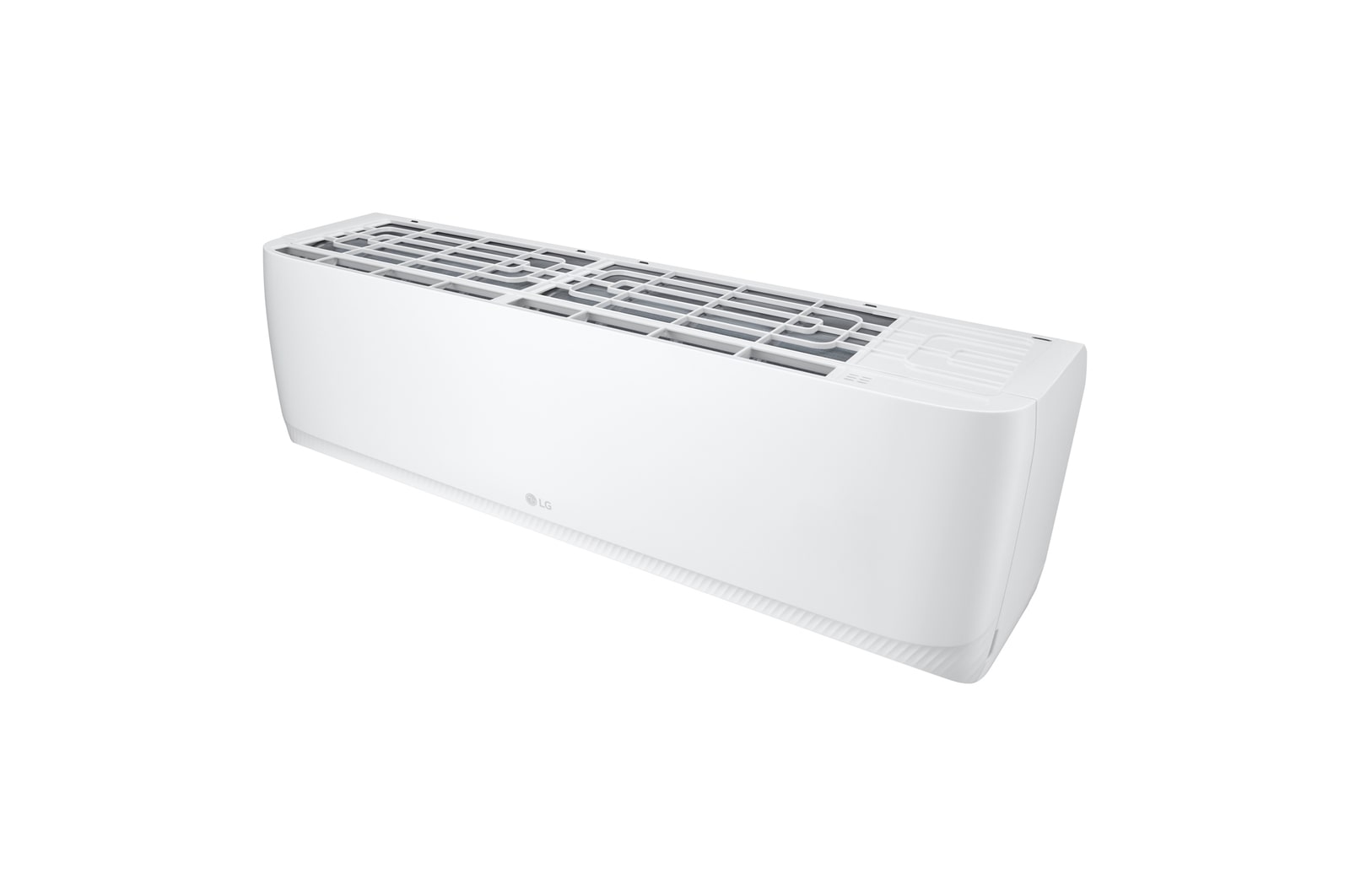
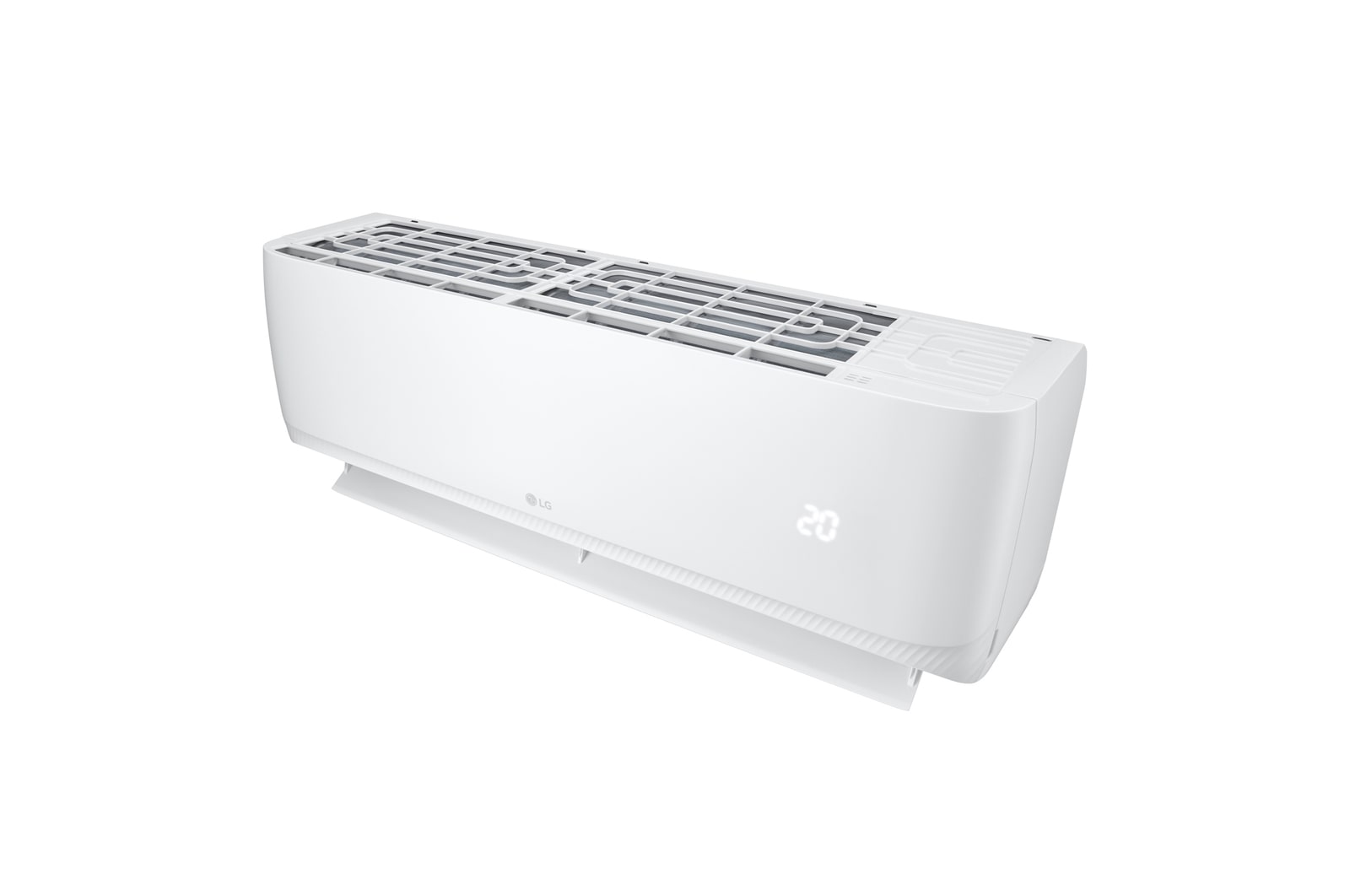
*The images and videos above are staged and created for illustrative purposes to enhance understanding. There may be variations depending on the actual product installation environment.
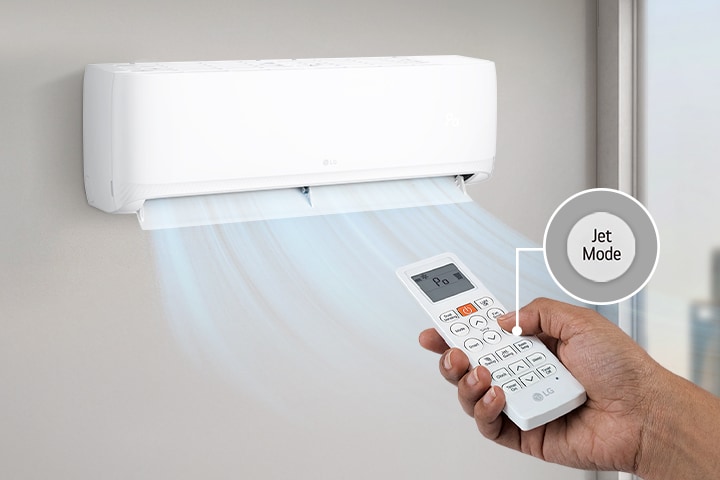
1)JETCOOL
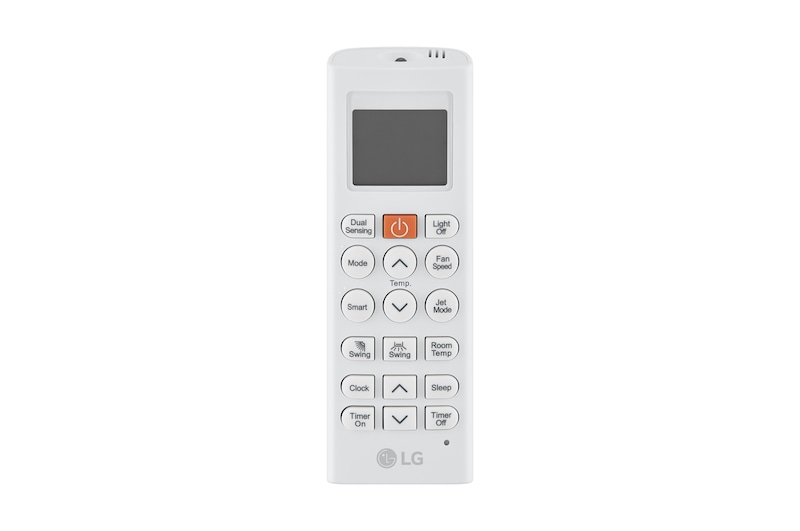
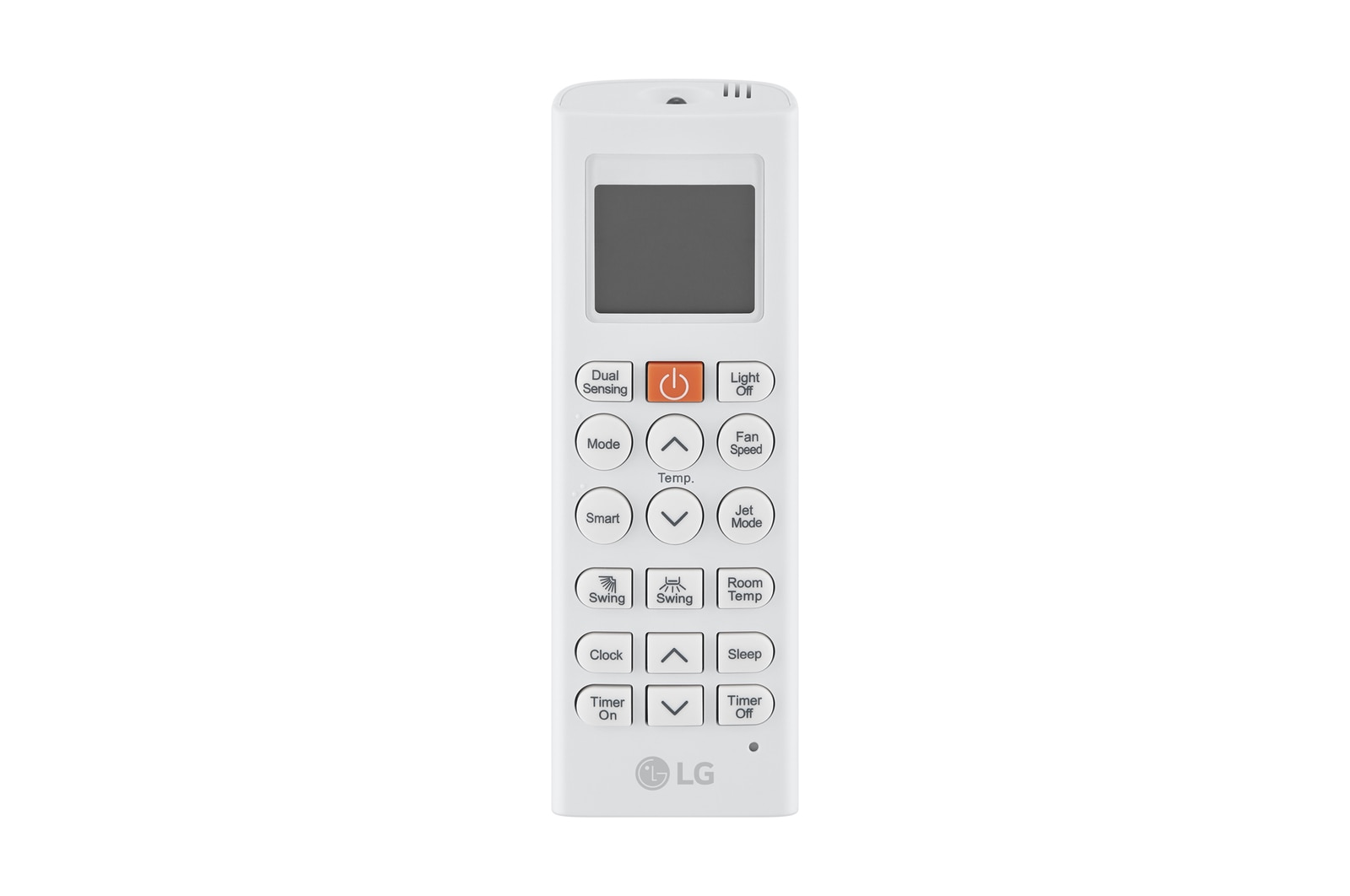
-The remote controller display image may be changed without notice.
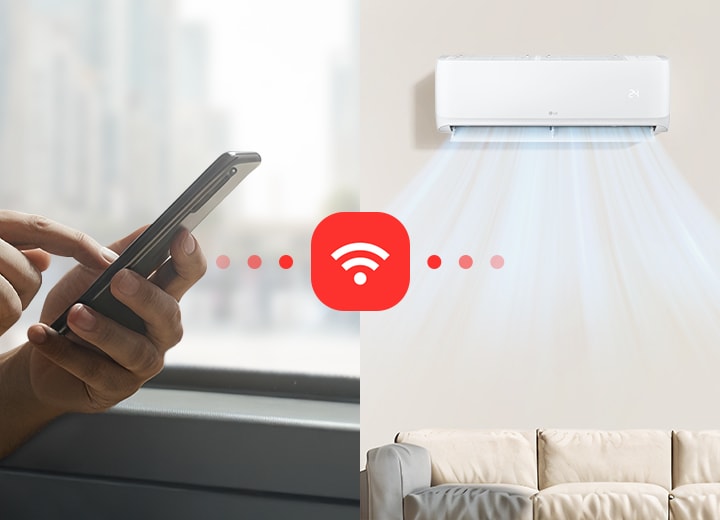
2)Pre-Cool
-This function can be used through LG ThinQ only.
-In order to register home appliances with LG ThinQ, a wireless Internet connection is required.
-In order to use the ThinQ function, users must first install the ‘LG ThinQ’ app from the Google Play Store or Apple App Store via smartphone and connect to Wi-Fi. For detailed usage instructions, please refer to the application's help section.
-The LG ThinQ may have limitations in certain user functions or may not work on some smartphones, so check the minimum specifications before using (Android OS 9.0 or higher, iOS 15.0 or higher).
-Upon initial use of the Pre Cool feature, the customer's home location must be set in Google Maps through LG ThinQ.
-The operating distance range of Pre Cool is a 250m to 50km radius surrounding the customer's home location, and can be configured through LG ThinQ.
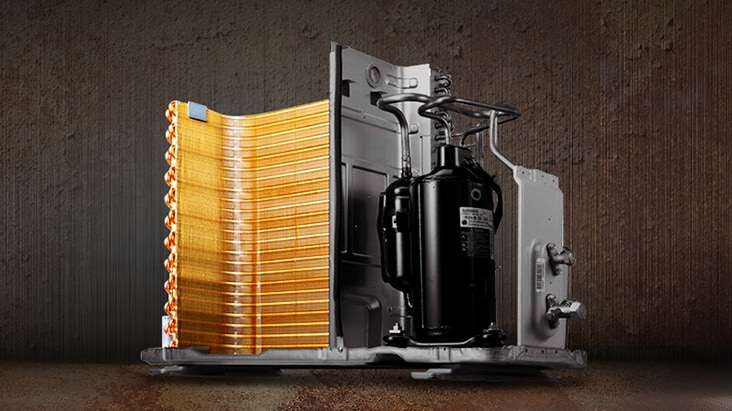
3)Gold Fin
-It may very depending on usage environment.
-Image above is illustration purposes only.
-According to internal salt spray testing, the Gold Fin corrosion protection level is 3 times better than that of regular fins. (rating Number is 9.8 or higher after 1500 hours testing)
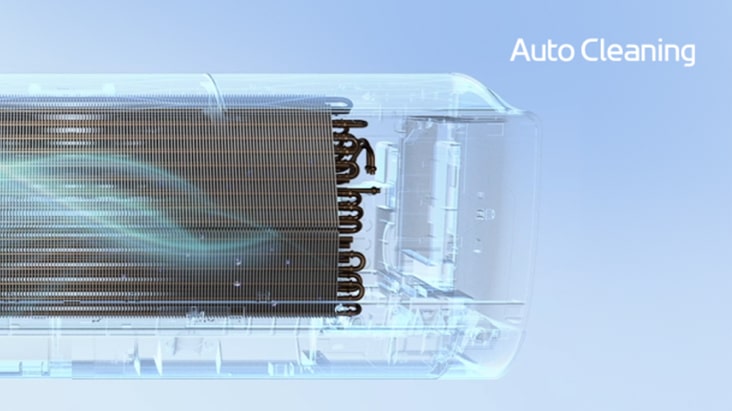
4)Auto Cleaning
-When the product is turned off, the Auto Cleaning function is automatically activated.
-During Auto Cleaning, the product operates in fan mode for a certain period of time to help remove residual moisture from the heat exchanger.
-Auto Cleaning is activated when the product is turned off.
-The drying conditions inside the appliance may vary depending on the temperature or humidity of the indoor air.
-Auto Cleaning is activated upon product shipment and can be used without additional settings.
5)7-Year warranty on the compressor
-The 7-year warranty on the compressor may vary by product and country. Please check before purchasing.
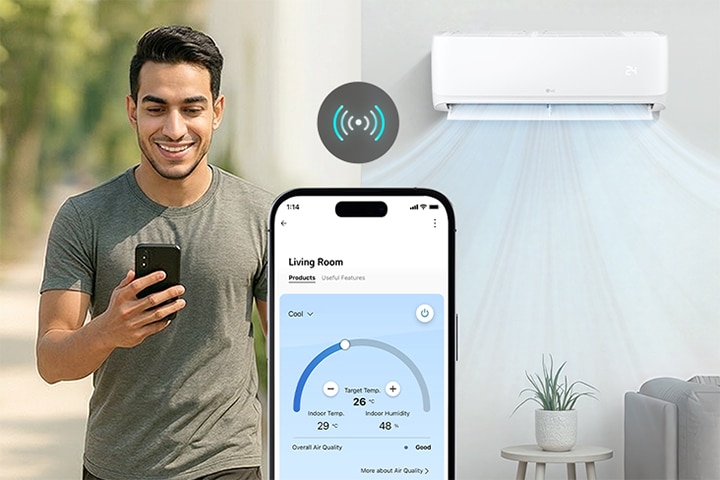
6)LG ThinQ
-The air conditioner is Wi-Fi-enabled and requires product registration through the LG ThinQ app.
-LG ThinQ app functions may vary depending on the product and country. Check with your local retailer or LG for service availability.
-To register your air conditioner on the LG ThinQ app and optimize functionality, ensure the air conditioner is connected to the Wi-Fi at home.
-To utilize the LG ThinQ function, it is necessary to install the 'LG ThinQ' app from the Google Play Store or Apple App Store on your smartphone and establish a connection to Wi-Fi. Refer to the application's help section for detailed instructions.
-Please note LG ThinQ app might not work on some smartphones and some functions may vary depending on the product and country.