*Available number of apps and channels may vary by country, product, and region.

What makes webOS different?

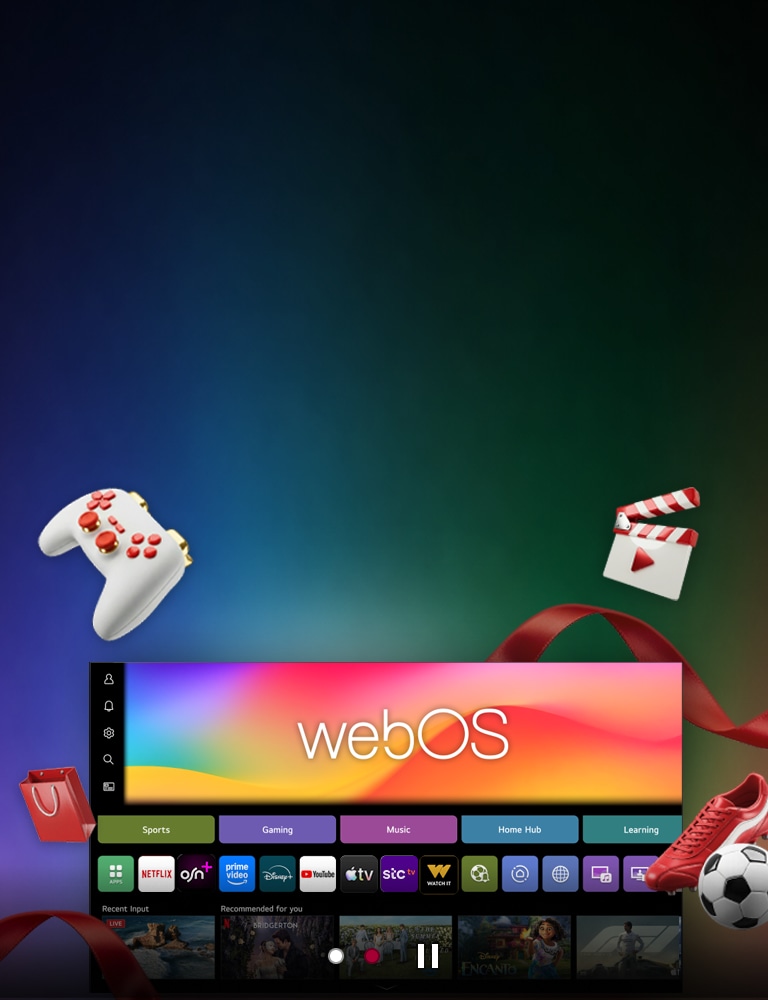
webOS brings everything you enjoy together in one simple, easy-to-use experience.

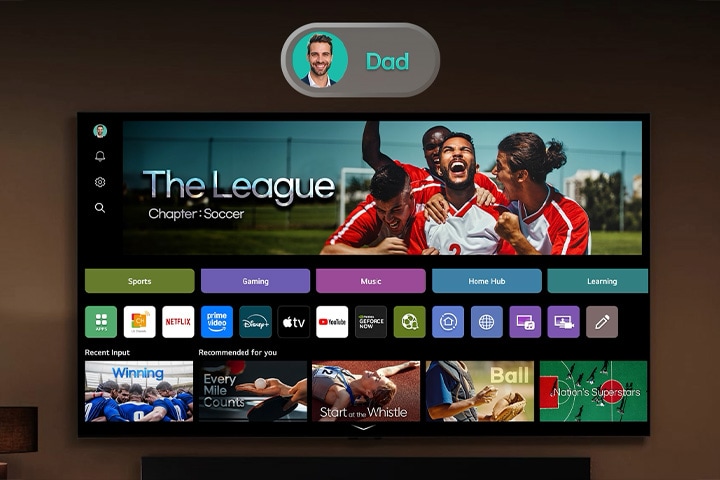
All you want to watch, on one screen

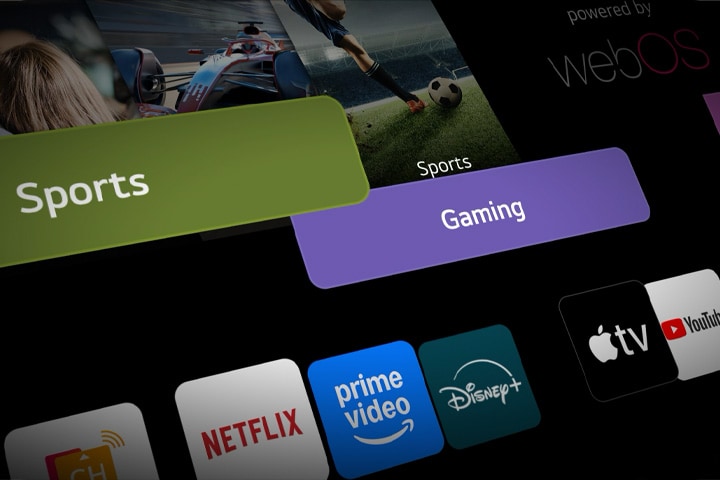
All your favorite content in one place - sports, music, gaming, learning and home office. Just one click takes you exactly where you want to be. 

Customize your viewing experience

Easily create a individual account. Everyone gets a personal home screen with tailored content recommendations for more immersive viewing experience.

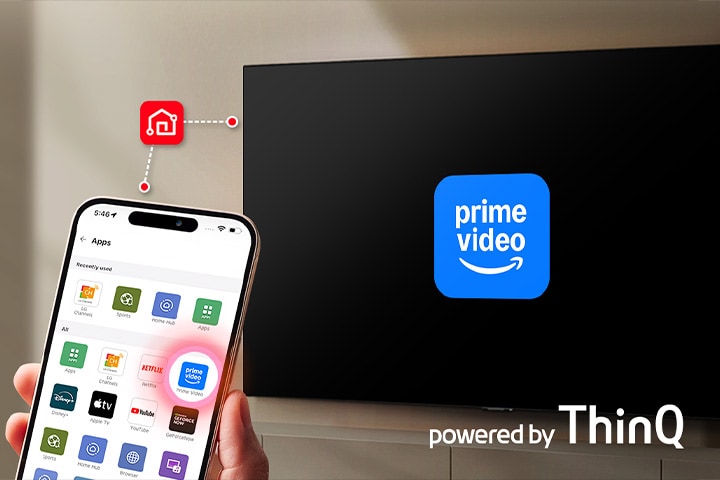
Tap to play. Ready in seconds.

Access your favorite streaming apps with a tap. Open the TV tab in the ThinQ app to access Prime Video and a variety of apps. Just tap an app in ThinQ, it plays on your TV in seconds.

*Screen images simulated for illustrative purposes.

*Available content and apps may vary by country, product, and region.

*Account creation may be restricted depending on age and the number of existing accounts.

*Separate subscriptions are required for Amazon Prime and their related services.

*Amazon, Prime Video and all related logos are trademarks of Amazon.com, Inc. or its affiliates.

*Access to network-based smart services, including streaming content apps, requires an LG Account. Without an account, use of the TV is limited to content from HDMI-connected devices and terrestrial.

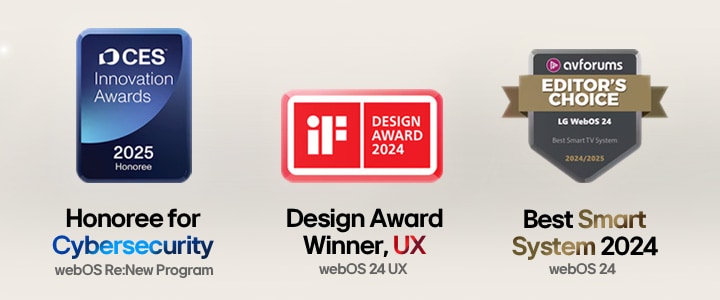
Award-winning webOS

Award logos including CES, iF Design Award, and AVForums Editors' Choice

*The CES Innovation Awards are based upon descriptive materials submitted to the judges. CTA did not verify the accuracy of any submission or of any claims made and did not test the item to which the award was given. 

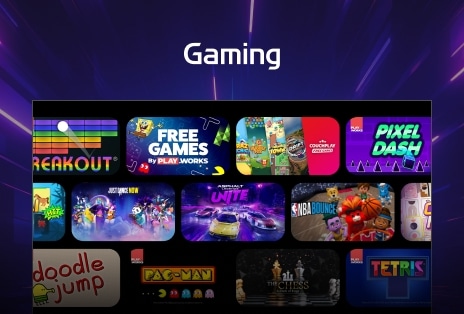
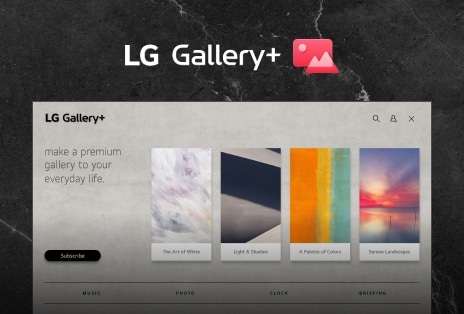
Discover more apps

Apps for every interest—from games and entertainment to lifestyle, education, and more.

*Certain apps may not be launched at the same time as webOS, and availability may vary by region.

*Access to network-based smart services requires an LG Account.

Global Streaming Services

A universe of content to explore 

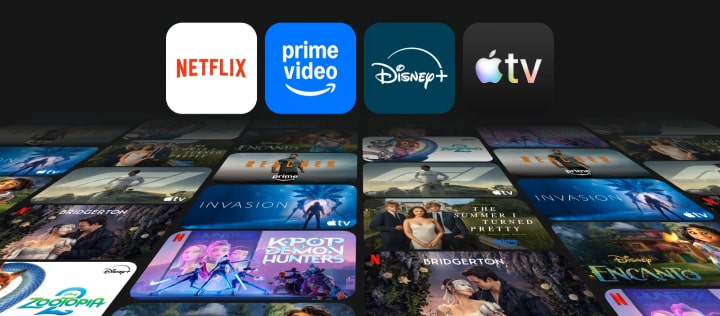
Shows so indulging, you can't stop watching. Get hooked on captivating content on Netflix, Disney+, Prime Video, and Apple TV+.

Animated sequence showing logos of Netflix, Prime Video, Disney+, and Apple TV+ floating above a dynamic collage of hit TV shows, highlighting LG Smart TV’s access to global streaming platforms and immersive viewing experience.

*Available content and apps may vary by country, product, and region.

*Separate subscriptions are required for Netflix, Disney+, Amazon Prime, and Apple TV+ and their related services.

*Apple, the Apple logo, and Apple TV are trademarks of Apple Inc, registered in the U.S. and other countries.

*Amazon, Prime Video and all related logos are trademarks of Amazon.com, Inc. or its affiliates.

*Access to network-based smart services requires an LG Account.

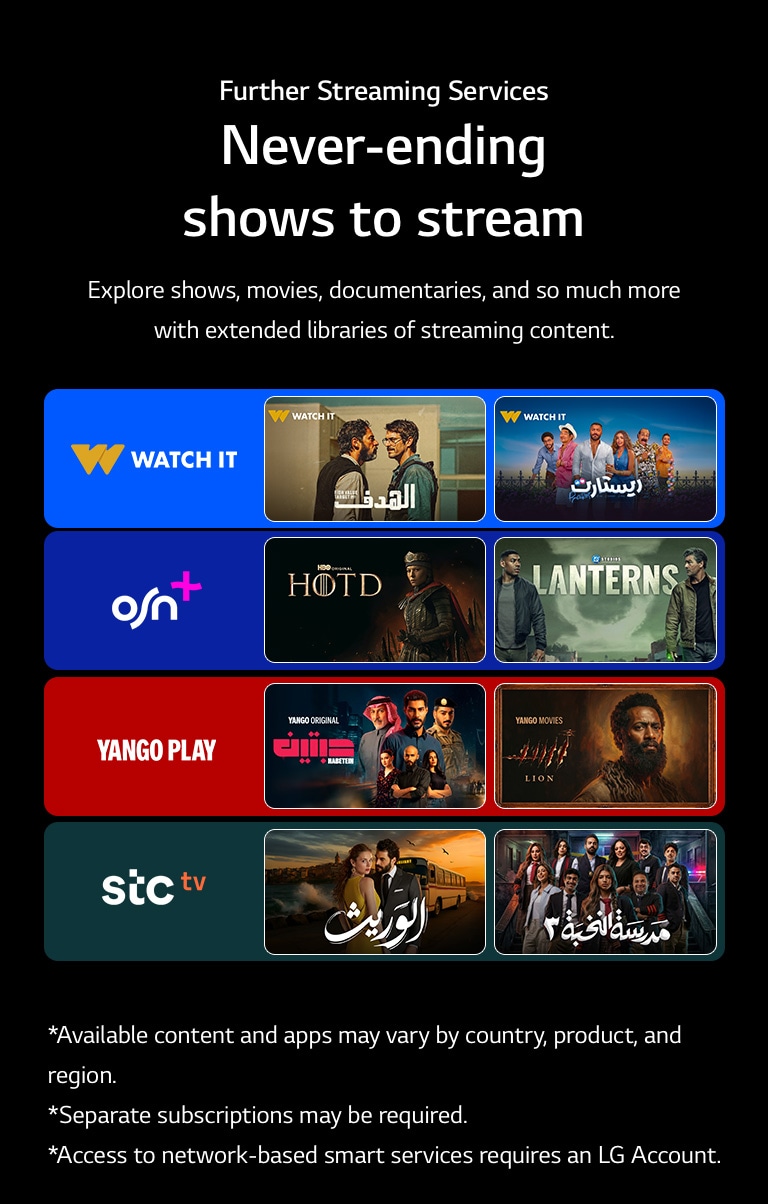
Further Streaming Services

Never-ending shows to stream

Explore shows, movies, documentaries, and so much more with extended libraries of streaming content.

Four colored boxes featuring logos of popular streaming services with two TV show thumbnails each, illustrating a diverse selection of streaming content including shows, movies, and documentaries.

*Available content and apps may vary by country, product, and region.

*Separate subscriptions may be required.

*Access to network-based smart services requires an LG Account.

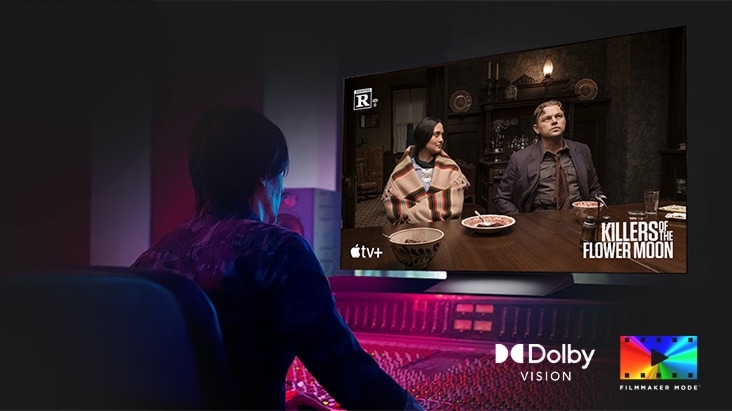
FILMMAKER MODE™

The director's cut, at home 

FILMMAKER MODE™ turns off motion smoothing and preserves the film's original format - including aspect ratios, colors, and frame rates - so you see every scene exactly as the director intended. 

*Screen images simulated for illustrative purposes.

*Support for FILMMAKER Mode may vary by country.

*Screen images have been simulated for illustrative purposes.​

*Available content and apps may vary by country, product, and region.​

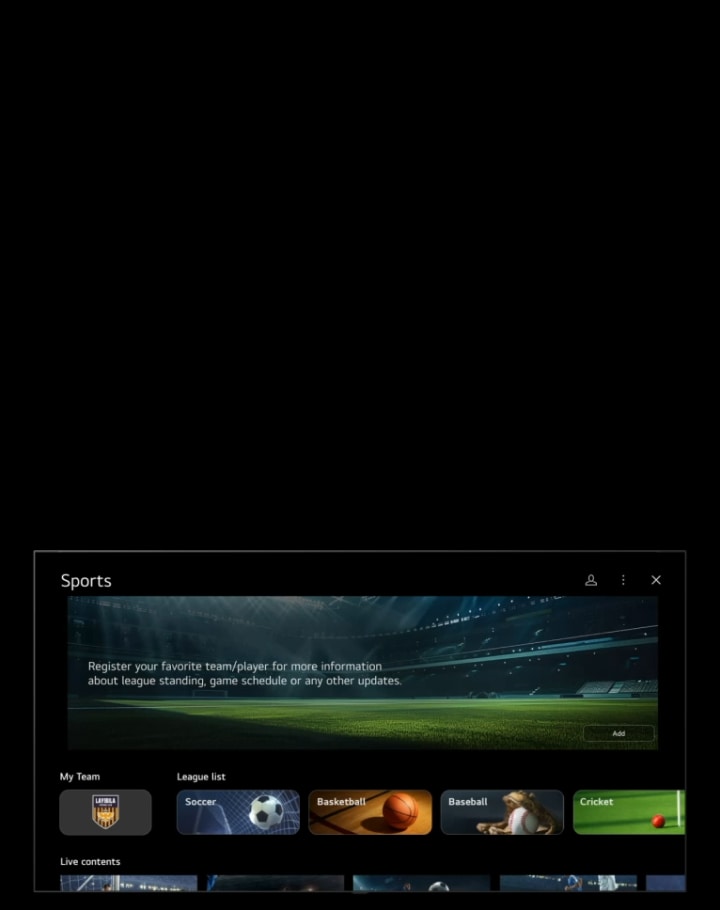
*Supported leagues and features may vary by model, platform version and country. ​

*Information and supported league coverage are provided in accordance with active tournament schedules and may change as competitions begin and conclude.​

*This feature requires a network connection.​

*To receive alerts, teams or players must be added to “My Team.”​

*Access to network-based smart services requires an LG Account.

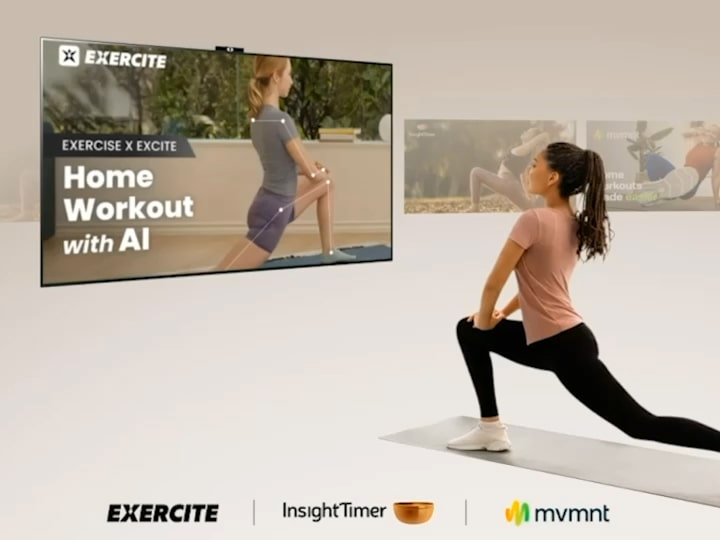
Fitness

Your go-to fitness buddy

Whether you prefer yoga or even meditation, find fun and effective workouts on LG TV.

Woman exercising while watching workout videos on LG TV, with various fitness content like yoga and meditation swiping across the screen, showcasing LG TV as a versatile fitness companion.

*Screen images simulated for illustrative purposes. 

*Available content and apps may vary by country, product, and region and are subject to change without notice. 

*Separate subscriptions may be required.

*Access to network-based smart services requires an LG Account.

Learning

Learn with fun on big screen 

*Screen images simulated for illustrative purposes. 

*Available content and apps may vary by country, product, and region and are subject to change without notice. 

*Separate subscriptions may be required.

*Access to network-based smart services requires an LG Account.

FAQ

Q.

What is webOS on LG TV?

A.

webOS is the smart TV operating system used on LG TVs. It brings streaming apps, live TV, and connected devices together on a single home screen, making it easy to navigate and control your entertainment. webOS also supports features such as voice control, personalised recommendations, and seamless switching between content, inputs, and settings.

Q.

What can I do with webOS?

A.

webOS lets you access streaming entertainment, apps, music, sports, and lifestyle services directly from your LG TV.

It helps you quickly find what you want with a simple home screen, personalized recommendations, and easy access to favorite apps. Everything is designed to be easy to find and enjoy in one place with the webOS interface.

Q.

What apps are available on LG smart TV?

A.

LG Smart TVs with webOS offer access to a wide range of apps through the LG Content Store.(https://gb.lgappstv.com/main)

Users can browse and download apps across categories such as entertainment, games, lifestyle, education, and news & information. Streaming services such as Netflix, Disney+, Prime Video, Apple TV+, and YouTube are also available depending on the region and model.


*Available content and apps may vary by country, product, and region.

**Separate subscription and its related entities are required for Netflix, Disney+, Amazon Prime, and Apple TV+.

***Access to network-based smart services requires an LG Account.

Q.

How do I install apps on LG smart TV?

A.

You can install new apps directly from the Apps section on your LG webOS TV. 


1. Press the Home button on your remote.

2. Open the Apps section.

3. Search for the app you want.

4. Select the app and choose Install.

Q.

How do I know the webOS version on LG TV?

A.

You can check the webOS version from the Software Update section in your TV settings.


1. Press the Settings button on your Magic Remote.

2. Select the gear icon to open All Settings.

3. Go to Support and select Software Update.

4. View the current webOS version shown on the screen.

Q.

How can I pay for content?

A.

LG TVs support webOS Pay, which allows users to purchase digital content after registering a payment method and confirming transactions with a PIN.


*Available content and apps may vary by country, product, and region

**Available when using purchase or subscription buttons in apps connected to webOS Pay.

***Access to network-based smart services requires an LG Account.

What else can do with webOS?

Discover more apps, services, and entertainment experiences available on LG TV.

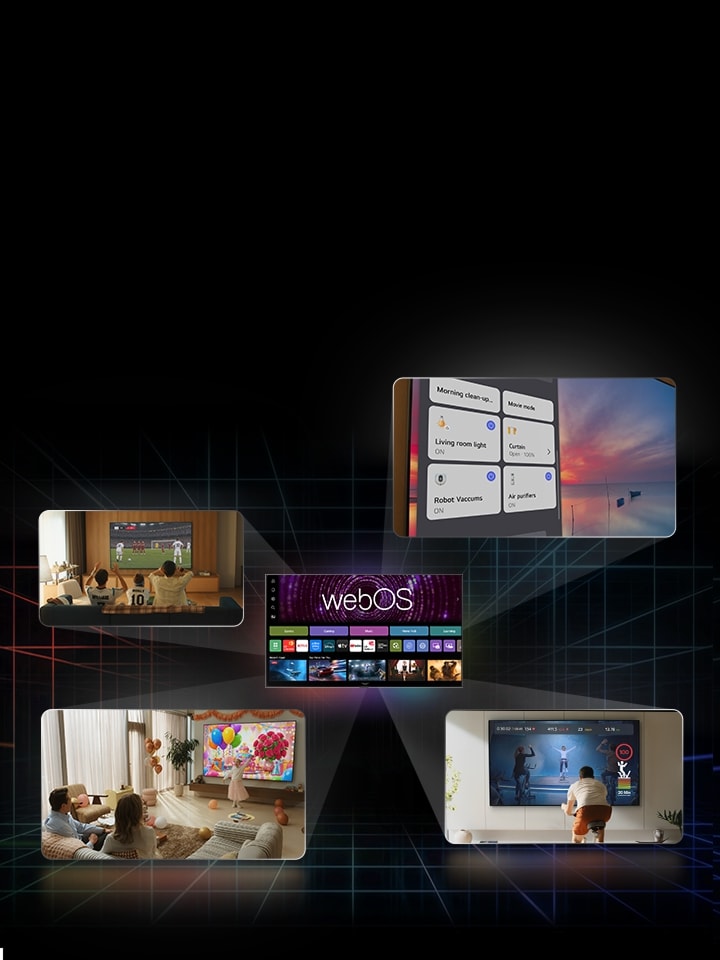
LG AI TV image includes a central webOS main interface with multiple user activities and varied content displayed around it, highlighting its functionality.

LG AI TV Playbook

LG AI TV, smart answers to make your daily life more convenient

Explore the LG AI TV lineup and find the right one for you

Learn more about the different LG AI TVs and discover the one that fits your needs best.