We use cookies, including cookies from third parties, to enhance your user experience and the effectiveness of our marketing activities. These cookies are performance, analytics and advertising cookies, please see our Privacy and Cookie policy for further information. If you agree to all of our cookies select “Accept all” or select “Cookie Settings” to see which cookies we use and choose which ones you would like to accept.
Cookies Setting
Absolutely Necessary Cookies
These are cookies that are absolutely essential to running a website. This category of cookies cannot be disabled.
Functional Cookies
These cookies are used to provide you with convenient functions, such as product reviews and product video playback, during your web browsing, they also enable interaction with social media accounts.
Social media
Connect with your social channels to share LG Technology with friends for example on Facebook and Twitter.
Analytics Cookies
These cookies allow our website to keep improving functions through website traffic analysis and to suggest personalized content for you.
Advertising Cookies
These cookies enable us to show you ads and other content that we think is most attuned to your interests and digital behavior.
🚚⚡Order by 11AM for SAME-DAY Delivery! Get delivery & installation between 6PM - 10PM on weekdays* (except for public holiday). Sign in to enjoy member savings! T&Cs apply. Get Yours Today!
LG Subscribe™ is a household appliance subscription service that allows you to complete your
home
in a cost-effective way and keeps your appliances in top shape through LG’s regular care
services.
A wider choice of both big and small LG appliances is available, so you can make your place
truly feel like home.
Experience a new, easier way to own the best of LG.
3 Benefits of LG Subscribe™
01
Affordable and flexible
payment plans.
Offering all product
categories in Singapore.
02
Hassle-free
maintenance included,
from regular care
from LG Experts or
self-service plans.
03
LG ThinQ,
Accessible products
to upgrade your lifestyle
How to Subscribe
STEP 1
Select Product & Package
STEP 2
Fill up purchase info
STEP 3
Credit card verification and Contract signature
STEP 4
LG Customer service confirm order and delivery
STEP 5
Deliver and install
STEP 6
Regular Proactively contact enjoy LG Expert
Care SVC
ㆍShipping service may also be provided at the customer’s choice.
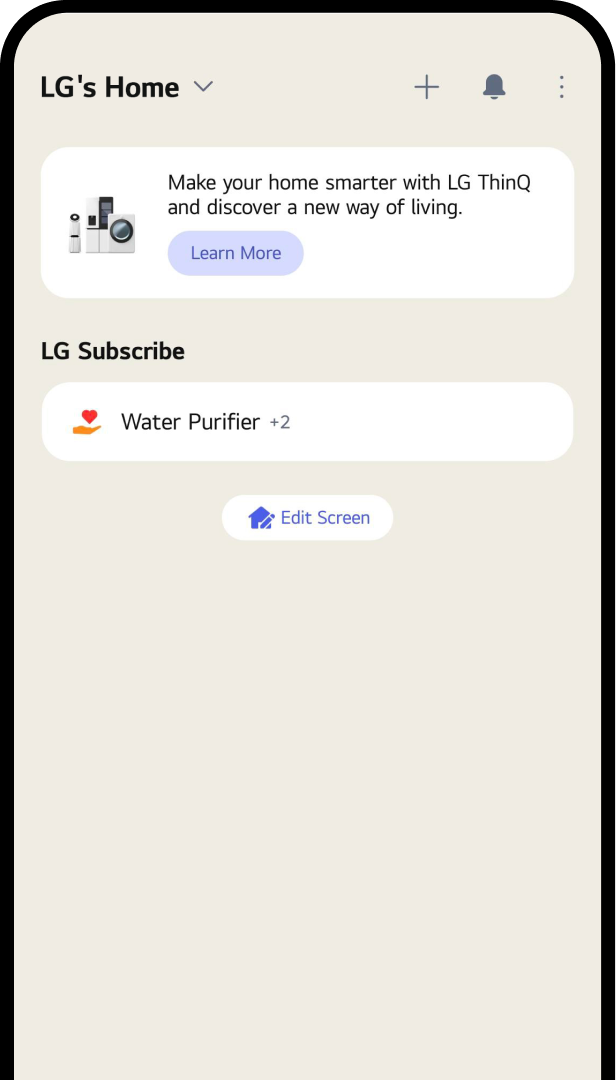
Check your subscription in LG ThinQ™
App Setup
Delivery Info
Subscription Info
Care Service
Payment History
Getting Started with LG ThinQ™
1
2
3
4
5
6
Gradient circle background
for mobile app
UI
STEP 01
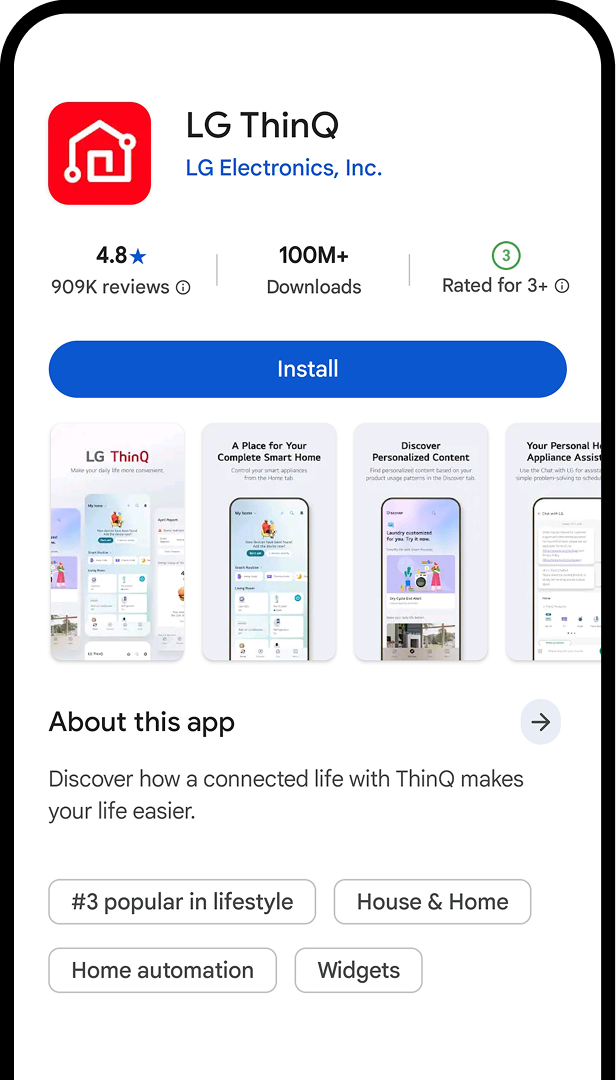
Install LG ThinQ App
Click “Install” to download the LG ThinQ™.
Gradient circle background
for mobile app
UI
STEP 02
Log In or Sign Up
Enter your email and password to log
in. New users can
click ‘Sign Up’ to create an account.
Gradient circle background
for mobile app
UI
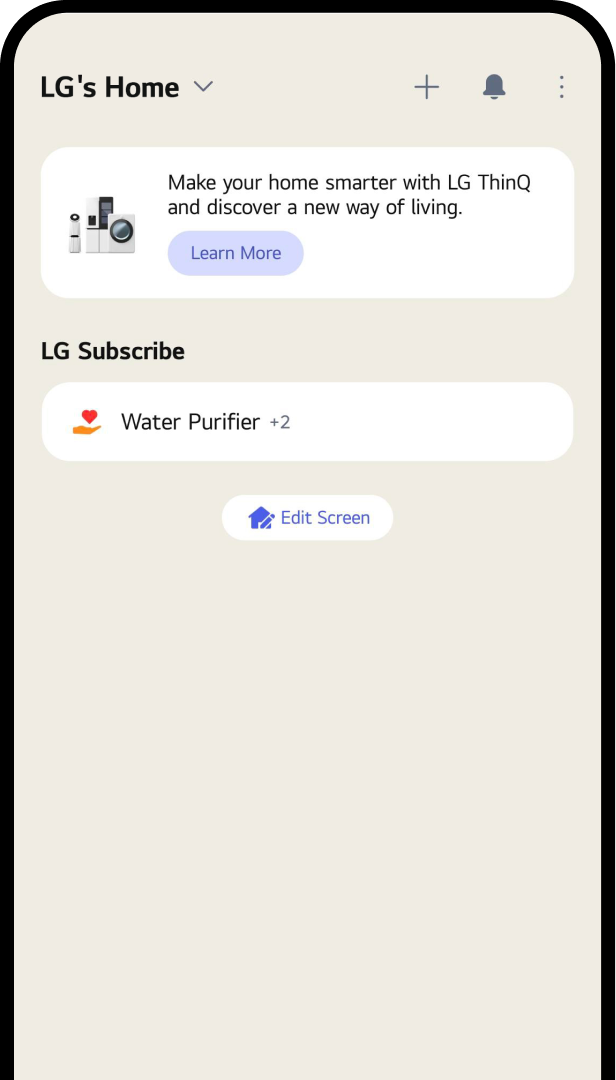
STEP 03
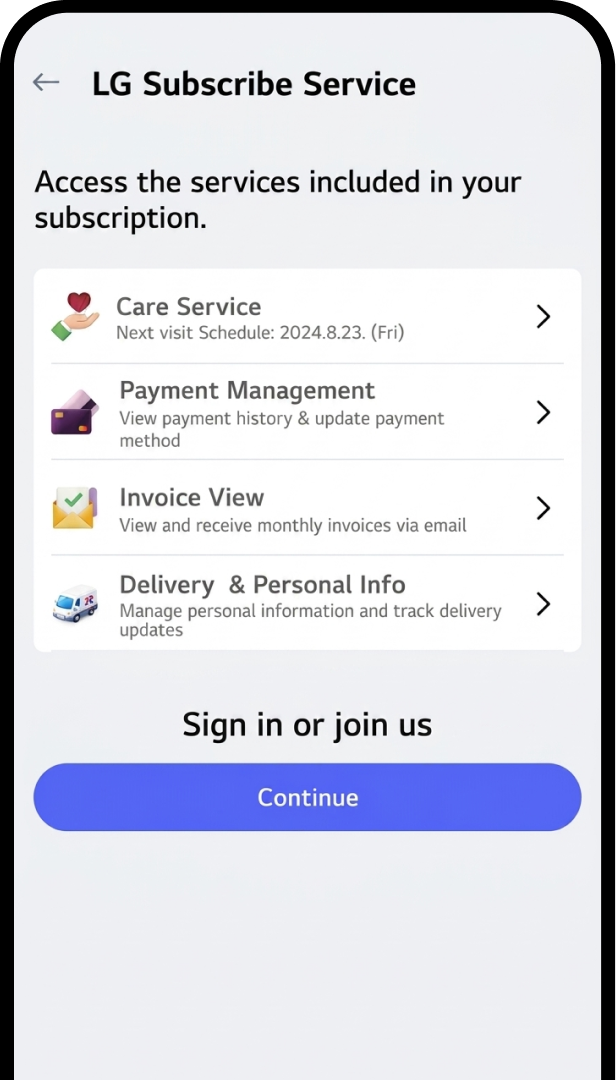
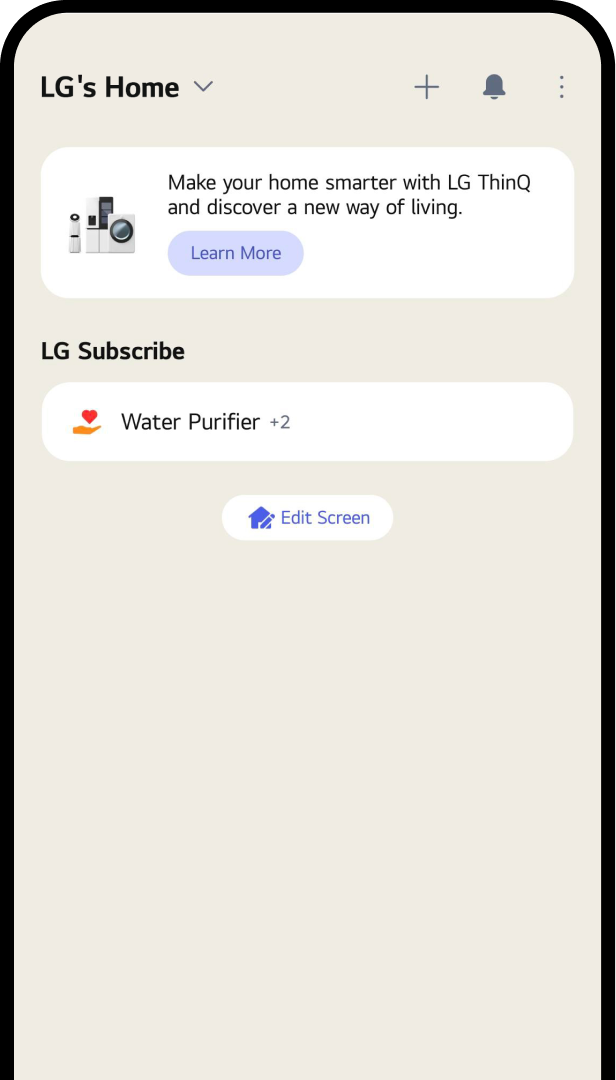
Access LG Subscribe
Click "Menu" and select "LG Subscribe."
Gradient circle background
for mobile app
UI
STEP 04
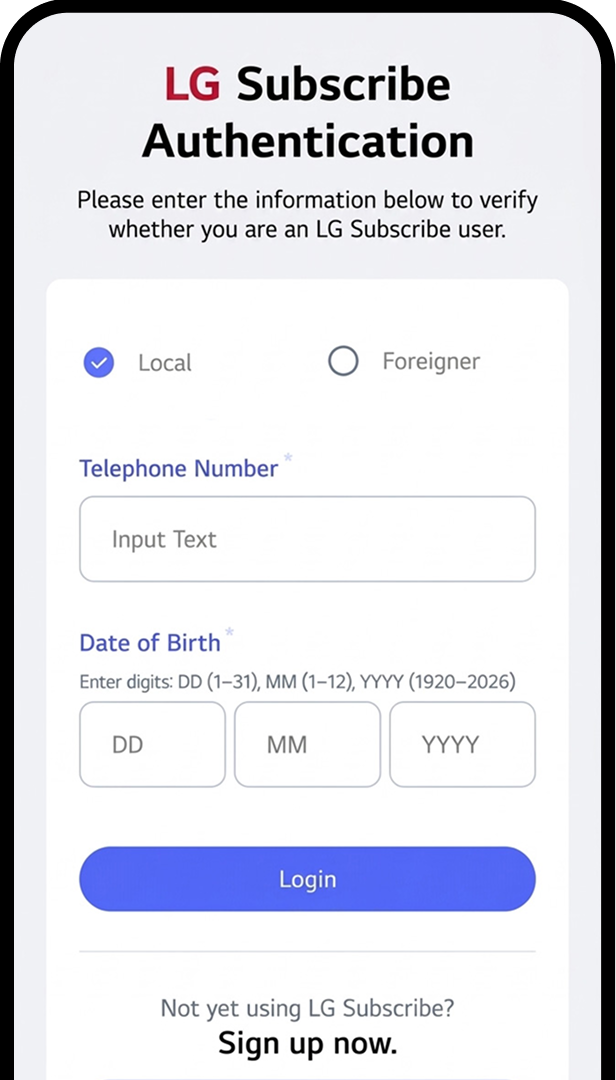
Authenticate LG Subscribe
Enter your registered details during
the order to authenticate.
1. If you Sign in, Click the Continue
Button.
2. Enter your registered details during
the order to authenticate.
Gradient circle background
for mobile app
UI
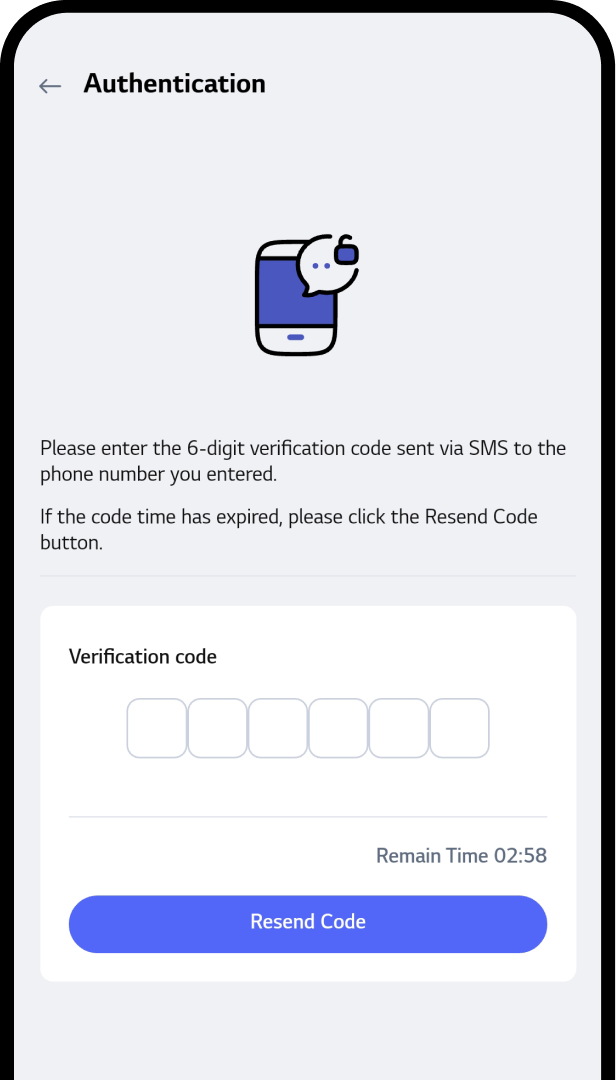
STEP 05
Verify Your Account
1. Check the 6-digit number delivered
to your
smartphone sms.
2. Enter a 6-digit number on the input
screen.
* Note :
Only customers with an order
can access LG
Subscribe.
Gradient circle background
for mobile app
UI
STEP 06
Use LG Subscribe
All done, the service is now available
on the main screen of LG Subscription.
Track Your Delivery & Installation
1
2
3
4
Gradient circle background
for mobile app
UI
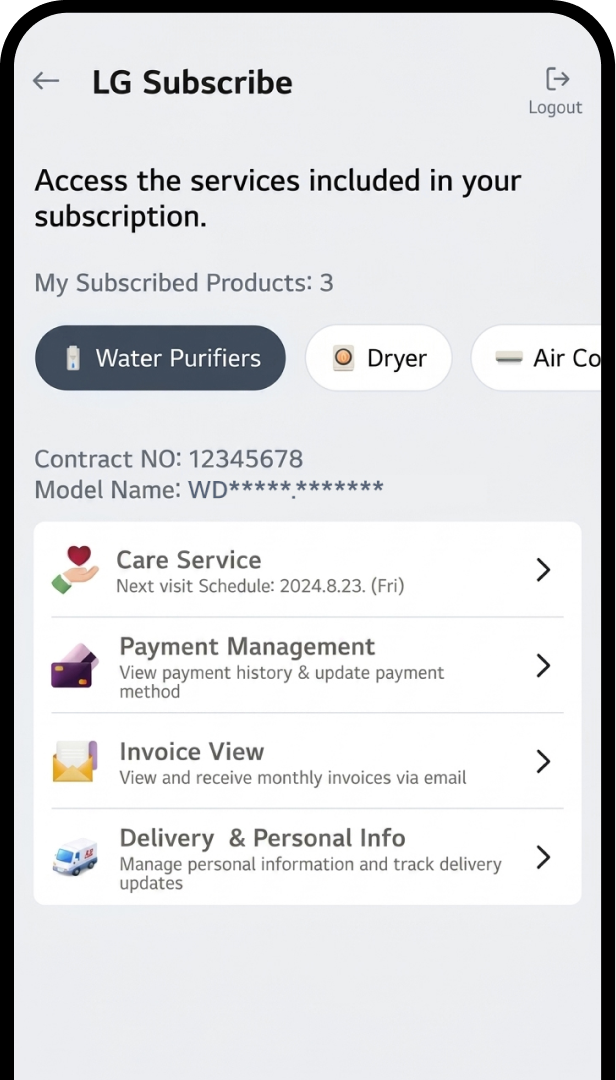
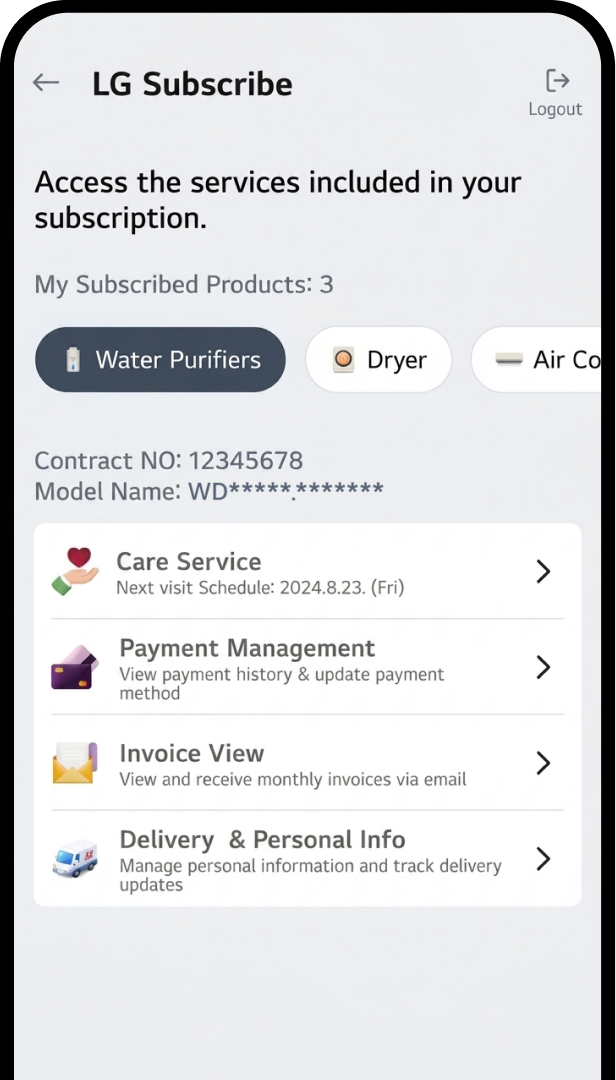
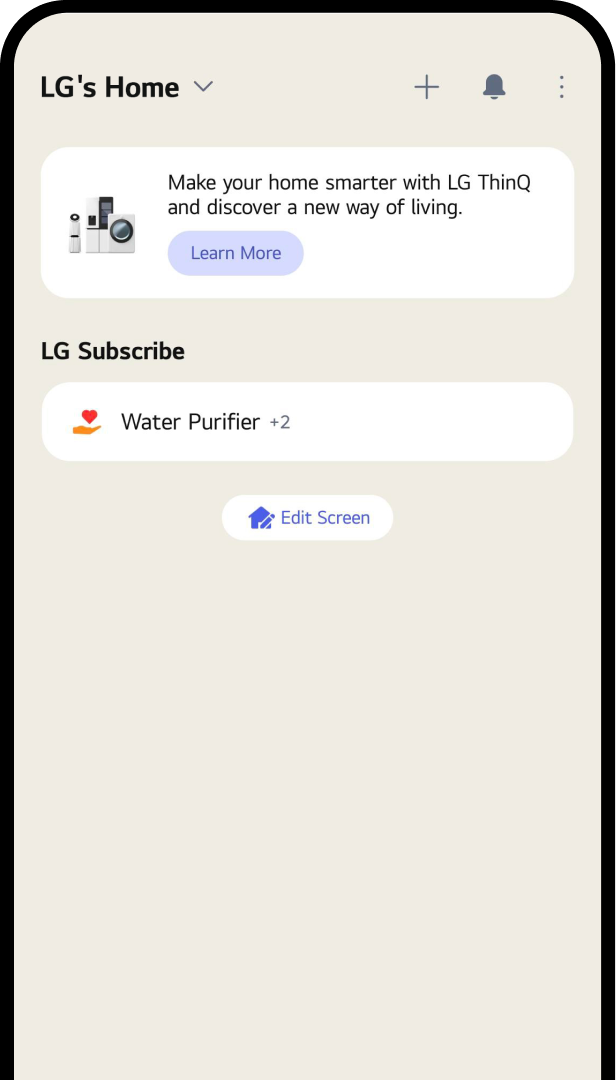
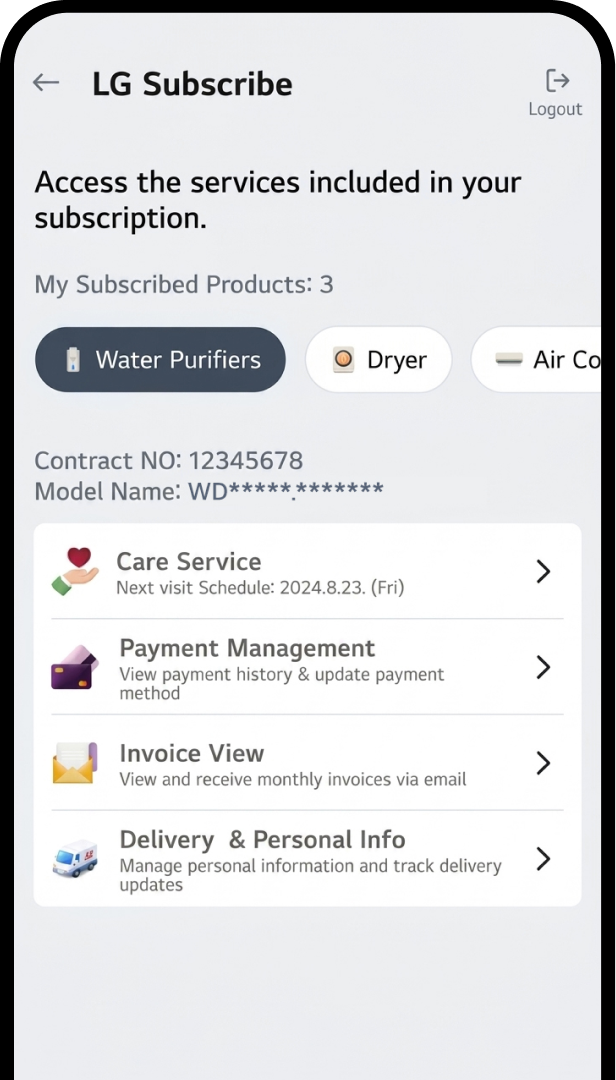
STEP 01
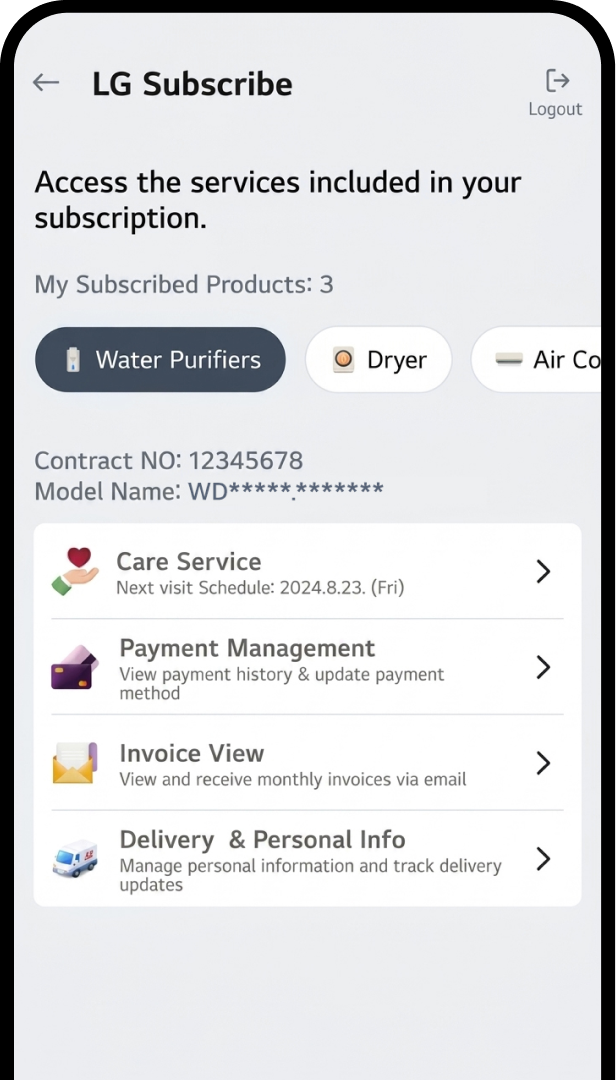
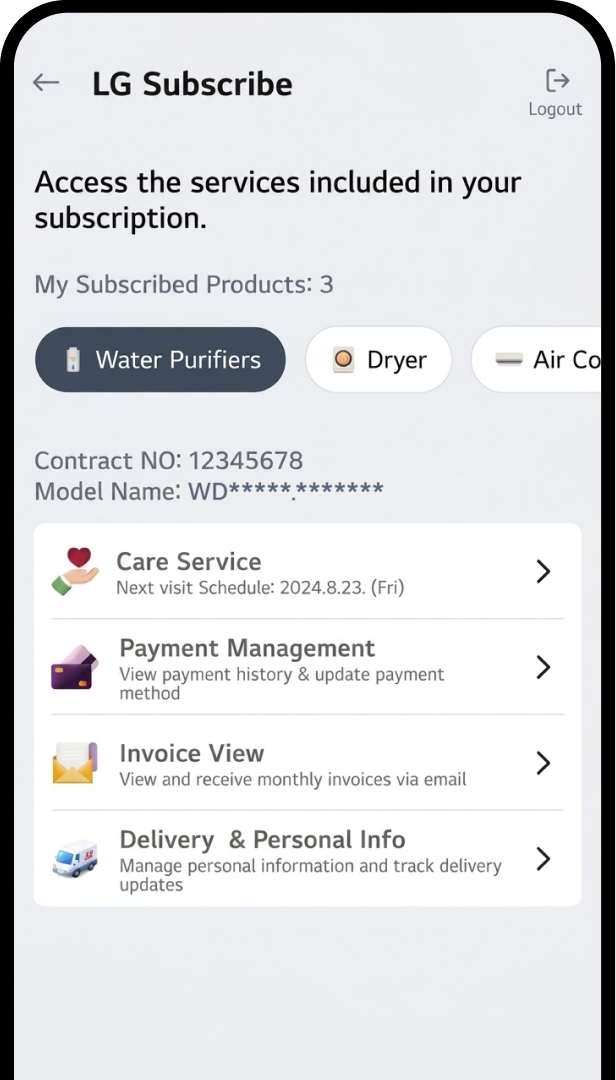
Check Subscriptions
After login, tap “LG Subscribe” section
to see delivery details.
Gradient circle background
for mobile app
UI
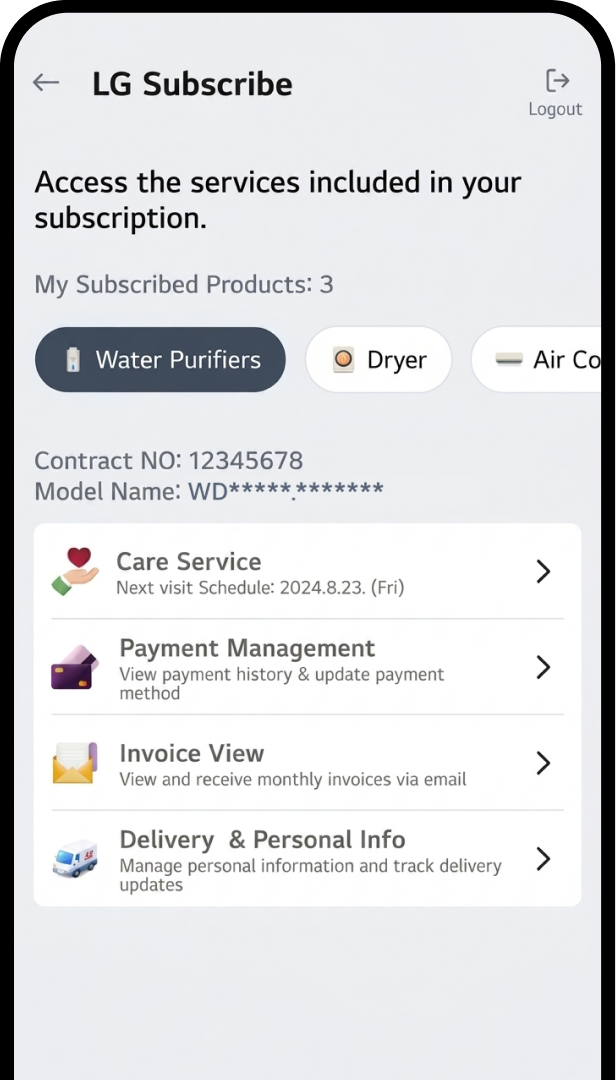
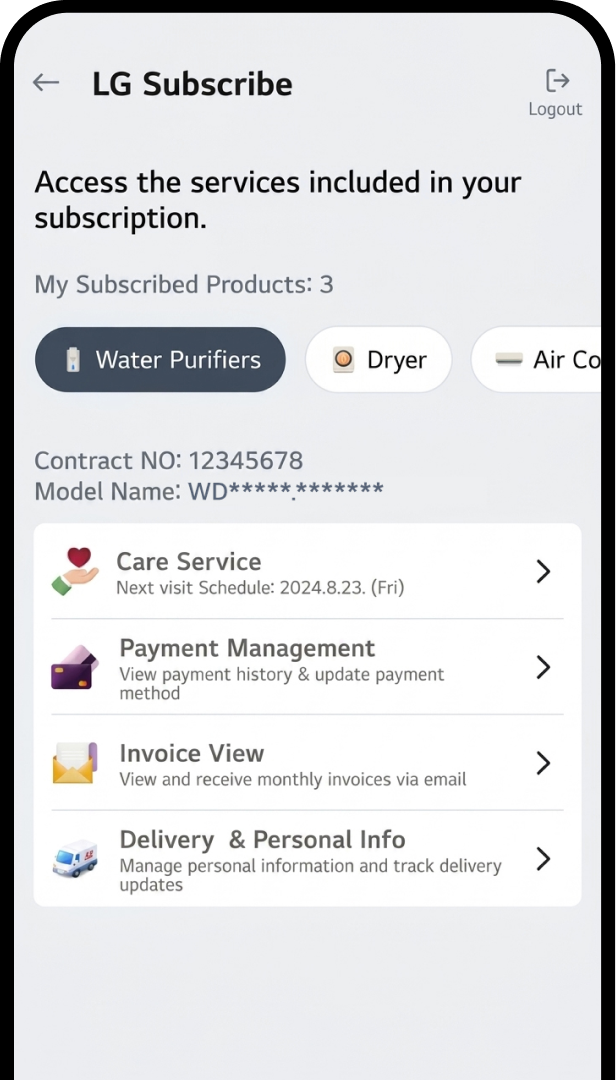
STEP 02
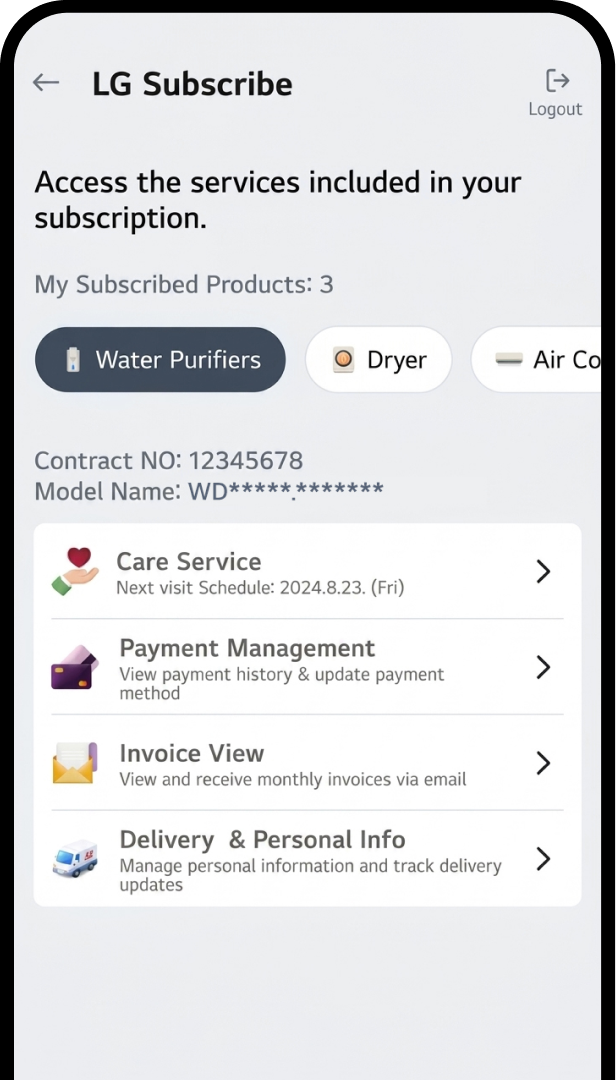
Choose Your Contract
Check the contract by selecting
the appliance icon button.
* Note :
All installed or
soon-to-be-installed products
will appear in the list.
Gradient circle background
for mobile app
UI
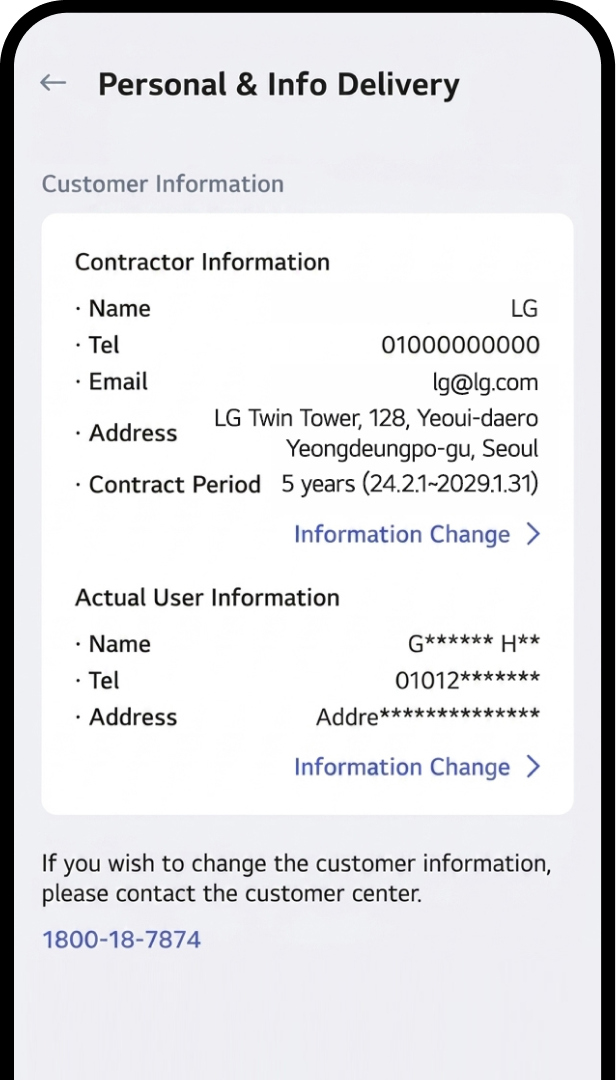
STEP 03
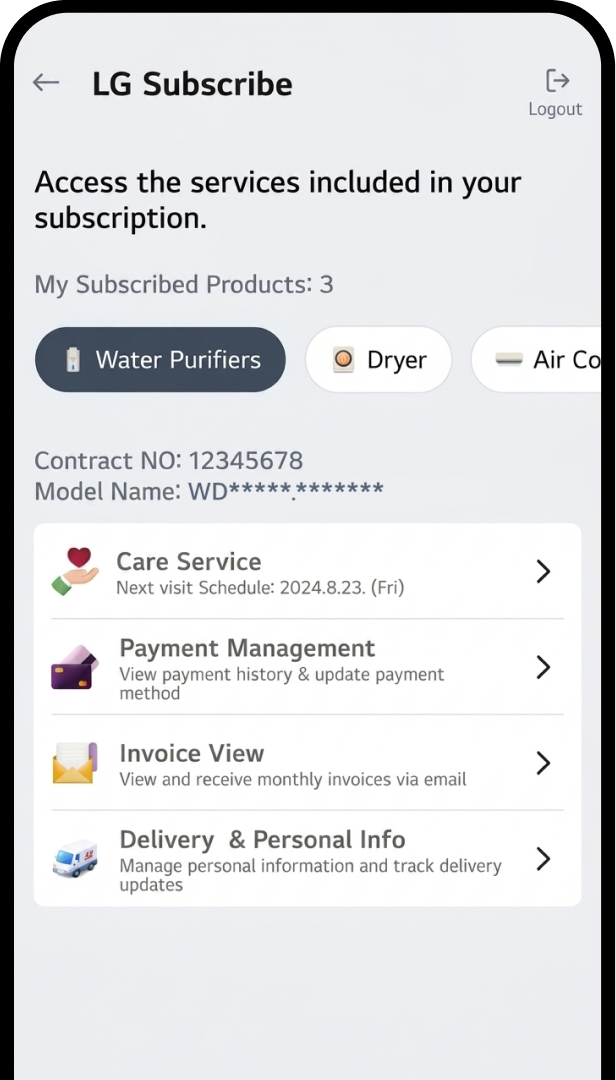
View Order Status
Tab the Delivery & Personal Info
on the screen.
Gradient circle background
for mobile app
UI
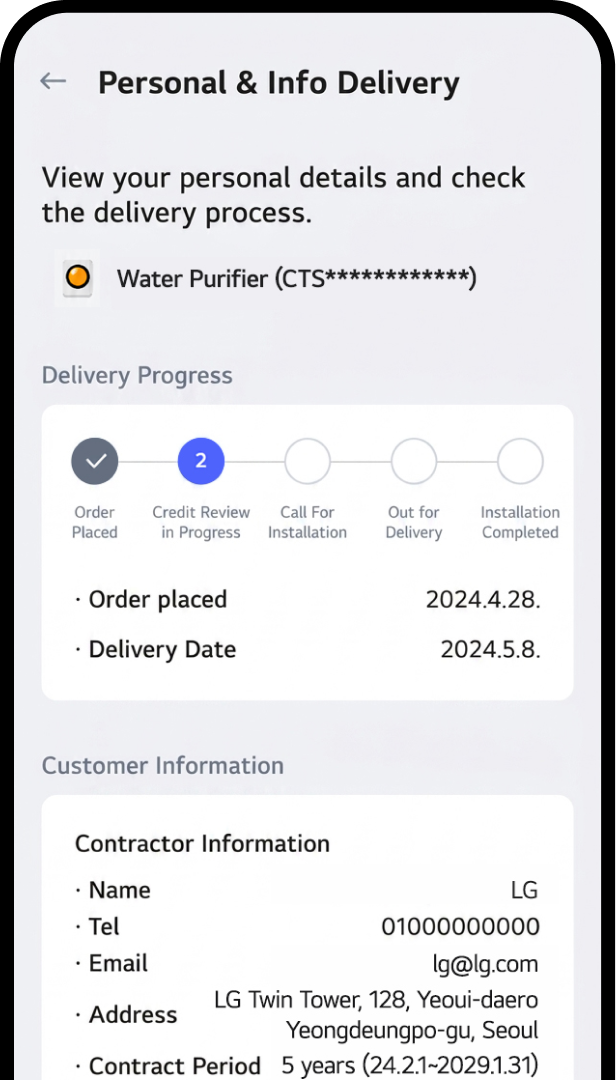
STEP 04
Check Delivery Progress
Now you can check the order status under
the “Delivery Progress” section
Manage Your Subscription Info
1
2
3
4
5
Gradient circle background
for mobile app
UI
STEP 01
Check Subscriptions
After login, tap “LG Subscribe” section
to see delivery details.
Gradient circle background
for mobile app
UI
STEP 02
Choose Your Contract
Check the contract by selecting
the appliance icon button.
* Note :
All installed or
soon-to-be-installed products
will appear in the list.
Gradient circle background
for mobile app
UI
STEP 03
View Order Status
Tab the Delivery & Personal Info
on the screen.
Gradient circle background
for mobile app
UI
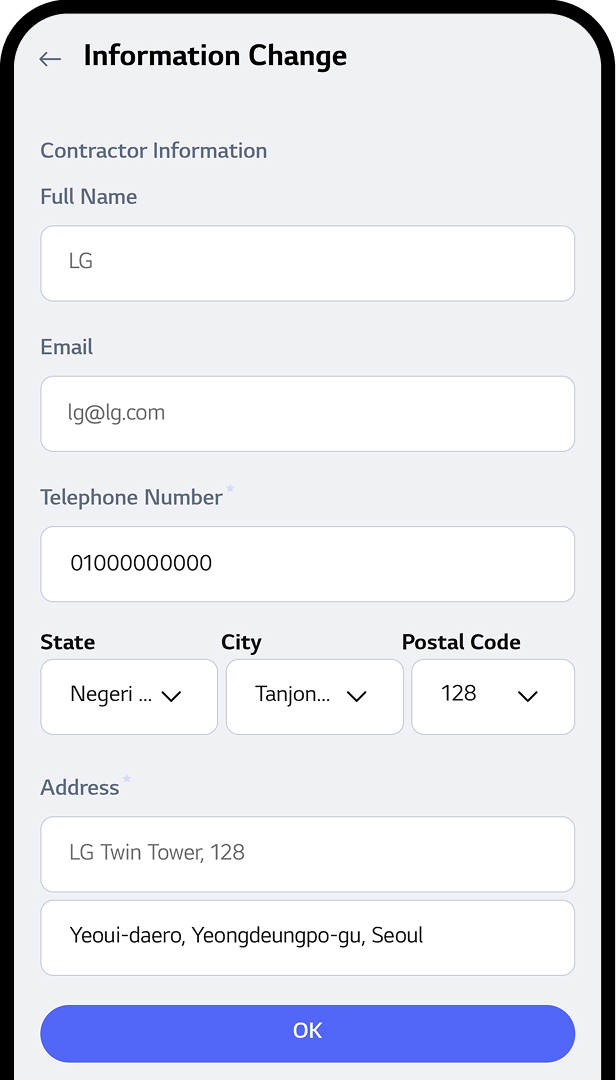
STEP 04
Update User Info
Click the "Information Change" button
to make the necessary updates
to your contractor details.
Gradient circle background
for mobile app
UI
STEP 05
Confirm User Info Changes
Click "OK" after modifying details.
* Note :
Only Telephone Number and
email address can be changed.
Customize Your Care Service
1
2
3
4
Gradient circle background
for mobile app
UI
STEP 01
Check Subscriptions
After login, tap “LG Subscribe” section
to see delivery details.
Gradient circle background
for mobile app
UI
STEP 02
Choose Your Contract
Check the contract by selecting
the appliance icon button.
* Note :
All installed or
soon-to-be-installed products
will appear in the list.
Gradient circle background
for mobile app
UI
STEP 03
View Order Status
Tab the Care Service on the screen.
Gradient circle background
for mobile app
UI
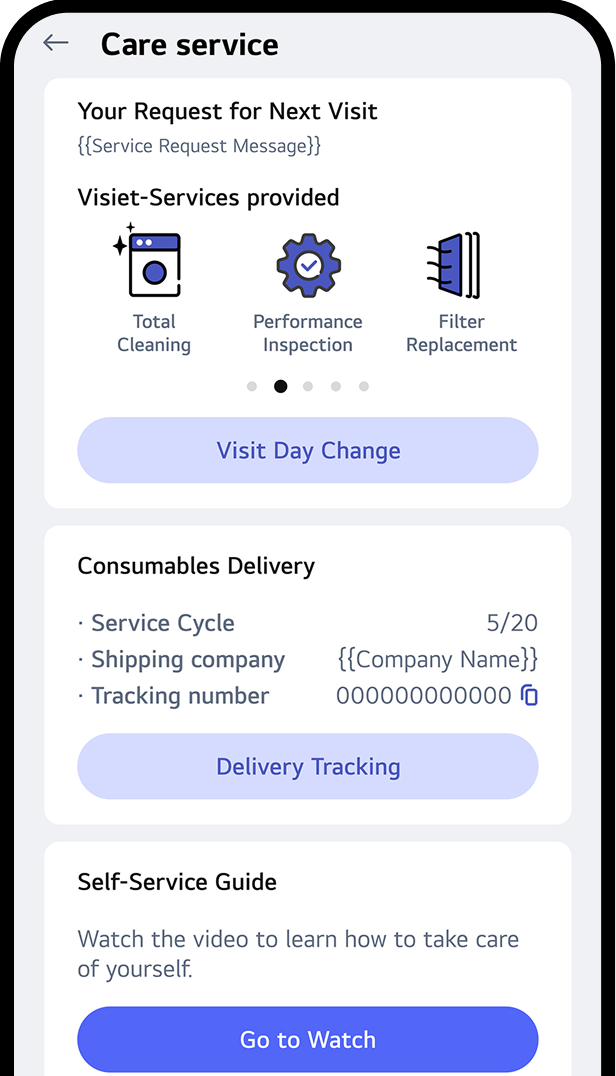
STEP 04
Check or Update Care Service Info
You can check or update your Care service
information in the
following ways:
• Visit Day Change :
Modify the day of your scheduled
visits.
• Track Delivery :
Monitor the progress and status of your deliveries.
• View Care service Guide :
Access and review the
Self-Care service guide
for additional information.
* The image shown
reflects the
interface for users enrolled in the
Combine Visit
Service (Self + Visit).
- If you’re a ‘Self-Service’
user, only the
‘Consumables Delivery’ section
will be
displayed.
- If you're a 'Regular Visit'
user, only the
‘Visit
Services Provided’ section will
be displayed.
* Note :
Click the red dot to learn more.
Check Your Payments & Invoices
1
2
3
4
5
Gradient circle background
for mobile app
UI
STEP 01
Check Subscriptions
After login, tap “LG Subscribe” section
to see delivery details.
Gradient circle background
for mobile app
UI
STEP 02
Choose Your Contract
Check the contract by selecting
the appliance icon button.
* Note :
All installed or soon-to-be-installed
products will appear in the list.
Gradient circle background
for mobile app
UI
STEP 03
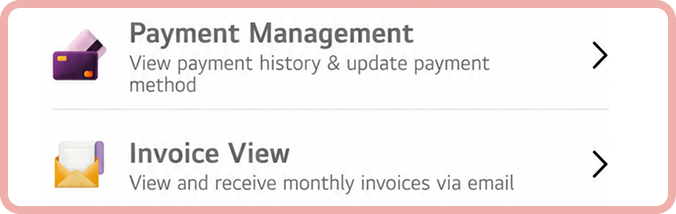
View Payments & Invoices status
Tab the Payment or invoice info
on the screen.
Gradient circle background
for mobile app
UI
STEP 04
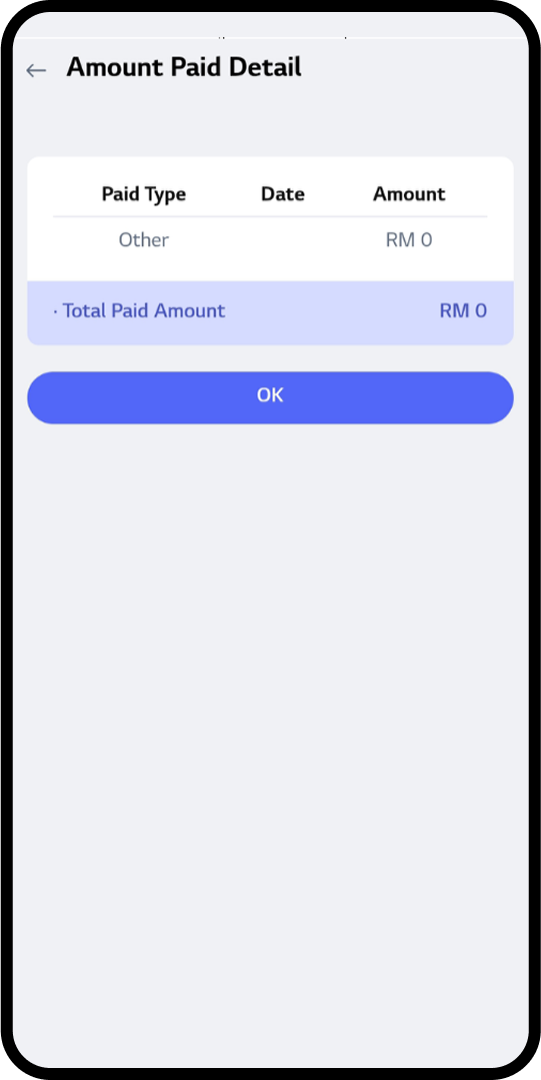
Check the Payment
• View latest paid amount & your payment
method.
• Check the Payment & Method change history.
Gradient circle background
for mobile app
UI
STEP 05
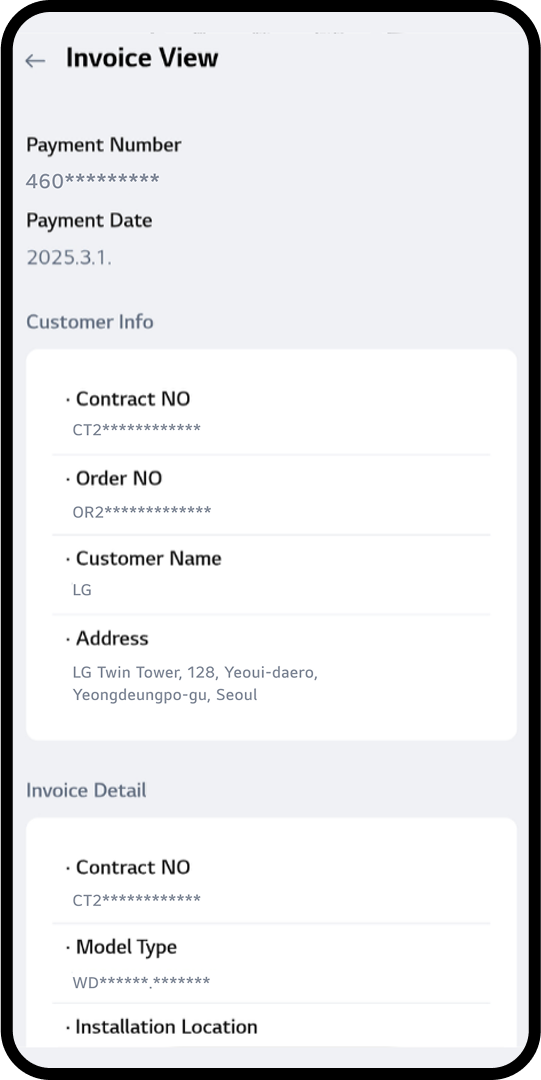
Check the Invoice
We track your payment history and generate
monthly invoices to send directly to your
email.
Care Easy with LG Subscribe™
With LG Subscribe™, keeping your appliances in top shape is easy.
LG's experts provide regular care service visitation or self-care kits to help you maintain
your
appliances,
ensuring they are always well-maintained and performing at their best.
The service includes an extended warranty, so you can use your appliances without worrying
about
breakdowns.
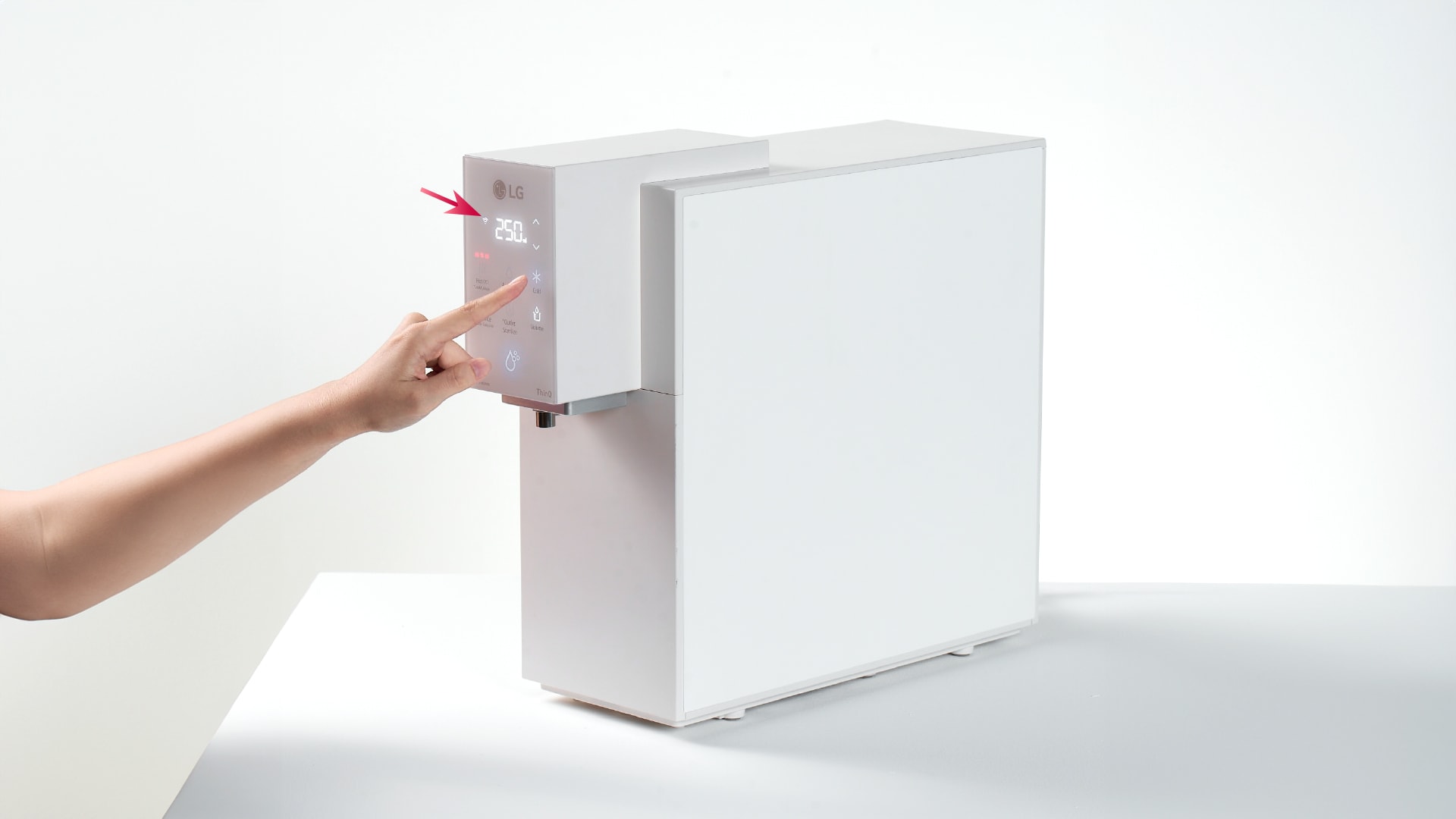
Feel safe without worrying about daily water hygiene.
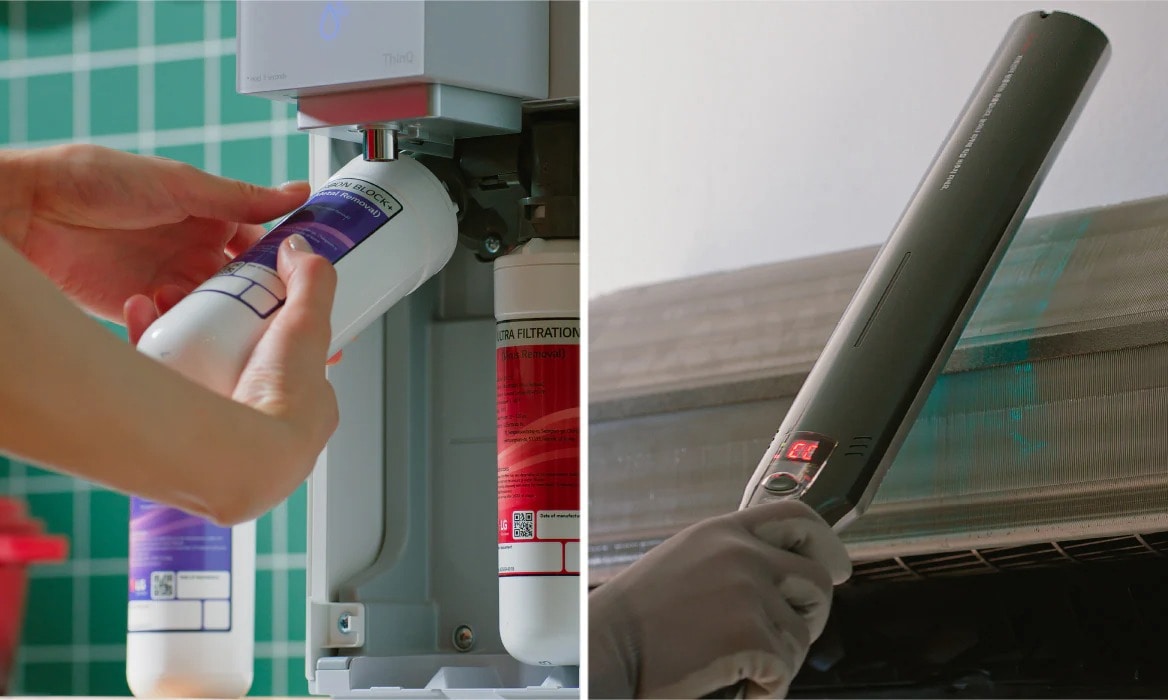
Self-Service Guide
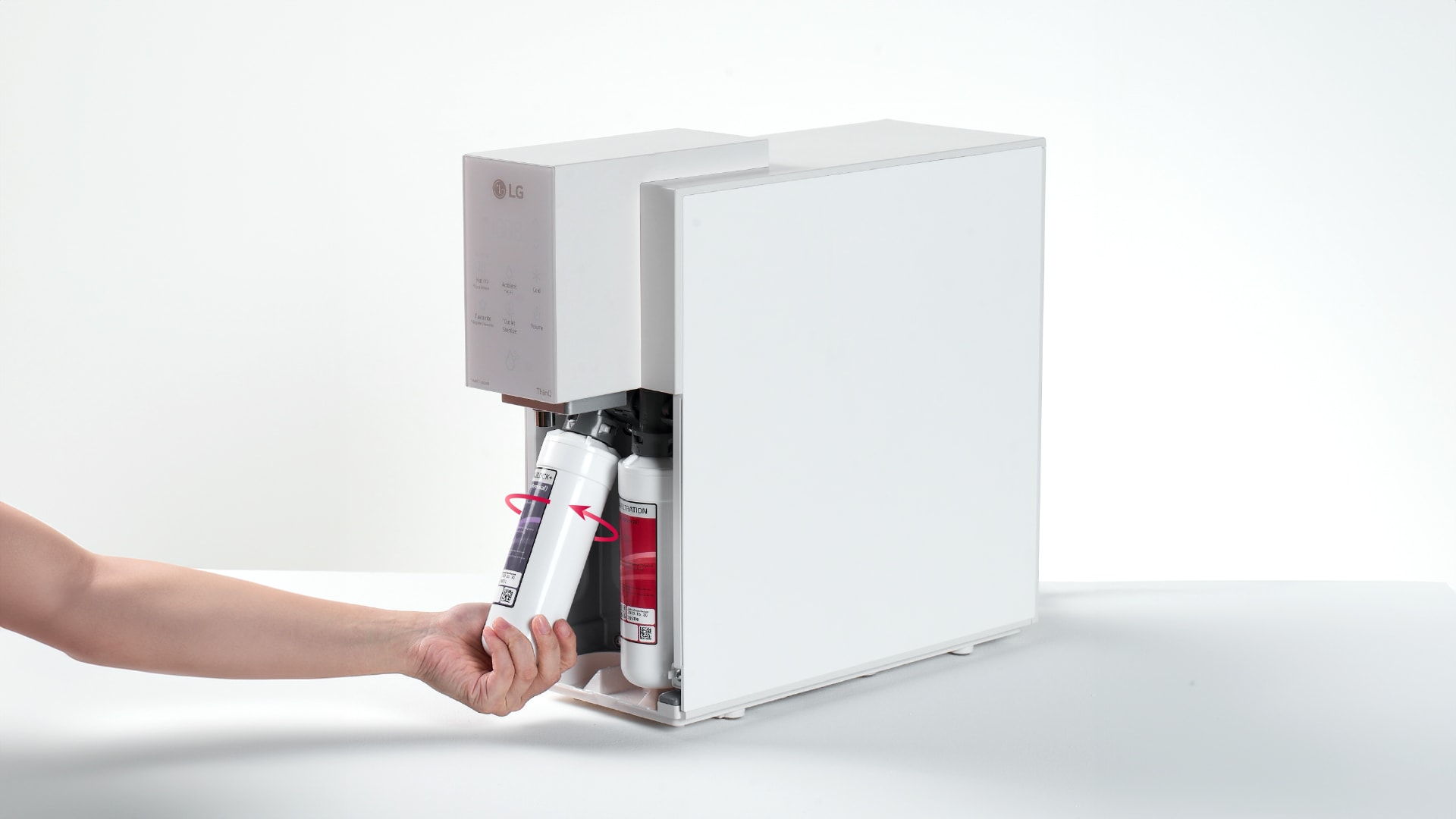
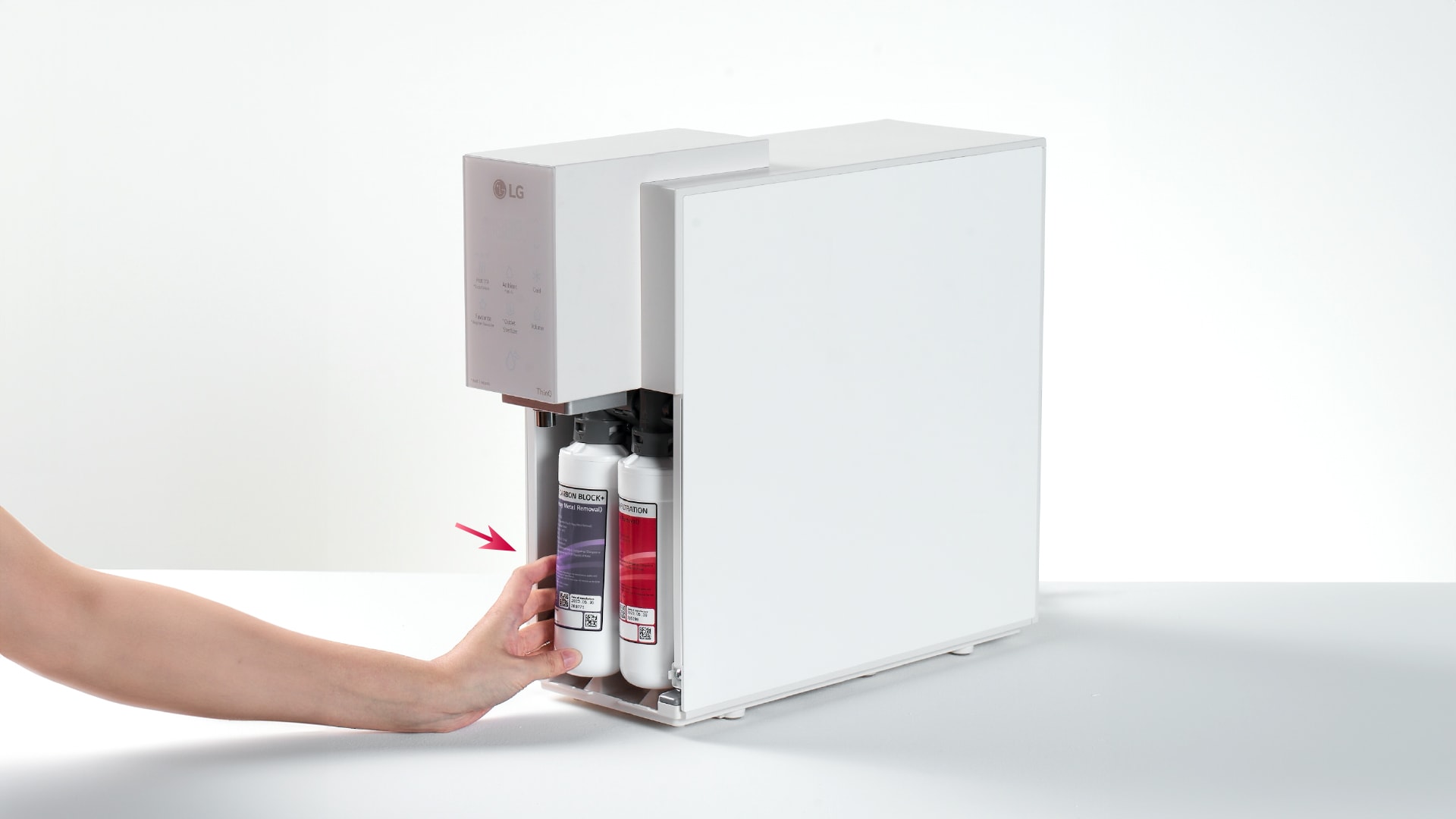
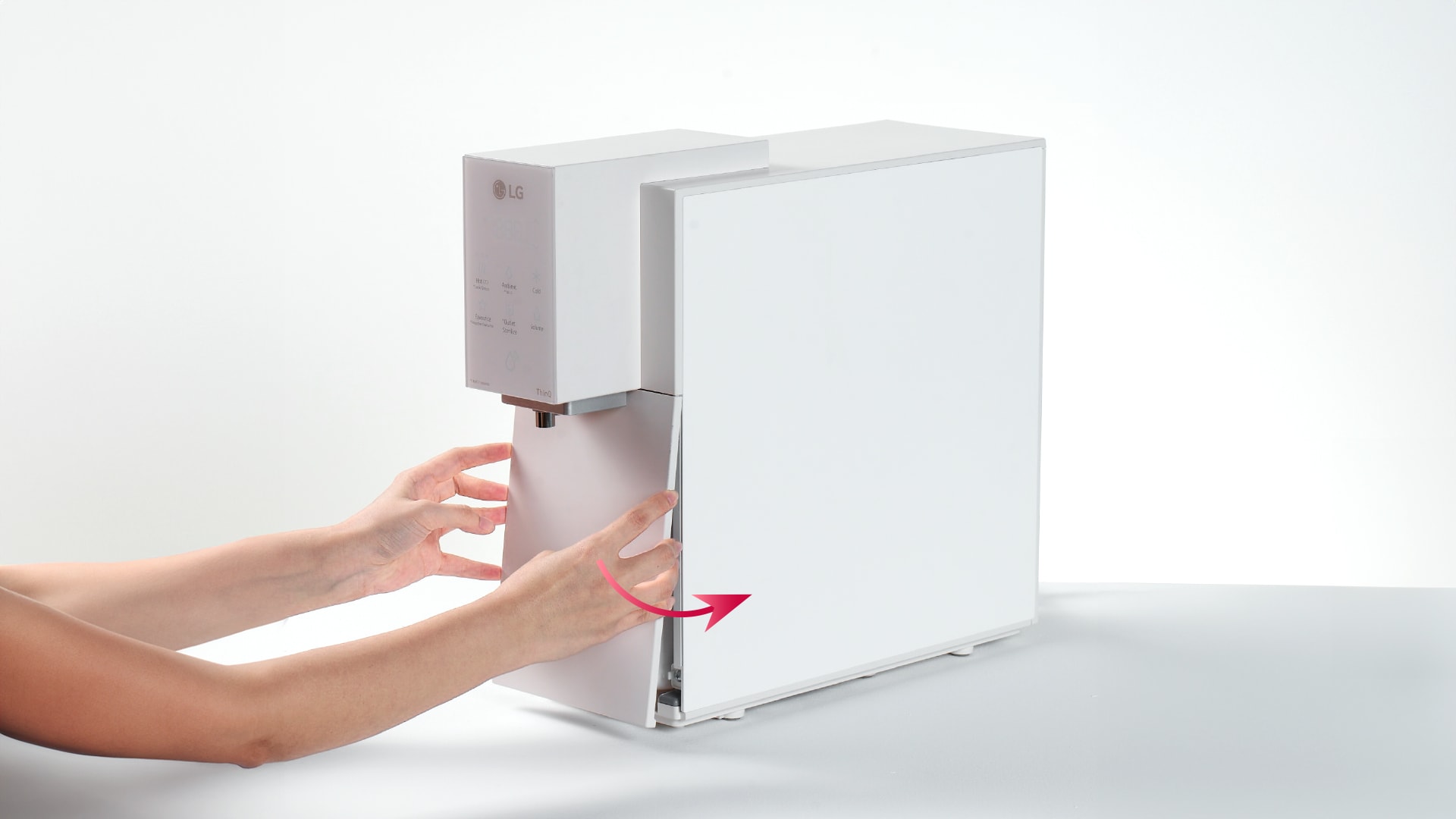
Self-Service Care for Your Water Purifier!
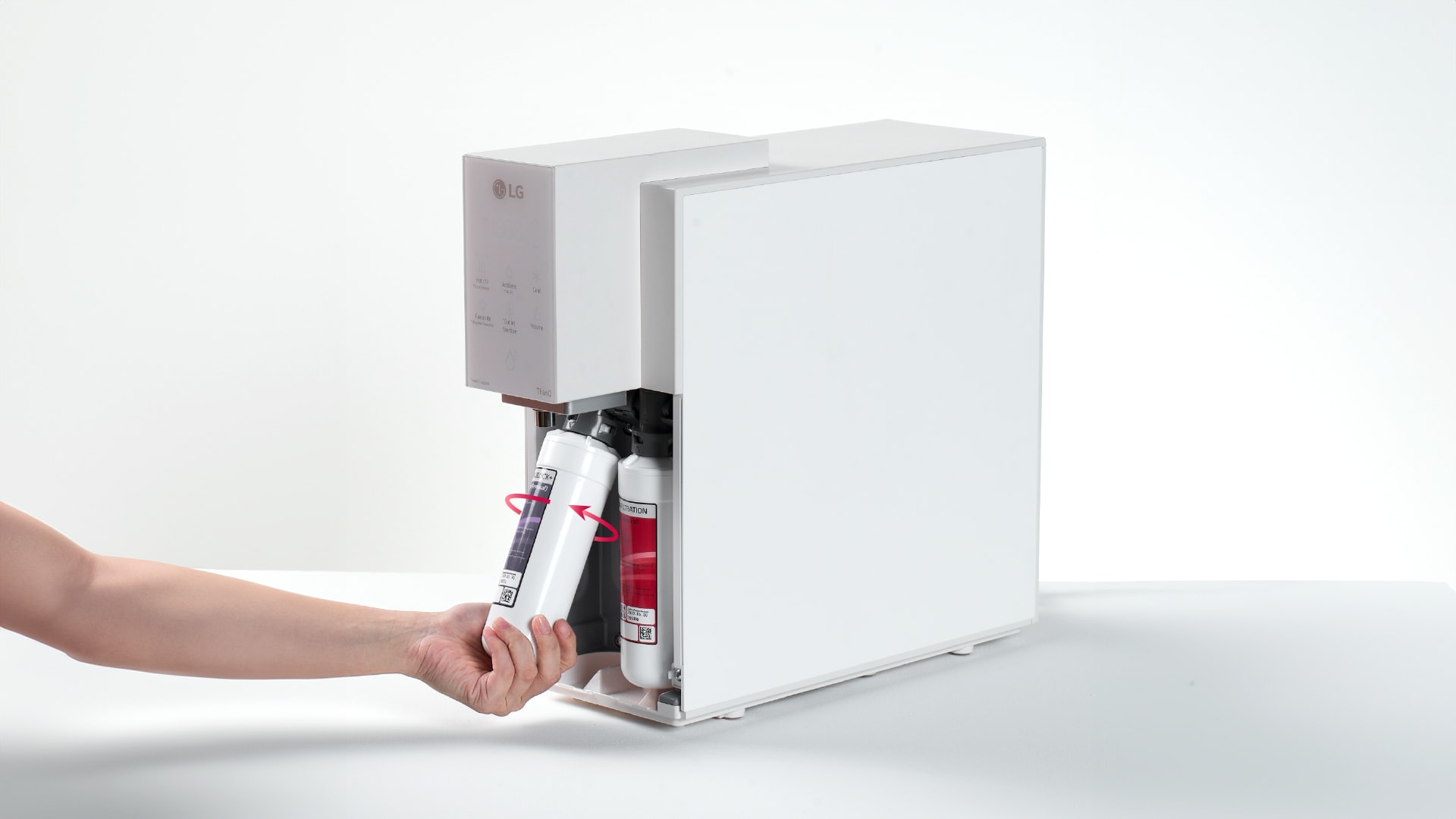
Open the filter cover.
Remove the filter by turning to anti-clockwise.
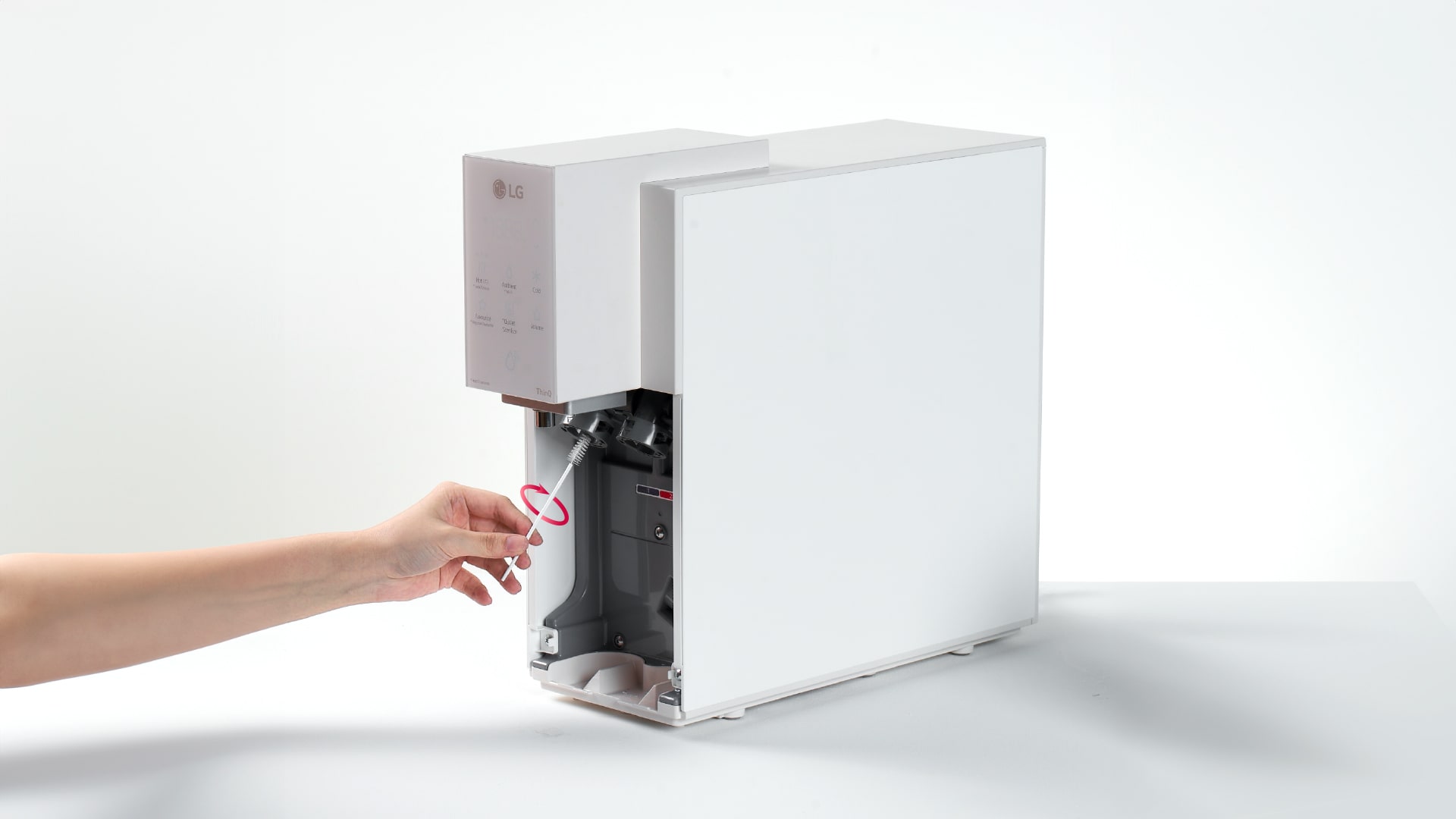
Clean the filter head with brush.
Assem the new filter by turning to clockwise.
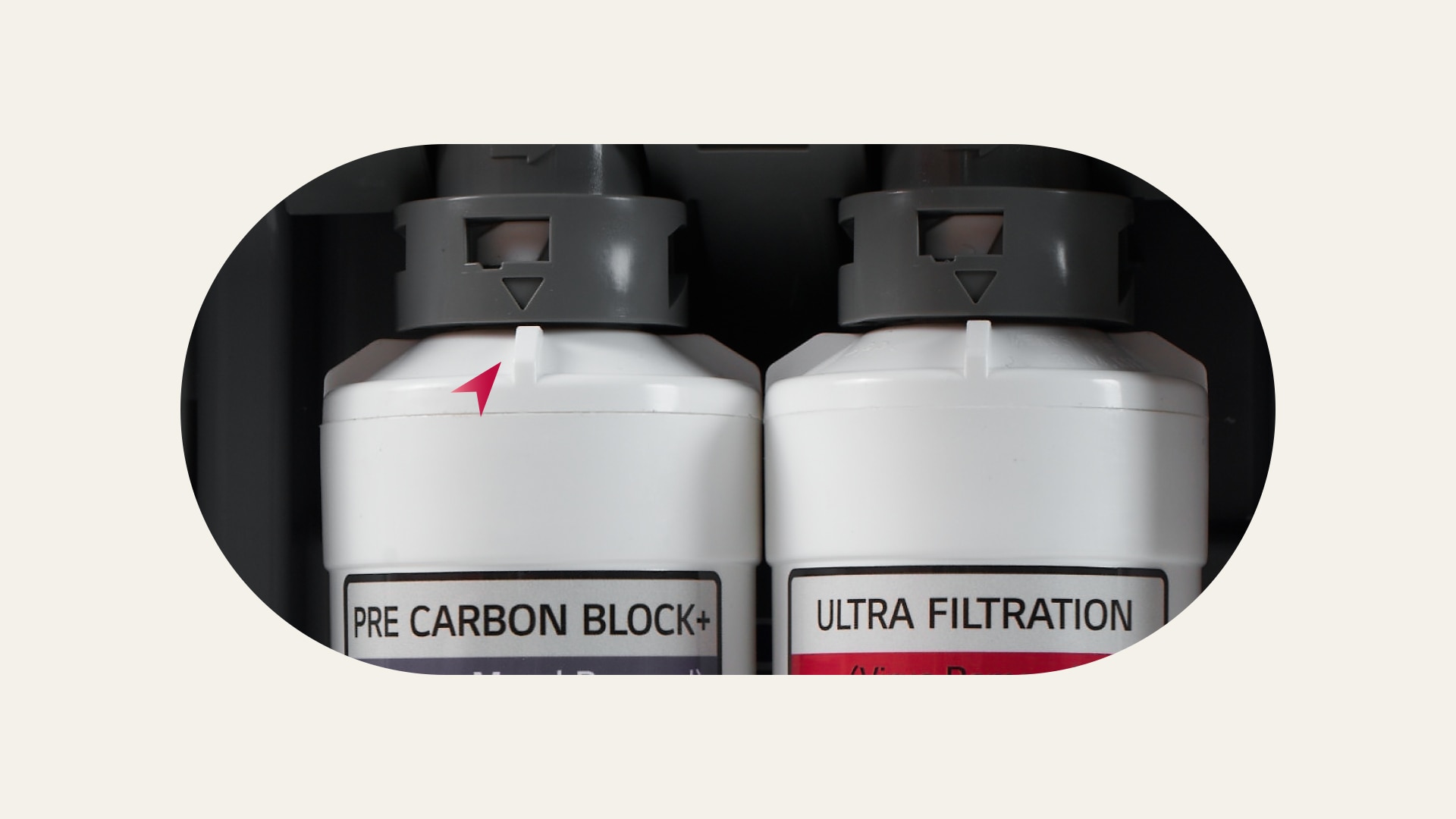
Push the filter back to position.
Ensure arrow mark on the filter joint is aligned.
Close the filter cover.
Press & hold "cold" button 3-5 sec for filter reset.
Self-management of top, bottom, left, right/dual water purifiers can be
selected when applying for a home appliance subscription/care service,
and
applications may not be possible depending on the product.
High-temperature sterilization works by pressing the direct water pipe
sterilization and outlet sterilization buttons at the top of the product
for
more than 3 seconds, and can be easily operated with voice guidance.
Filter delivery services are provided to home appliance subscription/care
subscription Self Service selection customers.
To use the ThinQ feature, you need to register and connect to the product
by
installing the LG ThinQ app separately from the Android OS (7.0 or
later)
Play Store and iOS (12.0 or later) App Store.
For a detailed description of using the app, see Using LG ThinQ in the
ThinQ
guide or user manual. It must also be in the same Wi-Fi environment when
connecting to the initial product, after which it must operate in a
registered Wi-Fi environment.
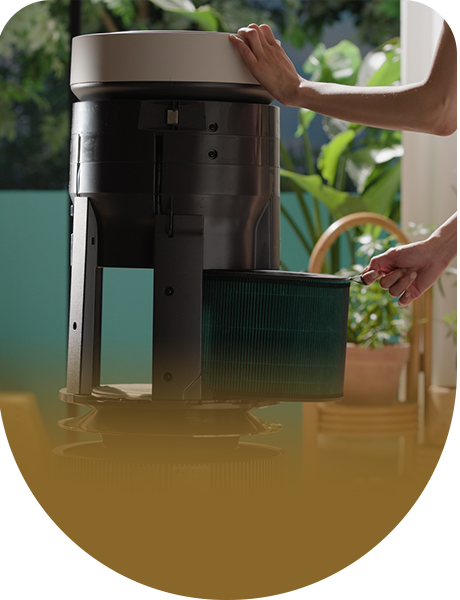
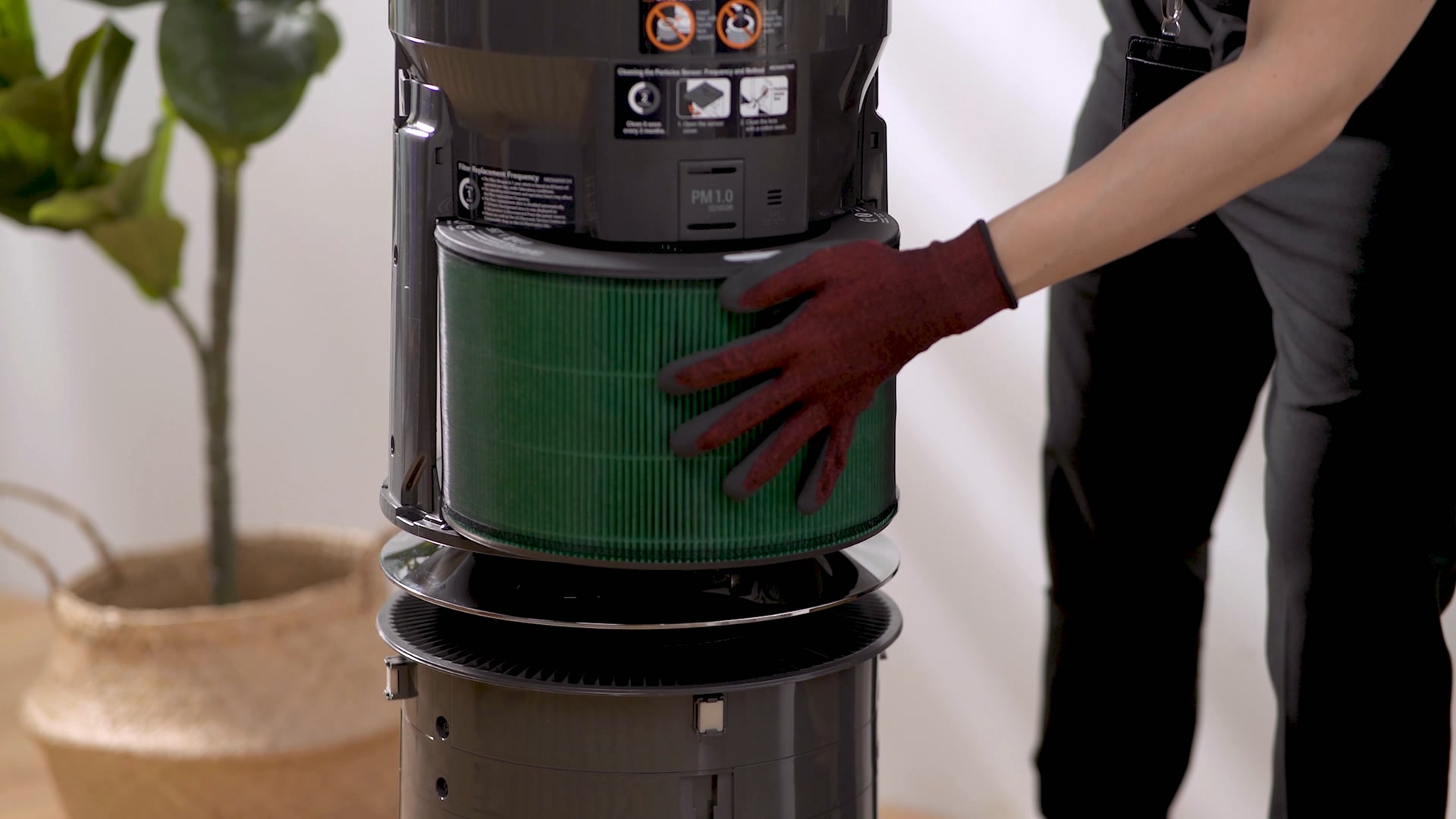
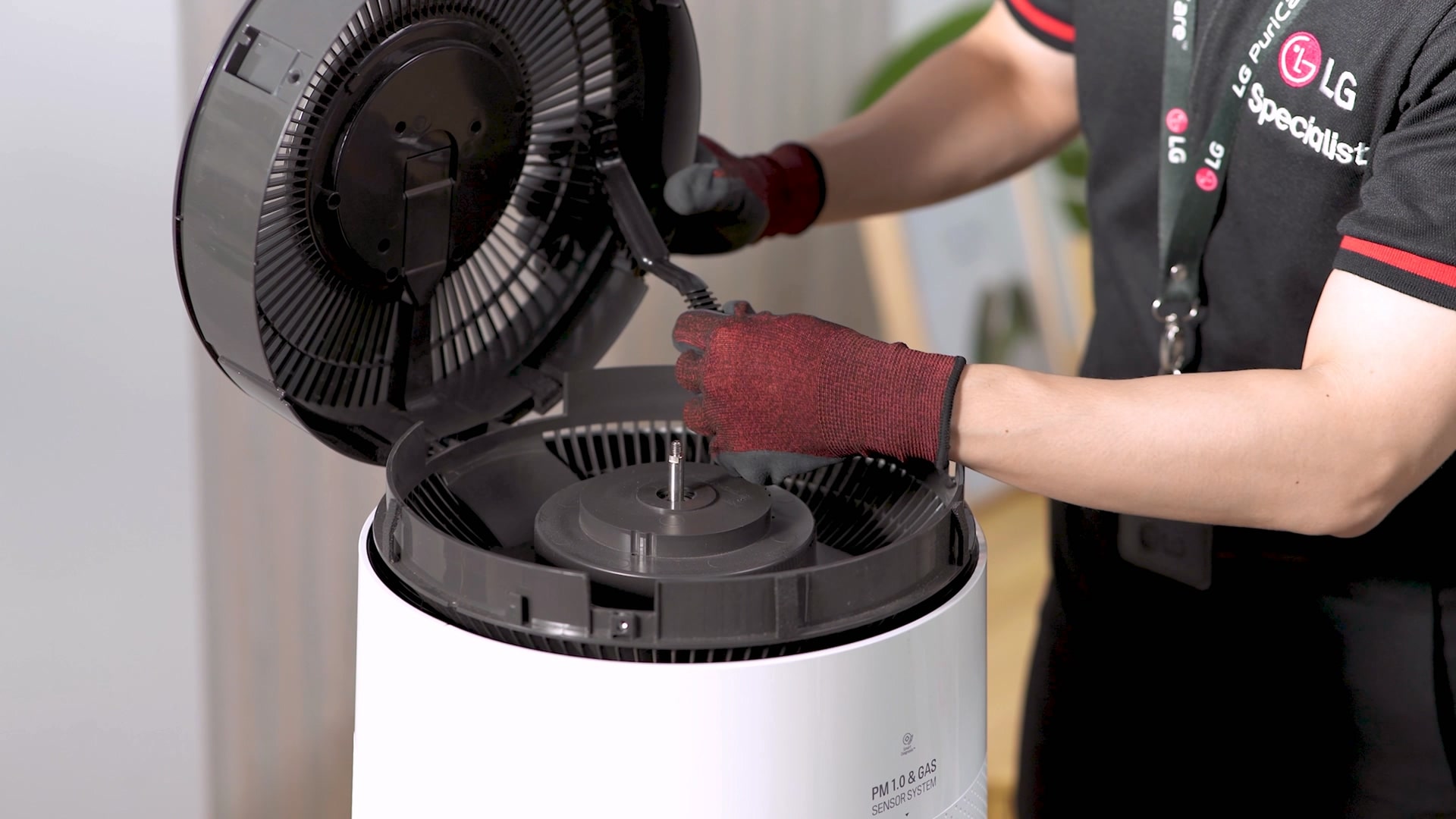
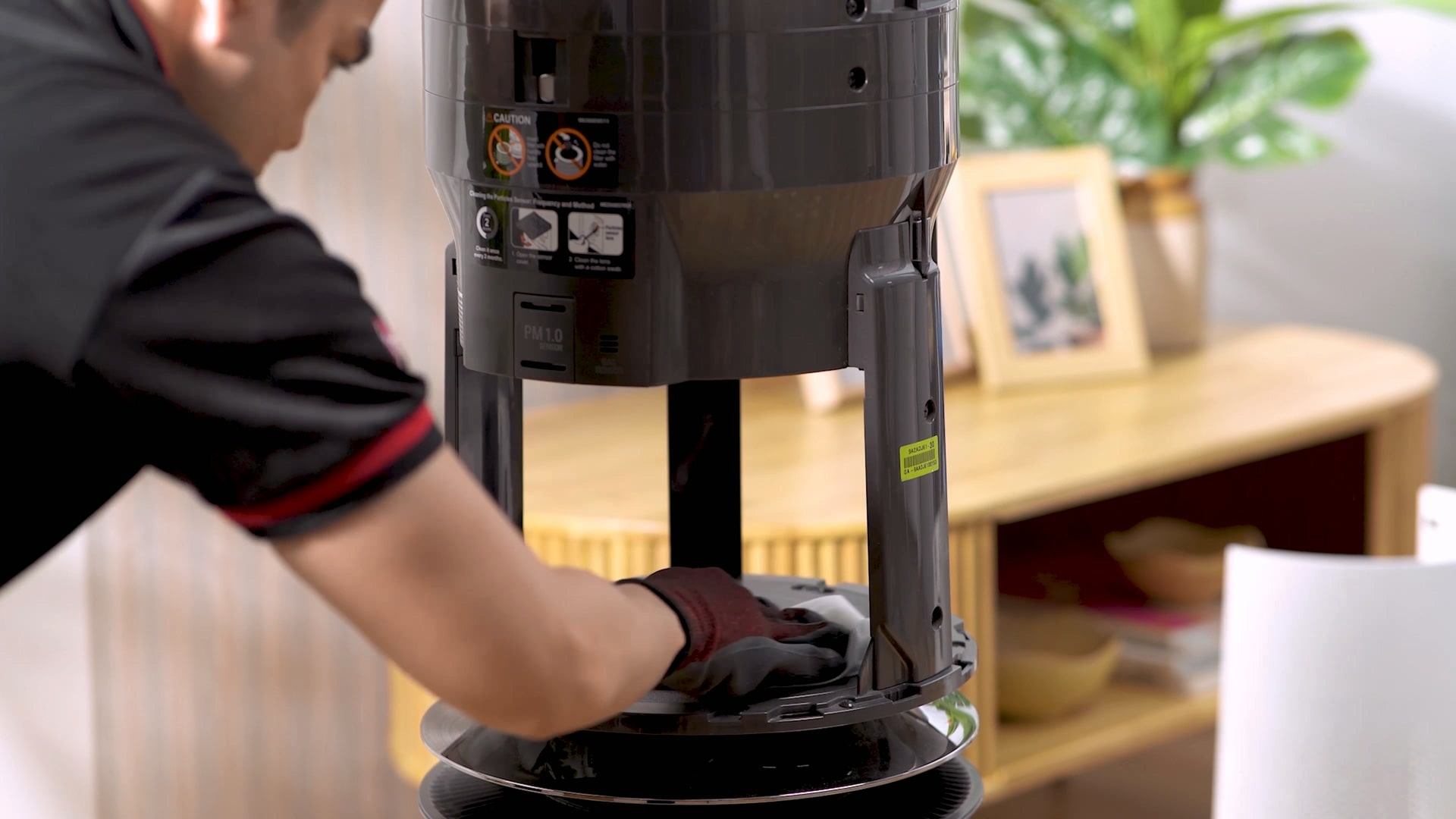
Air Purifier Care Service
Clean care from filter replacement to difficult-to-manage corners so that you
can
breathe clean air as much as you want without worrying about air quality!
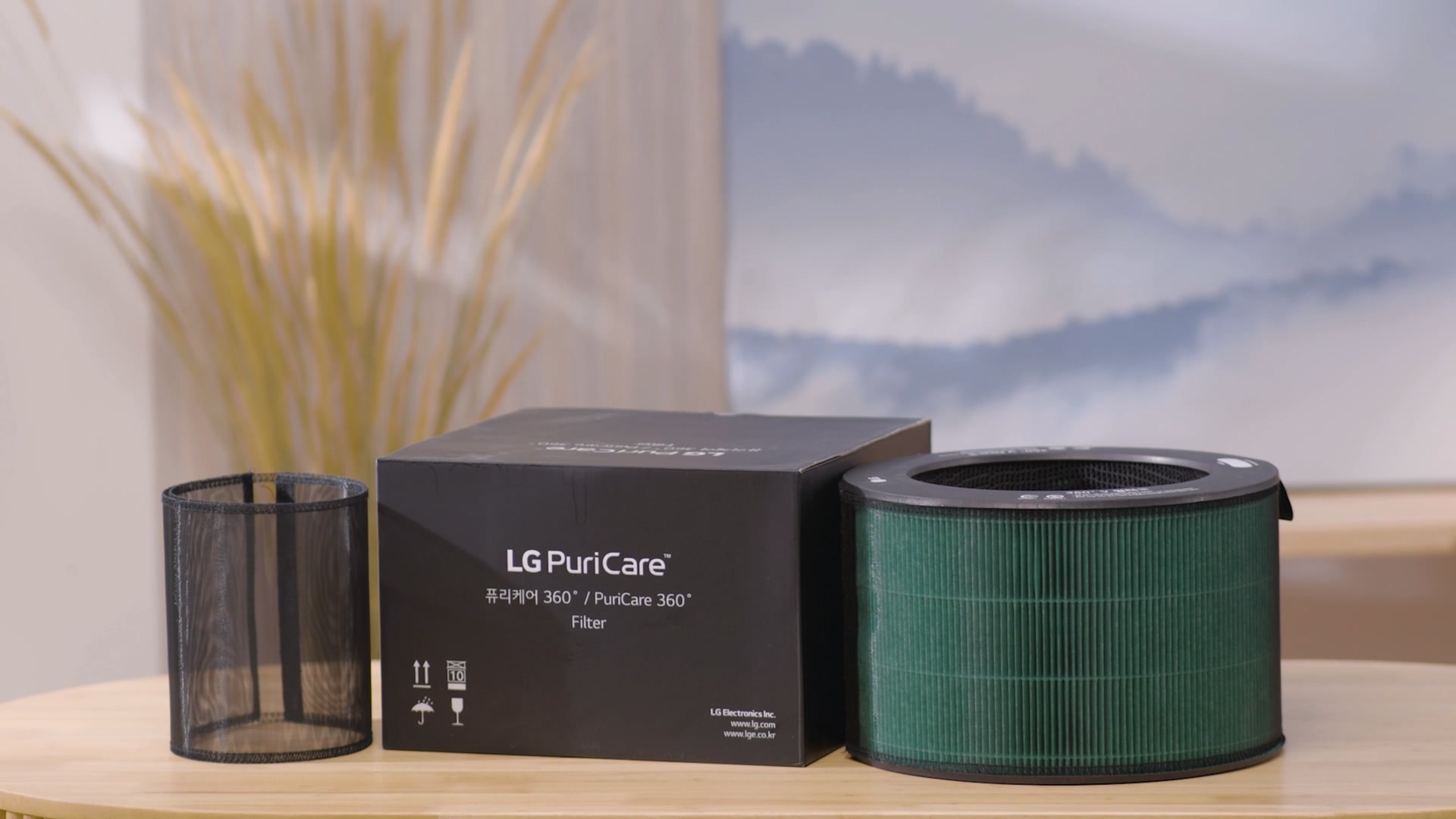
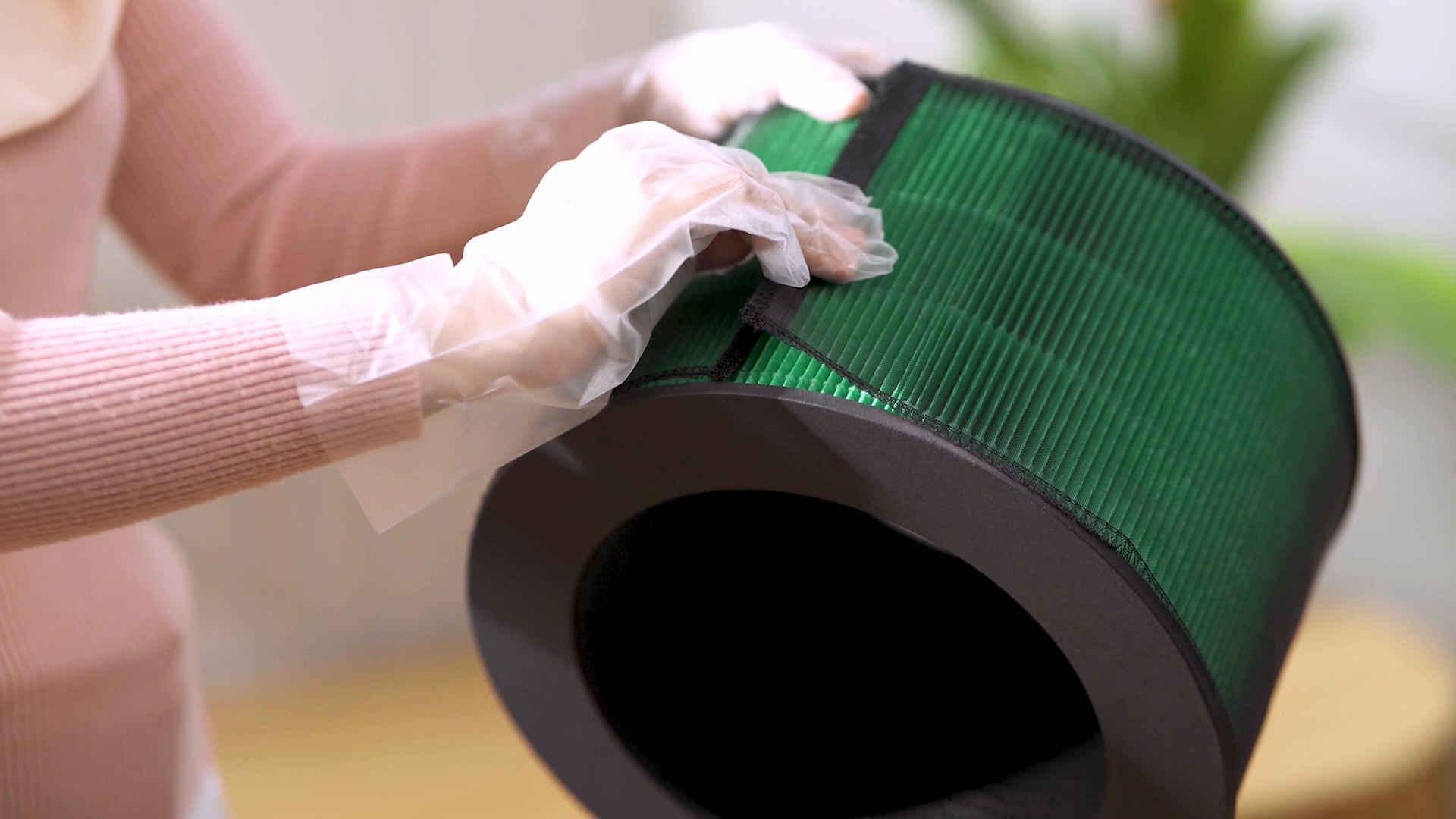
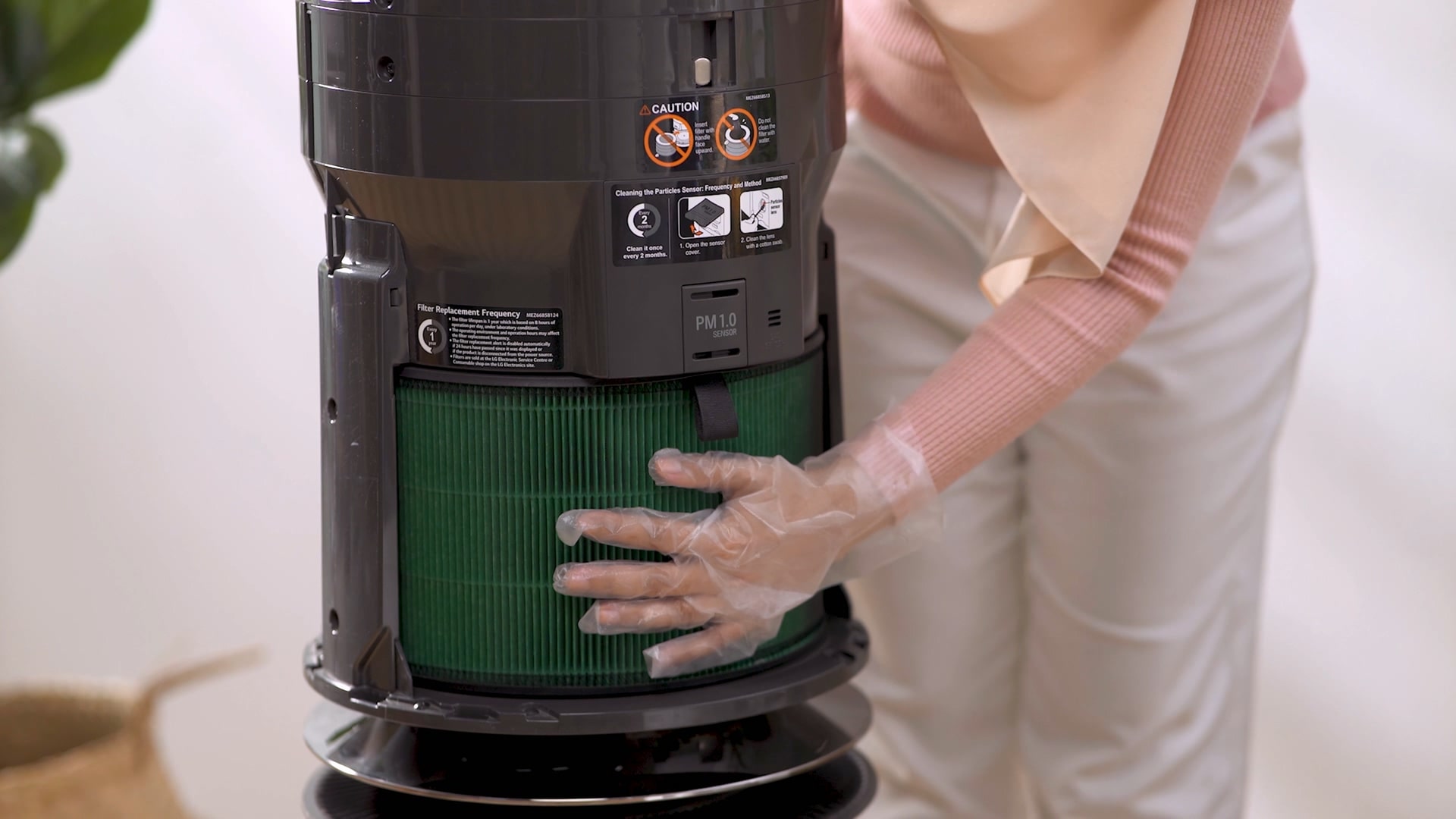
Filter Replacement
Clean the filter to maintain clean performance for a long time, and
replace the filter free of charge according to the replacement
cycle.
ㆍReplacement cycle may vary depending on the
filter
and product.
Clean Booster Cleaning
To manage the place where air is discharged so that you can breathe
clean
air, the difficult-to-manage clean booster is disassembled and
cleaned
meticulously.
ㆍIt is provided once a year for clean booster
inspection.
Total cleaning
Thoroughly cleans from the inside of the invisible filter to the
outside
of the product so that it can be used cleanly.
Self-Service Guide
Self-Service Care for Your Air Purifier!
Filter Subscription
1st in market – delivers replacement
filters at your doorsteps according to the replacement
cycle.
Replace Ultra-fine Filter
Replace the filter every 6
months.
Replace HEPA Filter
Replace the filter every 12
months.
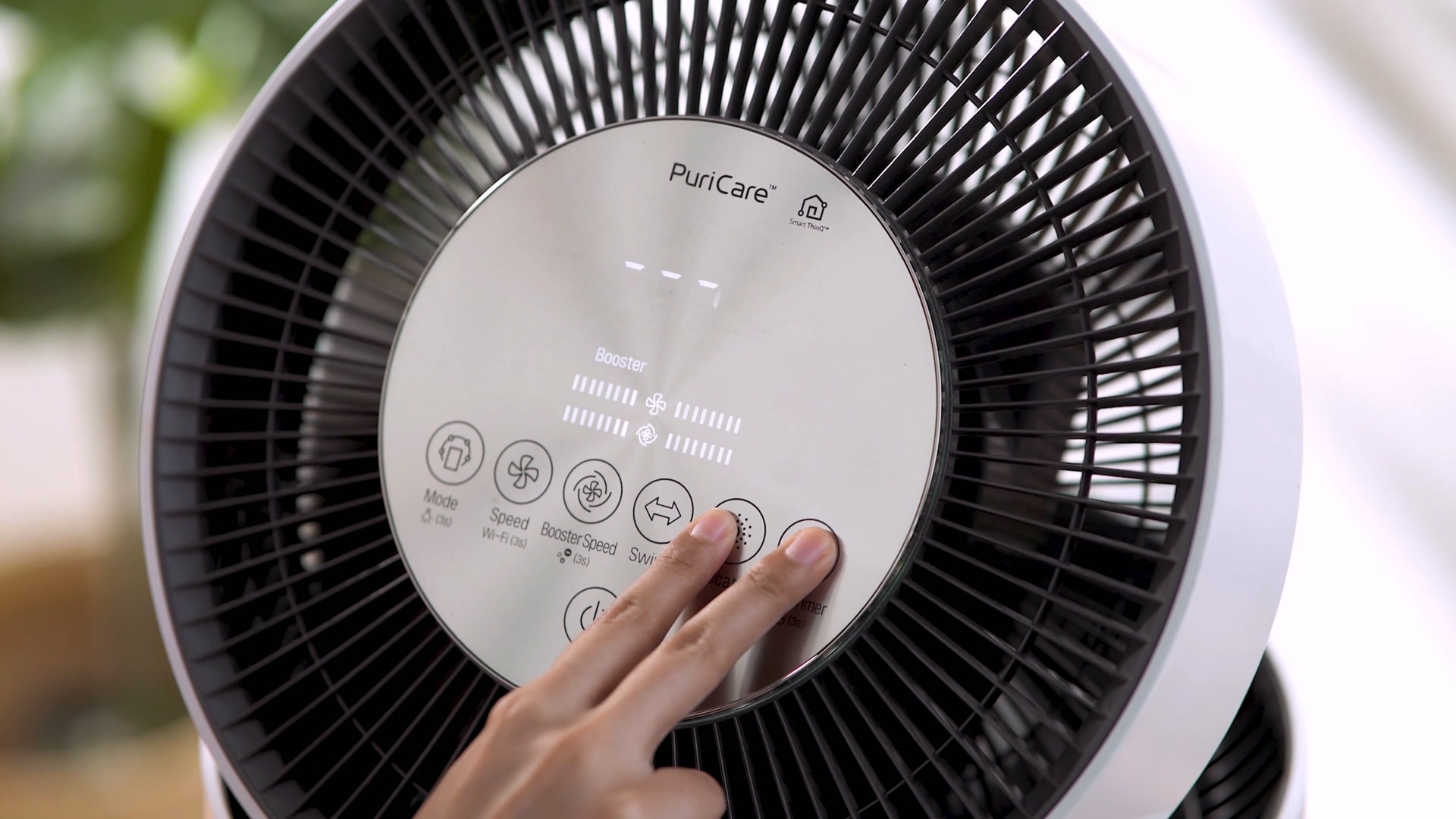
Manage filters with the ThinQ app
Upper Filter - Press and hold the
‘Speed’
& ‘Indicator’ buttons for more than 3 seconds. Lower Filter
-
Press and hold the ‘Indicator’ & ‘Sleep timer’ buttons for
more
than 3 seconds.
Washing Machine Care Service
Keep your family's clothes clean and dry at all times by regularly
maintaining
your washing machine.
Operation Inspection
To ensure safe use at all times without worrying about failure,
thoroughly check the level adjustment and installation conditions.
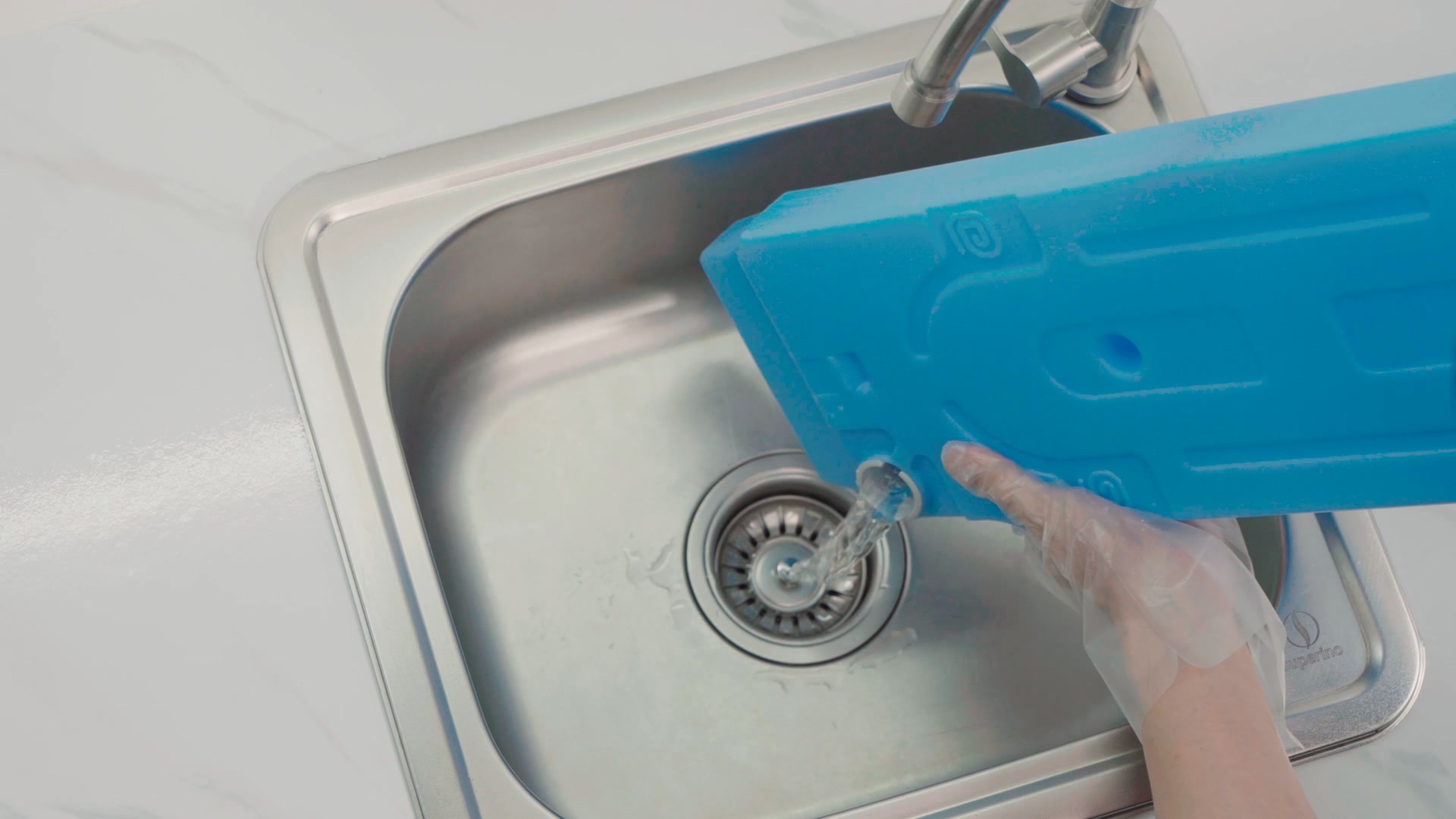
Drain Residual Water
Remove leftover water to ensure the washing machine is completely
empty
and dry and clean the drain pump filter.
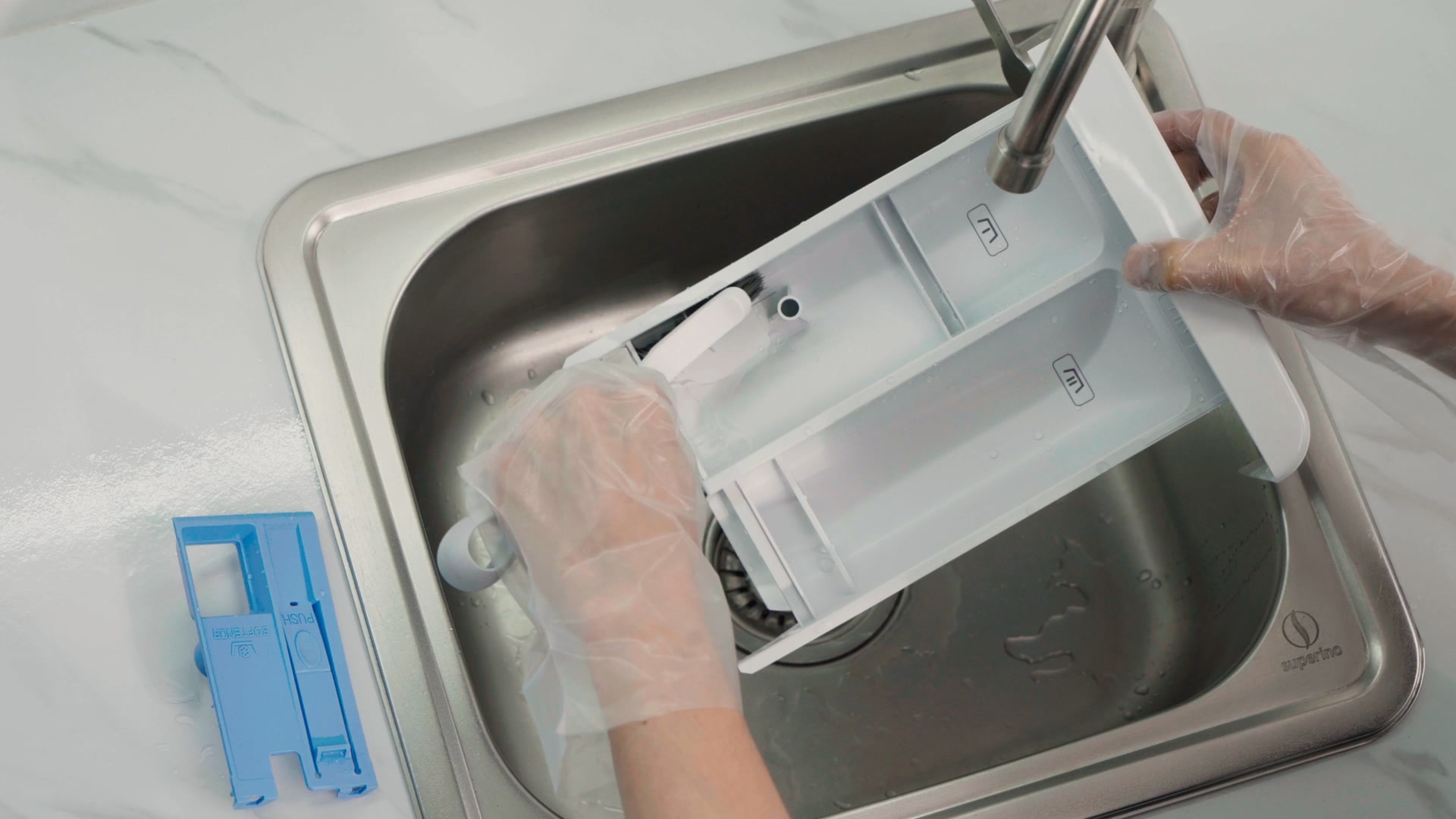
Detergent Box Cleaning
Disassemble and clean the detergent box with a stick brush to remove
residue.
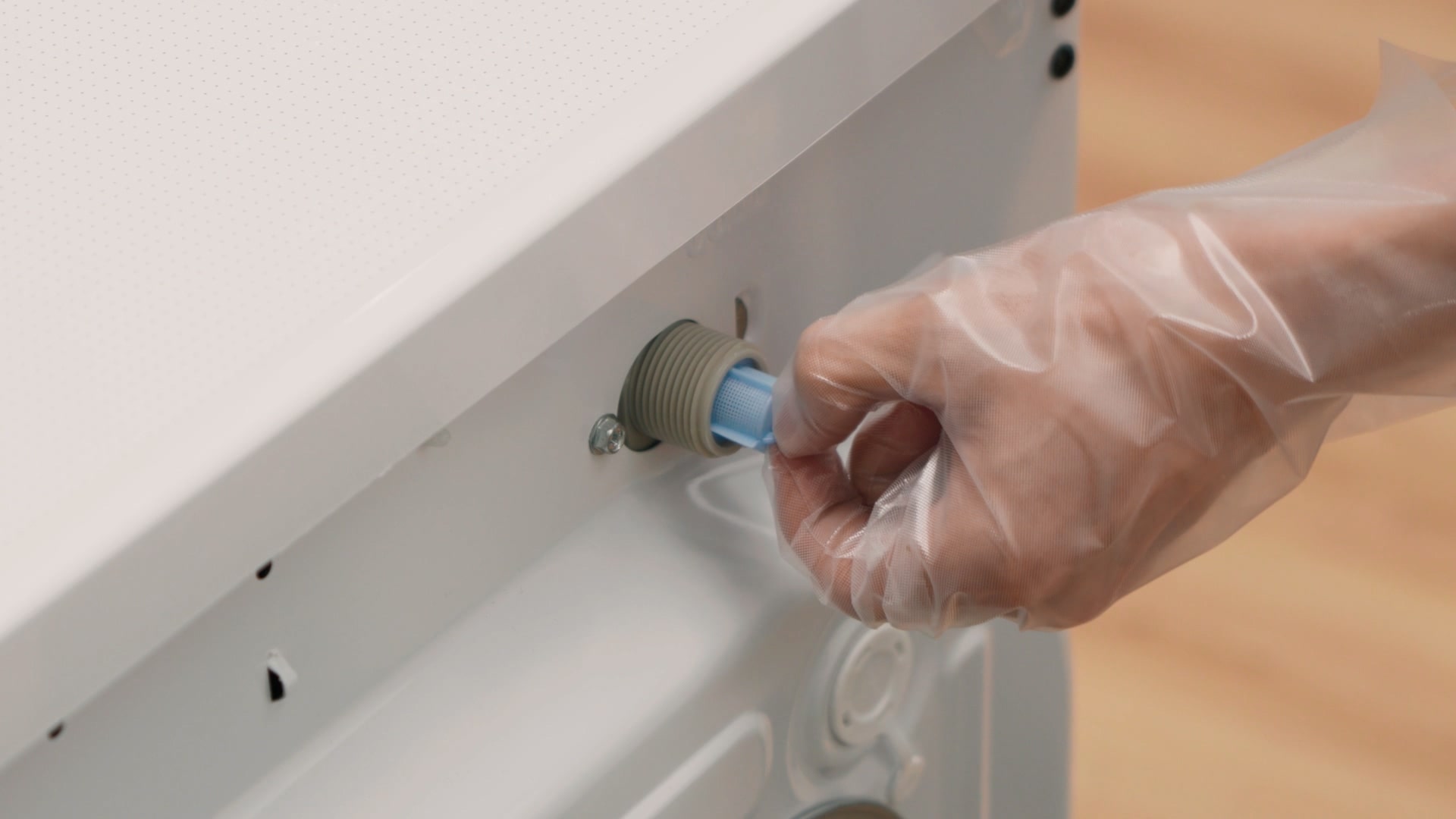
Drain Filter Cleaning & Replacement
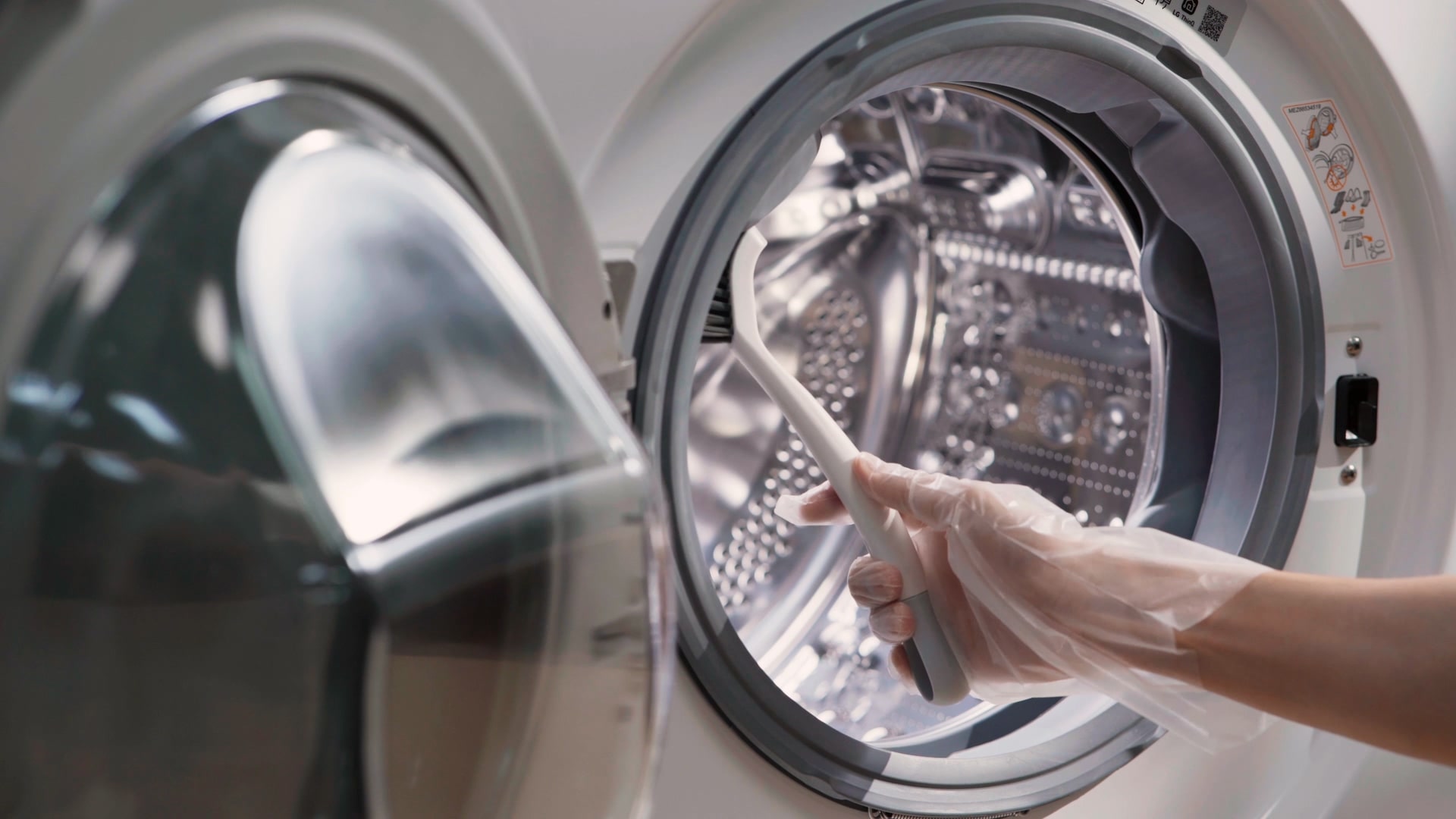
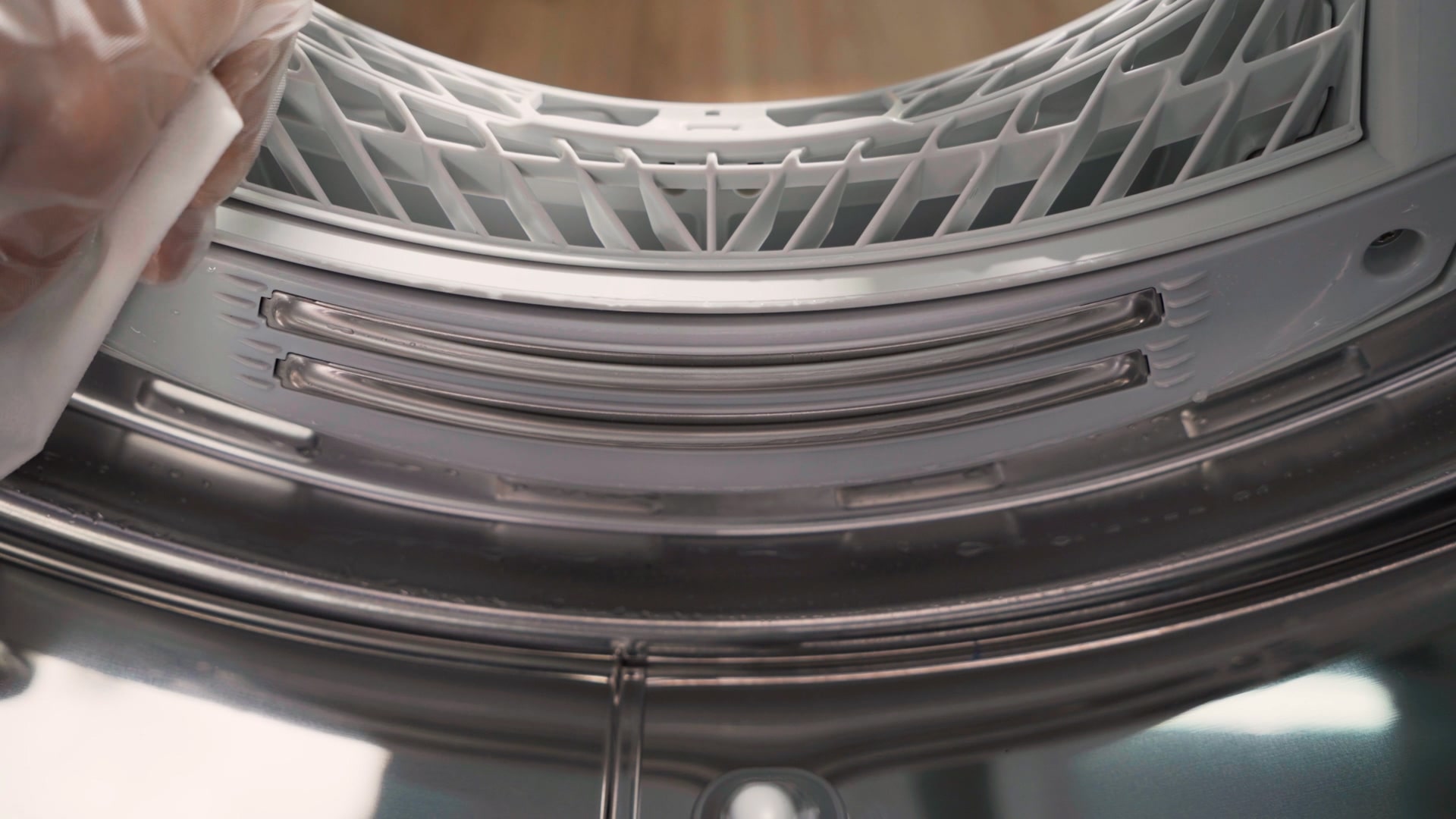
Door Gasket Cleaning
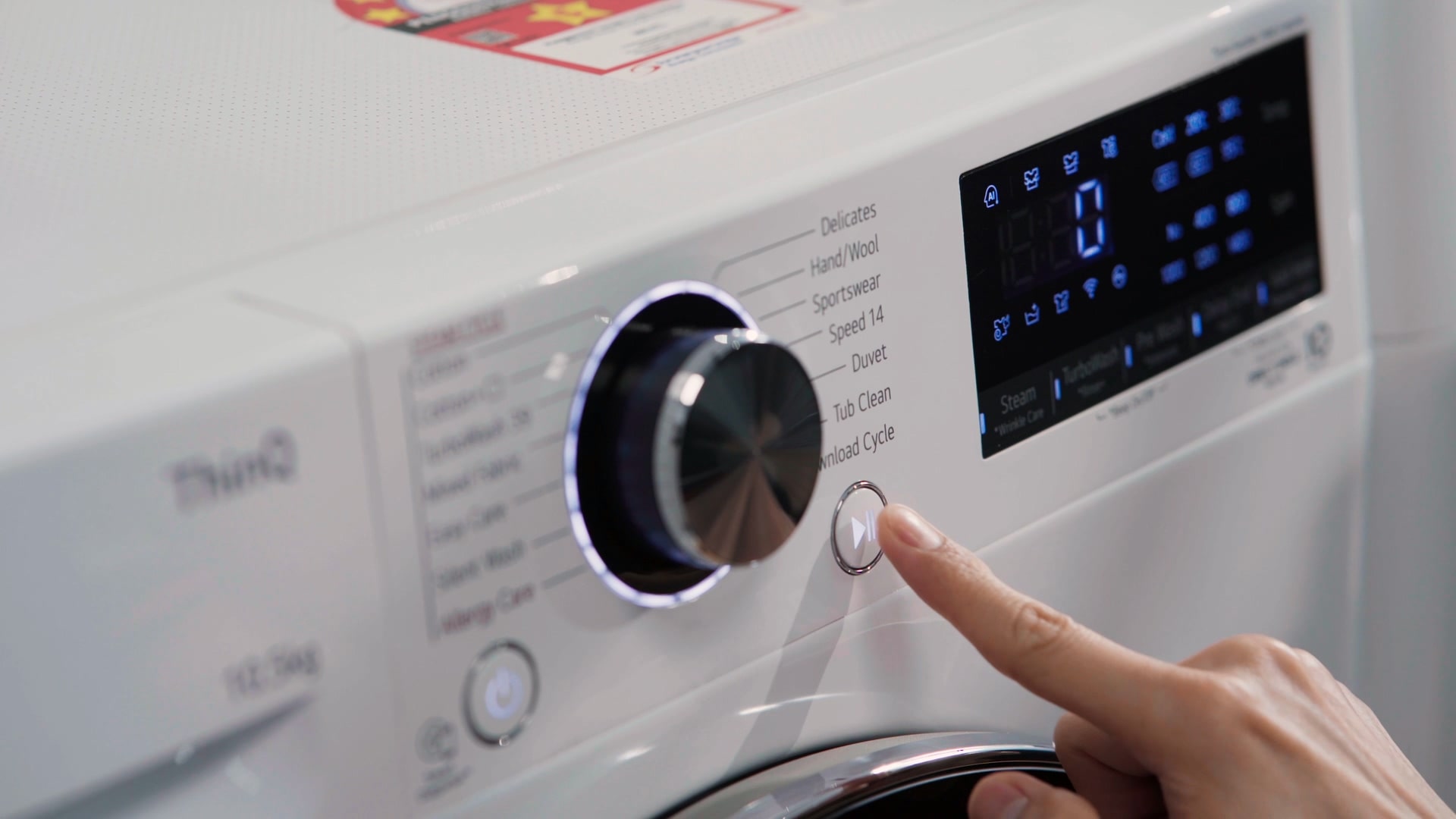
Tub Cleaning
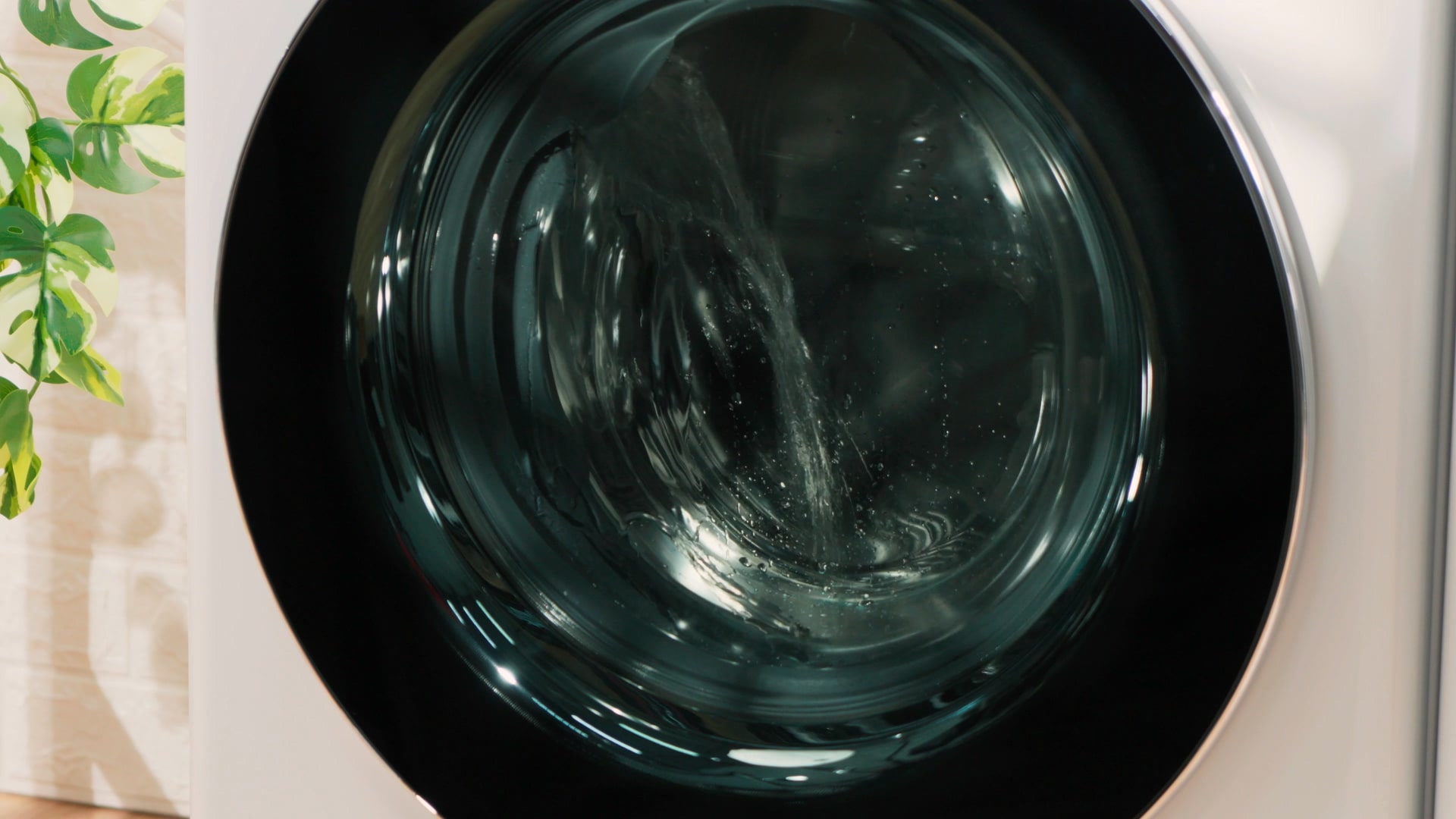
Pour 50ml of tub cleaner detergent into the drum and start the tub
clean
function to sanitize the inside of the washing machine tub.
Dryer Care Service
Keep your family's clothes clean and dry at all times by regularly
maintaining
your dryer.
Operation Inspection
To ensure safe use at all times without worrying about failure,
thoroughly check the level adjustment and installation conditions.
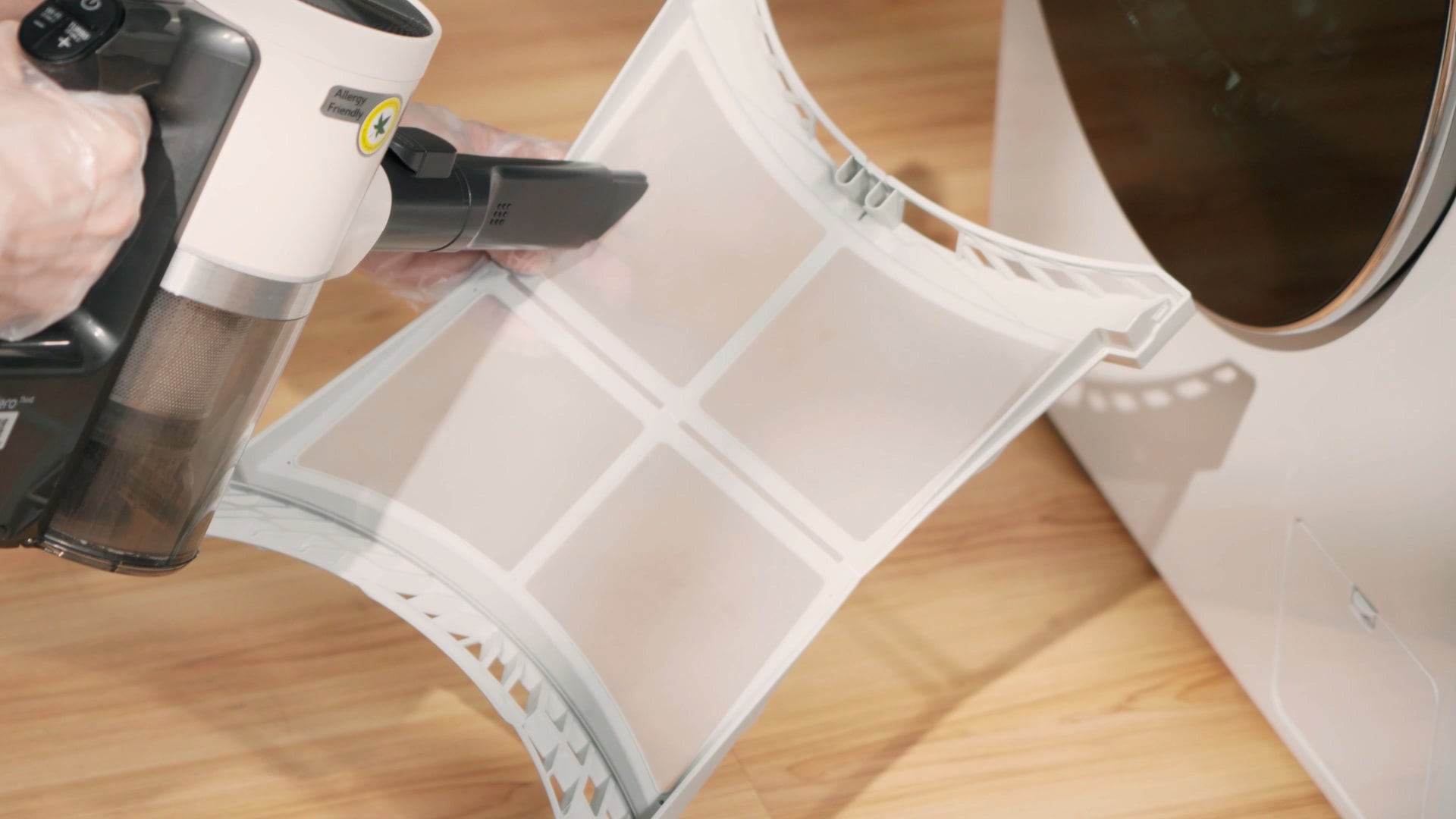
Filter Cleaning
Clean the filter with a vacuum cleaner to remove all dust.
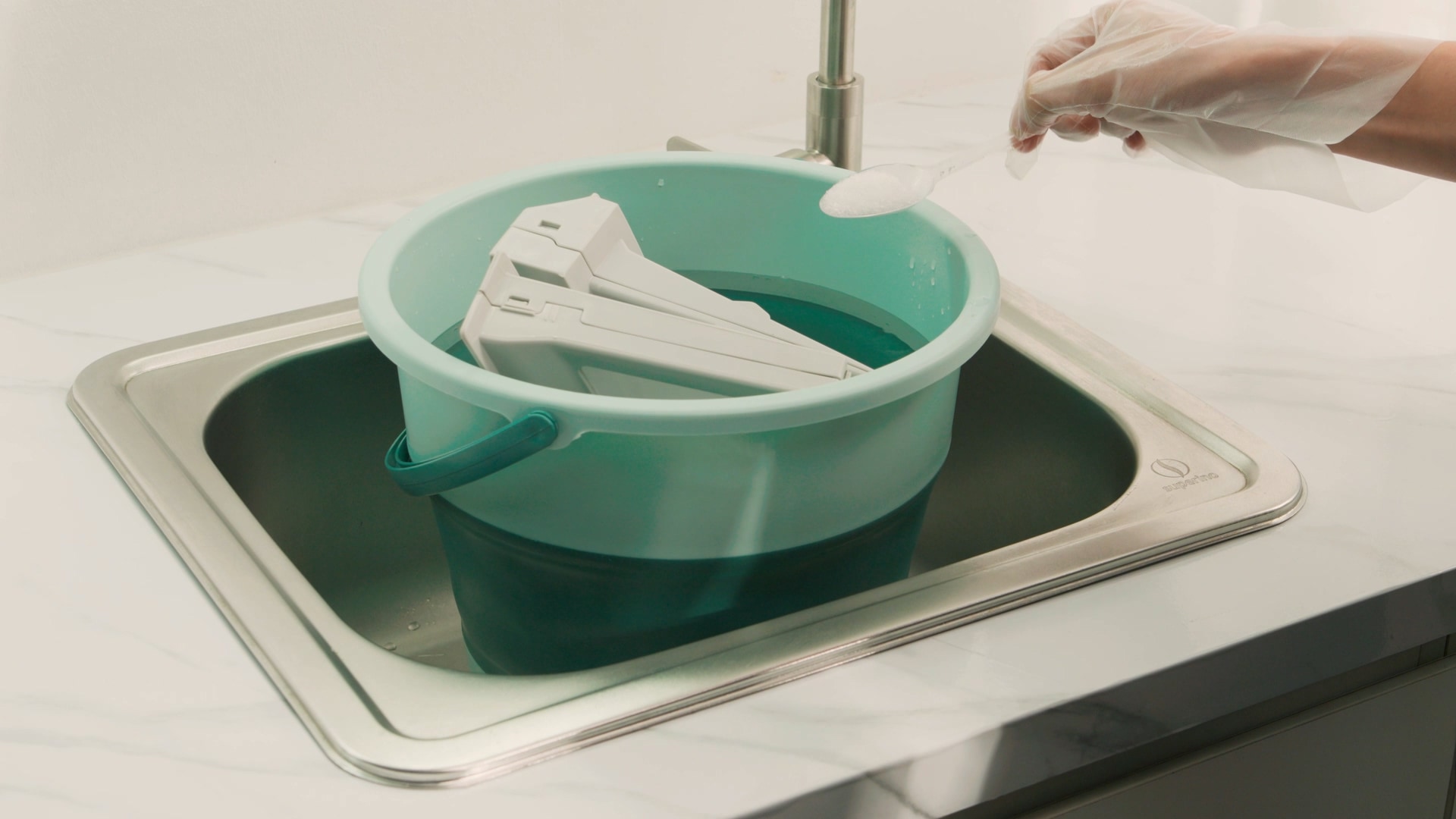
Filter Sterilizing
Clean the filter with citric acid for 5 minutes for sterilization.
Water Container Cleaning
Drain the water and wash the water container for hygienic use.
Humidity Sensor Cleaning
Check the humidity sensor and clean it to ensure optimal drying
performance.
Refrigerator Care Service
Keep your refrigerator in top condition and maintain hygiene by regularly
cleaning the machine room and checking performance.
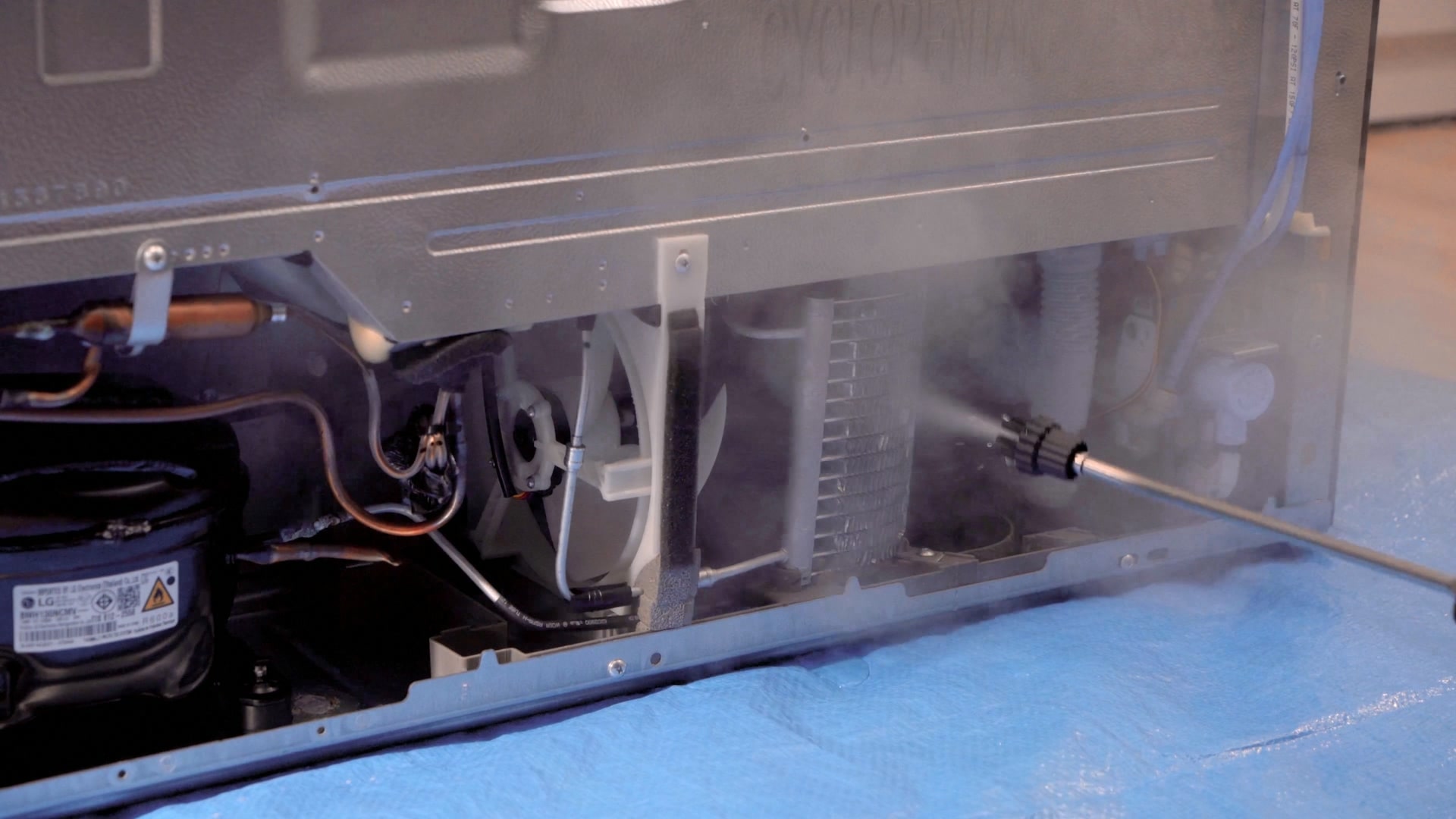
Machine Room Cleaning
Clean the cooling units and fans in the machine room at the back of
the
refrigerator to remove contaminants and dust.
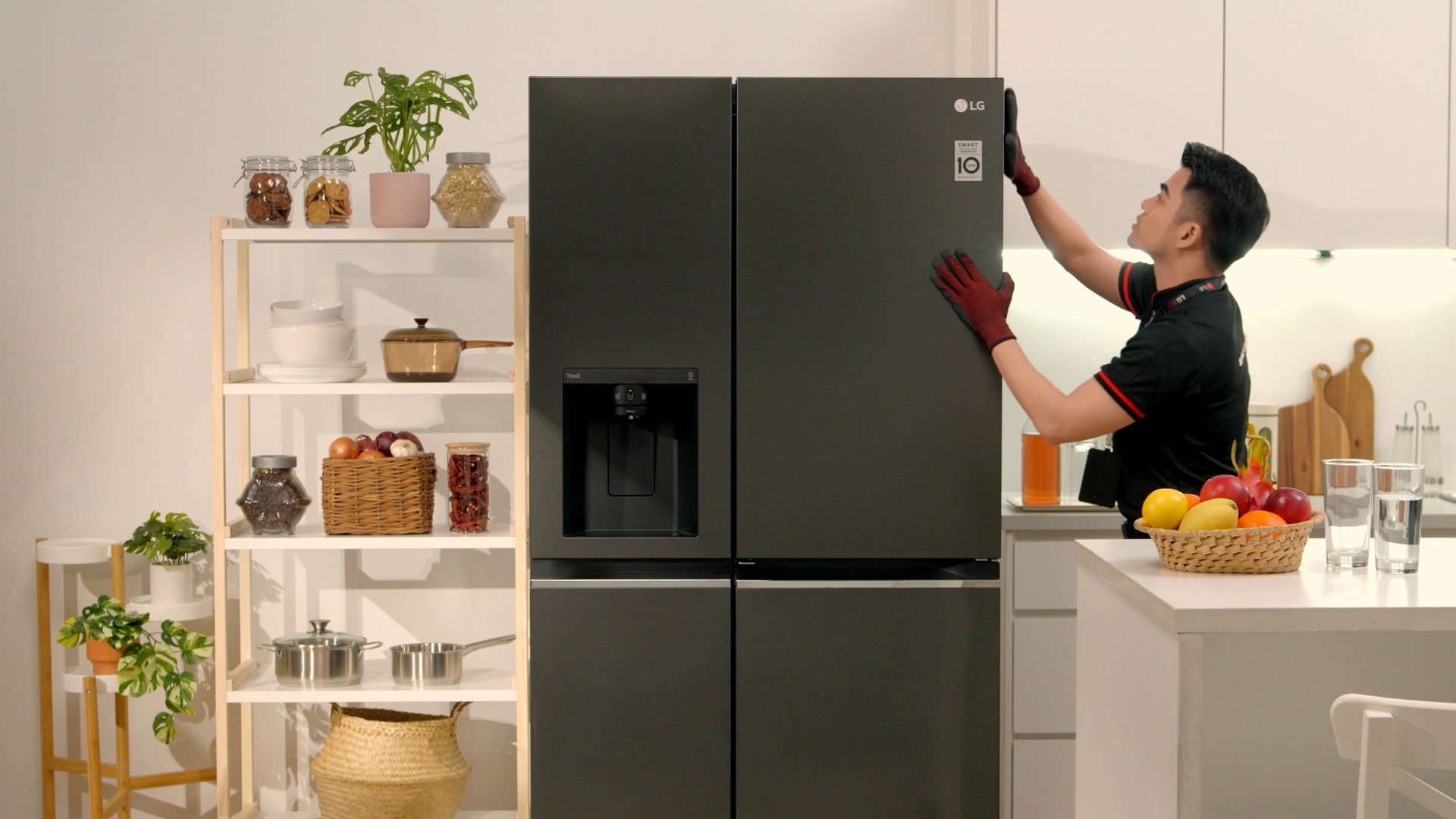
Operation Inspection
Thoroughly check the level adjustment and installation conditions to
ensure safe use at all times without worrying about
malfunction.
Water Tank & Ice Maker Cleaning
Empty any remaining water and clean both the water tank and the ice
maker.
* This service is only available for fridges with
a
dispenser.
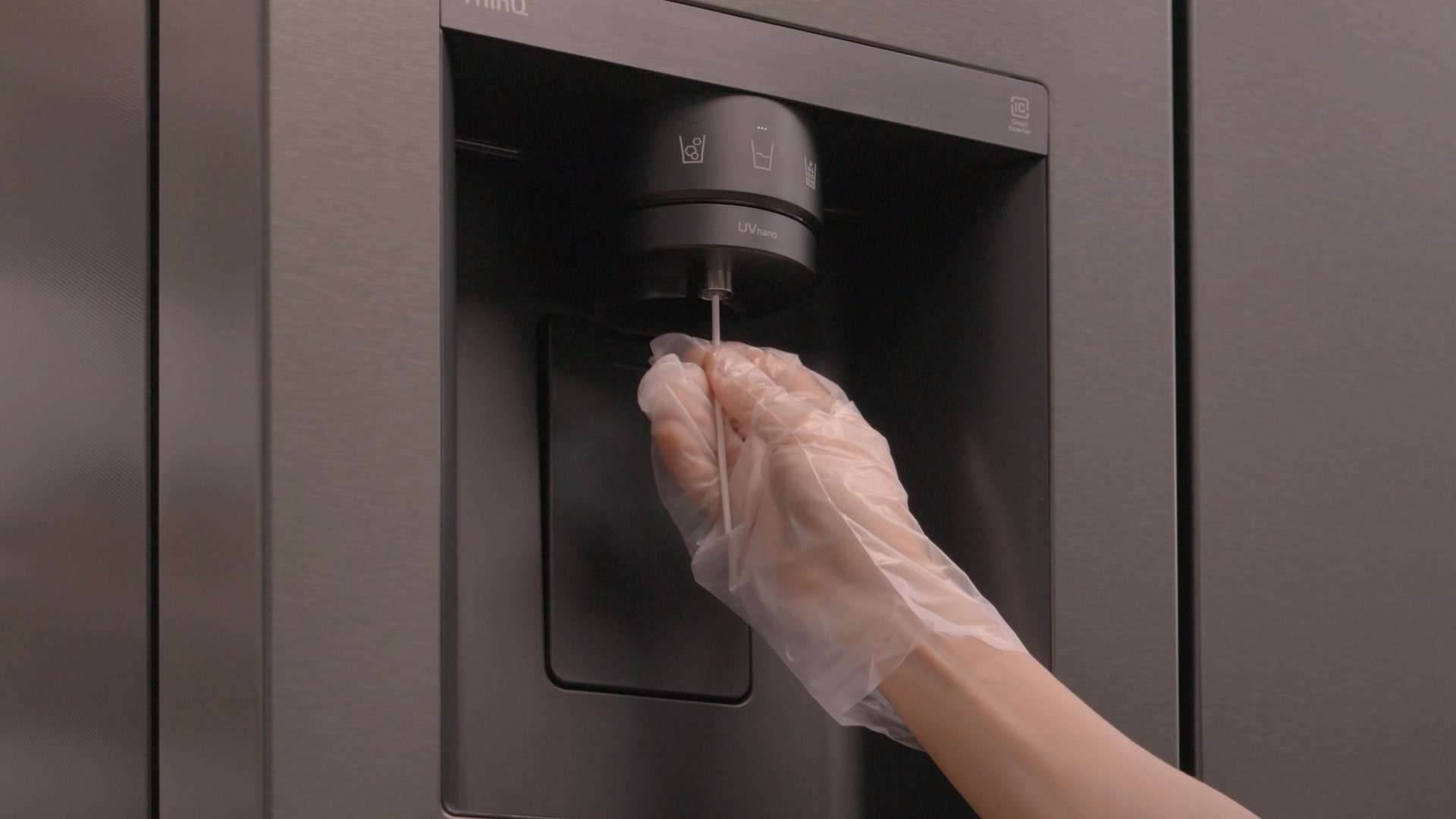
Water Dispenser Cleaning
Clean the water outlet in the refrigerator to maintain hygienic use.
* This service is only available for fridges with
a
dispenser.
Styler Care Service
Maintain your styler by replacing filters and consumables, cleaning the water
tanks, and taking care of both the interior and exterior.
Self-Service Guide
Self-Service Care for Your Styler!
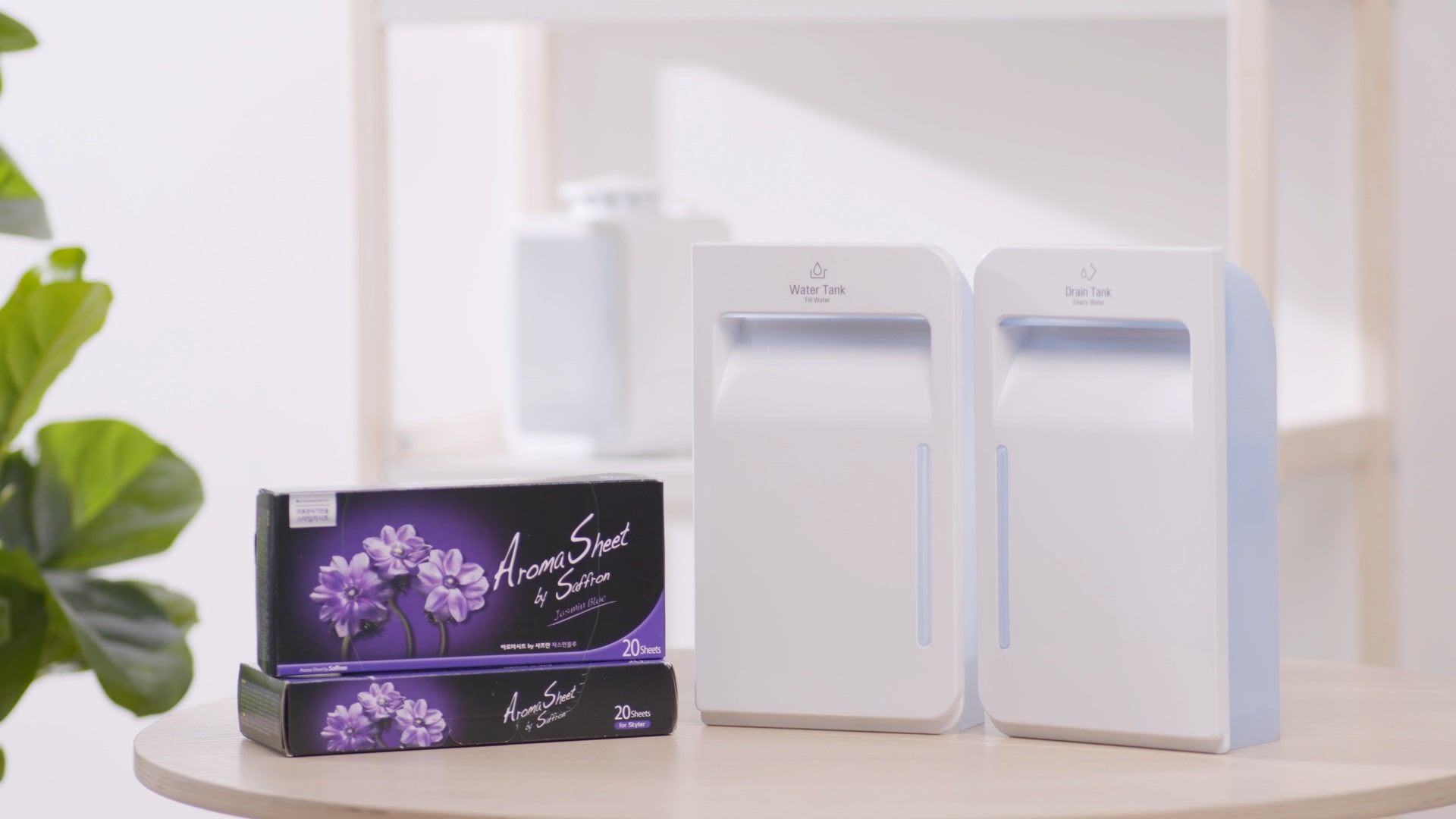
Consumables Subscription
Delivers aroma sheet and new water
tank
according to the replacement cycle.
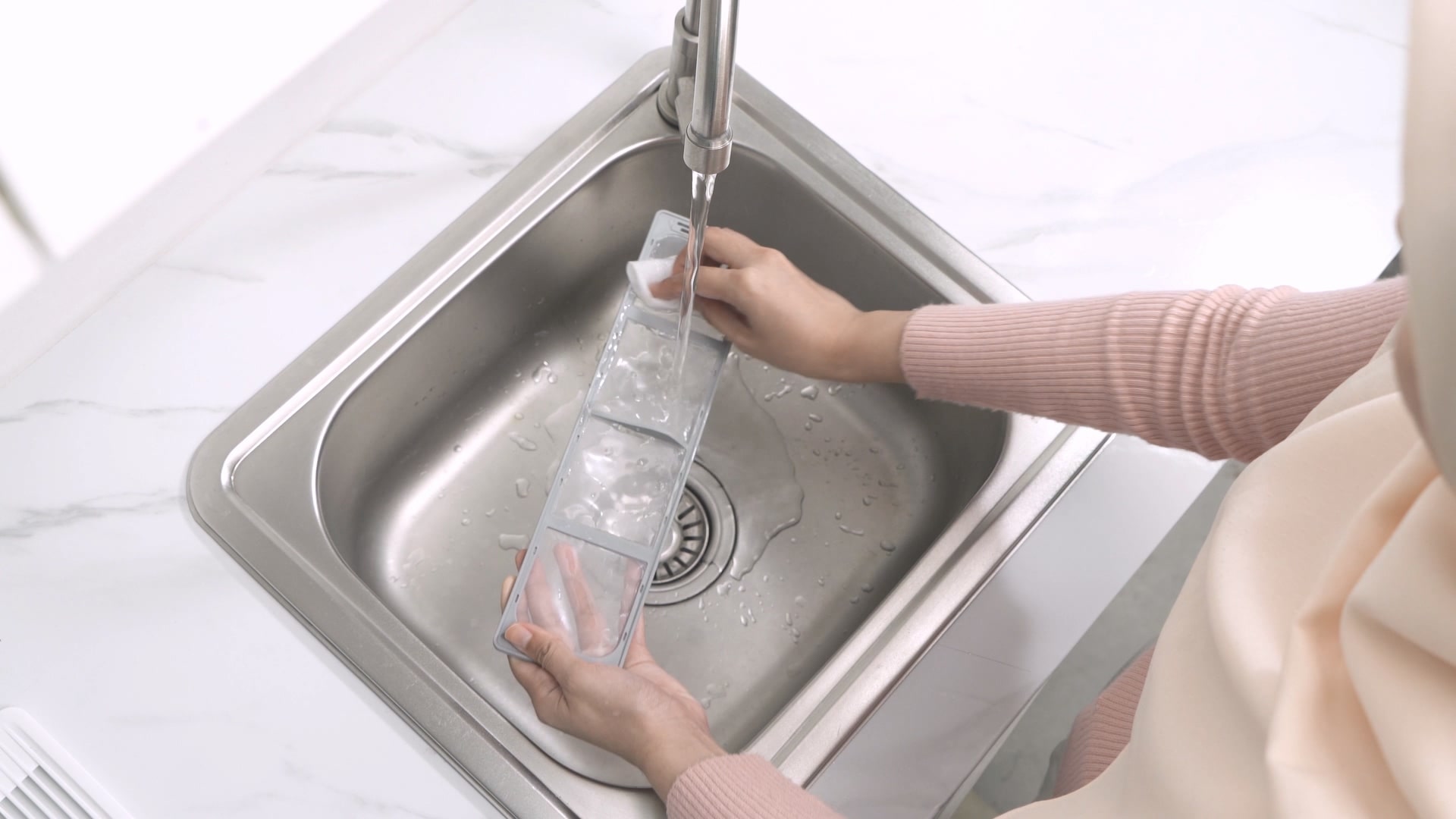
Filter Cleaning
Clean dust from the filter.
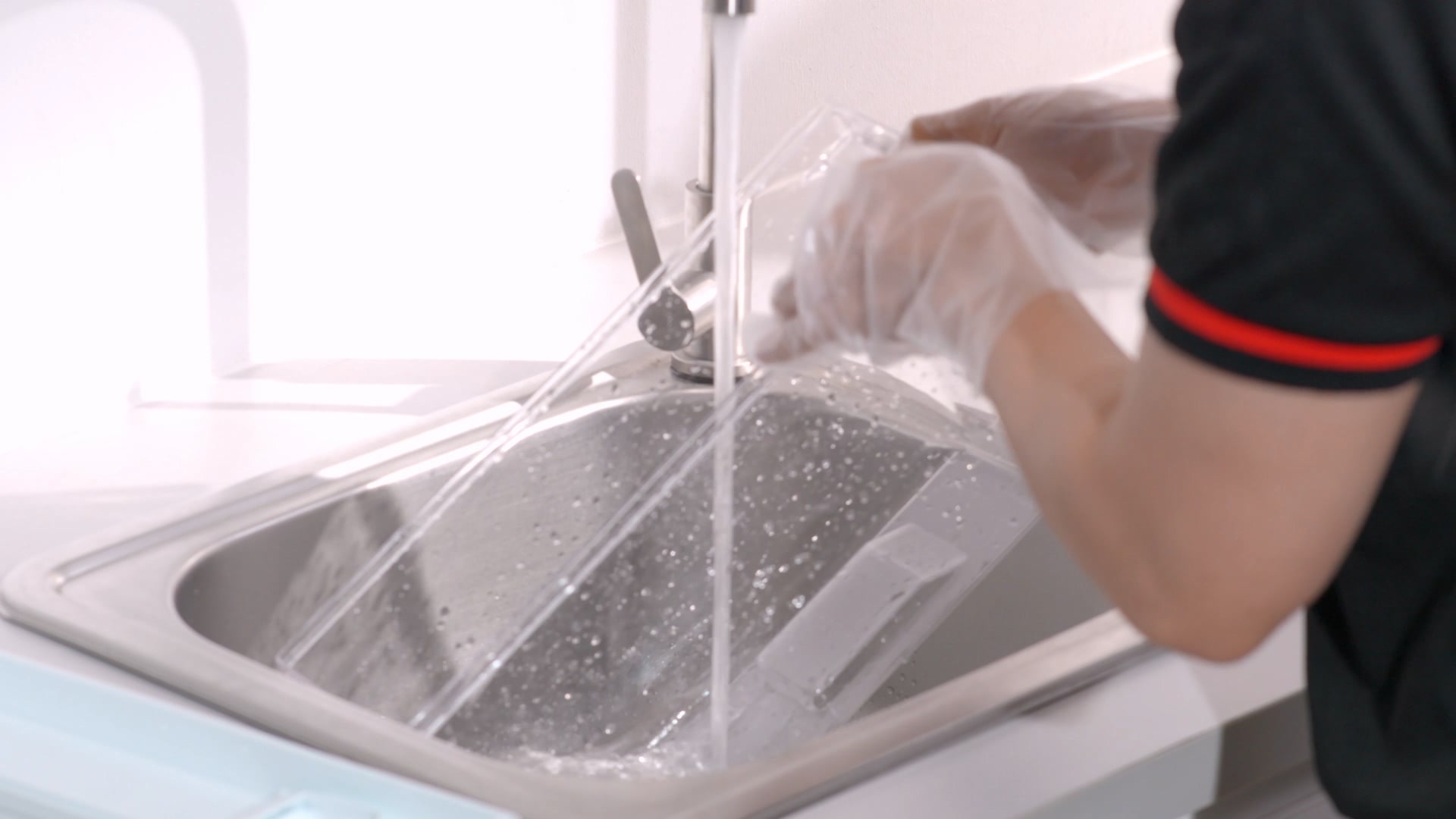
Water Tank Cleaning
Pour out the water and clean, rinse
the
water tank for hygienic use.
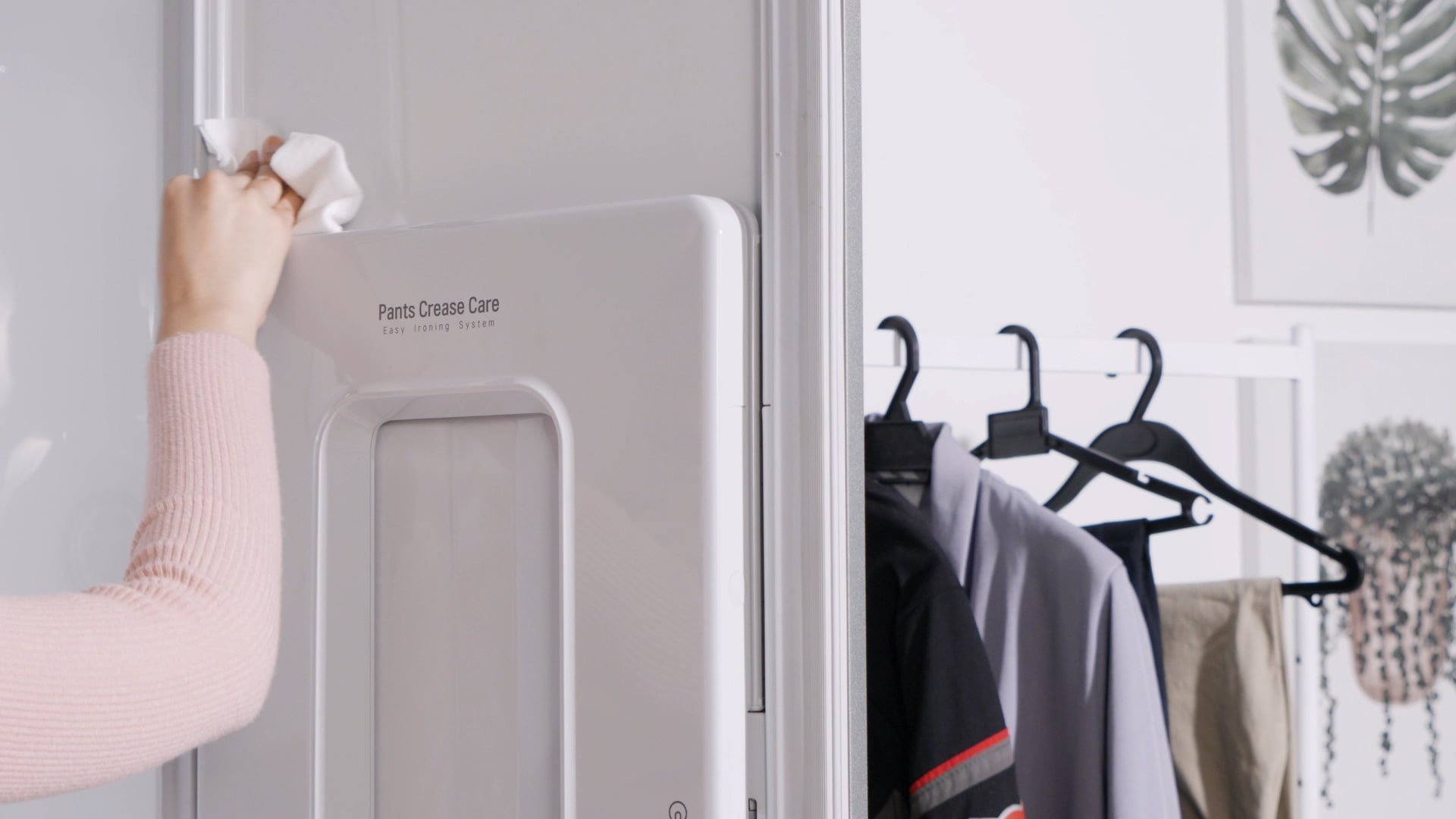
Interior and Door Cleaning
Remove contamination such as
fingerprints
from the door and dust from the interior.
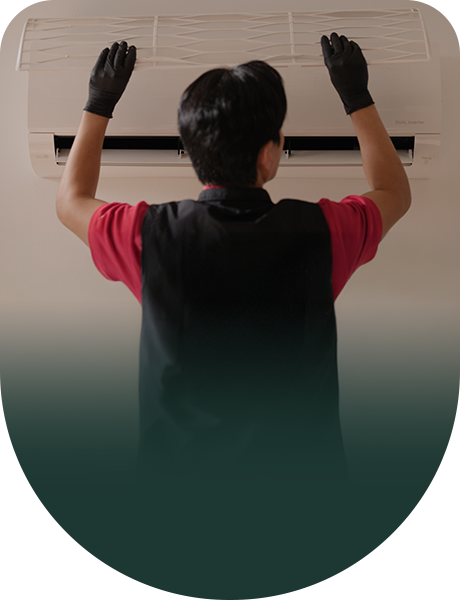
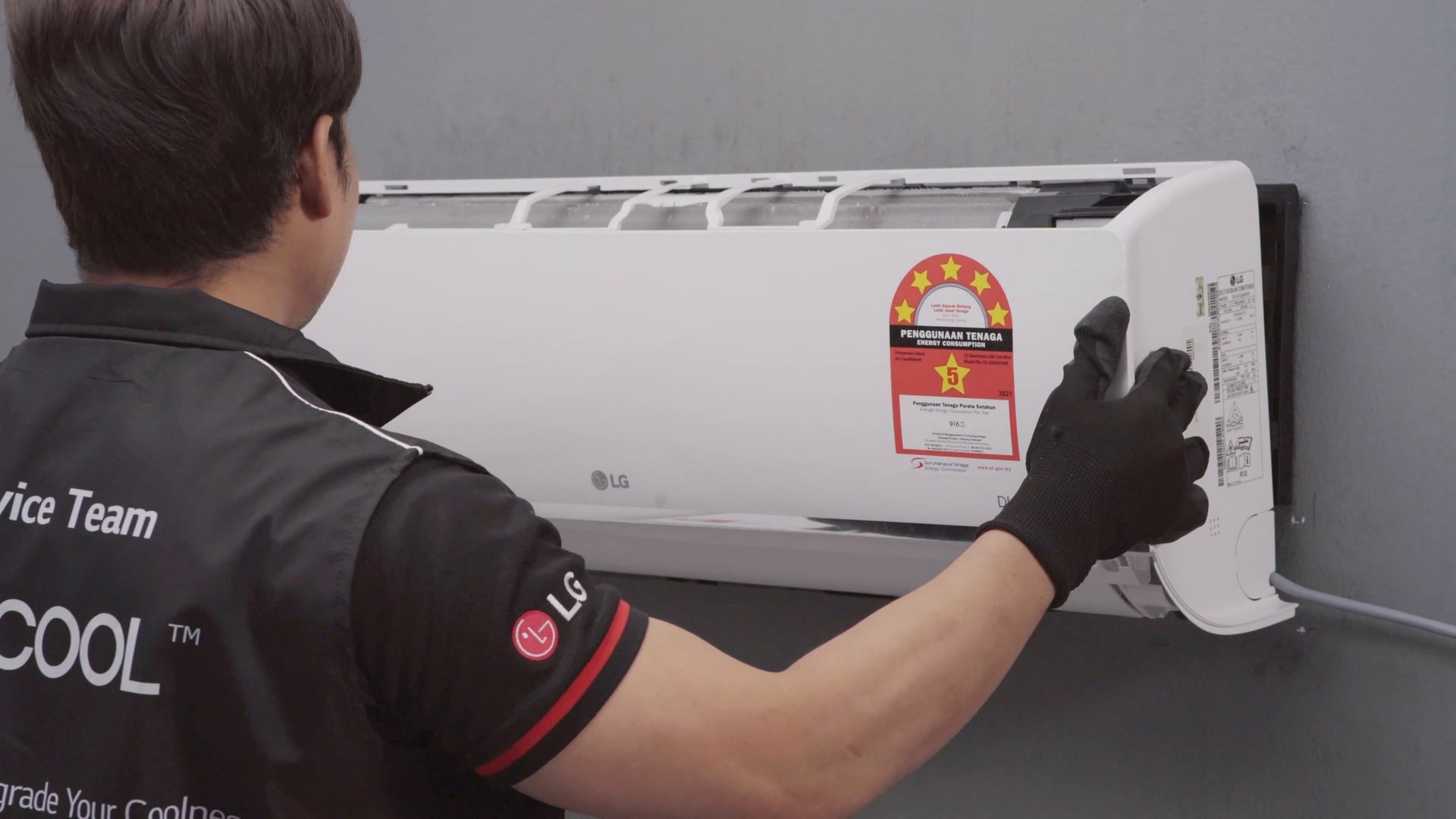
Air Conditioner Care Service
Always provides you with clean and cool air by ensuring clean
care of the wind
path
through replacing and disassembling the filter.
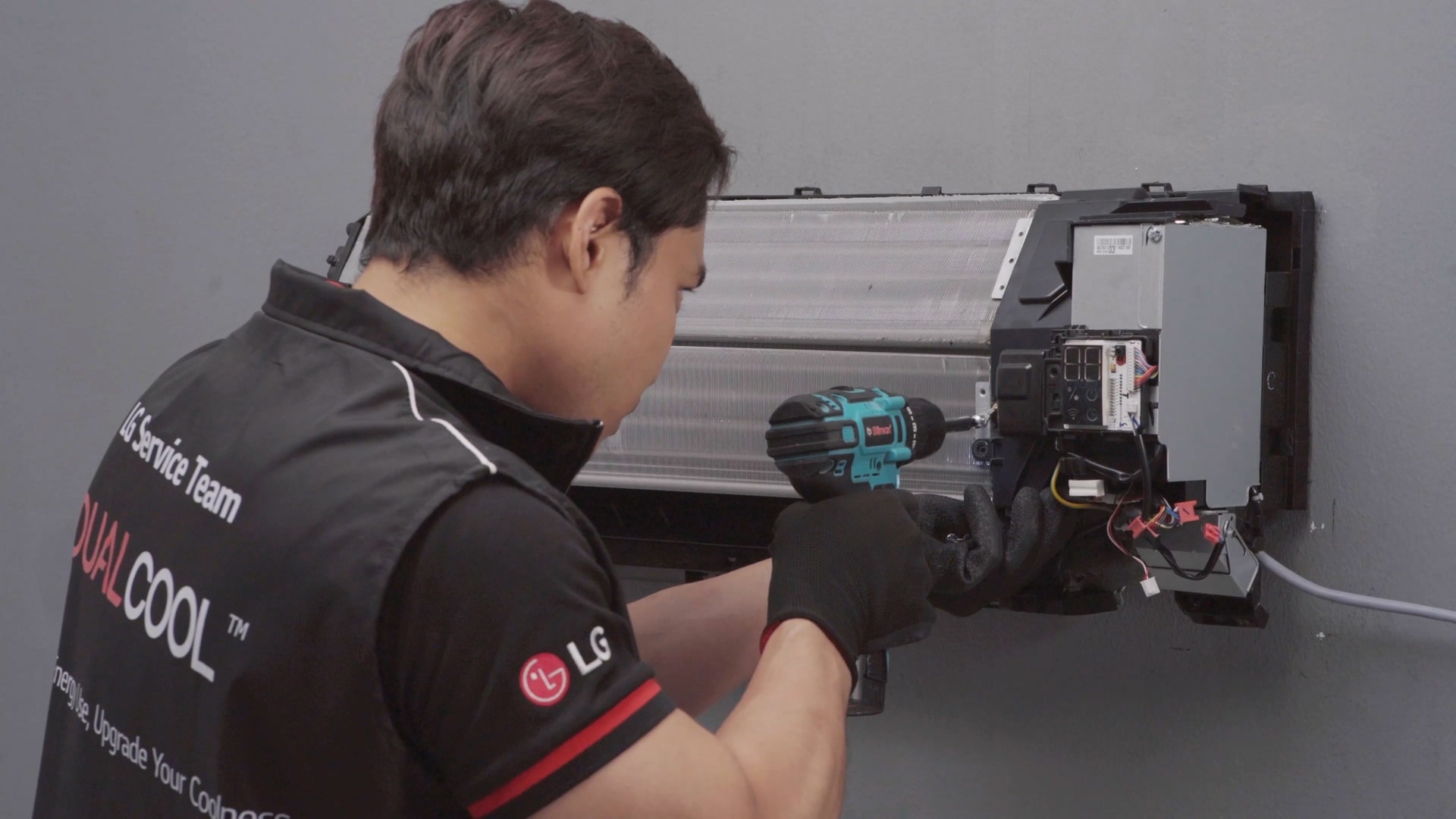
Disassemble the Unit
Remove the filter and indoor cover, and detach the fan to
clean
thoroughly.
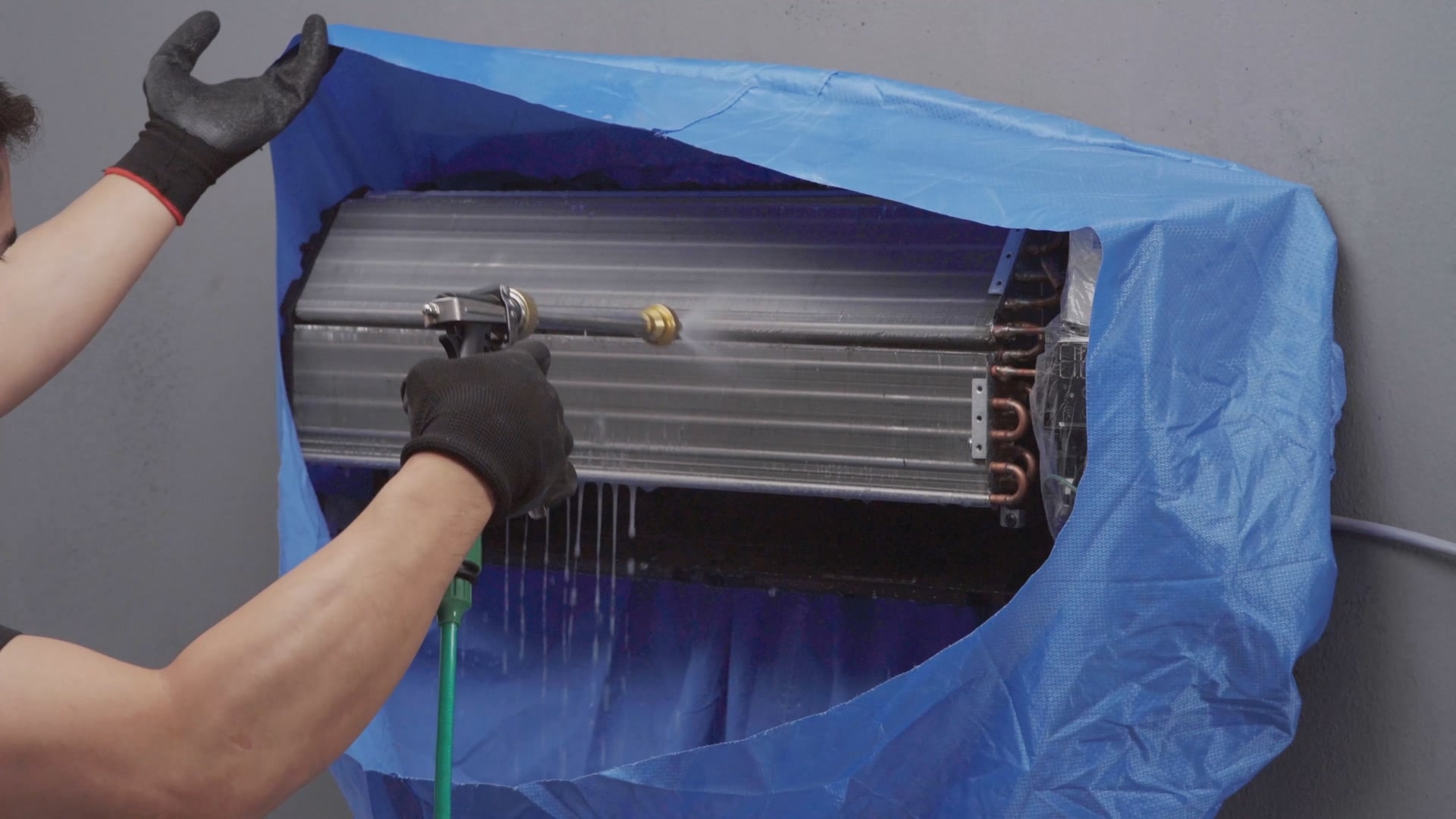
High Pressure Wash / Steam Cleaning
Clean the heat exchanger with a high-pressure wash to
remove
contaminants,
and UV sanitise the indoor unit.
Reassemble the Unit
Reassemble the indoor unit after washing and drying all
the necessary
parts.
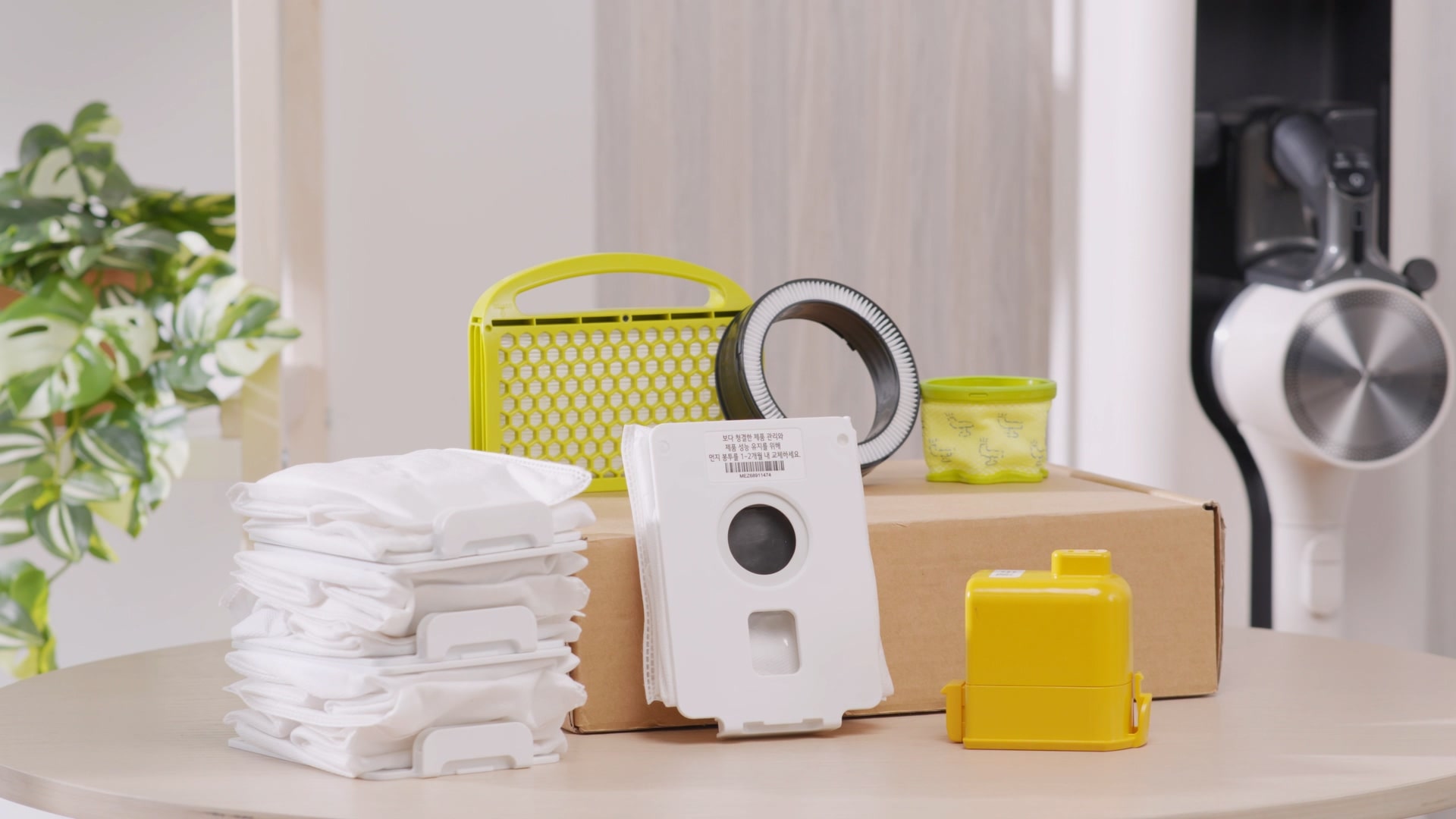
Vacuum Cleaner Care Service
The vacuum cleaner responsible for dust in our house, so that you can use it
with
confidence for longer and cleanly.
Self-Service Guide
Self-Service Care for Your Vacuum Cleaners!
Consumables Subscription
Delivers vacuum cleaner filter
according
to the replacement cycle.
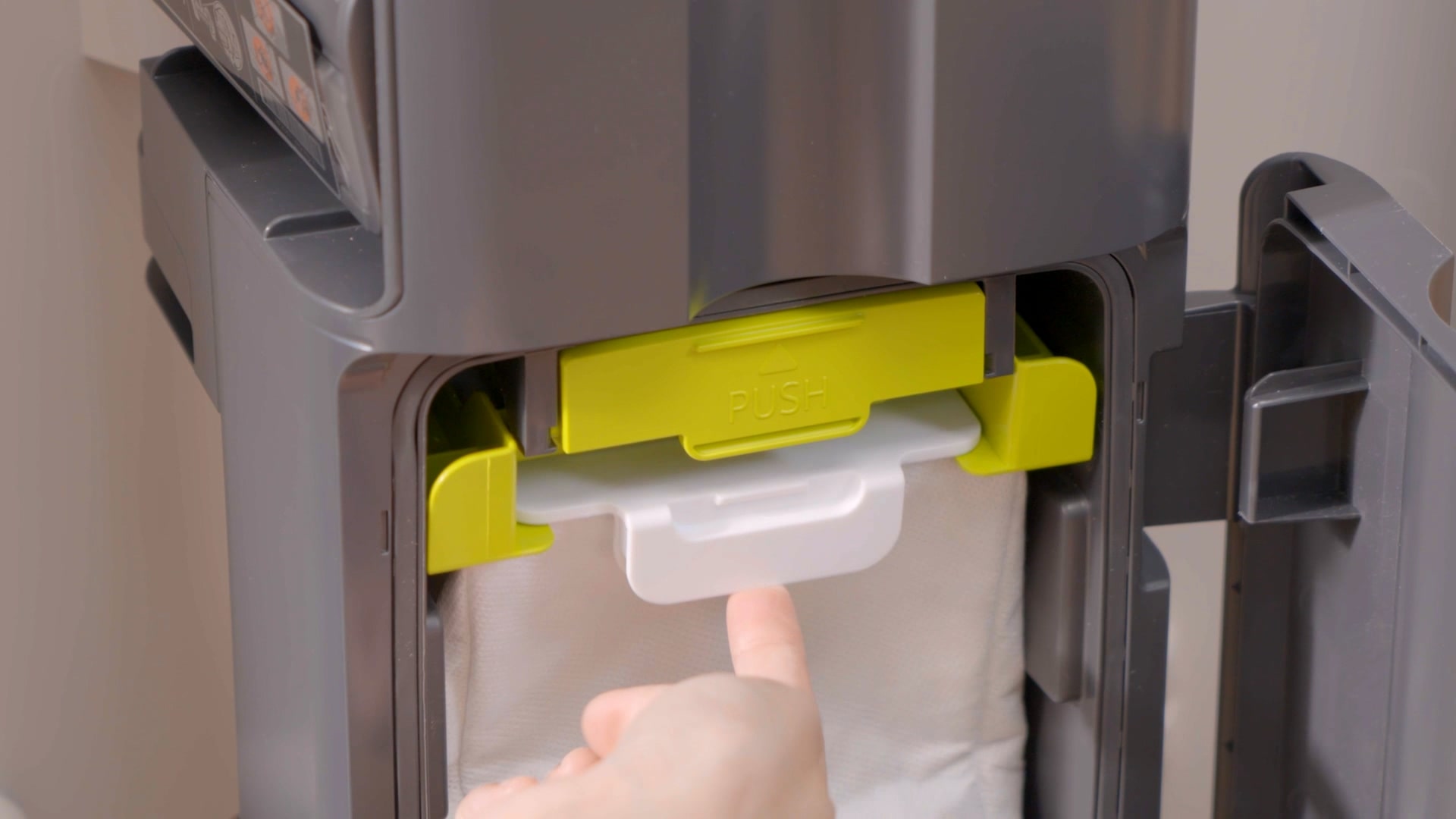
Dust Bag Replacement
In the 12th month, we deliver 2 sets
of
dust bags (1 set/3 pieces) and exhaust filters for
all-in-one
towers.
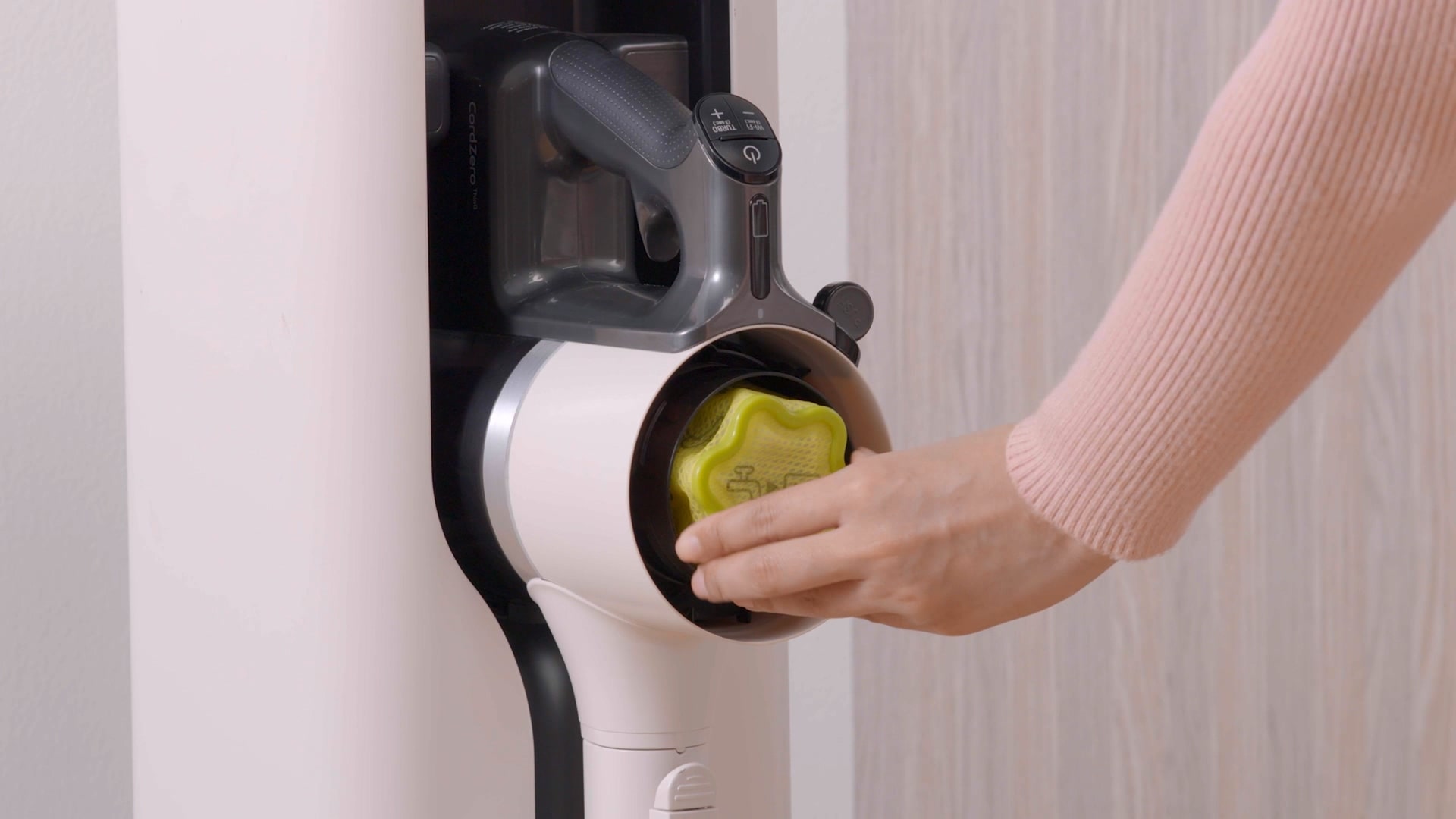
Filter Replacement
The pre-filter and exhaust filter are
replaced free of charge, so you can keep the filter as it
is.
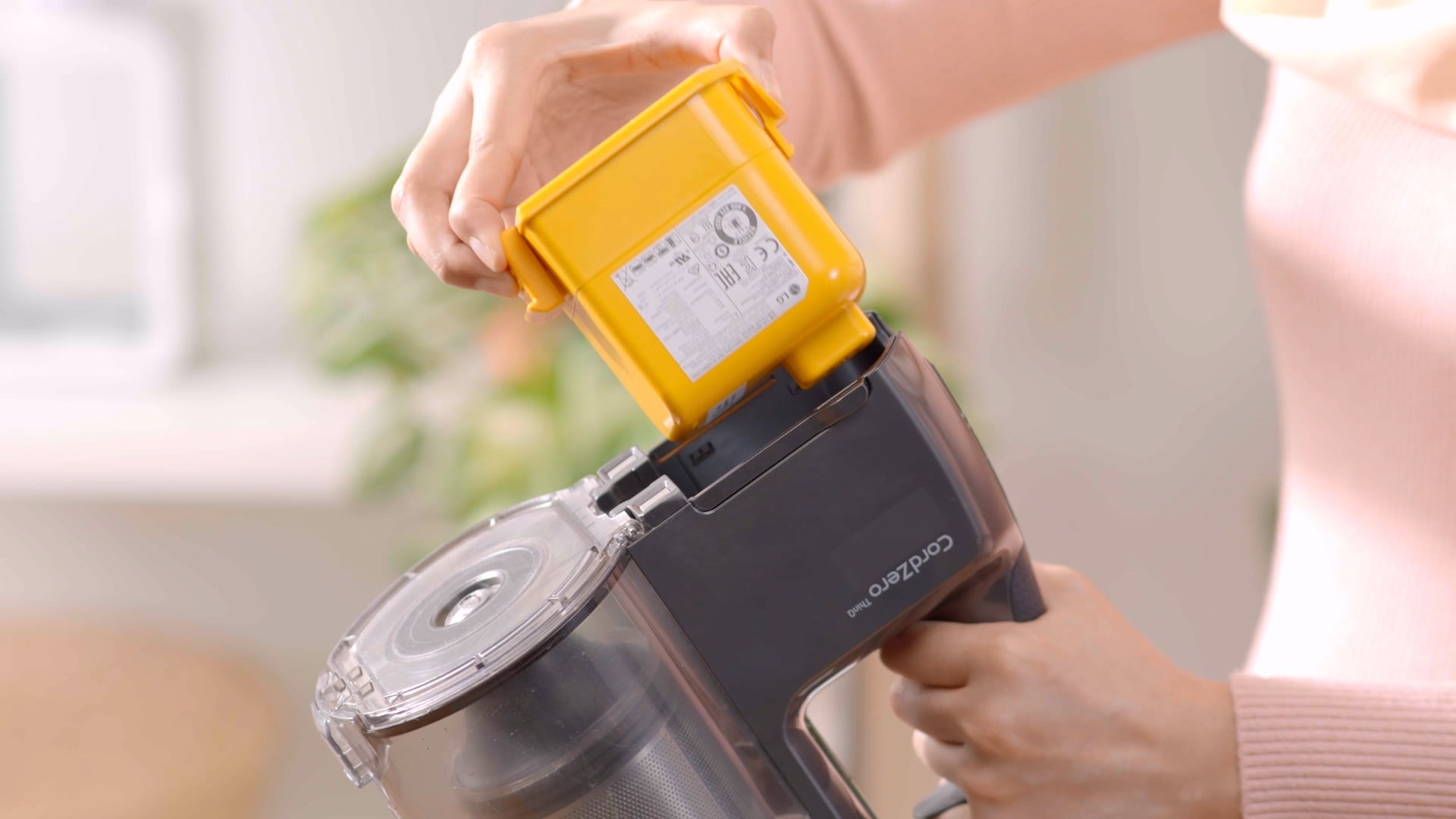
Free Battery Replacement
A battery is provided once every 36
months
to maintain performance.
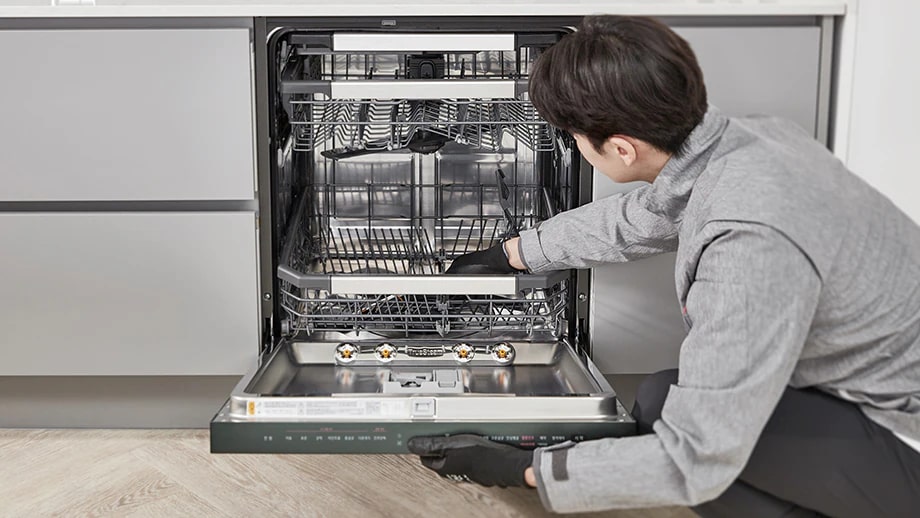
Dishwasher Care Service
Say goodbye to hygiene concerns with your everyday dishes!
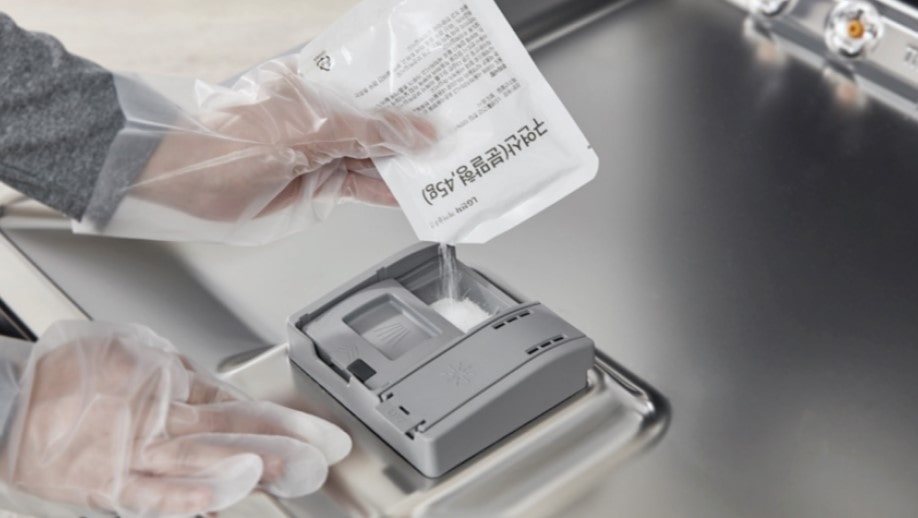
Our water hardness settings and deep-cleaning sterilization will keep
everything
super clean.
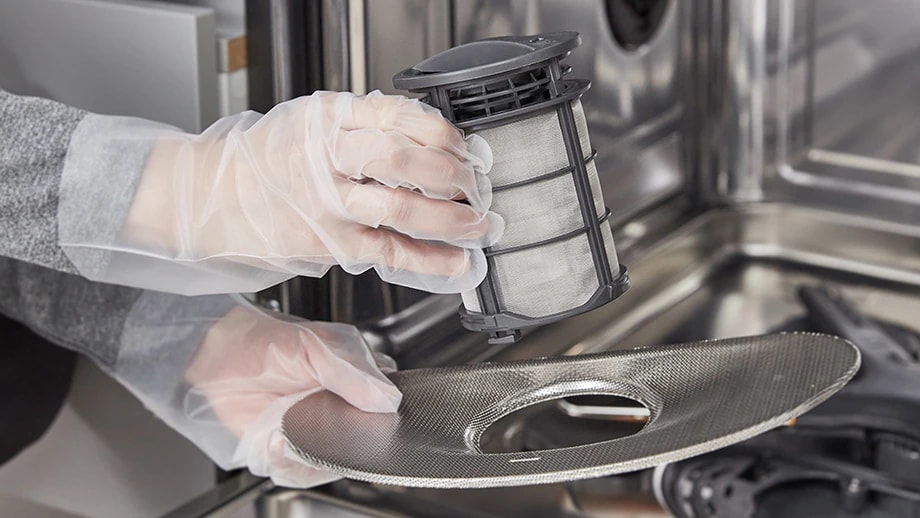
Residue Filter Replacement
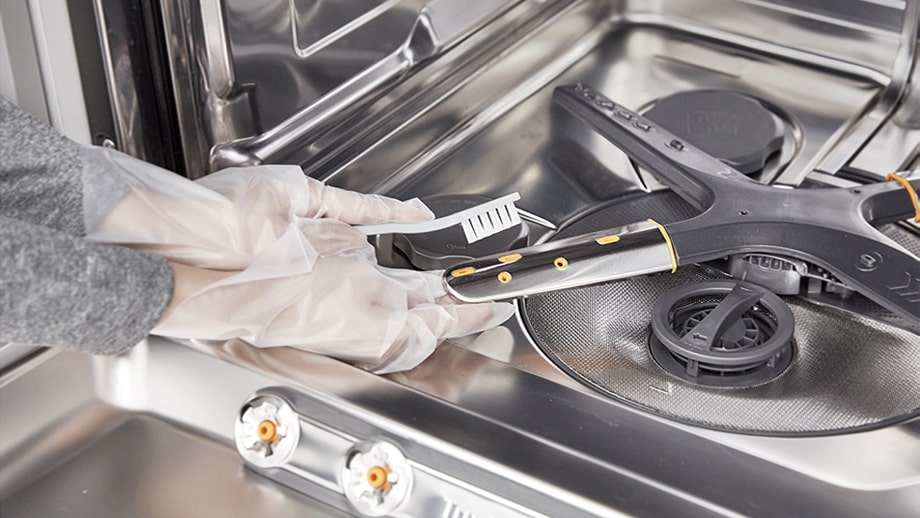
Automatic cleaning function
pH Test
Easy to clean and Warranty
LG Subscribe™ Brand Shop
To experience LG Subscribe™ products, visit us at our brand shop for all your enquiries.
LG Subscribe™ operates by providing customers with the option to rent LG
appliances through our Subscribe program. The subscription process involves
selecting a desired product, choosing a suitable contract duration, and
making
monthly payments.
LG Subscribe™ Home appliances are available across 13 product lines,
including
water purifiers, air purifiers, dehumidifiers, washing machines, dryers,
dishwashers, vacuums, refrigerators, stylers, TVs, lifestyle screens,
laptops
and soundbars.
The subscribed product shall be with the customer without subscription fee
after
the end of the contract period.
Outright vs LG Subscribe™
Cost
LG Subscribe™
More Accessible without large upfront cost, which can own and enjoy appliances with
just
a monthly rental fee.
Outright
Requires a significant upfront cost, which can be a financial burden.
Warranty
LG Subscribe™
3 ~ 7 year Warranty (during the rental period)
Outright
1 to 2 year warranty
Maintenance
LG Subscribe™
Include maintenance and warranty as part of LG Subscribe™, as well as consumable
replacements.
Outright
Fully responsible for all maintenance and repair costs and the effort.
Order Placed
Credit Review in Progress
3Call For Installation
4Out for Delivery
5Installation Completed
Here's a breakdown of the stages you might encounter:
1
Order Placed: Your order submission
is
complete.
2
Credit Review In Progress: Your
credit verification
is
currently being processed.
3
Call For Installation: A call or
order verification
is in
progress.
4
Out for Delivery: A technician is
being
searched for or
has
been assigned to your order.
5
Installation Completed: The
installation process has
been
completed.
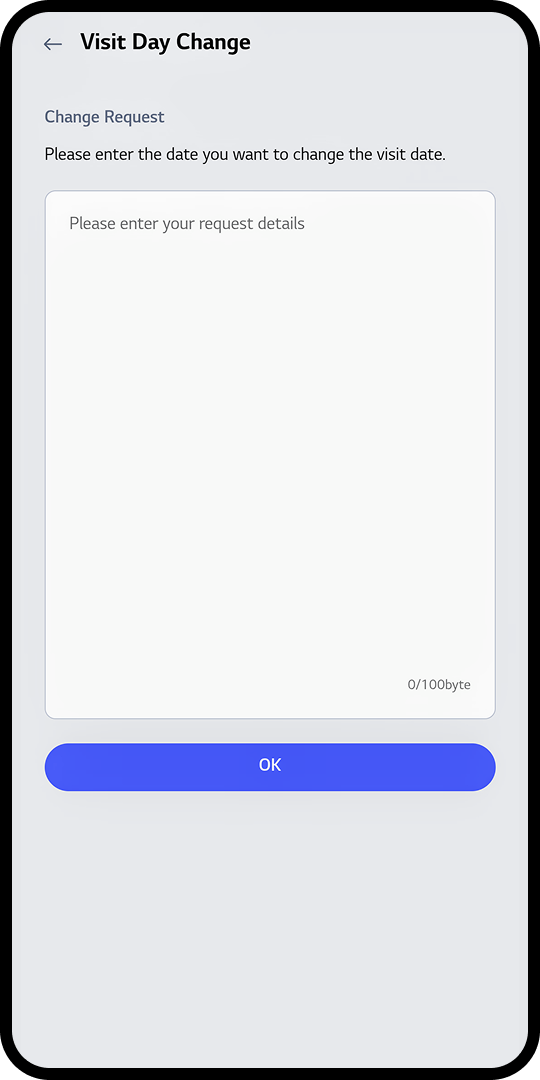
Visit Day Change
To reschedule the care expert’s visit, use the 'Visit Day Change' feature. Simply
enter your
preferred new date and click 'OK' to submit your request.
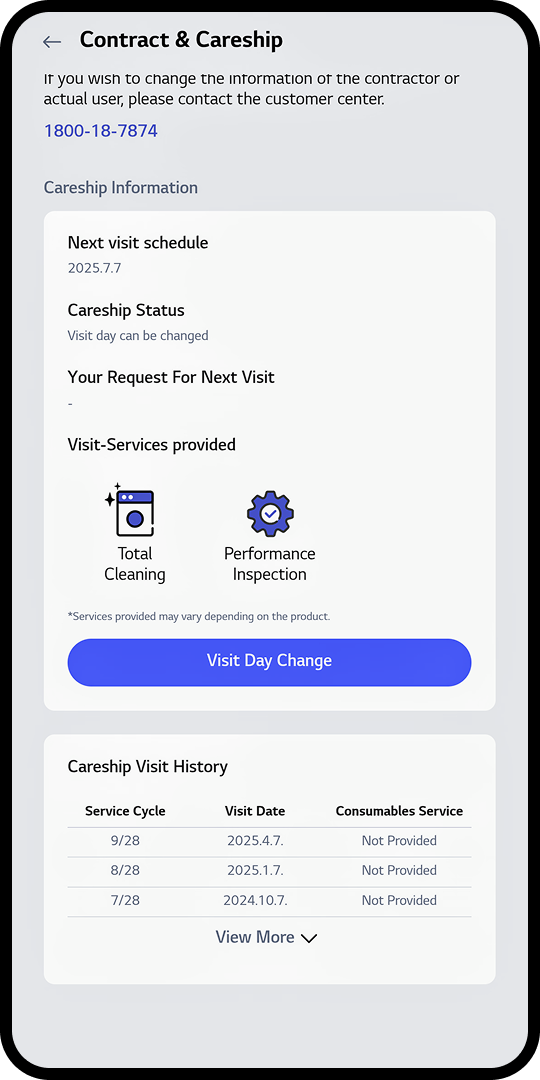
Track Visit Change
After submitting your visit day change request, you can monitor the status of
your request by
visiting the "Careship Status" section.
* “Careship Status Date” shows request status : ✓ Visit Day is Changing:
Your request is
being processed. ✓ Change Completed: Your visit day has been successfully
updated. ✓
Change Completed (Cannot Be Changed): Your visit day has been updated, and no
further changes
can be
made.
Gradient circle background for mobile app
UI
Gradient circle background for mobile app
UI
* Please note that date changes are subject to availability and confirmation by
our service
team.
Submitting a request does not guarantee immediate rescheduling.
Track Your Delivery
To monitor the status of your consumable delivery, simply click on the "Delivery Tracking" icon. This will
show you the delivery progress and delivery date of your item.
Gradient circle background for mobile app UI
* This feauture will be redirected to an external courier service website.
Please note that
delivery
status information is provided by the courier and may vary depending on their
system updates.
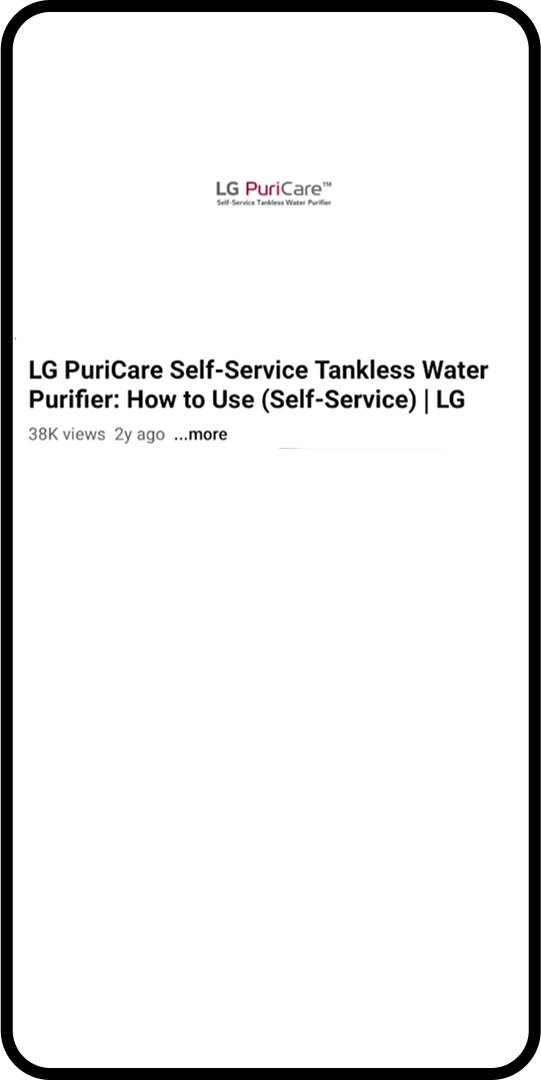
View Careship Guide
To access a step-by-step video guide on how to replace your filter or other
equipment, simply
click
the "Go to Watch" button. This video will provide you with a clear and concise
tutorial to
ensure a
smooth replacement process.
Gradient circle background for mobile app UI
*This guide is for illustrative purposes only. Services and procedures may vary
depending on the
product.
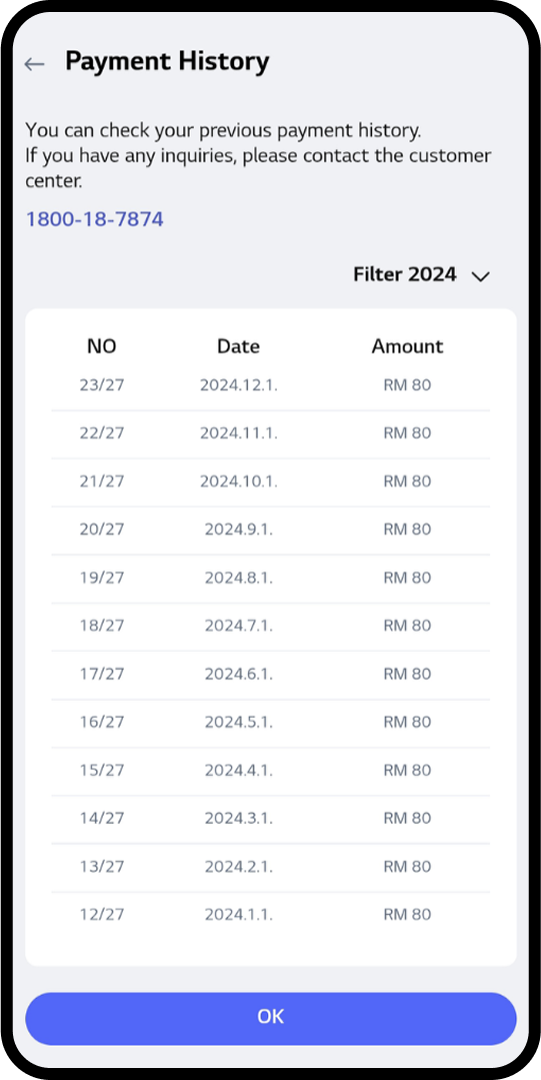
View Payment History
Click “View More History” to check past payments.
Gradient circle background for mobile app UI
View Monthly Invoices
Select “YYYY.M” and click “Invoice View” to view invoices for the month.
Gradient circle background for mobile app UI
Review Your Payment History
Your complete payment history is available for review. This section provides a
comprehensive
overview of your previous transactions, helping you track and manage your
financial records
effectively.
Gradient circle background for mobile app UI
*The payment history displayed is based on records available at the time of
access.
The restocking notification has already been updated.
Environmental Handing Fee (EHF)
EHFs vary by product and province. The final fee will be calculated after you enter your postal code at checkout. Click here for more information (FAQ) at Frequently Asked Questions - Support & Help | LG CA
Sign in to create your wishlist
Add items to your wishlist so you can easily find them when you return to LG.com. It is an easy way to keep track of that special something You've had your eye on or save gift ideas for friends and family.