We use cookies, including cookies from third parties, to enhance your user experience and the effectiveness of our marketing activities. These cookies are performance, analytics and advertising cookies, please see our Privacy and Cookie policy for further information. If you agree to all of our cookies select “Accept all” or select “Cookie Settings” to see which cookies we use and choose which ones you would like to accept.

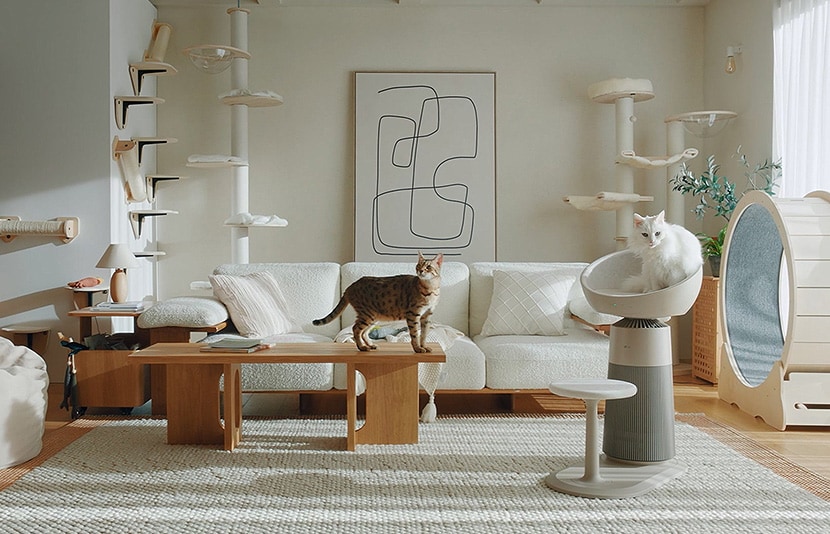
If you live with pets, chances are your air purifier runs for hours every day. Have you ever checked the filter and been surprised by how much pet hair and dust it had collected?
In a pet home, all sorts of pollutants, fur, dander, and everyday dust are caught by the filters constantly. That's a sign it's doing its job, steadily clearing the air. But if the filters, sensors, and inside of the unit go unattended for too long, it gets harder to keep the cleaning performance it started with.
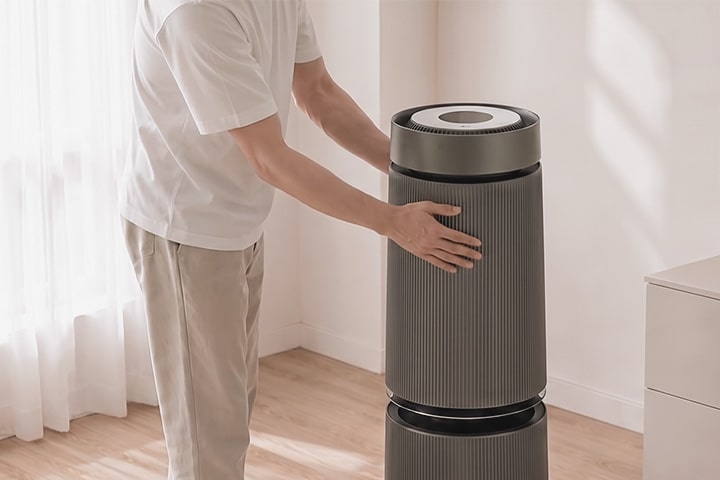
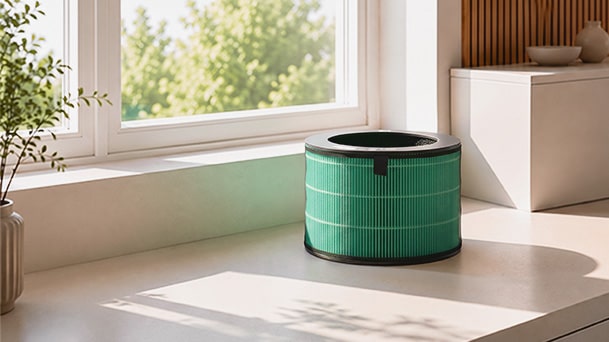
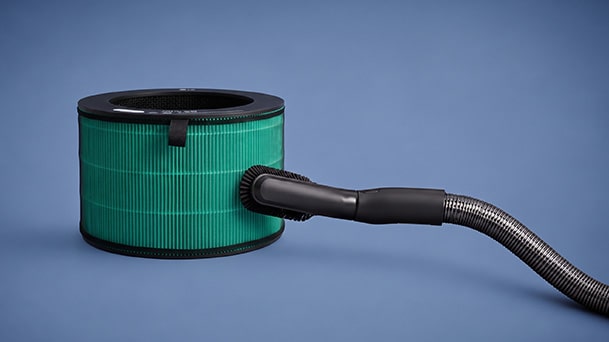
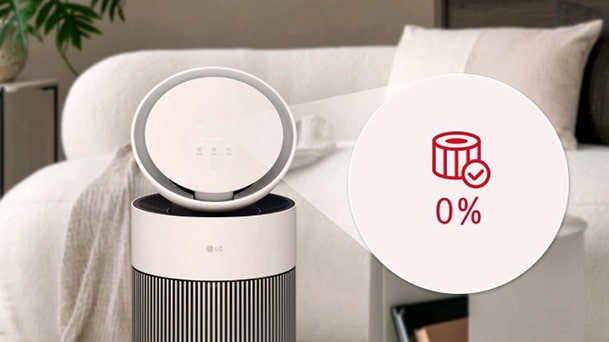
The good news is that most routine maintenance can be done at home without any special tools. In this guide, we'll walk through everything from cleaning the exterior and maintaining the filters to cleaning the dust sensor, replacing the filter, and using smart maintenance features with LG ThinQ™.