Black Friday Price Guaranteed on select LG TVs & Soundbars

Black Friday Price Guaranteed on select LG TVs & Soundbars

How to Find the Correct LG Refrigerator Filter for Your Model
Published Jan 22, 2026
Reading Time: 6 min

"Do all LG fridges use the same filter?" No, LG refrigerators use various filter models, such as the popular LT1000P, LT700P, LT800P, and others. To ensure you purchase the correct replacement filter for your specific LG refrigerator model:
Check Your Owner's Manual:
Your refrigerator's user manual will clearly state the exact model number of the water filter required.
Inspect Your Current Filter:
The model number is usually printed directly on the filter cartridge itself.
Use LG's Website:
Visit the official LG USA support website. You can typically enter your refrigerator's model number (found on a sticker inside the fridge, usually on the side wall or ceiling) into their filter finder tool to identify the correct replacement filter.
By taking these steps and choosing a genuine LG replacement filter, you're making a smart, long-term investment in your family's health and the continued performance of your LG appliance.

How to Change Your LG Refrigerator Water Filter
Changing your LG refrigerator water filter is a straightforward process that typically takes only a few minutes. While specific steps may vary slightly depending on your LG refrigerator model and filter type (e.g., twist-in, push-in, or pull-out), the general procedure is similar. You usually do not need to turn off the water supply to your refrigerator for most LG models, as the filter housing is designed to prevent leaks during replacement.
Here's a general guide to changing your LG refrigerator water filter:
Tools You Might Need: A clean cloth or towel (to catch any drips)
1. Consult your Owner’s Manual:
-
Look for the exact instructions for your specific LG refrigerator model from your Owner’s Manual.
2. Locate the Filter:
-
Twist-in Filters (Common in French Door/Side-by-Side LG models): These are often located in the upper right corner of the fresh food compartment, or sometimes in the bottom left corner of the fresh food compartment.
-
Push-in/Pull-out Filters (Common in older or specific LG models): These might be located behind a grille at the bottom front of the refrigerator or inside the fresh food compartment.
3. Prepare for Removal:
-
If your filter has a cover or housing, open it according to your model's instructions.
-
Place a towel or small container underneath the filter area to catch any residual water drips.
4. Remove the Old Filter:
-
For Twist-in Filters: Grasp the filter firmly and twist it counterclockwise (usually a quarter or half turn) until it unlocks. Then, pull it straight out. A small amount of water may drip out; this is normal.
-
For Push-in/Pull-out Filters: Depending on the design, you might push a button to release it or simply pull it straight out. Follow your specific model's instructions.
5. Install the New Filter:
-
Remove the protective cap or seal from the new genuine LG water filter.
-
-
For Twist-in Filters: Align the new filter with the filter housing. Push it in firmly and twist it clockwise until it locks into place. You should feel it click or stop securely. Ensure it's fully seated to prevent leaks.
-
For Push-in/Pull-out Filters: Push the new filter firmly into the housing until it clicks or locks into place.
6. Flush the System:
-
After installing the new filter, it's crucial to flush the system. Dispense about 2.5 to 3 gallons of water through the refrigerator's water dispenser. This purges any air from the lines and flushes out loose carbon particles from the new filter, which can cause cloudy water initially. You might notice some sputtering or cloudy water at first; this is normal and will clear up as you flush.
-
Discard the flushed water.
7. Reset the Filter Indicator Light:
Most LG refrigerators have a filter indicator light that needs to be reset after a new filter is installed. The reset procedure varies by model, but common methods include:
- Pressing and holding the "Filter" or "Water Filter" button on the dispenser panel for 3-5 seconds.
- Pressing and holding the "Light/Filter" or "Lock/Unlock" button for 3-5 seconds.
Should I soak my refrigerator water filter?
For most modern LG refrigerator water filters, pre-soaking is not necessary. The design allows for immediate use after installation and flushing. Any initial cloudiness is due to air and carbon fines, which are removed during the flushing process.
Replacing your filter is simple—but choosing the correct one makes all the difference. Ensure you’re getting the right fit, certified performance, and long-term protection for your LG refrigerator by choosing genuine LG water filters.
Not sure which filter your model uses? Find it instantly with the LG Filter Finder tool.
Related Articles
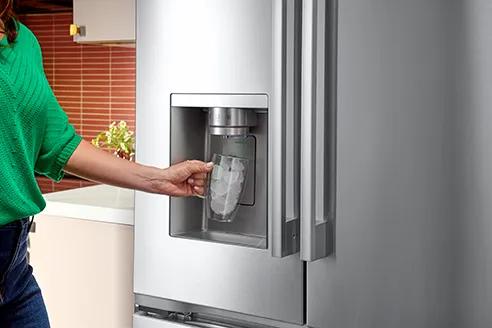
LG Refrigerator Maintenance Tips
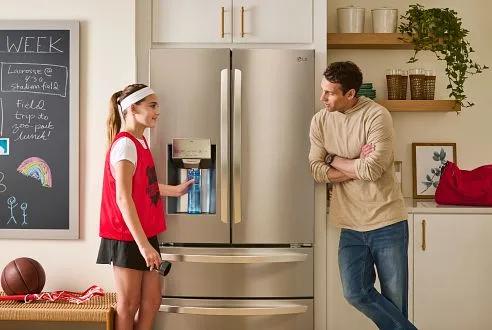
When to Change Your LG Refrigerator Water Filter: A Comprehensive Guide
Images may be simulated and dramatized for illustrative purposes. Actual features, functionality, and other product specifications may differ and are subject to change without notice. Prices, promotions, and availability may vary by model, store, and online. Prices subject to change without notice. Quantities are limited. Check with your local retailers for their final price and availability.
- TV & Home Theater
- My Account
- About LG
- Offers
- Articles & Gift Guides
Social Support
 Copyright © 2009-2026 LG Electronics. All Rights Reserved