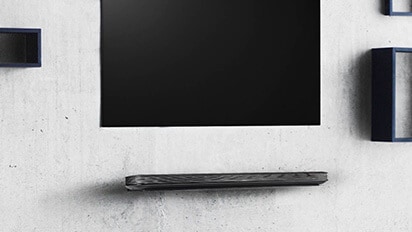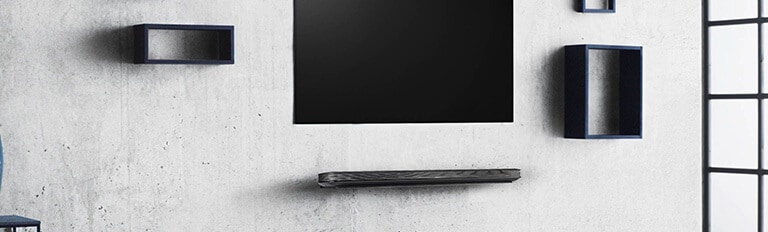








To remove fingerprints, smudges, or debris from your LG TV screen, unplug the TV and let the screen cool. Then gently wipe the screen in one direction with a soft microfiber cloth.
Do not use chemicals such as alcohol, acetone, or glass cleaner. Do not spray water directly onto the screen. These liquids may damage the screen coating or cause the TV to malfunction.
For stubborn smudges or debris, lightly dampen the corner of a microfiber cloth with water and gently wipe the affected area. Immediately wipe the area dry with a dry microfiber cloth.
Caution
- When removing smudges, do not press firmly on the screen with your fingers or palms. Applying pressure can damage internal components or cause permanent screen damage, such as dark spots or cracks. Instead, gently wipe the surface without applying pressure.
Why Do Smudges, Dust, and Scratches Appear on the TV Screen?
- Your TV generates static electricity while it is on, which can attract dust to the screen.
- Touching the screen can leave visible smudges from the natural oils on your fingers.
- Using wet wipes, rough cloths, or chemical cleaners can damage the panel coating, causing scratches or discoloration.
How to Clean and Protect Your TV Screen
Step 1. Turn Off the TV and Let the Screen Cool
Unplug the TV from the power outlet. Wait 5 to 10 minutes for the screen to cool.
Step 2. Remove Dust and Fingerprints with a Dry Microfiber Cloth
Use a dry microfiber cloth to gently wipe the screen in one direction, either from top to bottom or from side to side. Do not apply pressure.
Step 3. Remove Stubborn Smudges and Debris
Lightly dampen the corner of a microfiber cloth with water. Gently wipe the affected area, and then immediately use a dry part of the cloth to remove all moisture.
Step 4. Prevent Scratches and Damage
Keep hard objects, such as toys and keys, away from the TV.
Before moving the TV, wrap it securely in protective cushioning and packaging to prevent pressure or impact on the screen.
Frequently Asked Questions
- Q. Can I Clean the Screen With Disinfecting Wipes or Wet Wipes?
- A. No. The ingredients in these wipes can damage the screen coating and leave permanent marks. Moisture can seep into the bottom of your TV and corrode internal components.
- Q. Can I Spray Water Directly Onto the Screen?
- A. Water droplets can seep through gaps along the bottom of the panel and damage the internal circuitry. Always apply a small amount of water directly to your cloth, never to the screen.
- Q. Can I Remove Existing Screen Scratches With Toothpaste or Polish?
- A. No. Toothpaste and polish contain abrasives that can further damage the panel coating.
Move left or right to check the contents.
This guide is based on standard models. The settings menu may vary by model.