






Let's find out more.
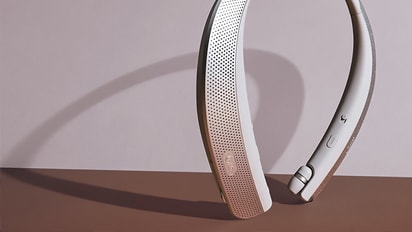
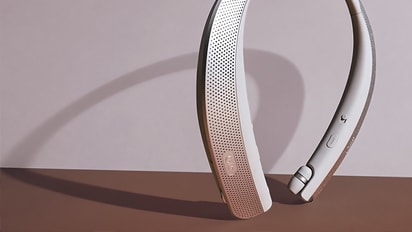
- If you have multiple devices, such as a set-top box and Bluetooth speaker, connected to your TV, the Bluetooth device's volume may be set low.
- If the sound is still low even after increasing the volume with the TV remote, adjust the volume directly on the Bluetooth device.
Try this.
Adjust the volume on the connected Bluetooth device.
1. Adjust the volume using the Bluetooth device's remote control.
2. Adjust the volume using the controls on the Bluetooth device itself.
This guide was created for all models, so the images or content may be different from your product.