We use cookies, including cookies from third parties, to enhance your user experience and the effectiveness of our marketing activities. These cookies are performance, analytics and advertising cookies, please see our Privacy and Cookie policy for further information. If you agree to all of our cookies select “Accept all” or select “Cookie Settings” to see which cookies we use and choose which ones you would like to accept.

The User-Friendly Smart Signage Platform
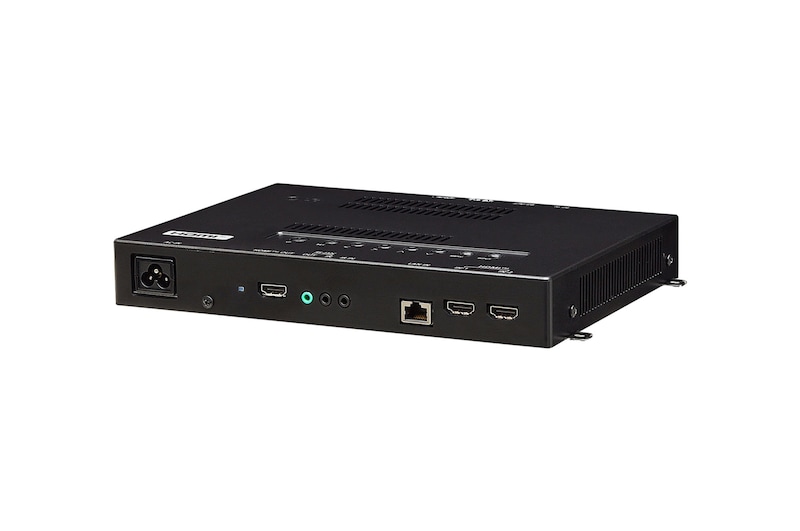
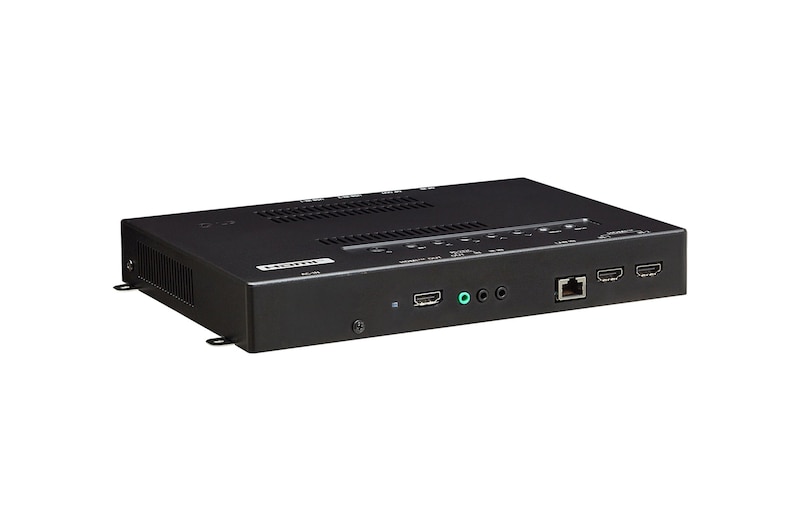
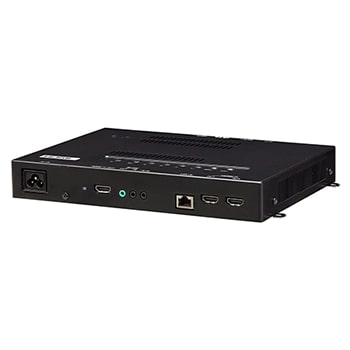
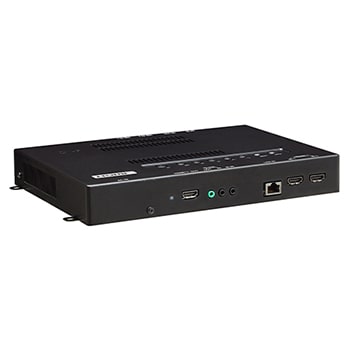
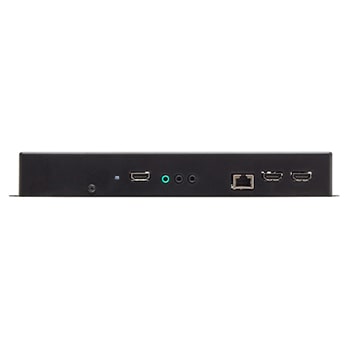
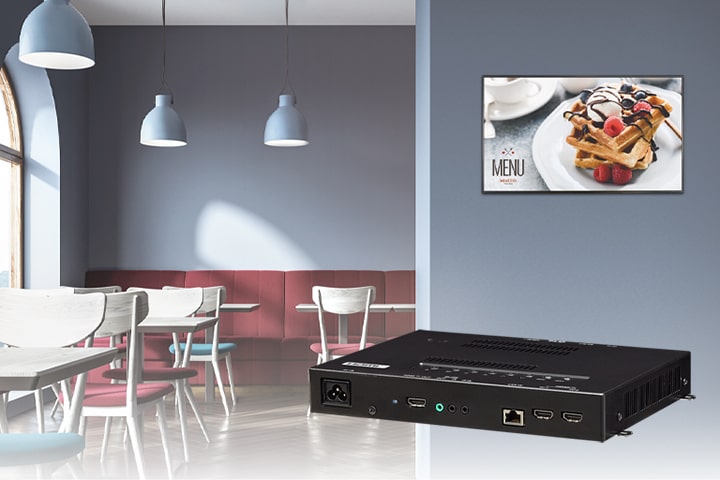
The WP601 webOS box operates webOS 6.0, the user-friendly LG smart signage platform, and is attached to existing LG digital signages and upgrades them regardless of their original platform. It can execute several tasks at once while providing smooth content playback, and provides an excellent user experience with an intuitive menu and convenient features.
WP601 is connected to LG digital signage to perform several functions.
* All images in this page are for illustrative purposes only and may differ from the actual product.
webOS 6.0 Smart Signage Platform
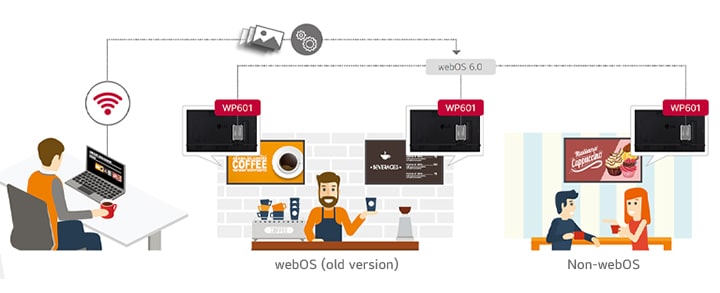
The WP601 may be applied towards any type of LG digital signages. The webOS box provides user-friendly functions with dedicated menus essential for business use. This way, users are able to easily manage and distribute content or develop web-based applications for multiple signages simultaneously. Moreover, the WP601 has expanded its versatile ability to control displays.
This image shows that WP601 upgrades webOS (old version) and non-webOS LG digital signages to the webOS 6.0 Smart Signage Platform. In this way, users easily manage and distribute web-based applications.
UHD Video Playback Supported
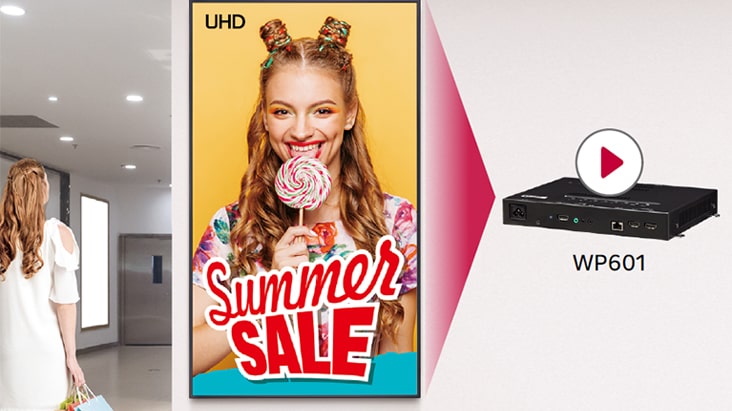
The WP601 supports Ultra HD high-quality video playback which delivers color and details of content vividly, with four times higher definition than FHD. Only a single webOS box is required for this superior picture quality.
Display Control Capability
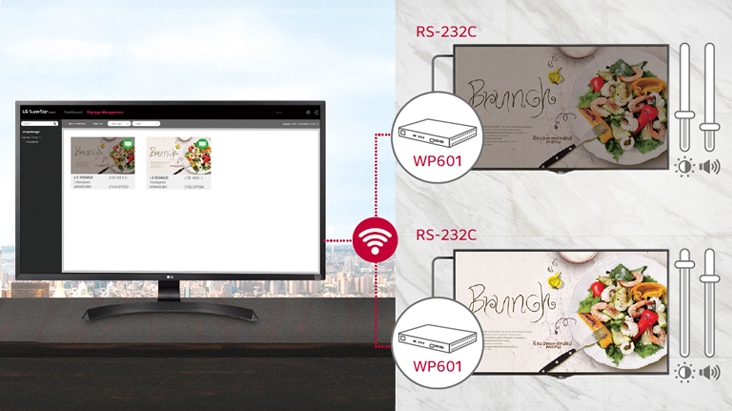
Beyond content management, control commands from the WP601 can be sent to LG digital signages through the RS-232C cable connection. It allows users to flexibly set up display values such as power, brightness or volume for optimal operation.
All-in-One Home Menu
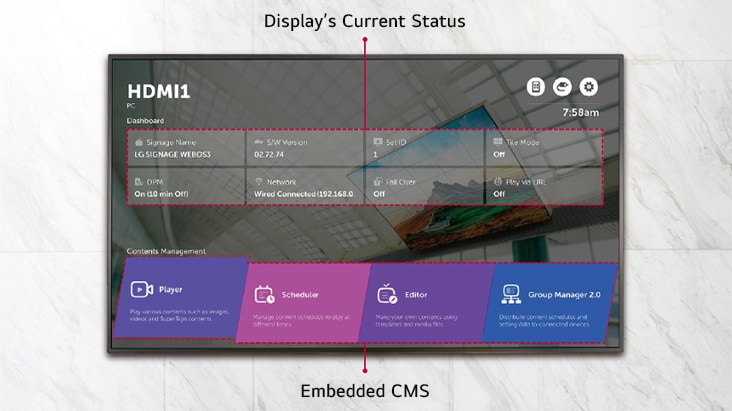
The WP601 offers a signage-dedicated home menu that shows key information related to signage operation at a glance. A dashboard showing the status of devices, a content management menu, and shortcuts leading to quick settings greatly enhance user convenience.
Embedded Content Management
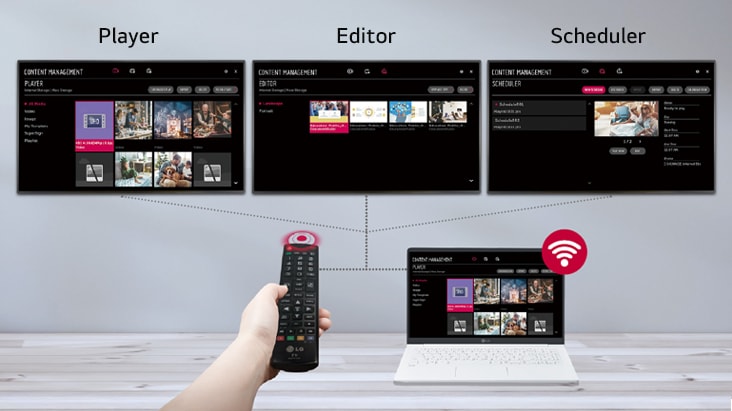
The embedded CMS(Content Management System) allows users to edit content using internal/external sources and set playlists to play at the desired schedule. Users can easily explore and manage content through the intuitive GUI, using various input devices, from a remote control to a laptop.
Multi Video Tags
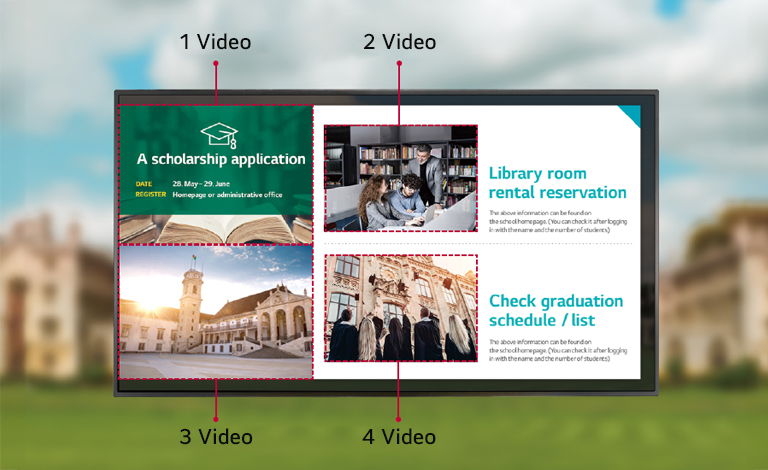
Several different videos can be played at the same time using the multi video tags feature. This gives you great flexibility to organize and deploy content when various content items need to be delivered simultaneously via web apps.
Multi Screen with PBP/PIP
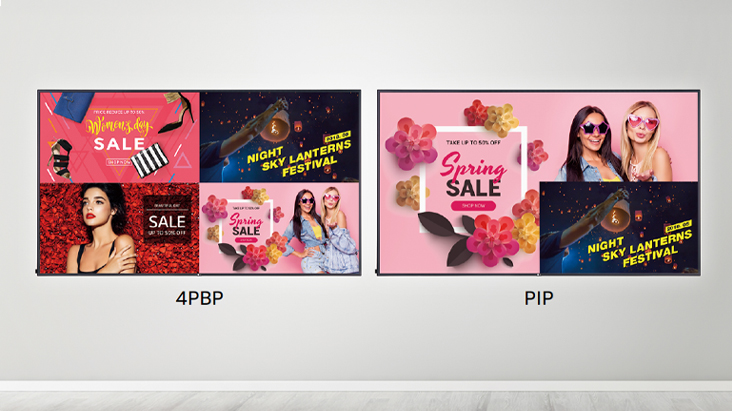
PBP(Picture-By-Picture) features multi screen in a single display with up to 4 input sources while PIP(Picture-In-Picture) supports playing both main screen and sub screen at the same time with various layouts. This gives great flexibility to allocate space for each content source.
Compatibility with LG SuperSign Solutions
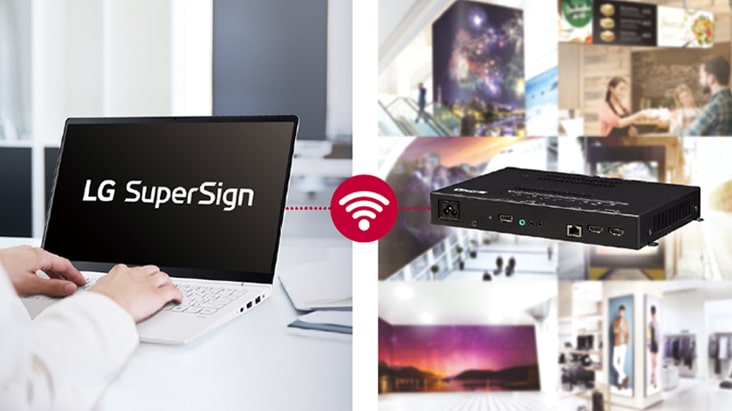
LG SuperSign is a comprehensive and indispensable software solution for the integrated management of LG digital signages. With SuperSign, content creation and distribution gets intuitive and centralized monitoring and control becomes simple, helping your business save time and operate effectively across different locations.
Real-time LG ConnectedCare
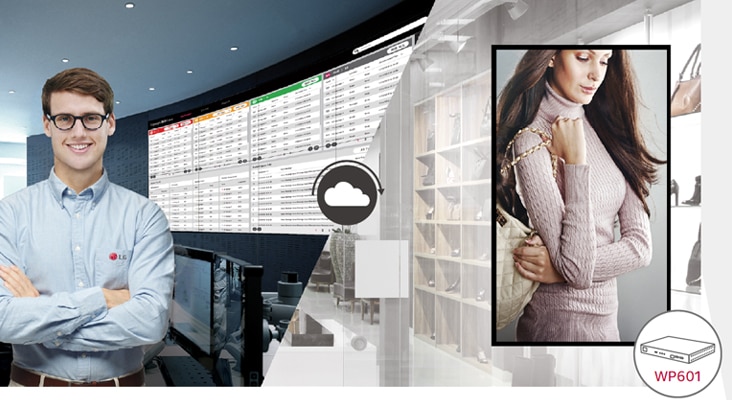
Maintenance is easy and fast with the optional LG ConnectedCare service, a cloud service solution provided by LG. It remotely manages the status of displays in client workplaces for fault diagnosis and remote-control services, enabling the stable operation of clients' businesses.
* The availability differs by regions.
Key Feature
- Great Scalability
- High Performance Media Player
- User-Friendly Smart Platform
- Flexible Operation
All Spec
CERTIFICATION
EMC
FCC Class "A" / CE Class "A"
Safety
CB / NRTL
CONNECTIVITY
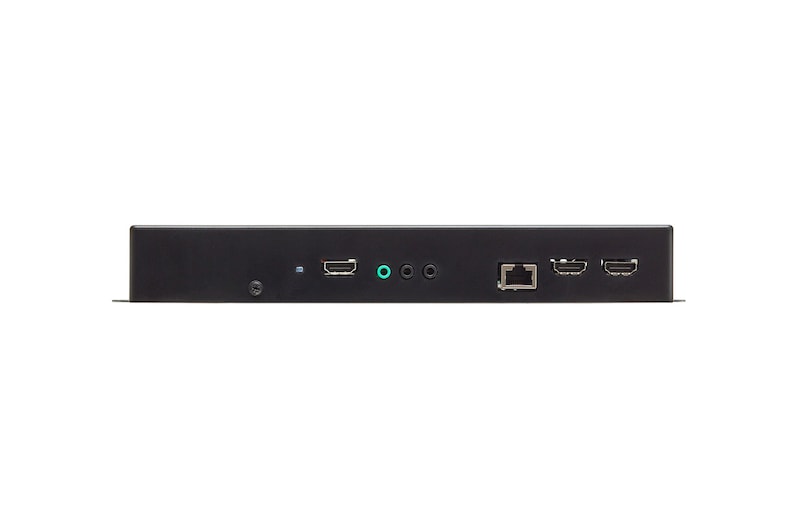
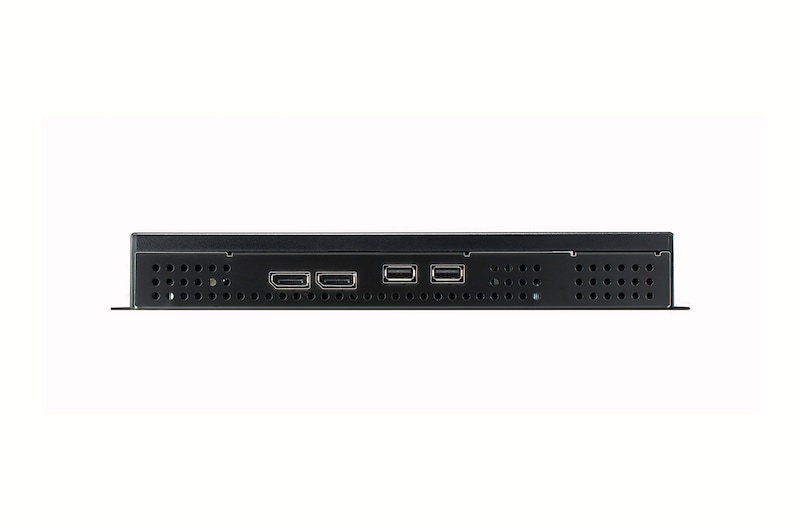
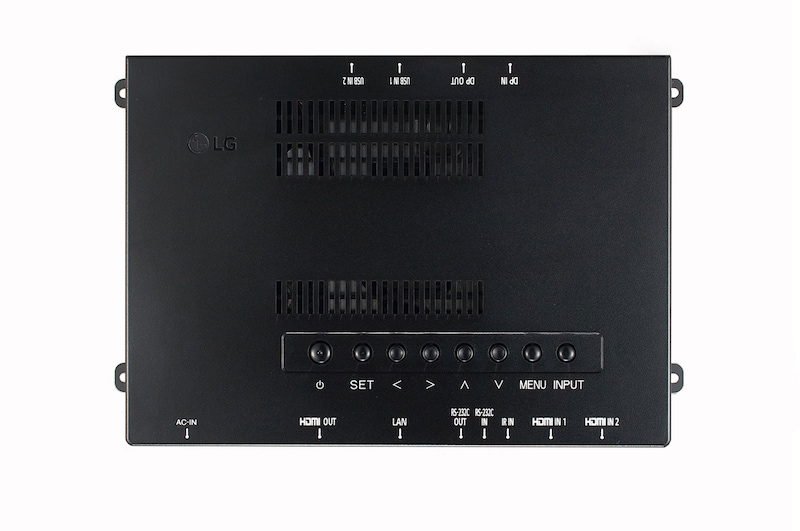
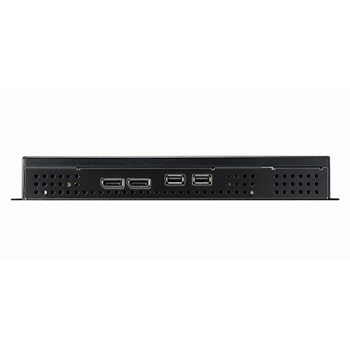
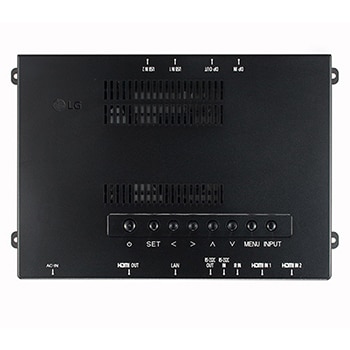
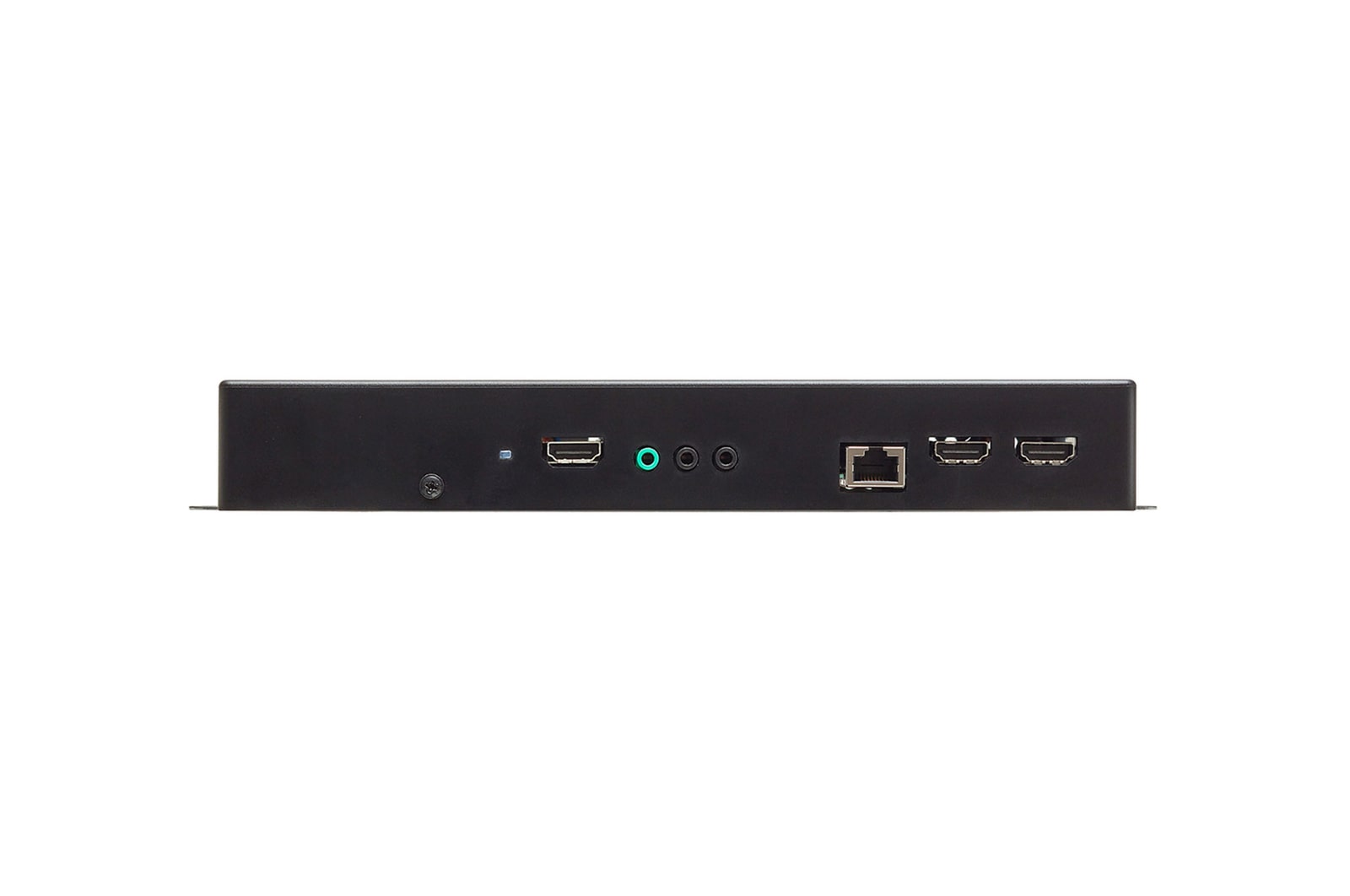
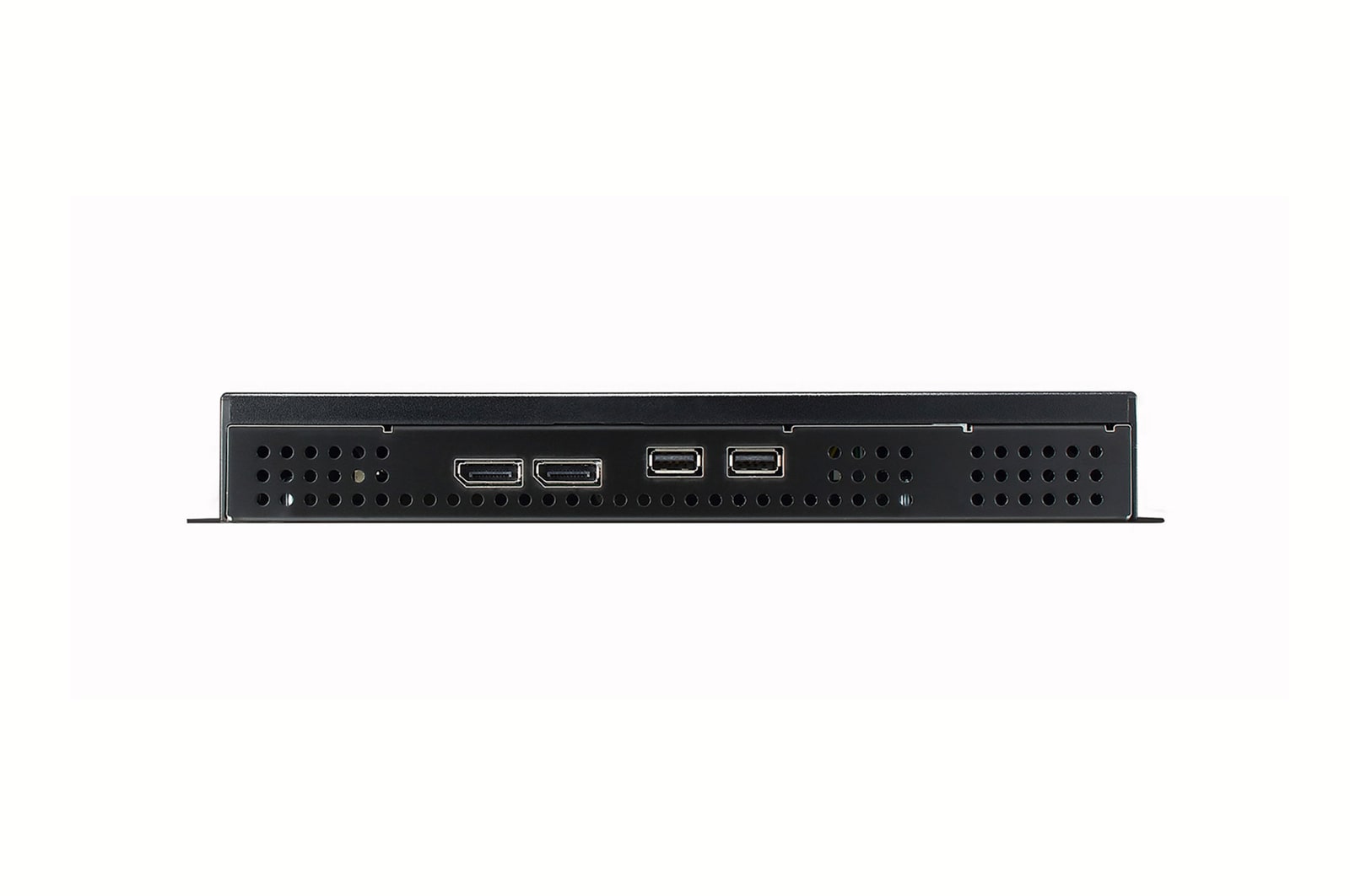
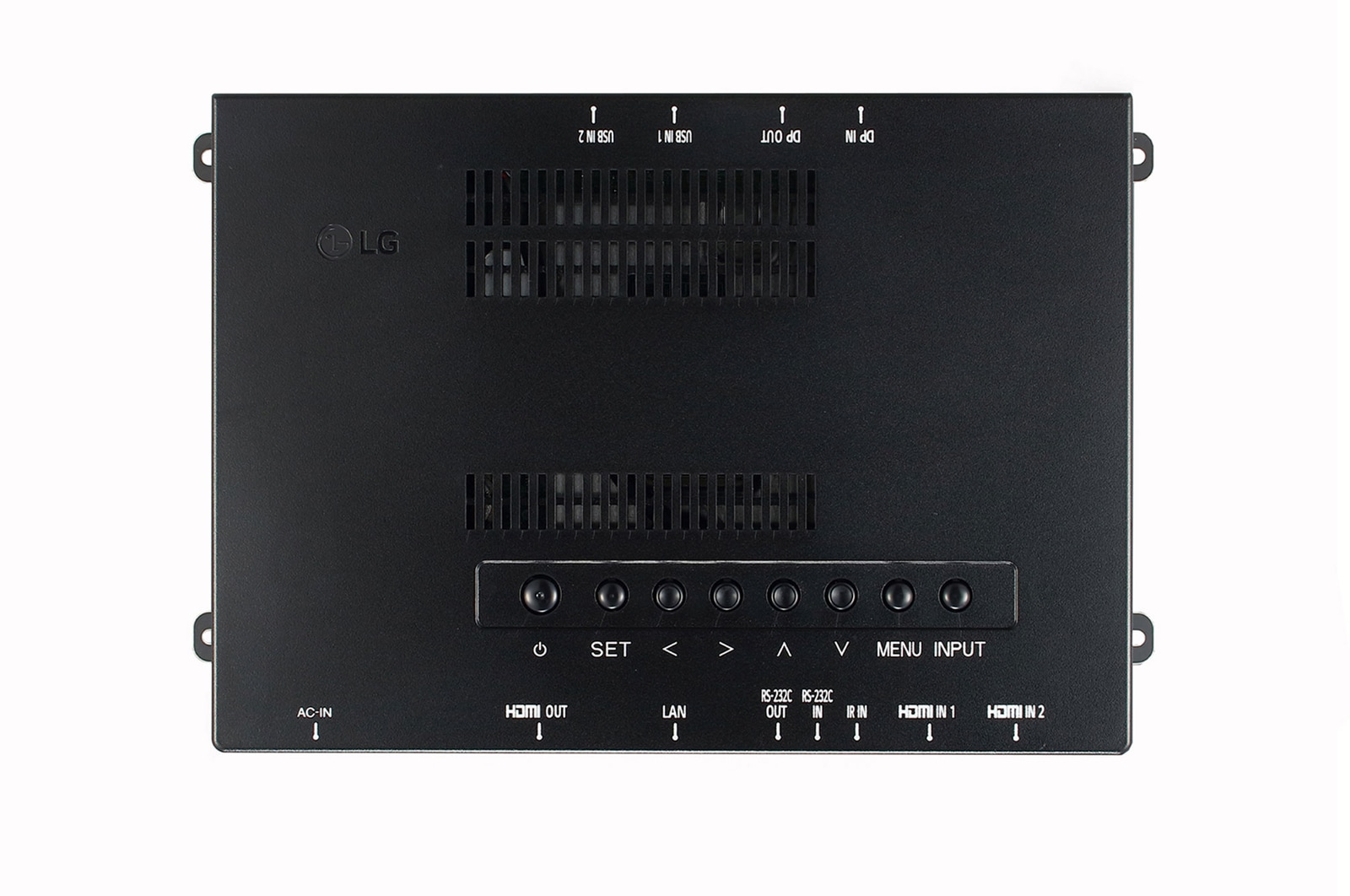
DP In
Yes(1), HDCP1.3
DP Out
Yes(1), SST, DaisyChain Only (input : DP)
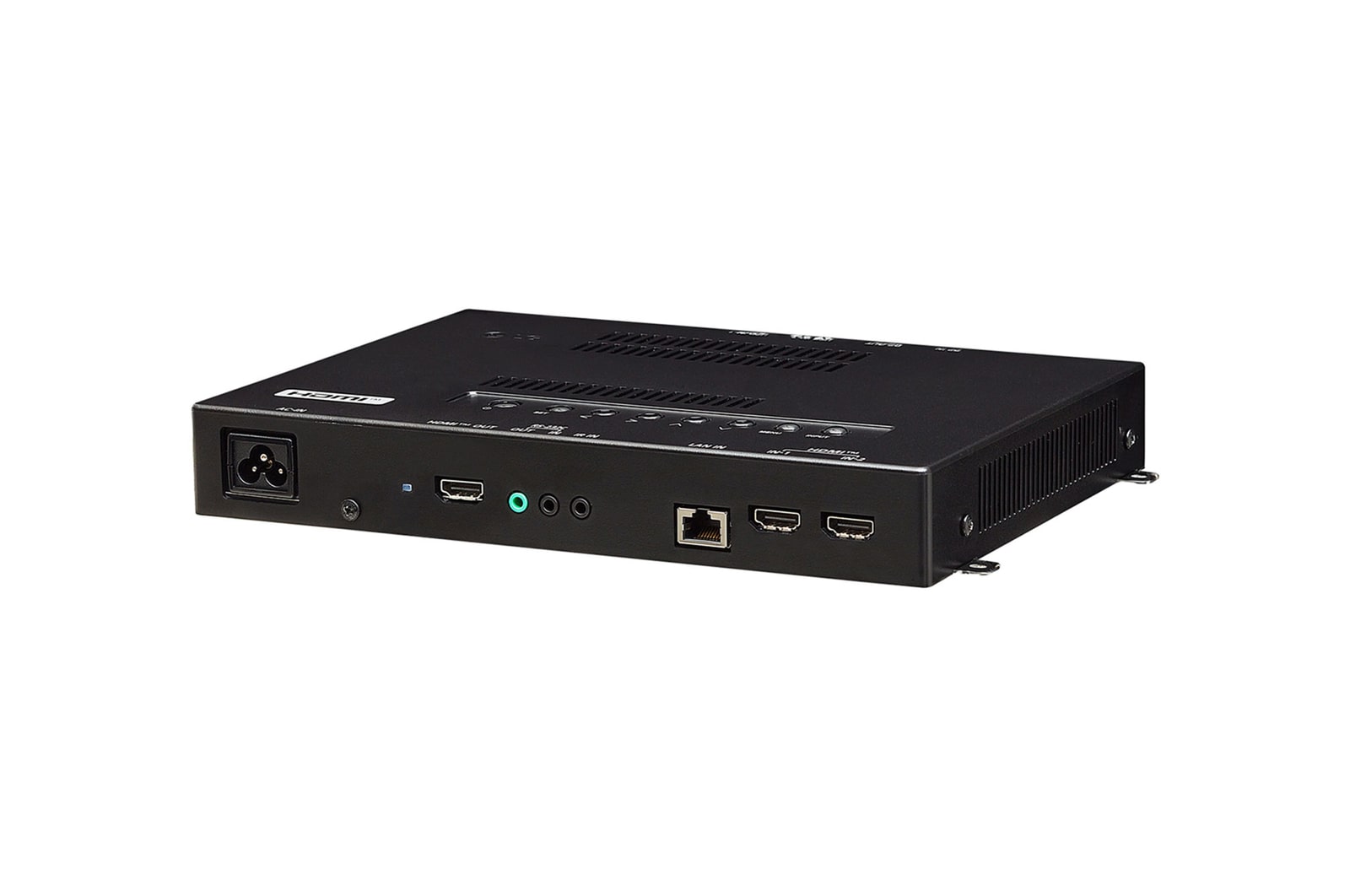
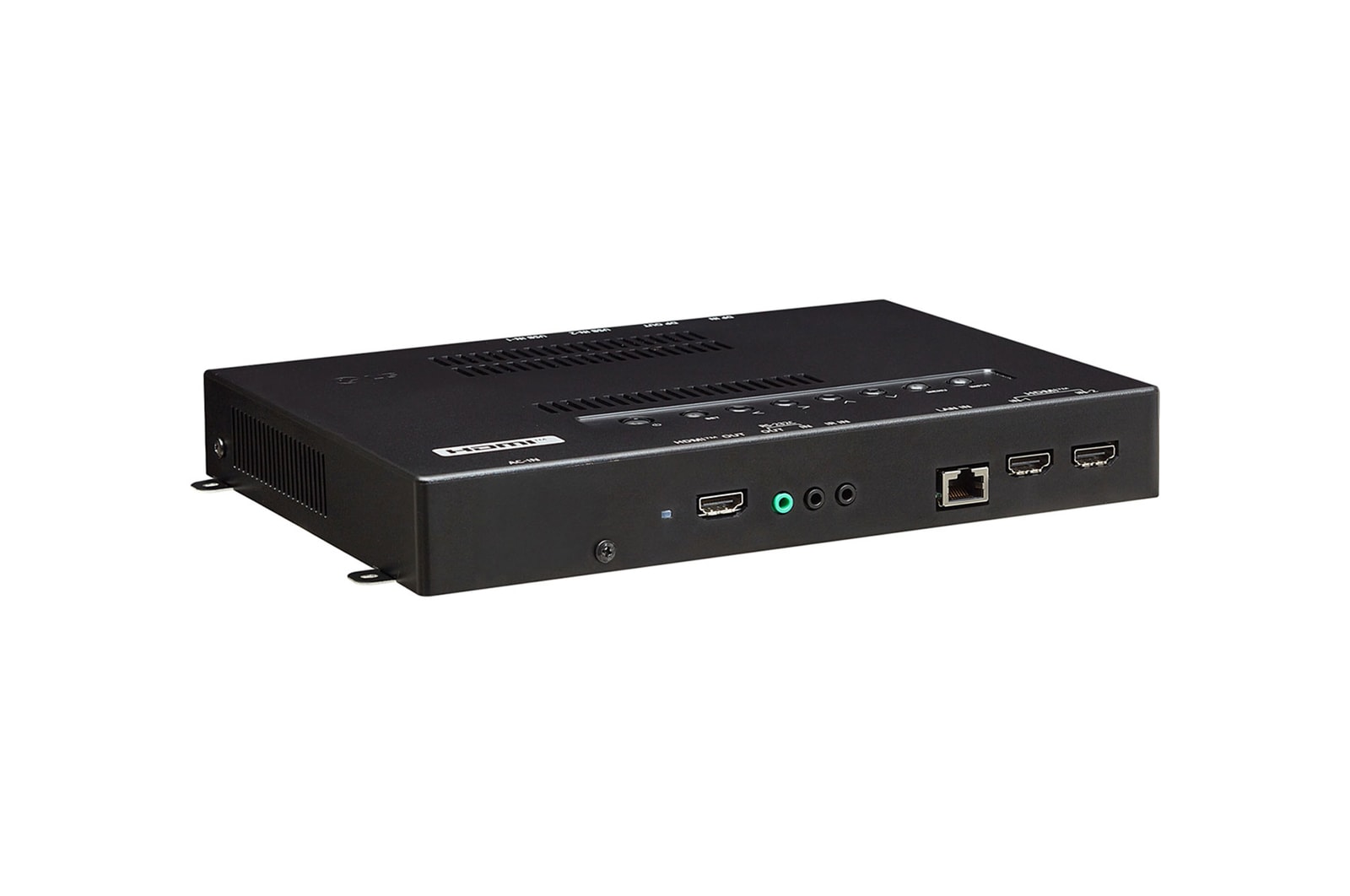
HDMI In
Yes(2), HDCP2.2
HDMI Out
Yes(1), FHD or UHD(4k,60)
IR In
Yes(1), Phone-jack
RJ45(LAN) In
Yes(1)
RS232C In
Yes(1), Phone-jack
RS232C Out
Yes(1, phone jack)
USB In
USB2.0 Type A(2)
ENVIRONMENT CONDITIONS
Operation Humidity
10 % to 80 %
Operation Temperature
0 °C to 40 °C
FEATURE - SOFTWARE
Beacon
Yes
Control Manager
Yes
External Input Rotation
Yes
Fail over
Yes
Gapless Playback
Yes
Group Manager
Yes
HDMI-CEC
Yes (HDMI Out)
ISM Method
Yes
Local Contents Scheduling
Yes
Network Ready
0
No Signal Image
Yes
PBP
Yes(4)
PIP
Yes
Play via URL
Yes
Pro:Idiom
Yes
Screen Rotation
Yes
Screen Share
Yes
Setting Data Cloning
Yes (RS-232C, Network, USB)
SI Server Setting
Yes
SNMP
Yes
Status Mailing
Yes
Tile Mode Setting
Yes (Max. 15x15)
USB Plug & Play
Yes
Video Tag
Yes
Wake on LAN
Yes
webRTC
Yes
LANGUAGE
OSD
English, French, German, Spanish, Italian, Korean , Chinese(Simplified), Chinese(Original), Portugues(Brazil), Swedish, Finnish, Norwegian, Danish, Russian, Japanese, Portugues(Europe), Dutch, Czech, Greek, Turkish, Arabic
MECHANICAL SPECIFICATION
Bezel Color
Black
Carton Dimensions (W x H x D)
339 x 124 x 314mm
Monitor Dimensions (W x H x D)
258 x 36.5 x 186mm
Packed Weight
2.01Kg
Weight (Head)
1.12Kg
POWER
Power Supply
AC 100-240V~, 50/60Hz
Power Type
Built-In Power
SOFTWARE COMPATIBILITY
Connected Care
Yes
Mobile CMS
Yes
Promota
Yes
SuperSign Cloud
Yes
SuperSign CMS
Yes
SuperSign WB
Yes
Manual& Software
Download product manuals and latest software for your LG product.
Troubleshoot
Find helpful videos and information about your product systems.
Warranty
Check LG warranty information here.
Part& Accessory
Discover accessories for LG products.
Product registration
Registering your product will help you get faster support.
Product support
Find manual, troubleshoot and warranty of your LG product.
Order support
Track your order and check order FAQ.
Repair request
Repair request service conveniently online.
Contact Us
Chat with us
Get your answers from our virtual assistants.
WhatsApp
We are on WhatsApp. Text with our experts for service related concerns
Email us
No time to chat?Send LG Support your inquiry.
Text us
Text ‘*CARE’ to
1-587-742-2623
and get instantly connected to an agent.
(Only for customers located in Canada)
White Paper
To access more technical documentation and downloads, please visit the LG B2B Partner Portal.