We use cookies, including cookies from third parties, to enhance your user experience and the effectiveness of our marketing activities. These cookies are performance, analytics and advertising cookies, please see our Privacy and Cookie policy for further information. If you agree to all of our cookies select “Accept all” or select “Cookie Settings” to see which cookies we use and choose which ones you would like to accept.

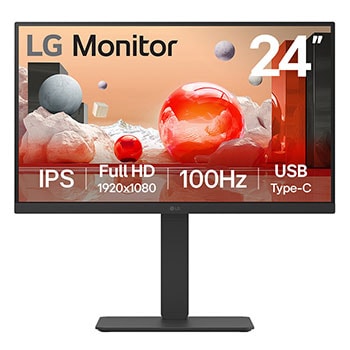
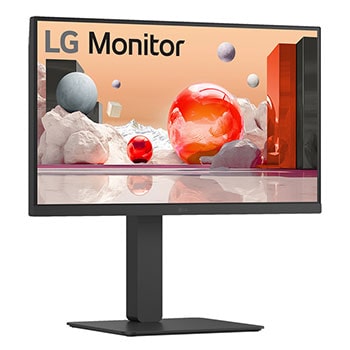
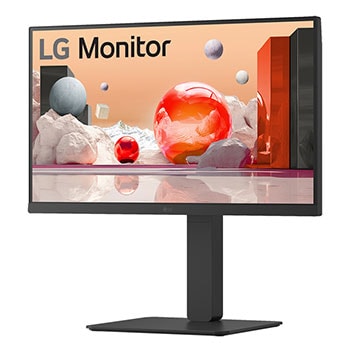
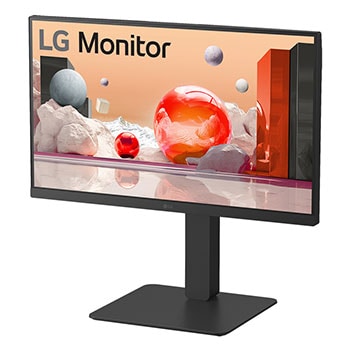
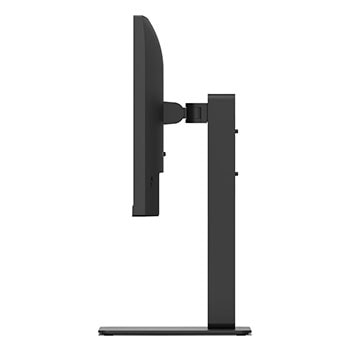
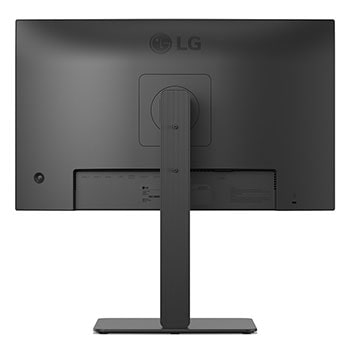
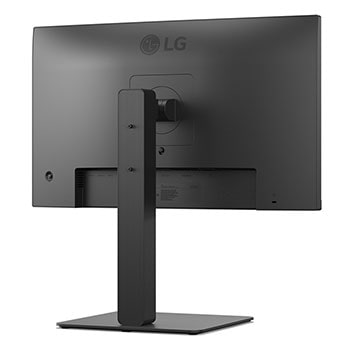
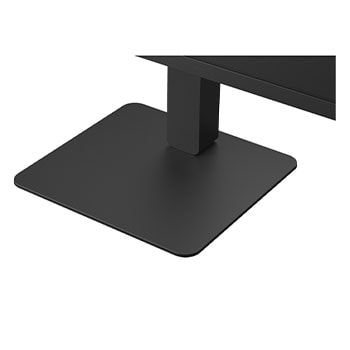
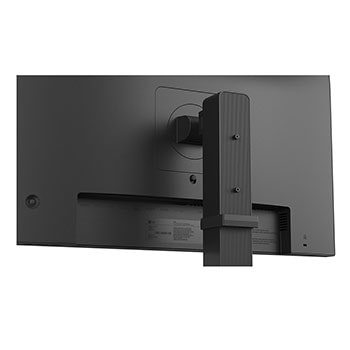
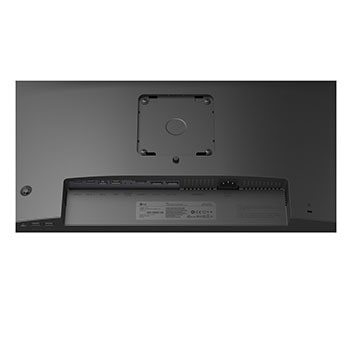
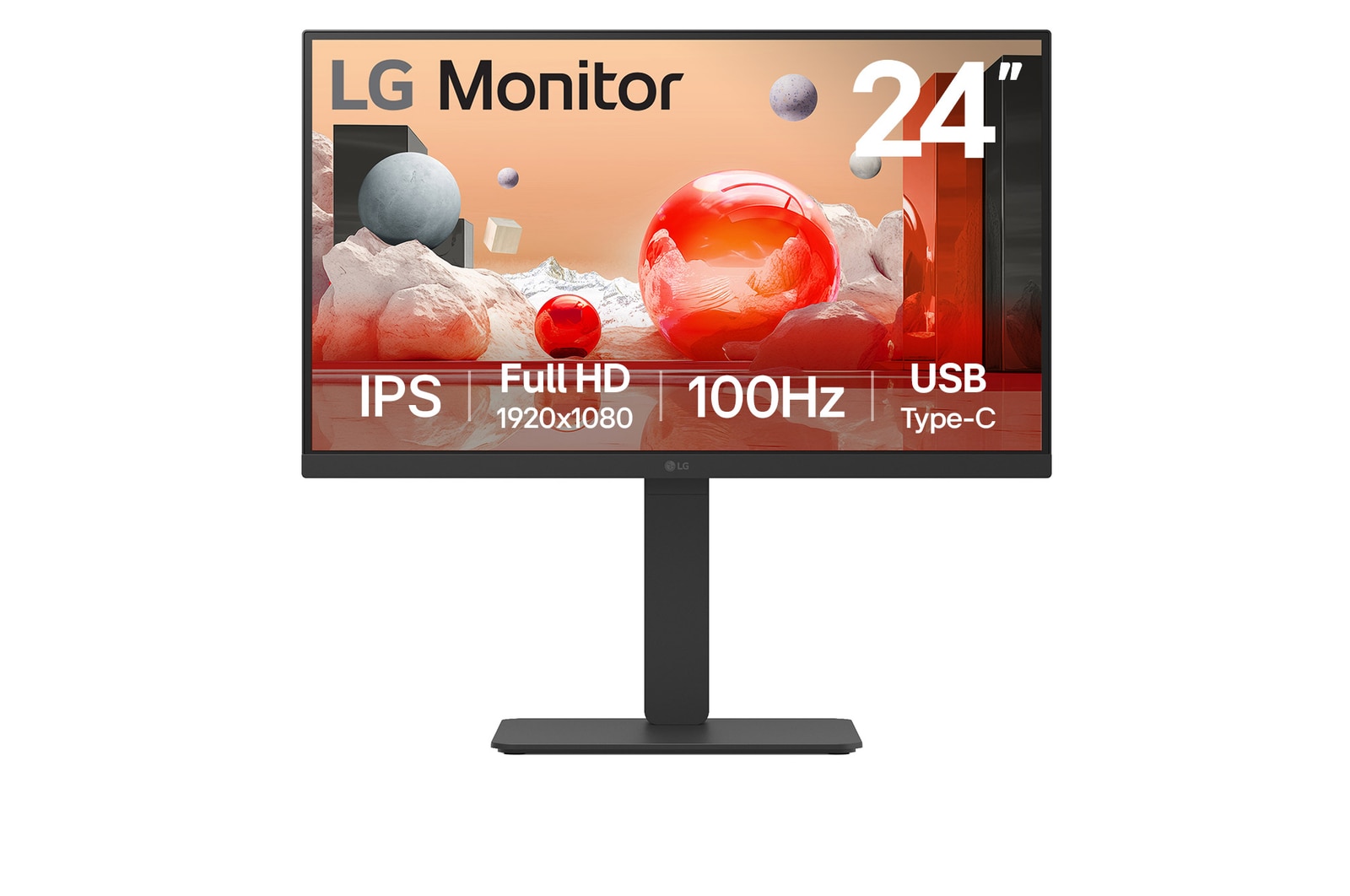
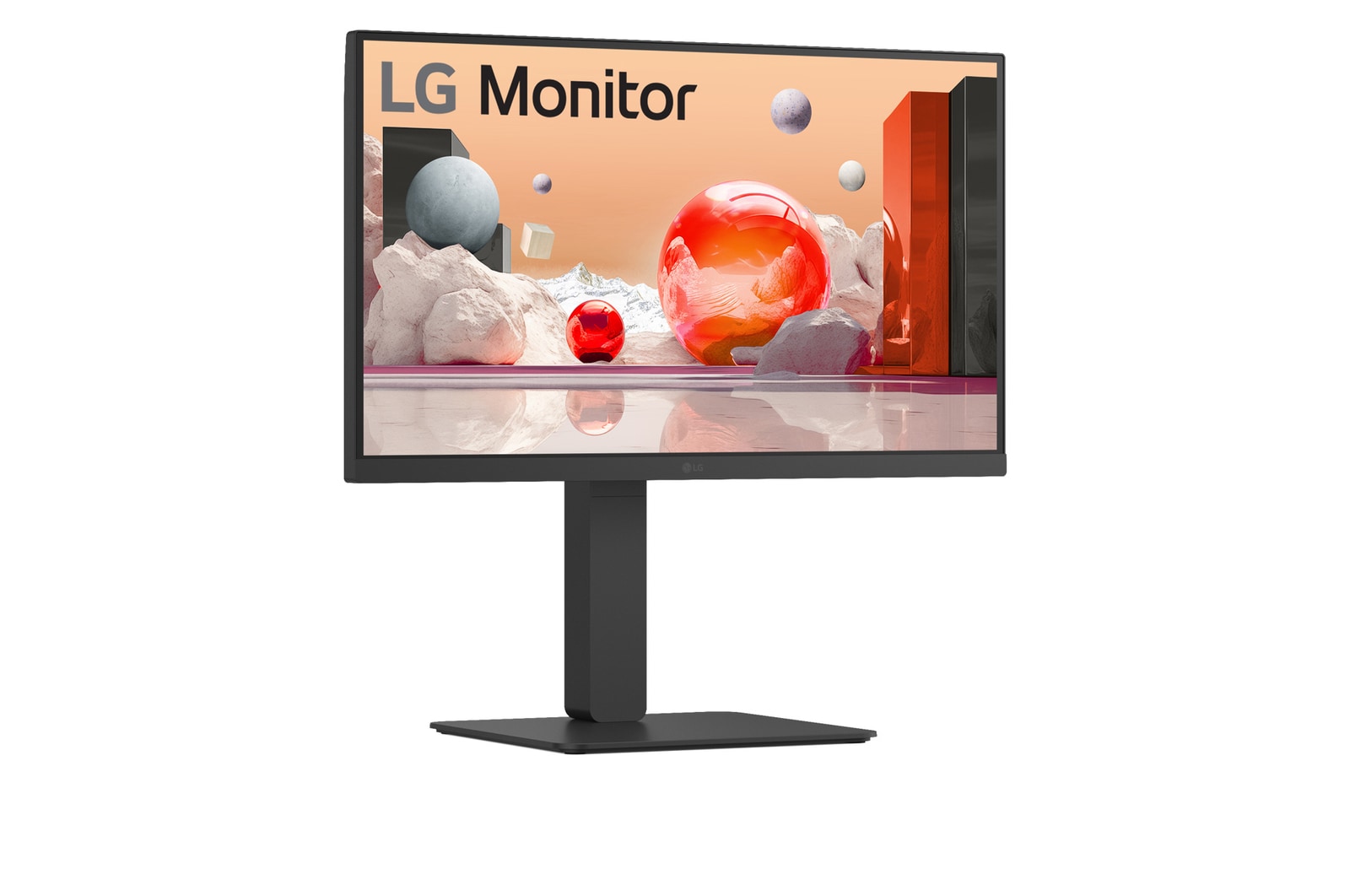
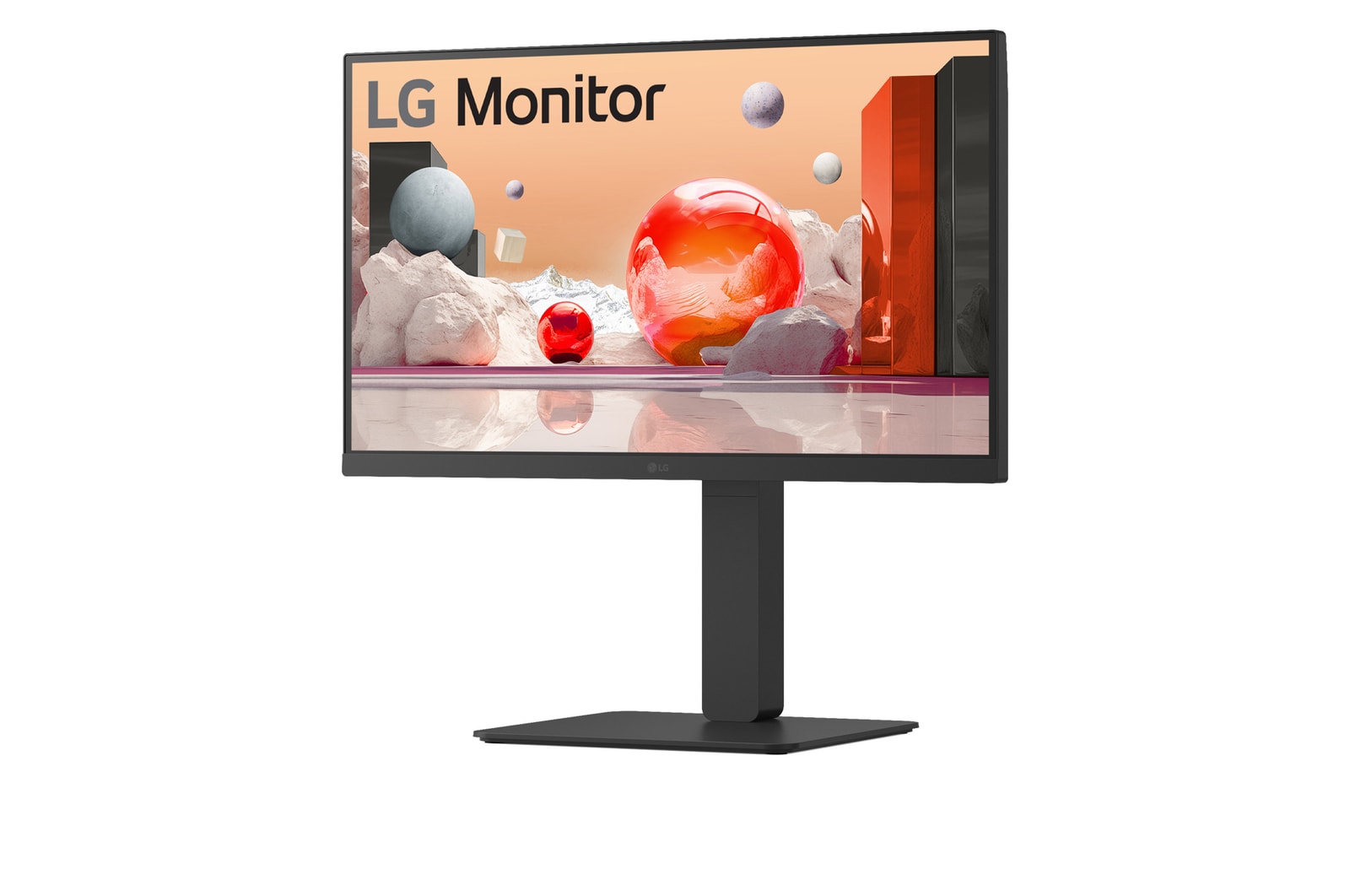
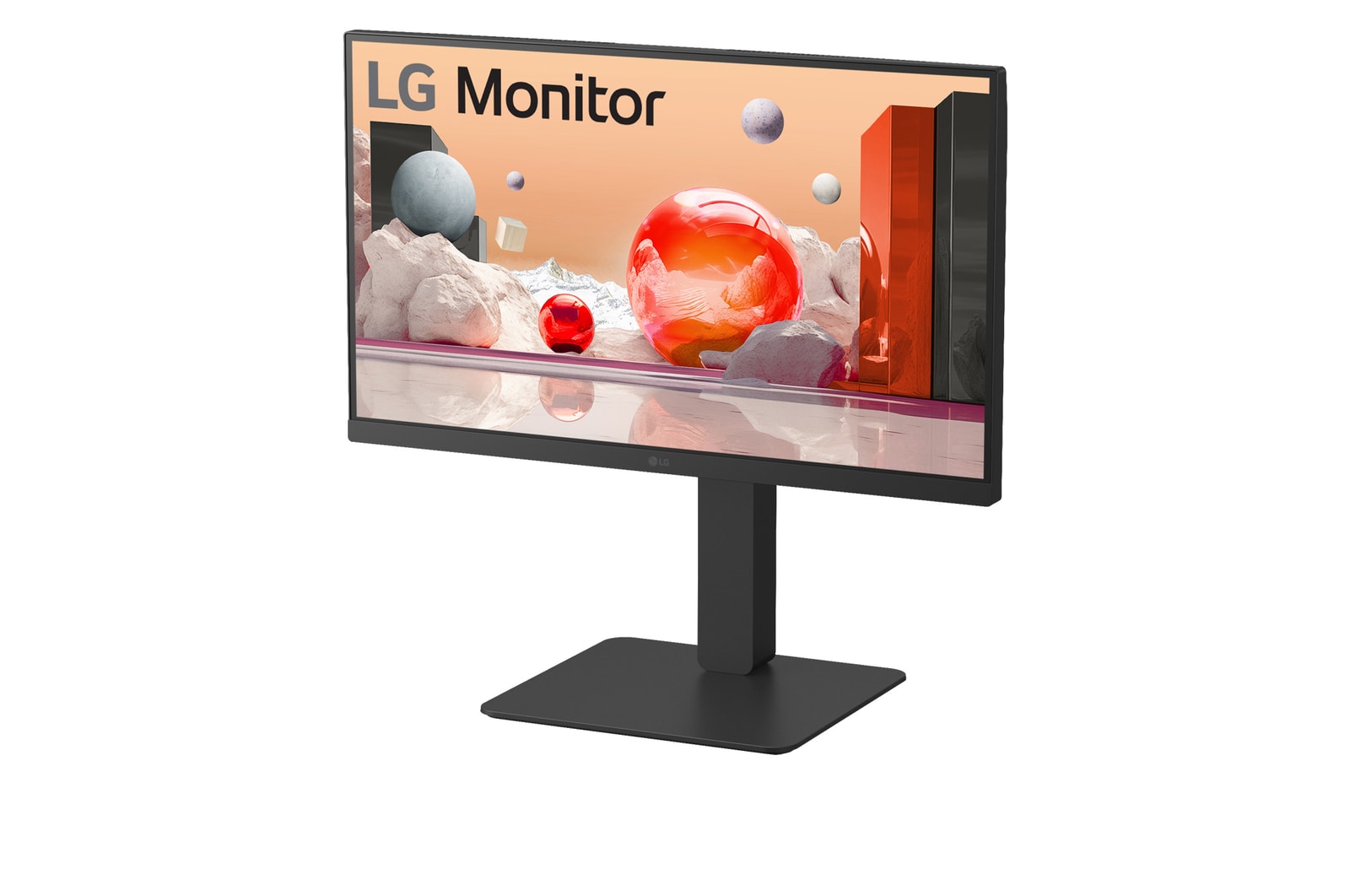
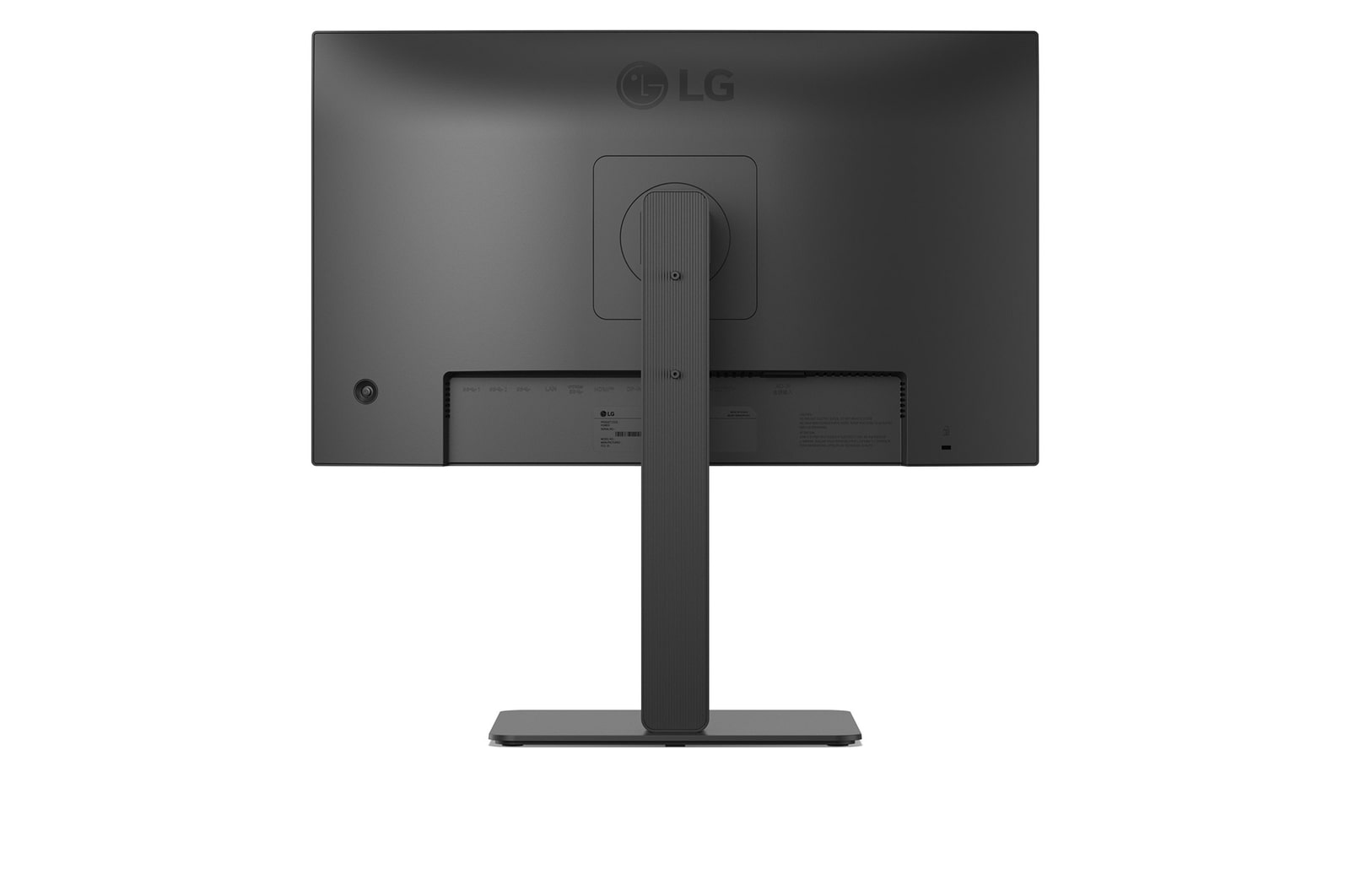
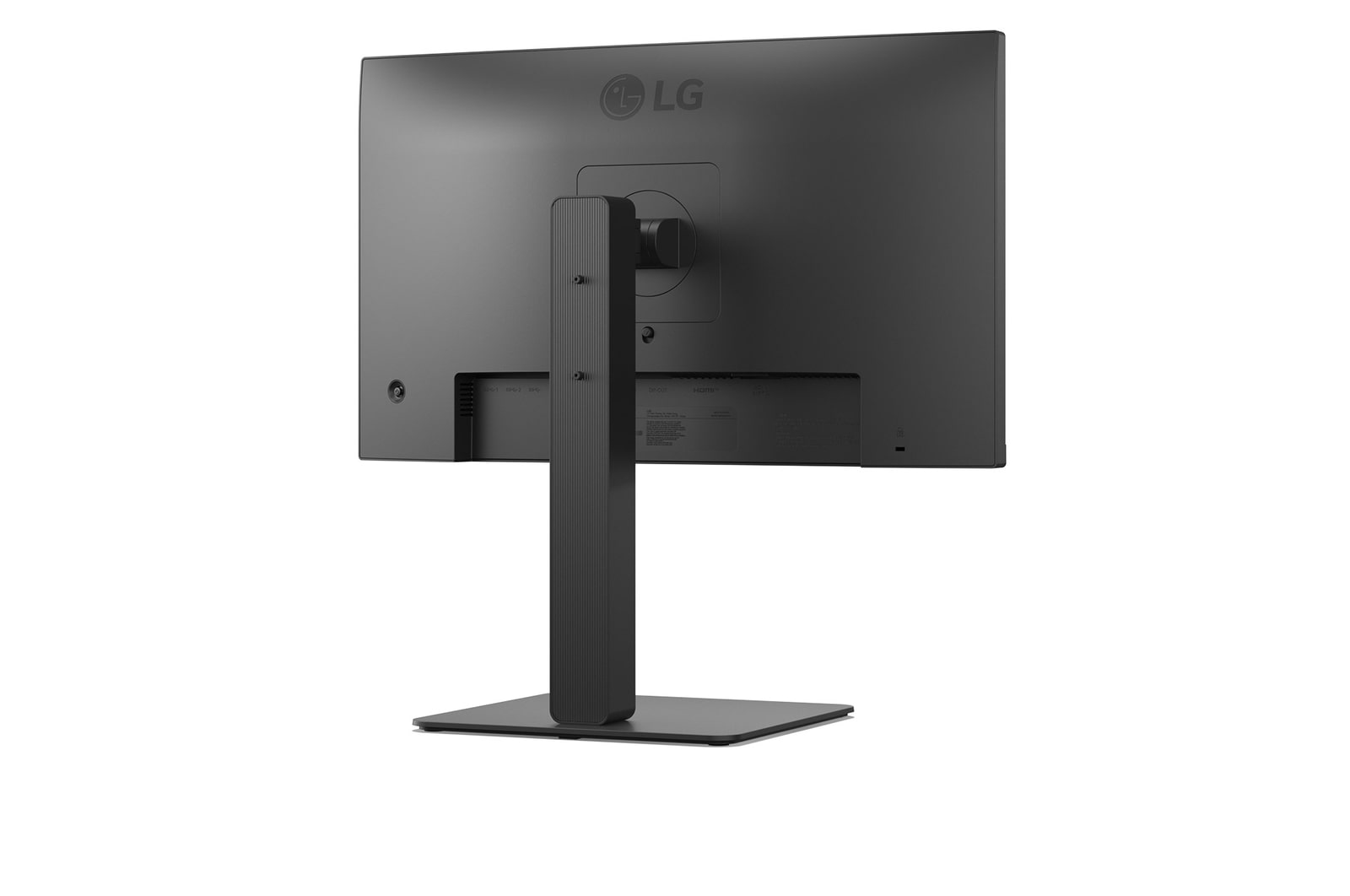
24" LG Full HD Monitor, IPS Display, Built-in Power, 100 Hz Refresh Rate, USB Type-C, Black
Key Spec
Display - Size [Inch]
23.8
Display - Resolution
1920 x 1080
Display - Panel Type
IPS
Display - Aspect Ratio
16:9
Display - Color Gamut (Typ.)
sRGB 99% (CIE1931)
Display - Refresh Rate (Max.) [Hz]
100
Display - Response Time
5ms (GtG at Faster)
Mechanical - Display Position Adjustments
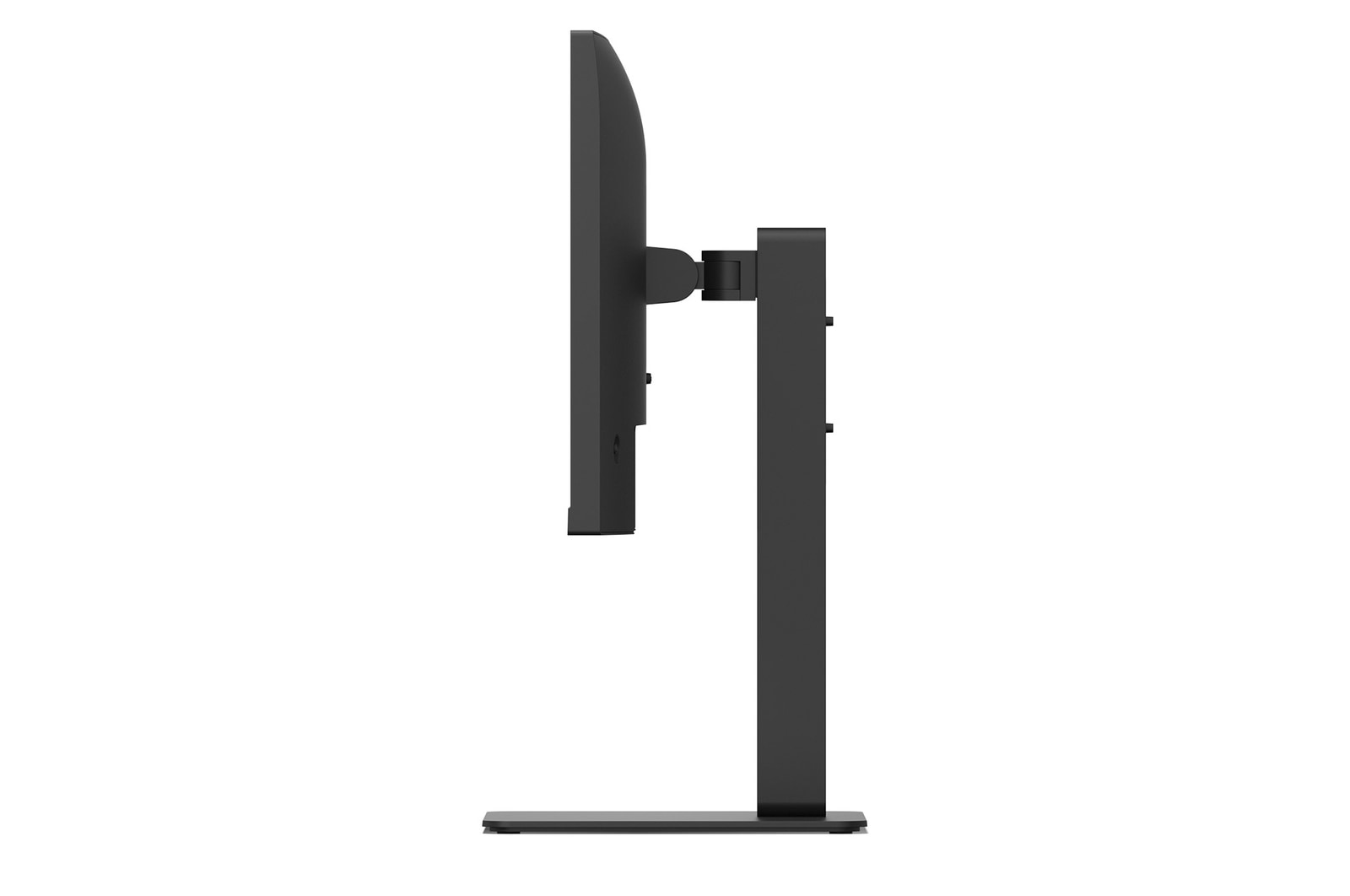
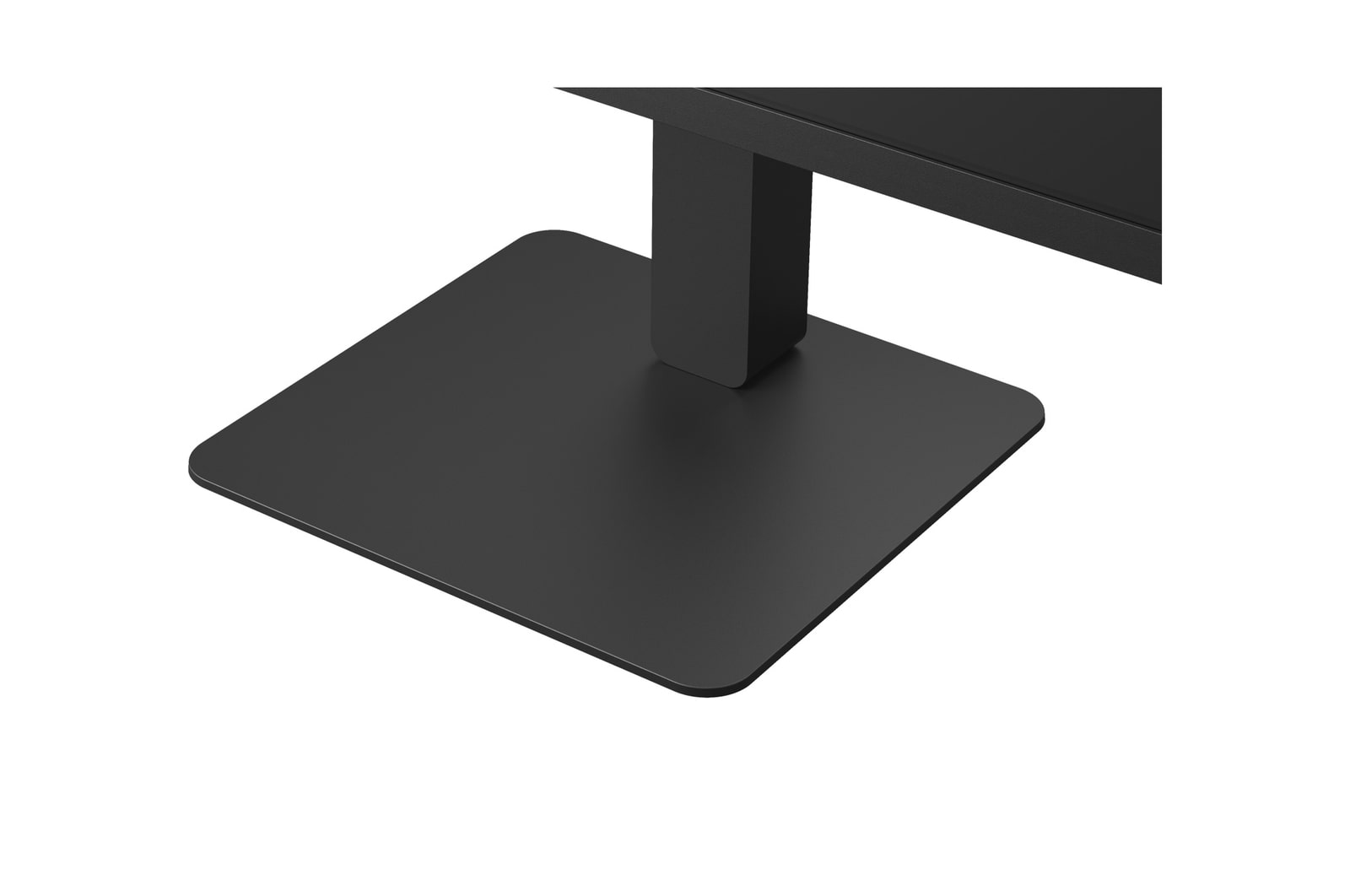
Tilt/Height/Swivel/Pivot
All Spec
INFO
Product name
PC monitor
Year
Y24
DISPLAY
Size [Inch]
23.8
Size [cm]
60.4
Resolution
1920 x 1080
Panel Type
IPS
Aspect Ratio
16:9
Pixel Pitch [mm]
0.2745 x 0.2745
Color Gamut (Min.)
sRGB 90%
Color Gamut (Typ.)
sRGB 99% (CIE1931)
Color Depth (Number of Colors)
16.7M
Contrast Ratio (Min.)
910:1
Contrast Ratio (Typ.)
1300:1
Response Time
5ms (GtG at Faster)
Refresh Rate (Max.) [Hz]
100
Viewing Angle (CR≥10)
178º(R/L), 178º(U/D)
Brightness (Min.) [cd/m²]
200
Brightness (Typ.) [cd/m²]
250
Colour Bit
8bit (6bit+FRC)
FEATURES
Flicker Safe
YES
Reader Mode
YES
Color Weakness
YES
Super Resolution+
YES
Black Stabilizer
YES
Dynamic Action Sync
YES
Auto Input Switch
YES
Smart Energy Saving
YES
SW APPLICATION
Dual Controller
YES
CONNECTIVITY
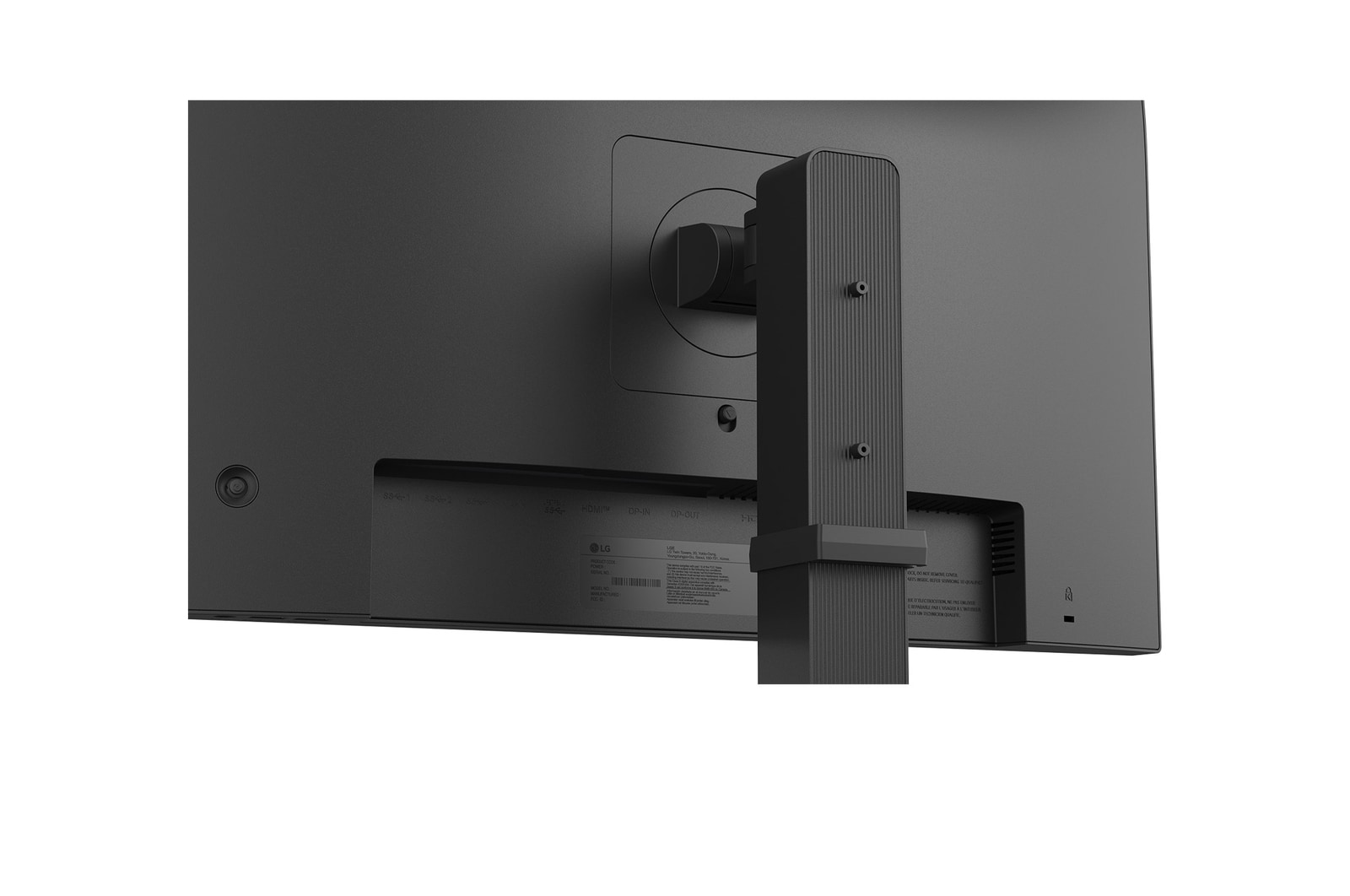
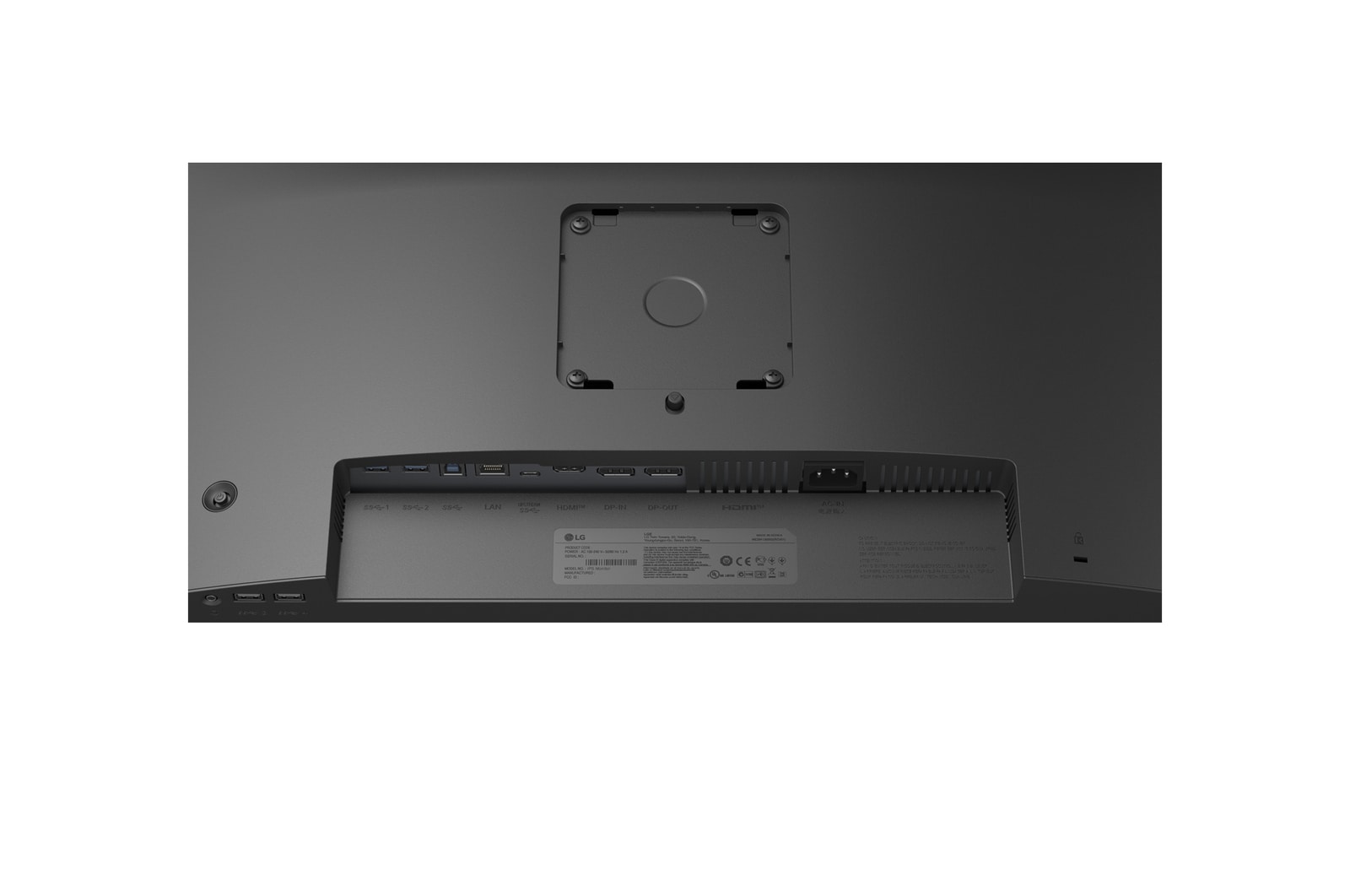
HDMI
YES(1ea)
DisplayPort
YES(In 1ea / Out 1ea)
DP Version
1.4
USB-C
YES(1ea)
USB-C (Max. Resolution at Hz)
1920X1080 @100Hz
USB-C (Data Transsmission)
YES
USB-C (Power Delivery)
YES
Daisy Chain
YES(FHD/60Hz)
USB Upstream Port
1x USB3.2 Gen1
USB Downstream Port
4x USB3.2 Gen1
Built-in KVM
YES
LAN (RJ-45)
YES
Headphone out
3-pole (Sound Only)
SOUND
Speaker
2W x 2
POWER
Type
Built-in Power
AC Input
100~240V (50/60Hz)
Power Consumption (Sleep Mode)
Less than 0.5W
Power Consumption (DC Off)
Less than 0.3W
DC Output
20.5V/6.5A
MECHANICAL
Display Position Adjustments
Tilt/Height/Swivel/Pivot
Wall Mountable [mm]
100 x 100
DIMENSIONS/WEIGHTS
Dimension with Stand (W x H x D) [mm]
539.6*517.5*250(Up Height)
Dimension without Stand (W x H x D) [mm]
539.6*323*50
Dimension in Shiping (W x H x D) [mm]
613*184*491
Weight with Stand [kg]
6.6kg
Weight without Stand [kg]
3.8kg
Weight in Shipping [kg]
8.3kg
ACCESSORY
USB-C
YES
Display Port
YES
Others (Accessory)
Screw, Cable Holder
Power Cord
YES
COMPLIANCE INFORMATION
- extension:pdf
- extension:pdf
- extension:pdf
- extension:pdf
- extension:pdf
- extension:pdf
- extension:pdf
- extension:pdf
- extension:pdf
- extension:pdf
What people are saying
FAQ
What are the benefits of using FHD & QHD monitors?
– FHD Monitors
1. Ideal for most everyday tasks such as web browsing, document editing, and video streaming, with a budget-friendly price point.
2. Compatible with older PCs and entry-level laptops, as they don’t require high-end GPUs for smooth performance.
3. Well-suited for fast-paced games like eSports, where maintaining high FPS is important.
– QHD Monitors
1. Offer about 1.8 times more pixels than standard displays, providing a wider workspace for multitasking and detailed content work.
2. Deliver sharper and more precise text and images, making them suitable for content creation that demands visual clarity.
3. Provide realistic visuals and smoother gameplay, making them ideal for high-quality gaming.
Who would especially benefit from using FHD & QHD monitors?
FHD monitors are well-suited for users who value practicality and affordability. They provide sufficient resolution for everyday tasks such as document editing, email, and video streaming, making them ideal for office workers, students, and home users. Since they put less strain on the GPU, they are also a great choice for casual gamers who enjoy high-refresh-rate eSports titles.
QHD monitors are recommended for users who need more screen space and sharper image quality. They offer an efficient work environment for professionals such as marketers, planners, and analysts who often multitask. With relatively low GPU demand yet high visual precision, they are also suitable for beginner photo/video editors and content creators. Additionally, QHD monitors deliver better visuals and smoother performance for gamers who enjoy high-quality gaming experiences.
What is the difference between IPS and VA panels?
IPS panels are known for their accurate colour reproduction and wide viewing angles, maintaining clear images from various positions. This makes them well-suited for office work, design, and gaming. Their excellent colour accuracy is especially appealing to gamers who want to experience visuals exactly as the developers intended.
VA panels boast the highest contrast ratio among LCD types, providing an immersive experience for watching movies and videos. While not as fast as TN panels, they offer nearly comparable performance.
Our Picks for You
Manual& Software
Download product manuals and latest software for your LG product.
Troubleshoot
Find helpful videos and information about your product systems.
Warranty
Check LG warranty information here.
Part& Accessory
Discover accessories for LG products.
Product Registration
Registering your product will help you get faster support.
Product Support
Find manual, troubleshoot and warranty of your LG product.
Order Support
Track your order and check order FAQ.
Repair Request
Repair request service conveniently online.