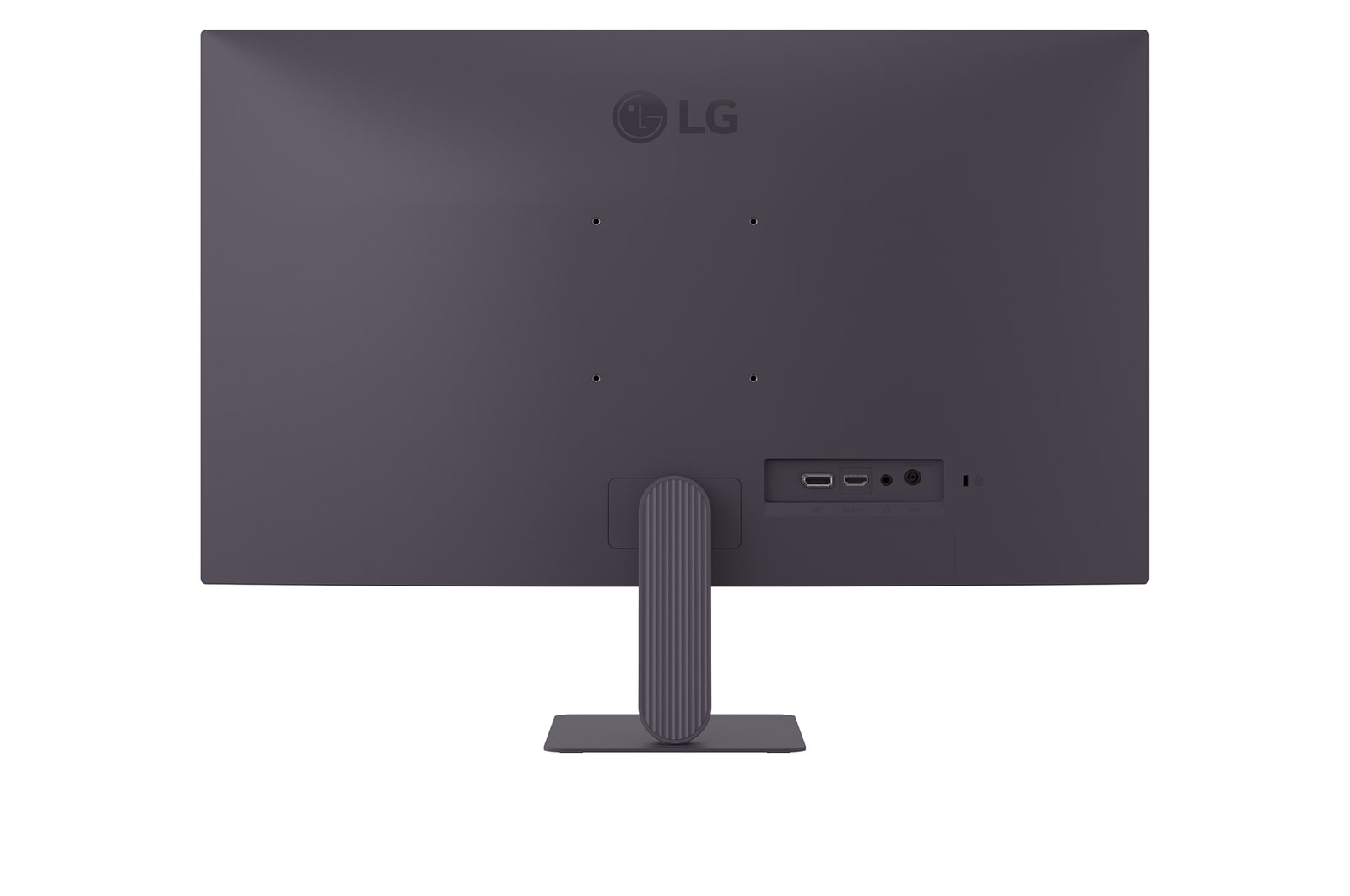
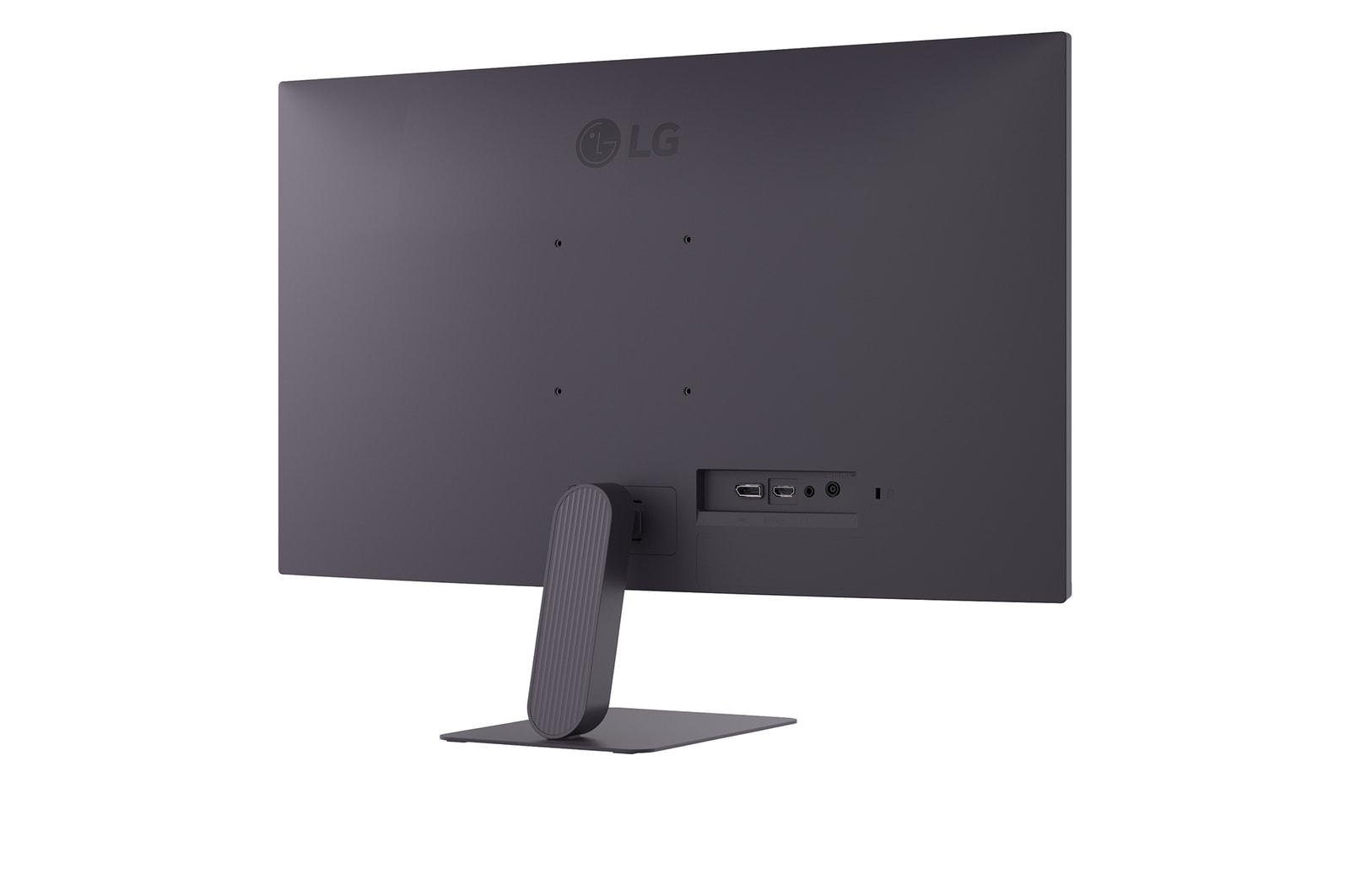
27” LG UltraGear™ G4 Gaming Monitor, FHD IPS screen, 120Hz (144Hz overclock), 1ms MBR, Black

27” LG UltraGear™ G4 Gaming Monitor, FHD IPS screen, 120Hz (144Hz overclock), 1ms MBR, Black

LG UltraGear™ G4

LG UltraGear™ G4

27" 144Hz (overclock)
FHD IPS Gaming Monitor

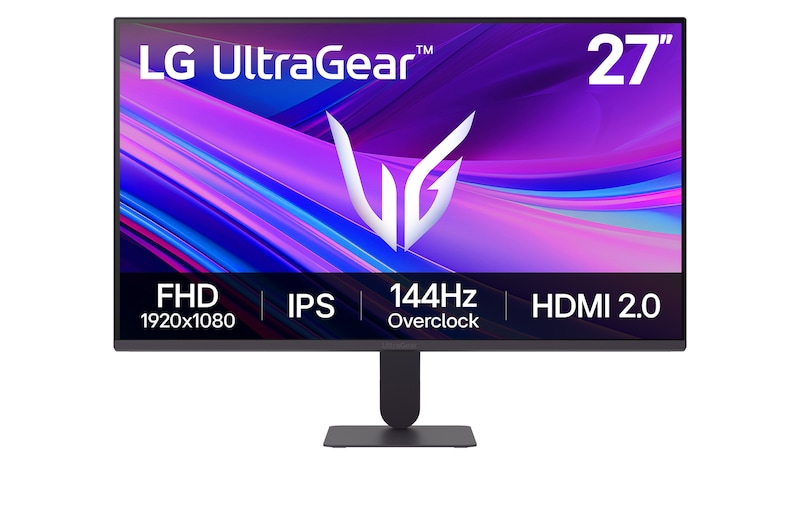
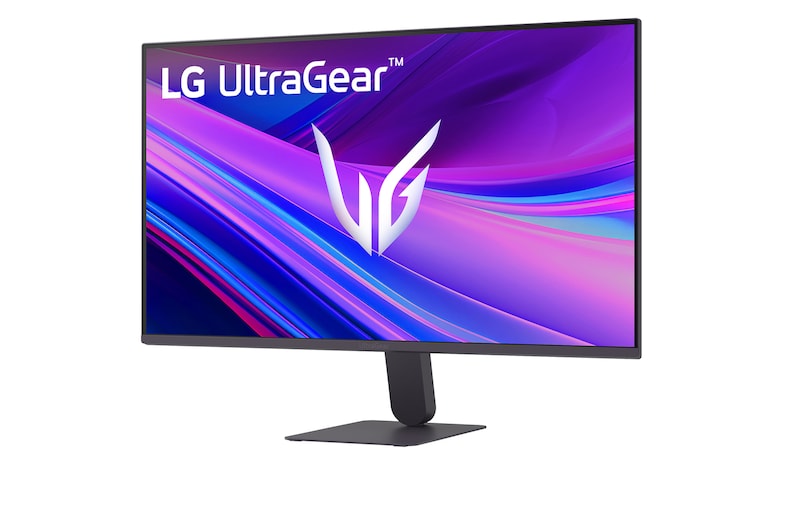
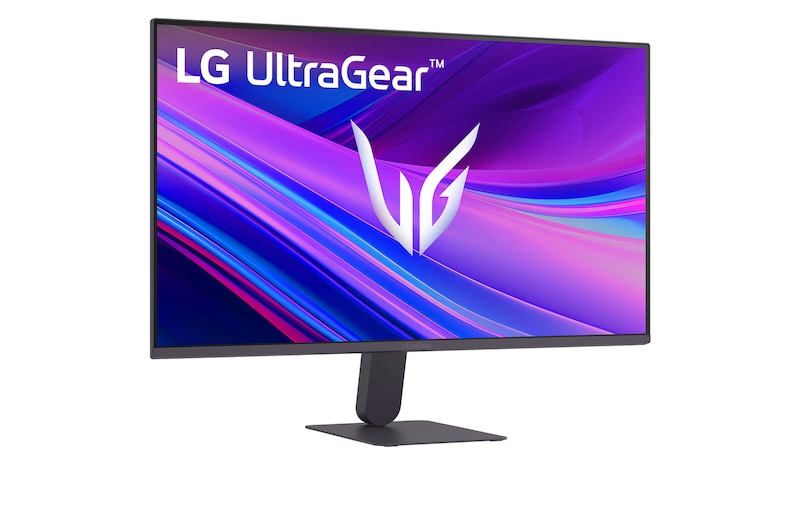
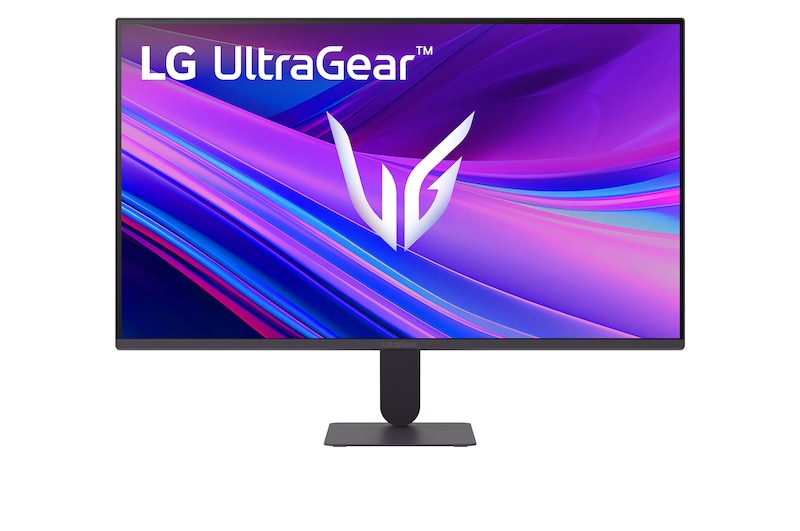
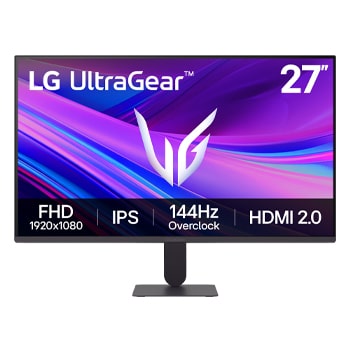
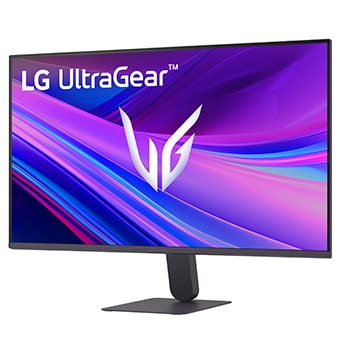
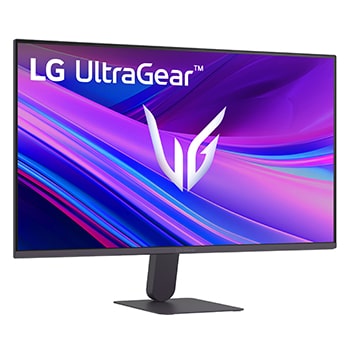
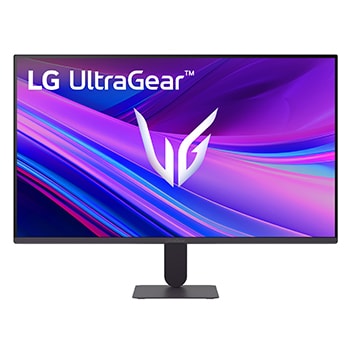
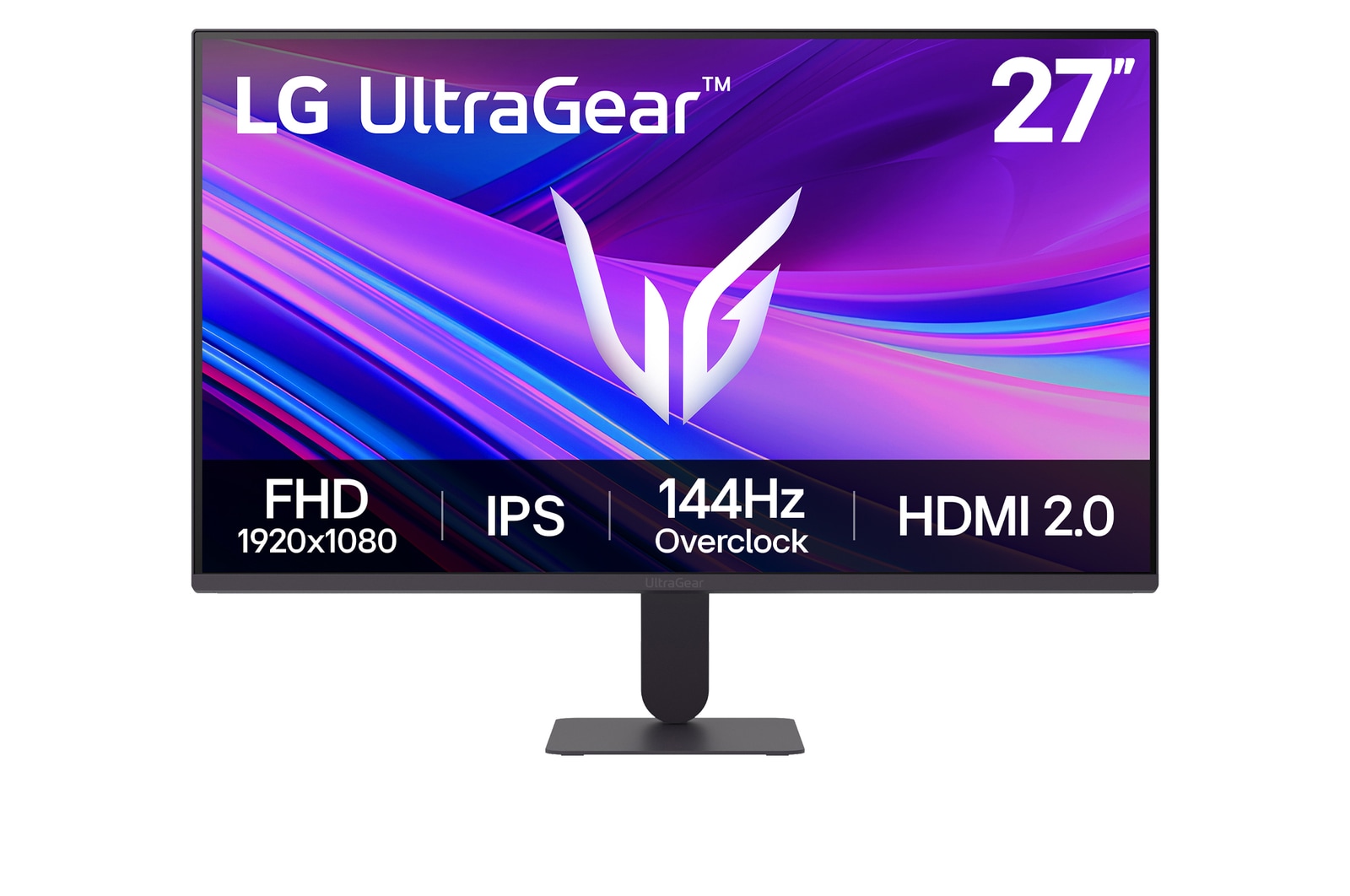
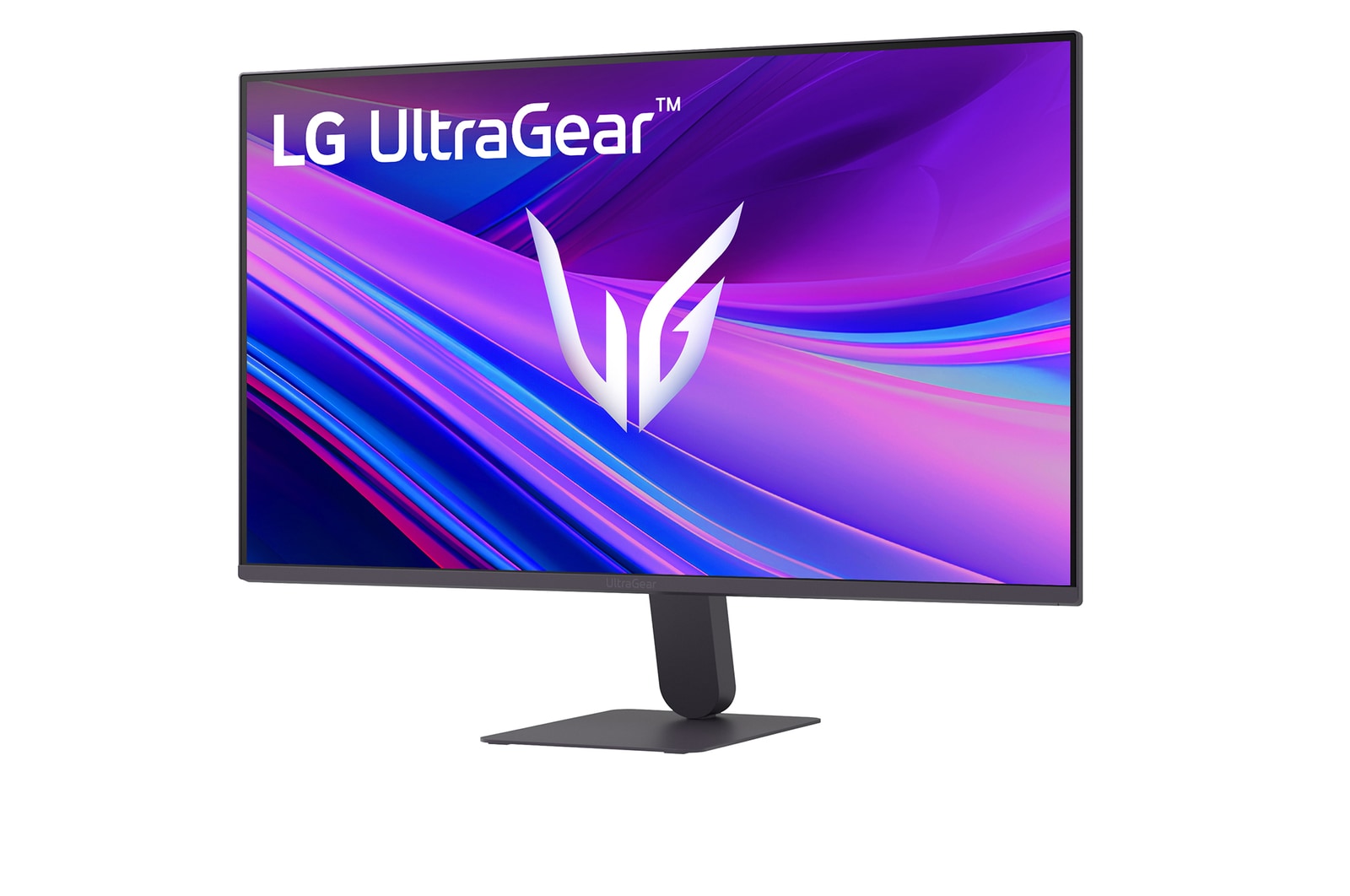
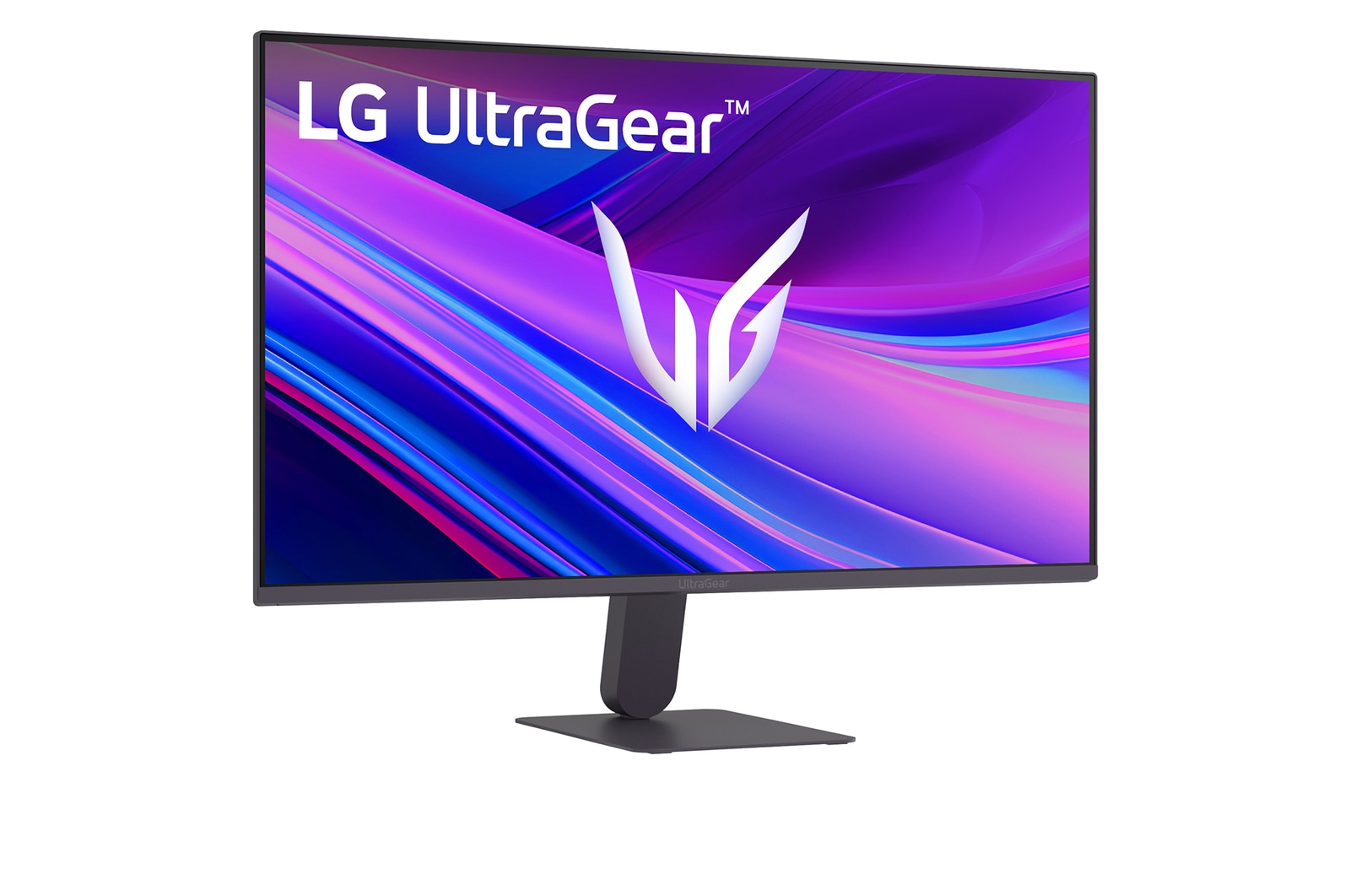
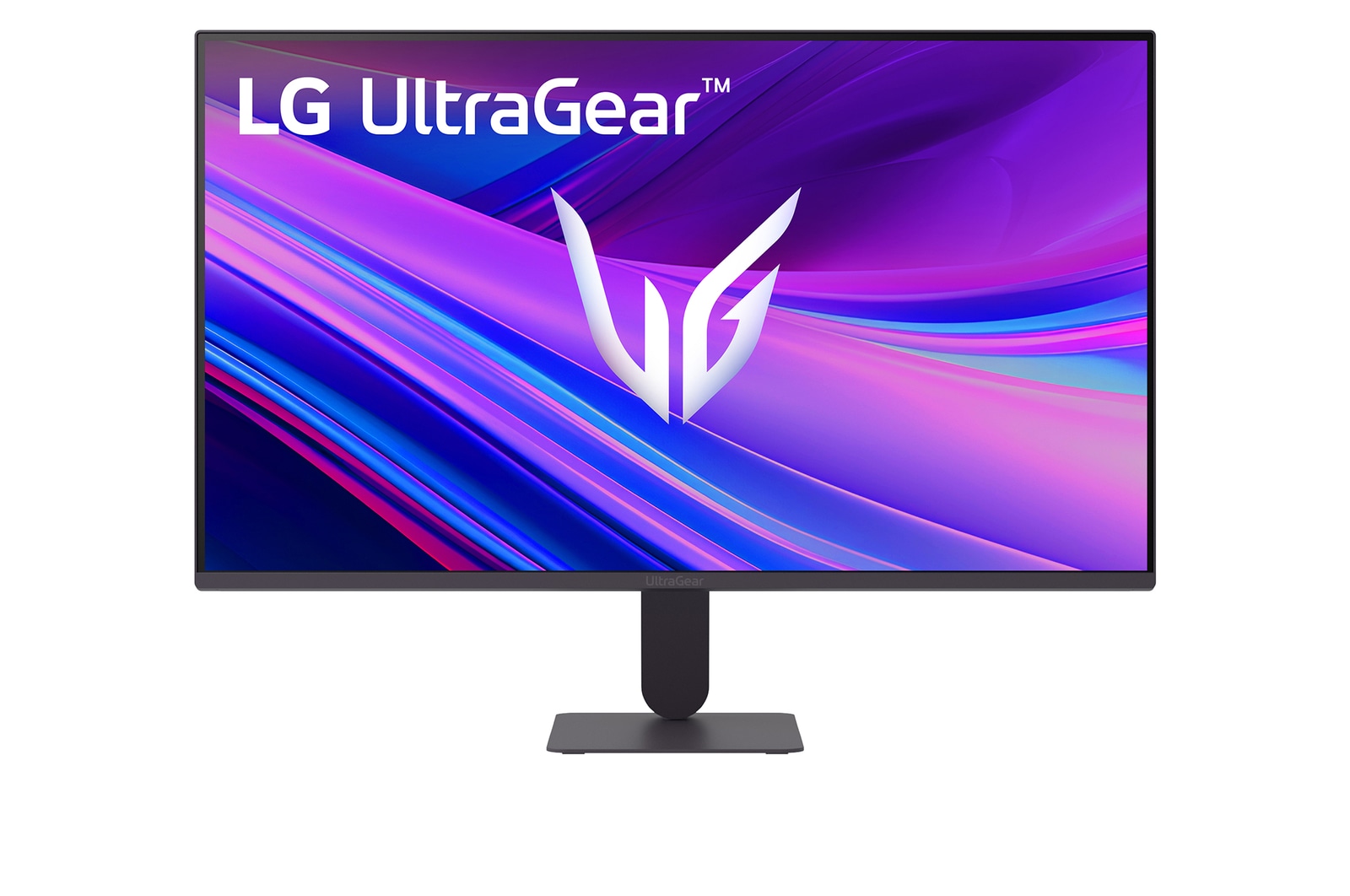
Front image of the UltraGear™ 27g411a gaming monitor.
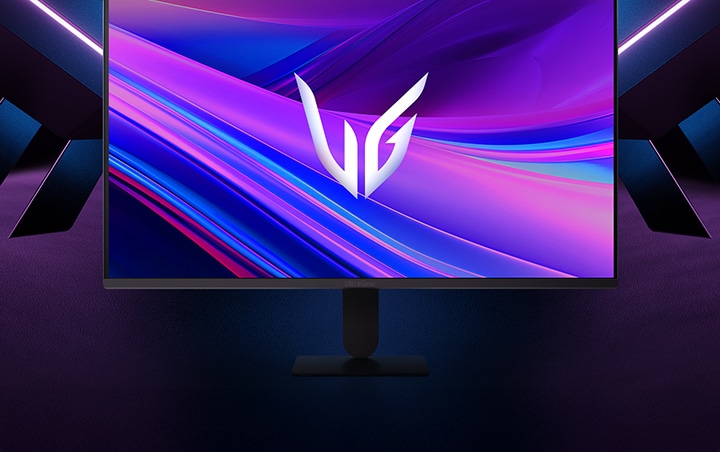
Front image of the UltraGear™ 27g411a gaming monitor.

*Images have been simulated to enhance feature understanding, and may differ from actual use experience.

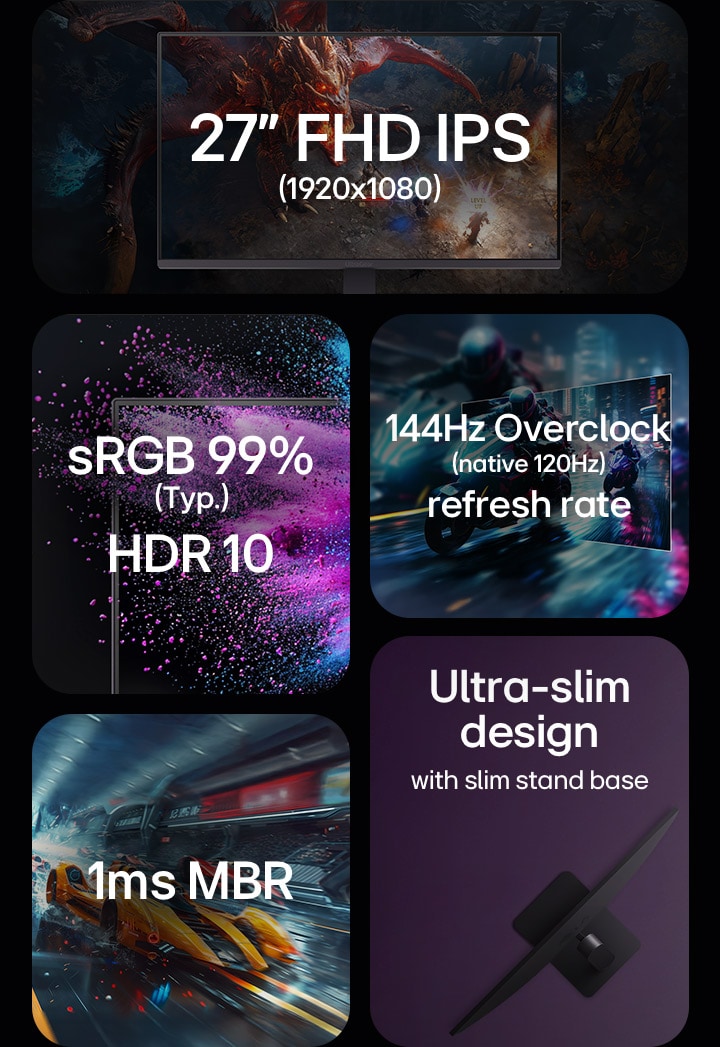
27-inch FHD IPS 1920x1080, sRGB 99%, HDR 10, 144Hz (overclock) (native 120Hz) refresh rate, 1ms MRB, ultra slim design

27-inch FHD IPS 1920x1080, sRGB 99%, HDR 10, 144Hz (overclock) (native 120Hz) refresh rate, 1ms MRB, ultra slim design

Display is written in capital letters.

Display is written in capital letters.


See combat with vivid colour

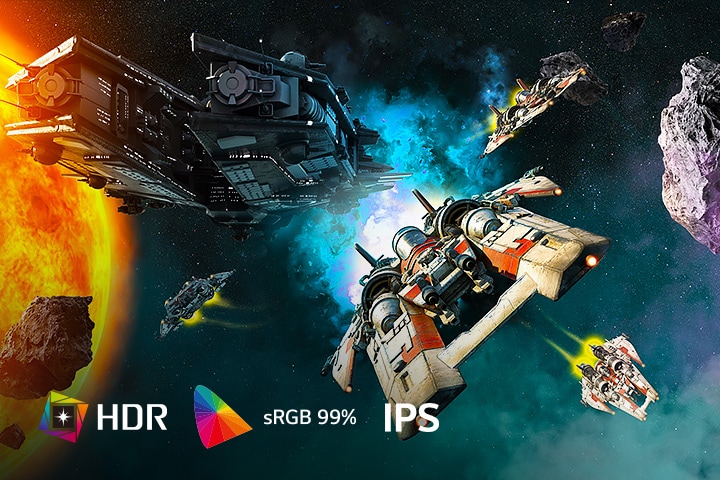
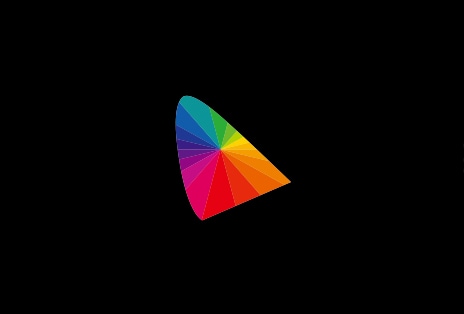
Our monitor supports HDR10 and offers 99% sRGB coverage, providing a wide colour spectrum that enables high-fidelity colour representation with its IPS display for an immersive gaming experience. It allows gamers to experience dramatic battlefields as intended by the game developers.

Space combat game scene showcasing vivid colours with HDR, sRGB 99%, and IPS display on the LG UltraGear monitor.

Space combat game scene showcasing vivid colours with HDR, sRGB 99%, and IPS display on the LG UltraGear monitor.

*Images have been simulated to enhance feature understanding, and may differ from actual use experience.

IPS™ Display

LG IPS™ monitor displays outstanding colour accuracy with a wide viewing angle.

HDR 10

HDR 10 (high dynamic range) supports specific levels of colour and brightness.

sRGB 99% (Typ.)

With 99% coverage of the DCI-P3 spectrum, it is a great solution for accurate colour display.

Speed is written in capital letters.

Speed is written in capital letters.


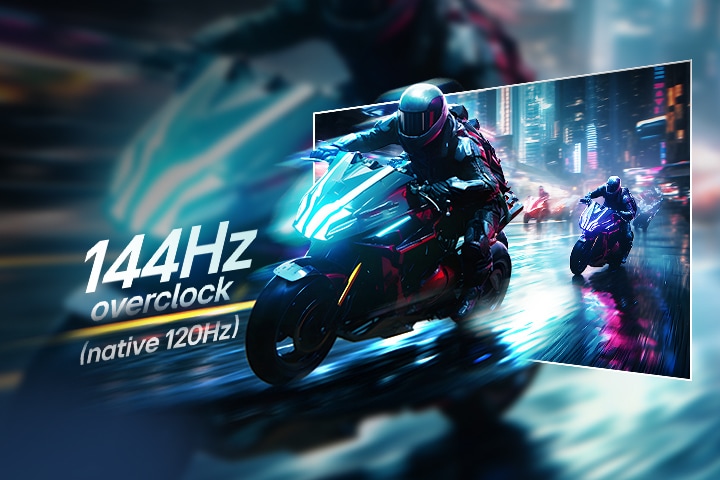
Racing game scene of extremely fast response and a rapid 144Hz refresh rate.

Fluid gaming motion
with 144Hz (overclock)
(native 120Hz) refresh rate

To bring a 144Hz (overclock) (native 120Hz) refresh rate for fluid, crystal-clear visuals, while minimising motion blur. Dive into more immersive gameplay with every frame.

*Images have been simulated to enhance feature understanding, and may differ from actual use experience.

*This product supports a 120Hz refresh rate and up to 144Hz in overclock mode when connected via DisplayPort 1.4. (HDMI 2.0 supports up to 144Hz.)

*Refresh rate and response time may vary depending on the environment, such as content or PC performance (CPU/GPU). DP 1.4-compatible cable and graphics card are required (graphics card sold separately).

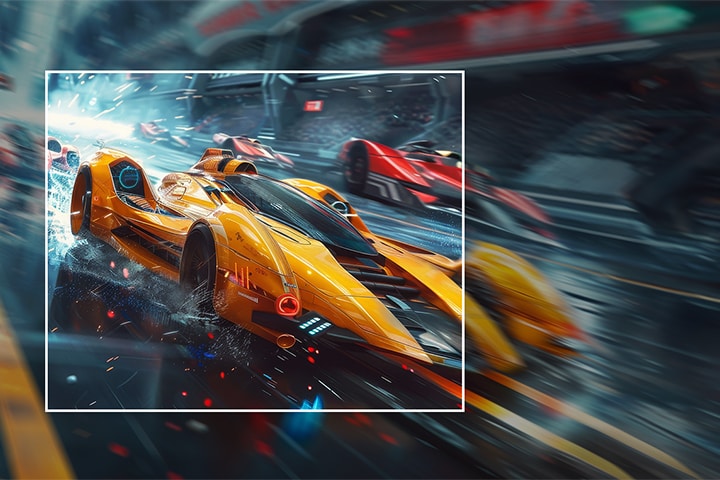
A yellow racing car is shown speeding forward on the screen, with the inside of the white square box being clearly expressed and the outside being blurred.

Fast-paced speed
to victory

1ms Motion Blur Reduction* makes smooth gameplay, reducing blur and ghosting. Dynamic and fast-paced objects amidst all the action can give gamers a competitive edge.

*Images have been simulated to enhance feature understanding, and may differ from actual use experience.

*1ms Motion Blur Reduction causes lowered luminance, and the following features cannot be used while it is activated : AMD FreeSync™ Premium / DAS (Dynamic Action Sync)

*Flicker may occur during 1ms MBR operation.

Certified with a widely adopted technology

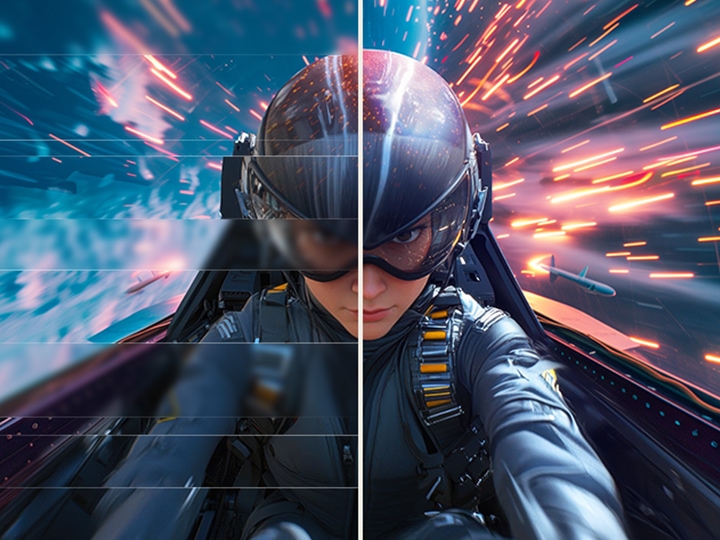
Powered by AMD FreeSync™, NVIDIA-validated G-SYNC® compatibility, this monitor ensures tear-free, ultra-smooth visuals and low latency, delivering unmatched gaming precision and fluidity.

Split-screen view of a pilot in a fast-paced game, showing smoother and clearer visuals.

Logos of NVIDIA G-SYNC, AMD FreeSync.

*Images have been simulated to enhance feature understanding, and may differ from actual use experience.

*The performance of the feature is compared to the models not applying the sync technology.

*Errors or delays may occur depending on the network connection.

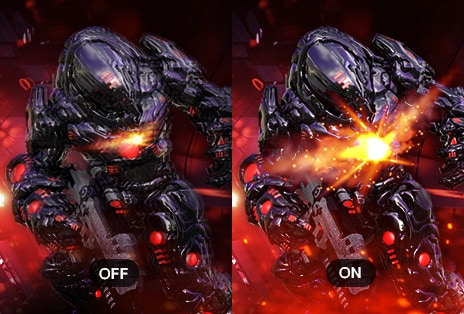
Dynamic Action Sync

Reducing input lag with Dynamic Action Sync, gamers can catch critical moments in real-time and respond quickly.

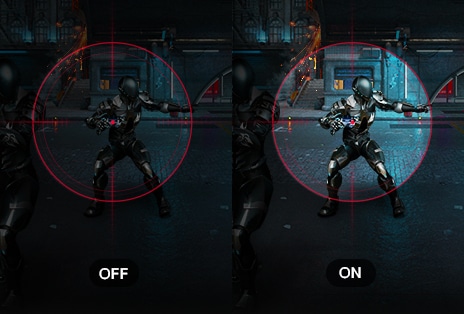
Black Stabiliser

Black Stabiliser helps gamers detect snipers lurking in the darkest corners and swiftly navigate through flash explosions.

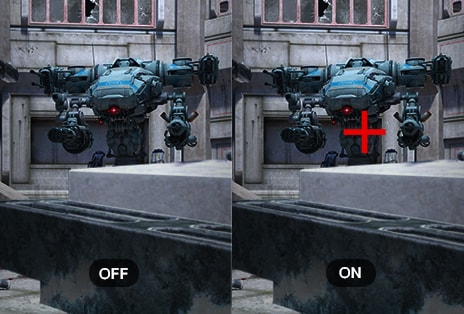
Crosshair

The target point is fixed in the centre to enhance shooting accuracy.

*Images have been simulated to enhance feature understanding, and may differ from actual use experience.

Usability is written in capital letters.

Usability is written in capital letters.


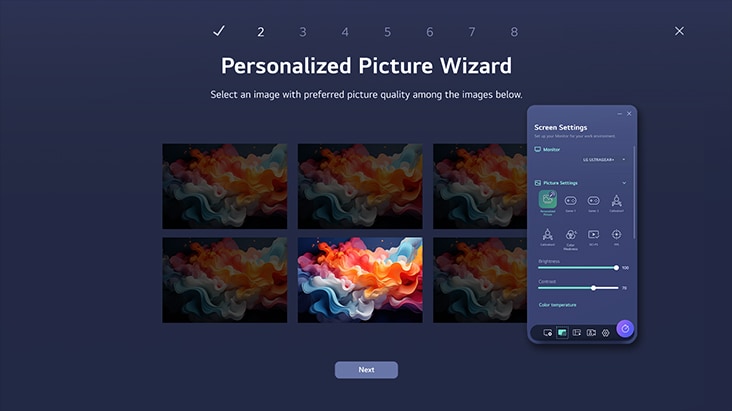
LG Switch App

Switch swiftly

You can readily divide the whole display into up to 6 sections, change the theme design, or even launch a video call platform with a mapped hotkey. It also supports PBP and PIP modes for efficient multitasking across multiple input sources.

*Images are simulated to enhance feature understanding and may differ from actual use.

*To download the latest LG Switch app, search in the LG.com Support Menu.

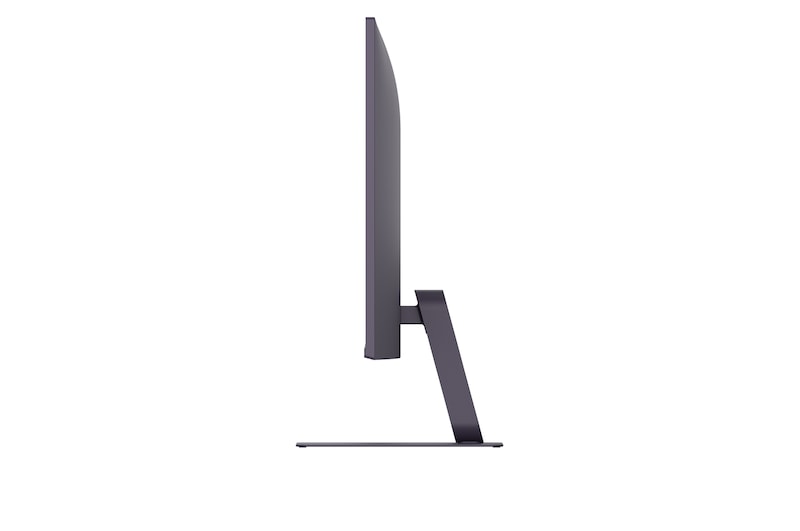
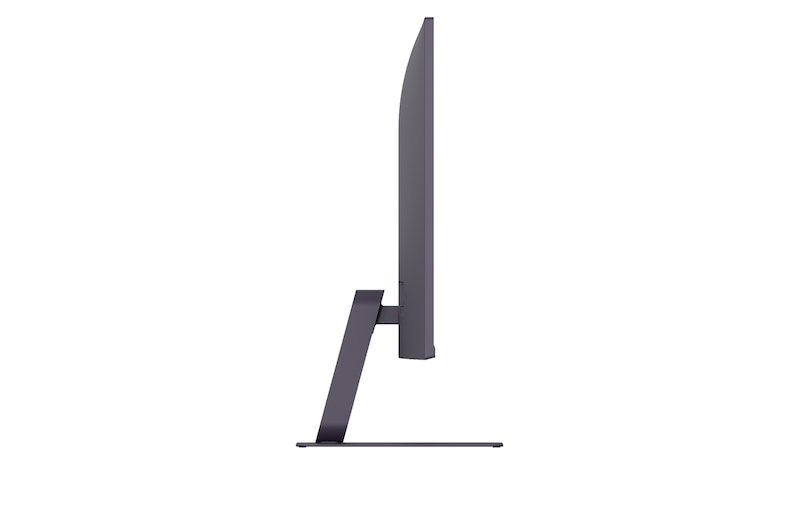
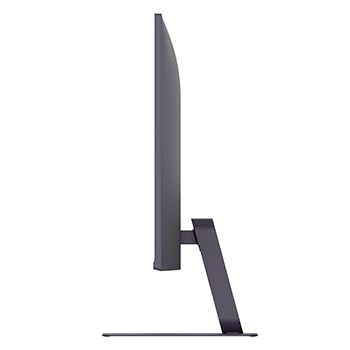
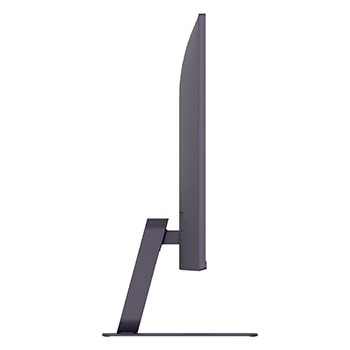
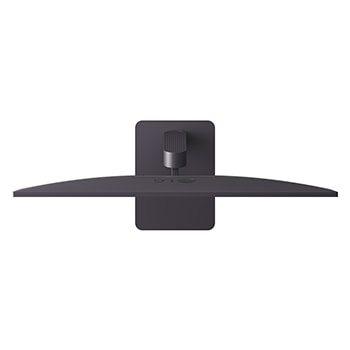
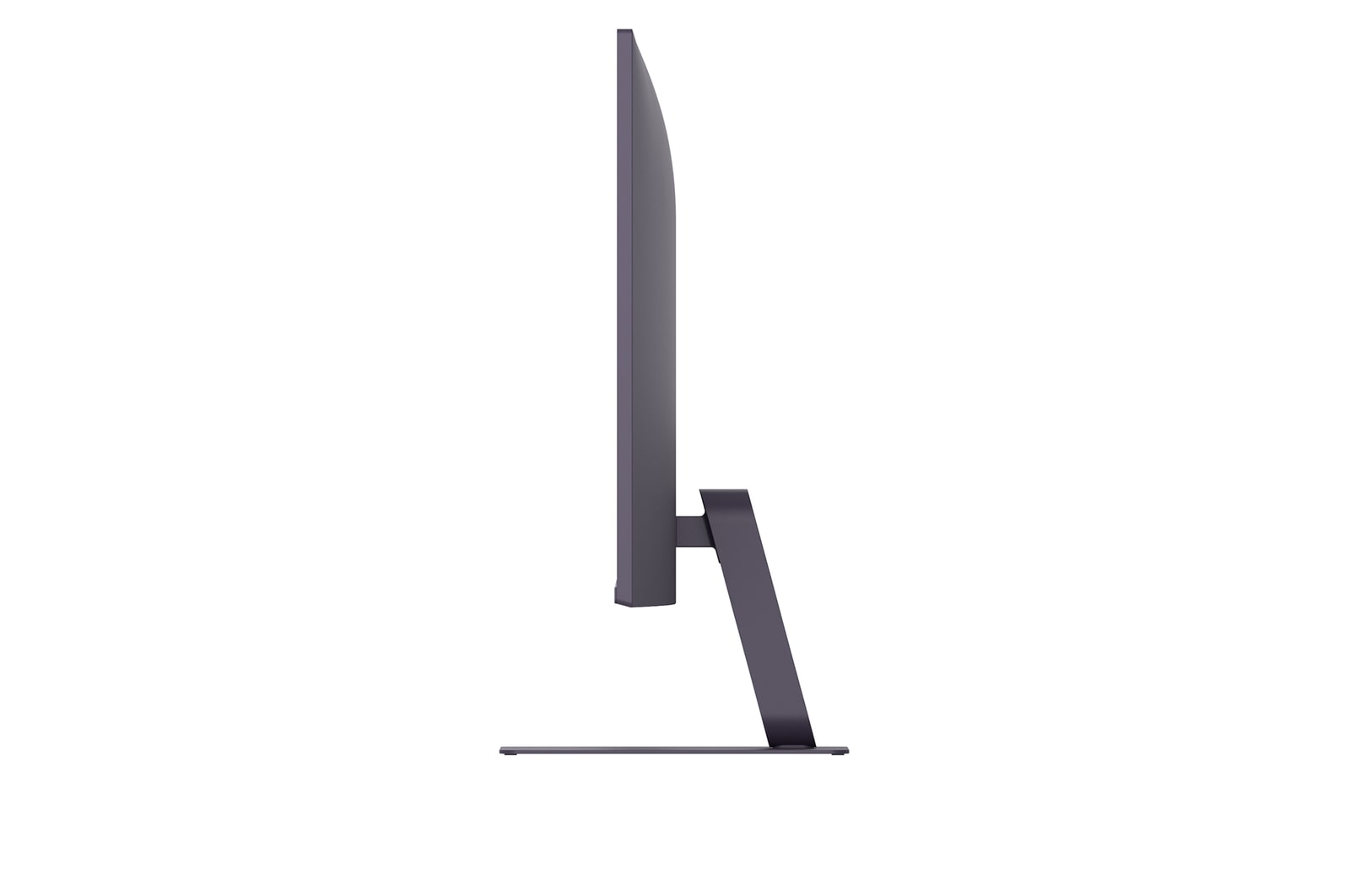
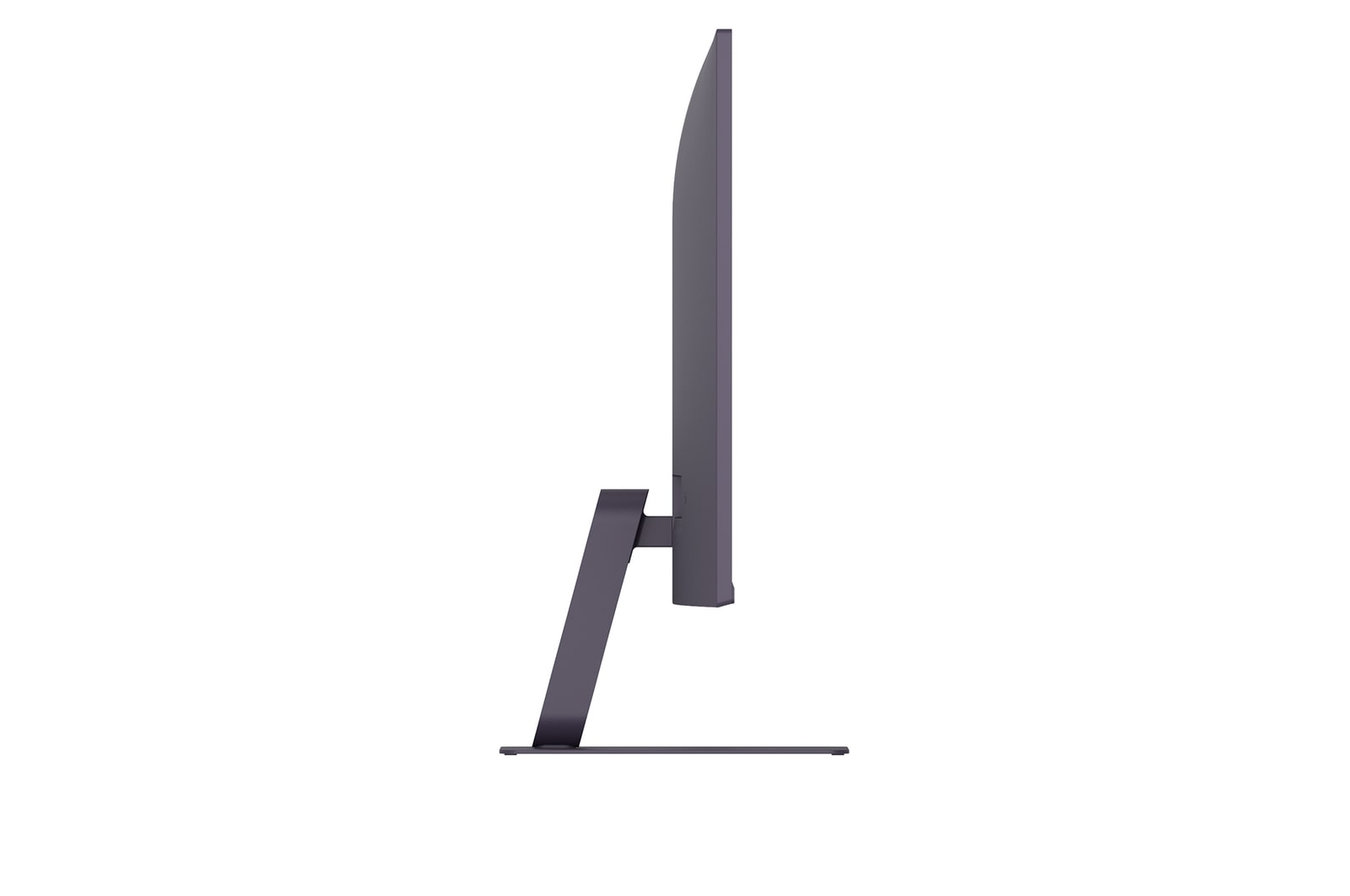
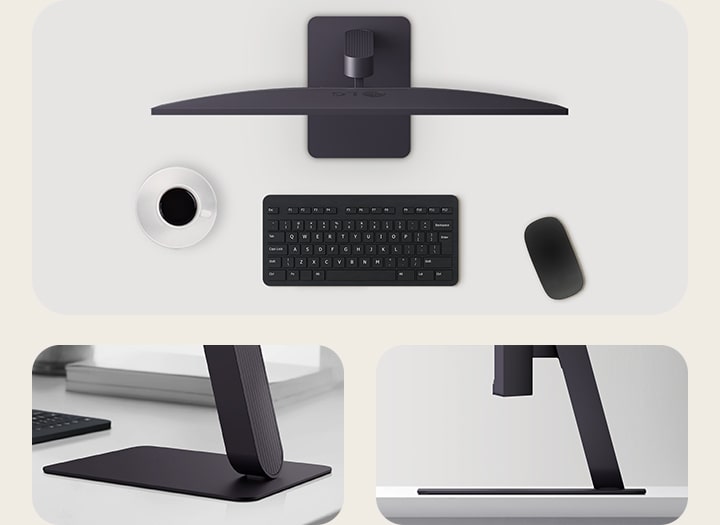
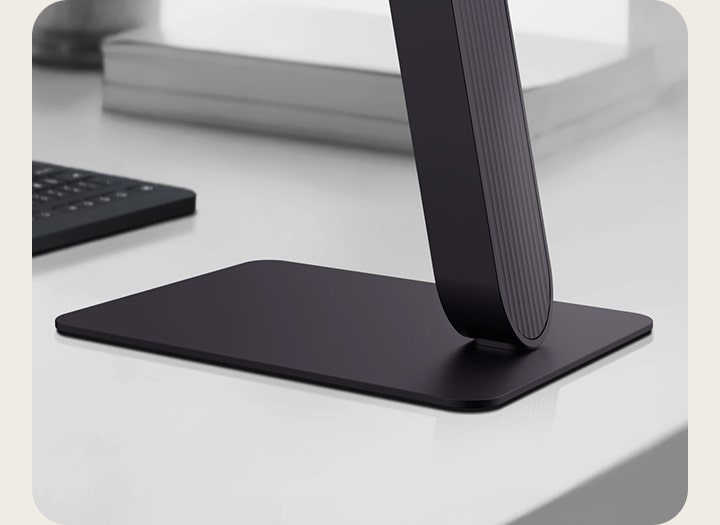
Virtually borderless design and slim stand base

Ultra-slim design. Almost floating

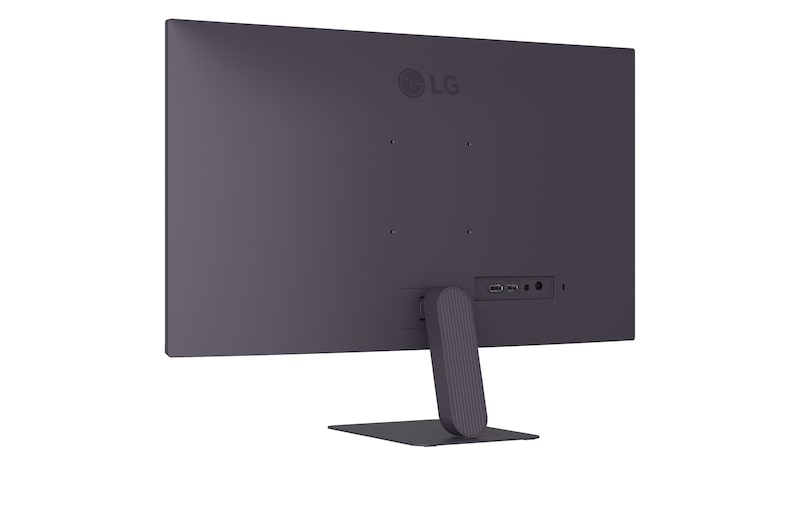
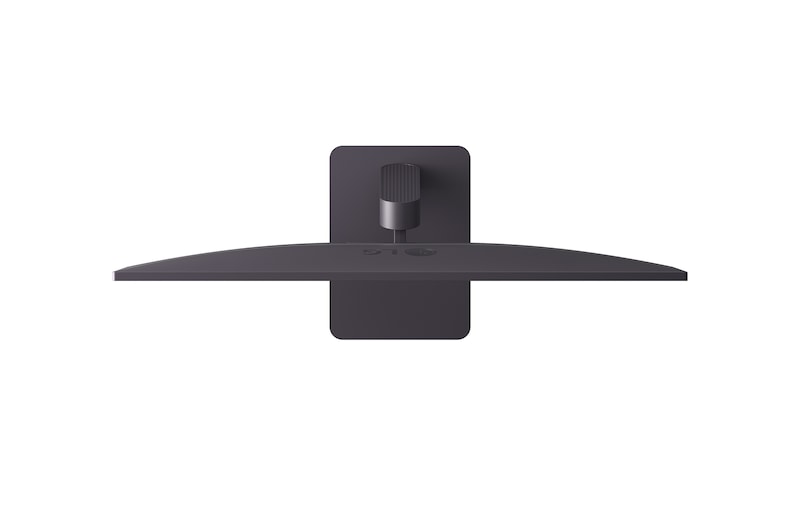
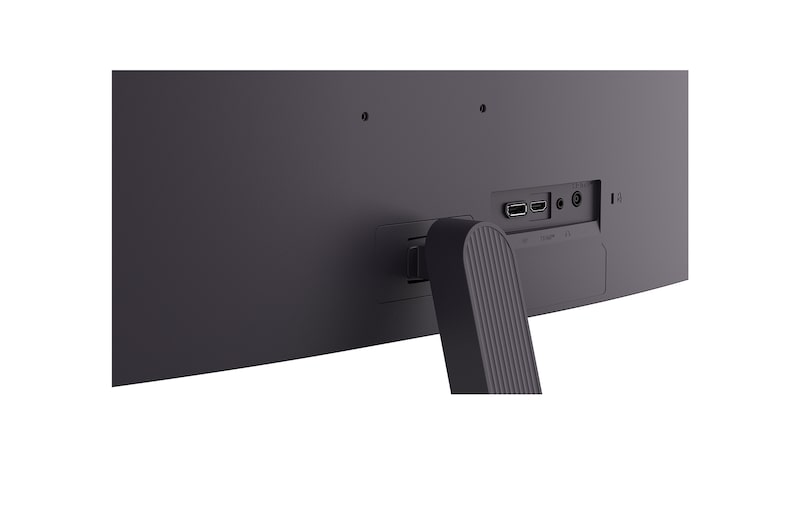
Experience more screen and less distraction with the ultra-slim bezel and minimal slim stand base, featuring a virtually borderless design. The floating-like stand enhances the clean, weightless aesthetic, while the seamless screen feel delivers an immersive visual experience—ideal for dual setups or minimalist workspaces.

Borderless design icon.

Borderless design

with slim stand base

Tilt adjustable icon.

Tilt

-5~20º

Wall Mount icon.

Wall Mount

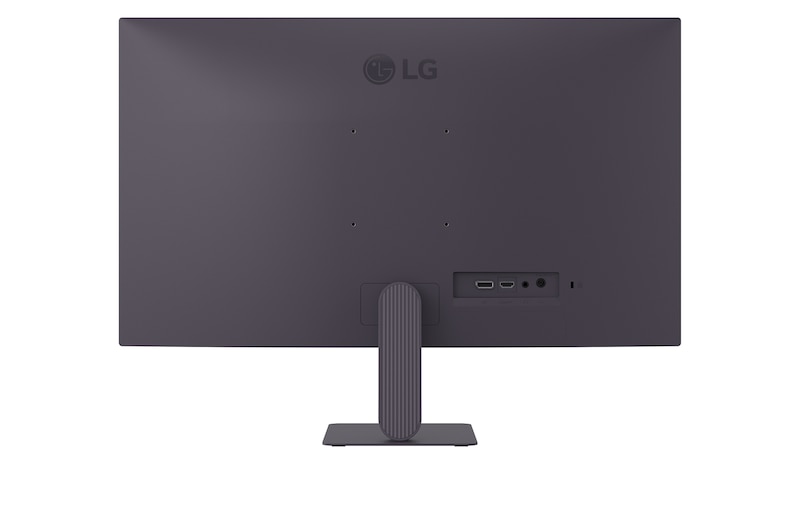
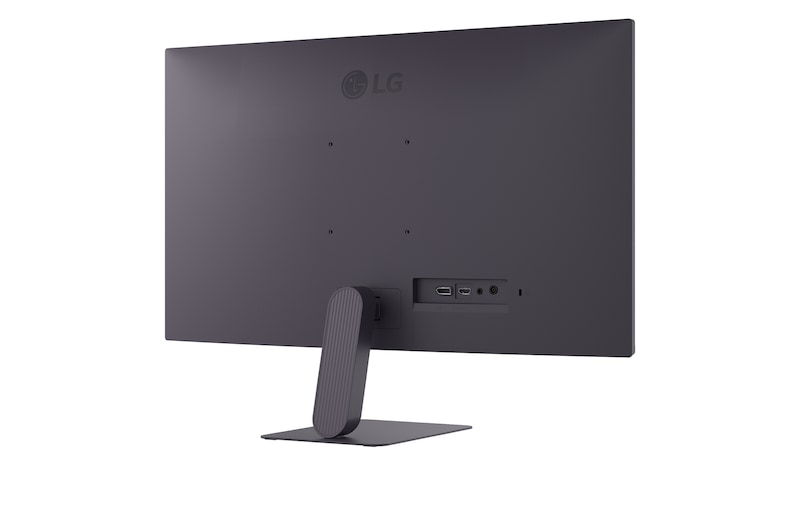
100X100

*Images are simulated to enhance feature understanding and may differ from actual use.

*Tilt (-5~20°), Wall Mountable (100x100).

Key Spec

  • Display - Size [Inch]

    27

  • Display - Resolution

    1920 x 1080

  • Display - Panel Type

    IPS

  • Display - Aspect Ratio

    16:9

  • Display - Color Gamut (Typ.)

    sRGB 99% (CIE1931)

  • Display - Refresh Rate (Max.) [Hz]

    144 (O/C)

  • Display - Response Time

    1ms MBR, 5ms (GtG at Faster)

  • Mechanical - Display Position Adjustments

    Tilt

All Spec

INFO

  • Product name

    UltraGear

  • Year

    Y25

DISPLAY

  • Size [Inch]

    27

  • Size [cm]

    68.5

  • Resolution

    1920 x 1080

  • Panel Type

    IPS

  • Aspect Ratio

    16:9

  • Pixel Pitch [mm]

    0.3114 x 0.3114 mm

  • Color Gamut (Min.)

    sRGB 95% (CIE1931)

  • Color Gamut (Typ.)

    sRGB 99% (CIE1931)

  • Color Depth (Number of Colors)

    16.7M

  • Contrast Ratio (Min.)

    1050:1

  • Contrast Ratio (Typ.)

    1500:1

  • Response Time

    1ms MBR, 5ms (GtG at Faster)

  • Refresh Rate (Max.) [Hz]

    144 (O/C)

  • Viewing Angle (CR≥10)

    178º(R/L), 178º(U/D)

  • Brightness (Min.) [cd/m²]

    220cd/m²

  • Brightness (Typ.) [cd/m²]

    250cd/m²

FEATURES

  • HDR 10

    YES

  • HDR Effect

    YES

  • Flicker Safe

    YES

  • Reader Mode

    YES

  • Color Weakness

    YES

  • Motion Blur Reduction Tech.

    YES

  • NVIDIA G-Sync™

    G-SYNC Compatible

  • AMD FreeSync™

    FreeSync

  • VRR

    YES

  • Black Stabilizer

    YES

  • Dynamic Action Sync

    YES

  • Crosshair

    YES

  • FPS Counter

    YES

  • OverClocking

    YES

  • User Defined Key

    YES

  • Smart Energy Saving

    YES

CONNECTIVITY

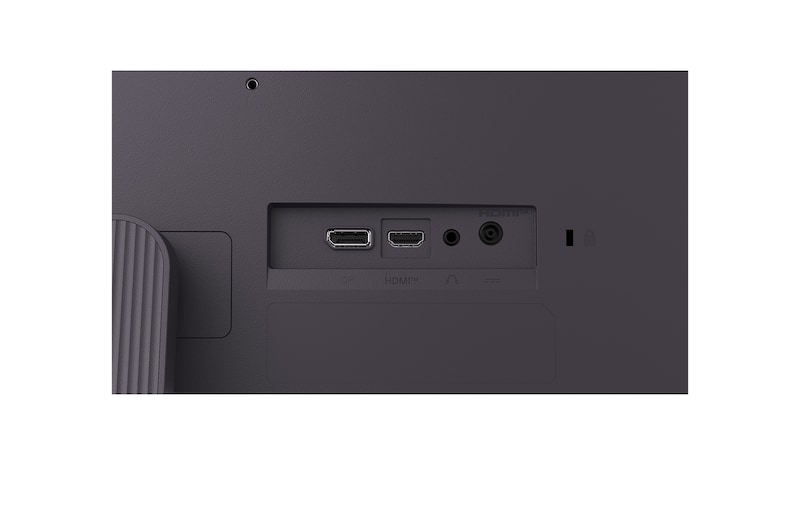
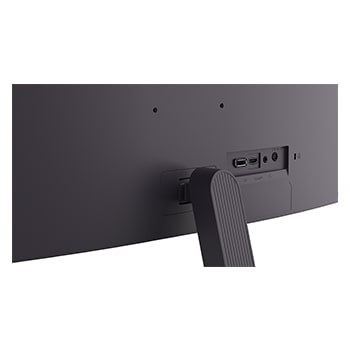
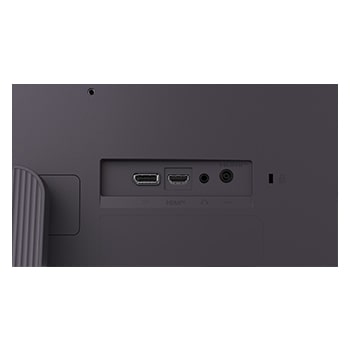
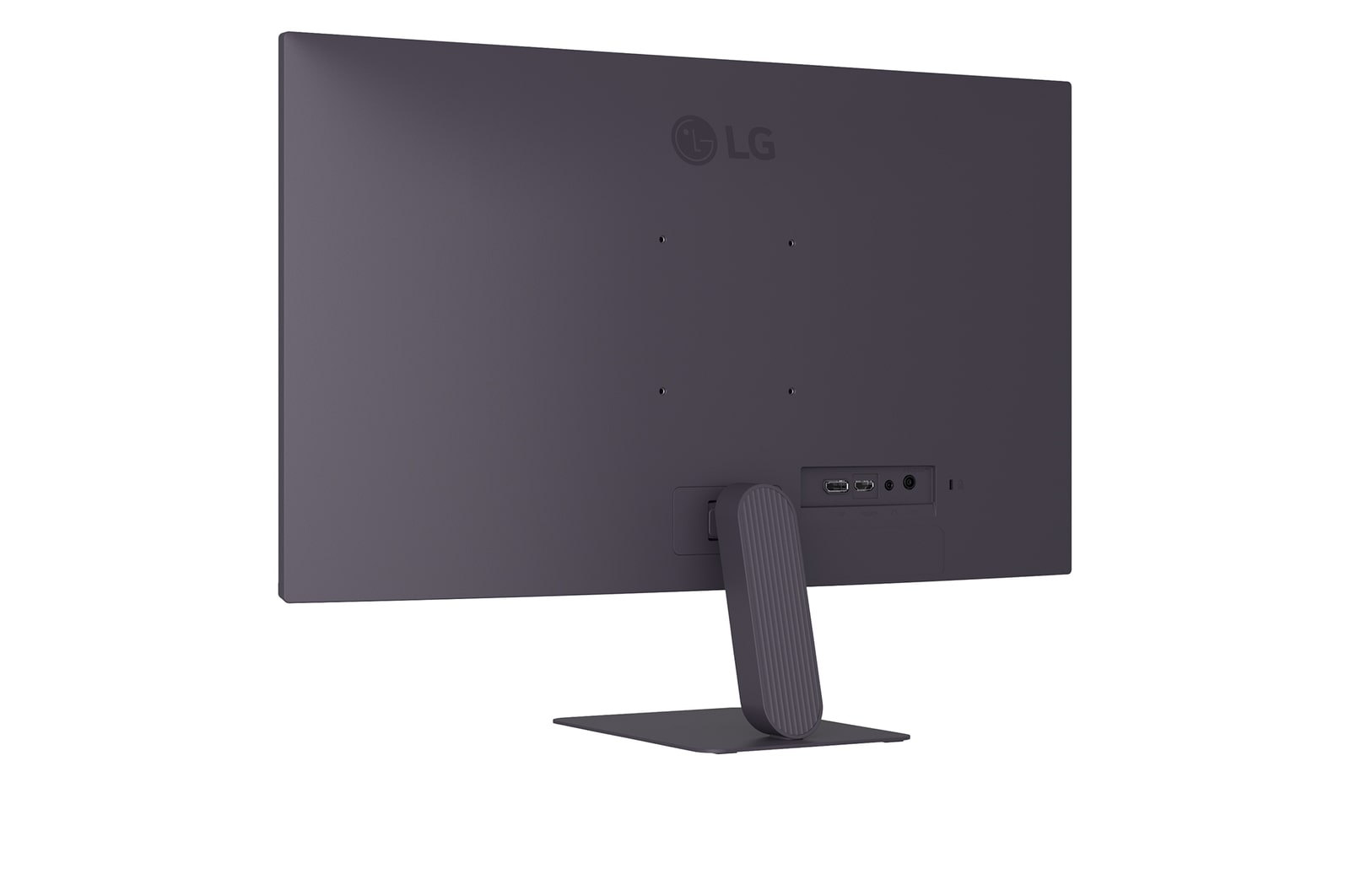
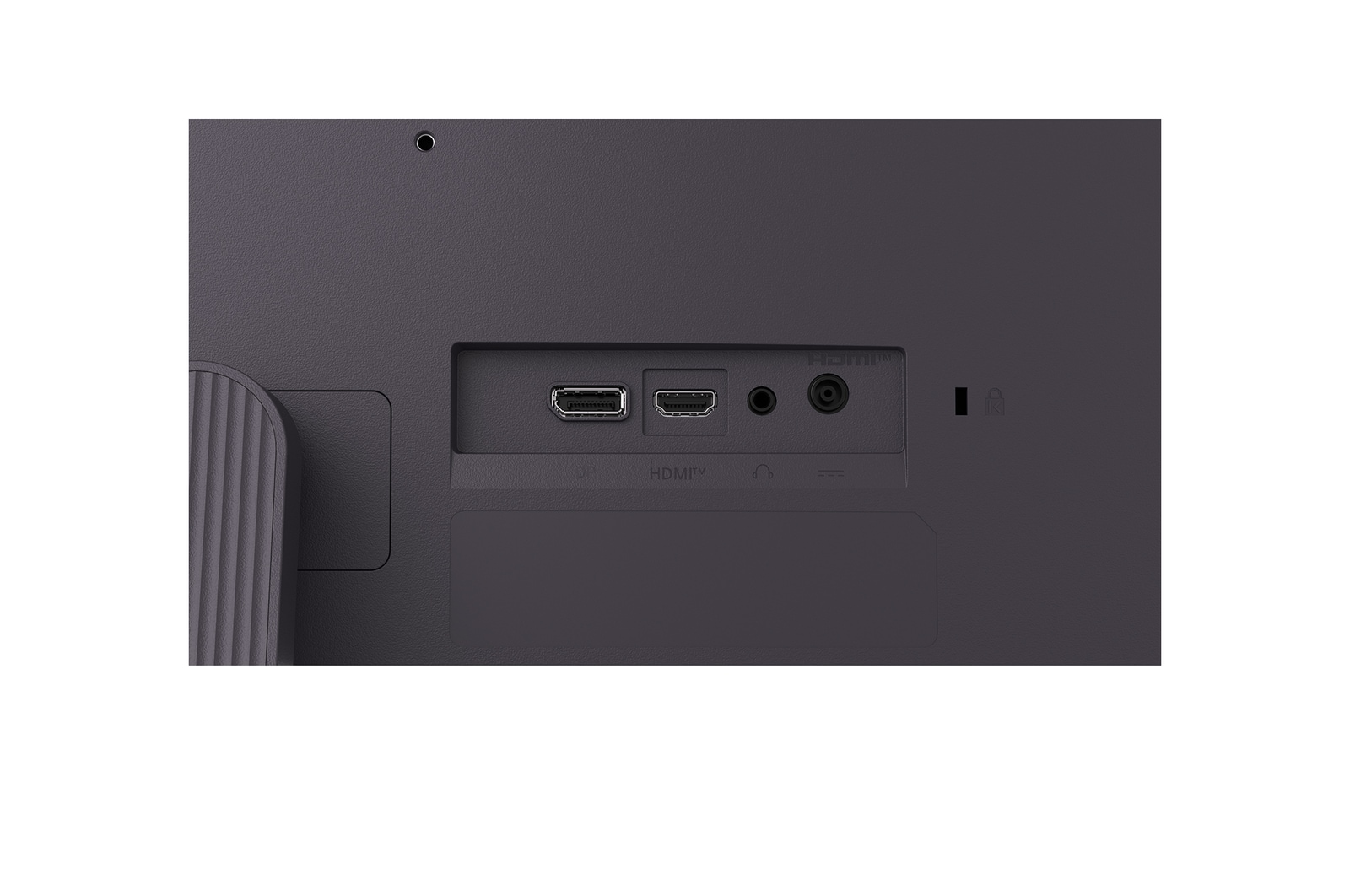
  • HDMI

    YES(1ea)

  • DisplayPort

    YES(1ea)

  • DP Version

    1.4

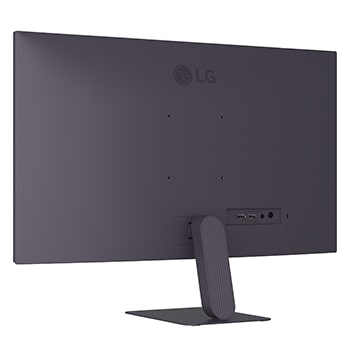
  • Headphone out

    3-pole (Sound Only)

POWER

  • Type

    External Power(Adapter)

  • AC Input

    100~240V (50/60Hz)

  • Power Consumption (Sleep Mode)

    Less than 0.5W

  • Power Consumption (DC Off)

    Less than 0.3W

MECHANICAL

  • Display Position Adjustments

    Tilt

  • Wall Mountable [mm]

    100 x 100 mm

DIMENSIONS/WEIGHTS

  • Dimension with Stand (W x H x D) [mm]

    611.5 x 452.4 x 220

  • Dimension without Stand (W x H x D) [mm]

    611.5 x 357.8 X 38.5

  • Dimension in Shiping (W x H x D) [mm]

    690 x 141 X 430

  • Weight with Stand [kg]

    3.8kg

  • Weight without Stand [kg]

    2.9kg

  • Weight in Shipping [kg]

    5.3kg

ACCESSORY

  • HDMI

    YES

COMPLIANCE INFORMATION

The safety information for accessories is included with the safety information for the product and is not provided separately.
To learn more about how this product handles data and your rights as a user, please visit ″Data Coverage & Specifications″ at LG Privacy

What people are saying

Our Picks for You