We use cookies, including cookies from third parties, to enhance your user experience and the effectiveness of our marketing activities. These cookies are performance, analytics and advertising cookies, please see our Privacy and Cookie policy for further information. If you agree to all of our cookies select “Accept all” or select “Cookie Settings” to see which cookies we use and choose which ones you would like to accept.

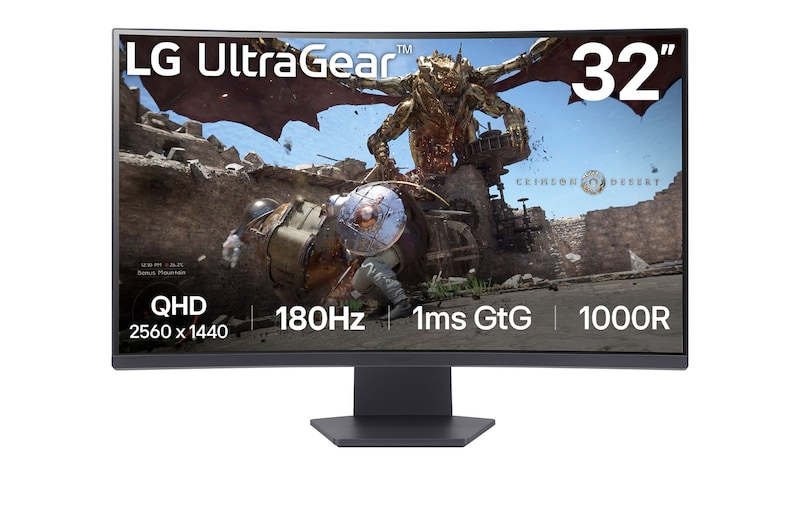
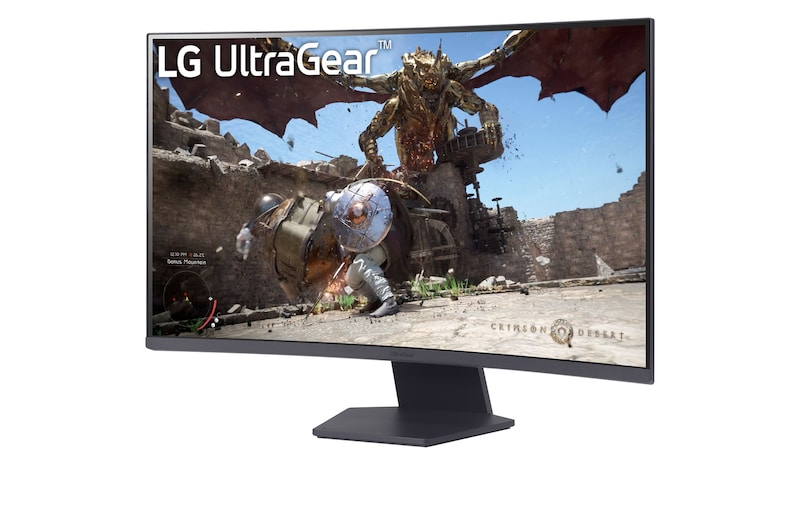
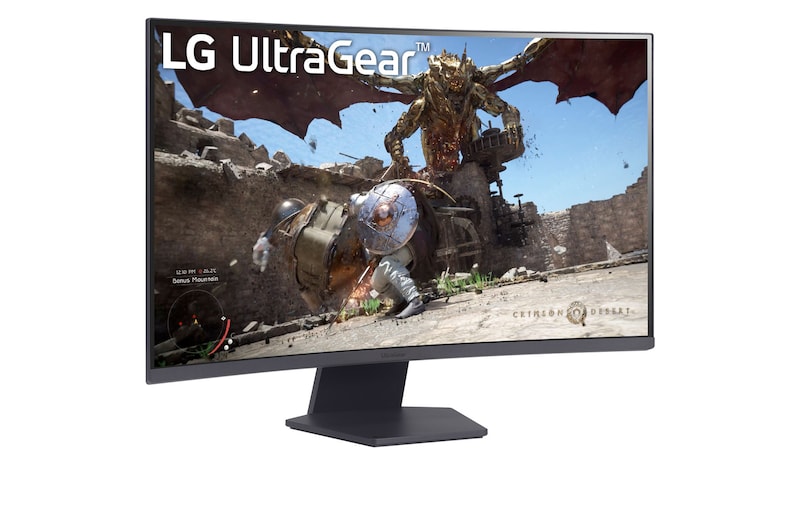
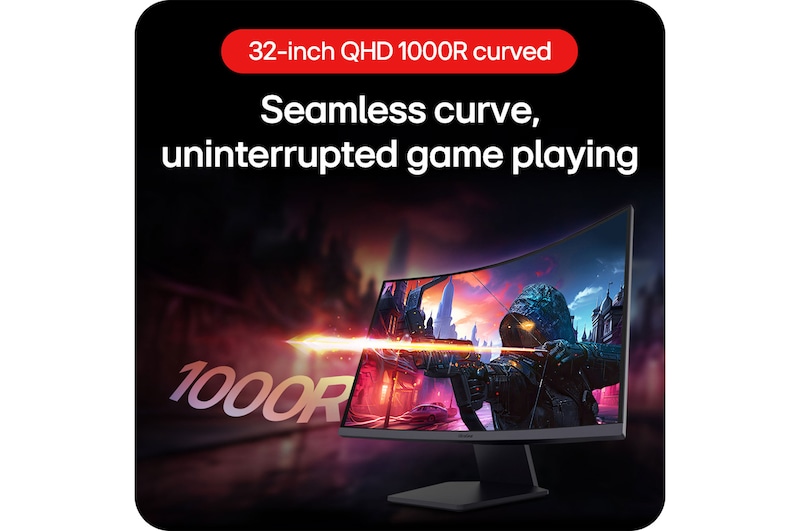
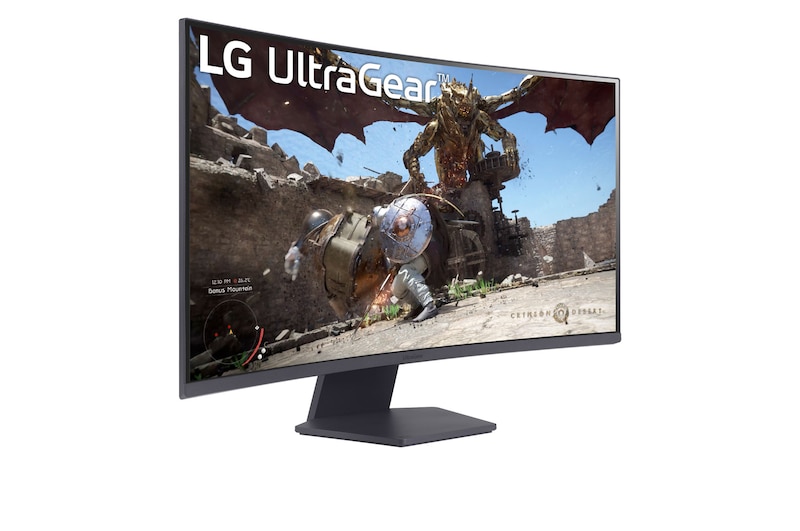
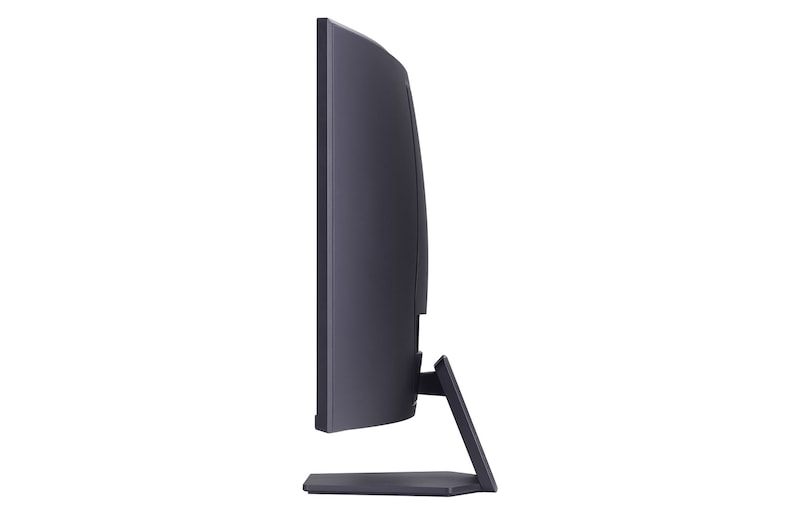
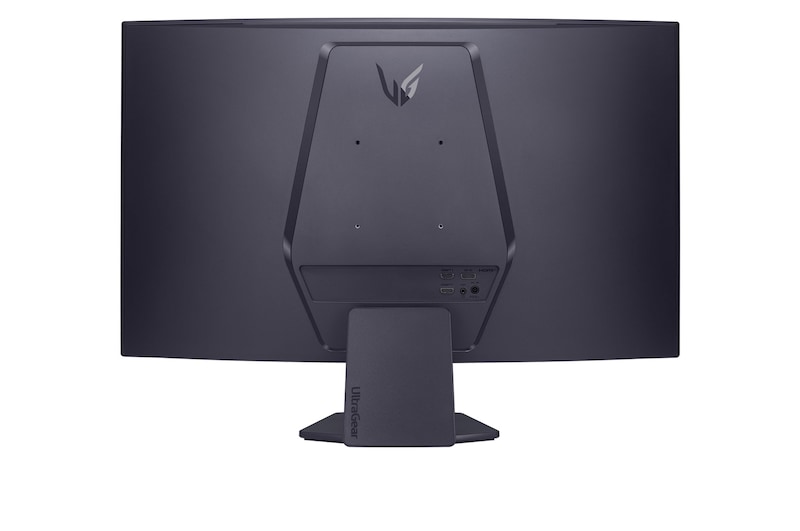
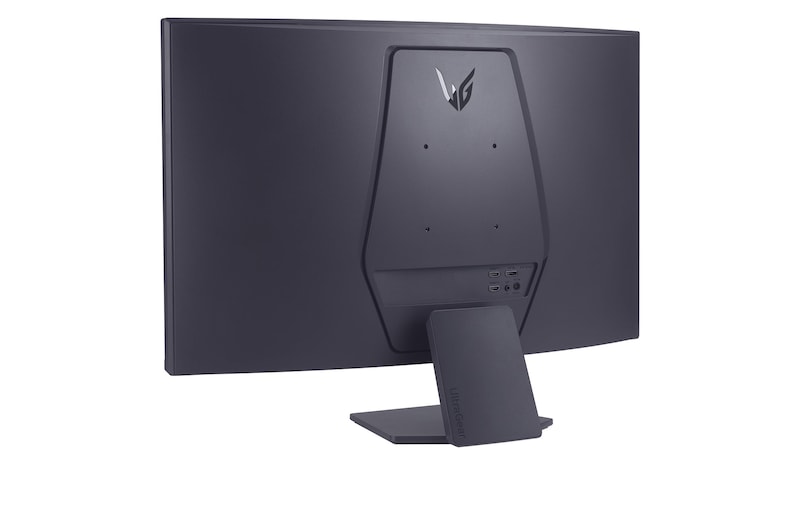
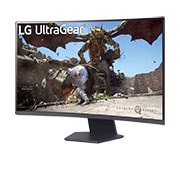
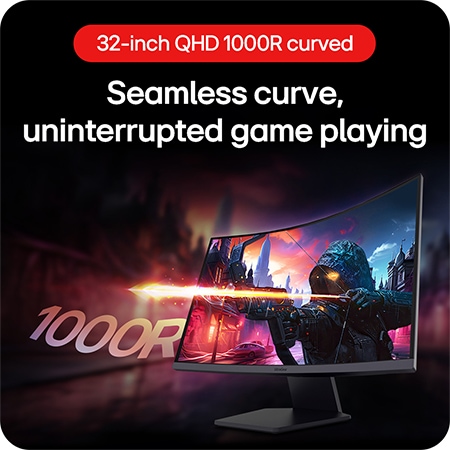
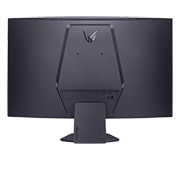
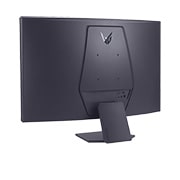
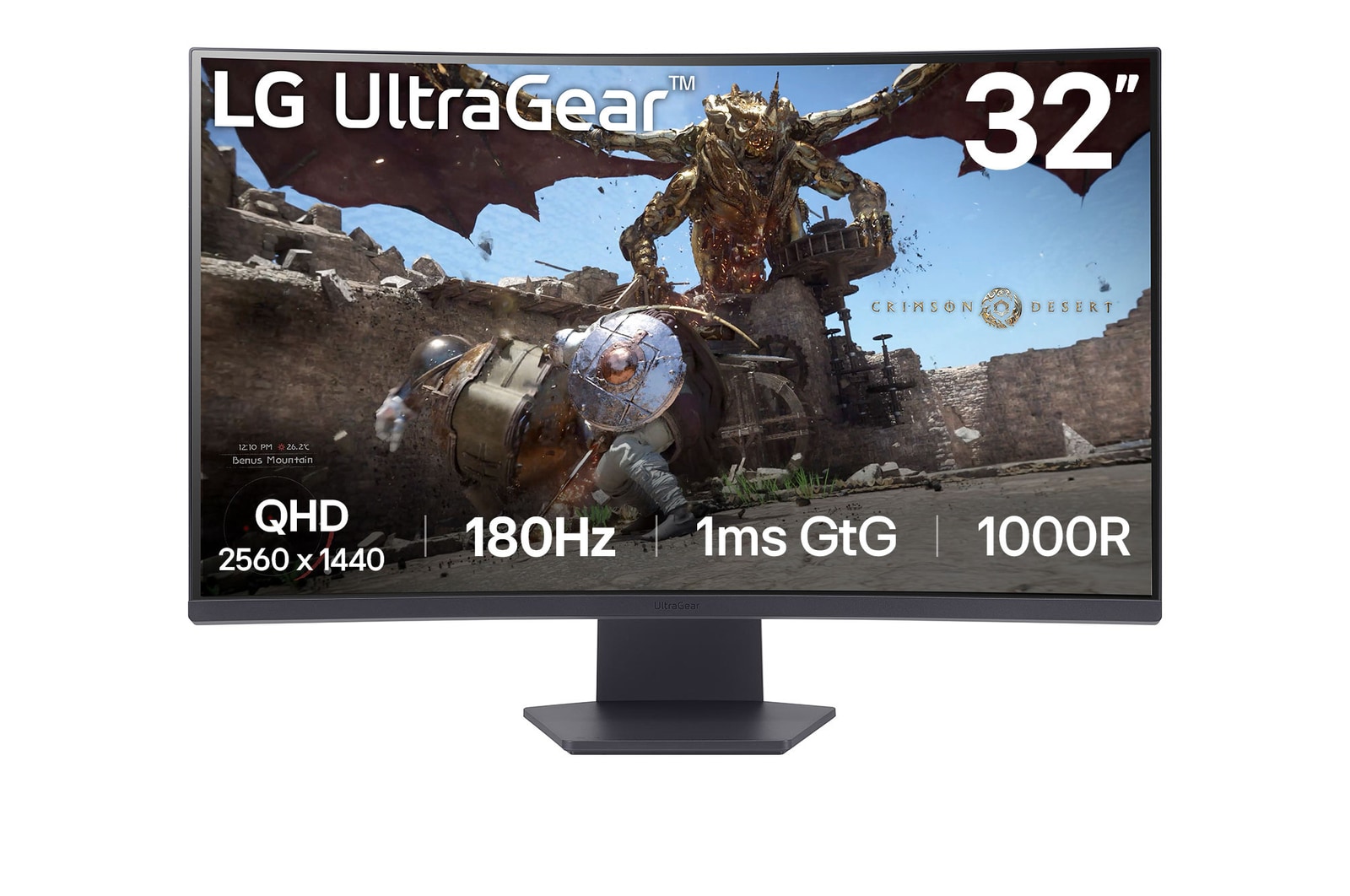
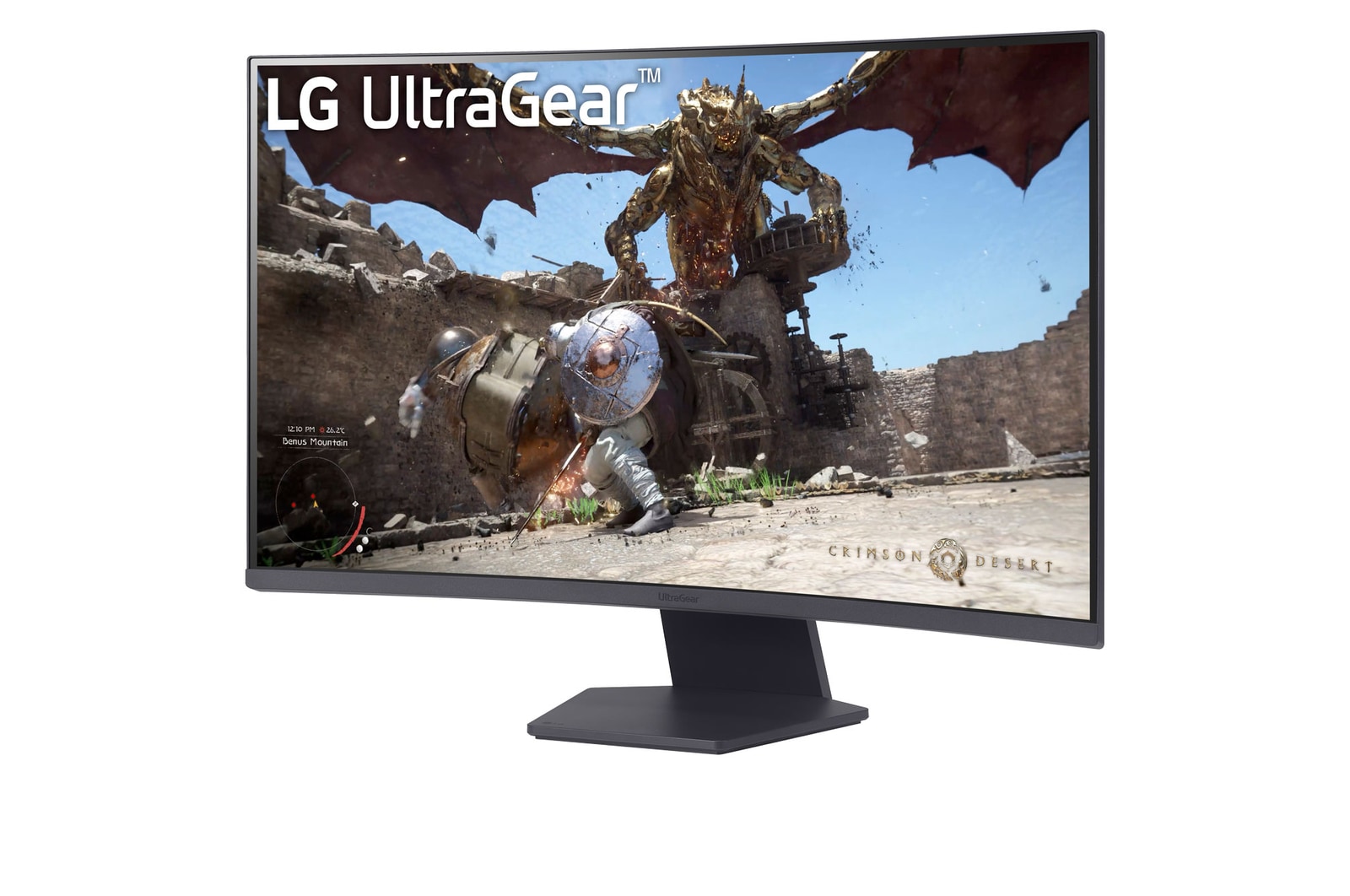
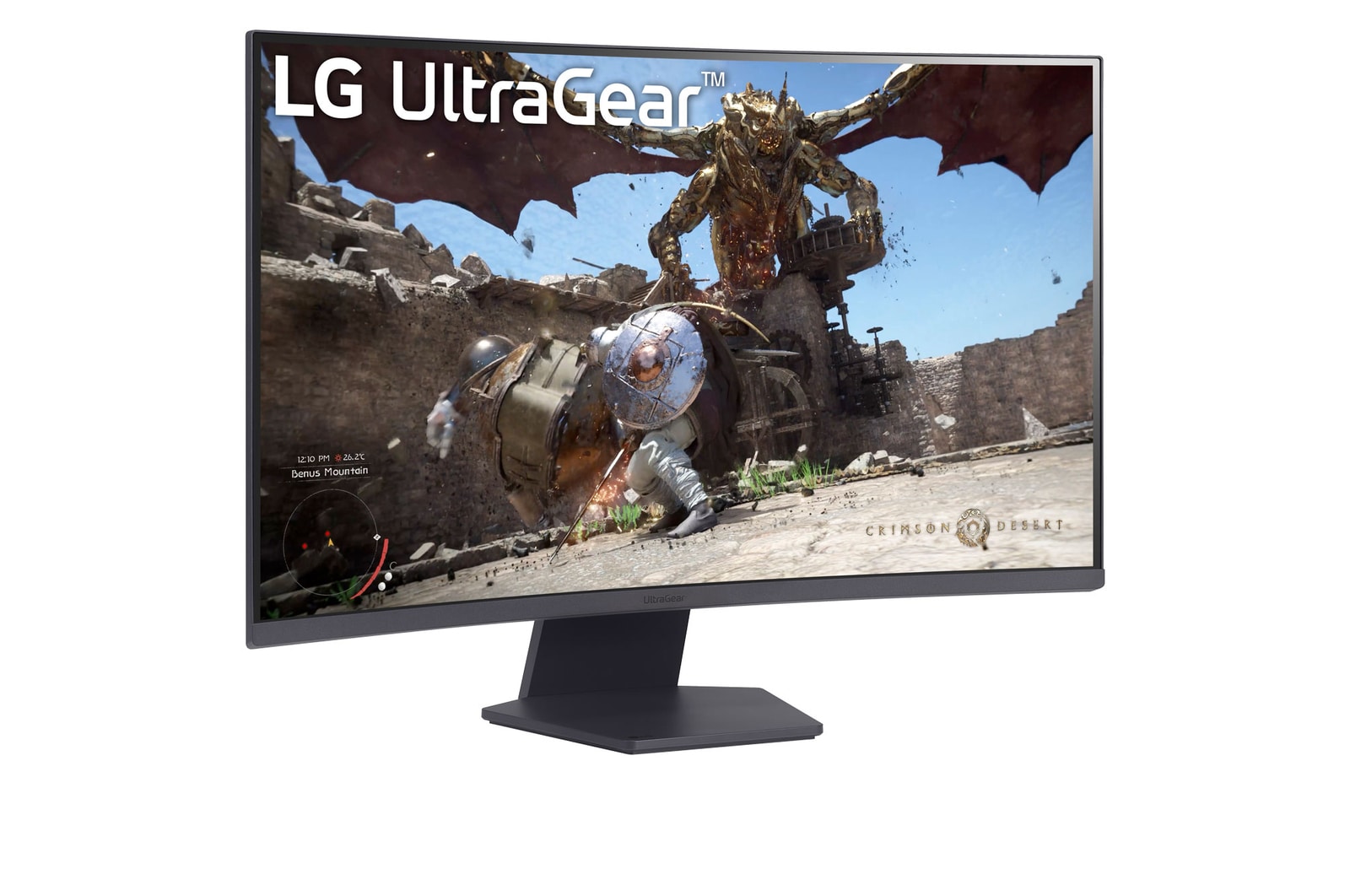
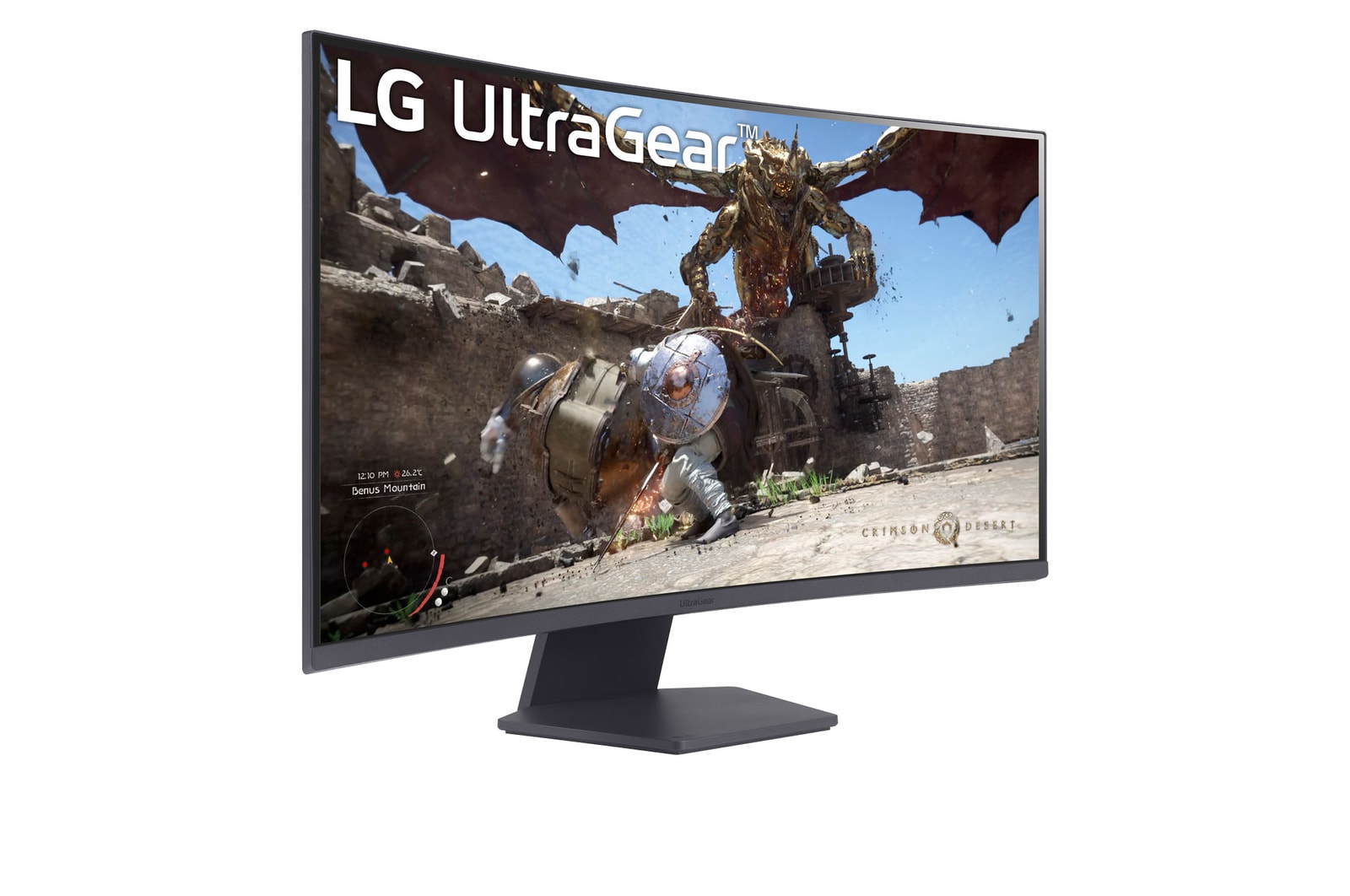
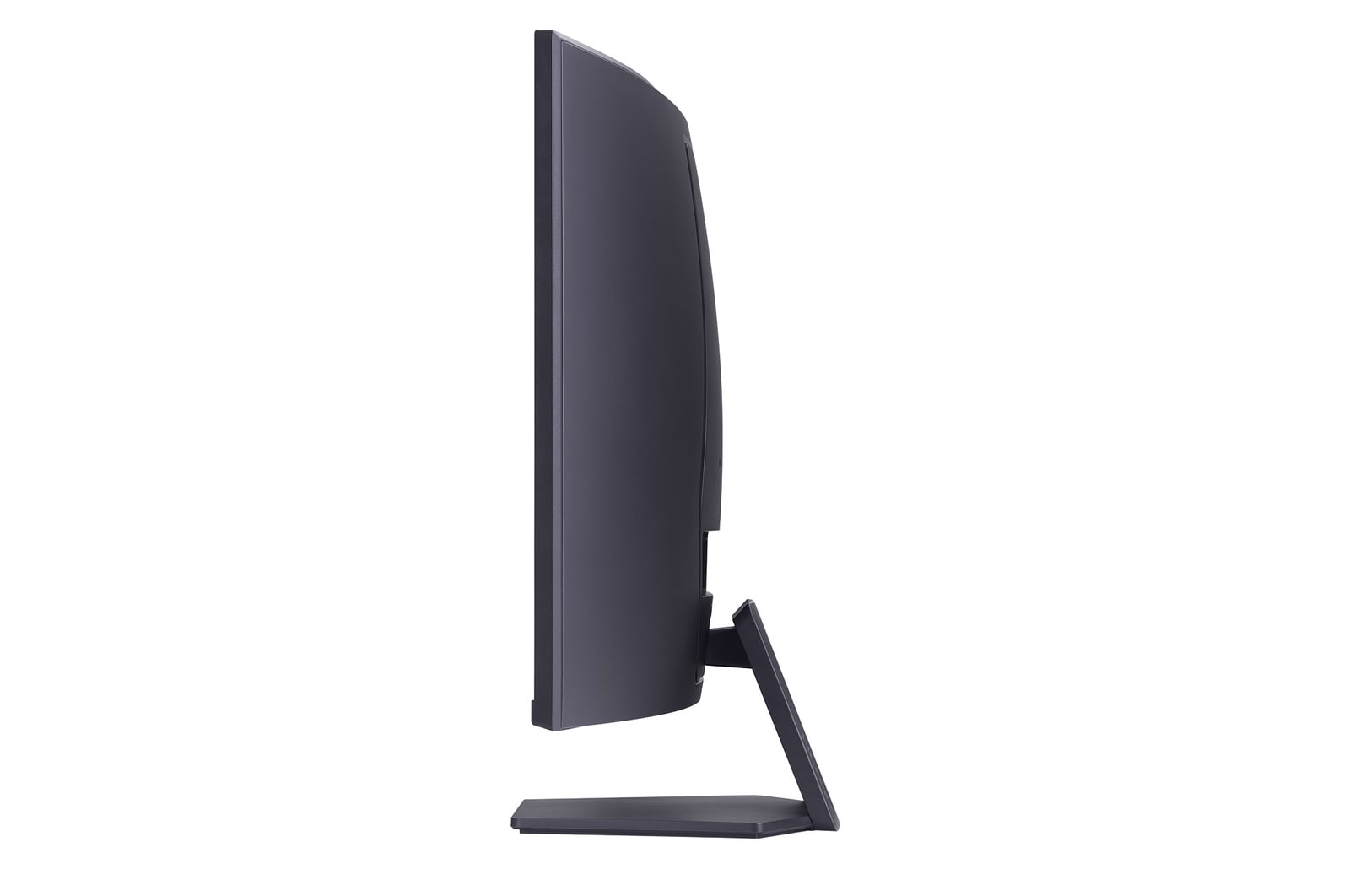
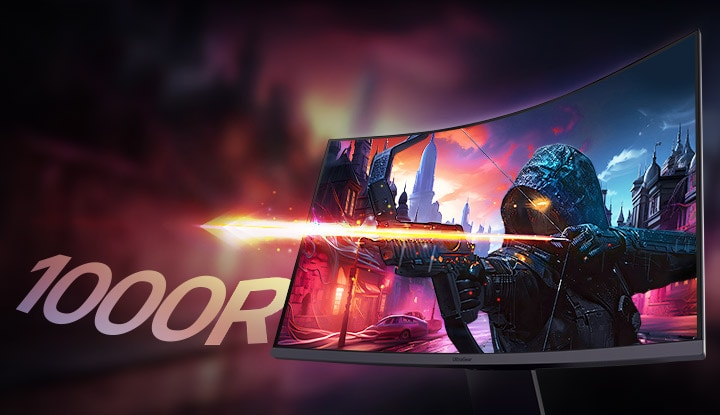
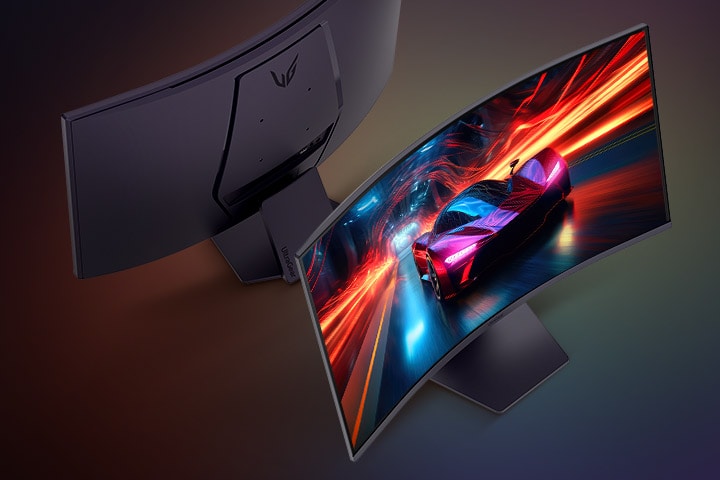
32” LG UltraGear™ 1000R Curved Gaming Monitor, QHD, 1ms (GtG), 180Hz, Black
Display
31.5” curved QHD (2560x1440)
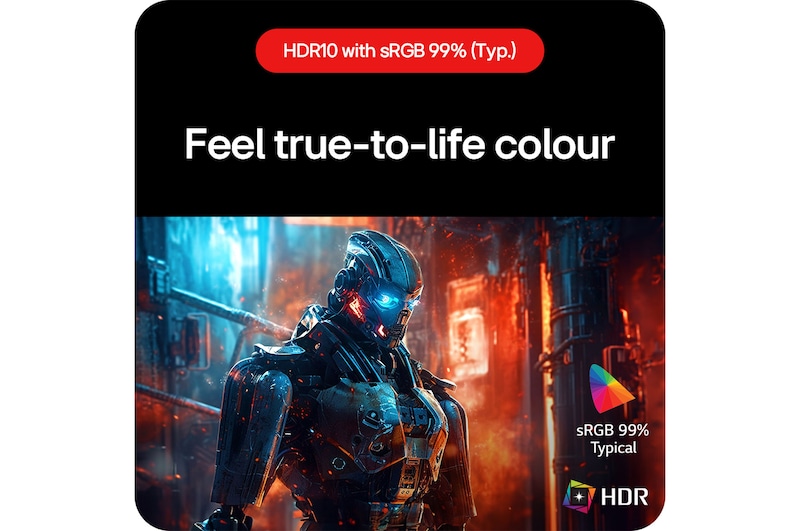
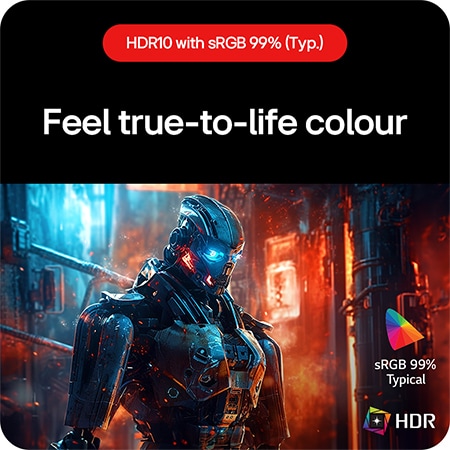
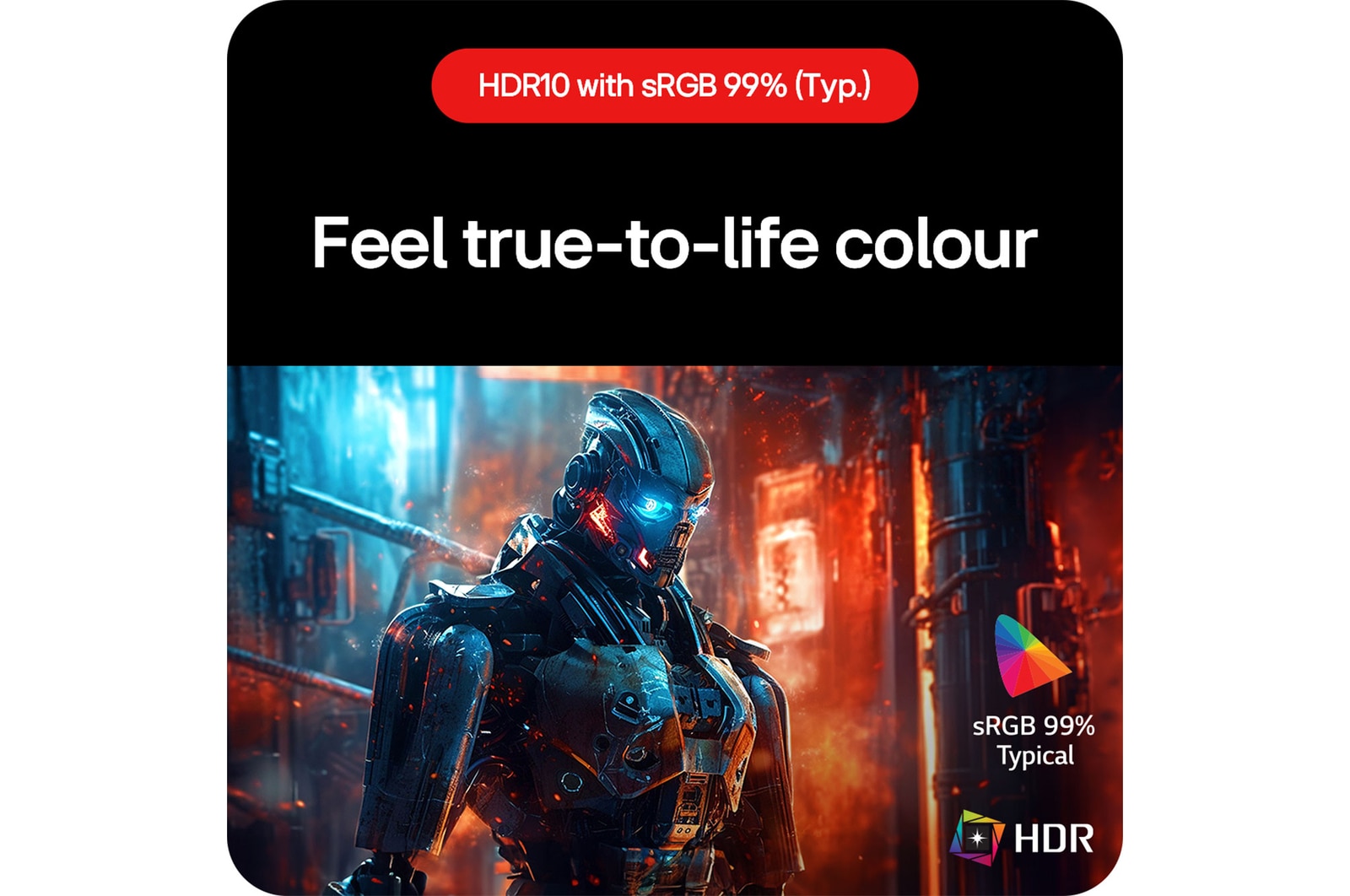
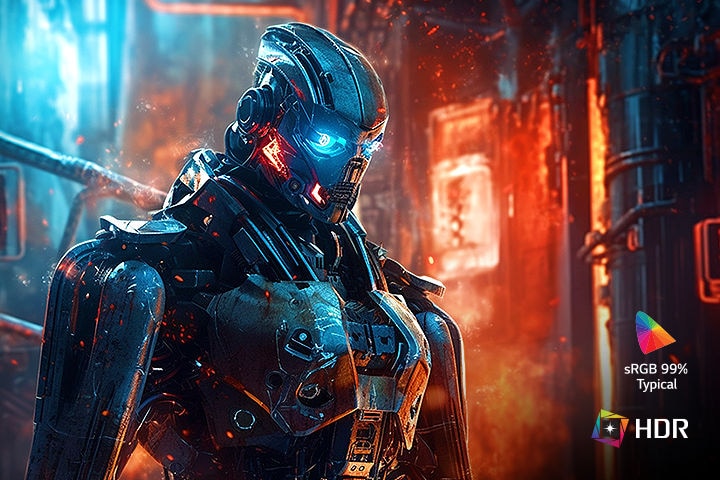
HDR10 / sRGB 99% (Typ.)
Speed
180Hz refresh rate
1ms (GtG) response time
Technology
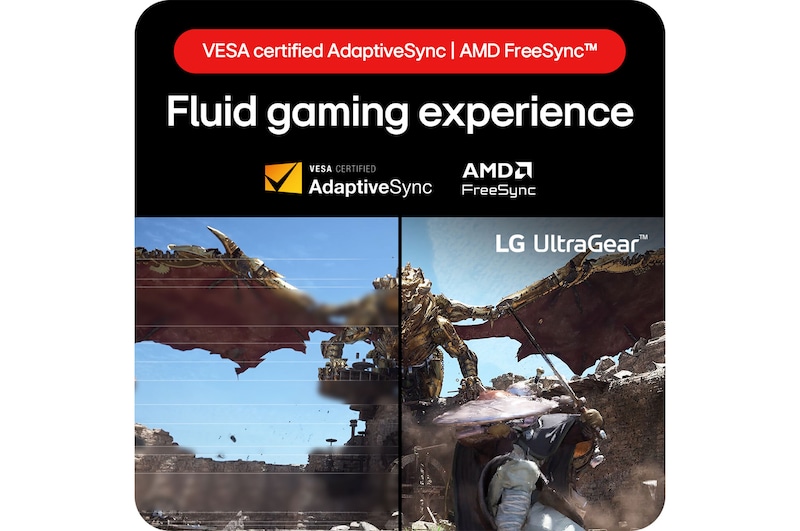
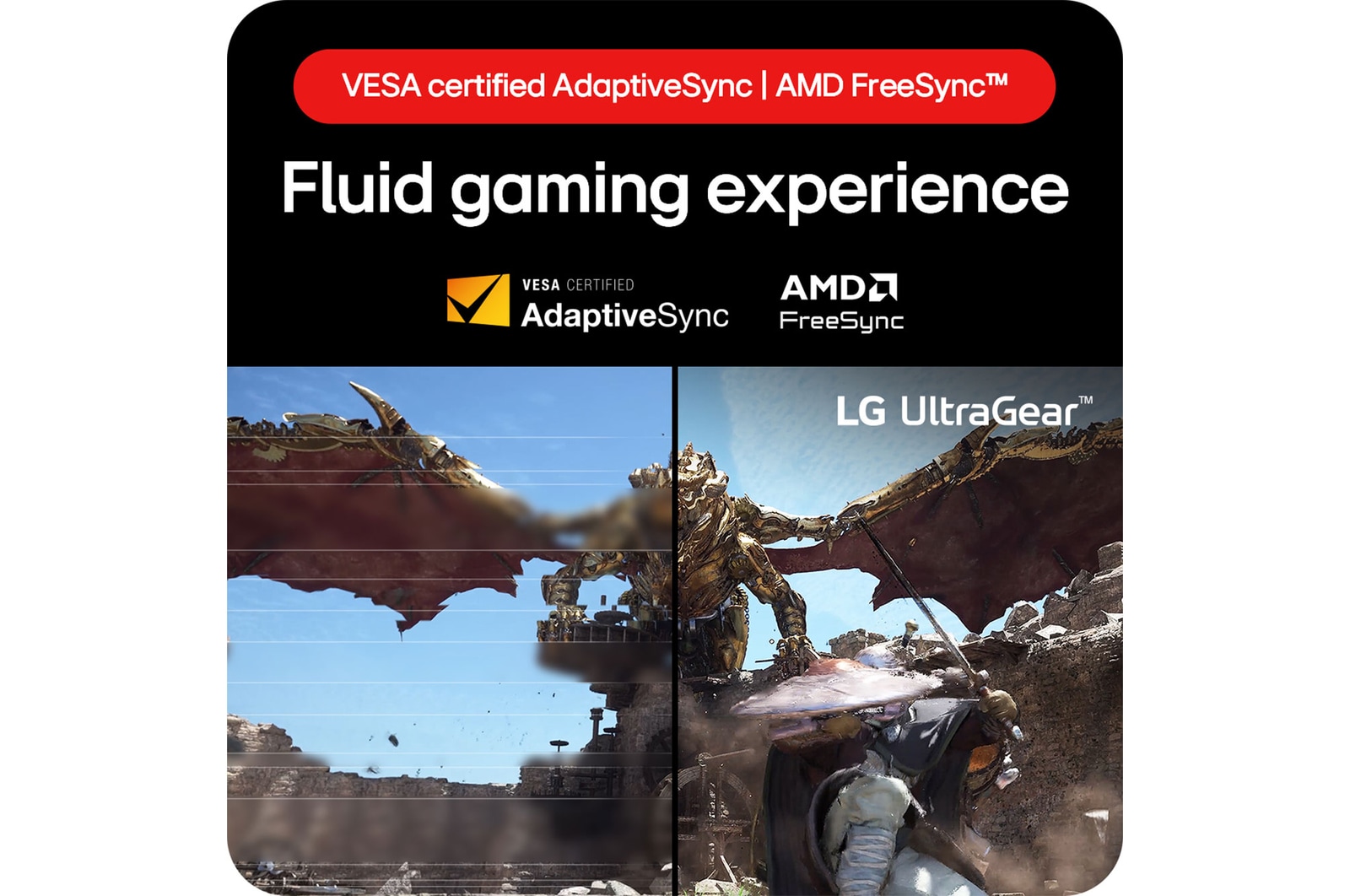
AMD FreeSync™
VESA certified AdaptiveSync
*The images simulated to enhance feature understanding. It may differ from actual use.
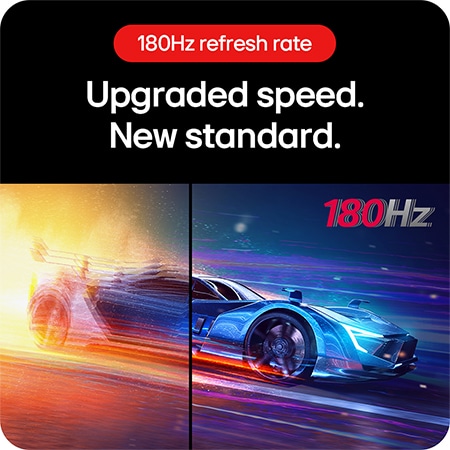
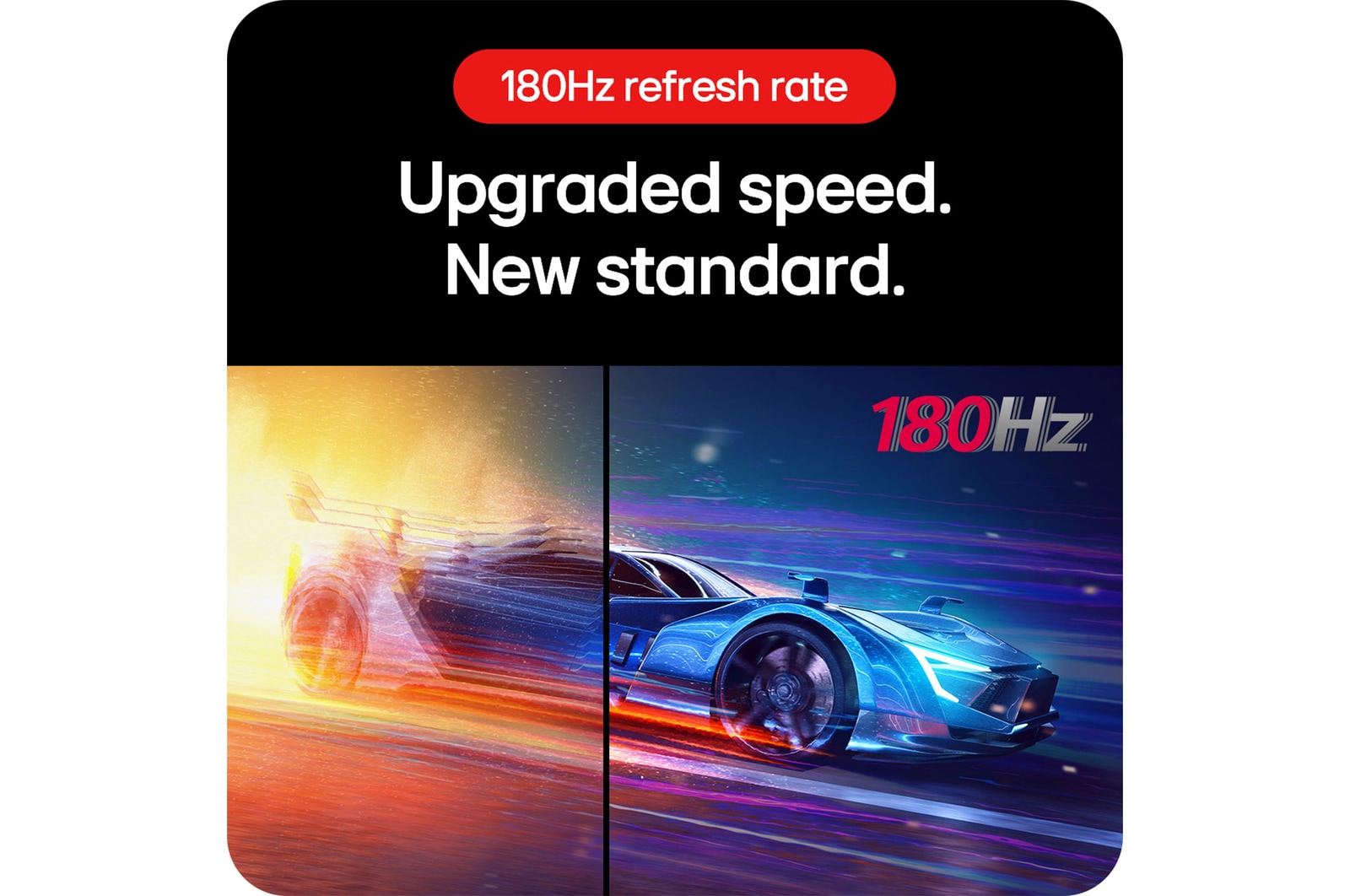
180Hz refresh rate
Upgraded speed.
New standard.
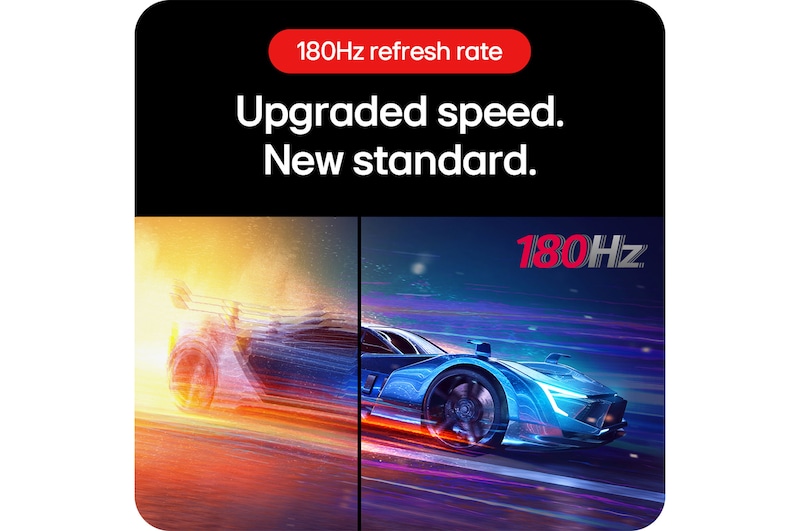
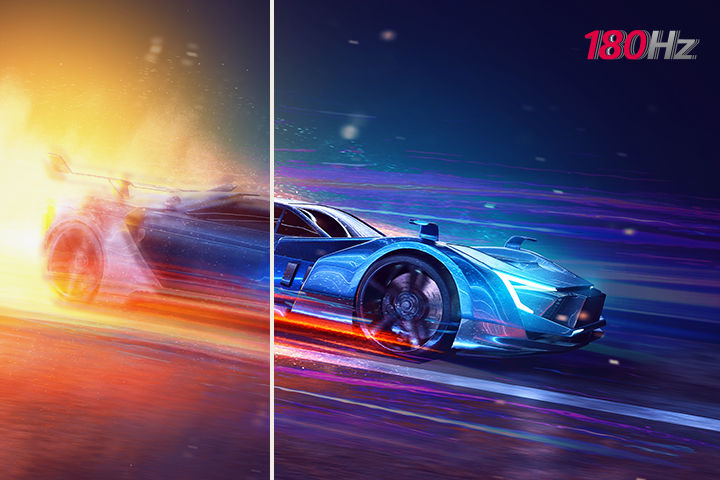
We have raised UltraGear's speed standard to 180Hz. You can enjoy ultra-clear and smooth images with a 180Hz refresh rate, which loads images 180 times in a second.
It is a comparison image of a fast-paced game with a low refresh rate and a clear image with a 180Hz high refresh rate.
*The images simulated to enhance feature understanding. It may differ from actual use.
*Comparison of 60Hz refresh rate (left image) and 180Hz refresh rate.
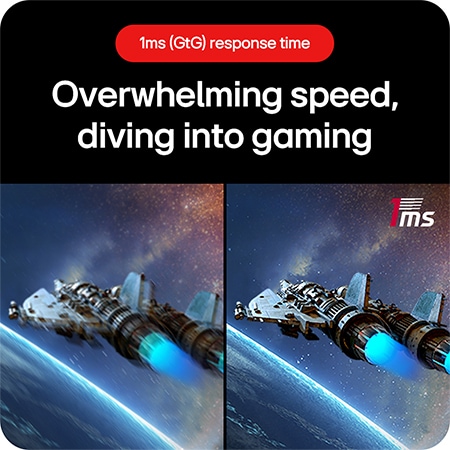
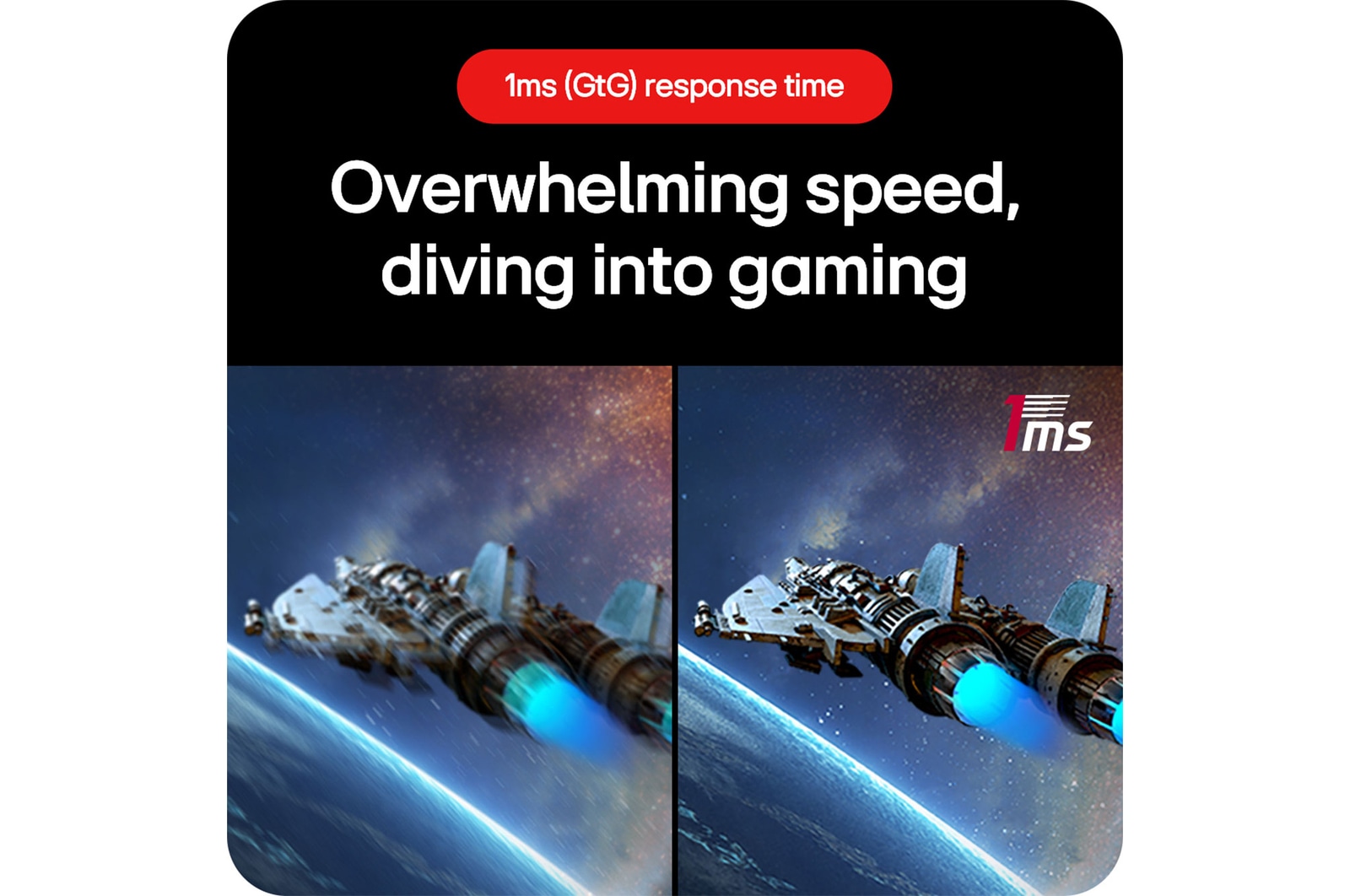
1ms (GtG) response time
Overwhelming speed,
diving into gaming
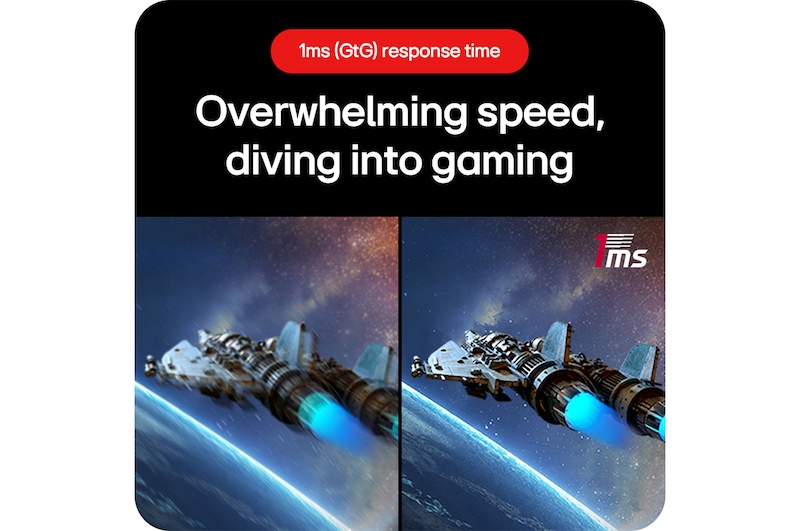
The ultra-fast 1ms response time (GtG), reducing reverse ghosting and providing fast response time, lets you to enjoy a whole new gaming performance.
*The images simulated to enhance feature understanding. It may differ from actual use.
*Select 'Faster Mode' to perform '1ms Response Time'. (Game Adjust → Response Time → Faster Mode).
*The images simulated to enhance feature understanding. It may differ from actual use.
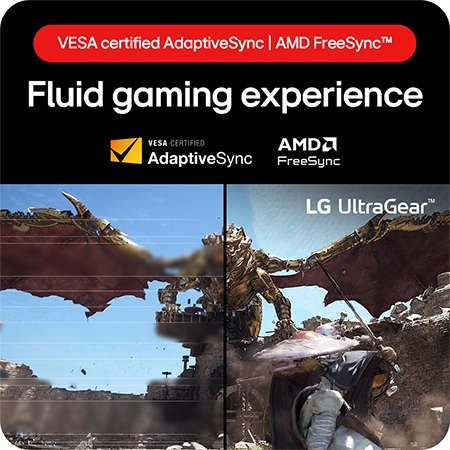
Fluid gaming experience
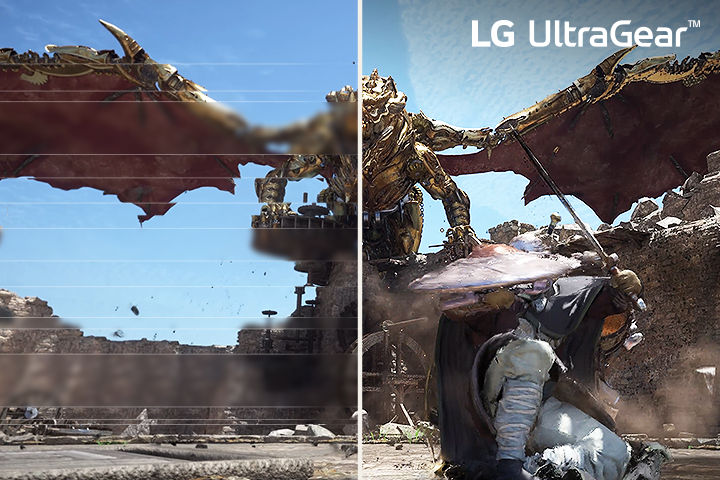
Comparison of fluid gaming image - The left image is tearing, and the Right image is tear-free.
*The images simulated to enhance feature understanding. It may differ from actual use.
*The performance of the feature is compared to the models not applying the sync technology.
*Errors or delays may occur depending on the network connection.
Gamer-centric design
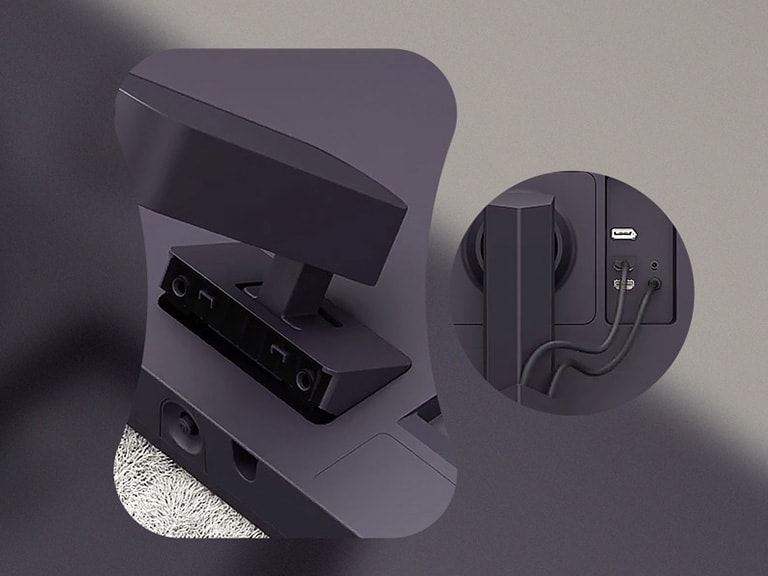
Enhance your gaming experience with a 3-side virtually borderless design for an immersive view and tilt adjustable base to help you play the game more comfortably. Its clutter-free L stand occupies minimal desk space, allowing you to minimize dead space.
*The images simulated to enhance feature understanding. It may differ from actual use.
Gaming GUI
Match up with your gaming style
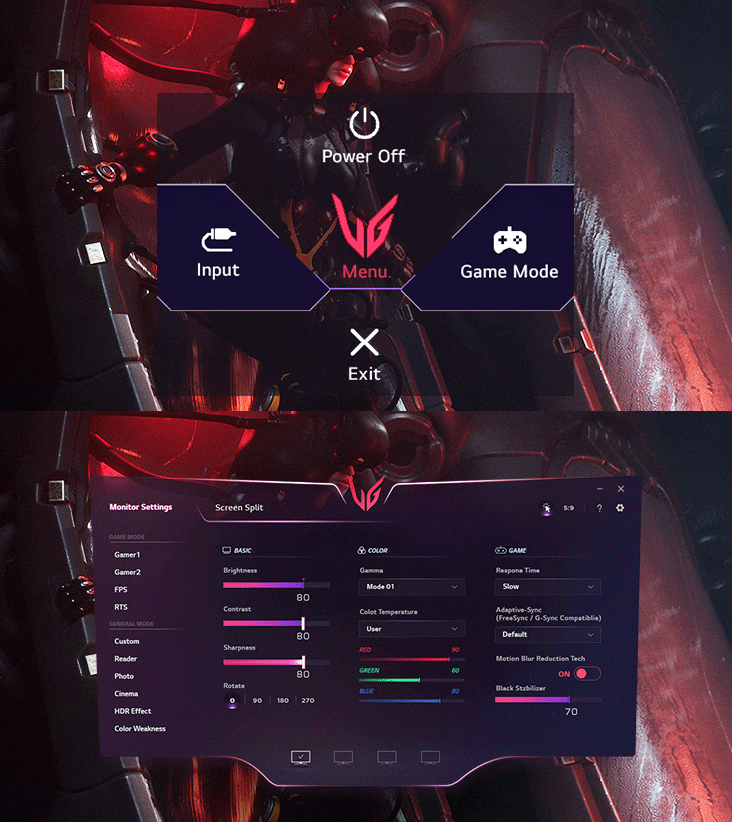
Gamers can use On-Screen Display and OnScreen Control to easily customize the setting from adjusting basic monitor options to registering ‘User Defined Key’ that user can set the shortcut.
*To download the latest OnScreen Control software, visit LG.COM.
*The images simulated to enhance feature understanding. It may differ from actual use.
Dynamic Action Sync
Minimiza el retraso de entrada con Dynamic Action Sync para que los jugadores puedan captar cada uno de los momentos más críticos en tiempo real y responder rápidamente.
5La característica de CrossHair no está disponible mientras que el contador FPS está activado.
6Contador FPS (Fotograma por segundo): medición de fotogramas por segundo. El contador FPS puede mostrar un valor que excede la tasa de refresco máxima del monitor.
*Las imágenes están simuladas para mejorar la comprensión de las características. Puede diferir del uso real.
Summary
DIMENSIONS

Key Spec
Display - Size [Inch]
31.5
Display - Resolution
2560 x 1440
Display - Panel Type
VA
Display - Aspect Ratio
16:9
Display - Color Gamut (Typ.)
sRGB 99% (CIE1931)
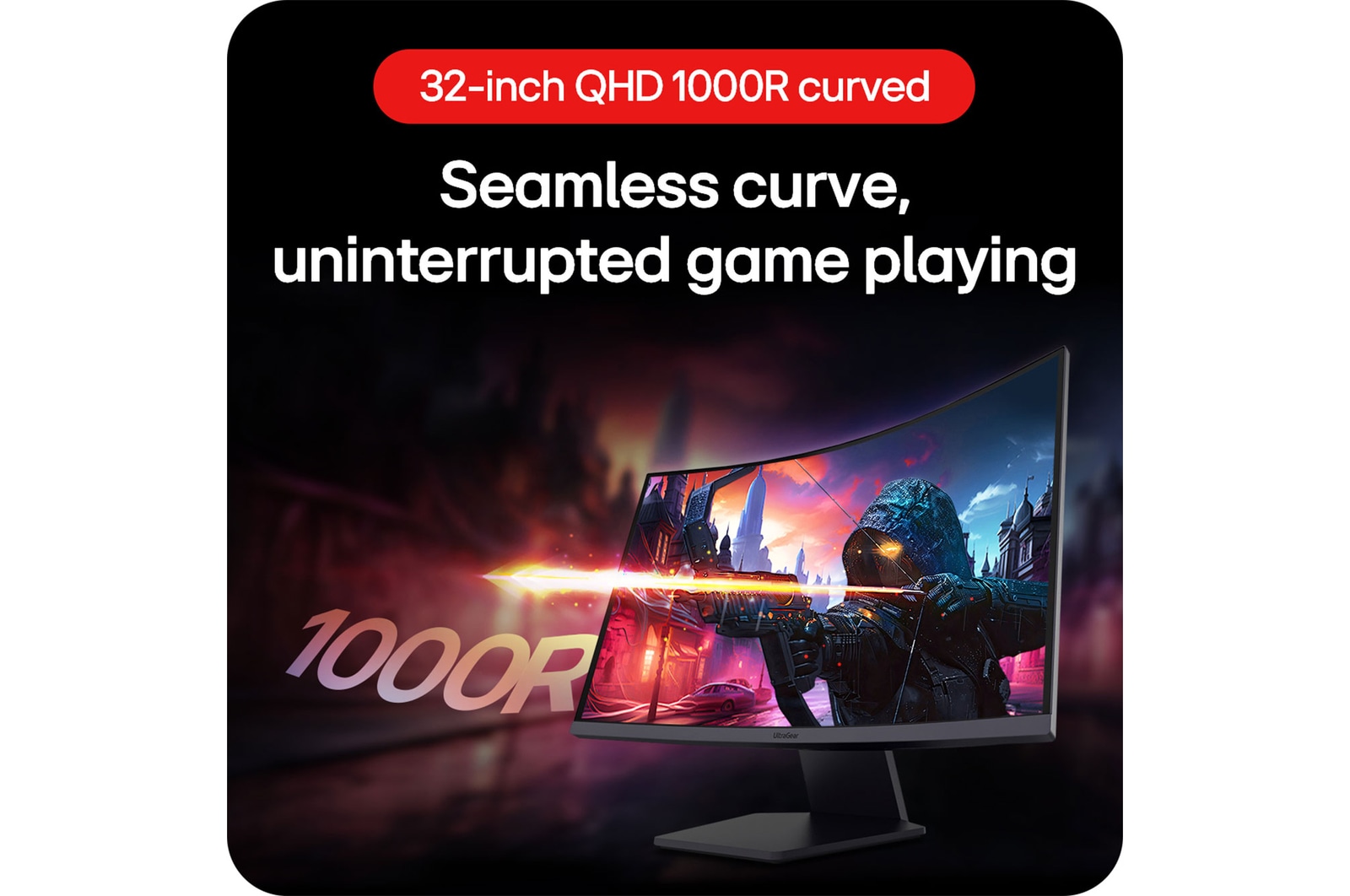
Display - Curvature
1000R
Display - Refresh Rate (Max.) [Hz]
180
Display - Response Time
1ms (GtG at Faster)
Mechanical - Display Position Adjustments
Tilt
All Spec
INFO
Product name
UltraGear
Year
Y24
DISPLAY
Size [Inch]
31.5
Size [cm]
80
Resolution
2560 x 1440
Panel Type
VA
Aspect Ratio
16:9
Pixel Pitch [mm]
0.272 x 0.272 mm
Brightness (Min.) [cd/m²]
250cd/m²
Brightness (Typ.) [cd/m²]
300cd/m²
Color Gamut (Min.)
sRGB 95% (CIE1931)
Color Gamut (Typ.)
sRGB 99% (CIE1931)
Color Depth (Number of Colors)
16.7M
Colour Bit
8bit (6bit+FRC)
Contrast Ratio (Min.)
2400:1
Contrast Ratio (Typ.)
3000:1
Response Time
1ms (GtG at Faster)
Refresh Rate (Max.) [Hz]
180
Viewing Angle (CR≥10)
178º(R/L), 178º(U/D)
Curvature
1000R
FEATURES
HDR 10
YES
HDR Effect
YES
Color Calibrated in Factory
YES
Flicker Safe
YES
Reader Mode
YES
Color Weakness
YES
AMD FreeSync™
FreeSync
Black Stabilizer
YES
Dynamic Action Sync
YES
Crosshair
YES
FPS Counter
YES
User Defined Key
YES
Auto Input Switch
YES
Smart Energy Saving
YES
SW APPLICATION
Dual Controller
YES
OnScreen Control (LG Screen Manager)
YES
CONNECTIVITY
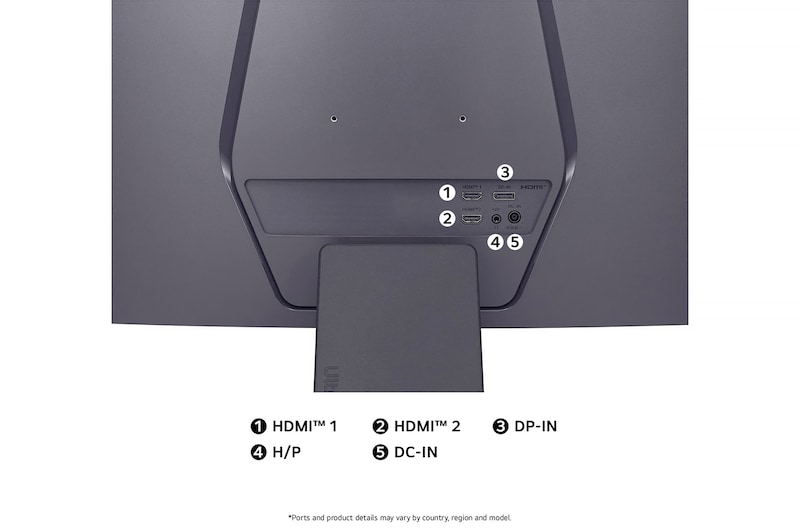
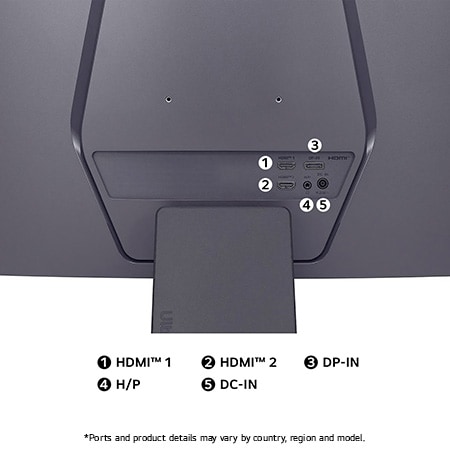
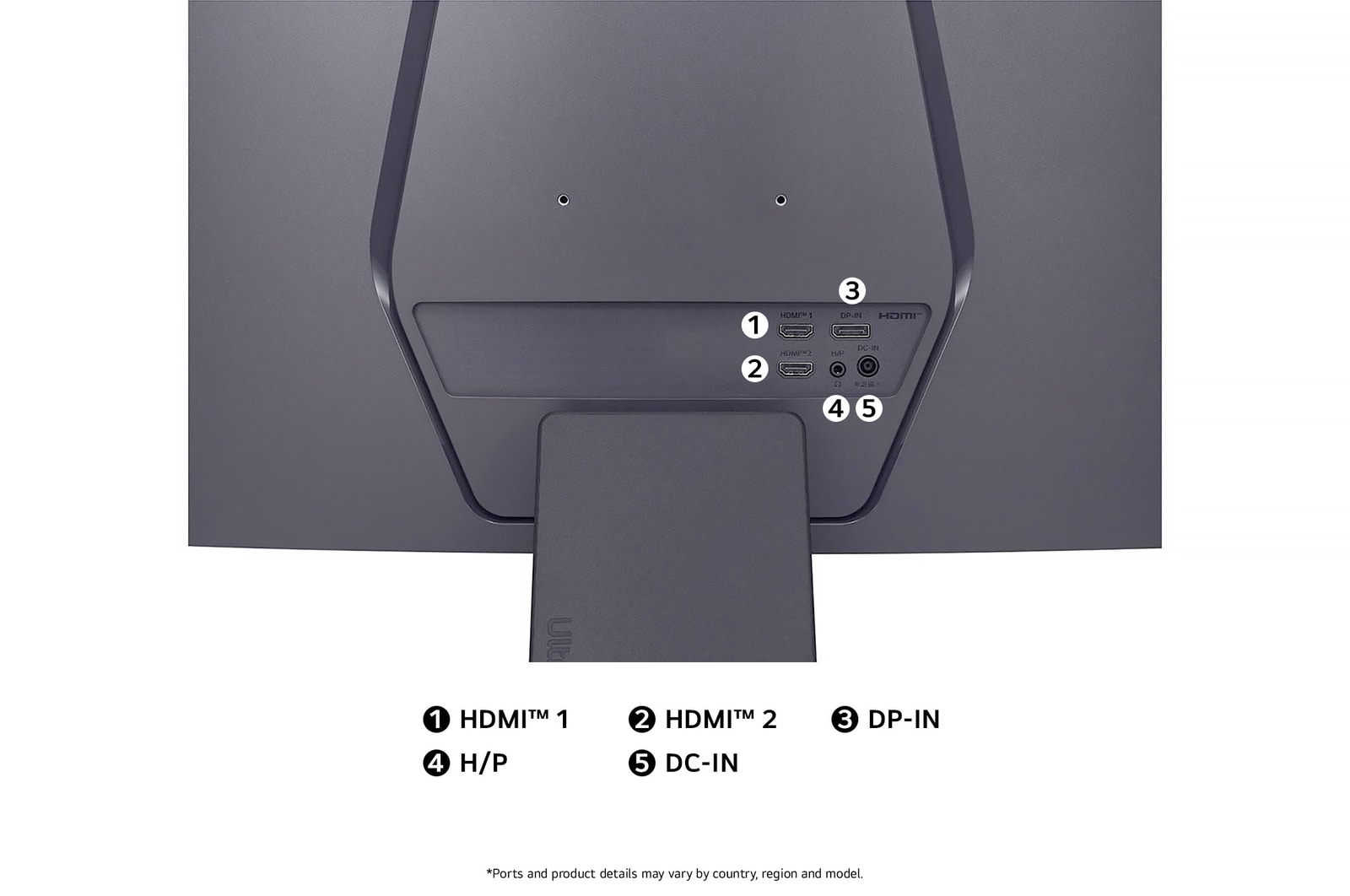
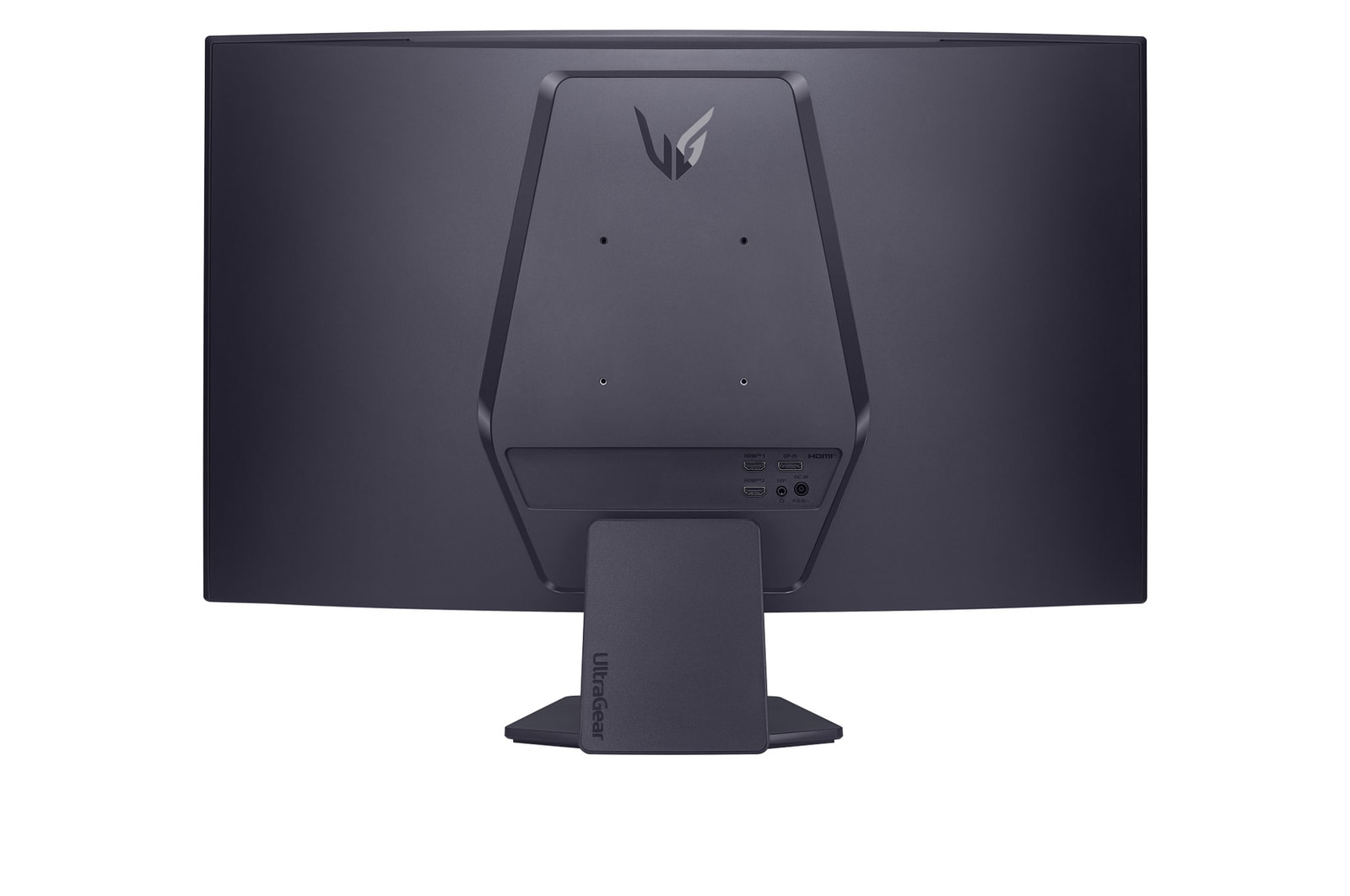
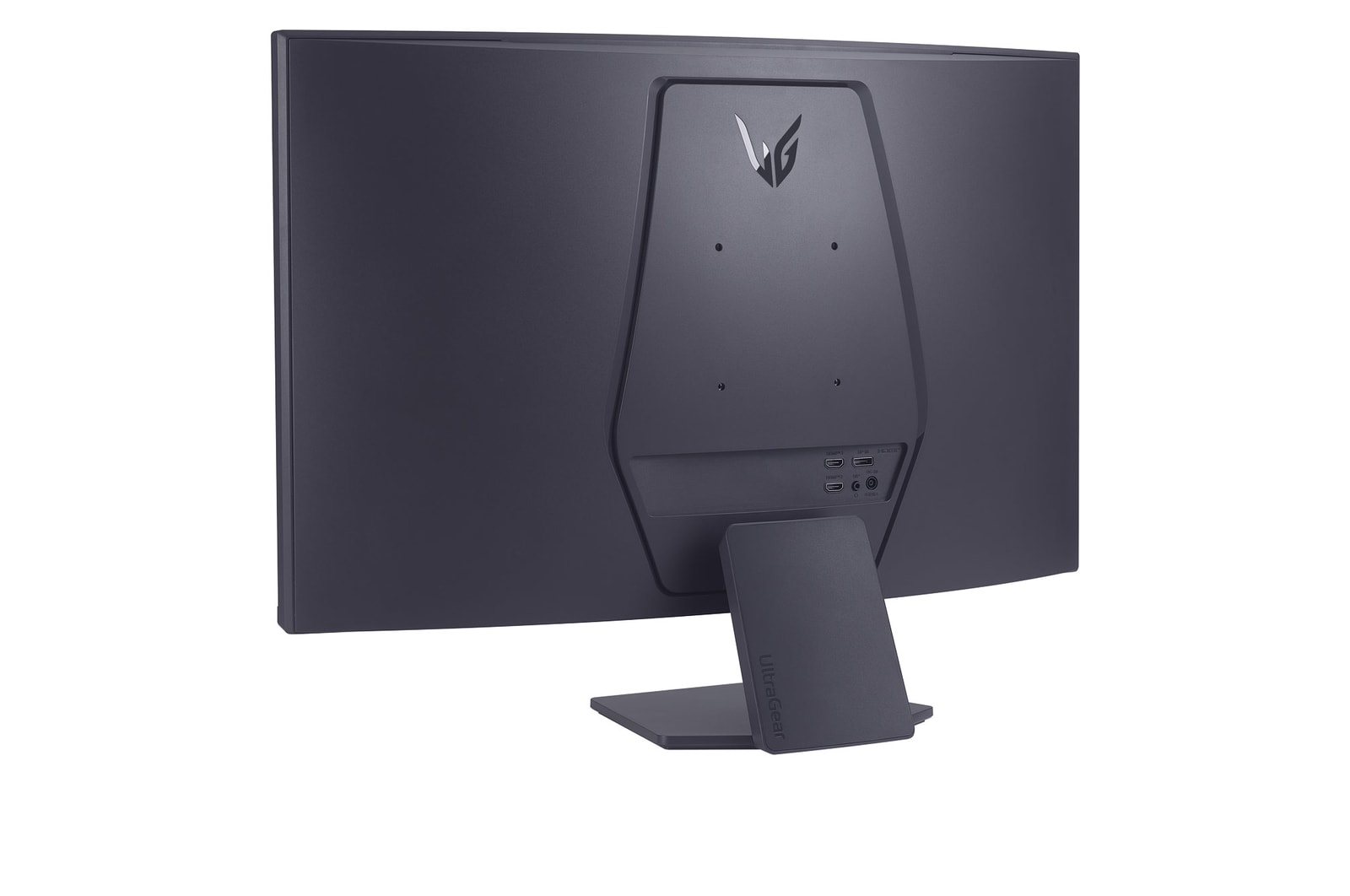
HDMI
YES(2ea)
DisplayPort
YES(1ea)
DP Version
1.4
Headphone out
3-pole (Sound Only)
POWER
Type
External Power(Adapter)
AC Input
100~240V (50/60Hz)
DC Output
19V / 2.3A
Power Consumption (Sleep Mode)
Less than 0.3W
Power Consumption (DC Off)
Less than 0.3W
MECHANICAL
Display Position Adjustments
Tilt
Wall Mountable [mm]
100 x 100
DIMENSIONS/WEIGHTS
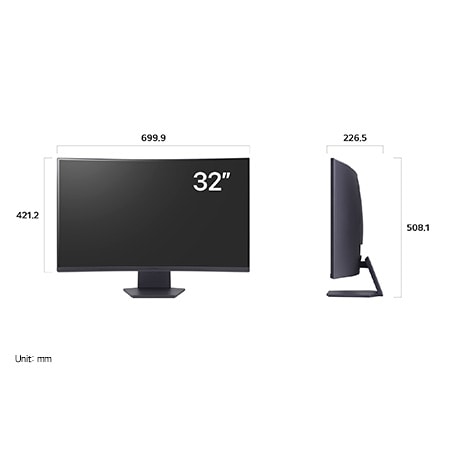
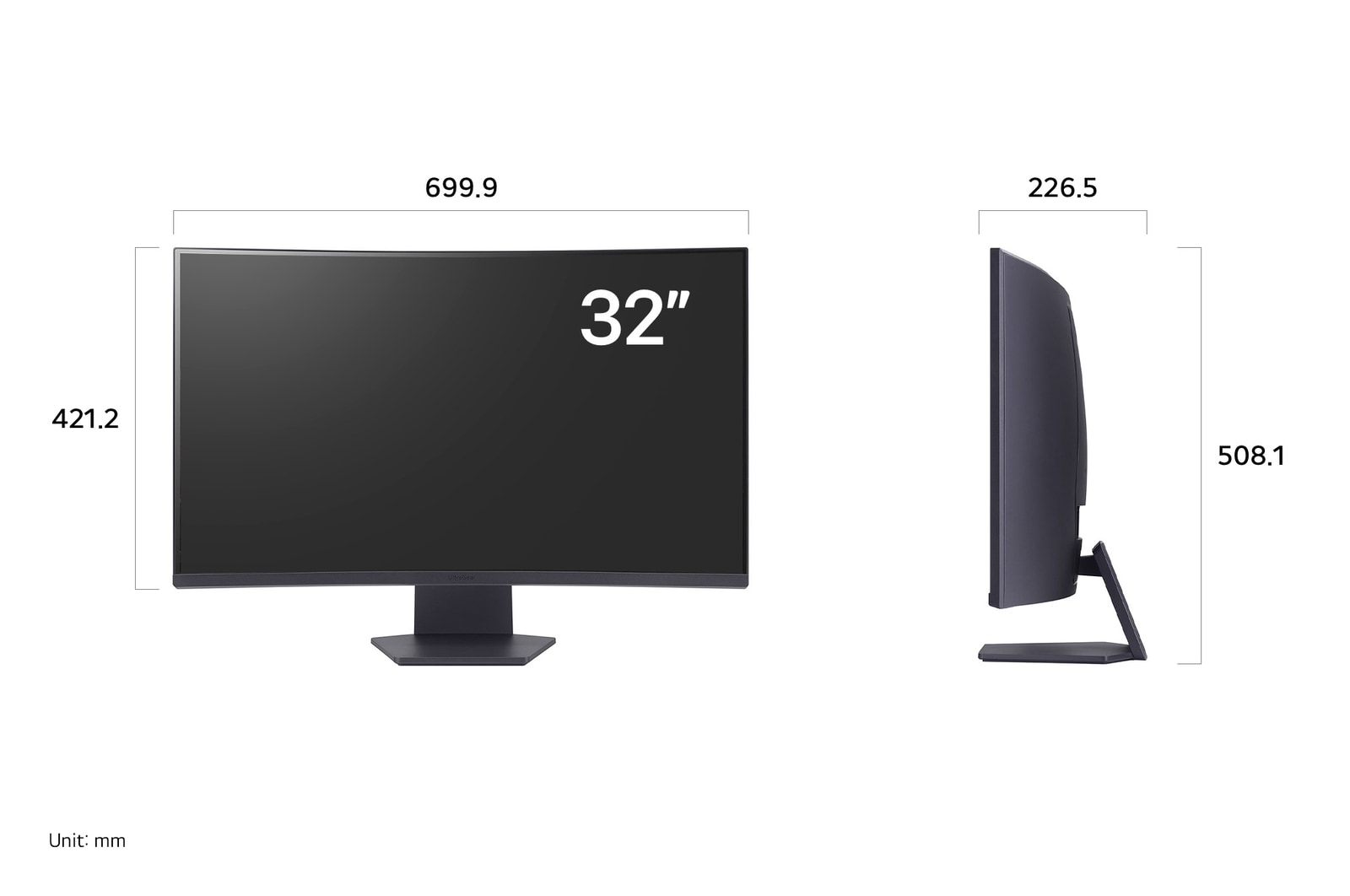
Dimension with Stand (W x H x D) [mm]
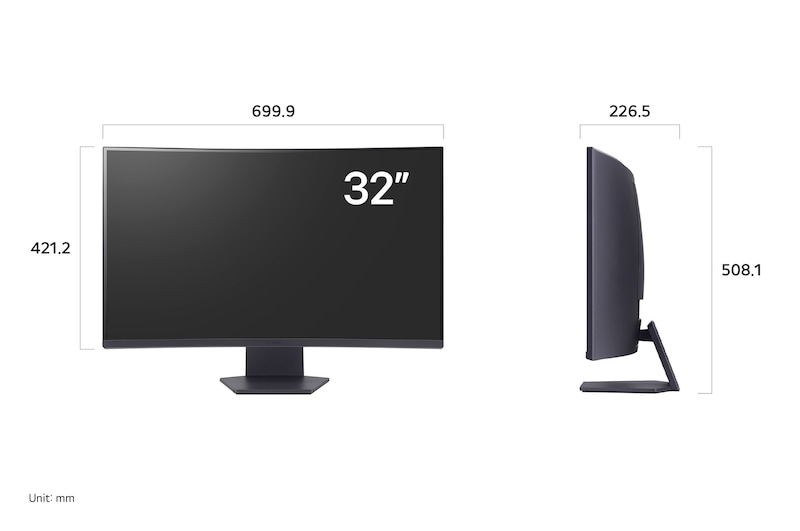
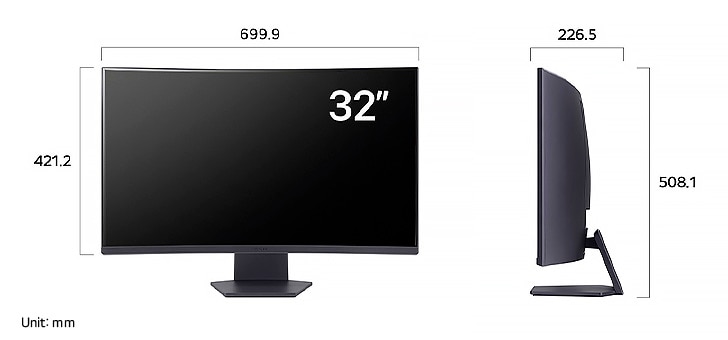
699.9 x 508.1 x 226.5
Dimension without Stand (W x H x D) [mm]
699.9 x 421.2 x 111.9
Dimension in Shiping (W x H x D) [mm]
780.0 x 500.0 x 180.0
Weight with Stand [kg]
5.9
Weight without Stand [kg]
4.6
Weight in Shipping [kg]
7.7
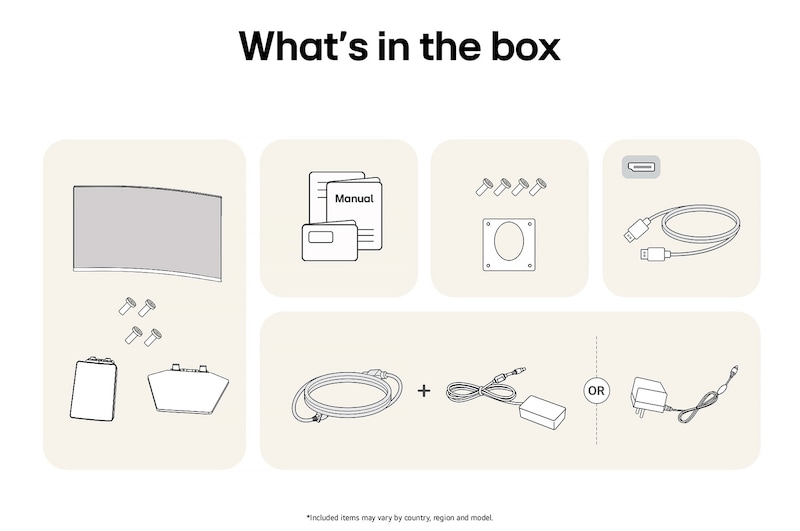
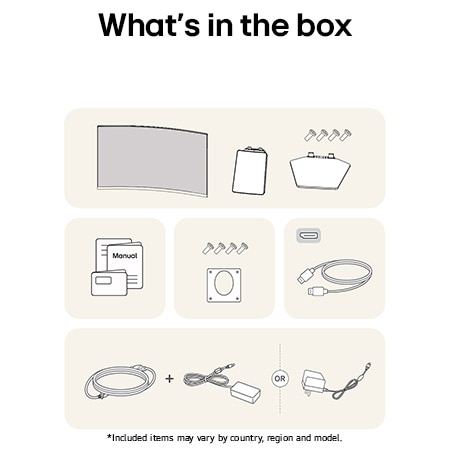
ACCESSORY
Display Port
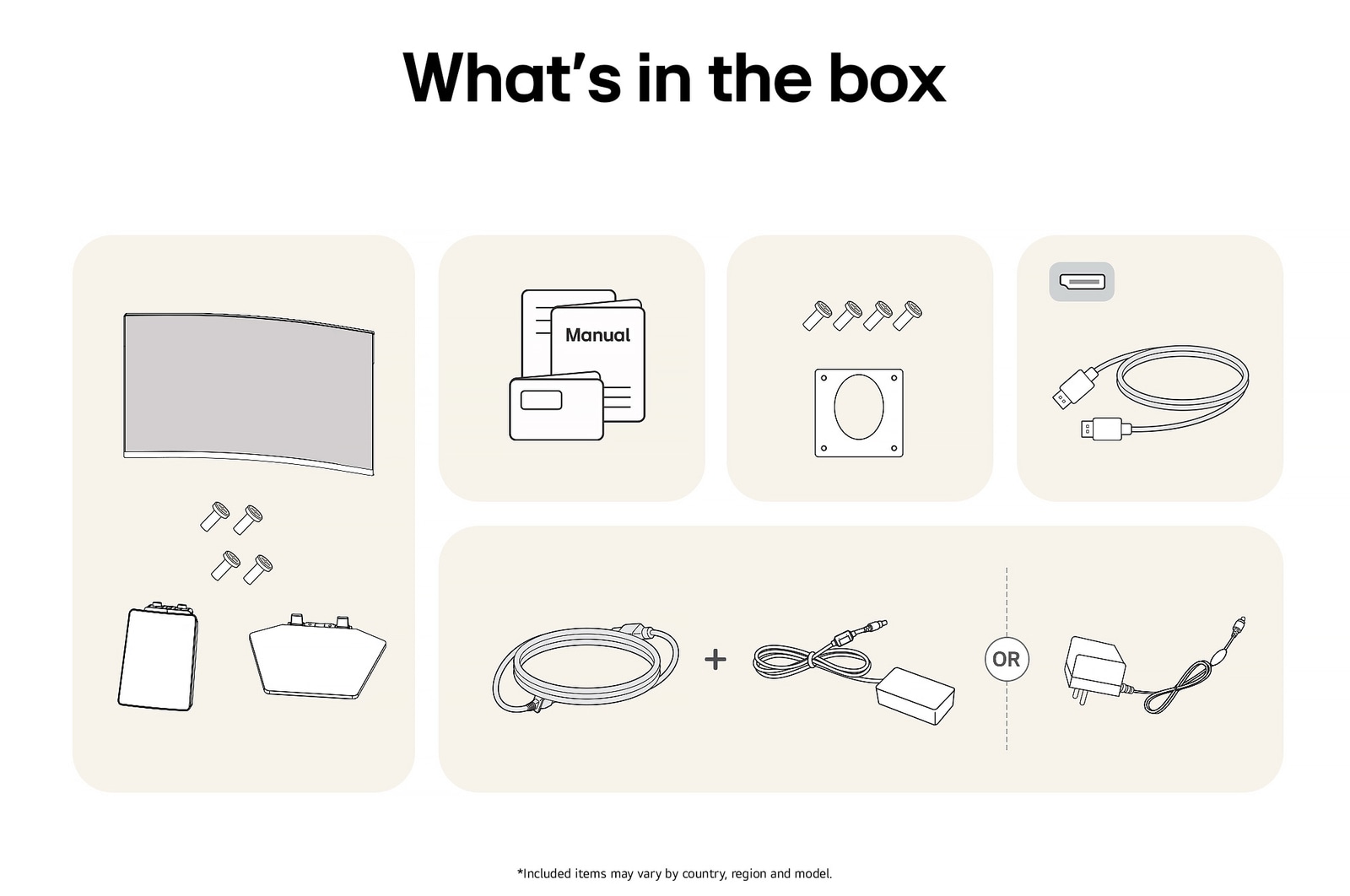
YES
Adapter
YES
Power Cord
YES
COMPLIANCE INFORMATION
- extension:pdf
- extension:pdf
- extension:pdf
- extension:pdf
- extension:pdf
- extension:pdf
What people are saying
FAQ
How to pick a gaming monitor?
Start with your priorities. Want crisp visuals? Go for 4K resolution. Need ultra-smooth motion? Prioritise a high refresh rate (144Hz or more) and low response time. If you're after deep contrast and colour accuracy, consider OLED or Nano IPS, Nano IPS black panels. Don’t forget adaptive sync tech like NVIDIA G-SYNC or AMD FreeSync™ Premium to eliminate screen tearing. LG’s UltraGear™ series offers a range of gaming monitors tailored to your play style—from casual console gaming to high-intensity PC competition.
What is the refresh rate of a gaming monitor?
Refresh rate, calculated in Hertz (Hz) refers to how many frames are shown within one second. For example, a 120Hz refresh rate indicates that the display refreshes with a new frame 120 times per second. Gaming monitors with high refresh rates offer smoother visuals with less screen tearing.
How many hertz is good for gaming?
For most gamers, 144Hz hits the sweet spot for fluid, responsive gameplay. Competitive players may want even faster refresh rates like 240Hz for that extra edge in fast-paced shooters or esports titles. LG’s lineup of UltraGear™ Gaming Monitors include models that go from 144Hz to 240Hz and beyond (when used in dual mode, LG's models support 165Hz and 330Hz OR 240Hz and 480Hz)*, all designed to keep up with the action while minimising lag and screen tearing.
*Actual refresh rates may vary depending on computer graphics specifications and configurations.
What are the differences between OLED, IPS, and VA panels?
OLED panels emit their own light at the pixel level, delivering near-perfect blacks, exceptional contrast, and vivid colours. They also offer ultra-fast response times, making them ideal for high-end gaming monitors, premium TVs, and professional video editing.
IPS panels are known for their accurate colour reproduction and wide viewing angles, maintaining clear images from various positions. This makes them well-suited for office work, design, and gaming. Their excellent colour accuracy is especially appealing to gamers who want to experience visuals exactly as the developers intended.
VA panels boast the highest contrast ratio among LCD types, providing an immersive experience for watching movies and videos. While not as fast as TN panels, they offer nearly comparable performance.
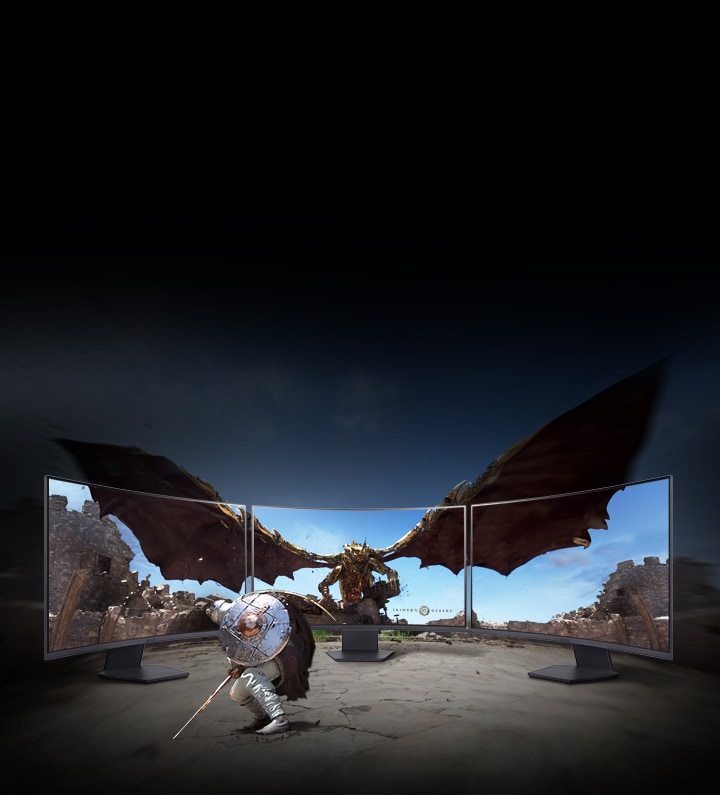
Should I get a curved monitor?
If you want a more immersive gaming experience, curved gaming monitors are a great choice. The curvature helps keep your eyes focused on the center of the screen naturally, which is great for long gaming sessions.
LG's UltraGear GX9 supports 800R curvature and 21:9 ultrawide aspect ratio, delivering immersive visuals and an ideal viewing distance. At a 800mm viewing distance, its 800R curvature creates a viewing angle of 90 degrees across both the center and the edge - pulling you deeper into the game.
Is 1440p or 4K better for gaming?
Both have their strengths. For many gamers, 1440p (QHD) hits a sweet spot between resolution and performance, especially for competitive gaming where frame rate matters most. It’s easier to push higher FPS without overloading your GPU. 4K, on the other hand, is all about detail and immersion—perfect for single-player adventures or next-gen console play. LG’s UltraGear™ gaming monitors offer both QHD and 4K options, so whether you prioritise speed or stunning visuals, there’s a perfect fit for your setup.
Can I connect my monitor to my PC with a USB-C?
Connecting your gaming monitor via USB-C is simple—just plug one end of the cable of your gaming monitor into your device’s USB-C port, and you’re good to go. You can charge your laptop too if your PC is connected to your monitor with a USB-C port.
*Supported model may vary.
What is DisplayPort 2.1?
DisplayPort 2.1, the latest version of the DisplayPort standard, delivering ultra-fast data speeds for flawless high refresh rate gameplay. It is developed by VESA (Video Electronics Standards Association) to provide high-performance display connectivity for computers and monitors.
Many of LG’s latest models support DisplayPort 2.1*, which doubles the bandwidth of DP 1.4. That means you get higher resolutions, smoother frame rates, and lower latency—perfect for fast-paced gaming.
*Note : We have received numerous reports from users of NVIDIA 50-series graphics cards experiencing screens turning off when using DisplayPort 2.1 with 10-bit or 12-bit settings. If you are experiencing the same, as a temporary workaround, you can switch the DisplayPort input to 1.4 in your monitor's OSD menu or adjust the colour setting to 8-bit in the NVIDIA Control Panel. This issue has been reported to NVIDIA, for a more permanent solution.
What is HDMI 2.1?
With HDMI 2.1 support, you’ll enjoy features like Variable Refresh Rate (VRR), Auto Low Latency Mode (ALLM), and support for 4K at up to 120Hz. Whether you’re gaming on a console or PC, these upgrades give you the flexibility and performance to match any setup.
Our Picks for You
Manual& Software
Download product manuals and latest software for your LG product.
Troubleshoot
Find helpful videos and information about your product systems.
Warranty
Check LG warranty information here.
Part& Accessory
Discover accessories for LG products.
Product Registration
Registering your product will help you get faster support.
Product Support
Find manual, troubleshoot and warranty of your LG product.
Order Support
Track your order and check order FAQ.
Repair Request
Repair request service conveniently online.